Meet Sublium, The Most Complete WooCommerce Subscriptions Plugin
Launch flexible plans, recover failed payments, reduce churn, and track MRR. Every WooCommerce subscription feature your store needs, in one streamlined plugin.
Flexible Subscription Plans
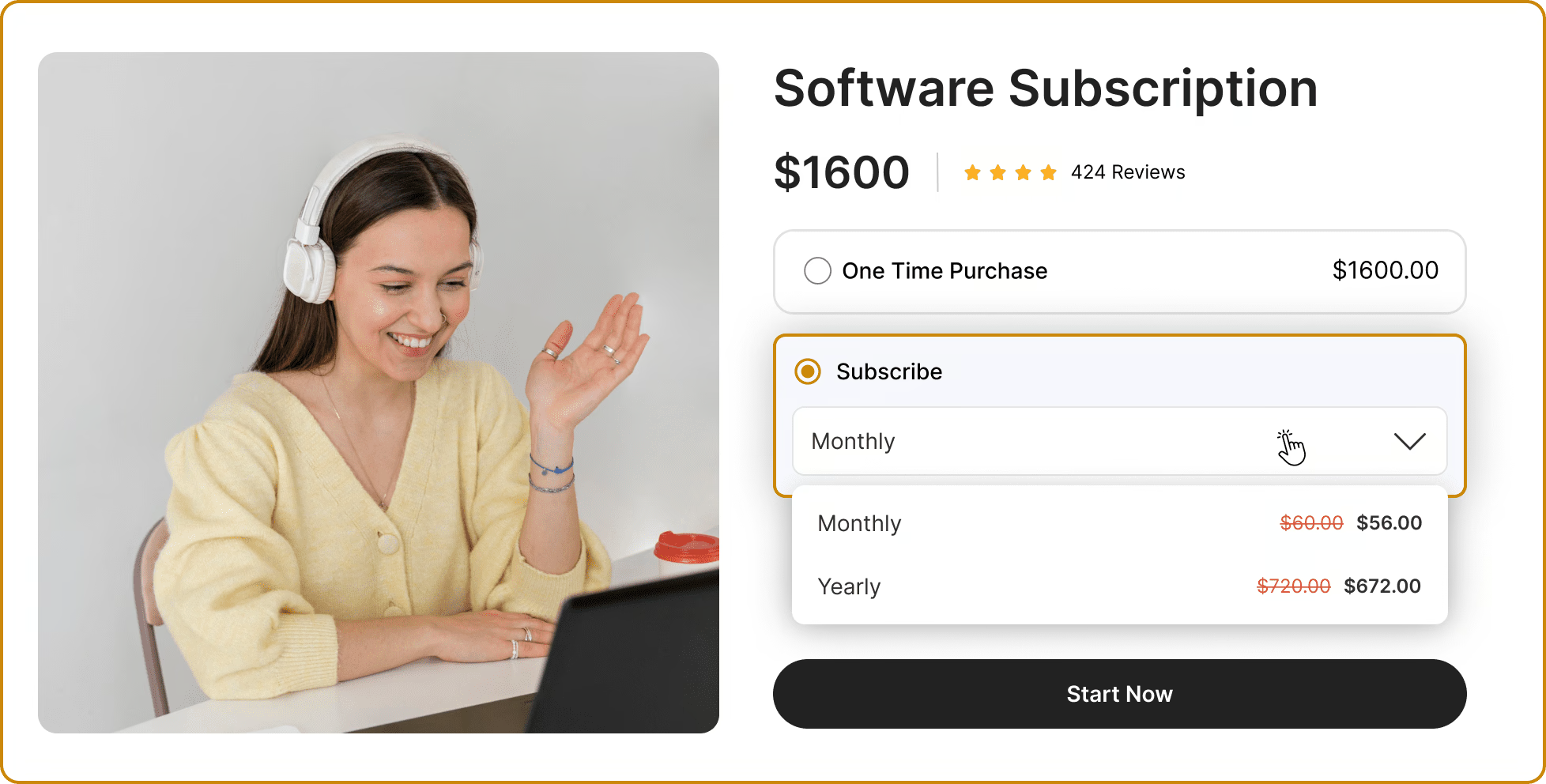
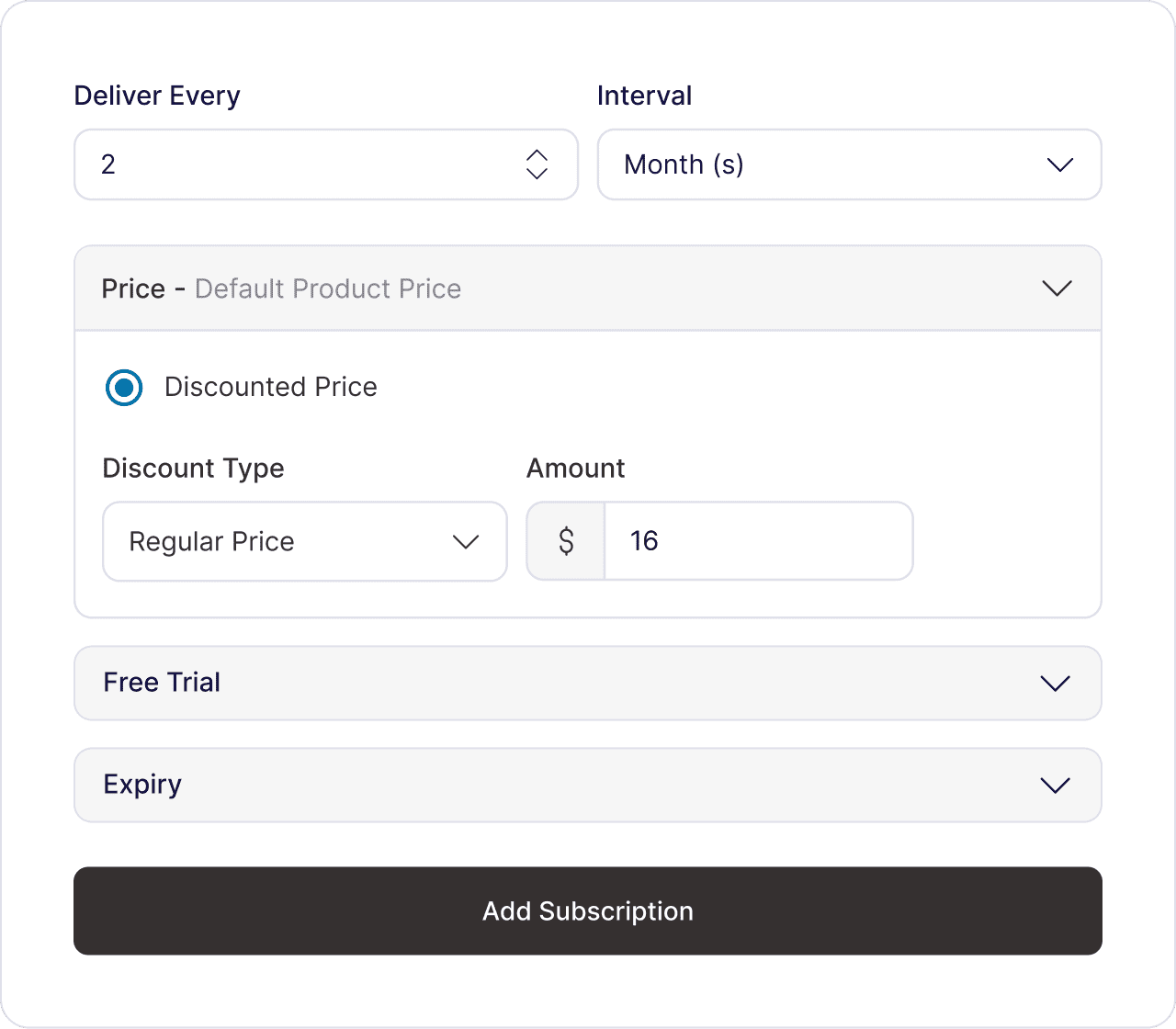
Launch any subscription model your business needs. Set up the right plan, structure it once, and deploy it in your store. Configure free trials, sign-up fees, discounts, and more to maximize conversions without code.
Set up flexible billing, discounts, free trials, and signup fees
Sell physical, digital, simple and variable products as subscriptions
Assign your subscription plans to any WooCommerce product
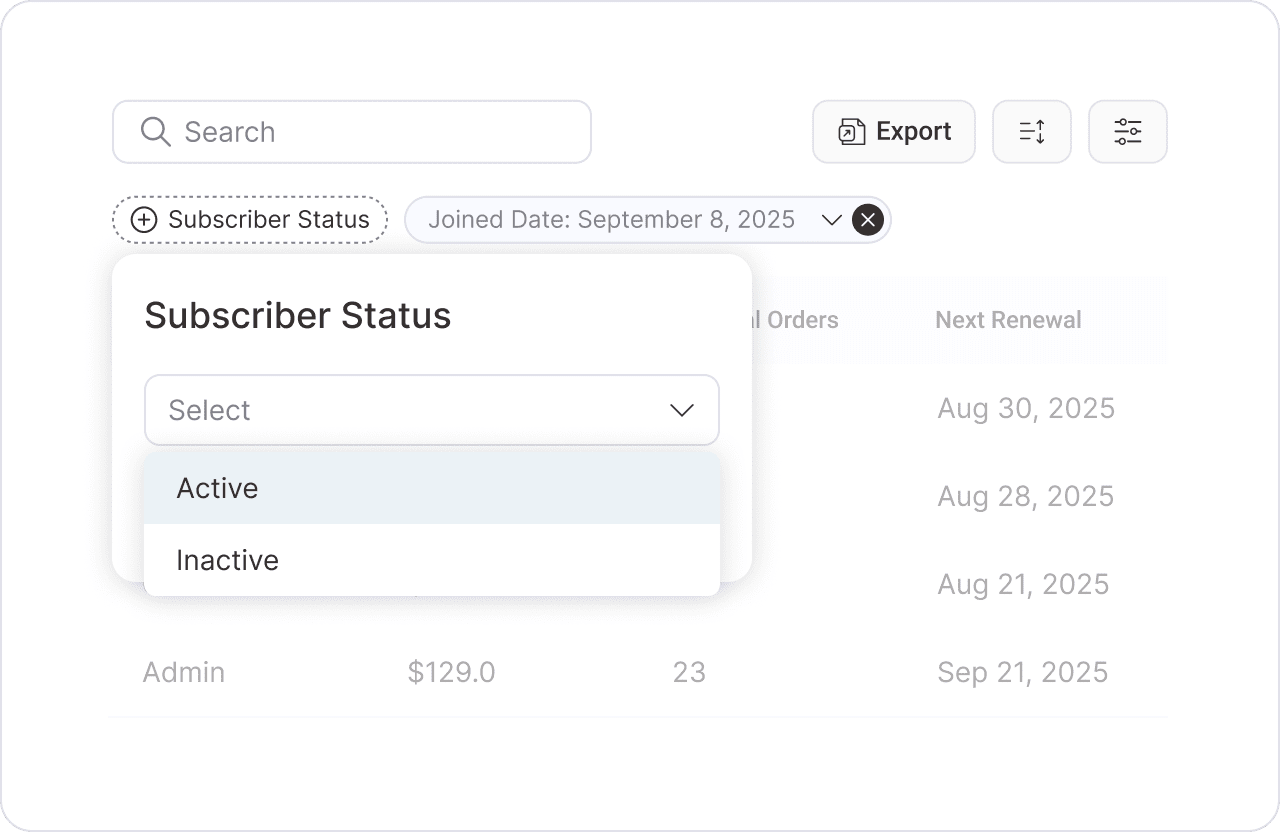
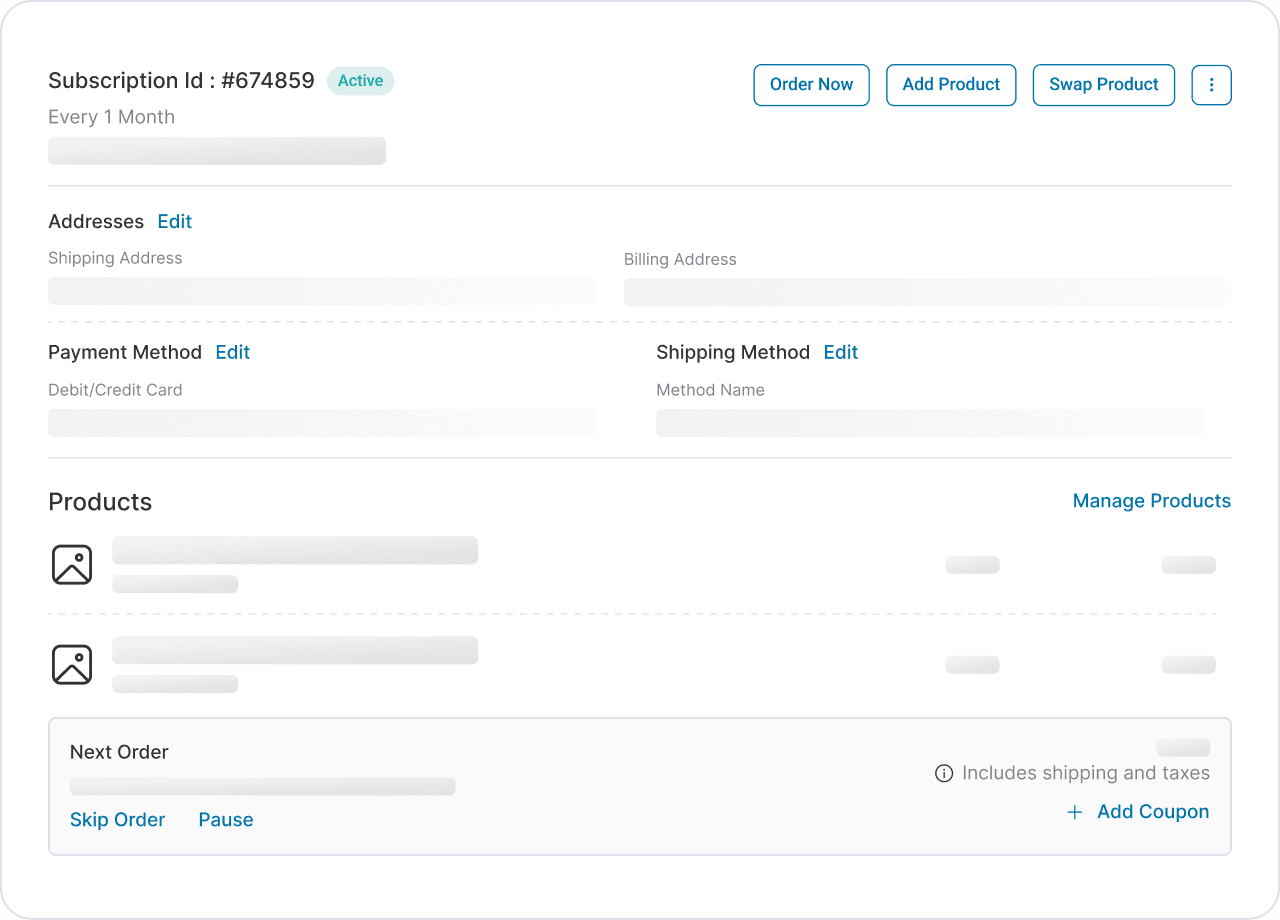
Run every subscription from one central dashboard, while subscribers pause, skip, or upgrade their plans without ever filing a ticket. Fewer support requests, higher retention, and complete control over every renewal.
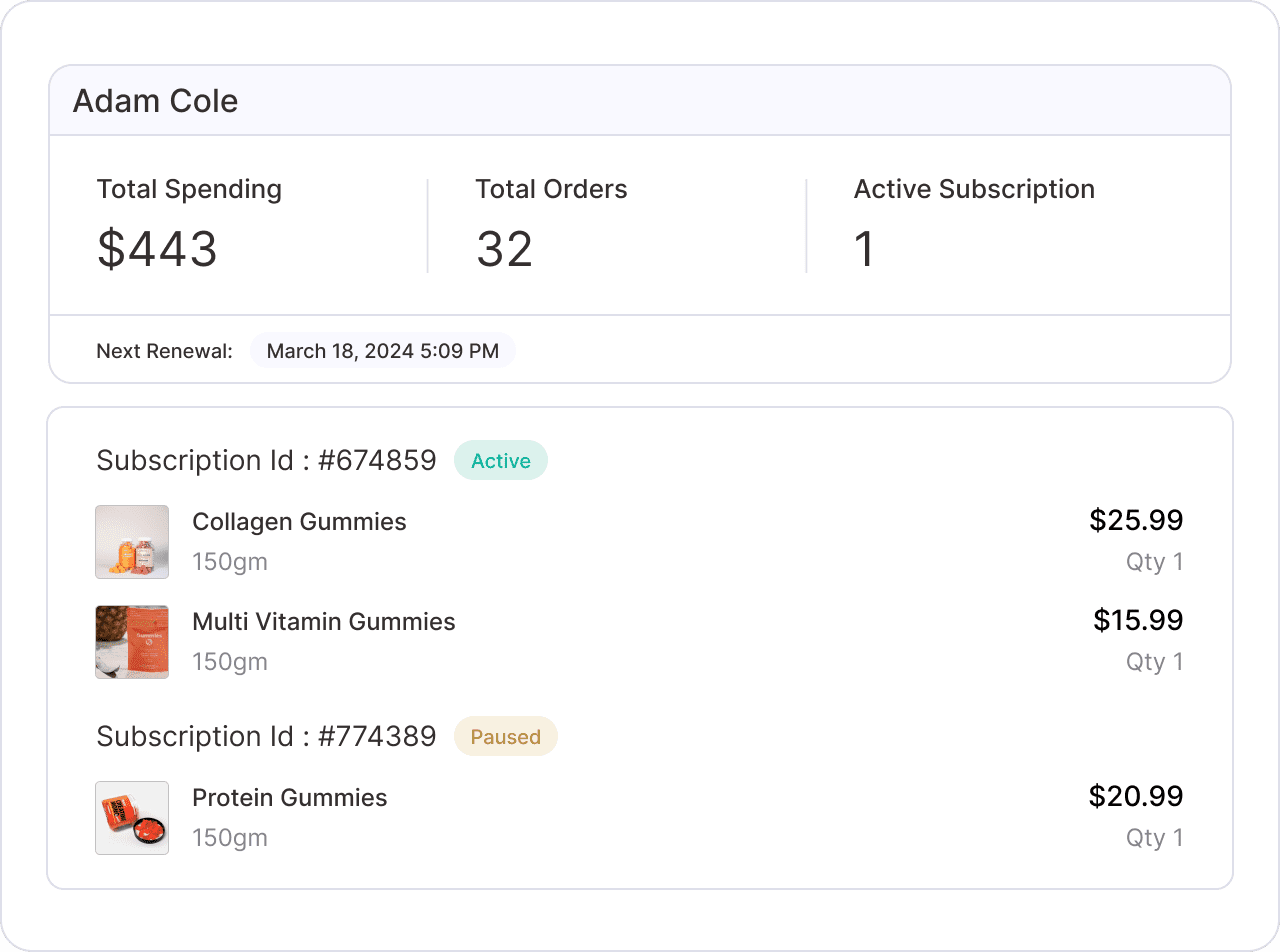
Manage every subscriber, plan, and renewal from one dashboard
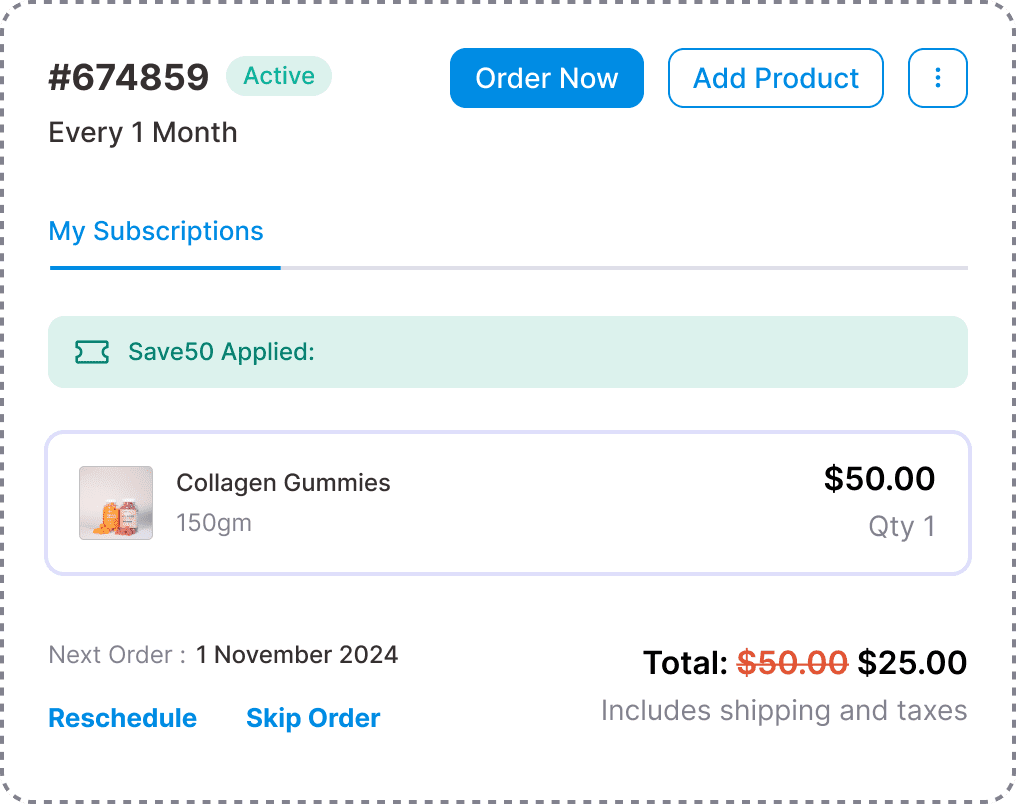
Let subscribers pause, skip, or reschedule on their own
Edit, cancel, or renew any subscription in one click
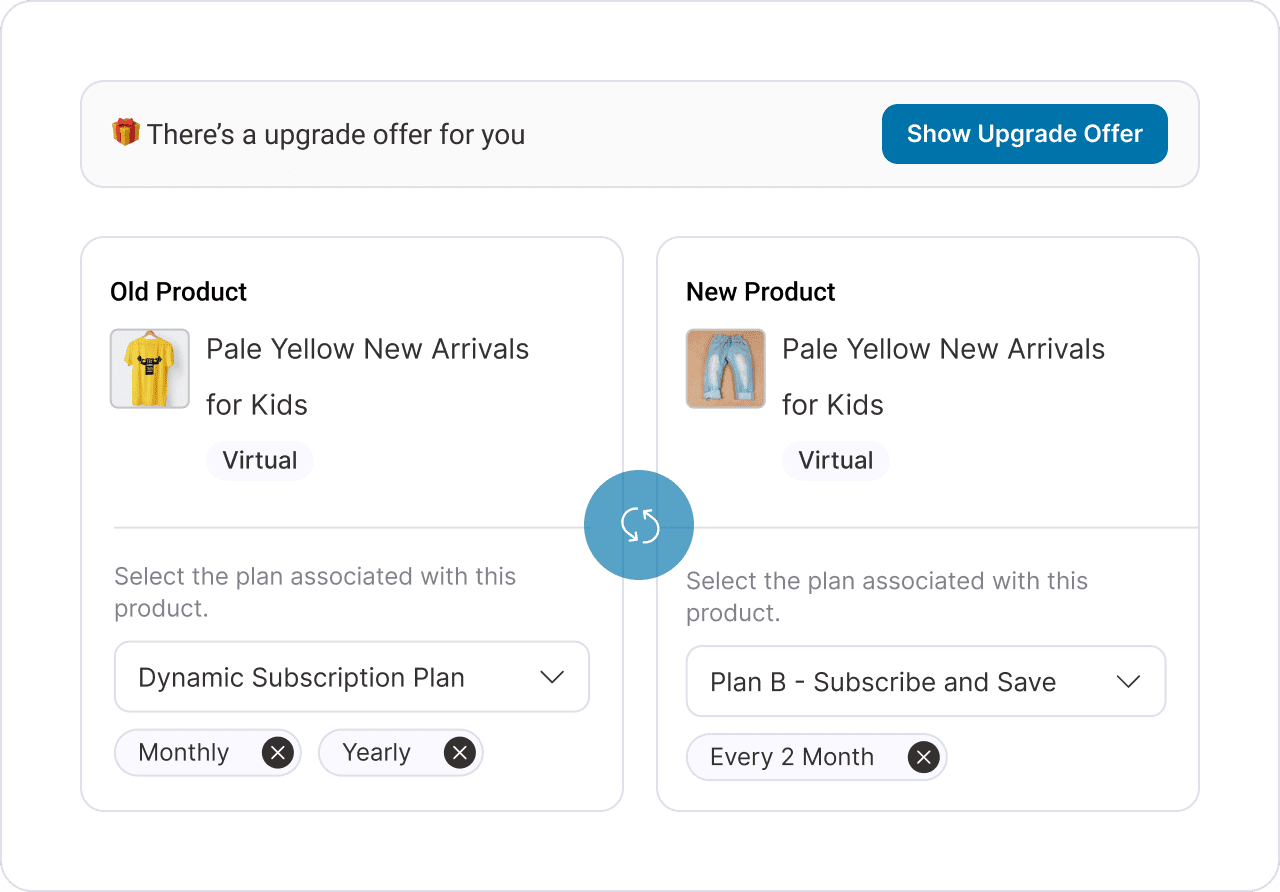
Configure flexible upgrade paths with prorated billing, coupon support, and instant checkout to move customers between subscription tiers. Trigger plan upgrades anywhere in your store and grow average subscription value.
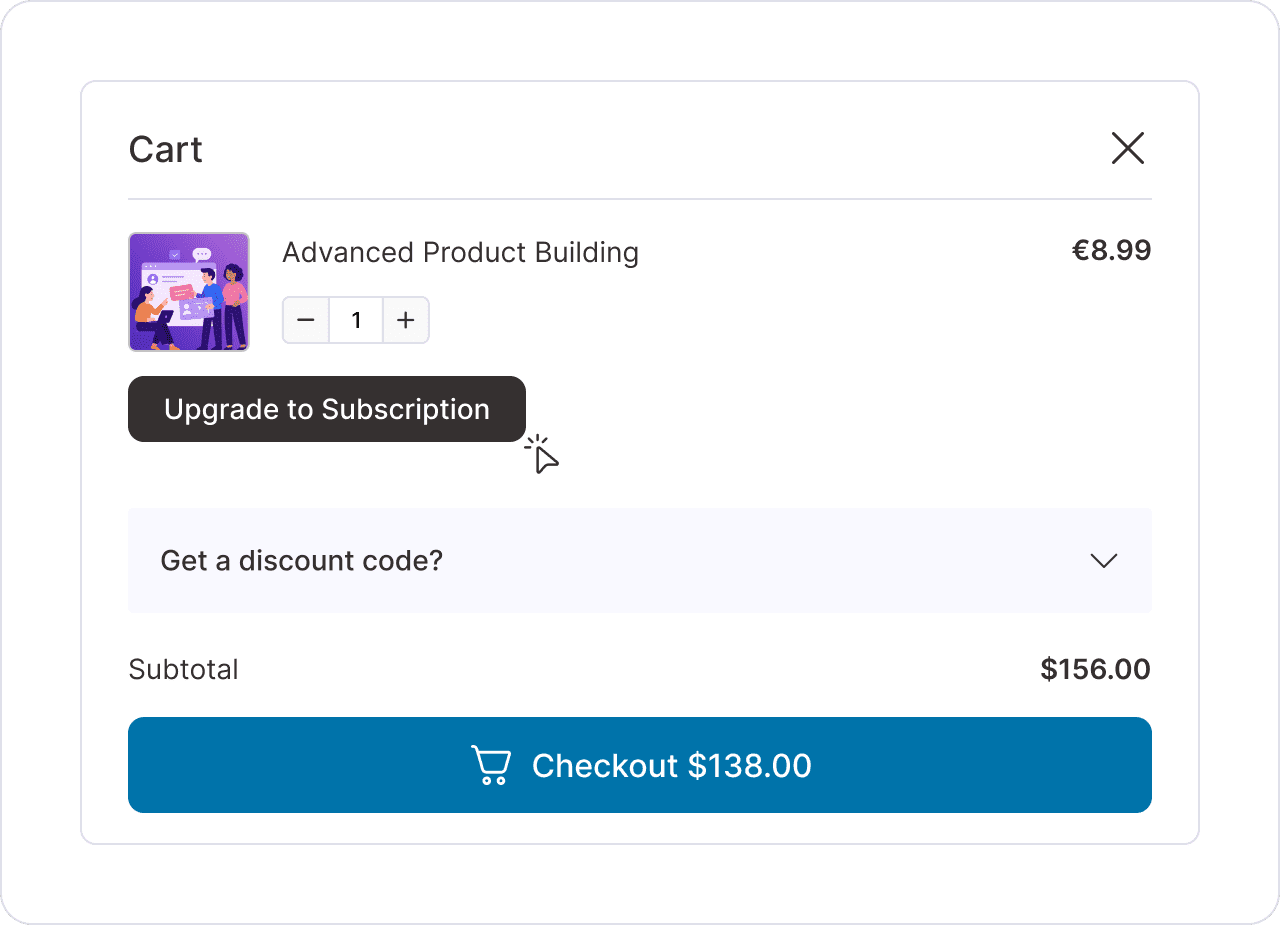
Built to work hand-in-hand with FunnelKit. Sublium connects directly to sliding cart, checkout order bumps, and post-purchase one-click upsells, surfacing subscription offers at every step of the buyer journey.
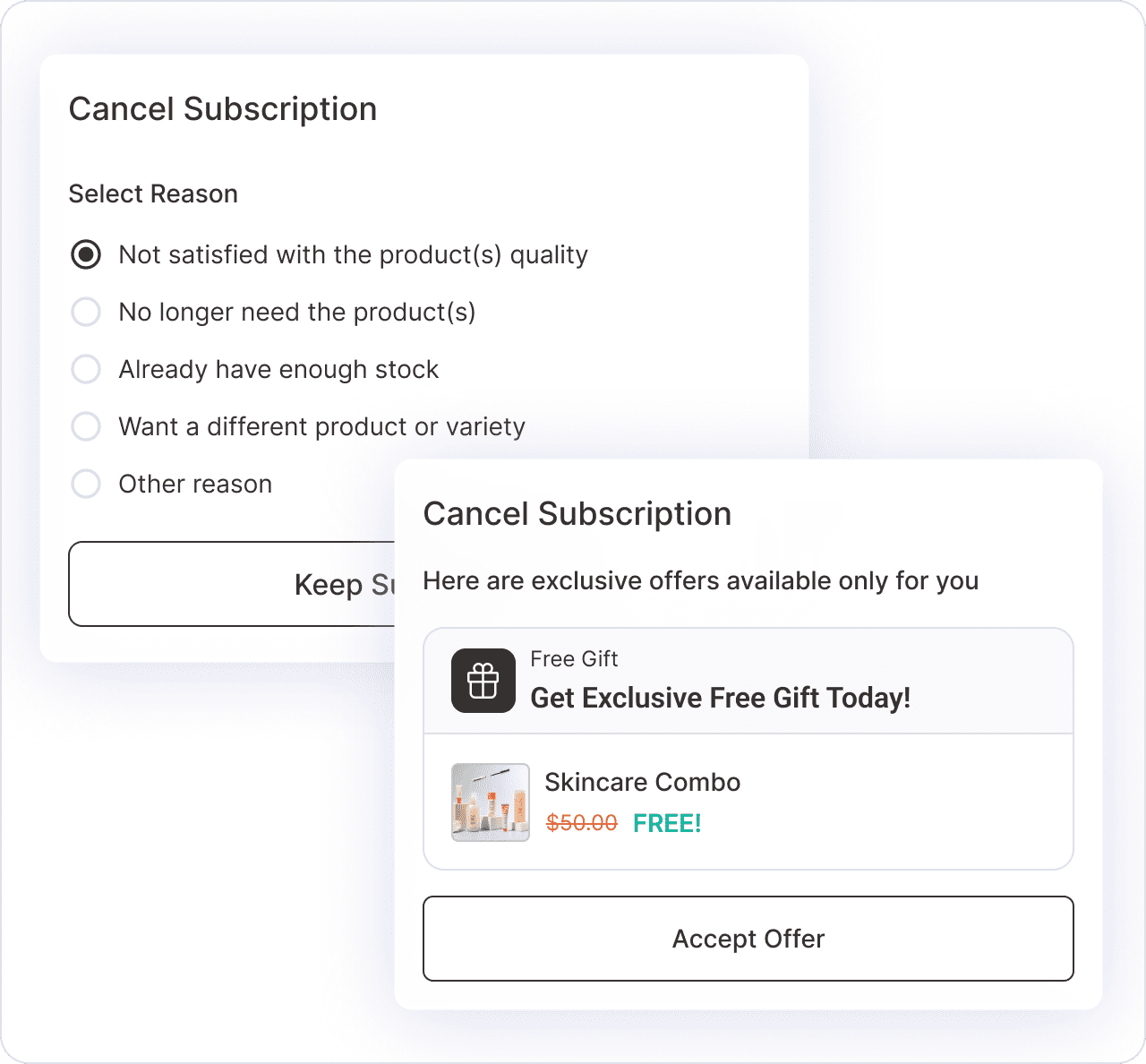
Sublium Subscriptions intercepts every cancellation with benefit reminders, exit surveys, and targeted save offers that win subscribers back. Turn churn into a second chance to keep the relationship and the revenue.
Show benefit pages that reaffirm the subscriber’s decision
Capture cancellation reasons to identify churn patterns
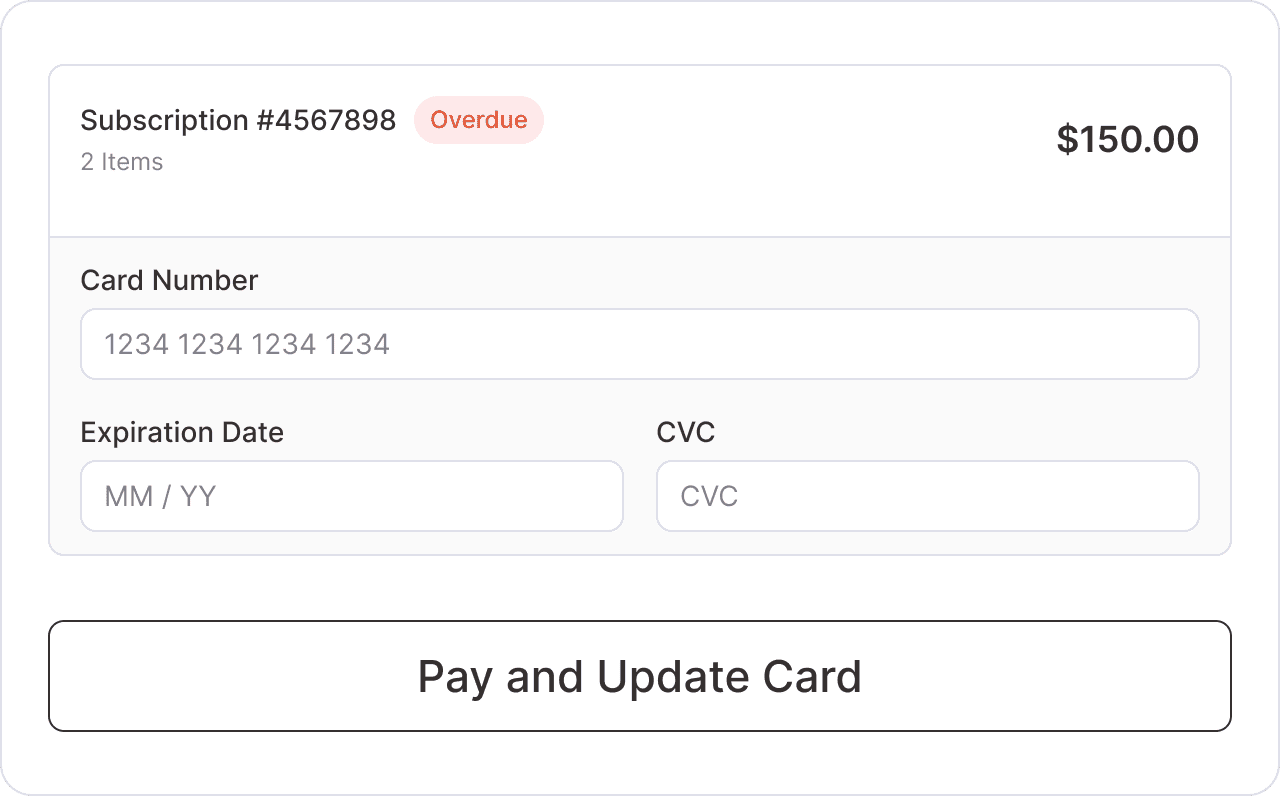
Expired or declined cards shouldn’t mean lost subscribers. Sublium Subscriptions’ Card Updater sends subscribers a frictionless one-click link to update their payment method, no login required, no support ticket.
With Sublium’s retention-first WooCommerce customer portal, subscribers can pause, reschedule, skip, or upgrade their WooCommerce subscriptions entirely on their own terms without ever opening a support ticket.
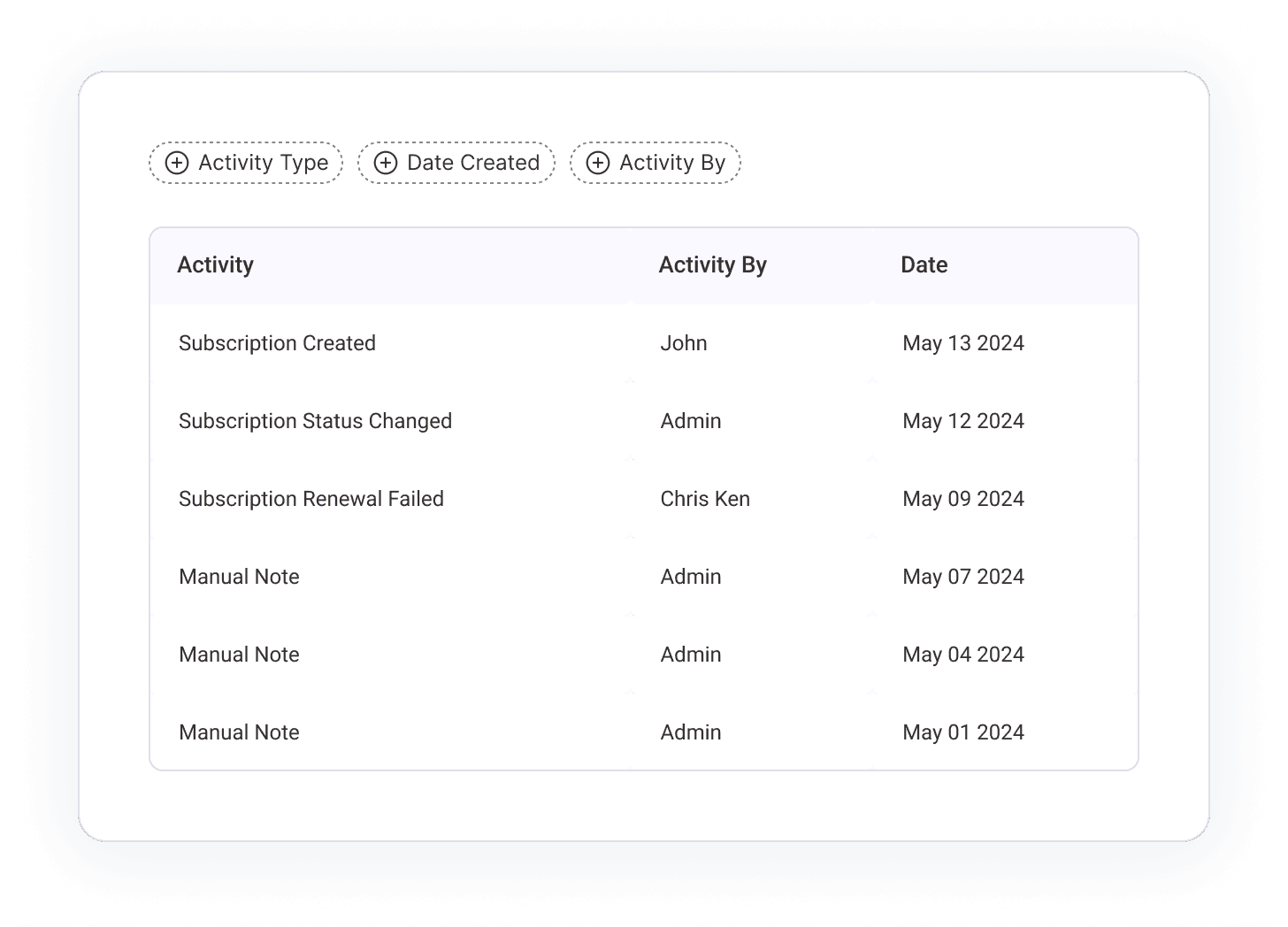
Every payment, pause, cancellation, and subscription event is captured in a searchable activity log timeline. Audit any subscriber, troubleshoot issues in seconds, and manage your store with complete confidence.
This plugin has every feature I could possibly need at a fraction of the cost of other subscription plugins. But it's the team behind it that won me over. I sent in a few integration requests and they built them overnight. I've tried every subscription plugin out there. Sublium is the only one I'd recommend, and it's saving me money while making me money.
Travis Roesler
Fight Smart
Every Detail Engineered to Make Running Subscriptions Effortless
Beyond core subscription billing, Sublium ships with the thoughtful details that make day-to-day operations effortless. Guided setup, drag-and-drop emails, granular notification control, and more.
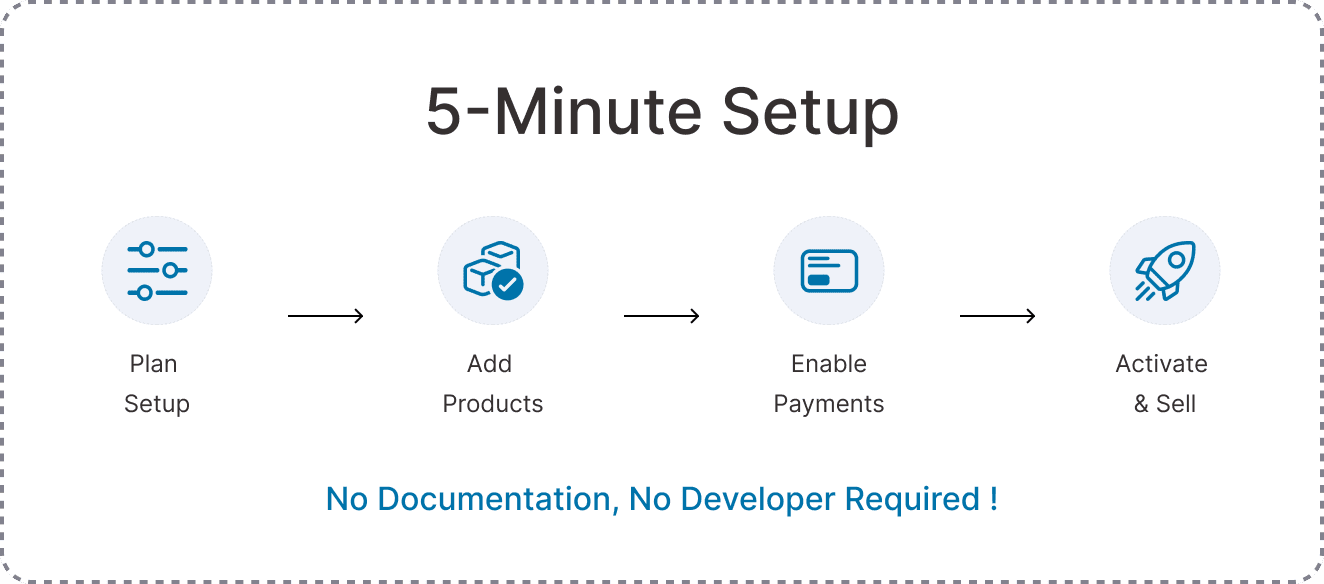
5-Minute Setup Wizard
Launch your first WooCommerce subscription product in minutes. A guided setup walks you through every step, no documentation, no developer required.
Advanced Subscription Coupons
Run recurring percentage or fixed discounts with usage limits, expiry dates, and restrictions. Drive signups, reward loyal subscribers, and recover at-risk ones.
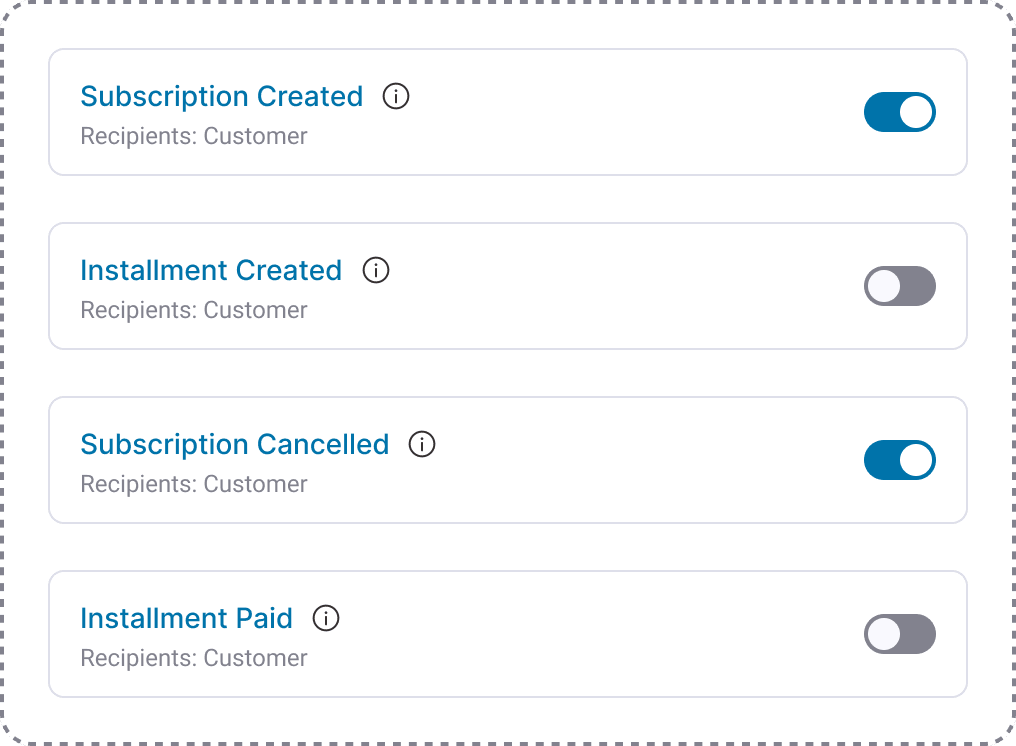
Granular Notification Controls
Decide exactly which subscription events send emails to admins and subscribers from welcome messages and renewal receipts to failed-payment alerts.
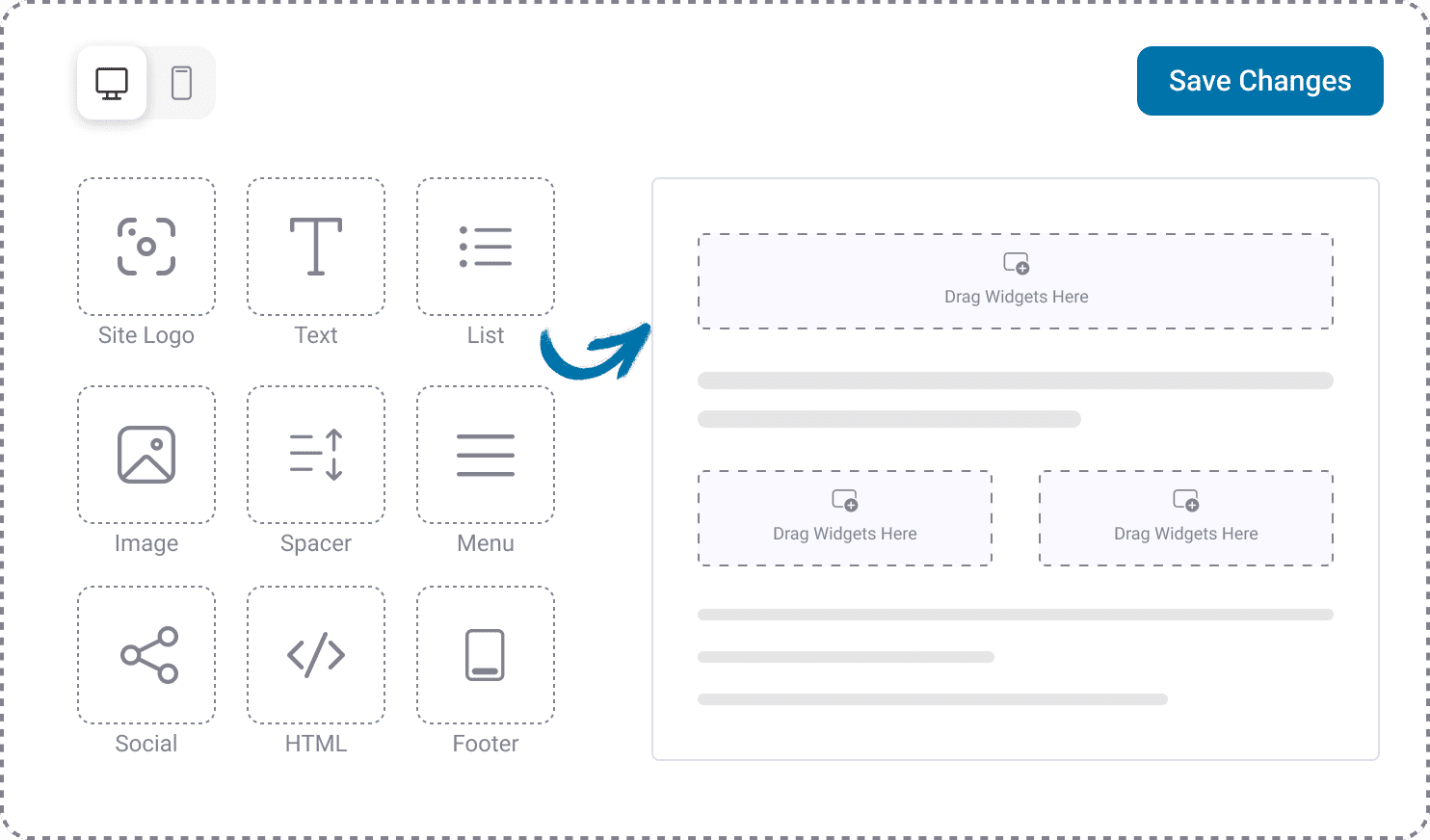
Visual Email Builder
Design subscription emails that match your brand with a drag-and-drop builder, dynamic merge tags, and mobile-optimized templates. No code, no separate email tool.
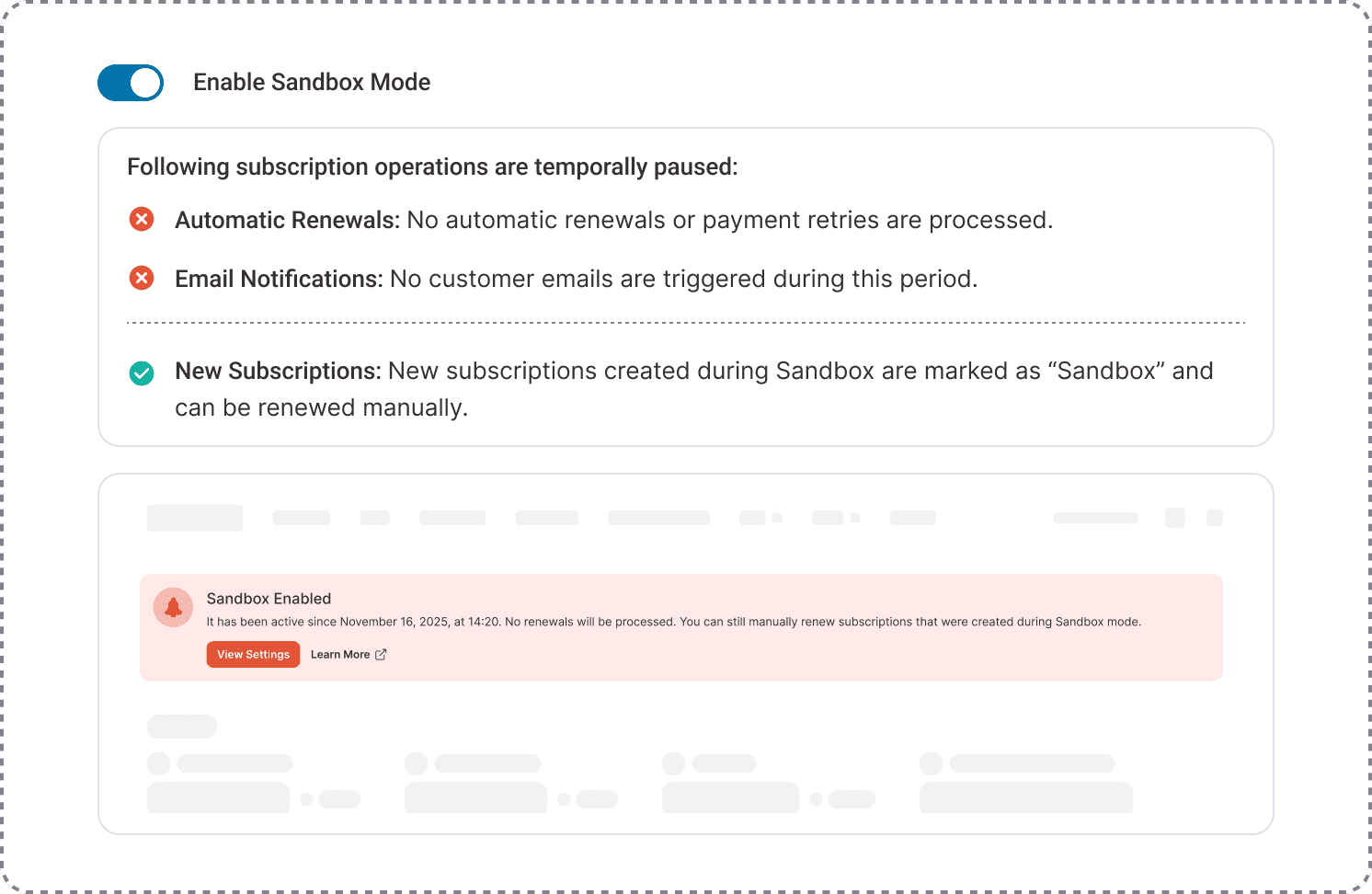
Sandbox Mode
Test subscription flows, payment gateways, and email sequences in a safe environment before going live. Ship changes with complete confidence.
5-Minute Setup Wizard
Launch your first WooCommerce subscription product in minutes. A guided setup walks you through every step, no documentation, no developer required.
Advanced Subscription Coupons
Run recurring percentage or fixed discounts with usage limits, expiry dates, and restrictions. Drive signups, reward loyal subscribers, and recover at-risk ones.
Granular Notification Controls
Decide exactly which subscription events send emails to admins and subscribers from welcome messages and renewal receipts to failed-payment alerts.
Visual Email Builder
Design subscription emails that match your brand with a drag-and-drop builder, dynamic merge tags, and mobile-optimized templates. No code, no separate email tool.
Sandbox Mode
Test subscription flows, payment gateways, and email sequences in a safe environment before going live. Ship changes with complete confidence.
Powerful Analytics to Grow Your Business
See What Drives Your Subscriptions
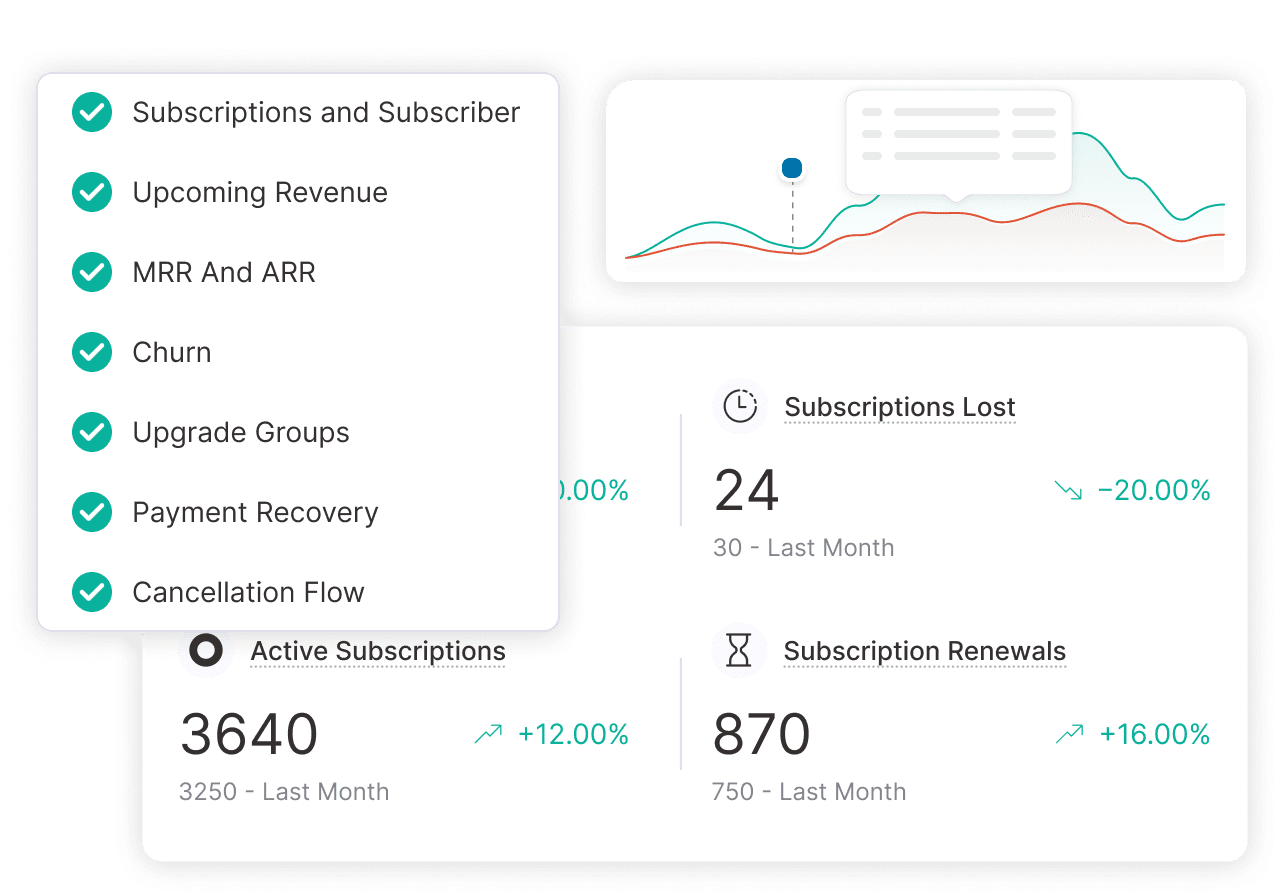
Track MRR, ARR, and net revenue accurately
Monitor active, paused, and cancelled subscriptions in real time
Forecast future revenue based on current trends
Identify churn signals and act before subscribers leave
Here are some of our most frequently asked questions. If your question is not listed here, then please contact us.
Is Sublium Subscriptions compatible with FunnelKit and other checkout builders?
Yes. Sublium Subscriptions integrates seamlessly with FunnelKit and major WooCommerce checkout customization tools to help you craft subscription-optimized checkout flows that align with your brand’s look and feel.
What types of products can I sell using Sublium Subscriptions?
Sublium Subscriptions supports both physical and digital product subscriptions. You can sell physical subscription boxes, digital course access, software licenses, and standard memberships. Everything stays inside a single dashboard.
How does recurring billing work with Sublium Subscriptions?
You set the schedule such as weekly, monthly, or annually. After that, Sublium Subscriptions triggers the renewal charges and automatically sends the invoices. No manual invoicing required. You get steady, predictable revenue without any manual follow-up.
What makes Sublium Subscriptions a better choice over WooCommerce Subscriptions?
Sublium Subscriptions offers a more intuitive and flexible approach to subscription management compared to the default WooCommerce Subscriptions plugin. Sublium Subscriptions strips out the bloated configuration steps found in the default extension, gives you deeper customization over the actual subscription tiers, and includes analytics right out of the box rather than forcing you to buy another add-on.
Can I set up installment-based payment plans?
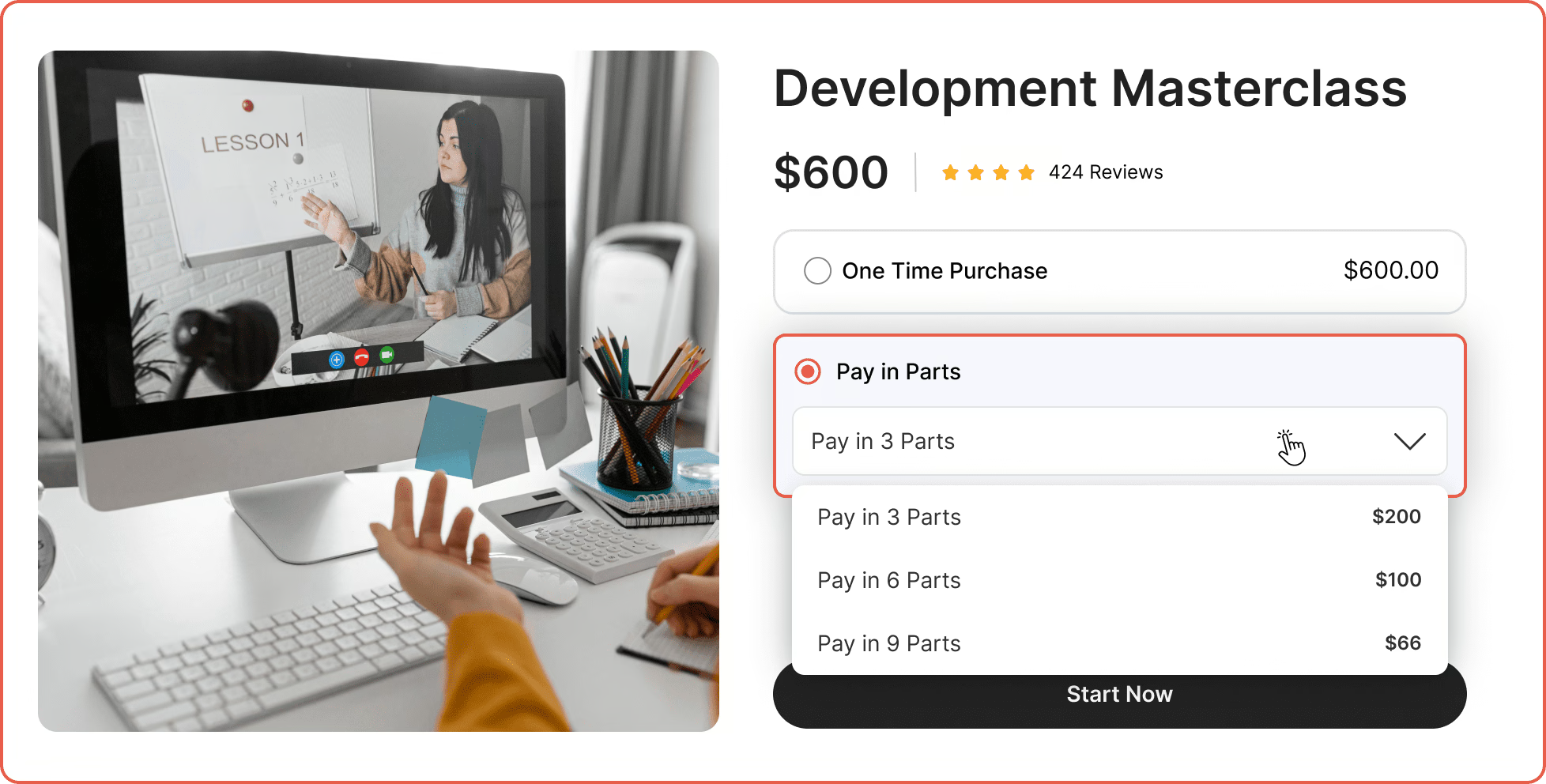
Yes. If you need to split a high-ticket item into a 3-pay or 6-pay structure, you can do so. The payments stop automatically once the total balance is hit. You can even allow customers to pay early installments to pay their outstanding balance faster.
What happens when a subscriber’s renewal payment doesn’t go through?
When a subscriber’s renewal payment is not successful, Sublium Subscriptions triggers an automated dunning process. It retries the failed payment method based on your configuration and immediately emails the customer to update their billing details.
Are free trials and sign-up fees supported?
Yes, you can offer free or paid trial periods. This enables your potential subscribers to experience your product before committing, and optionally includes a one-time sign-up fee at checkout.
Can subscribers switch between plans during an active billing cycle?
Subscribers can switch their tiers at any time. If they upgrade halfway through a month, the system calculates the exact pro-rated difference and applies it automatically.
How can I monitor my subscription business performance?
Sublium Subscriptions comes with a real-time analytics dashboard that covers key metrics such as MRR, ARR, churn rate, retention, dunning recovery, and subscriber growth, giving you the insights you need to make informed decisions.
How do customers manage their own subscriptions?
Sublium Subscriptions adds a subscription management tab directly into the native WooCommerce "My Account" area. Users can log in to pause deliveries, update their credit card, force an early renewal, or cancel without submitting a support ticket.