Grow Order Value With WooCommerce Order Bumps
Offer a discounted add-on at checkout that shoppers accept with one click. Pick a skin, choose a product, set your rules and go live in minutes.
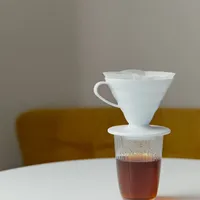
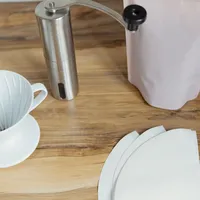
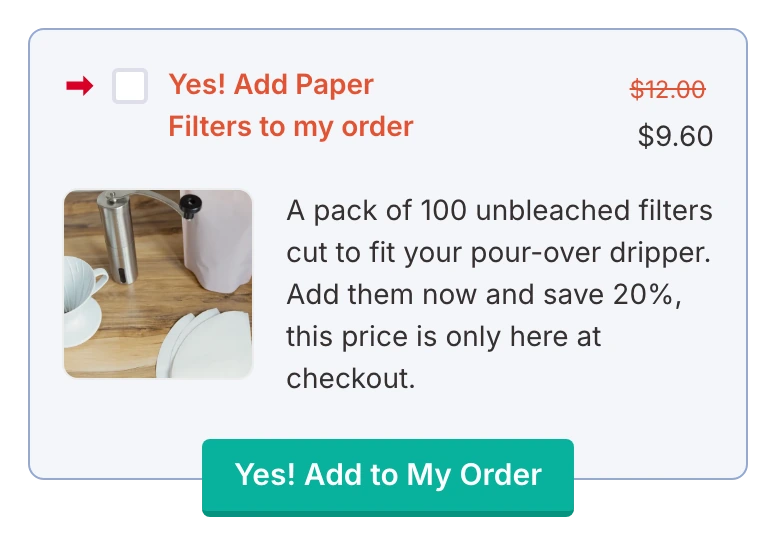
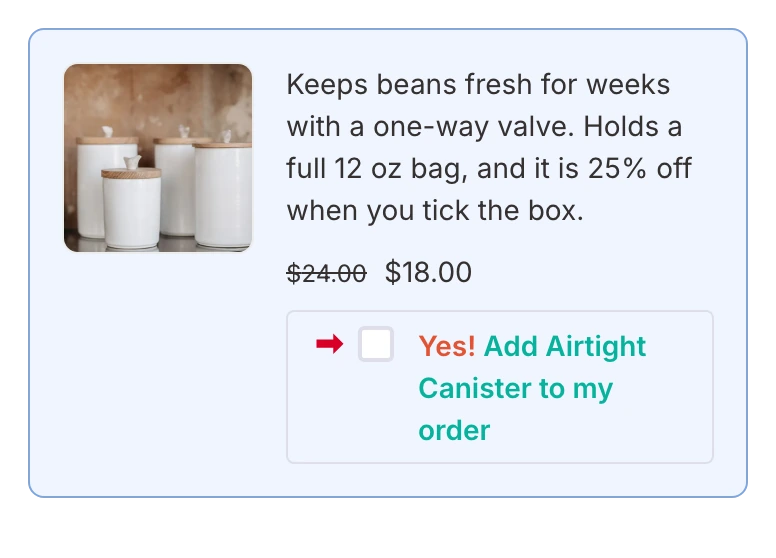
Made for your new dripper. Add them now and save 33%.
Make Your Order Bumps Convert Higher
Set the offer, design, number of bumps and placement for each one, then see what every bump earns, all without code.
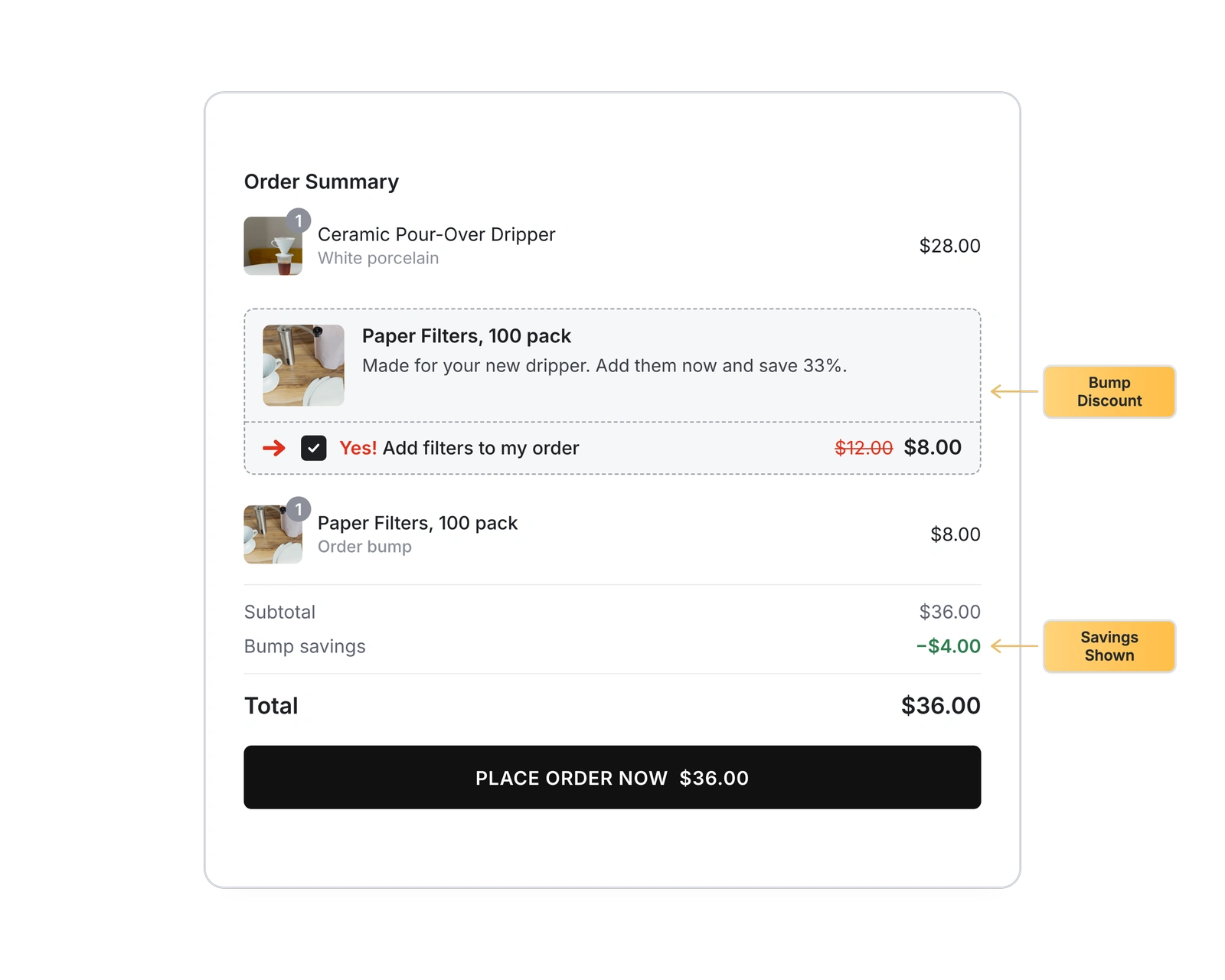
Offer Order Bump Discounts
A bump-only discount gives shoppers a clear reason to add the item now.
- Percentage or fixed discounts that apply only to the bump
- Add the bump as new or swap it for one already in the cart
- The saving shows right in the order summary
Display Multiple Bump Offers
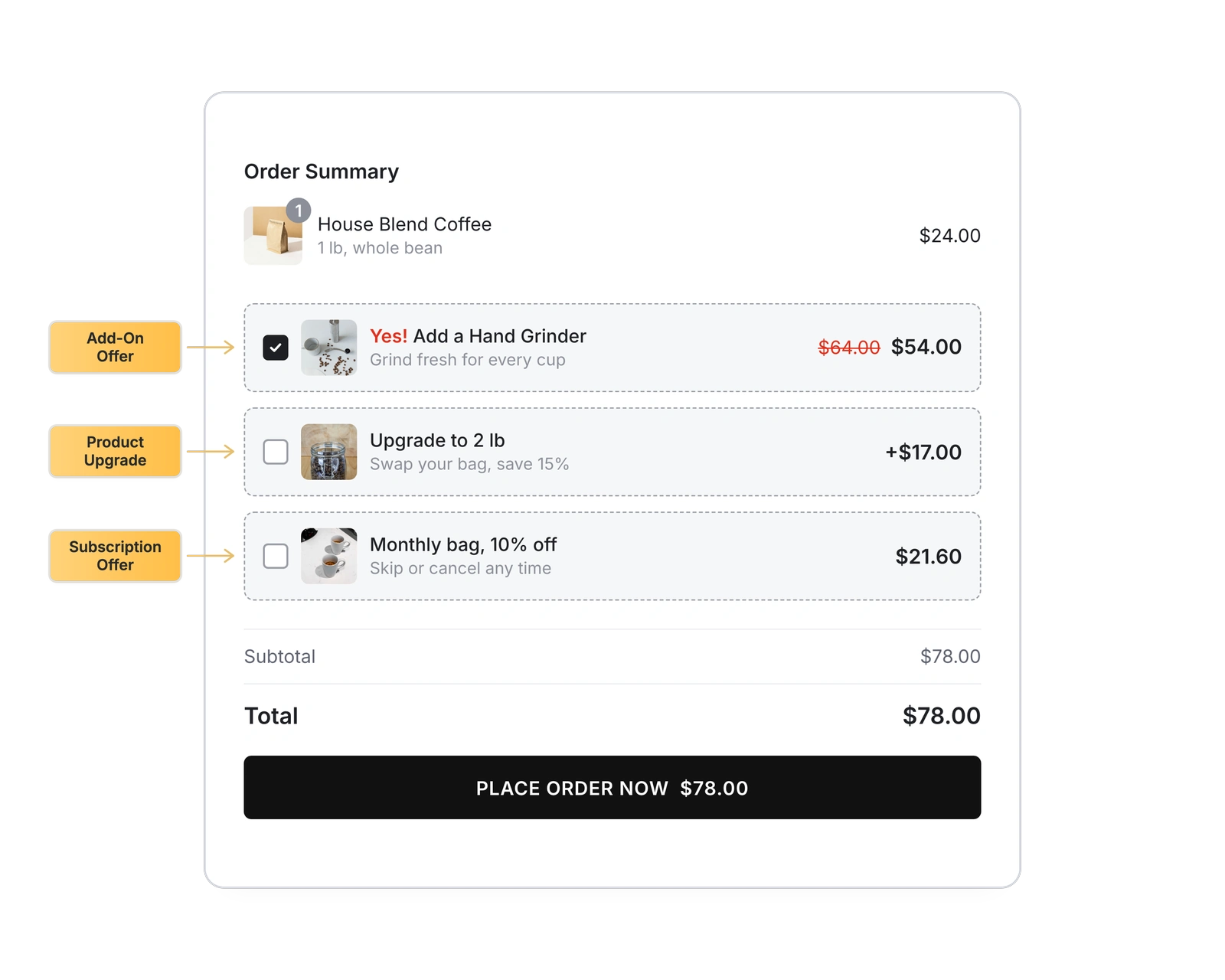
Different shoppers want different add-ons, so show several bumps at once and lead with your best offer.
- Add-ons, upgrades, and subscriptions shown together
- Drag bumps into priority order so your best offer leads
- A display cap that keeps the checkout easy to scan
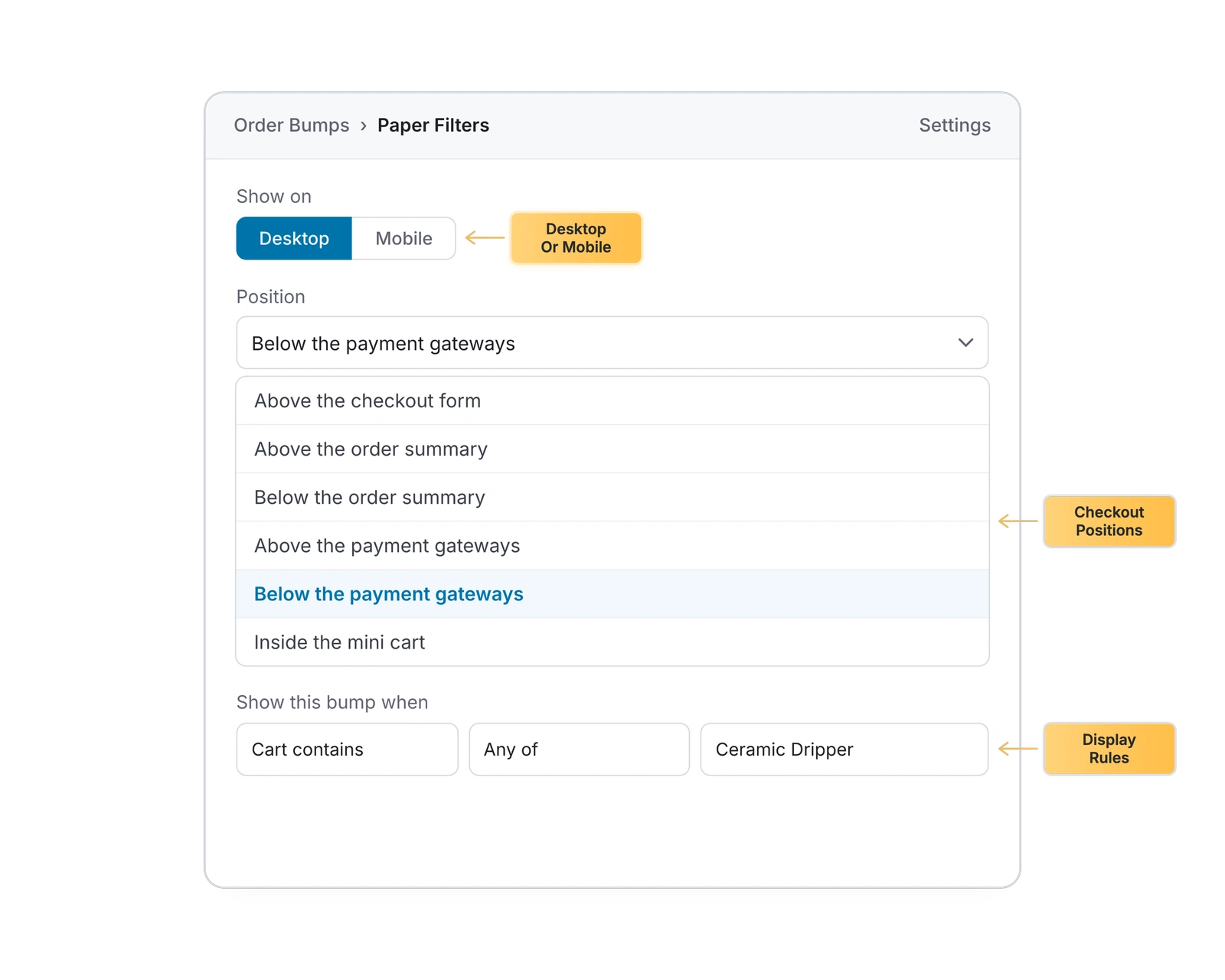
Choose the Perfect Bump Location
Placement decides whether a bump gets seen, so choose its spot on checkout and test the options.
- Above or below the payment methods, right before the buy button
- Inside the mini cart, the checkout form, or under the order summary
- A/B tests that show which placement earns more
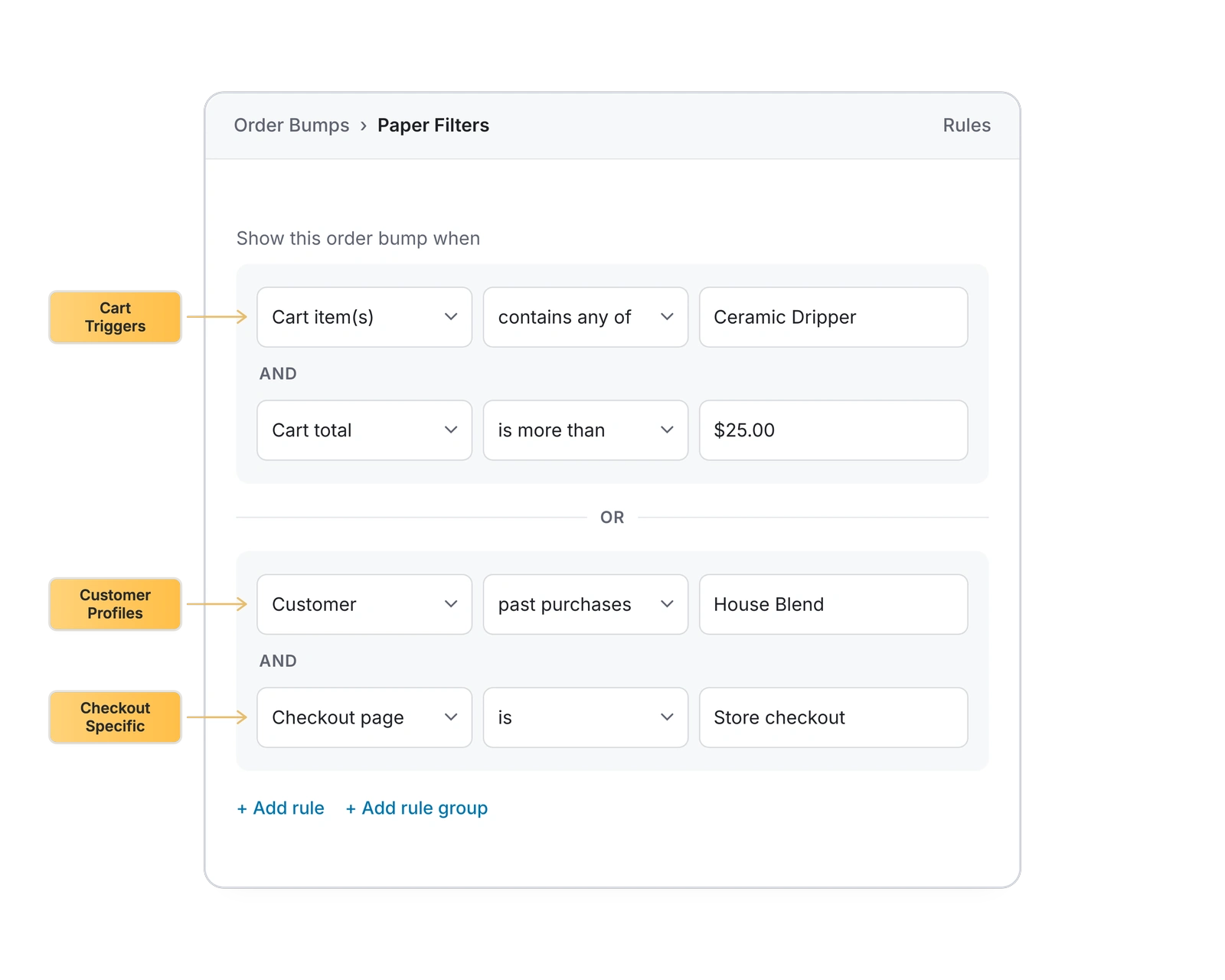
Intelligent Bump Offer Targeting
With FunnelKit’s rule engine, your order bumps adapt to who’s buying, what they’re buying, and when they’re buying, so every offer feels spot-on.
- Cart triggers: show offers based on cart items, coupons, or total spend
- Smart behavior: target by location, past purchases, user roles, date, time, and more
- Checkout-specific: display the right bump for each checkout page
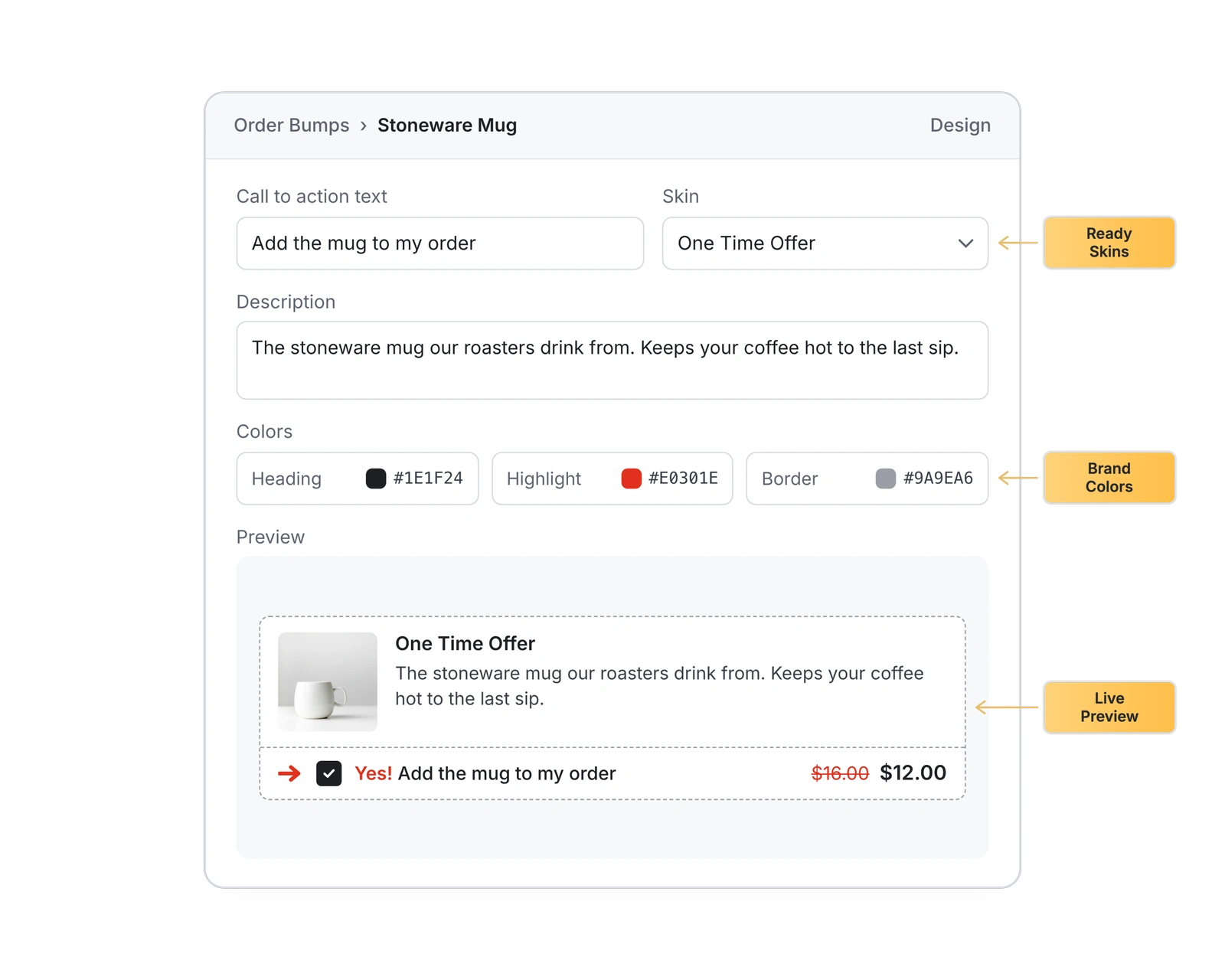
Match the Bump to Your Brand
A bump styled like your checkout reads as part of the order, which makes shoppers trust it.
- Pre-designed skins built for desktop and mobile checkout
- Merge tags that keep the price and savings in your headline current
- Control over layout, colors, borders, and custom CSS
Plug-and-Play WooCommerce Order Bump Designs That Convert Like Crazy
Choose from high-converting, professionally designed WordPress order bump templates for WooCommerce checkout. No design skills, just more sales on autopilot.
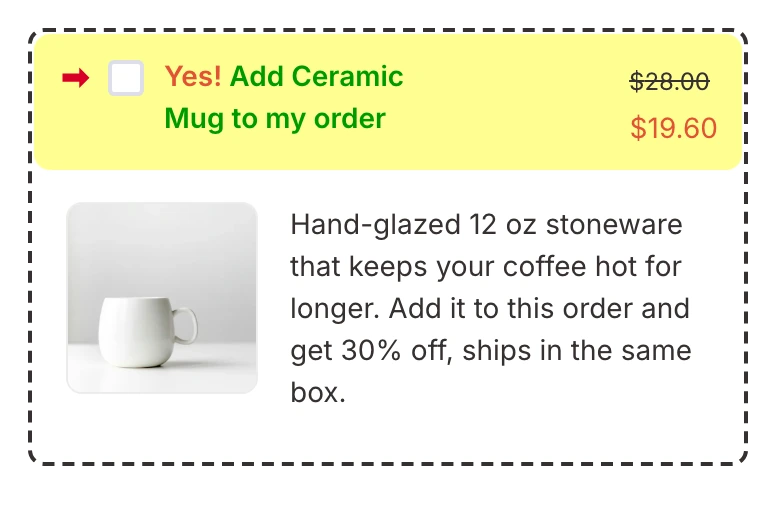
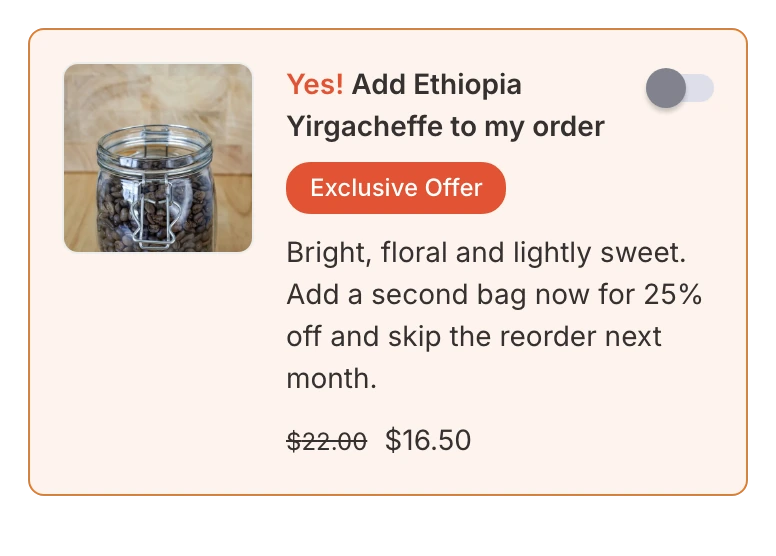
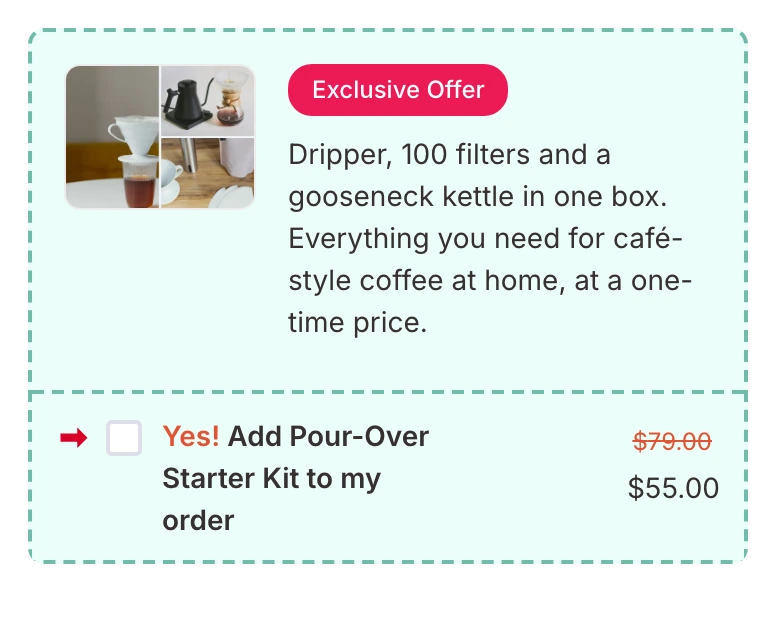
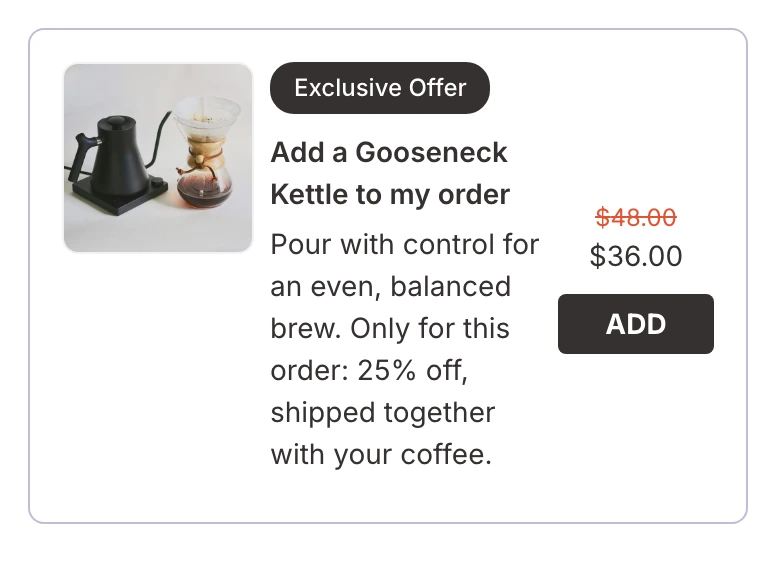
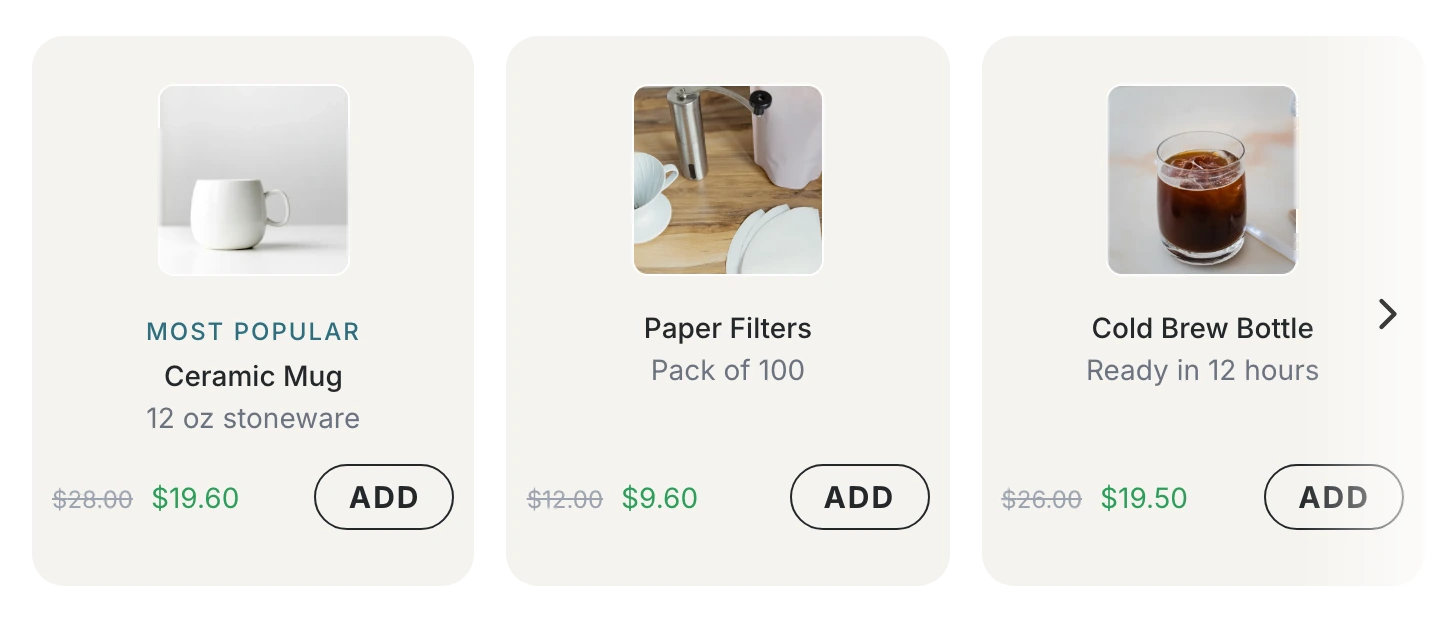
Product Slider: Several Add-Ons in One Bump
Offer several add-ons in one swipeable carousel. Shoppers swipe through and add just the one they want, and your checkout stays one row long.
- Each product with its own quantity and discount
- Swipe-through layout so shoppers add just the one they want
- Existing multi-product bumps switch to the slider and back
Live in Minutes, or Just Ask AI
Build a bump in three steps, or describe it to Claude, ChatGPT or Cursor through FunnelKit MCP and approve it.
- Pick the product to offerSearch your catalog and set the bump price or discount.
- Choose a skinStart from a ready design and change the words and colors.
- Set the rule and publishShow it only for the carts it fits.
Add High-Converting Order Bumps to WooCommerce
Design, customize, and launch high-converting offers directly on your WooCommerce checkout page with just a few clicks.
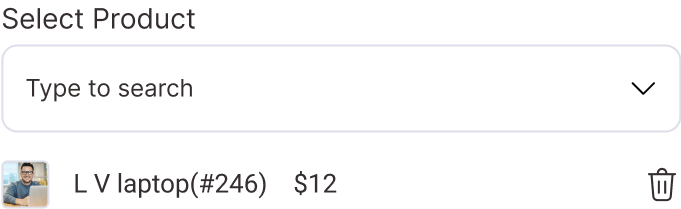
One Click Product Selection
Quickly choose the product you want to offer as a bump with a single click. No complex setup, just pick, set your price or discount, and publish.

Duplicate Order Bumps
Save time by cloning your existing order bump setups. Reuse layouts, styles, and rules across multiple funnels with just one click.
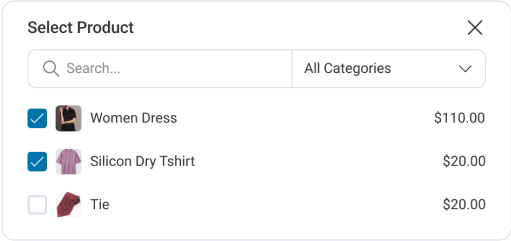
All Product Types
Offer simple, variable, and subscription products as order bumps. FunnelKit supports all WooCommerce product types seamlessly.
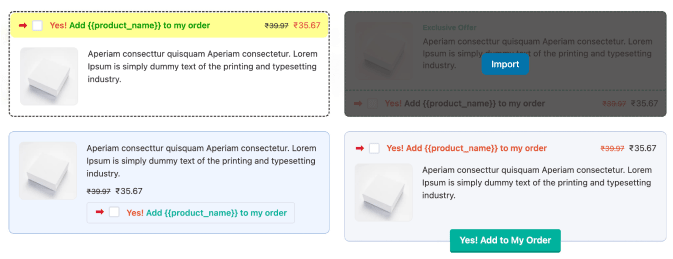
Pre-Designed Skins
Get professionally designed WooCommerce order bump templates that are optimized for desktop and mobile. Just import your favorite skin and go live.
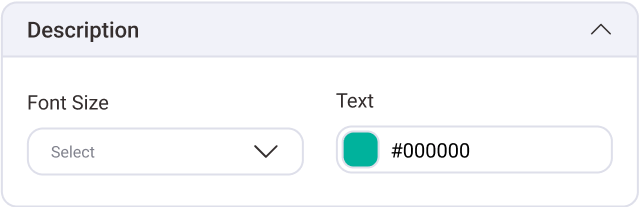
Content & Style Customization
Write compelling headlines, add item descriptions, use merge tags, and customize button colors, borders, and backgrounds to match your brand.
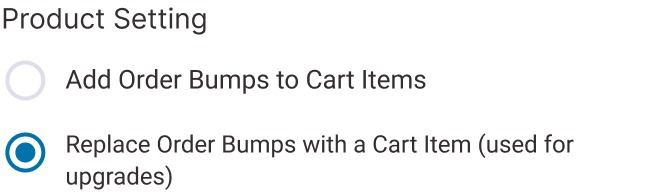
Product Upgrades
Offer premium versions or upgrades of items already in the cart. Replace base products with higher-value alternatives in just one click.
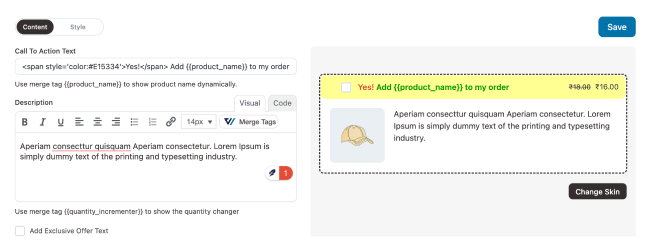
Live Preview
See exactly how your order bump will look before publishing. Make real-time tweaks to content, style, and layout smartly.
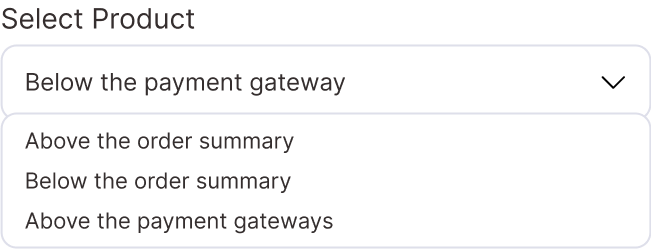
Reorder Multiple Bumps
Rearrange the sequence of multiple bump offers with a single click. Prioritize the most compelling deals for higher conversions.
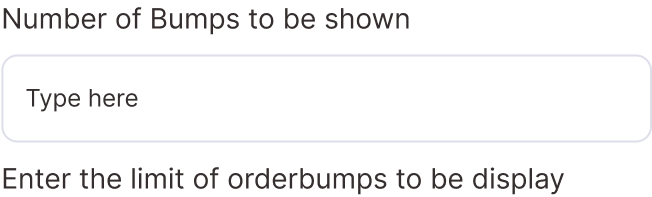
Limit Bump Offers
Set the maximum number of WooCommerce order bump offers to display on the checkout page if multiple bumps are configured.

Multi-Language Ready
FunnelKit's order bump plugin works flawlessly with multilingual plugins like WPML, Polylang, and TranslatePress to translate text for 15+ languages.
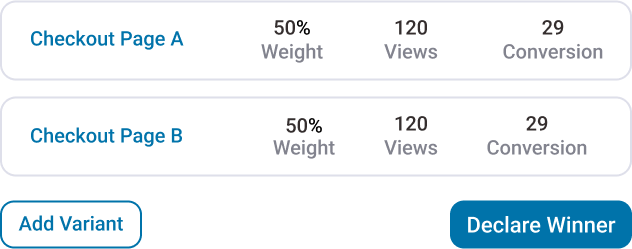
A/B Testing
Easily split-test your order bump headlines, pricing strategies, layouts, placements, etc. With real-time stats, optimize every offer to drive conversions.
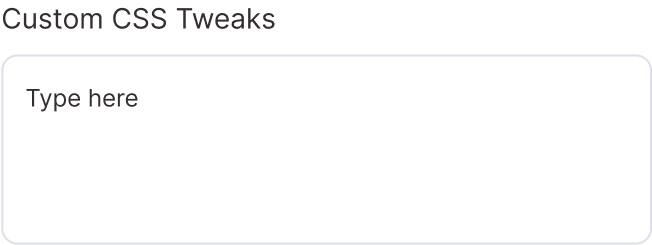
Advanced Customization
Go beyond built-in order bump skins to apply your own CSS and fine-tune every visual detail, such as fonts, spacing, colors, animations, and more.
Why Stores Use FunnelKit Order Bumps

4.9/5 on WordPress.org

Crystalmaree

Great Support
I use the one click upsell and order bumps, they work well and the team is always responsive and helpful with support. highly recommend
Irfist
Excellent plugin! Great support! The best marketing solution for WP
I have been using FunnelKit for over 2 years now. And I can say that this is probably the best comprehensive solution for marketing automation and email newsletters for WordPress. FunnelKit allows you to replace many other paid services. It is a full-fledged CRM system with a deep analytics system for all indicators inside. FunnelKit also allows you to create upsells, down-sells, order bumps, checkout pages and thank you pages. It also has the ability to send personalized SMS messages to your subscriber base. …

Flinty2000
Brilliant all round!
Purchased their funnelkit pro package and it’s been a dream to use on our ecommerce site. It hugely improves on the basic woocommerce checkout experience and adds a whole lot of other features such as upsells, email customisation and more detailed customer profiles and segmentation. We required a couple of very specific compatability adjustments to be made and paid a little extra for this due to the complexity and uniqueness of the work and they did a superb job. …
Mikes18
Essential Plugin Excellent Support
I use this Funnelkit on my two ecommerce websites and it has been an excellent addition. The cart is such an upgrade and allows me to create funnels and automations to maximize conversions and cart value. Support is outstanding. They responded quickly and did most of the backend work for me. They even fixed an issue that wasn’t caused by the Funnelkit plugin. I highly recommend for WordPress Woocommerce stores.

Robin710
Best Plugin ever – great support
This is a complex plugin, sure. But the possibilities to create the exact funnel you need are endless to be successful with your business. If there is anything you need more than out of the box, the absolute GREAT support team is there for you until the end. All in all the best plugin I ever used in my 15 years experience with wordpress!
Chrisapex
Great!
This plugin is great, it’s fast and has tonnes of tools to increase conversion. The support is also fast and on it!
Thebrunomaya
Awesome suite, Outstanding Support
Funnelkit became our to-go solution for WordPress and WooCommerce when it comes to Cart, Funnel Design and Automations/Emails. Even though there are many solutions out there, this suite’s speed and ease of use is unmatched. It is a great suite. As every thing in wordpress, sometimes you need support, and this is where they shine the most. This is the main reason we’ve been loyal users for years already. WTG, FK team!
Derek Wilcox
Best Plugin + Support Ever!!!!!
we have been using FunnelKit for 5+ years now. The plugin is the best in its category (BY FAR) and possibly even more important, FunnelKit’s support is literally second to none. Have a question? Need to do something custom? Need help migrating over? Never an issue cause their support is the most receptive and fast there is. …

Rickwall
great product
As a busy business owner and agency owner, I have used funnelkit funnel builder and automations for all my inbound and outbound marketing. Does everything that other companies charge a lot more for. Really happy with the products and service
WooCommerce Order Bumps: Common Questions
Have a question about FunnelKit for WordPress and WooCommerce? If yours isn't here, just contact us.


Make More From Every Sale
FunnelKit works at the three moments a store earns money: before checkout, at checkout and after the order.

Customer video
Video testimonial. Connect the real customer clip here (YouTube / Wistia embed).