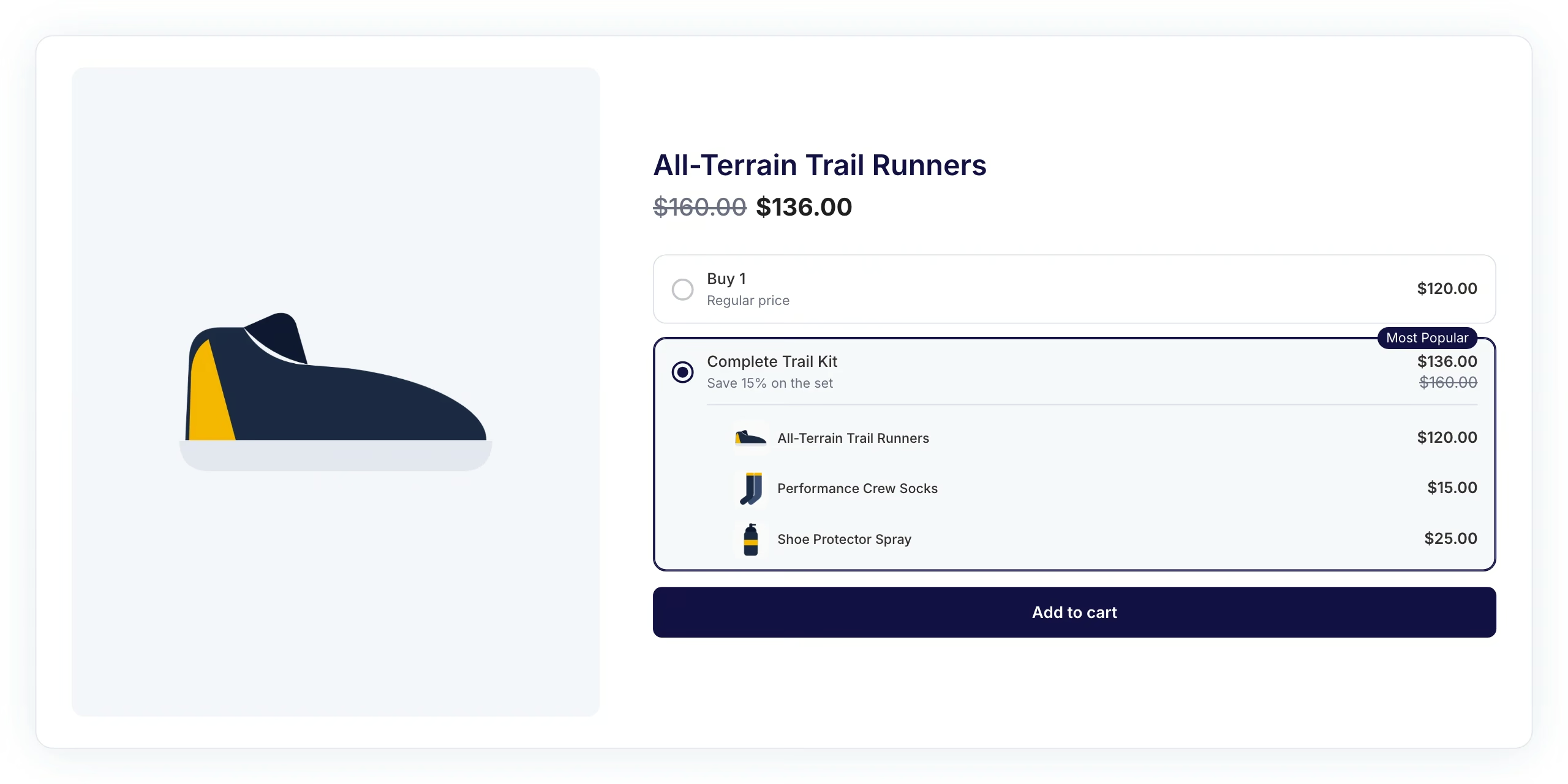
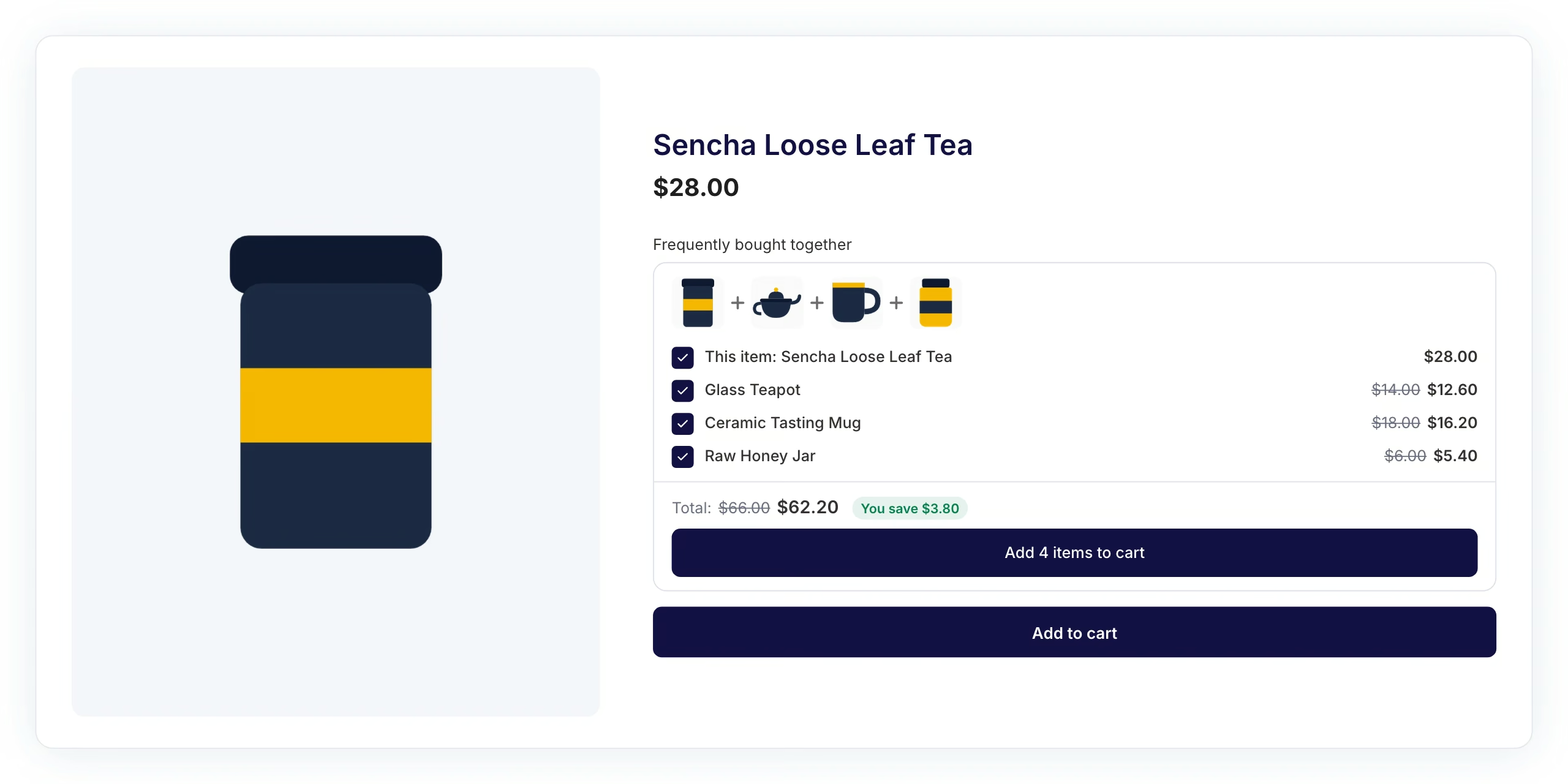
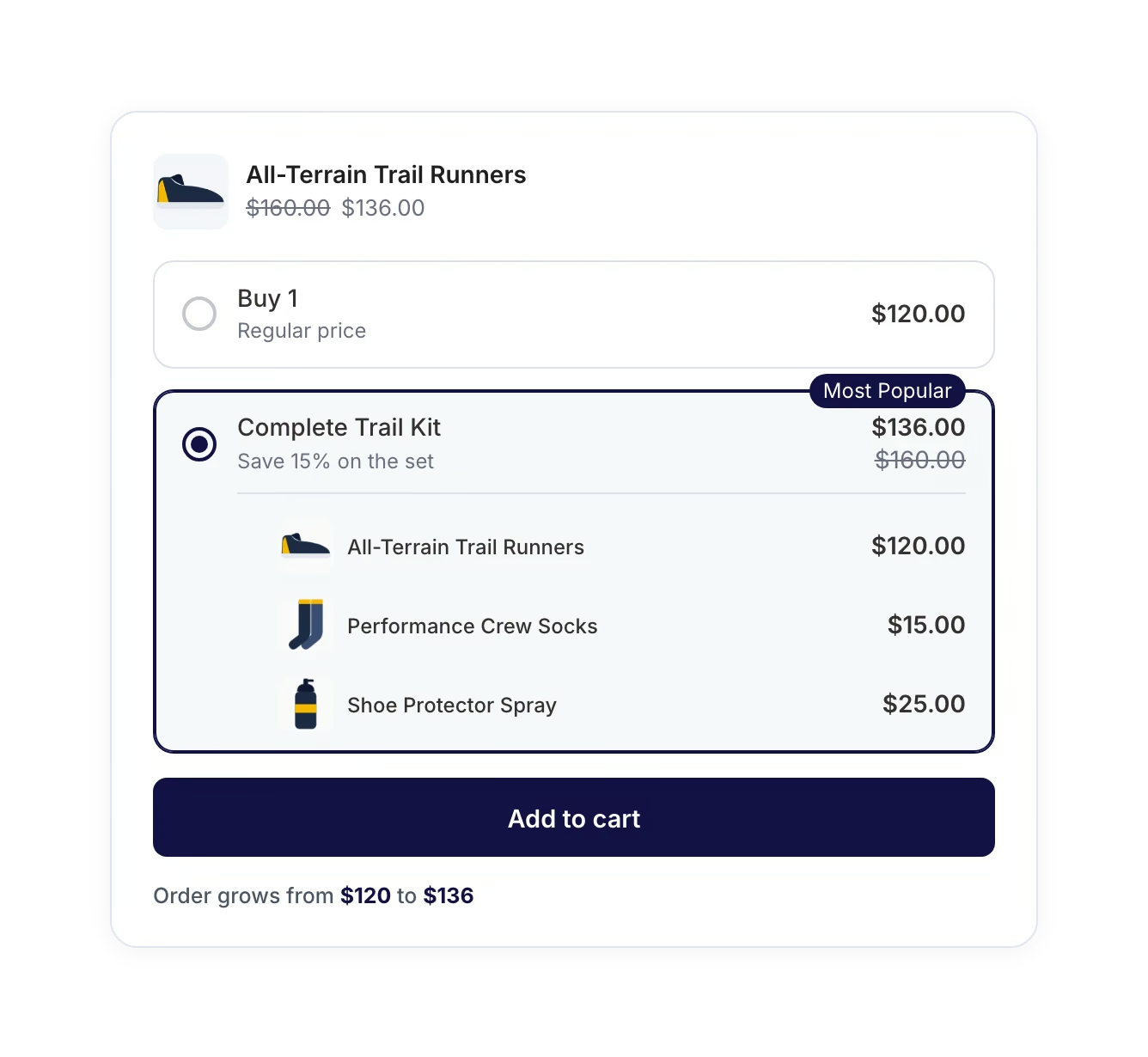
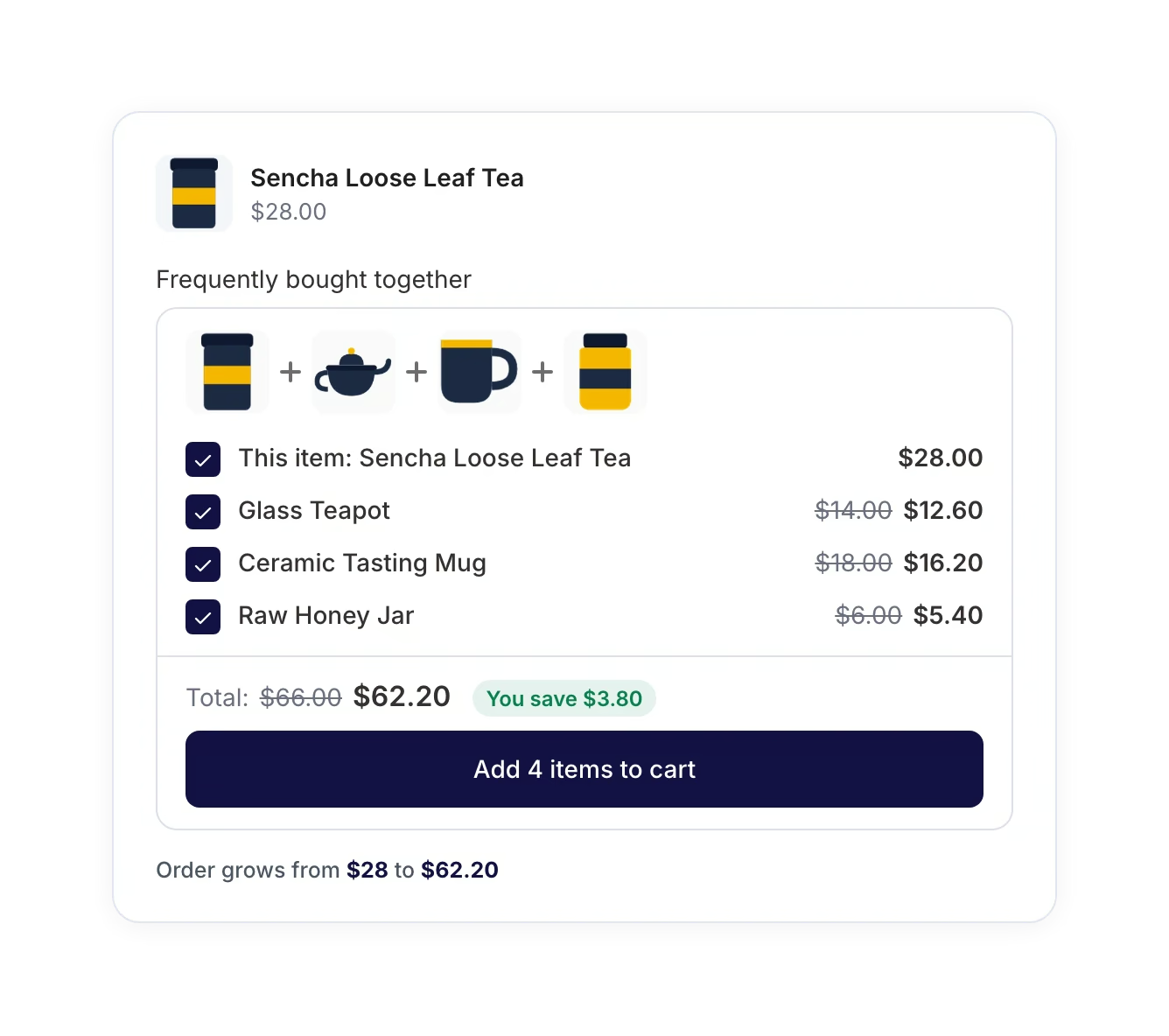
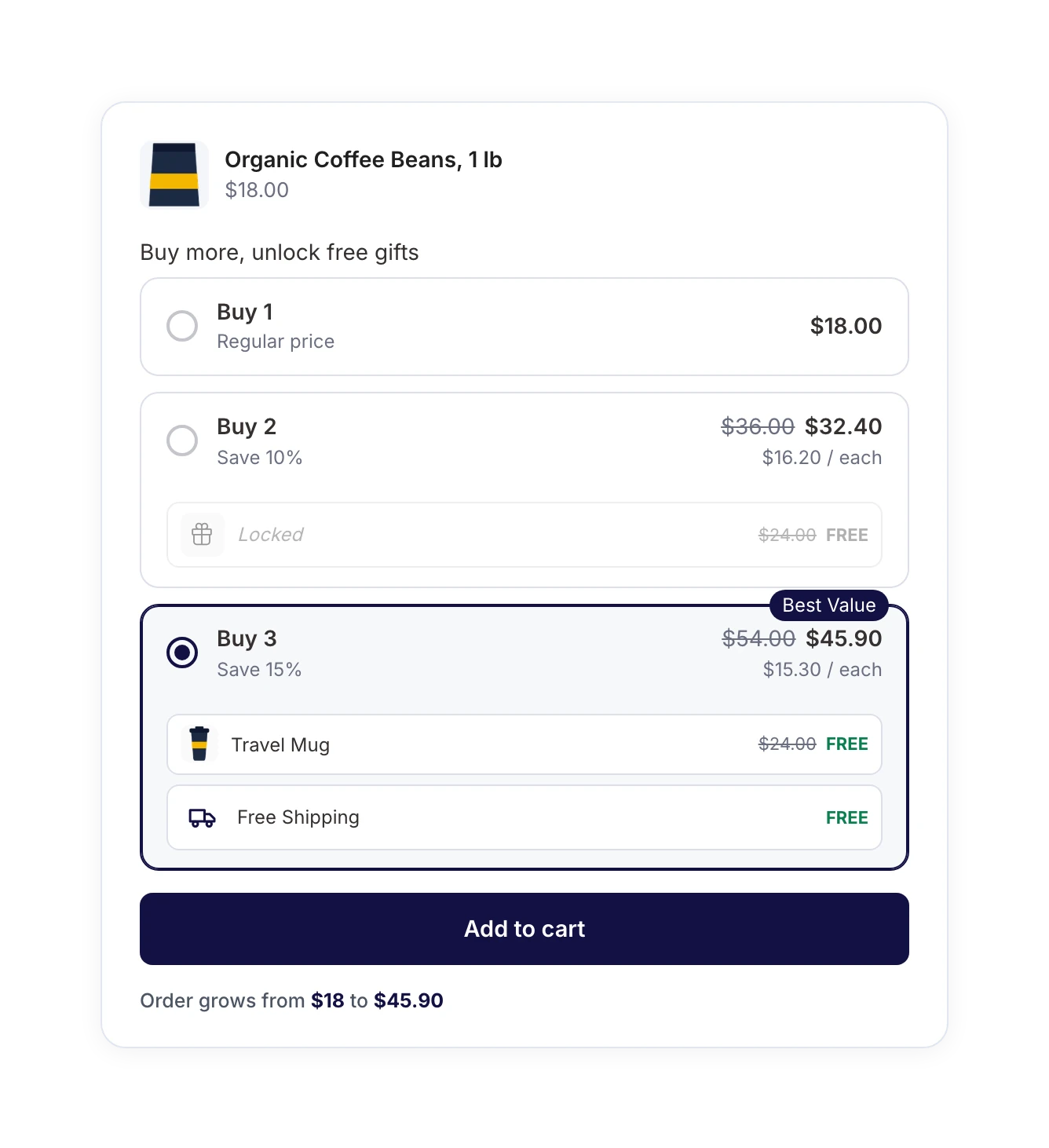
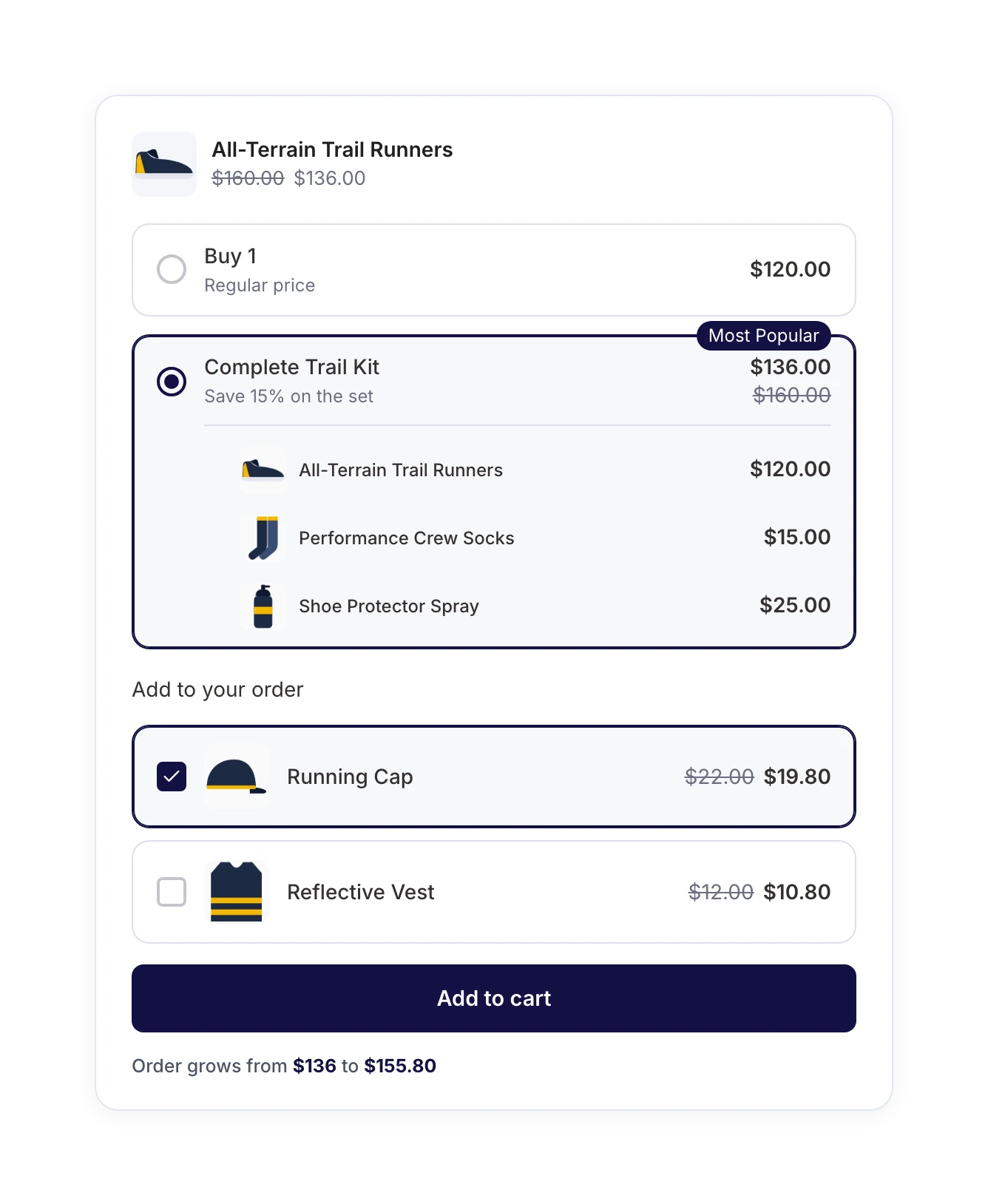
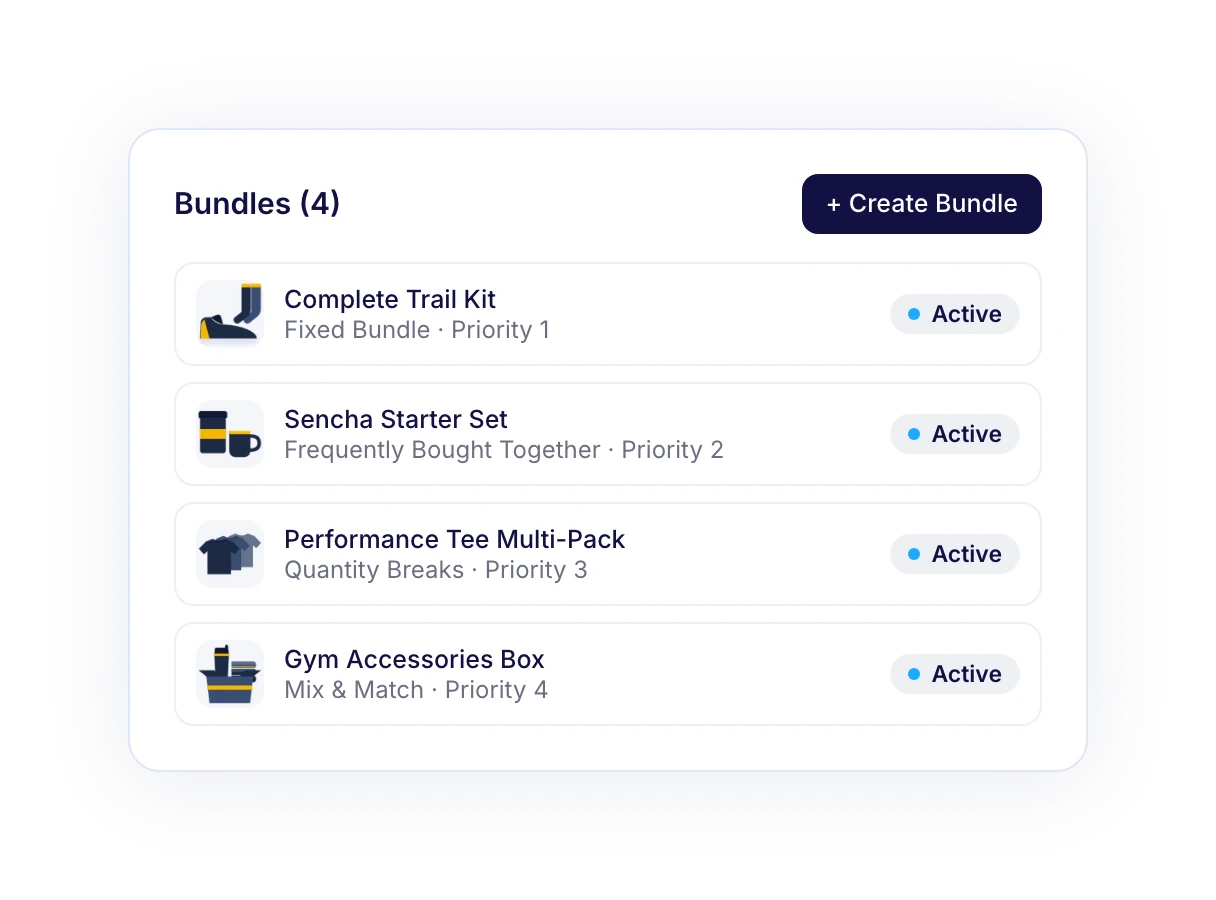
A product bundle groups several products into one offer, usually at a lower combined price, like a starter kit, a three-pack, or a gift box. Bundled products give shoppers a reason to buy more in a single order, which raises your average order value without extra ad spend.
WooCommerce’s built-in grouped product type lists related items on one page, but it can’t apply a bundle discount, require a set combination, or reward shoppers for adding more. A product bundle can do all three. WooCommerce doesn’t include product bundles out of the box, so you need a bundle plugin like FunnelKit Bundles.
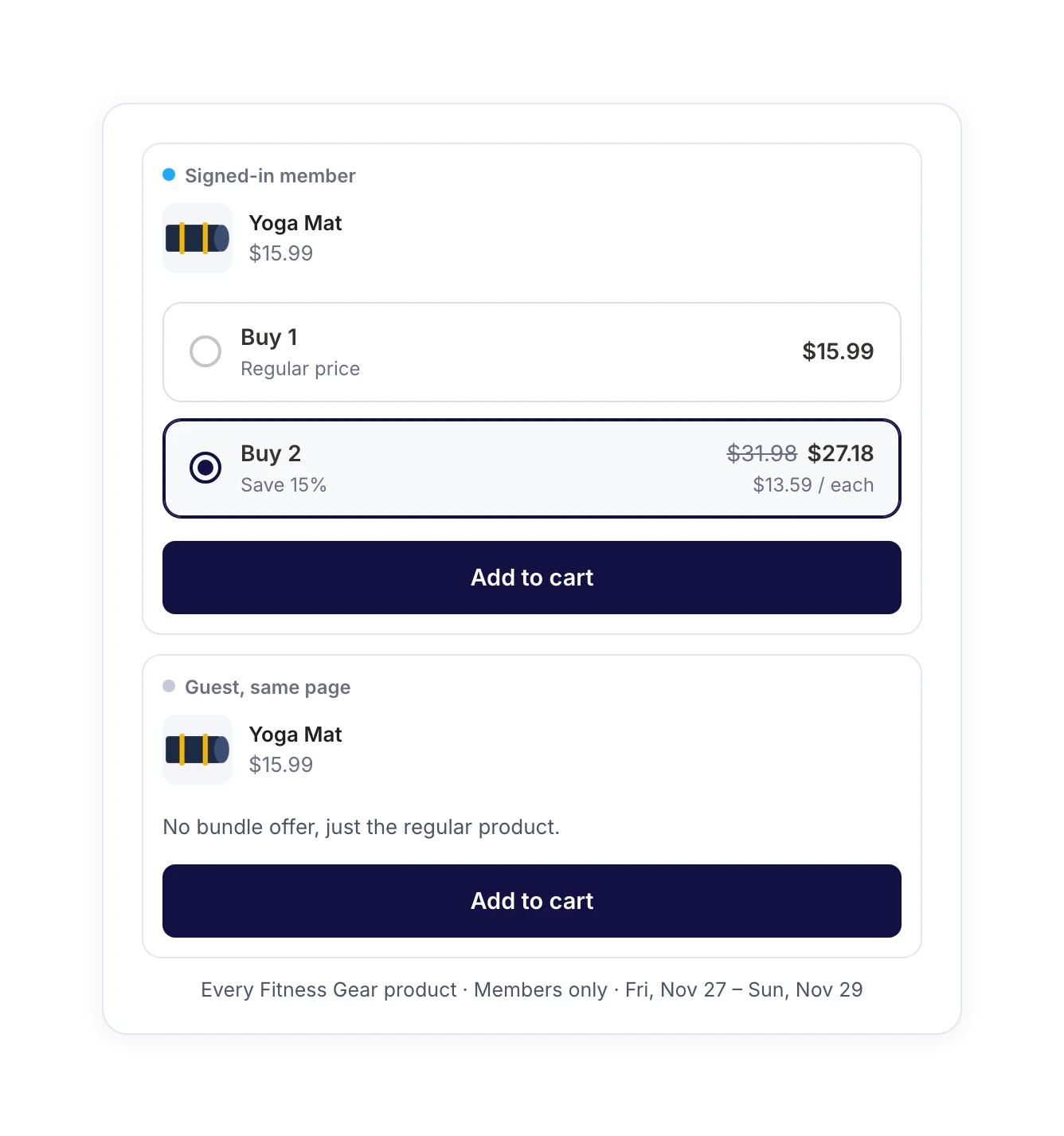
Yes. FunnelKit Bundles is built into the free Funnel Builder plugin, which includes Fixed Bundle and Frequently Bought Together, plus the design controls and bundle management tools. Quantity Breaks, Mix and Match, progressive gifts, in-bundle upsells, advanced targeting, and bundle analytics are part of Bundles Pro.
Bundles Pro works alongside Funnel Builder Pro and is included in the FunnelKit Elite plan, so Elite customers don’t need a separate license key. On any other plan, you can buy a Bundles Pro license or upgrade to Elite. You’ll find current prices on our pricing page. Once you have a key, enter it under Funnel Builder → Settings → General.
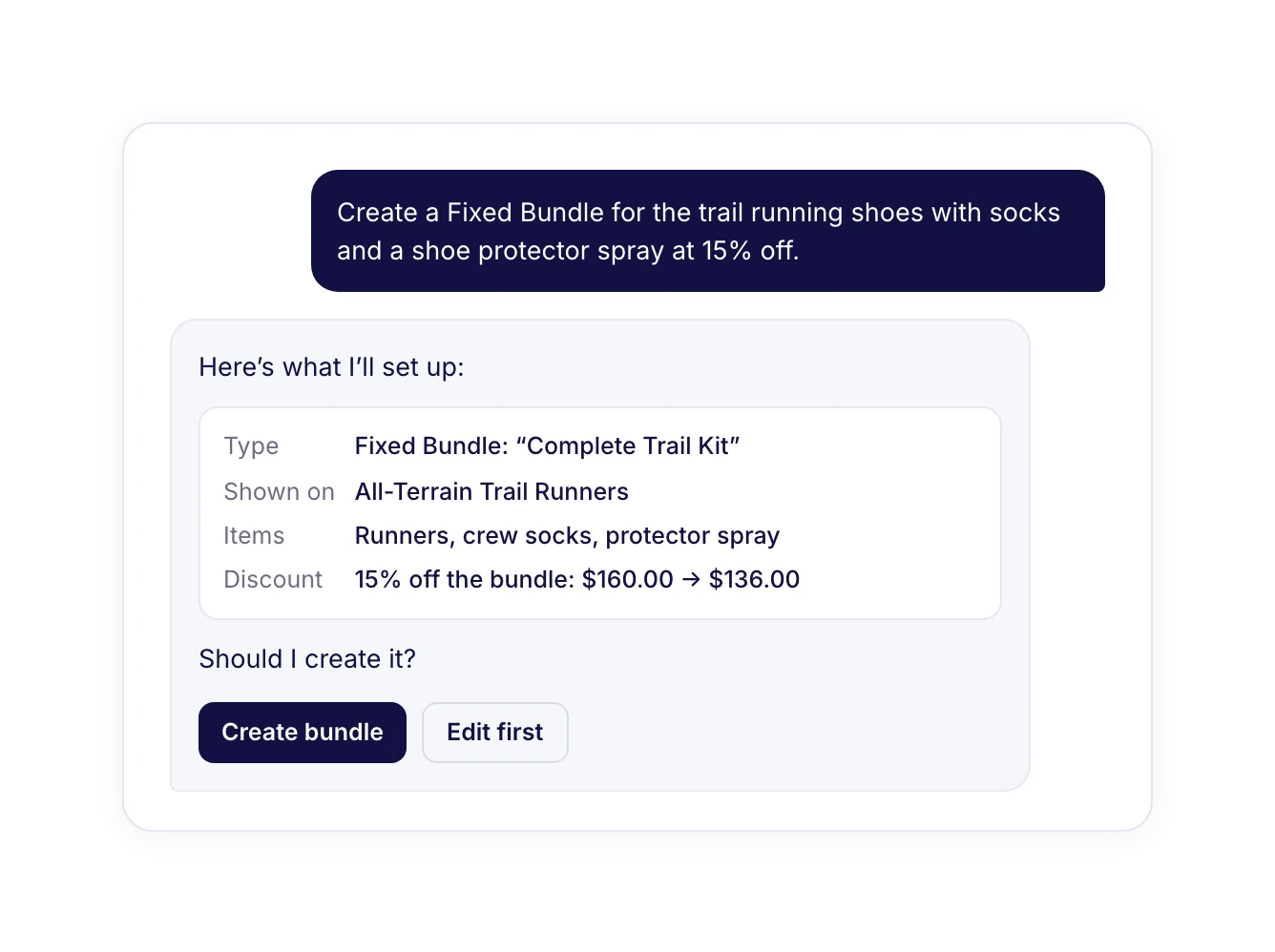
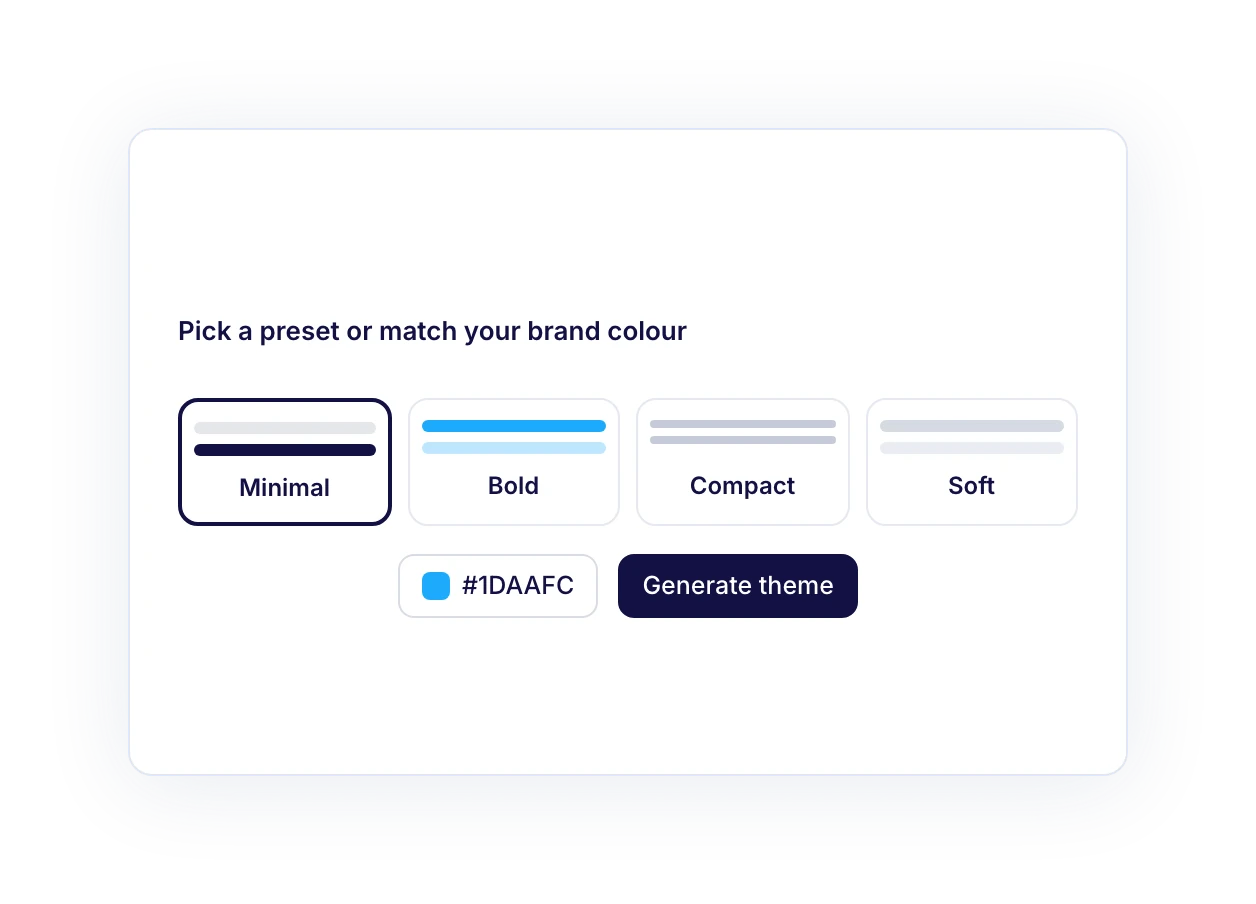
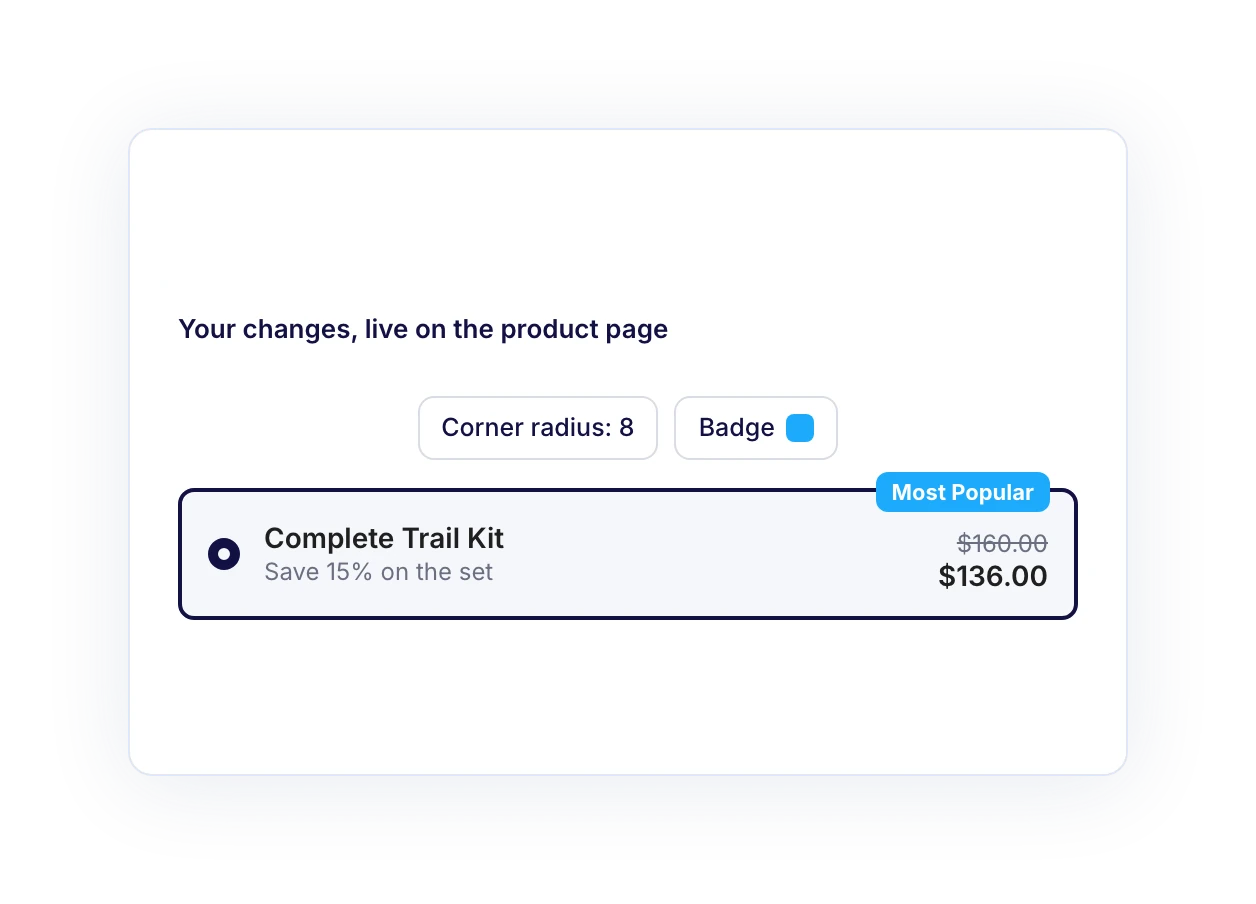
Go to Funnel Builder → Bundles and click Create Bundle. Choose a bundle type, pick the products whose pages should show it, add the bundle items and discount, then style it in the Design tab. Set the status to Active and save, and the bundle goes live on those product pages. For a full walkthrough, see the FunnelKit Bundles documentation.
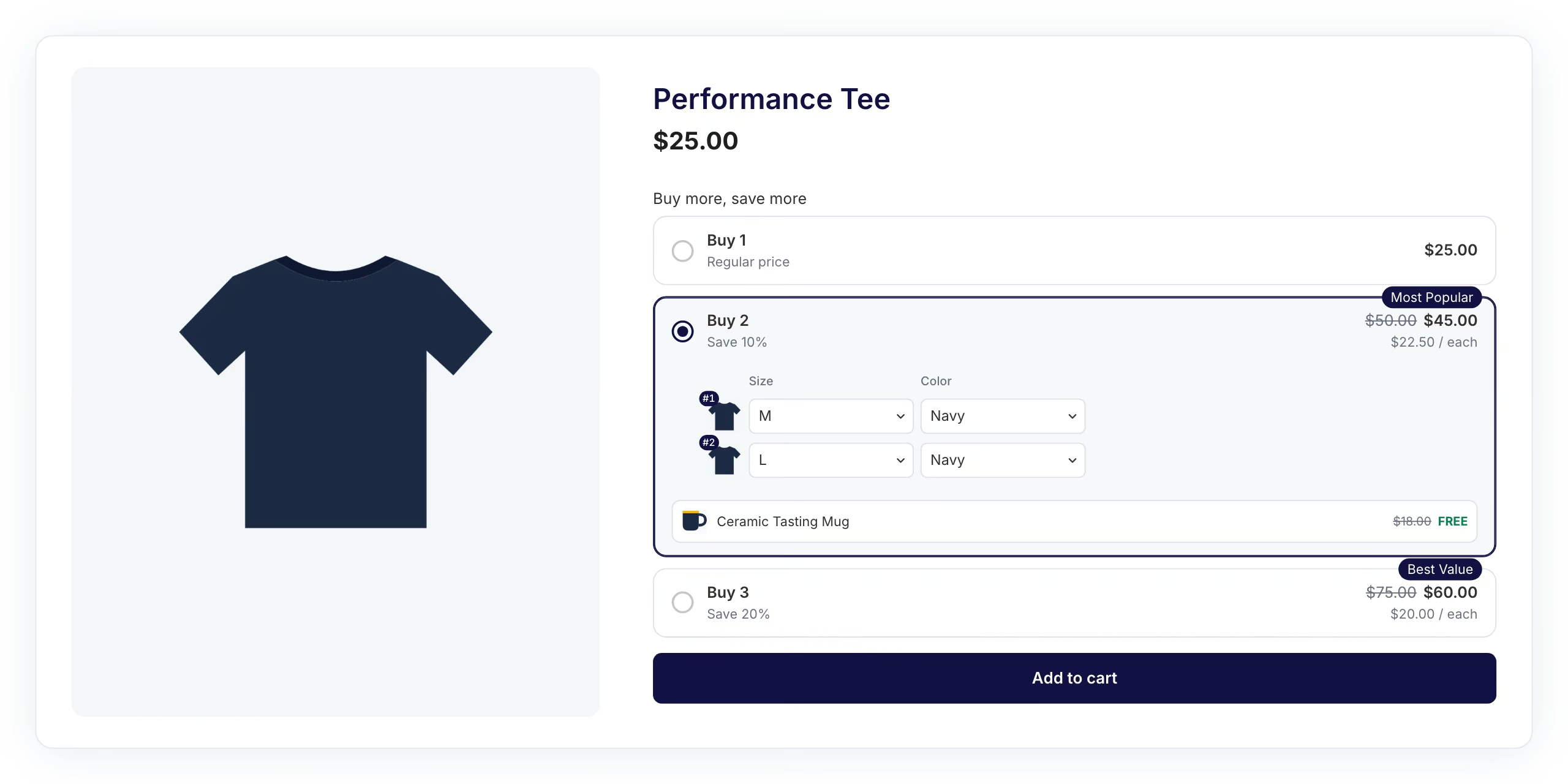
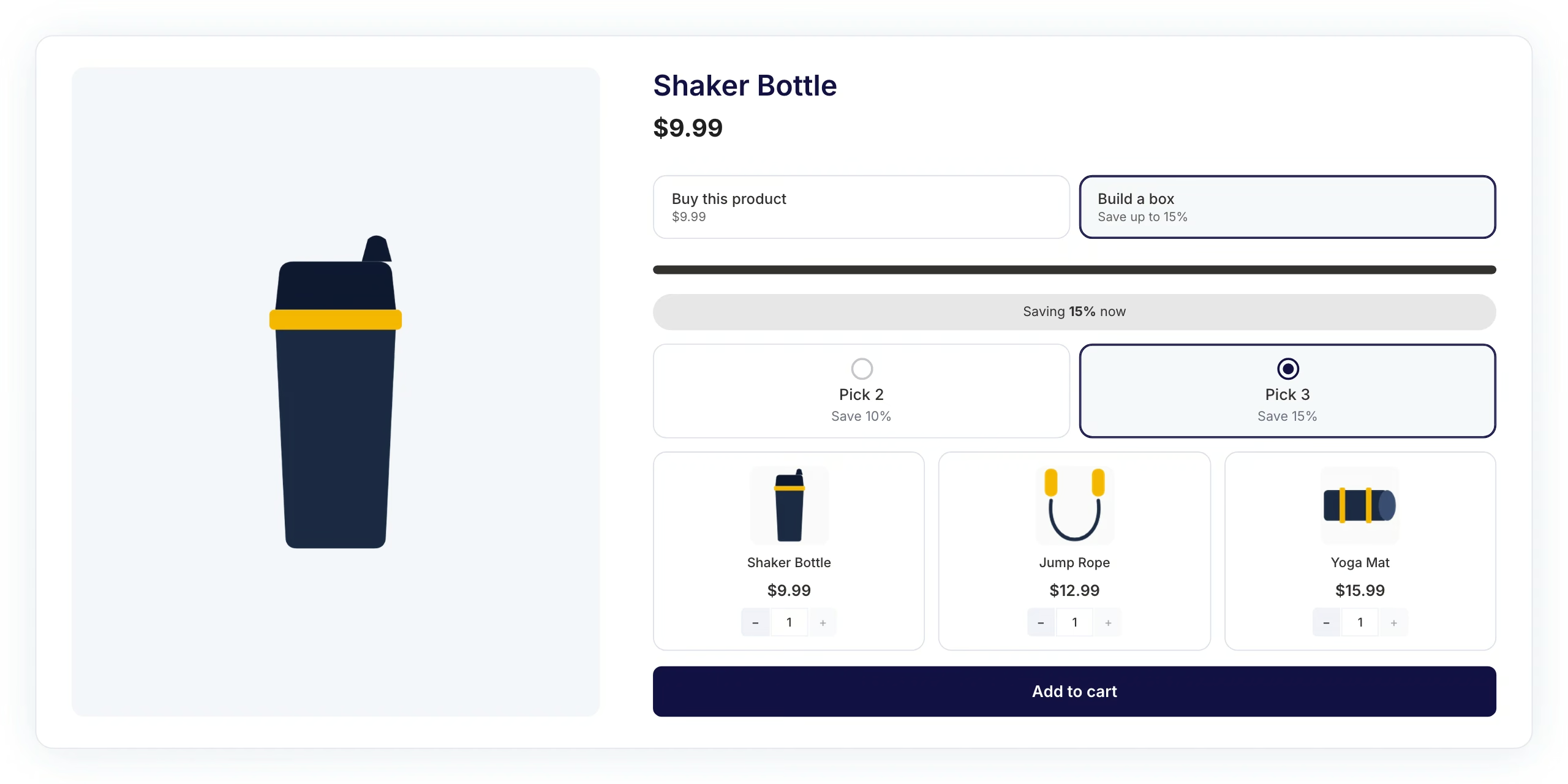
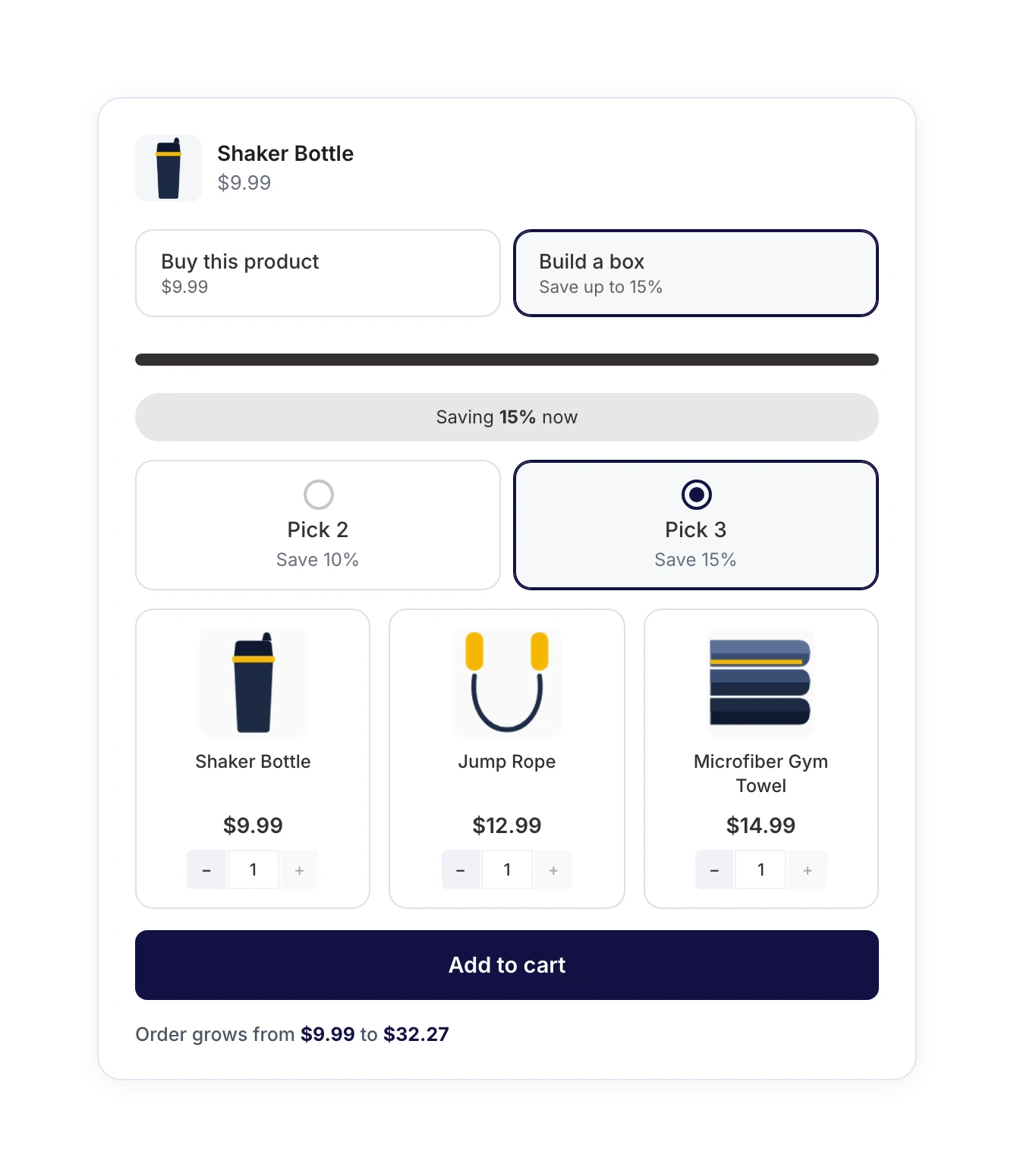
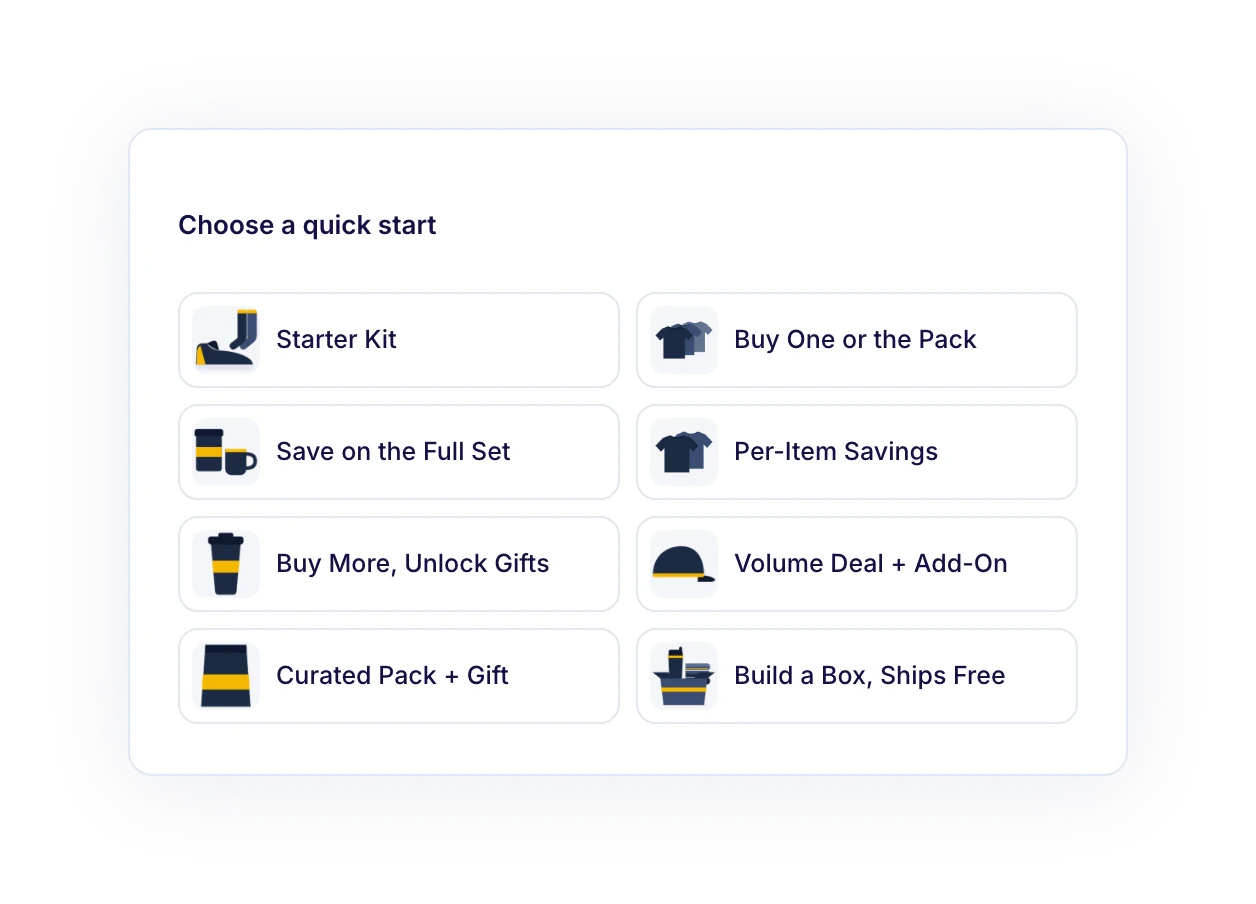
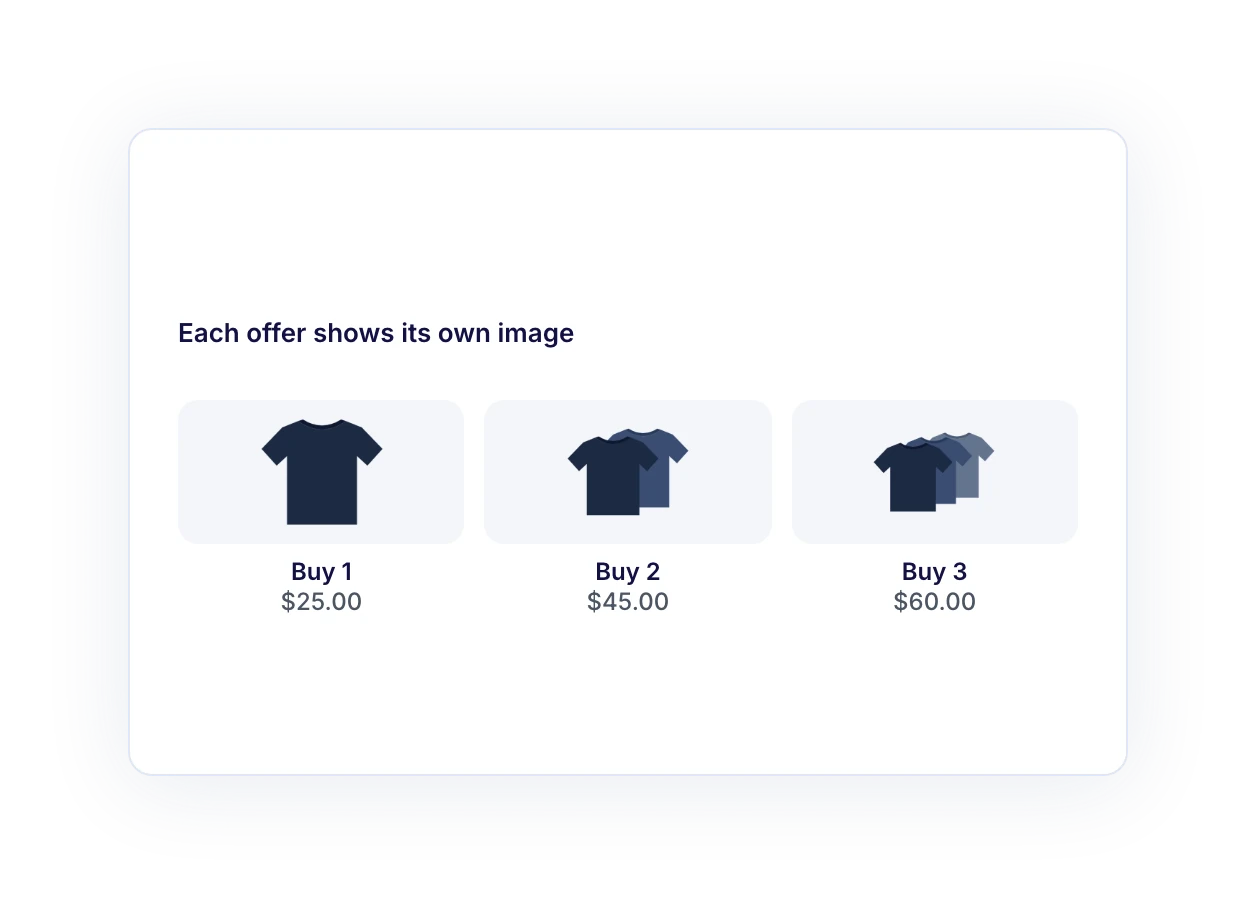
Start with what already sells. Frequently Bought Together suits products with natural add-ons, Fixed Bundle suits kits and gift sets, Quantity Breaks suits items people buy in multiples, and Mix and Match suits sampler and gift boxes. Launch one bundle on a best-seller first, then check your order data.
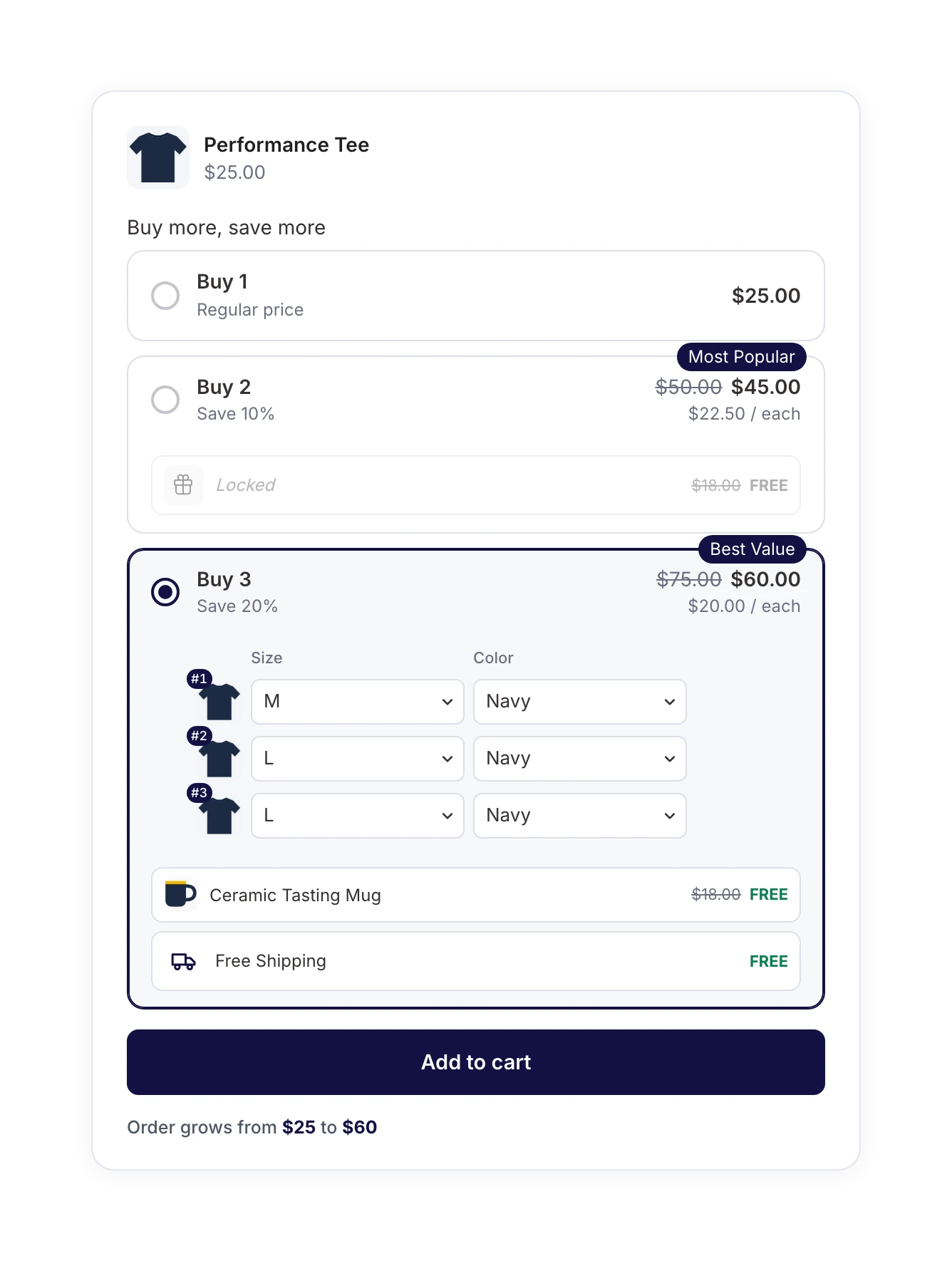
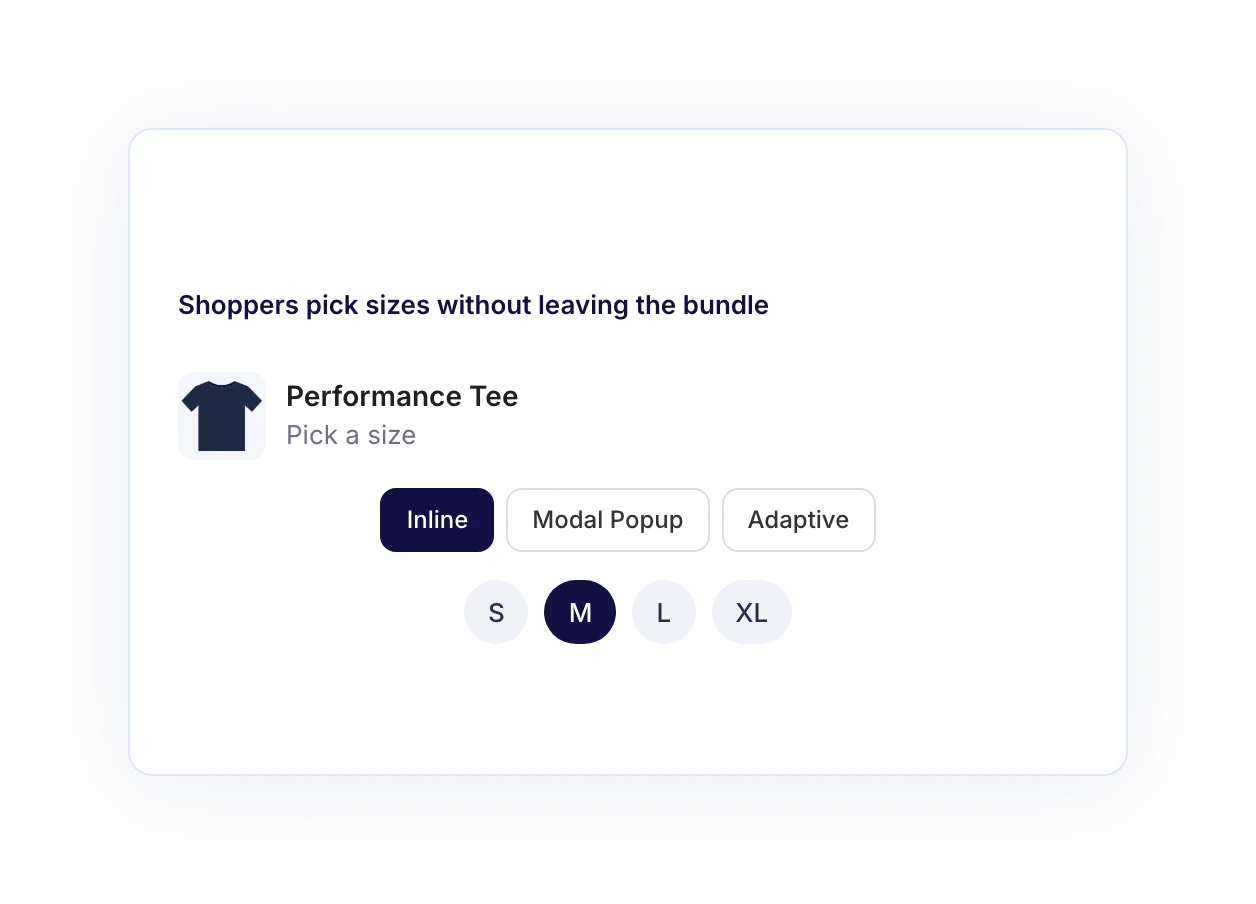
Yes. Shoppers pick sizes, colors, and other options without leaving the bundle, and you choose whether those choices appear inline, in a modal popup, or adaptively. With Quantity Breaks, each unit gets its own picker, so one order can include a medium and a large.
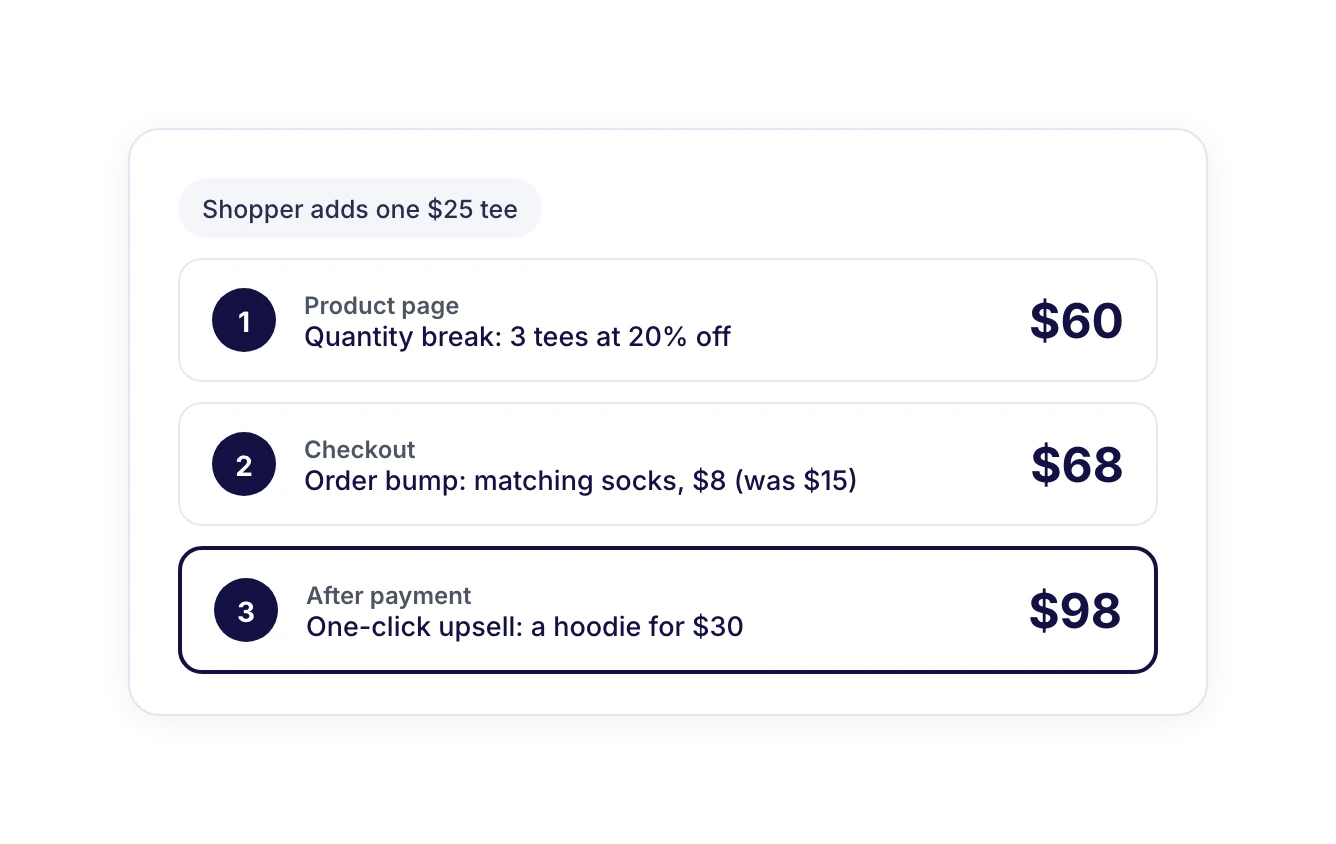
They can if you don’t price carefully, because the discount also applies to the item a shopper might have bought at full price anyway. Three $25 T-shirts at 20% off cost $60, so the two extra shirts bring in $35, or $17.50 each. If each shirt costs more than that to make and ship, adjust the discount or the gift.
An in-bundle upsell is a discounted add-on shown next to the bundle on the product page, before checkout. A one-click upsell appears after payment and is added to the order without re-entering card details. You can use both in the same buying journey.
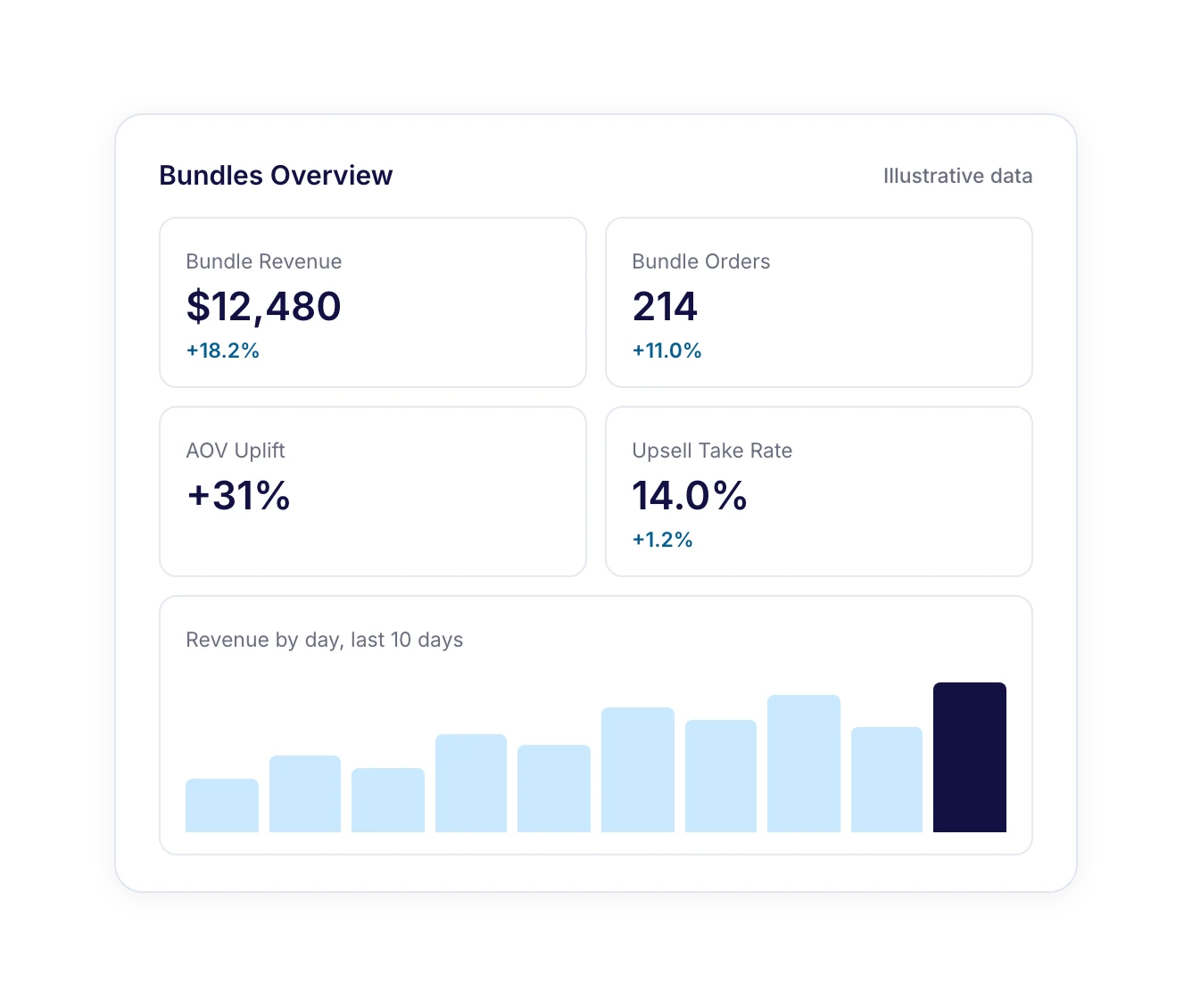
Most bundle plugins run separately from your checkout and upsell tools. FunnelKit Bundles is built into Funnel Builder, so bundles, order bumps, and one-click upsells run from one dashboard and work together in the same buying journey. Every order records which bundle each item came from, and Bundles Pro adds reporting on bundle revenue, AOV uplift, and add-on take rate.
Yes. You can edit a bundle’s items, discounts, or design at any time and save your changes. To take a bundle offline without deleting it, turn off its Active status.
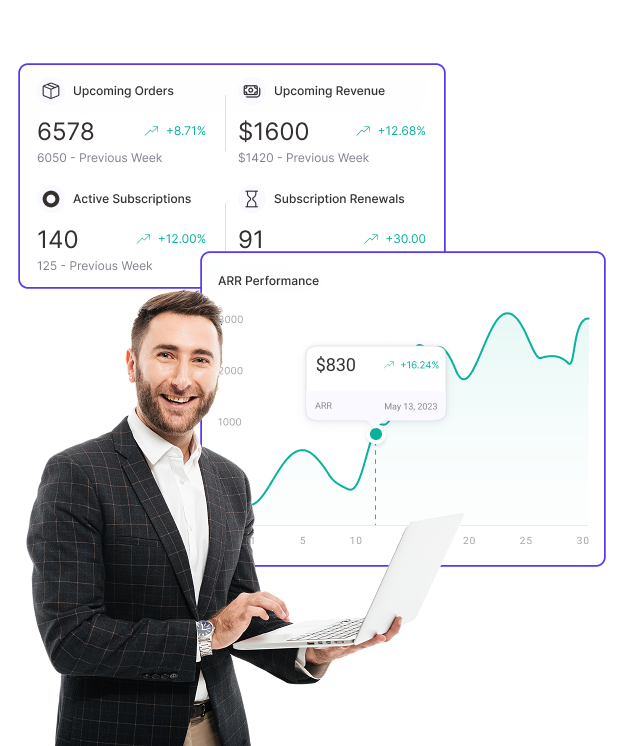
Subscription support is on our roadmap. We’re bringing FunnelKit Bundles and Sublium subscriptions closer together, so a starter kit could later turn into a monthly refill subscription.