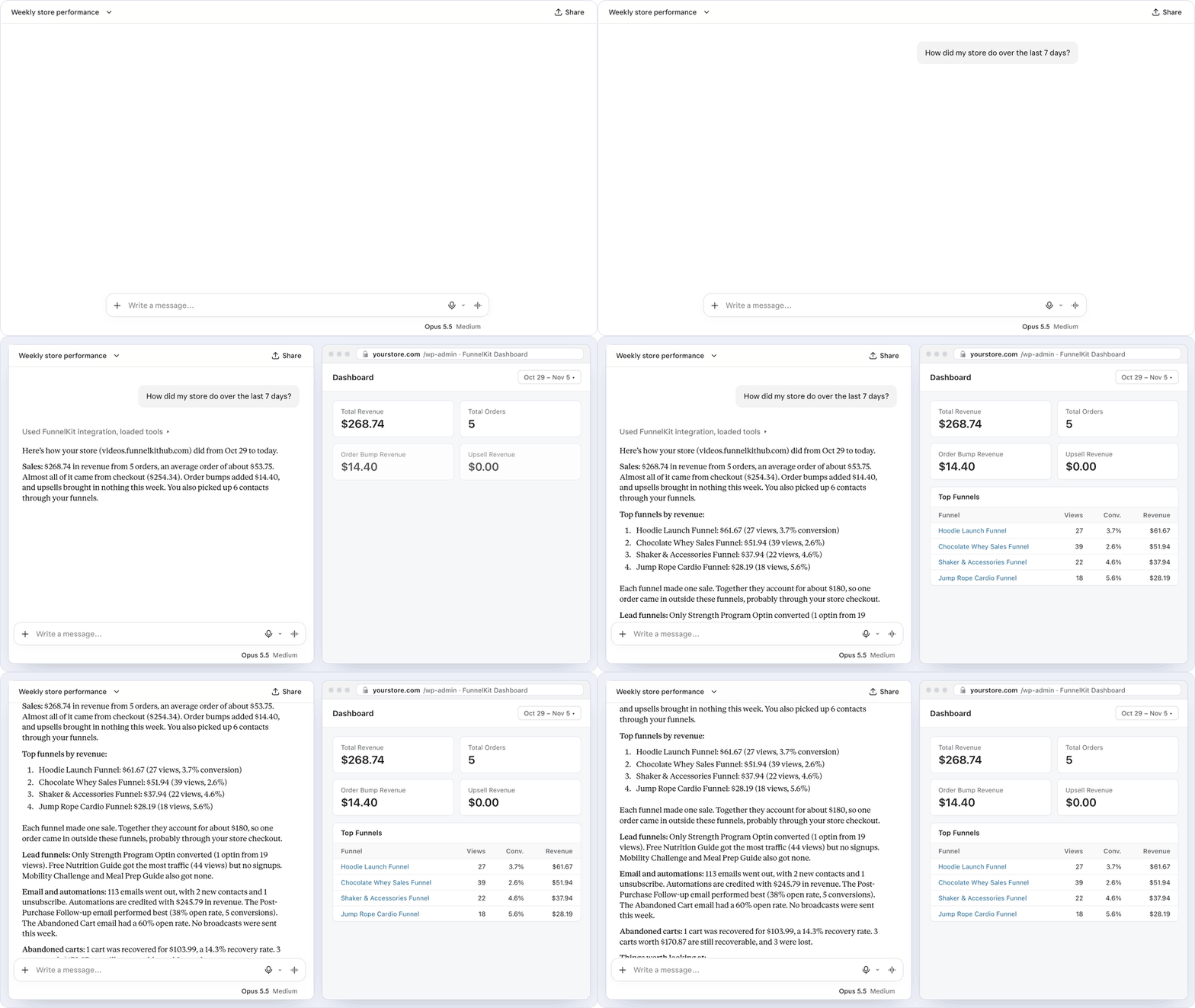
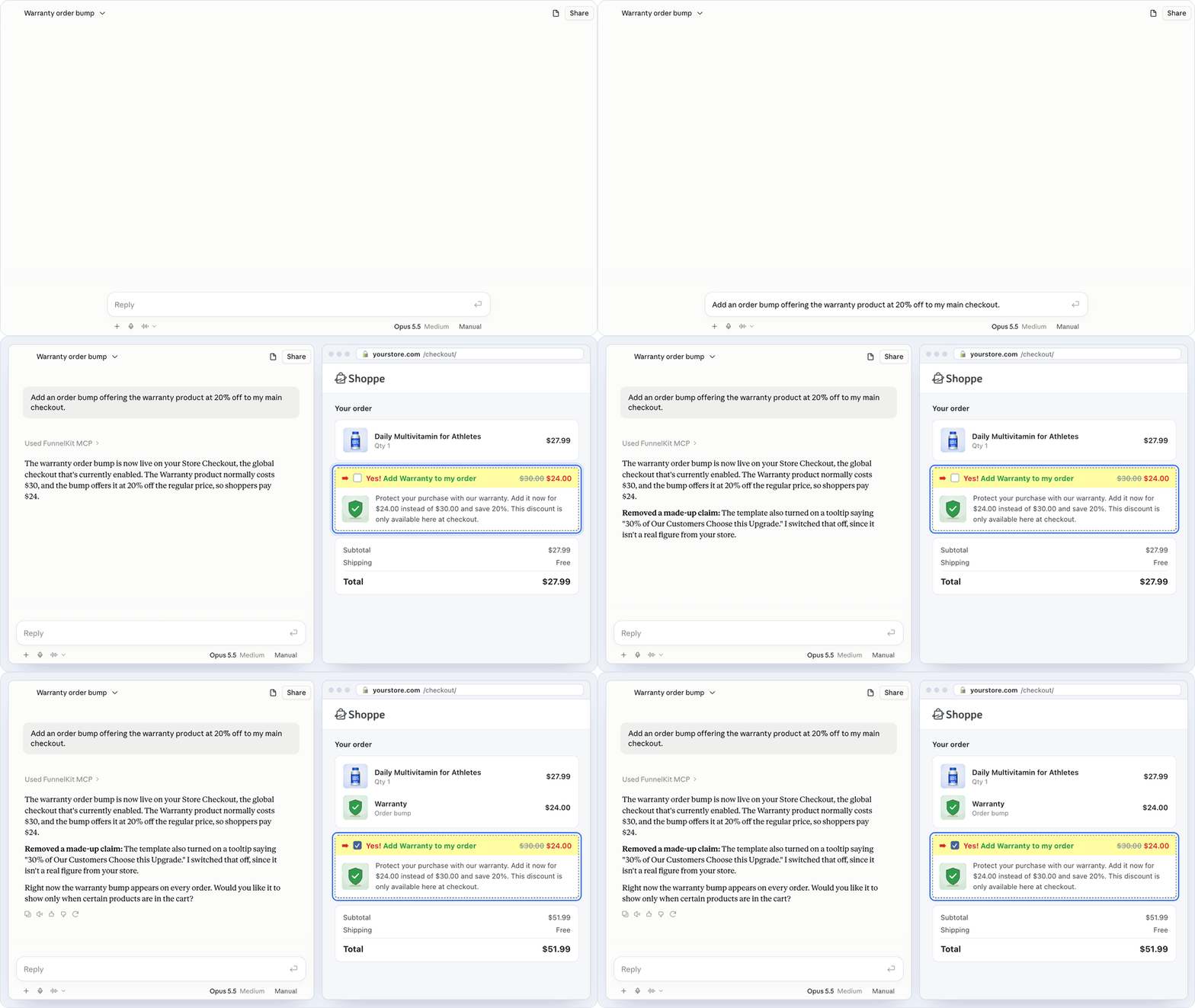
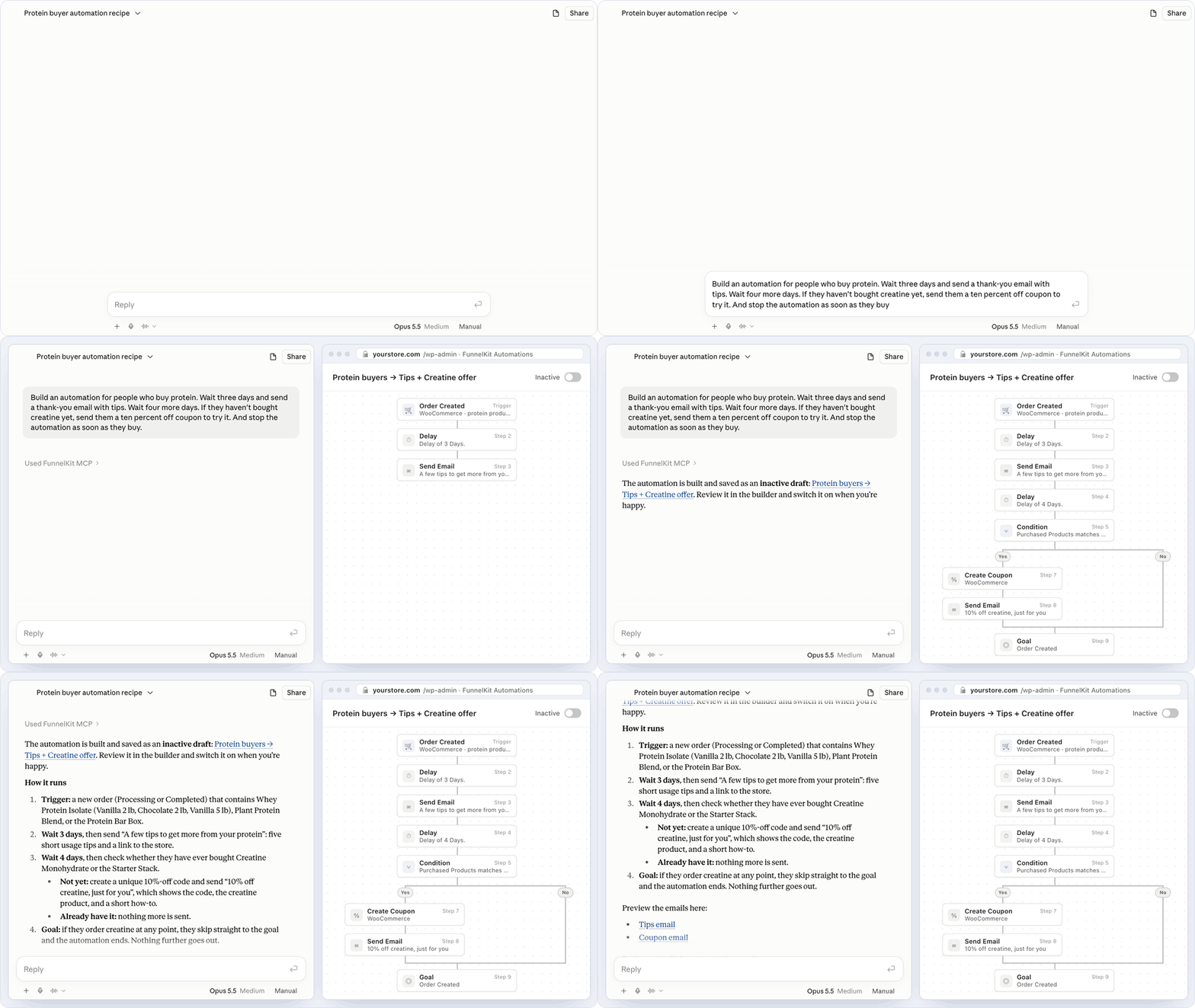
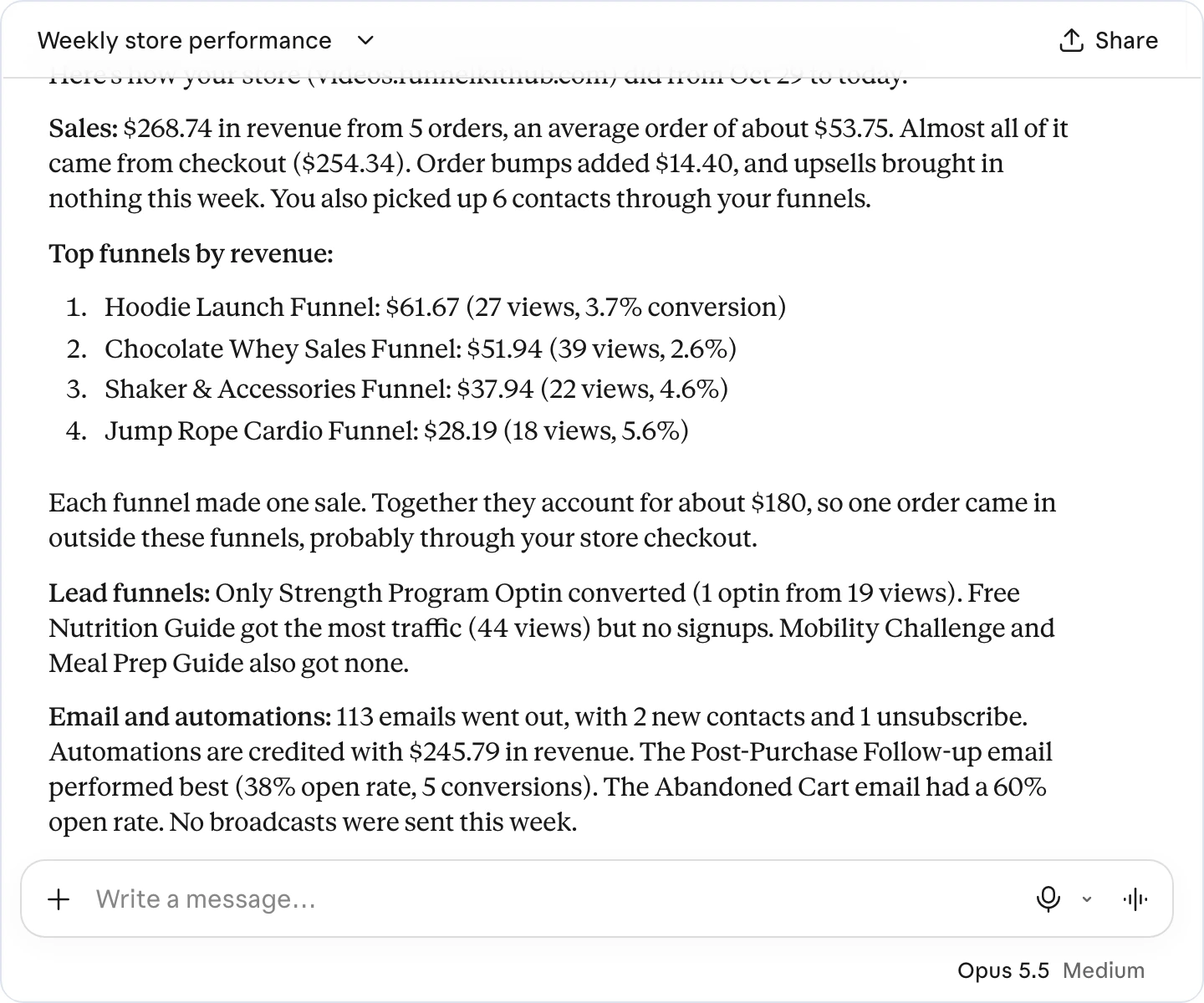
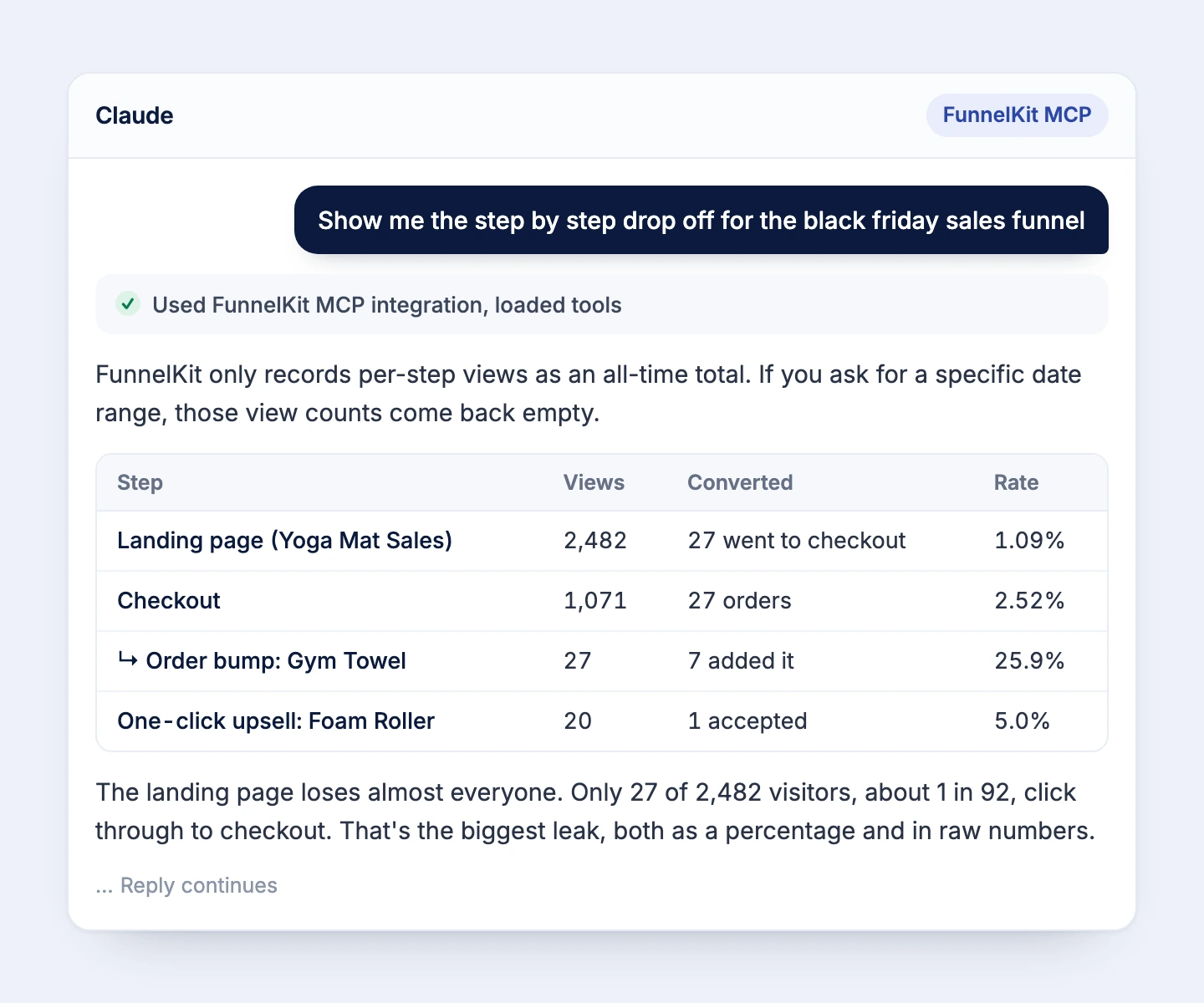
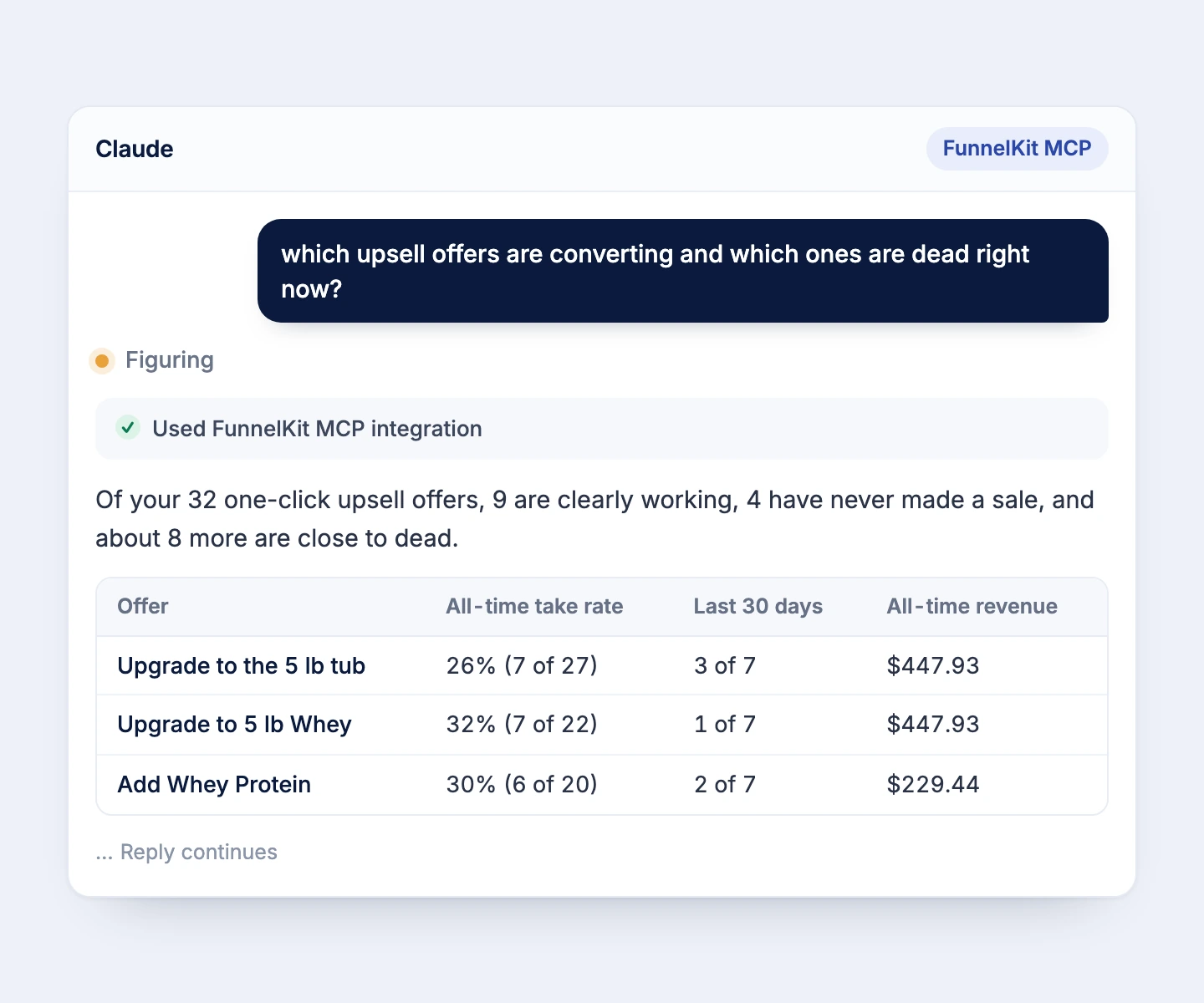
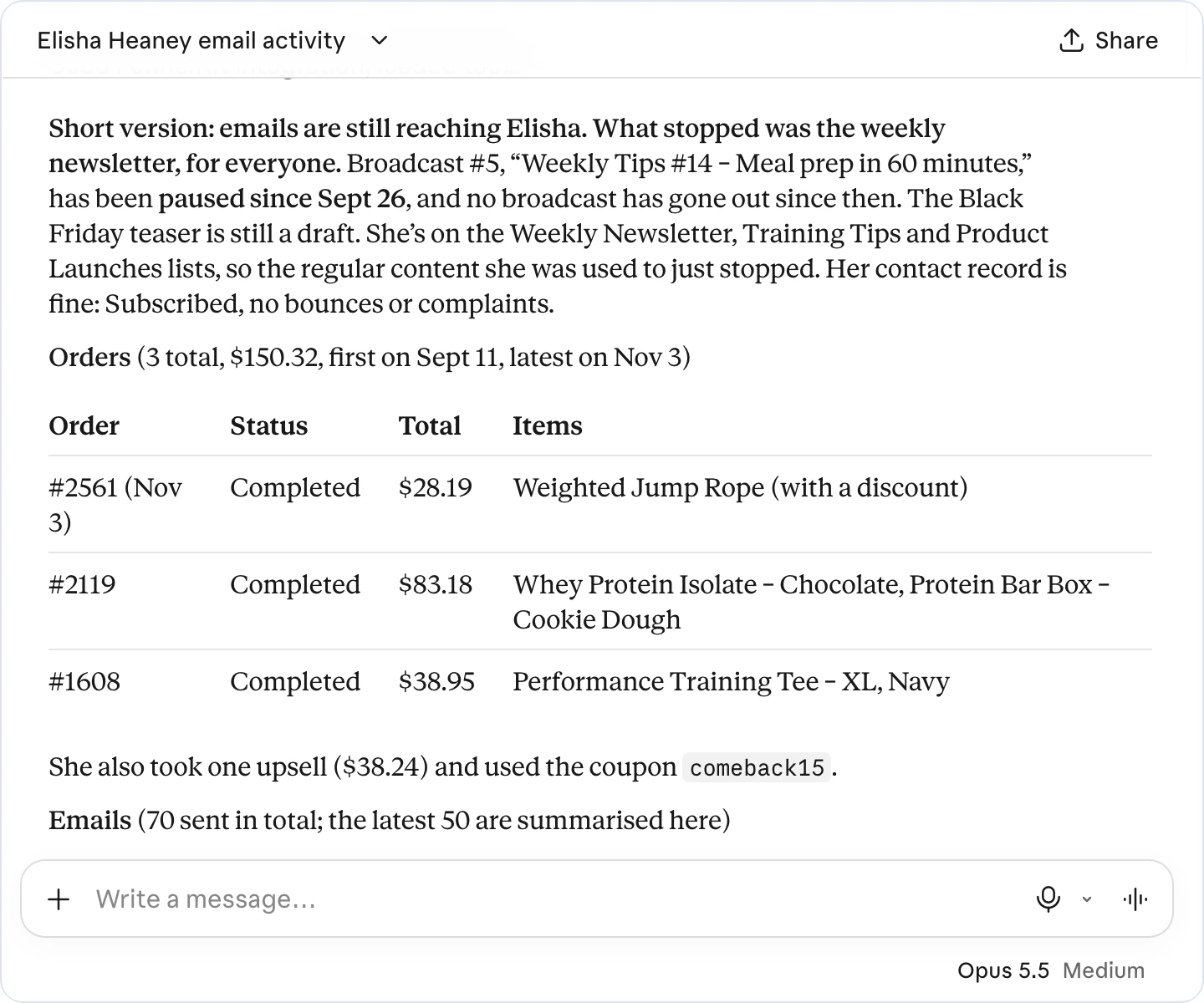
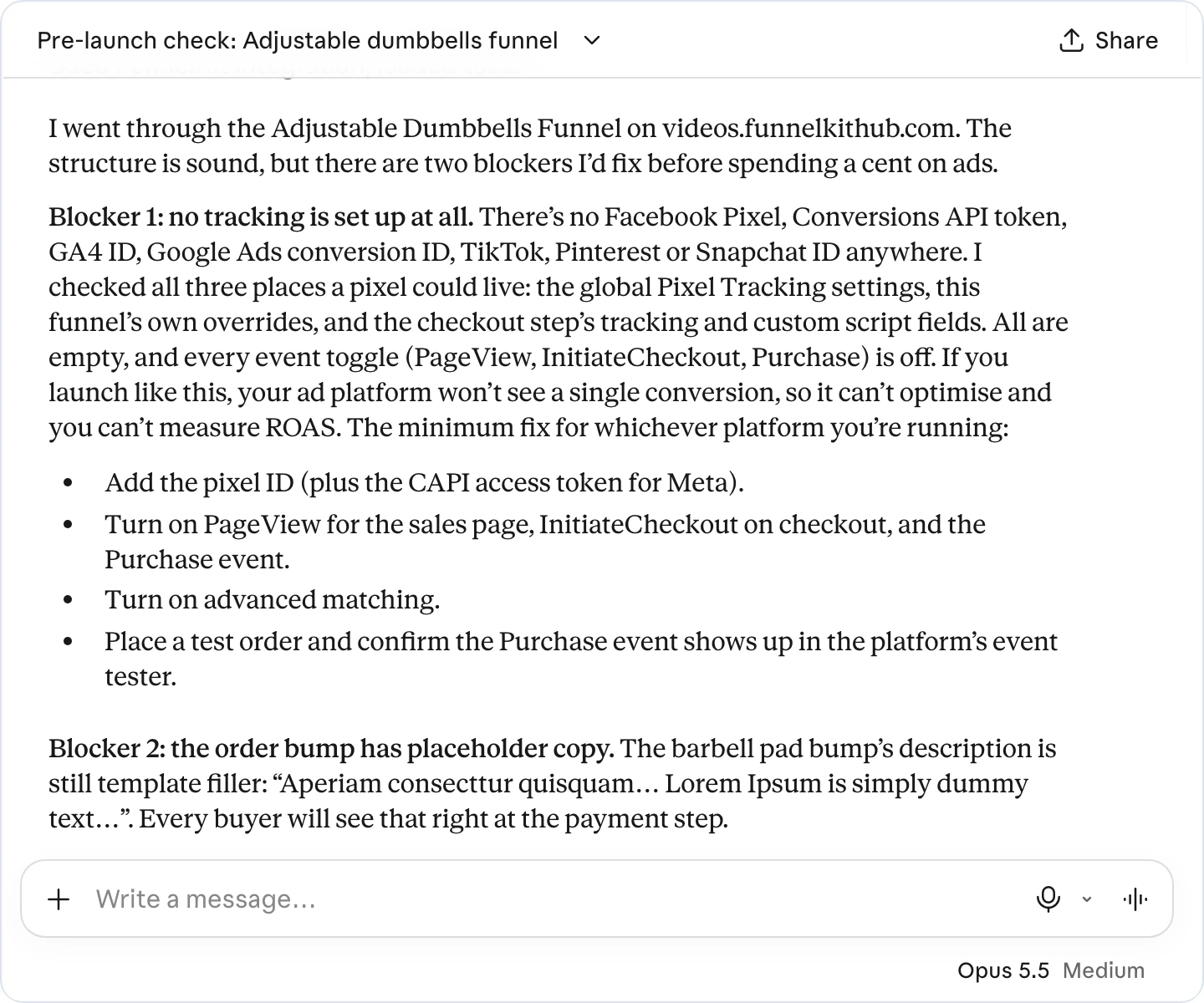
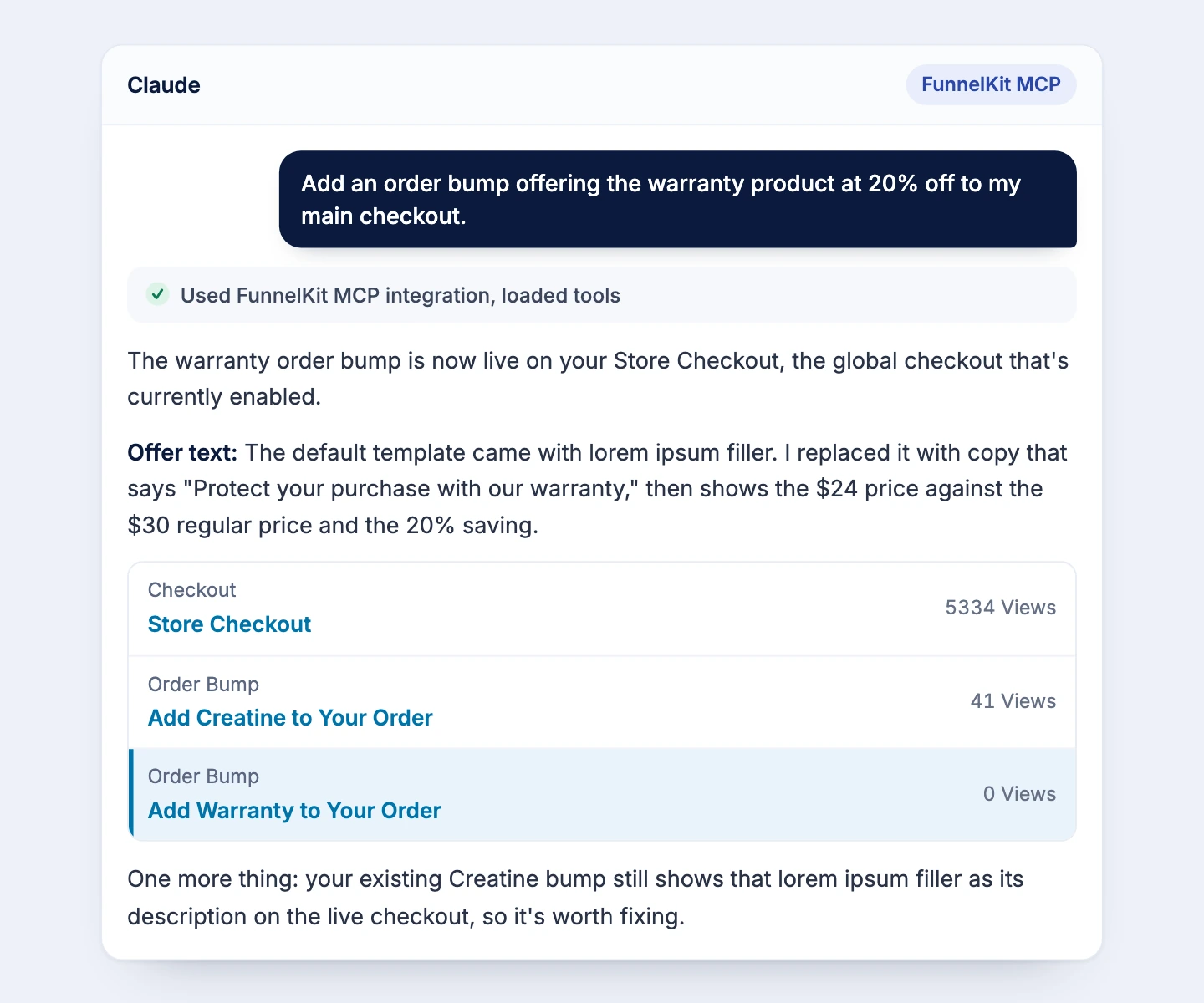
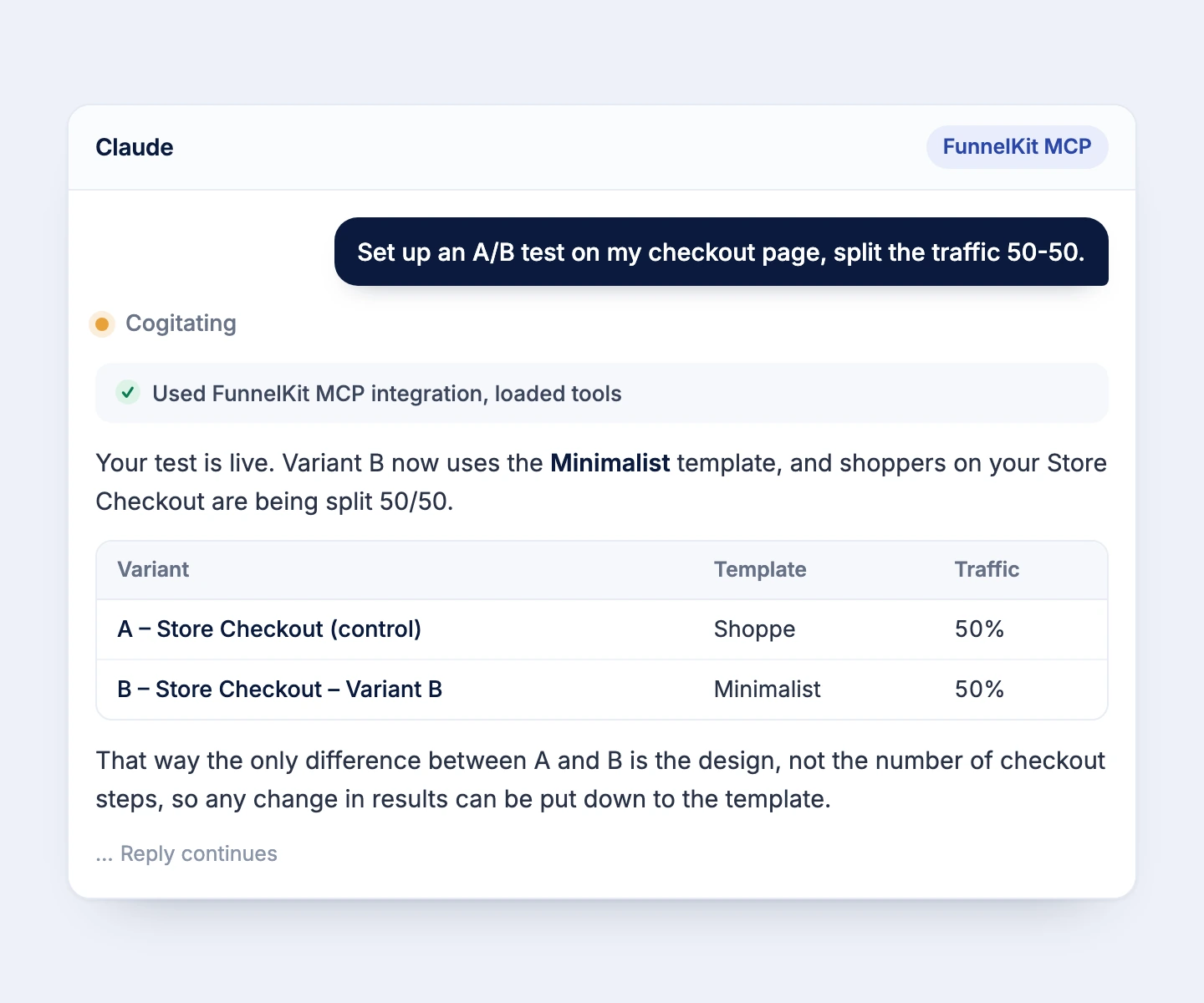
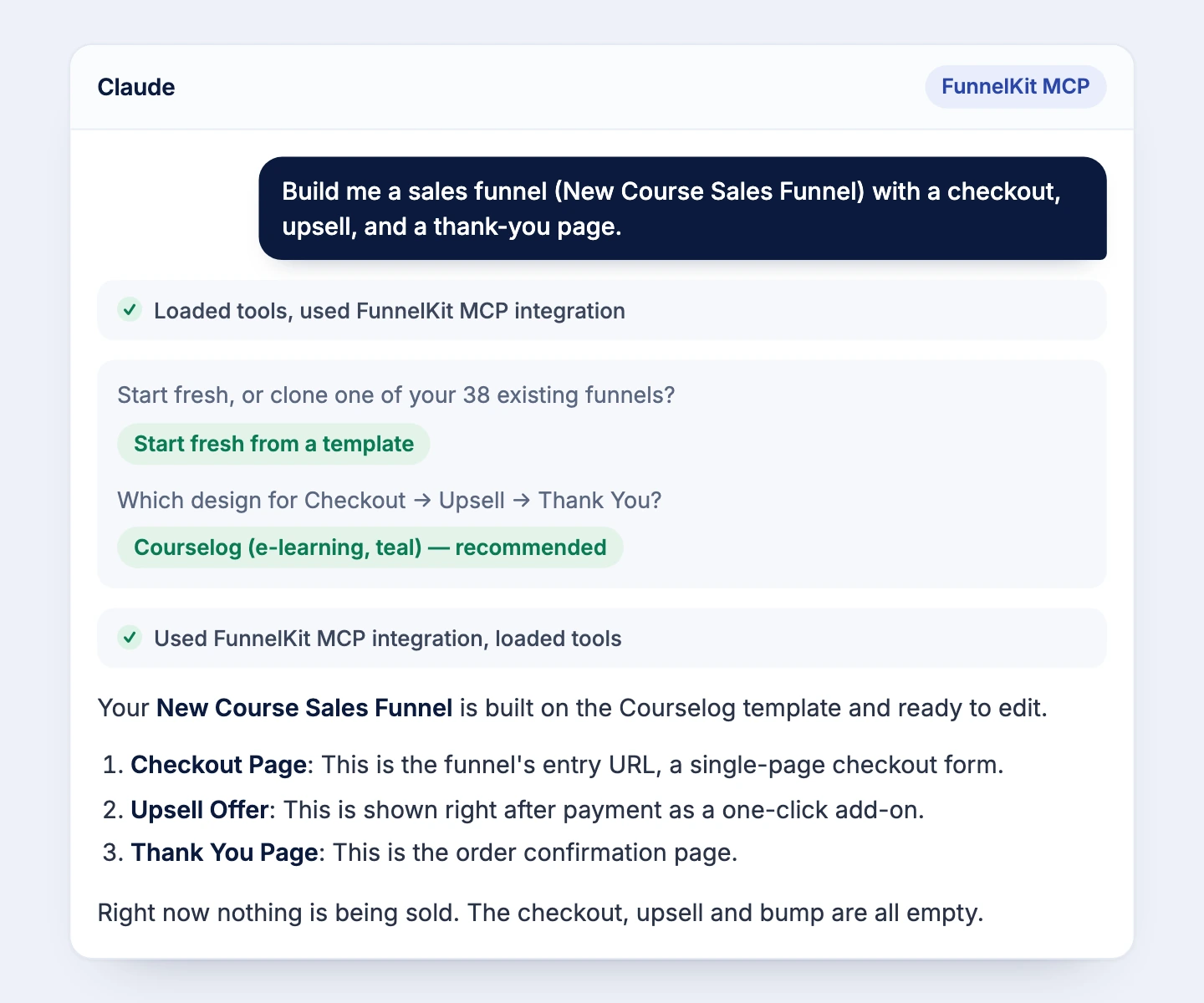
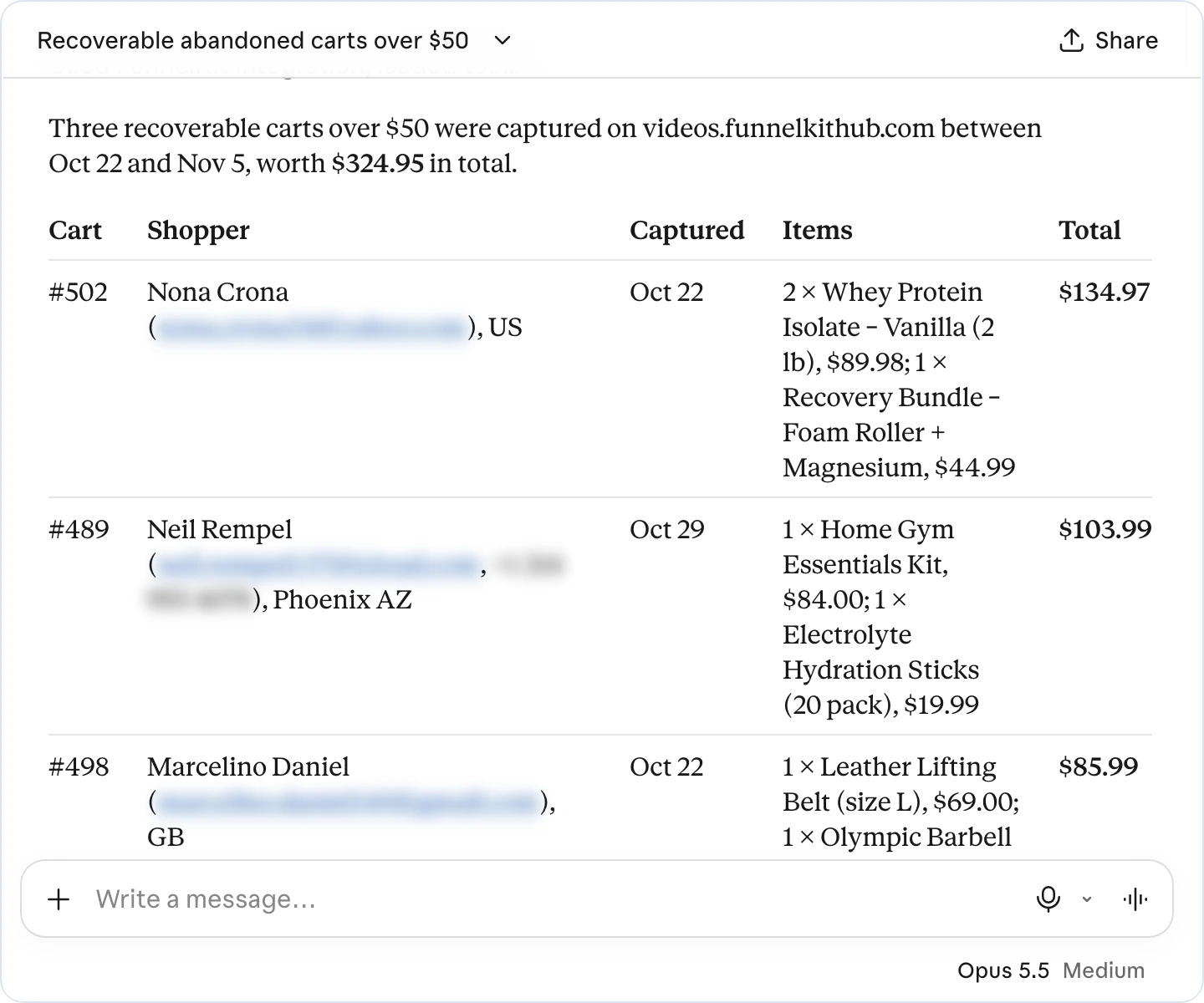
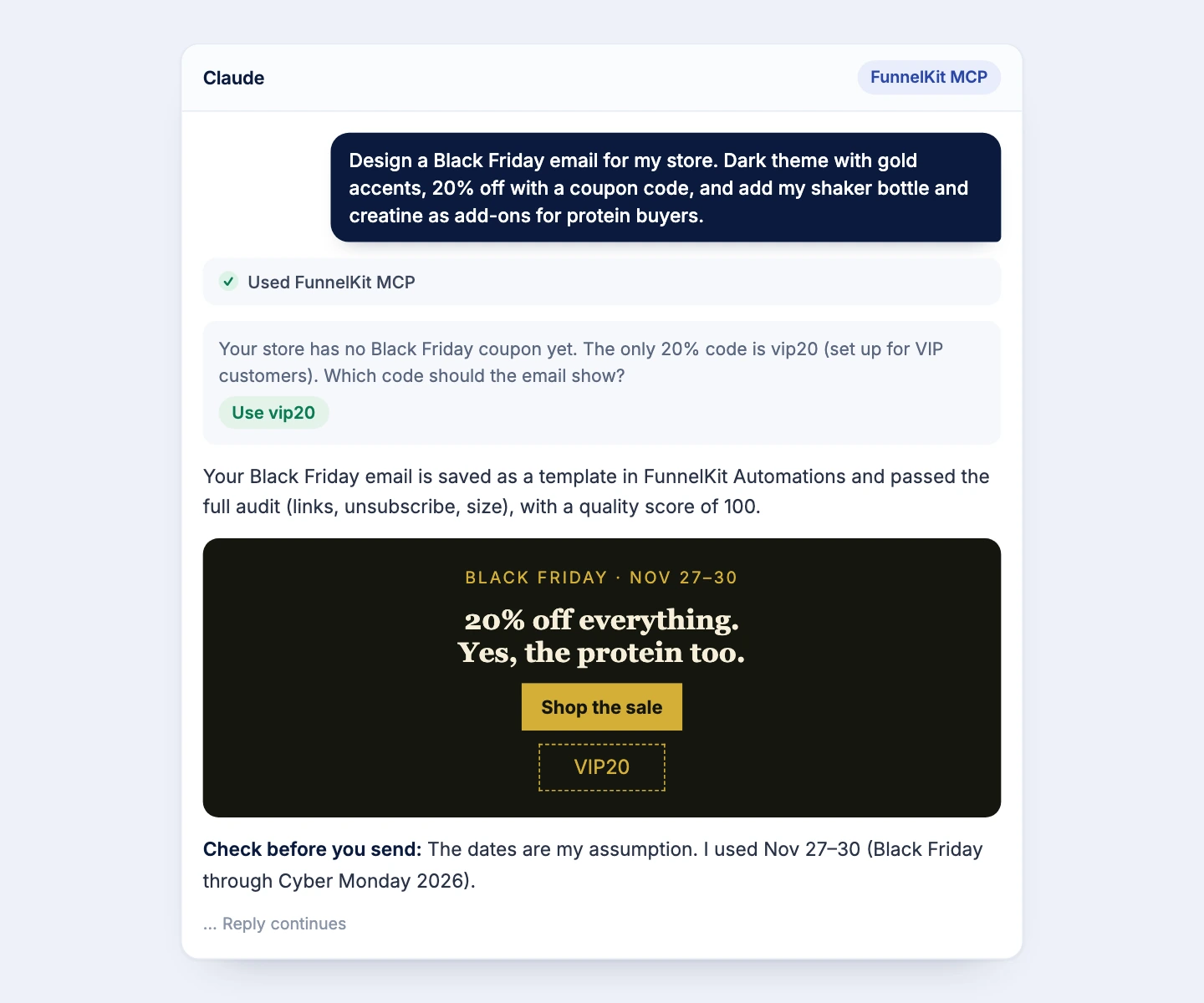
FunnelKit AI connects Funnel Builder and FunnelKit Automations to the AI assistant you already use. MCP stands for Model Context Protocol, an open standard that lets AI assistants connect to apps. Once connected, your assistant reads your store data and, with your permission, makes changes.
FunnelKit AI has guided setup for Claude, ChatGPT, Claude Code, Codex, Cursor, and VS Code. Any other client that supports custom MCP servers or connectors can connect too.
No. MCP works on Lite and Pro. With Funnel Builder Lite, the assistant builds funnels from templates, adds steps, and configures checkouts. Automations Lite gives read-only access to contacts, automations, and abandoned carts. Funnel analytics, order bumps, upsells, A/B tests, and changes to contacts, emails, and automations need Pro.
Chat assistants can write product copy, but they've never seen your funnels, so you end up exporting CSVs. General store connectors focus on orders and products. FunnelKit AI adds the revenue layer: funnels, checkouts, order bumps, upsells, A/B tests, emails, automations, and abandoned carts.
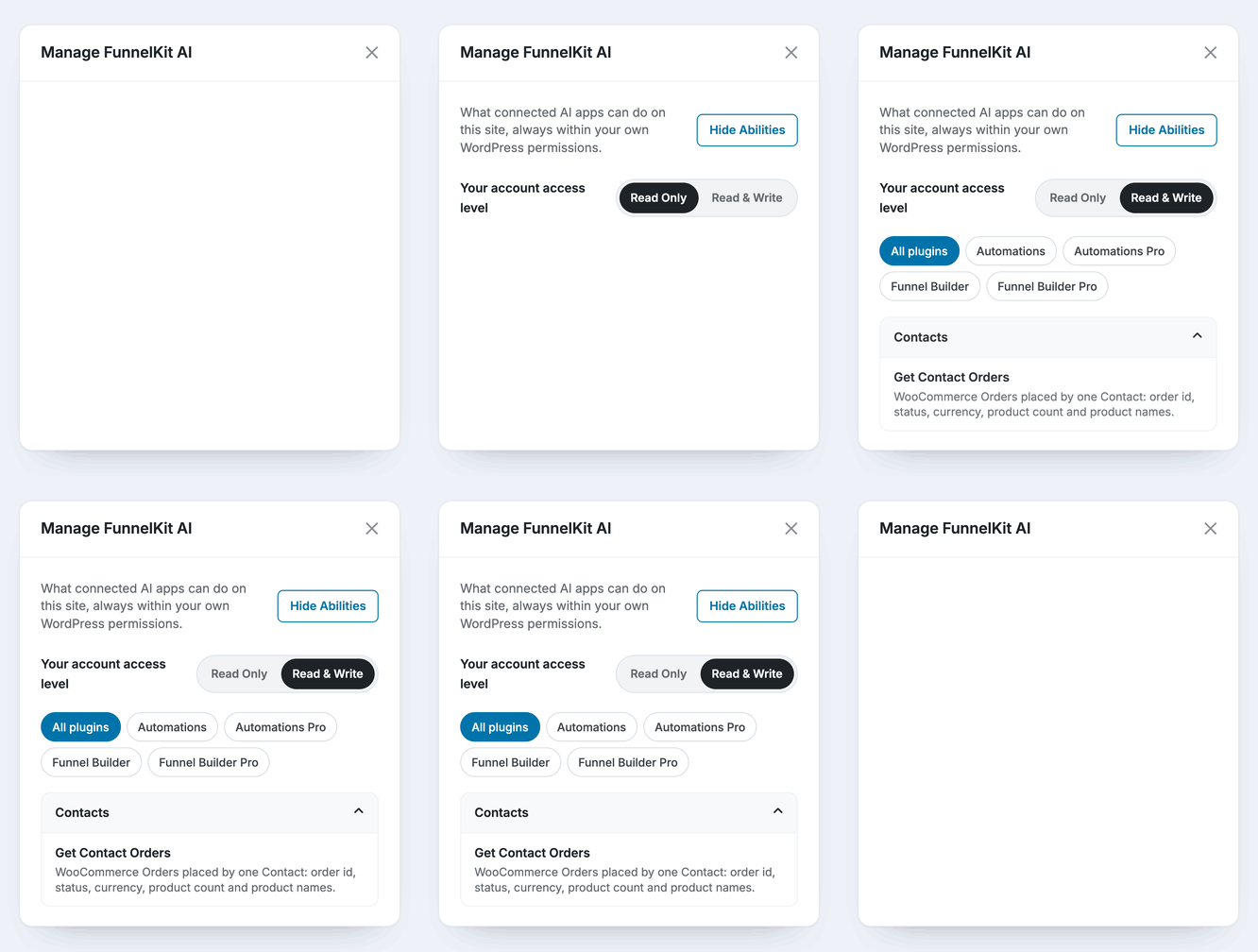
No. Write access is off by default and must be granted to each user. The assistant asks for your approval before it makes a change, and destructive actions such as deleting a contact need explicit confirmation.
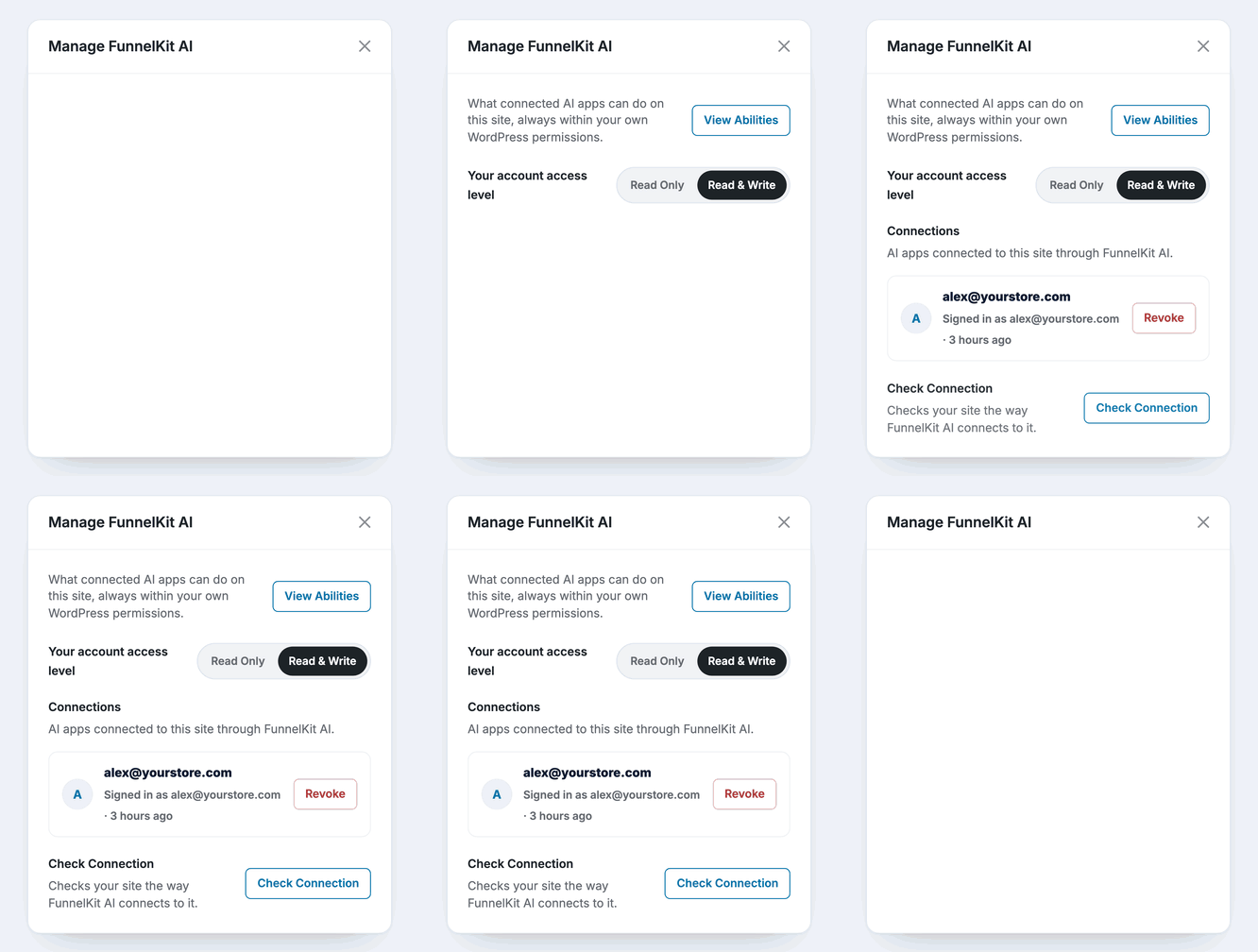
Only what the abilities you enable return. The assistant reads the same data your FunnelKit dashboards use, and you can switch off any read or write ability for a connection from the AI & MCP tab.
Yes. Each team member connects with their own WordPress account, so nobody shares credentials. You decide who gets write access and which abilities each connection can use.
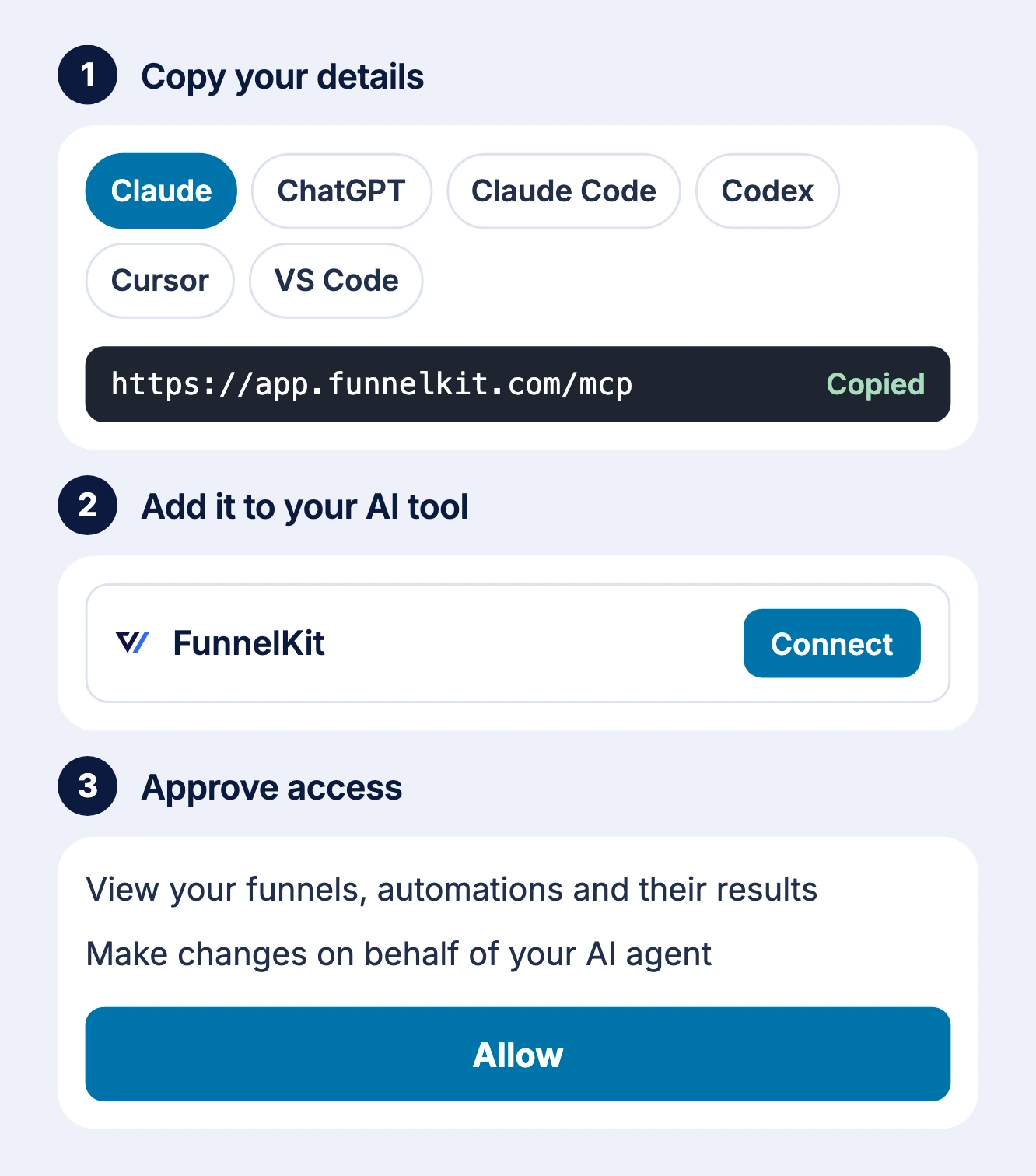
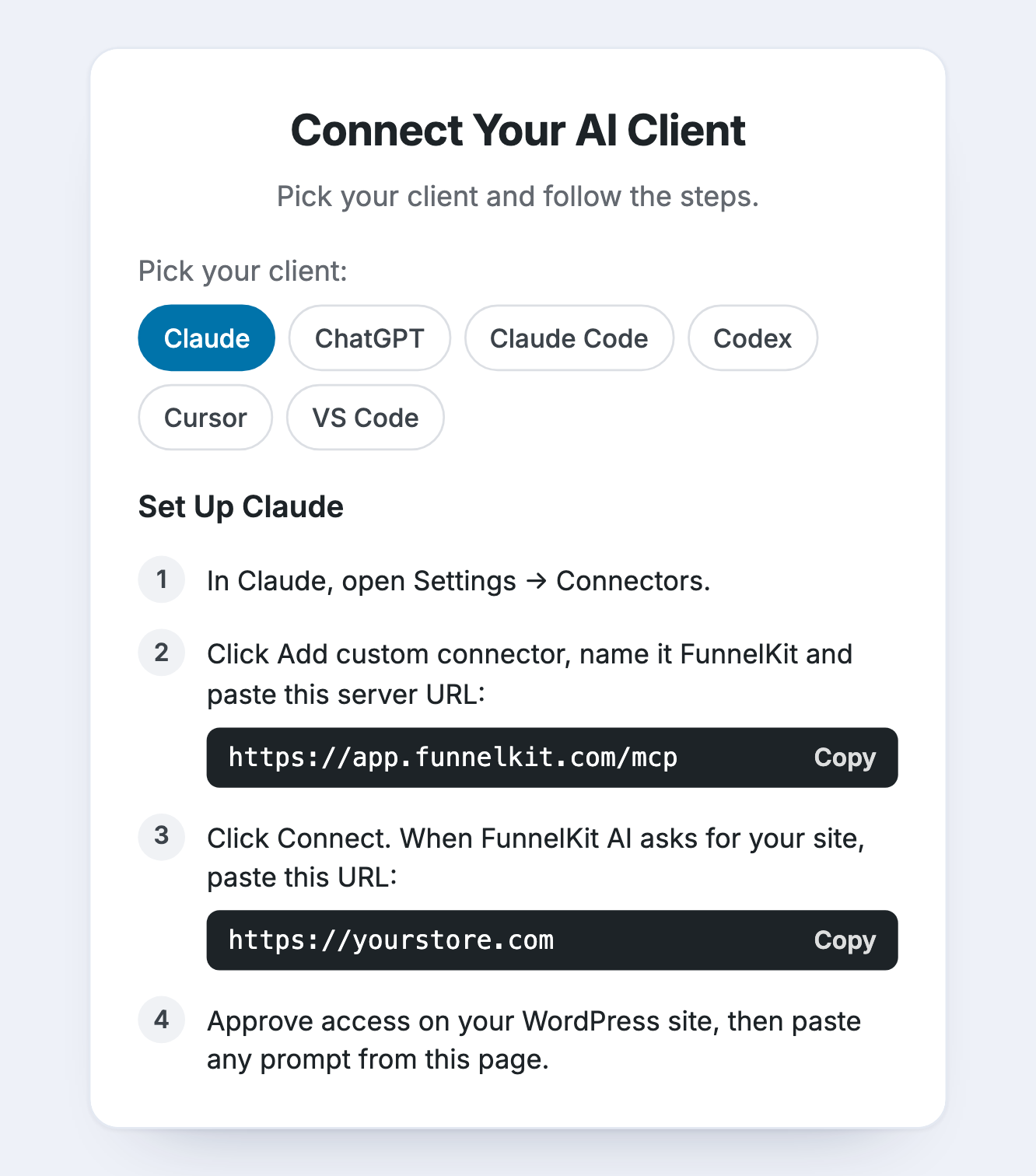
No. Update to Funnel Builder 3.18 or Automations 3.9.0, switch on MCP in the AI & MCP tab, and add FunnelKit as a custom connector in your AI client. Enter your site URL, approve access in WordPress, and run the built-in connection test. The whole setup takes a few minutes.
Yes. Once your first store is connected, open the AI & MCP tab on the next store, copy the prompt shown there, and paste it into your AI client. With several stores connected, name the store in your question.
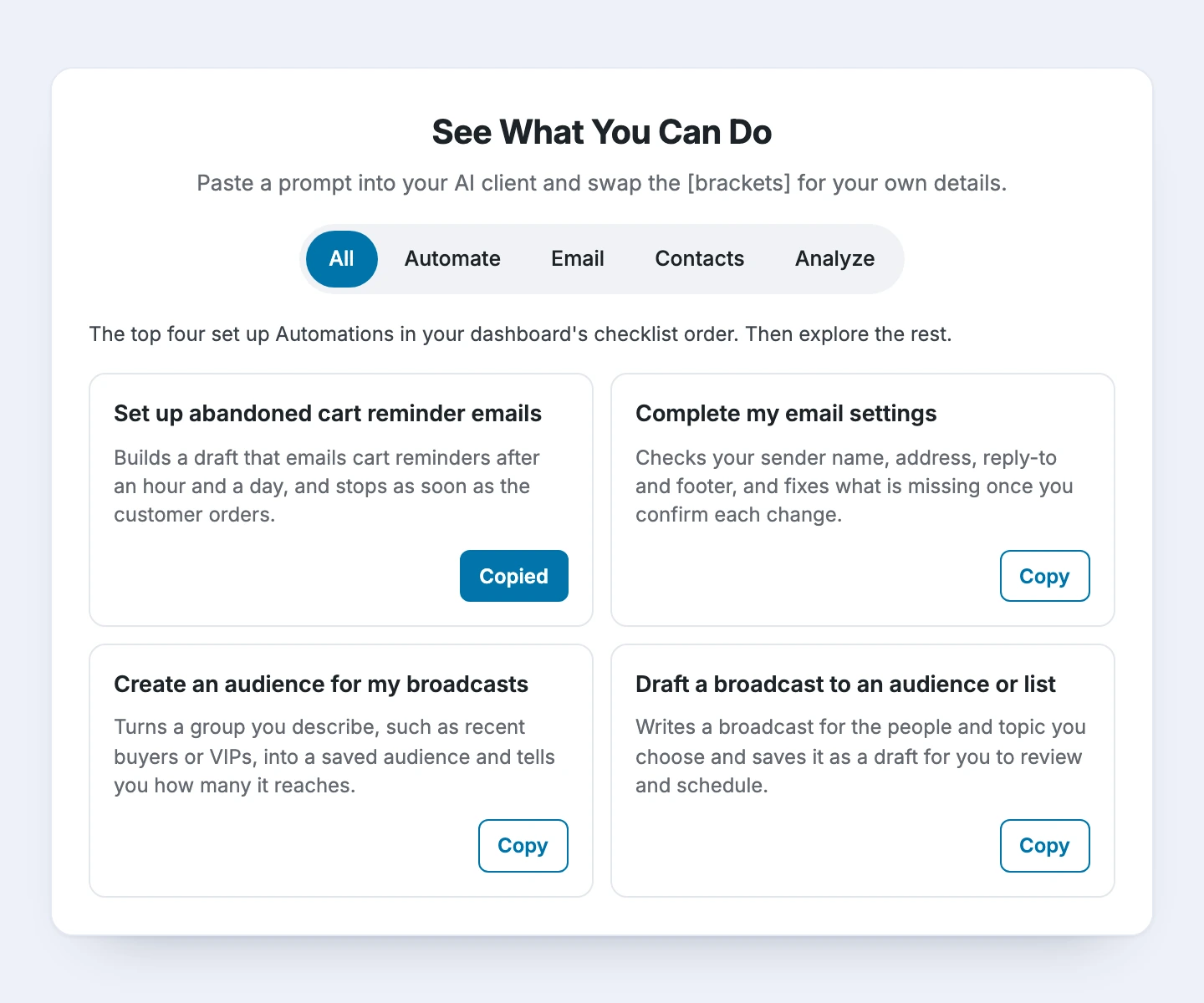
In the AI & MCP tab. It lists 32 ready-to-paste prompts across Create, Convert, Analyze, and Grow, and the top five set up your store in priority order. Swap the [brackets] for your own details and paste.
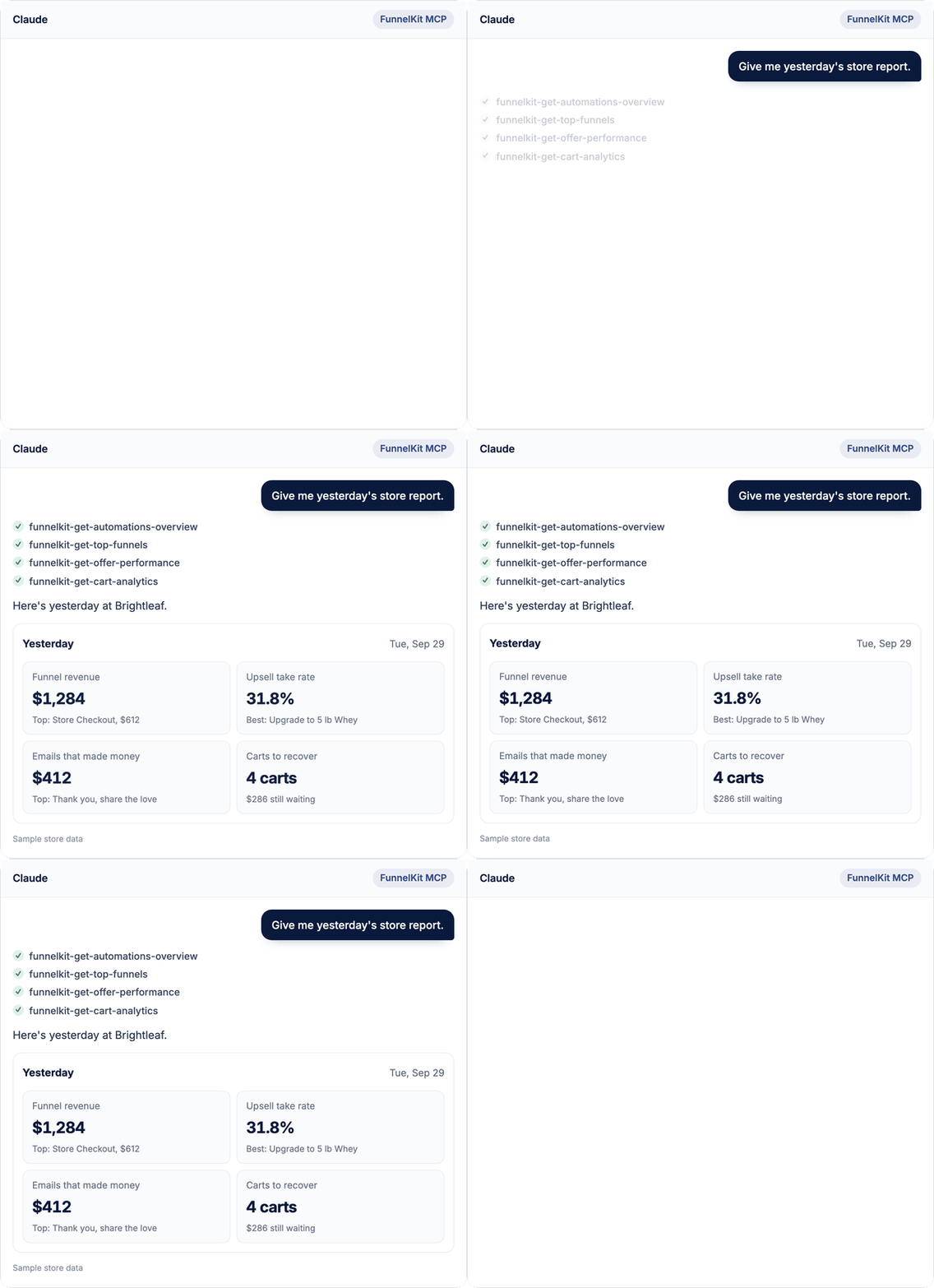
Yes, if your AI client supports scheduled prompts. Save “How did my store do yesterday?” as a scheduled prompt, and your funnel, email and cart numbers can be ready before you start work.
Yes, with Funnel Builder Pro, for funnel steps built with Elementor. The assistant can read a step’s design and change it from your description. Steps built with other page builders aren’t supported.
No. It works alongside it. The assistant handles the lookups and the first draft, and your dashboard stays the place to review, preview, and fine-tune before anything goes live.