

FunnelKit Editorial Team At a Glance
- A dedicated team of writers, marketers, designers, support specialists, and engineers sharing comprehensive WooCommerce knowledge.
- Over 15 years of hands-on experience with WordPress and WooCommerce, delivering practical solutions.
Trusted by and supporting more than 38,500 WooCommerce store owners worldwide. - All tips, strategies, and recommendations are grounded in real, first-hand experience and tested results.
- Rigorous multi-stage review process led by Marketer, Entrepreneur, WooCommerce Expert Daman Jeet Singh to ensure top quality.
Who Are We?
The FunnelKit Editorial Team is a group of real-world WooCommerce users who believe in the power of WooCommerce.
Rooted in a commitment to customer success, our goal is to help small WooCommerce businesses grow profitably.
That's why we create helpful content, including how-to tutorials, tips, and curated lists, to help you gain knowledge and choose the tools you need to grow your business with WooCommerce.
Our Team Includes:
Marketers and content strategists who've helped thousands of businesses grow.
Support leads who understand real customer problems and how to solve them.
Designers who specialize in human-computer interaction (HCI) help us implement it effectively.
Developers who know WooCommerce inside and out, and recommend what truly works.
Writers who are passionate about WordPress, technology, and sharing actionable insights.
What Sets Us Apart
We use and test every plugin we write about.
We share honest, practical feedback, not feature lists.
Every guide is reviewed multiple times, so it's perfect to a T.
No content is published unless it adds real value to our users.
Experience
Backed by 15+ years of real-world experience, we deliver more than just words.
Our team doesn't just write about what's popular; we write about what truly works.We create practical, real-world content designed to help you grow your WooCommerce business.
Whether it's how-to tutorials, plugin recommendations, or tips, everything we share is based on what's worked for real stores we've helped.
No guesswork, just tried and tested strategies.
Choosing the right plugin can make or break your WordPress experience. With so many options out there, we know our recommendations matter.
That's why we don't just list features. We actually use and test every plugin ourselves.
To make sure each piece delivers real value, it goes through a multi-step review process led by Daman Jeet Singh (a marketer, entrepreneur, and WooCommerce expert who knows the game inside out), ensuring the highest quality and accuracy.

Recent Blogs
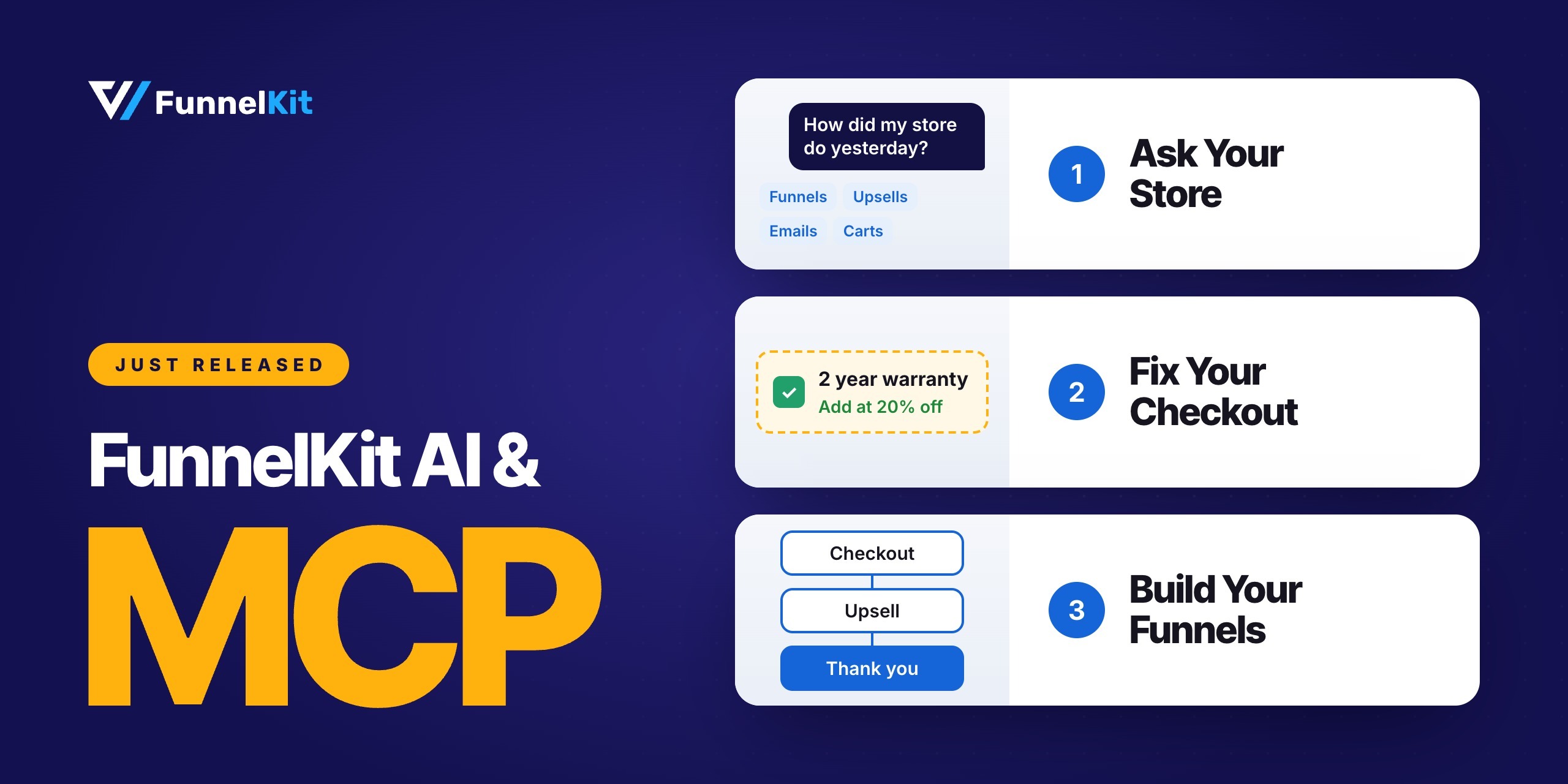
Introducing FunnelKit AI & MCP: Run Your WooCommerce Funnels and Automations Just by Asking
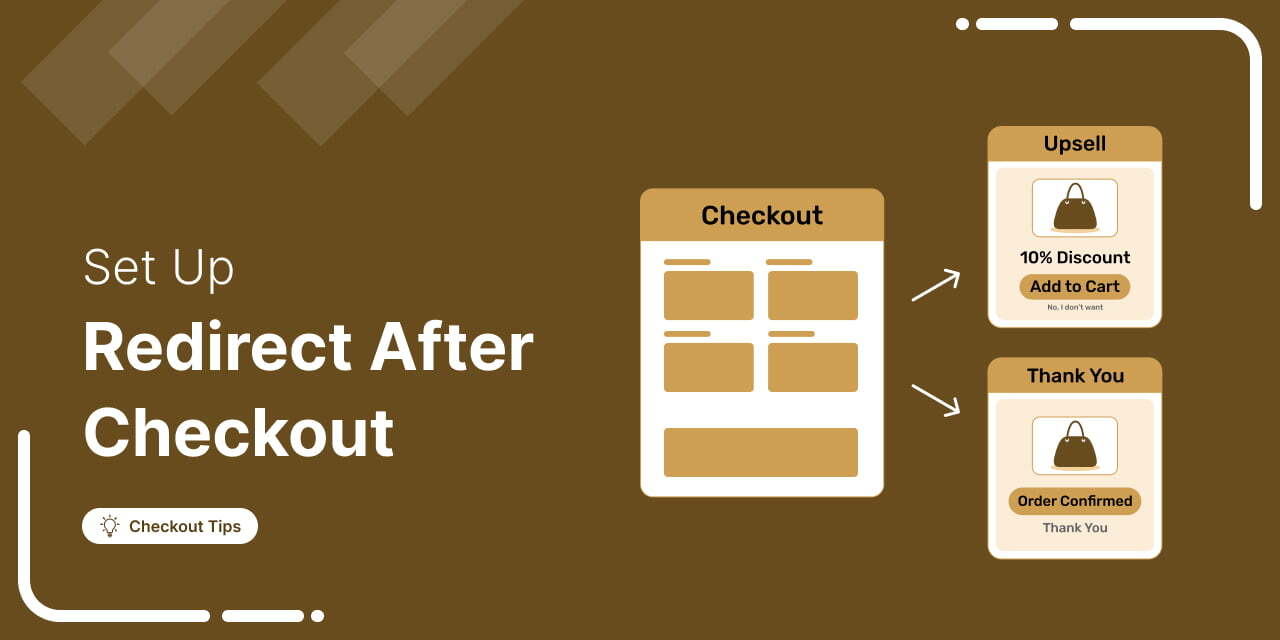
How to Set Up a Redirect After Checkout in WooCommerce: 3 Ways (No Code & PHP)
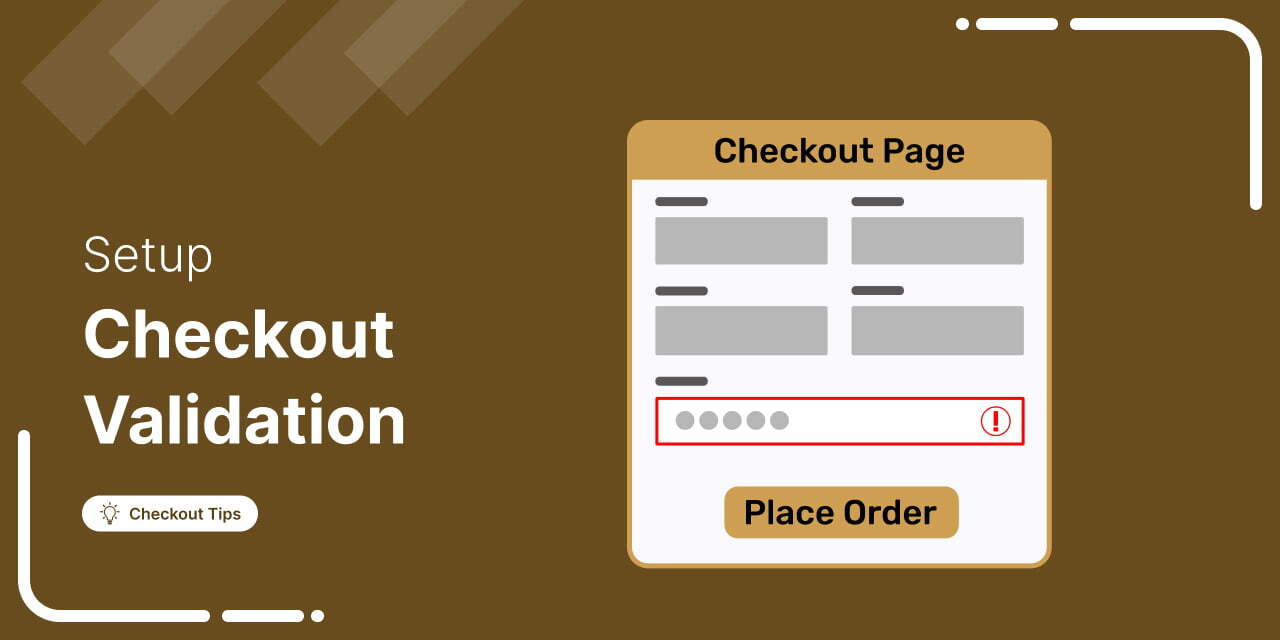
WooCommerce Checkout Validation: Plugin and Code Methods