




Connect with the founder and share your thoughts on FunnelKit!
Join Facebook CommunityRecent Blogs
WordPress Autoresponder: How to Set Up Automated Emails for Your Site
Setting up a WordPress autoresponder takes the manual work out of your communication, turning passive website visitors into engaged subscribers and paying customers. Rather than replying to form submissions by hand or individually emailing out a lead magnet, the system handles it instantly. This keeps your audience engaged and ensures you never miss a follow-up, all without requiring you to sit at your desk 24/7. However, the default WordPress email system is limited to basic notifications. With an average ROI of 4,300% in the U.S., email marketing remains one of the most profitable strategies [Source: Direct Marketing Association]. Autoresponders make that possible. If you want to
Apr 8, 2026
Editorial Team
How to Customize the WooCommerce Phone Field (Step-by-Step)
The WooCommerce phone field is one of the most commonly adjusted elements on the checkout page. Store owners either want to make it required for delivery coordination, add country code validation for international customers, or remove it entirely to reduce checkout friction. But the default setup is extremely rigid. No built-in format validation. No country flag dropdowns. You barely get any customization options over whether the field is required, optional, or hidden entirely from the frontend. Changing this behavior in the WordPress Customizer often does not work as expected. In this guide, we will look at exactly how to fix this. Whether you prefer writing raw
Apr 7, 2026
Editorial Team
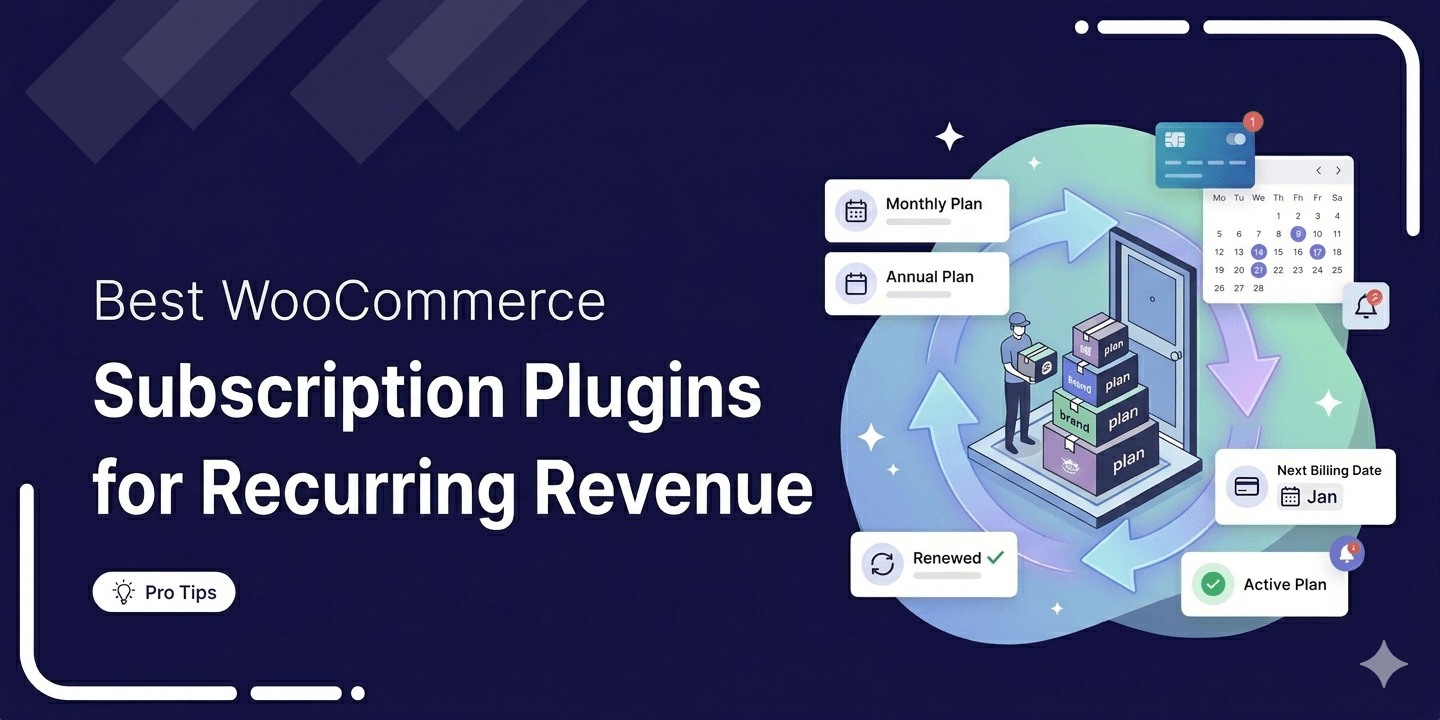
6 Best WooCommerce Subscription Plugins For Recurring Revenue: Tested & Compared (2026)
Want to turn one-time buyers into customers who keep coming back using WooCommerce? Then you need to find a WooCommerce subscription plugin. These plugins will help you automate billing, manage renewals, handle failed payments, and keep customers subscribed without doing everything manually. According to Business Wire, the subscription economy has grown by over 300% in seven years. Plus, recurring revenue is also more predictable than one-time sales. The bad news is that WooCommerce does not support subscription products or recurring billing on its own. In this blog, we will compare the 6 WooCommerce subscription plugins available in 2026. We will look at their features, pricing, and
Apr 6, 2026
Editorial Team
Ready to Transform Your Store?

Join 39,415+ successful store owners who trust FunnelKit to power their businesses.
Conversion Optimized Checkout Pages
Increase Revenue with Smart Upsells
Capture Emails & Recover Abandoned Carts
Automate Winbacks & Repeat Sales


973+ 5 star reviews on WordPress.org