


Connect with the founder and share your thoughts on FunnelKit!
Join Facebook CommunityRecent Blogs
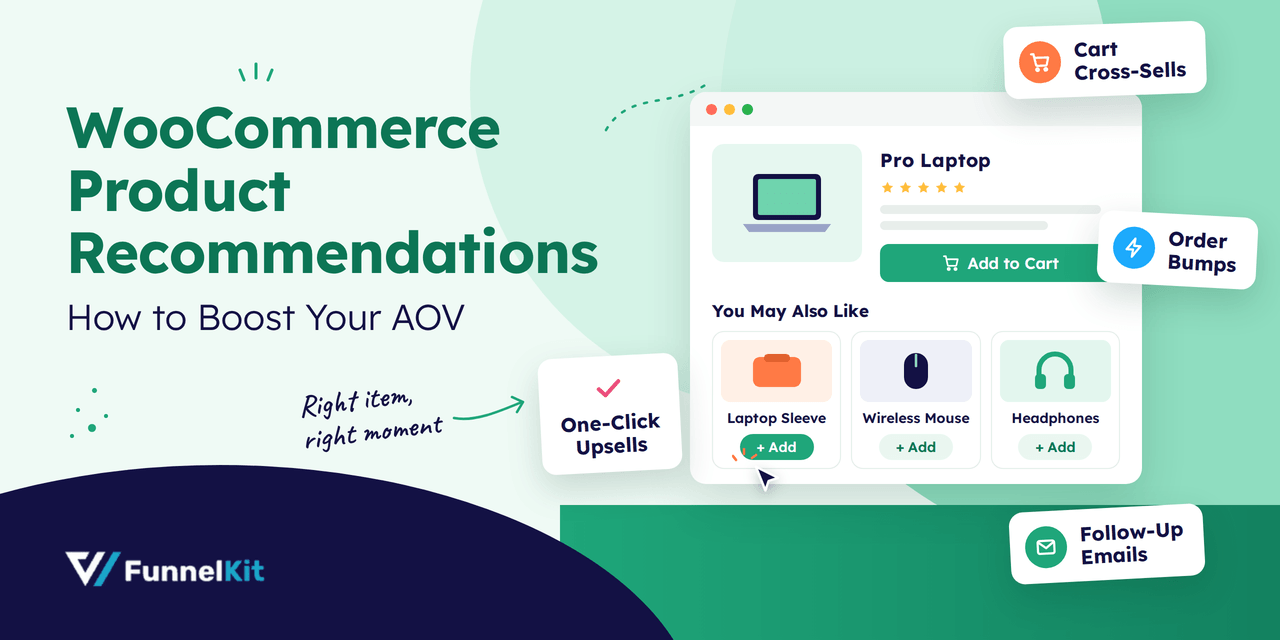
WooCommerce Product Recommendations: 7 Ways to Boost AOV
WooCommerce product recommendations are your store's way of saying, "This goes well with that." Someone viewing a laptop sees a sleeve right under it. A bag of beans in the cart brings up a grinder. Three days after the order, an email suggests the refill they'll need soon. It's the online version of the barista asking, "Anything to eat with that today?" One small question, asked at the right moment, grows an order the customer was already placing. Out of the box, WooCommerce gives you some of this for free. Upsells and related products show on the product page, and cross-sells show in the cart. There's
Sep 26, 2026
Editorial Team
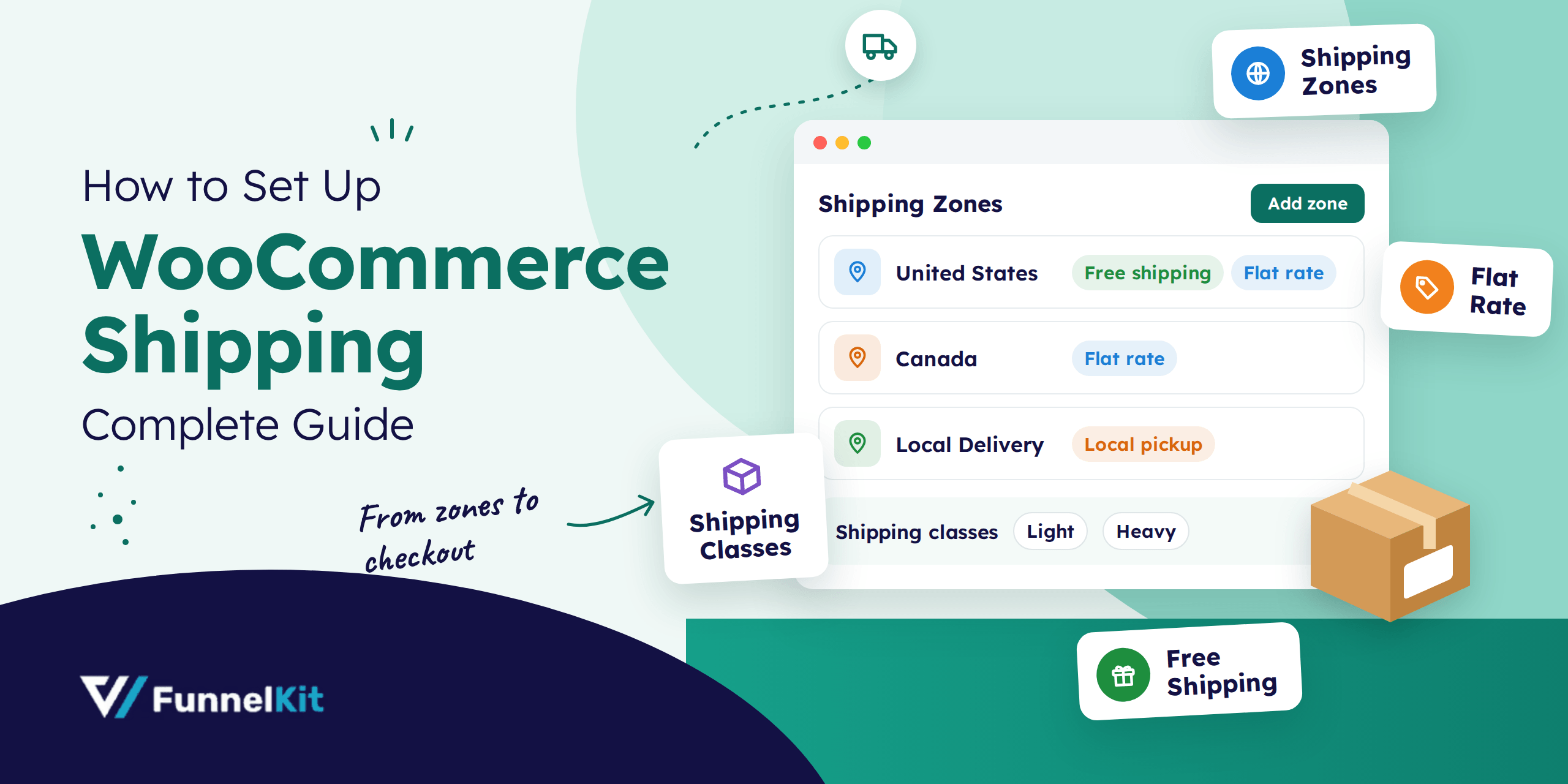
How to Set Up WooCommerce Shipping (Complete Guide)
WooCommerce shipping controls what customers pay to get their orders delivered, and you have to set it up yourself. Out of the box, WooCommerce doesn't know where you ship or what to charge. There's also a plugin with the same name. WooCommerce Shipping, made by WooCommerce, is a free tool that lets US stores buy and print discounted carrier labels right from the order screen. Same name, completely different job. The built-in settings are enough for most stores, so that's what we'll cover here. In this blog we will share how zones, methods, and classes work together, then set up free shipping, flat rate, and local
Sep 25, 2026
Editorial Team
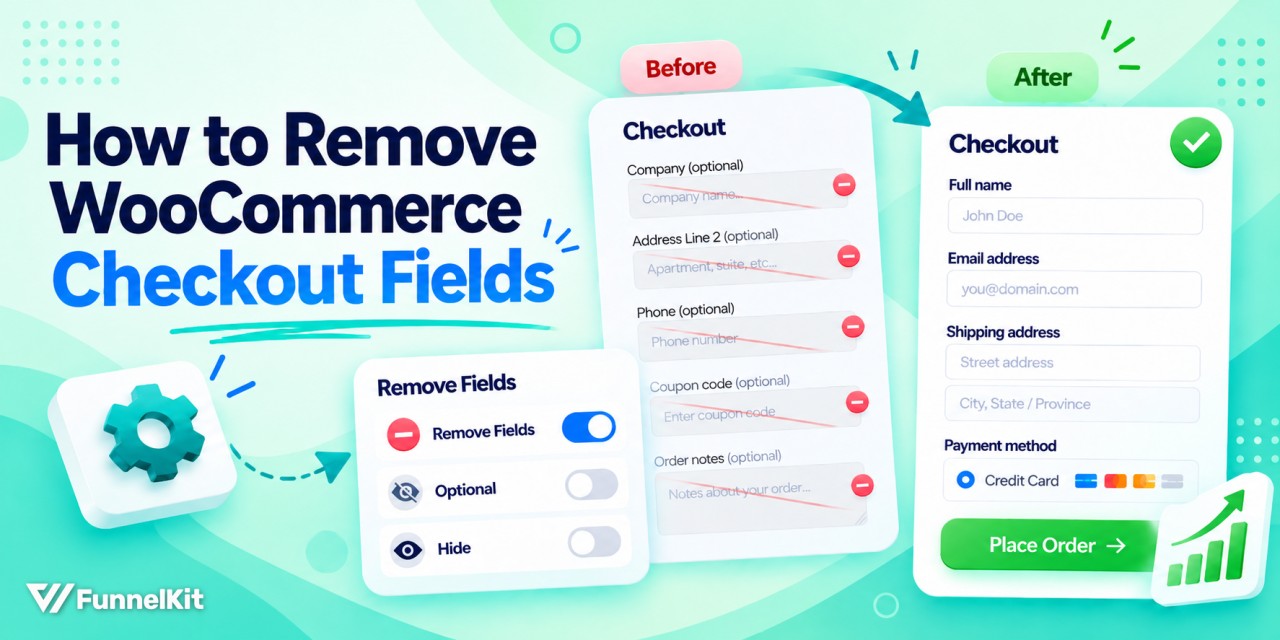
How to Remove WooCommerce Checkout Fields (Block & Classic)
Removing checkout fields in WooCommerce is one of the fastest ways to simplify your store’s checkout and reduce cart abandonment. Every extra field you ask customers to fill in adds friction and gives them another reason to leave. But the catch is that WooCommerce now ships two different checkouts, i.e., the classic shortcode checkout and the newer Checkout Block. The method you choose depends on which checkout your store uses. A code snippet that works perfectly on the classic checkout often has no effect on the block checkout. That's where most store owners get stuck. First, check which checkout you're using. It only takes a few
Sep 25, 2026
Editorial Team
Ready to Transform Your Store?

Join 40,300+ successful store owners who trust FunnelKit to power their businesses.
Conversion Optimized Checkout Pages
Increase Revenue with Smart Upsells
Capture Emails & Recover Abandoned Carts
Automate Winbacks & Repeat Sales


1002+ 5 star reviews on WordPress.org