Maximize Your Profit with FunnelKit – Highest Rated with 1,012+ 5-Star ReviewsBFCM deal live

Maximize your profit with FunnelKit · 1,012+ five-star reviews

FunnelKit Blog

New launchSpotlight
funnelkit bundles

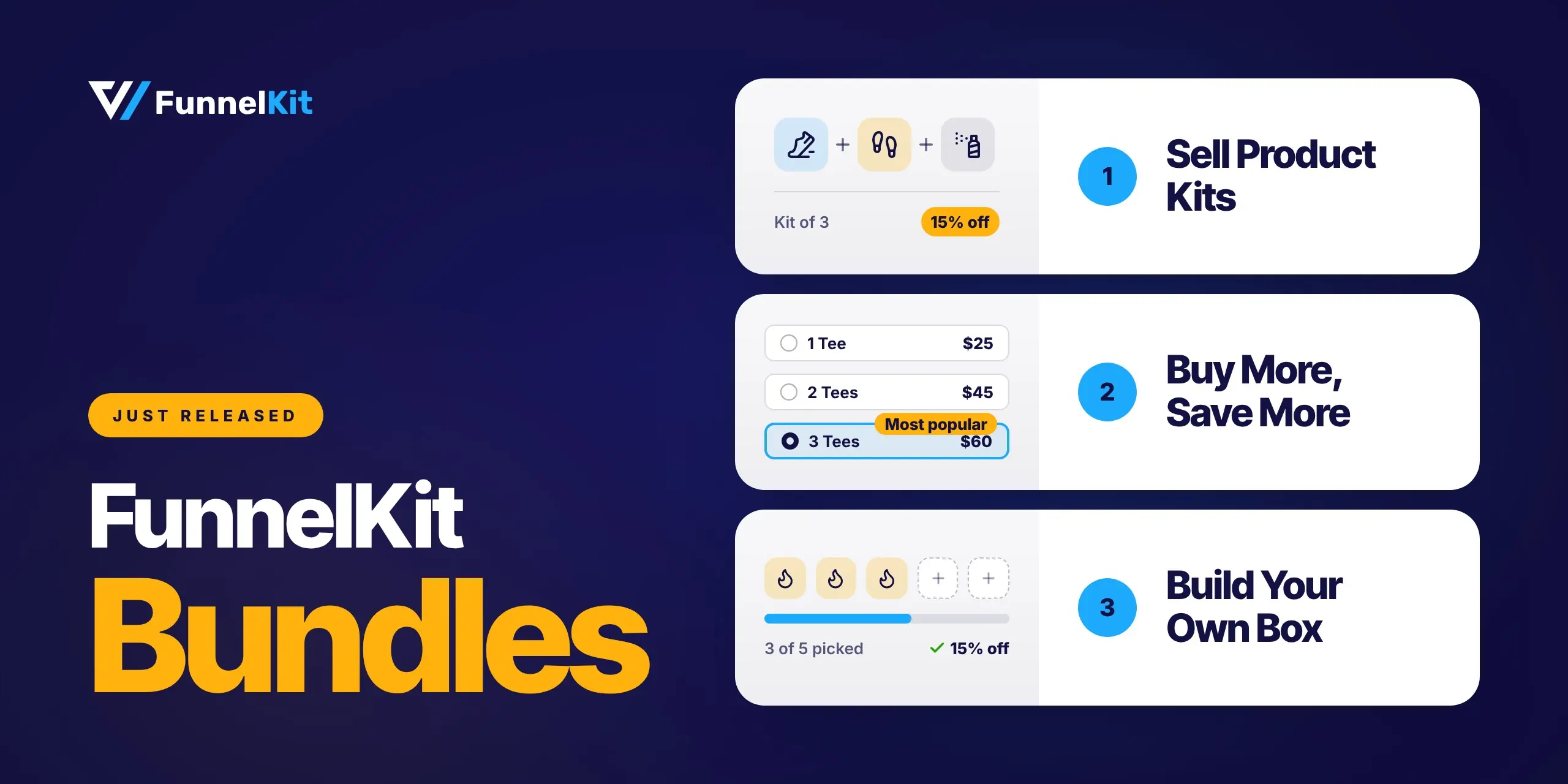
FunnelKit Bundles Is Here: Four Bundle Types That Grow Every Order

FunnelKit Bundles is here! You can now create and sell product bundles directly from Funnel Builder.  Choose from four bundle types, two of which are completely free. Whether you want to sell product kits, offer discounts on bulk purchases, or let customers put together their own boxes, you can do it all from the same dashboard you use for checkout pages, order bumps, and one-click upsells. You don't need to install another plugin or manage a separate set of discount rules. Let's say a shopper adds a $25 T-shirt to their cart. That’s a $25 order. Now imagine showing them an offer to get three T-shirts
Read the announcement →

Recent Blogs

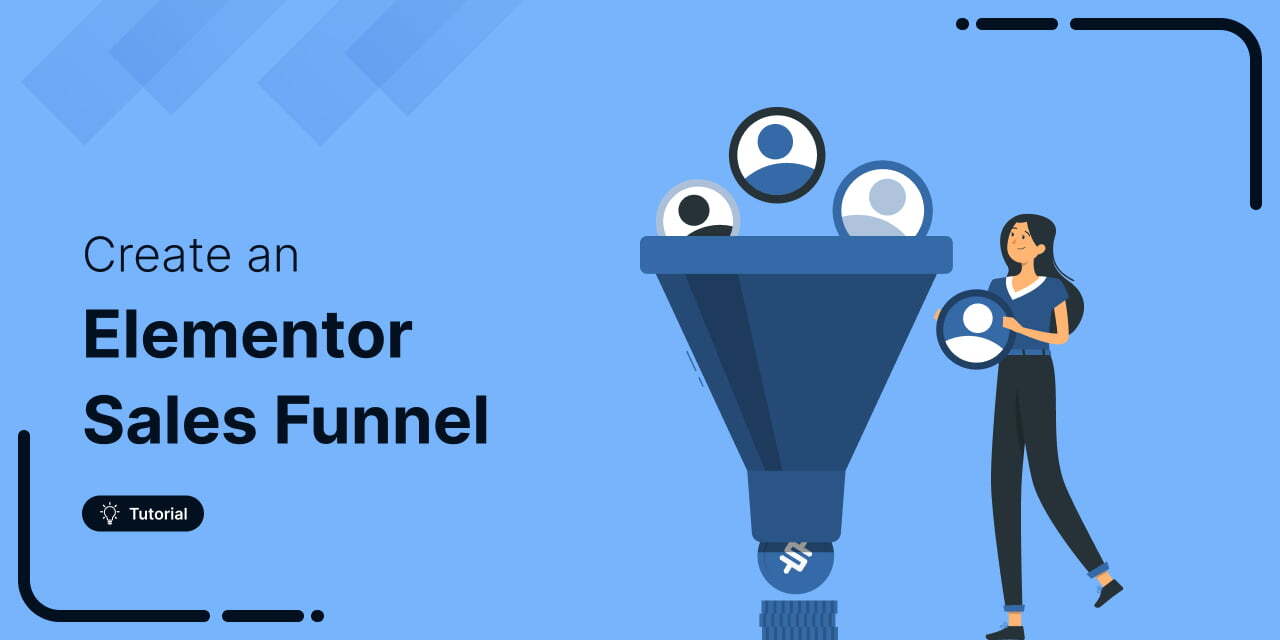
How to Create an Elementor Sales Funnel in WordPress that Converts

How to Create an Elementor Sales Funnel in WordPress that Converts

If you sell products online, you need to build an Elementor sales funnel to maximize sales. A sales funnel guide helps you convert visitors into buyers through a well-charted course/well-defined path. You can create a sales funnel using the most popular page builder, Elementor. It's easy to create different pages for your funnel using the drag-and-drop-based builder. In this article, we’ll dig deeper and see exactly how you can design your Elementor sales funnels. We will help you build a sales funnel with Elementor that's designed to convert. In this video tutorial, explore how you can create a WooCommerce sales funnel in WordPress: Why Should You
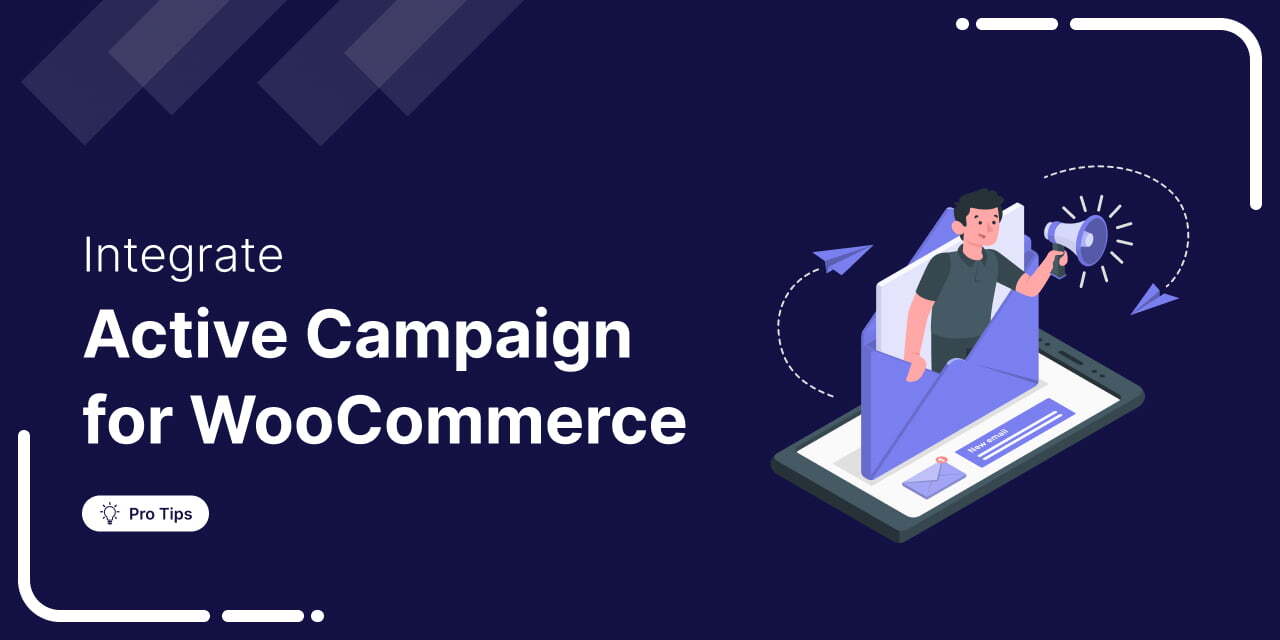
Set up WooCommerce ActiveCampaign Integration in 4 Simple Steps with Use Cases

WooCommerce ActiveCampaign Integration: How to Connect in 4 Easy Steps (Use Cases Included)

WooCommerce ActiveCampaign integration is one of the most sought-after connections in the WordPress community. ActiveCampaign is a customer experience automation platform. It can help WooCommerce store owners connect and engage with customers through automated emails and broadcasts. By connecting ActiveCampaign with your WooCommerce store, you can effortlessly automate behind-the-scenes marketing, sales, and customer support processes. But setting up WooCommerce ActiveCampaign integration isn’t that straightforward.  Many store owners struggle with technical configurations, API connections, and ensuring seamless data sync between both platforms. That's where this guide will help. In this post, we’ll show how you can integrate ActiveCampaign with your WooCommerce store in a few simple steps.
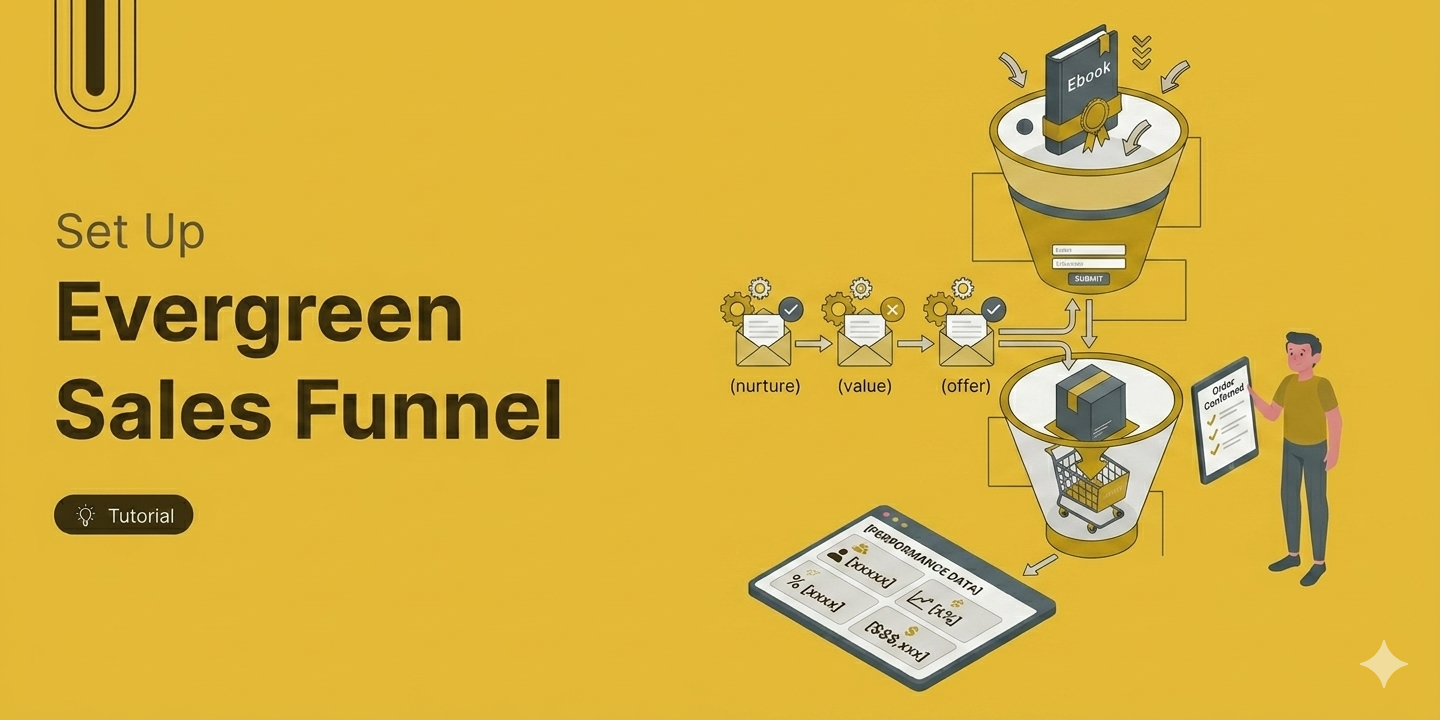
Evergreen Sales Funnel How to Convert Leads on Autopilot

Evergreen Sales Funnel: How to Convert Leads on Autopilot

Need a sales funnel that converts and gets you customers on autopilot throughout the year?  Then the evergreen sales funnel is what you need to set up.  An evergreen sales funnel is a fully automated marketing and sales sequence that runs in the background, converting leads into customers without you needing to show up live or run a new launch every time. The appeal is obvious. Build the system once, refine it over time, and let it work while you focus on other things. No grinding through a new promotional campaign every few months. The problem is that there is a significant gap between how Evergreen
Illustration of an upsell card with a handbag, 10% discount and Add to Cart button, for the checkout upsell guide

WooCommerce Checkout Upsell: The Complete Guide to Boosting AOV

Imagine walking into a coffee shop, ordering a coffee latte, and the barista says… nothing. No offer for a pastry, no suggestion for an extra shot of espresso. Just silence. Sounds like something's missing, right? That’s exactly what happens when your WooCommerce checkout doesn’t include upsells. Your customers are ready to buy from your store, yet you're not offering them anything extra. This way, you're leaving easy revenue on the table. Studies show that upselling can increase sales by up to 30%, but many store owners either don’t know how to do it or worry these will annoy shoppers. The truth? Checkout upsells can feel seamless
Phone with an Order Confirmed! message and Done button, for the guide to customizing the WooCommerce confirmation page

How to Customize the WooCommerce Order Confirmation Page (Step-by-Step Guide)

The WooCommerce order confirmation page is the page customers see after they successfully complete a purchase. It confirms the order, displays the purchase details, and marks the end of the checkout journey. By default, WooCommerce generates this page automatically, but it is plain and underused. It shows the basic order summary and nothing else. There is no branding, no post-purchase CTA, and no next step for the customer to take to encourage a second order. In this guide, we will explain what the WooCommerce order confirmation page is and where it lives in your store. We will then walk through how to customize it using a
Order form with an Upload File field and cloud icon added at the top, for the WooCommerce checkout file upload guide

How to Add a File Upload Field to WooCommerce Checkout (2 Easy Methods)

Without a file upload option at checkout, WooCommerce stores risk losing sales and frustrating customers. I once worked with a print shop where customers had to email their designs after placing an order. The result was missed files, endless back-and-forth communication, and frustrated buyers who often gave up. The core issue is that WooCommerce’s default checkout does not include a file upload option. Once file upload fields were added to checkout, the process became seamless. Customers could attach their designs while placing the order, which reduced errors and saved hours of manual follow-up. And this is not just a one-off case. Many businesses, from print-on-demand services
How to Create Automated Birthday Emails that Your Customers Will Love

How to Create Automated Birthday Emails that Your Customers Will Love

Your customers get hundreds of emails every day. Most get deleted without a second glance. Automated birthday emails are different. The numbers back that up. Campaign Monitor found birthday emails drive 179% more clicks, 481% more transactions, and 342% more revenue per email compared to regular promotional campaigns. One day on the calendar outperforms months of standard sends. Why? Timing and context. A birthday email lands when someone is already in a celebratory mood, already expecting to spend on themselves. An offer with their name on it doesn't read as marketing. It reads as thoughtful. That gap in perception is worth a lot. In this post,
Illustration of a pink envelope linked to gift, chart, globe and target icons, for the Mailchimp integration tutorial

WooCommerce Mailchimp Integration: Setup, Sync and Automation Made Simple

Want to set up WooCommerce Mailchimp integration and supercharge your email marketing? Email remains one of the most powerful channels for driving sales, but without proper automation, you’re leaving money on the table. By integrating WooCommerce with Mailchimp, you can automatically sync customer data, segment your audience, and send highly targeted emails without any manual effort. With the right integration, you can track customer behavior, recover abandoned carts, and nurture relationships that lead to repeat purchases. And the best part? Setting it up is easier than you think. In this post, we’ll walk you through how to seamlessly integrate WooCommerce with Mailchimp. Plus, we’ll explore seven

Subscribe For Latest Updates

Get free tips, tricks, and resources to grow your mailing list.

Make More From Every Sale.

FunnelKit works at the three moments a store earns money: before checkout, at checkout and after the order.

Before checkout: cart upsells and free-shipping goals in a sliding cart
At checkout: a faster checkout with order bumps and one-click upsells
After checkout: abandoned-cart recovery and follow-ups that bring buyers back
Start Selling More Today →
★★★★★ 4.9/5 from 1,012+ reviews on WordPress.org