

Join Over 40,300+ Professionals
Who build smart funnels and automations with FunneKit

Frictionless Checkouts
Email & SMS Marketing
Attractive Order Bumps
Rich Contact Profile
One Click Upsells
Workflow and Integrations
In-depth Analytics
Segmented Broadcast
A/B Testing
Revenue Tracking
Robust Rule Engine
Sliding Cart
Get FunnelKit Now

FunnelKit Blog

Recent Blogs
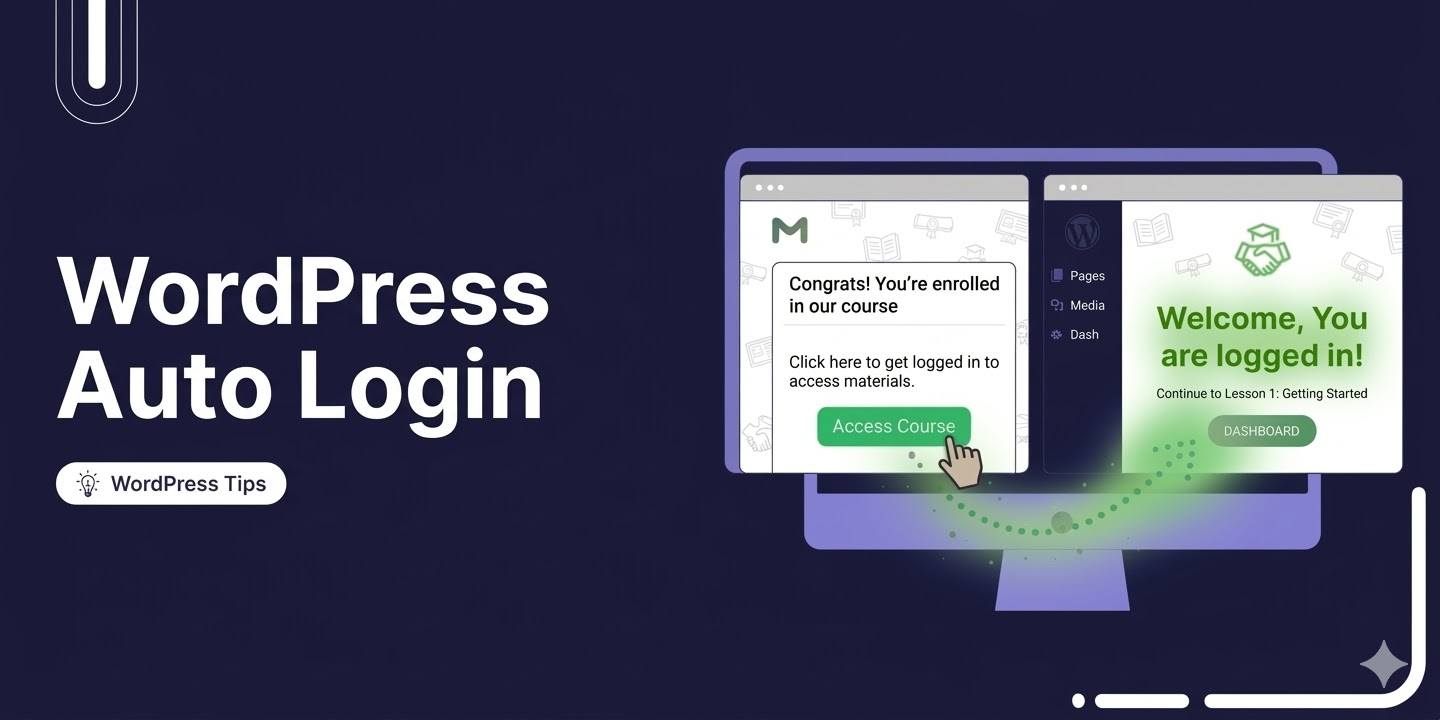
WordPress Auto Login: How to Make Users Log in By Clicking a Link
WordPress auto login lets registered users access your site by clicking a single link, no username, no password required. And yet, most sites still make people stop and manually enter their credentials every single time. Be it accessing a course, viewing premium content, renewing a subscription, downloading a digital product, or simply landing on their account page after clicking an email, there's unnecessary friction at every step. That friction costs you. The more steps between a user and their goal, the more people drop off. What if instead, a single click from their email logged them straight in and dropped them exactly where they needed to
Mar 16, 2026
Editorial Team
Join Over 40,300+
Subscribers to get free tips, tricks, and resources to grow your mailing list
Recent Blogs
19 Best Free WooCommerce Plugins to Grow Your Online Store
Want to make your store better without spending a dime? These free WooCommerce plugins enhance sales, streamline tasks, and enhance the shopping experience. While launching a WooCommerce store is easy, scaling it efficiently is the real challenge. That's where these free plugins come in. Instead of chasing every new plugin, focus on tools that actually make a difference. A smart way to start is with free plugins: test what works, then upgrade only when needed. In this guide, we’ve compiled the 19 best free WooCommerce plugins. We’ve also highlighted key features, both free and premium, to help you choose the right ones for your store. Top
Mar 13, 2026
Editorial Team
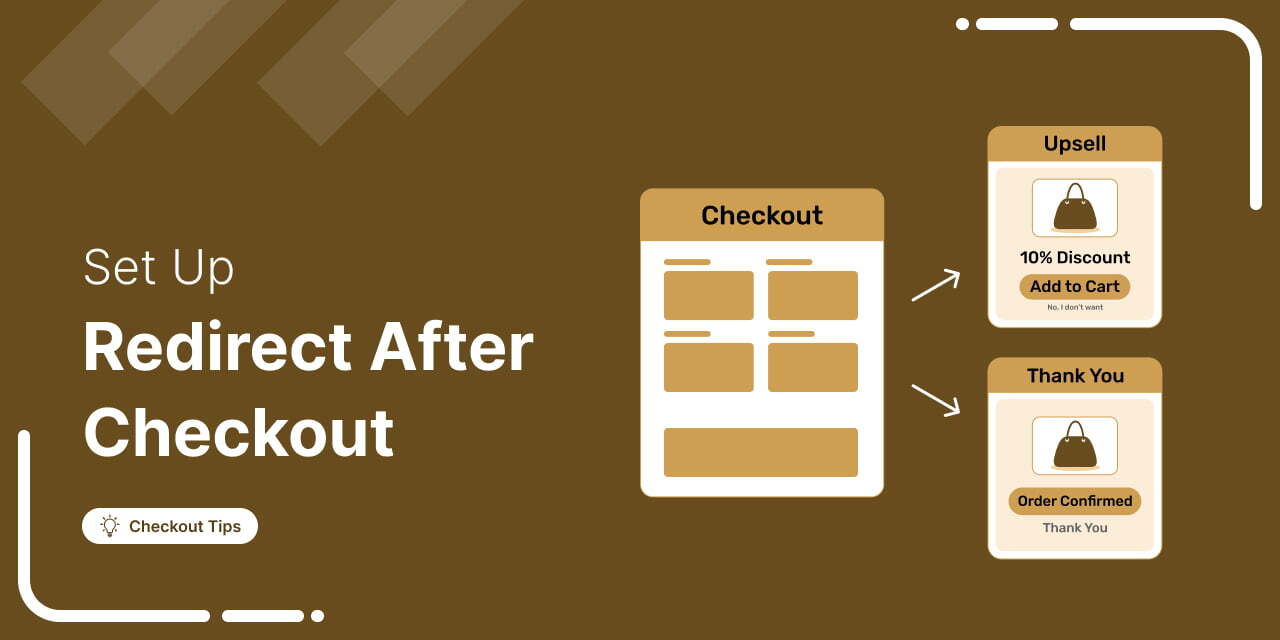
How to Set Up a Redirect After Checkout in WooCommerce
Don’t let your customer journey end with a basic thank-you page. Instead, turn it into a valuable opportunity to boost customer engagement, increase order value, and build brand loyalty. A WooCommerce redirect after checkout lets you send customers to a custom thank-you page, upsell offer, or external URL for a more personalized post-purchase experience. This simple strategy not only improves the post-purchase experience but also enhances conversions and drives repeat sales. If you’ve seen other stores directing customers to custom post-purchase pages and wondered how to do the same, you’re in the right place. In this guide, I’ll show you exactly how to set up a
Mar 13, 2026
Editorial Team
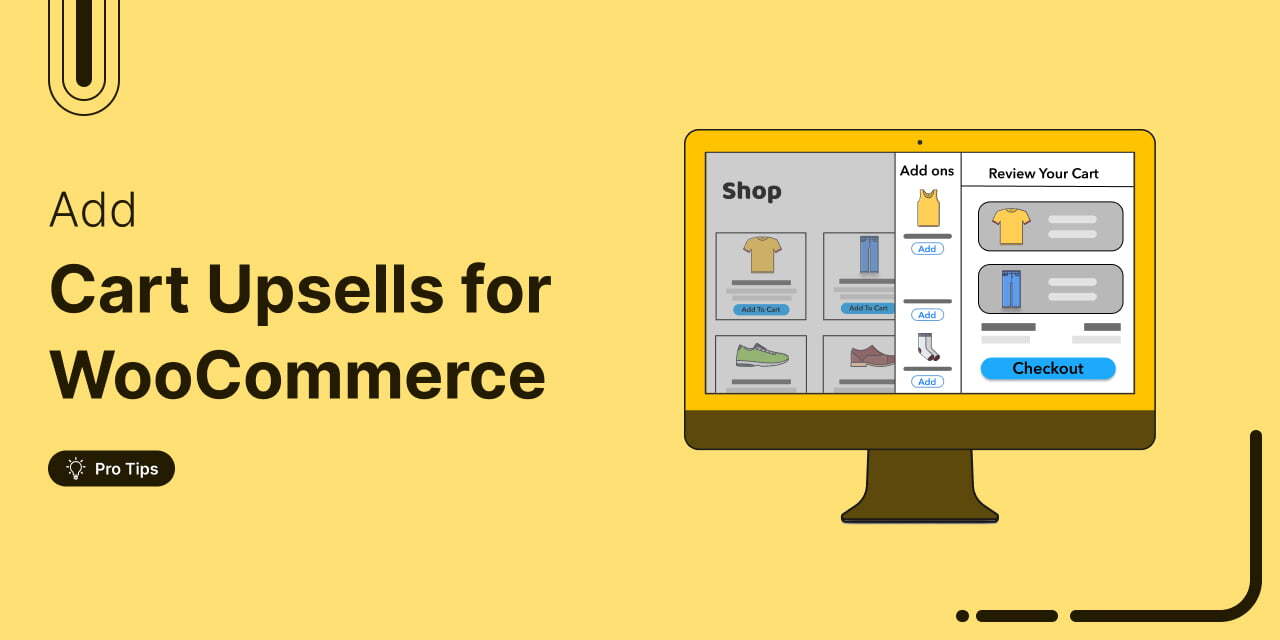
WooCommerce Cart Upsell: How to Set It Up and Boost Your Average Order Value
WooCommerce cart upsell offers let you recommend relevant products inside the shopping cart, right when customers are ready to spend. It's one of the easiest ways to boost average order value without spending more on ads. Yet many store owners overlook it because WooCommerce does not include a true cart upsell feature by default, except for a basic 'You may also be interested in' section on its cart page. But with a well-configured cart upsell setup, you can reduce cart abandonment by keeping shoppers engaged with relevant offers and spending incentives while they are still in buying mode. In this blog, we will show you how
Mar 12, 2026
Editorial Team
How To Set Up WooCommerce Offline Payments: Bank Transfer, Check, and COD
WooCommerce offline payment options are more important than many store owners realize. While online cards and digital wallets dominate in some regions, millions of shoppers still prefer paying after placing an order. For example, according to Go Globe, 64% of online shoppers in the Middle East show a strong preference for Cash on Delivery, especially for categories like electronics, fashion, and household products. This is why WooCommerce includes built-in offline payment methods like bank transfers, check payments, and cash on delivery. These options allow businesses to accept orders without requiring instant online payment. In this guide, we’ll explain what WooCommerce offline payments are, when they make
Mar 12, 2026
Editorial Team
8 Best WooCommerce CRM Plugins to Manage Customers and Grow Sales
Customer interactions, purchases, and support tickets happen constantly. A WooCommerce CRM gives you a centralized place to track them all on a single screen. Your store already records everything. Every click. Every purchase. All those names, email addresses, and abandoned carts currently sit buried in your database. The problem? Accessing it is a nightmare because the data is scattered across order screens, and you end up exporting messy CSV files just to see who bought what last Tuesday. All that collected data becomes essentially useless. A CRM fixes the fragmentation. The right plugin pulls those scattered pieces into a single dashboard so you can actually use
Mar 11, 2026
Editorial Team
How to Add Terms and Conditions to the WooCommerce Checkout Page
WooCommerce checkout page terms and conditions protect your store from disputes, chargebacks, and legal liability. They set the rules that customers agree to before completing a purchase, covering everything from refund policies to shipping expectations. The default WooCommerce terms and conditions setup is limited. Sure, you get a basic checkbox linked to a page. But that is it. Want to tweak the label? Need a second checkbox? Looking for a database log proving the customer actually clicked 'agree'? The built-in settings will not do that. For stores forced to comply with strict privacy laws like GDPR or PIPEDA, those native limitations become a real compliance headache.
Mar 10, 2026
Editorial Team
How to Add Age Verification at Checkout in WooCommerce (Step-by-Step)
WooCommerce age verification checkout becomes important the moment you sell products that are restricted by age. If you sell products like alcohol, tobacco, or vapes, verifying a customer’s age is not just a good practice. In many countries, it is a legal requirement. Some other items can fall into this category too, such as high-caffeine energy drinks, certain supplements, fireworks, or mature-rated video games. The tricky part is that WooCommerce doesn’t really help with this out of the box. There is no built-in age gate at checkout. No date-of-birth field. No confirmation step that stops someone underage from placing an order. So if you are running
Mar 6, 2026
Editorial Team
WooCommerce Apple Pay Not Showing: Learn Why and How to Fix It
You did everything right by setting up Apple Pay, enabling it in your WooCommerce settings, and even double-checking your Stripe configuration. But at checkout? No Apple Pay button in sight. You’ve cleared the cache, read random articles, and maybe even reinstalled the Stripe gateway plugin. And yet… nothing. Sound familiar? This is a common issue many WooCommerce store owners run into, especially when aiming to offer fast, tap-and-go payments for mobile users. The good news? It's usually a quick fix. Based on our experience in helping dozens of clients, we’ve identified the most common reasons why the Apple Pay button doesn’t show up and how to
Mar 6, 2026
Editorial Team
How to Send Custom WooCommerce Low Stock Notification Emails
Are you constantly stressing about running out of your best-selling products and missing out on sales? Setting up and customizing WooCommerce low stock notification emails can really help your online store. These alerts ensure you stay on top of your inventory, so you’ll always know when it’s time to restock. In this article, we'll walk you through how to easily set up these notifications and customize them to fit your needs. Ready to keep your shelves stocked and your customers happy? Let’s dive in! Short on time? Watch the video 👇 What are WooCommerce Low Stock Notification Emails? WooCommerce low stock notification emails are automated alerts
Mar 5, 2026
Editorial Team
Ready to Transform Your Store?

Join 40,300+ successful store owners who trust FunnelKit to power their businesses.
Conversion Optimized Checkout Pages
Increase Revenue with Smart Upsells
Capture Emails & Recover Abandoned Carts
Automate Winbacks & Repeat Sales


1005+ 5 star reviews on WordPress.org