Maximize Your Profit with FunnelKit – Highest Rated with 1,012+ 5-Star ReviewsBFCM deal live

Maximize your profit with FunnelKit · 1,012+ five-star reviews

FunnelKit Blog

New launchSpotlight
funnelkit bundles

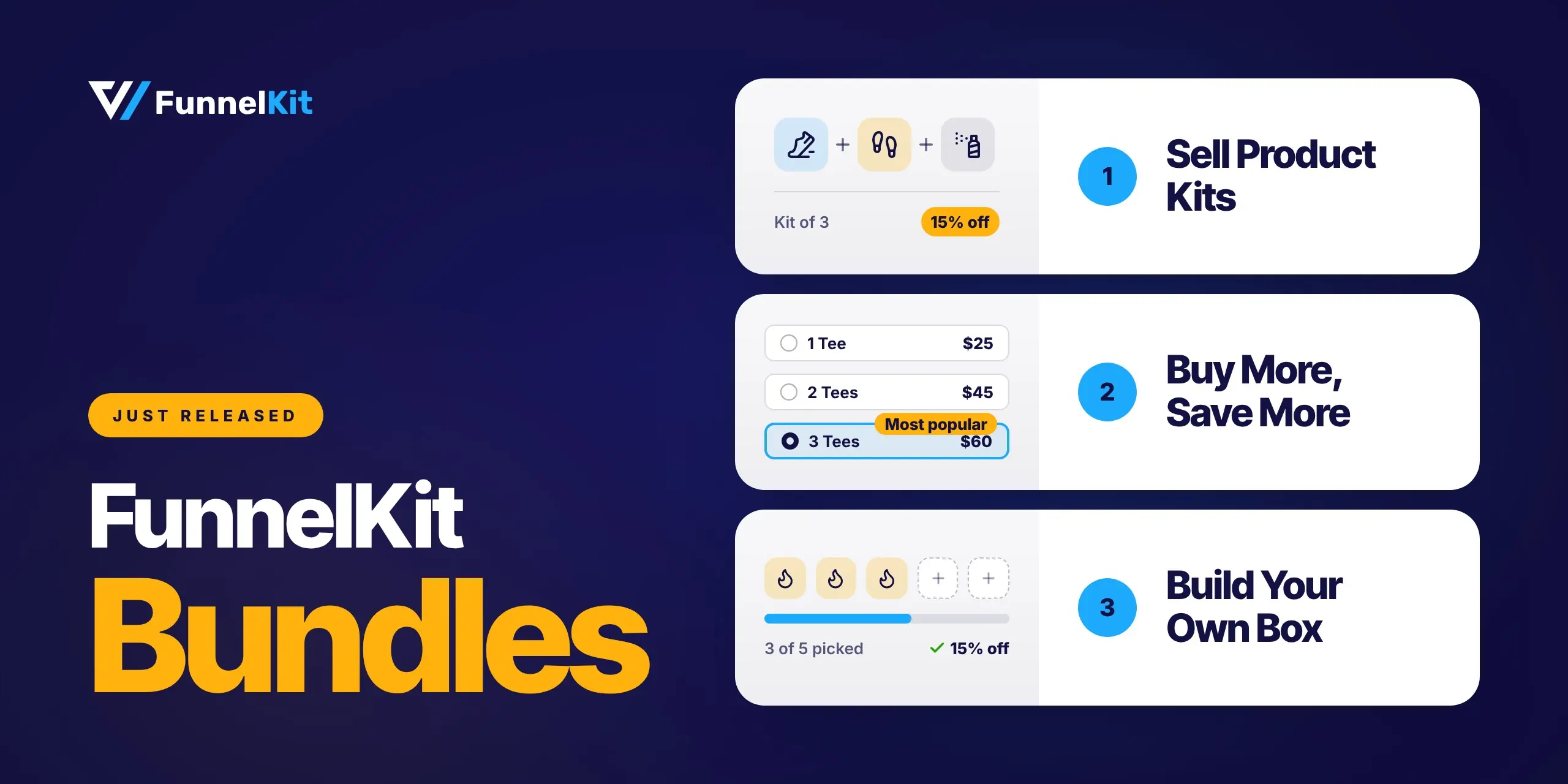
FunnelKit Bundles Is Here: Four Bundle Types That Grow Every Order

FunnelKit Bundles is here! You can now create and sell product bundles directly from Funnel Builder.  Choose from four bundle types, two of which are completely free. Whether you want to sell product kits, offer discounts on bulk purchases, or let customers put together their own boxes, you can do it all from the same dashboard you use for checkout pages, order bumps, and one-click upsells. You don't need to install another plugin or manage a separate set of discount rules. Let's say a shopper adds a $25 T-shirt to their cart. That’s a $25 order. Now imagine showing them an offer to get three T-shirts
Read the announcement →

Recent Blogs

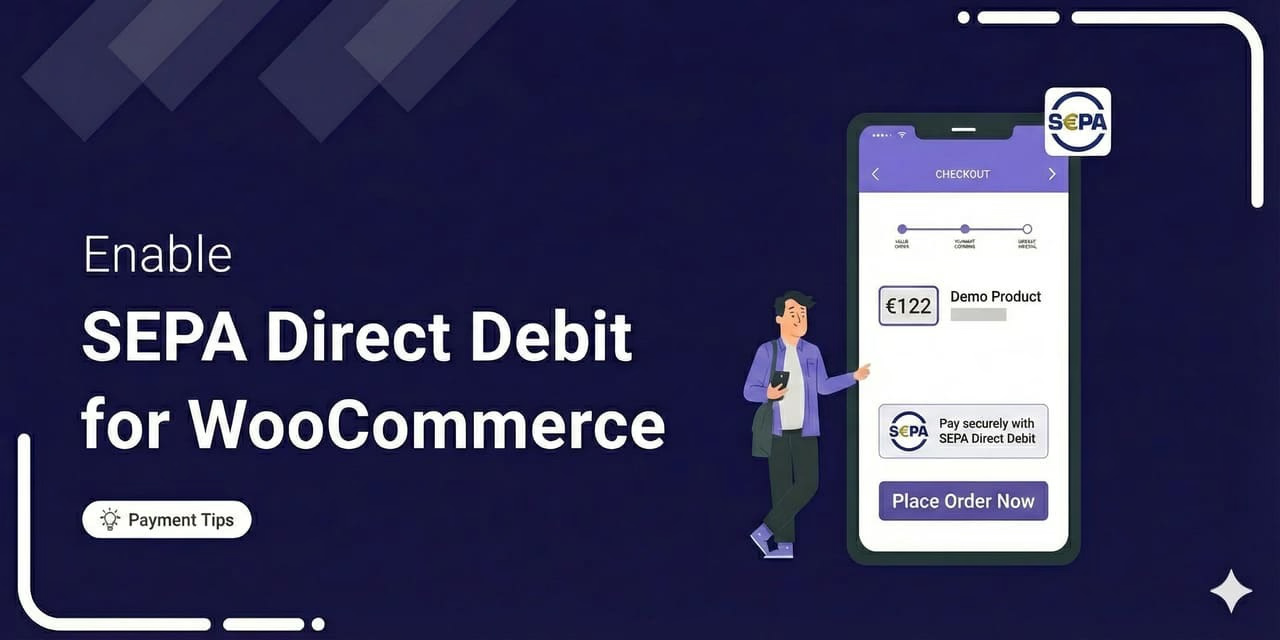
Man beside a phone showing a 122 euro demo product with a SEPA Direct Debit payment option, for the WooCommerce SEPA guide

How to Accept WooCommerce SEPA Direct Debit Payments in Your Store

If you are selling to customers in Europe, offering SEPA Direct Debit often becomes an expectation. In 2024 alone, the euro area processed over 22.4 billion direct debit transactions worth €10.7 trillion, according to the European Central Bank's payment statistics. [Source: European Central Bank] For WooCommerce store owners targeting the European market, SEPA Direct Debit removes the friction of cross-border payments and provides customers with a familiar, bank-based payment method. In our experience optimizing thousands of WooCommerce checkout flows, we have seen that localising payment methods is one of the fastest ways to reduce cart abandonment. SEPA Direct Debit consistently performs well for recurring payments and
Join Us, It's Free sign-up form with name and email fields beside a woman holding coffee, for the WordPress opt-in guide

How to Create an Opt-in Page on WordPress that Converts 

Do you want to create an Opt-in page on WordPress that converts more visitors into leads? Most visitors leave your site without buying. In fact, data shows that 76% of traffic isn’t sales-ready on the first visit. If you’re sending that traffic directly to a checkout page, you are leaving money on the table. The solution is a dedicated Opt-in Page, a focused gateway designed to capture emails so you can nurture leads toward a purchase later. But simply throwing up a lead capture form isn’t enough. Through analyzing thousands of funnels at FunnelKit, I’ve learned that design and offer alignment are everything. In this guide,
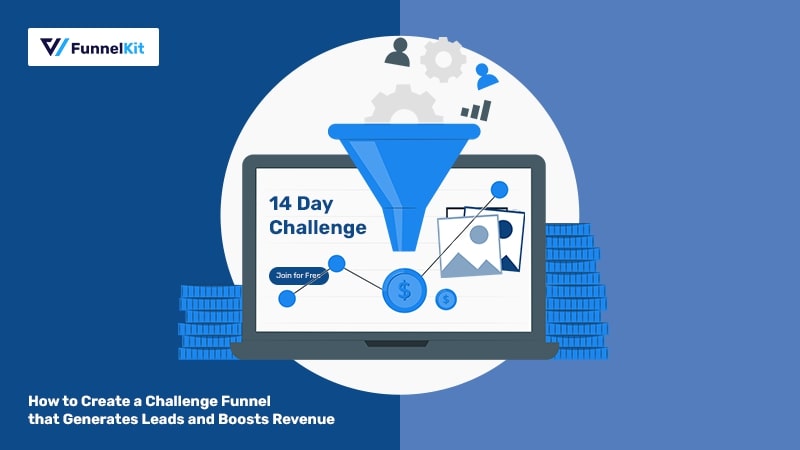
14 Day Challenge page with a Join for Free button on a laptop under a funnel, flanked by coins, for the challenge guide

How to Create a Challenge Funnel that Generates Leads and Boosts Revenue

Among all the funnels a marketer can create, challenge funnels are fun and the fastest at converting visitors into buyers. Unlike a standard lead magnet that users download and forget, a challenge demands active participation, turning a cold lead into a raving fan in a short time. As a marketer, I’ve helped thousands of WordPress users build high-converting sales paths. I’ve seen firsthand that the "Challenge" model is a psychological ecosystem that primes your audience to buy. It starts with enrolling people in a challenge that they’re collectively passionate about and ends with achieving their goals. For a marketer or business owner looking to step up
Man working at a laptop on a desk with large gears above him, for the hands-on WordPress CRM review

The Ultimate WordPress CRM Guide (2025): A Hands-On Review

If you run a WordPress site, you know that your contacts are your most valuable asset. But managing them inside the default WordPress dashboard is nearly impossible. That’s where a WordPress CRM (Customer Relationship Management) plugin comes in. This tool is designed to organize, track, and automate your customer interactions without leaving WordPress. The problem? The market is crowded and confusing. Between SaaS platforms, self-hosted plugins, and tools that promise everything but deliver very little, choosing the right solution can feel impossible. As WooCommerce and marketing automation specialists, we at FunnelKit have tested the top WordPress CRM plugins. From helping thousands of store owners, we’ve seen
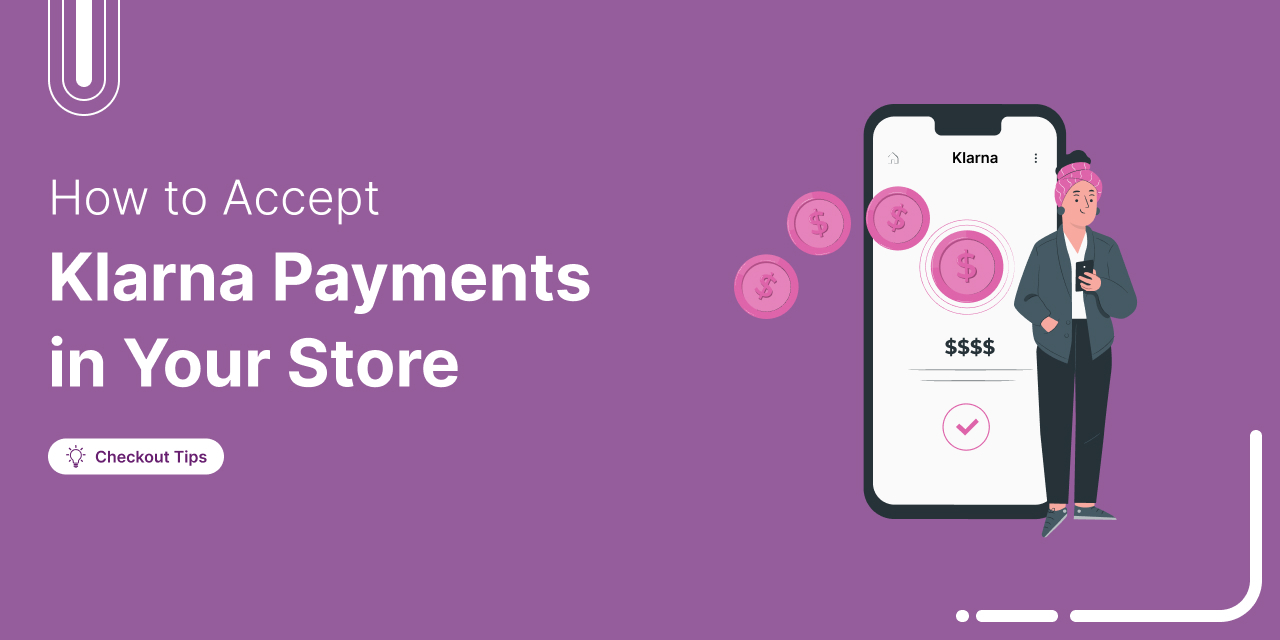
Woman beside a phone showing a Klarna payment screen with dollar coins and a check mark, for the WooCommerce Klarna guide

How to Set Up WooCommerce Klarna Payments and Offer Buy Now Pay Later

Want to offer a buy now, pay later option in your WooCommerce store? Adding Klarna to WooCommerce lets your customers shop instantly and pay later in flexible installments that can help you increase sales and conversions by up to 68%. In this guide, you’ll learn: What Klarna is and how it works in WooCommerce Essentials before you add Klarna to WooCommerce How to integrate Klarna payments with WooCommerce using Stripe Gateway How to test Klarna payments and boost checkout conversions Best practices to enhance Klarna’s performance with an optimized WooCommerce checkout page Let’s set up Klarna payments in WooCommerce and start offering your customers flexible BNPL
WooCommerce System Status Explained: Troubleshoot and Optimize Your Store

WooCommerce System Status: How to Read And Fix Common Issues

Every WooCommerce store relies on smooth performance and stable configurations to run effectively. If your site feels sluggish or checkout errors appear, the WooCommerce System Status (WooCommerce → Status) is the first place to look. It provides a complete health overview that covers your WordPress and server environments, database tables, plugins, templates, logs, and Action Scheduler. With this report, you can quickly identify misconfigurations, low memory limits, plugin conflicts, or missing pages and fix them using the built-in tools. Think of it as your store’s health report that gives you a clear picture of how everything is performing and highlights issues that need attention. In this
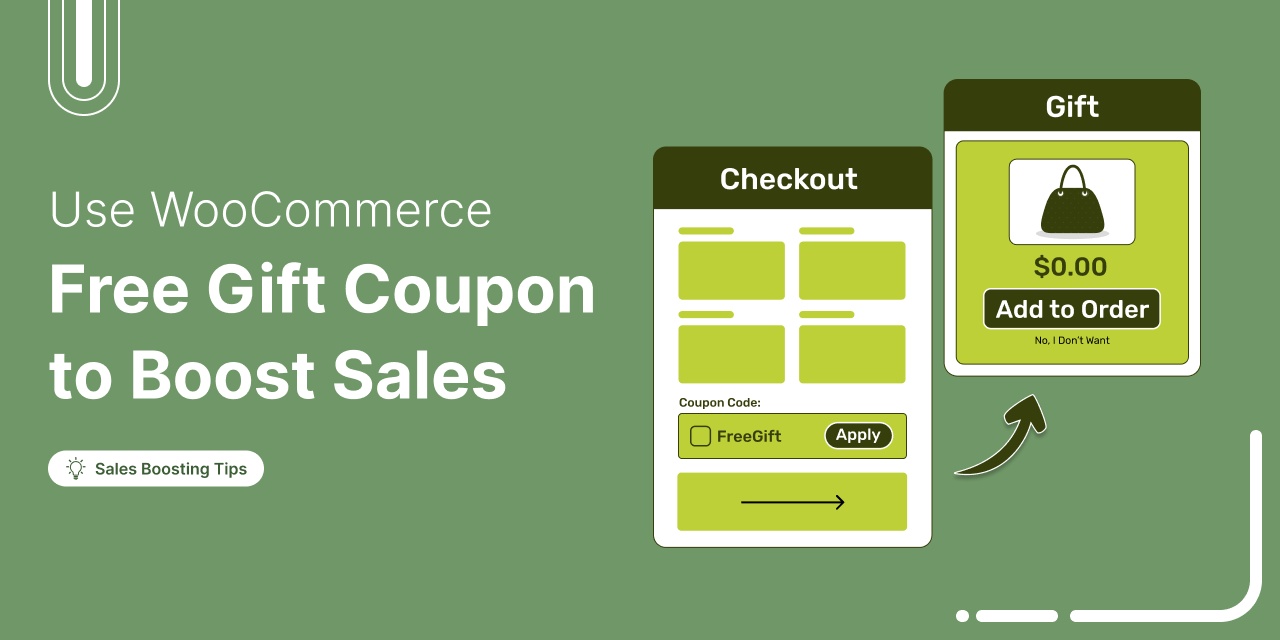
Illustration of a FreeGift coupon applied at checkout, unlocking a $0.00 handbag gift, for the free gift coupon guide

How to Use a WooCommerce Free Gift Coupon To Boost Sales

Struggling to boost your WooCommerce store’s sales and get customers to spend more?  You’re not alone. Many store owners face the same challenge. According to research by Harris Interactive, 90% of shoppers said a free gift with a purchase is likely to make them loyal to the brand.  While discounts can encourage purchases, they do not always build lasting loyalty. Free gift coupons offer a smarter approach.  By giving customers a gift when they reach a spending threshold, you not only drive higher orders but also make shoppers feel appreciated, boosting both sales and long-term loyalty. In this blog, we will explore how WooCommerce free gift
How to Send Individual Bulk Marketing Emails in WooCommerce (Step-by-Step)

How to Send Individual Bulk Marketing Emails in WooCommerce (Step-by-Step)

Sending individual marketing emails in bulk with WooCommerce can feel challenging. But with the right strategy, it can become one of the most effective ways to grow your store. When done correctly, WooCommerce bulk email campaigns allow you to reach every customer with a personal touch, boosting engagement, repeat sales, and loyalty. The key to success is WooCommerce email personalization. It involves mastering the craft of creating bulk promotional emails that feel like one-to-one conversations. However, skipping best practices can backfire, leading to spam folder placement, low open rates, and a damaged sender reputation. In this blog, I’ll show you how to send individualized marketing emails
Best WooCommerce Newsletter Plugins

11 Best WordPress Newsletter Plugins of 2025 (Expert Picks)

Many store owners either ignore or don’t focus much on email newsletters. I get it. Newsletters can feel old-school, and setting them up often seems like extra work.  But over the years, I’ve seen stores that use email newsletters consistently always outperform those that don’t. The key is choosing the right tool, one that’s easy to use and offers essential features like customer segmentation, visual email builder, ready-to-use templates, and performance analytics.  I’ve tested a wide range of options from simple email list builders to full-featured automation platforms.   Based on my experience and the outcome of each plugin, I've compiled a list of the 11 best

Subscribe For Latest Updates

Get free tips, tricks, and resources to grow your mailing list.

Make More From Every Sale.

FunnelKit works at the three moments a store earns money: before checkout, at checkout and after the order.

Before checkout: cart upsells and free-shipping goals in a sliding cart
At checkout: a faster checkout with order bumps and one-click upsells
After checkout: abandoned-cart recovery and follow-ups that bring buyers back
Start Selling More Today →
★★★★★ 4.9/5 from 1,012+ reviews on WordPress.org