

Join Over 40,300+ Professionals
Who build smart funnels and automations with FunneKit

Frictionless Checkouts
Email & SMS Marketing
Attractive Order Bumps
Rich Contact Profile
One Click Upsells
Workflow and Integrations
In-depth Analytics
Segmented Broadcast
A/B Testing
Revenue Tracking
Robust Rule Engine
Sliding Cart
Get FunnelKit Now

FunnelKit Blog

Recent Blogs
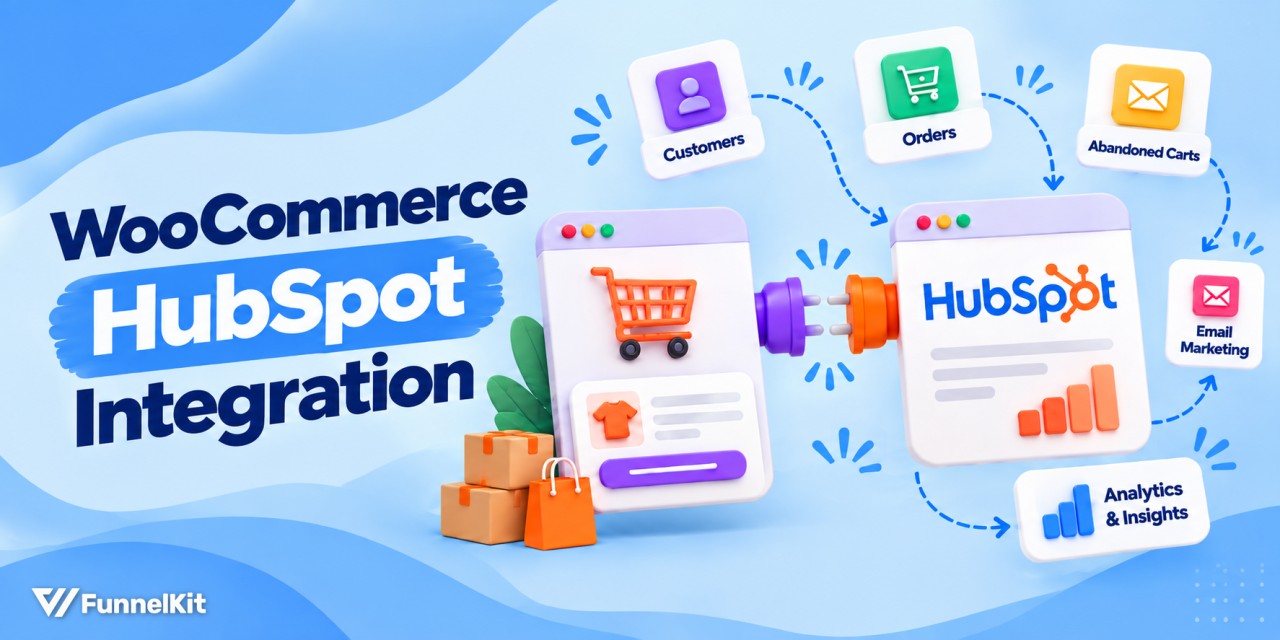
WooCommerce HubSpot Integration: 6 Ways to Connect Your Store
A WooCommerce HubSpot integration takes about 15 minutes to set up, but getting the sync right can take much longer. In April 2026, a store owner posted in the HubSpot Community after trying two popular plugins. Orders were either missing their line items or creating duplicate products in HubSpot. They eventually rebuilt the sync with Zapier. HubSpot doesn’t have a native WooCommerce integration, so you’ll need a third-party connector. For most stores, a good place to start is the free HubSpot for WooCommerce plugin by MakeWebBetter, which HubSpot links to from its partner page. It turns customers into contacts, orders into deals, and syncs products with
Sep 30, 2026
Editorial Team
Join Over 40,300+
Subscribers to get free tips, tricks, and resources to grow your mailing list
Recent Blogs
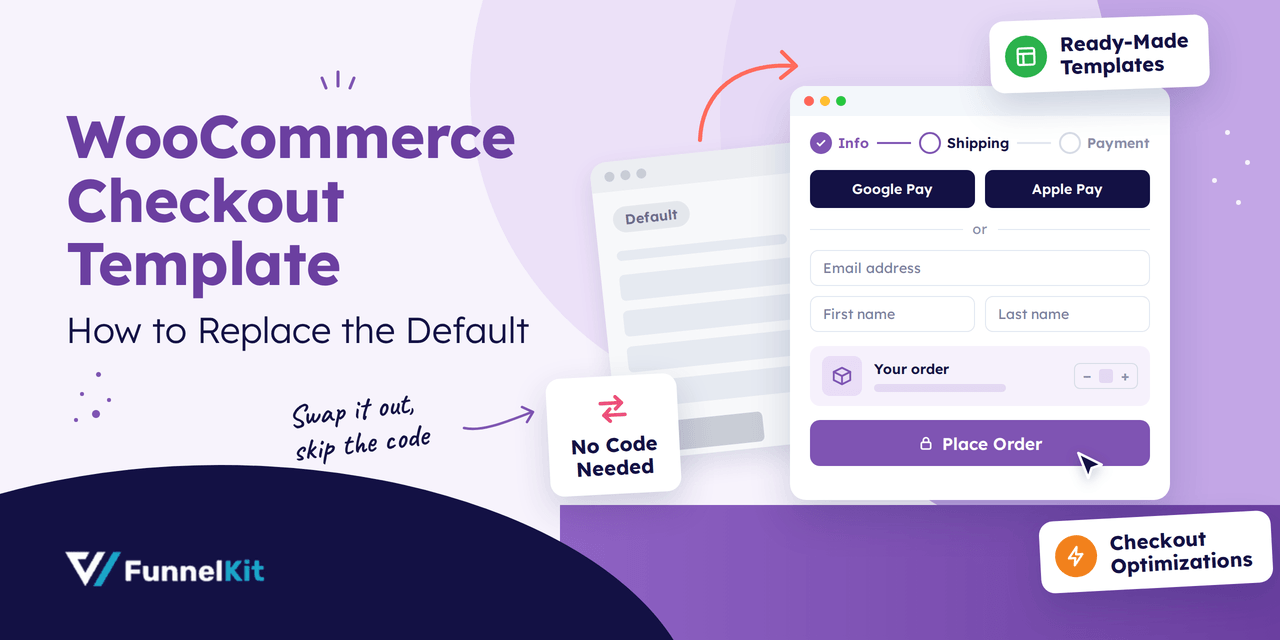
WooCommerce Checkout Template: How to Replace the Default
A WooCommerce checkout template controls how your checkout page looks and works, and it's the last screen a shopper sees before paying. The default WooCommerce checkout does the job, but it's plain. It asks for more details than many stores need, offers few layout options, and does little to guide shoppers to the finish. A custom template lets you remove extra fields, add express payment buttons, and match the page to your brand. We will share how you can replace the default WooCommerce checkout template with a custom one. No coding is required. Let’s get started. Why Your WooCommerce Checkout Template Matters By the time shoppers
Sep 29, 2026
Editorial Team
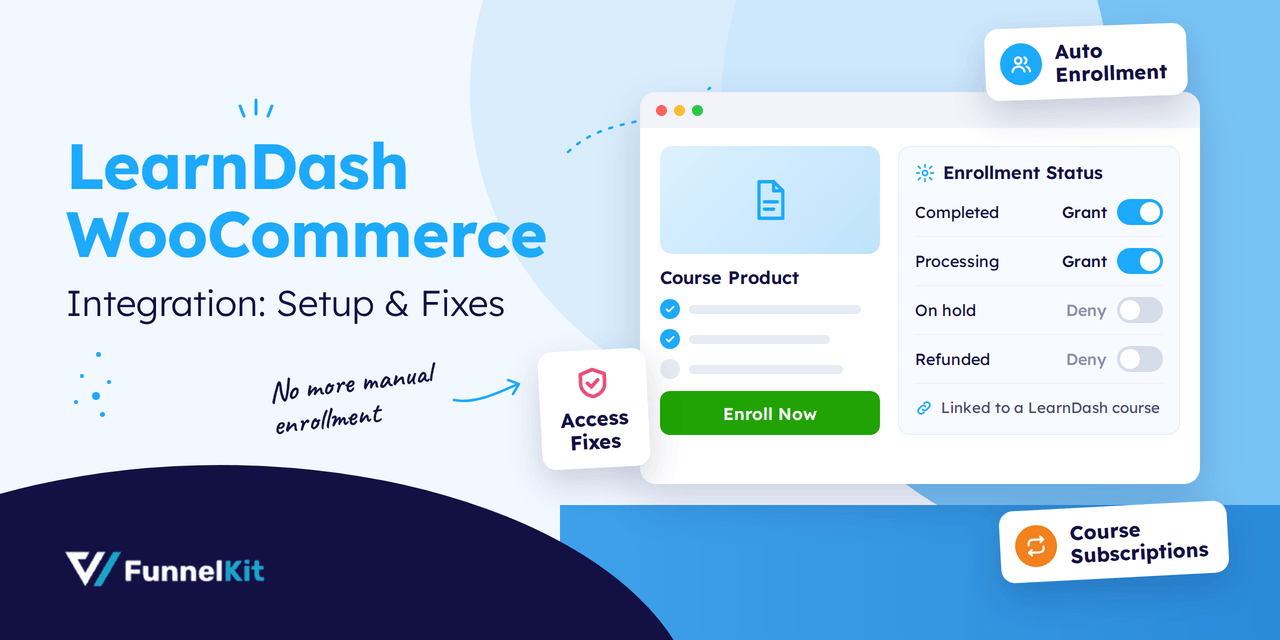
LearnDash WooCommerce Integration: How to Sell Courses and Fix Access Issues (2026)
LearnDash WooCommerce integration connects your LearnDash courses to WooCommerce products. That means you can sell courses through a full WooCommerce store instead of LearnDash's built-in checkout. It works simply. You link a course, or a group of courses, to a product. When someone buys it, they're enrolled automatically, with no manual step between payment and access. Getting the integration is easier than it used to be. Recent LearnDash releases bundle it with LearnDash, so you no longer download it separately. On older versions, it's a separate add-on that comes with every LearnDash license at no extra cost. Getting courses on sale is only half the job,
Sep 29, 2026
Editorial Team
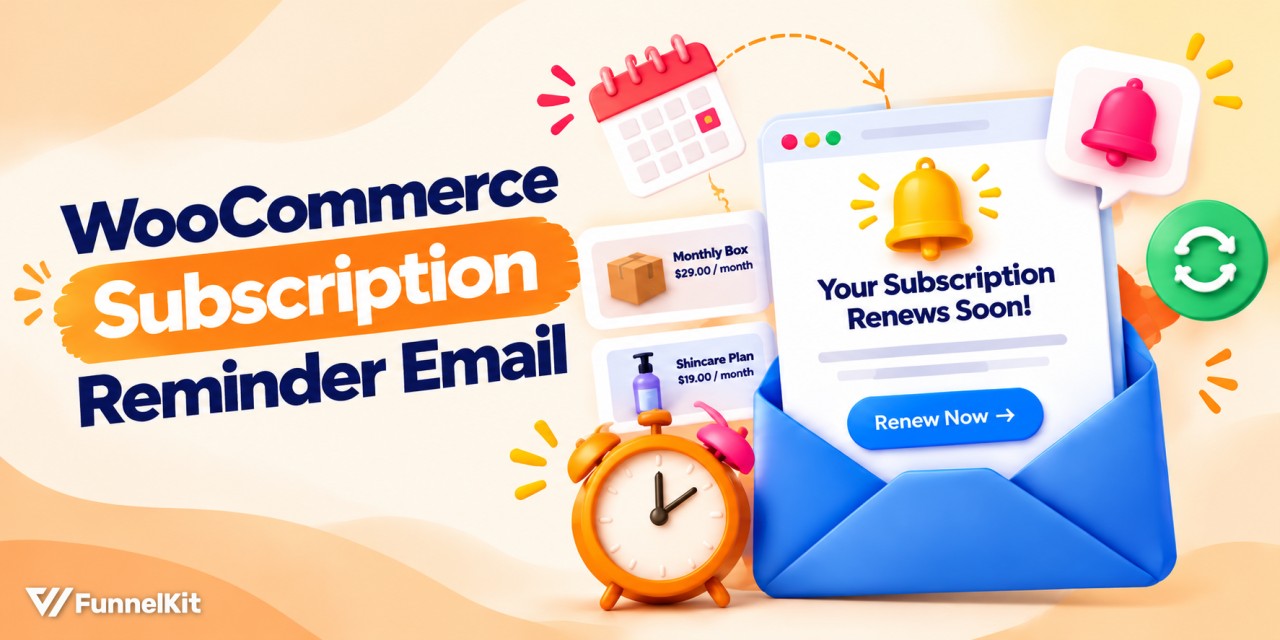
How to Send a WooCommerce Subscription Reminder Email: Step-by-Step Guide
The WooCommerce subscription reminder email you get by default goes out once per renewal, on the same schedule for every plan you sell. That may be enough for a $15 monthly plan. But for a $150 annual plan, it means the subscriber gets just one reminder before a charge they agreed to a year ago. Car insurers have been doing this for years. You get a renewal notice about a month before the payment, followed by another reminder closer to the renewal date. That way, the charge doesn’t come as a surprise. Stores that skip these reminders can run into problems. A customer who has forgotten
Sep 29, 2026
Editorial Team
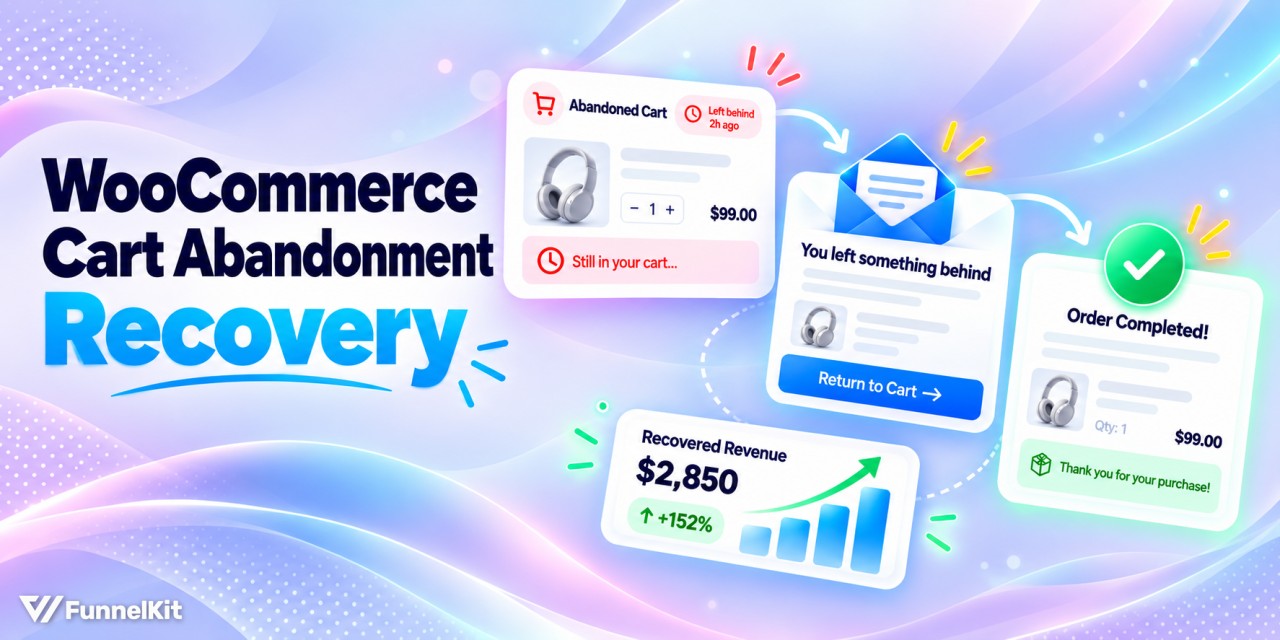
WooCommerce Cart Abandonment: How to Track, Recover and Reduce Lost Carts
WooCommerce cart abandonment is easy to miss because it doesn’t show up clearly in your dashboard. A shopper adds products to their cart, enters their email at checkout, and closes the tab right before paying. Without the right setup, you may never know they were there. Seven in ten carts never become orders. The precise figure is 70.22%, drawn from a meta-analysis of 50 separate studies (Baymard Institute). The two jobs that matter here are to shrink the leak first, then catch what still gets through. This guide covers which plugin fits your store, a 10-minute setup, the three emails to send, and how to capture
Sep 29, 2026
Editorial Team
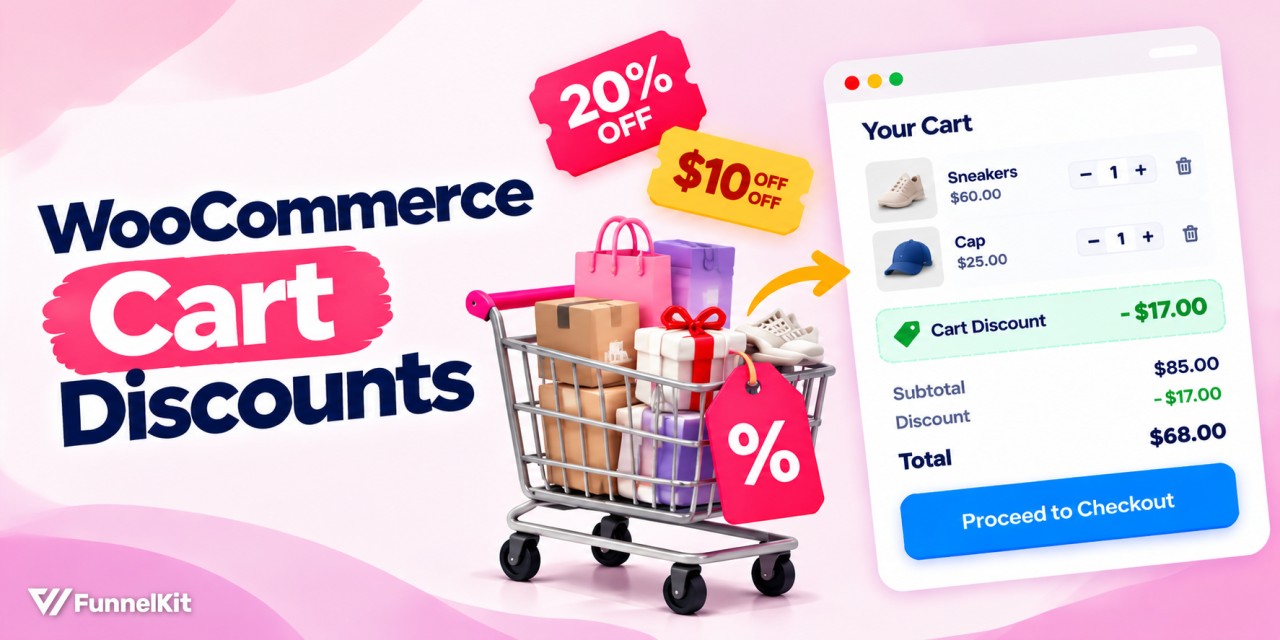
How to Set Up WooCommerce Cart Discounts (Step-by-Step)
A well-timed WooCommerce cart discount can be the difference between a completed order and an abandoned one. Studies show nearly 70% of online shoppers leave without buying, and unexpected checkout costs are one reason. That's where cart-level discounts come in. By automatically applying a percentage discount, a fixed dollar amount, or free shipping once a shopper's cart reaches a certain value, you give them a concrete reason to complete the purchase. According to Vericast, 78% of consumers say a discount coupon makes them more likely to buy. Unfortunately, WooCommerce doesn’t have a built-in cart discount feature. In this guide, we'll compare the three best WooCommerce cart
Sep 28, 2026
Editorial Team
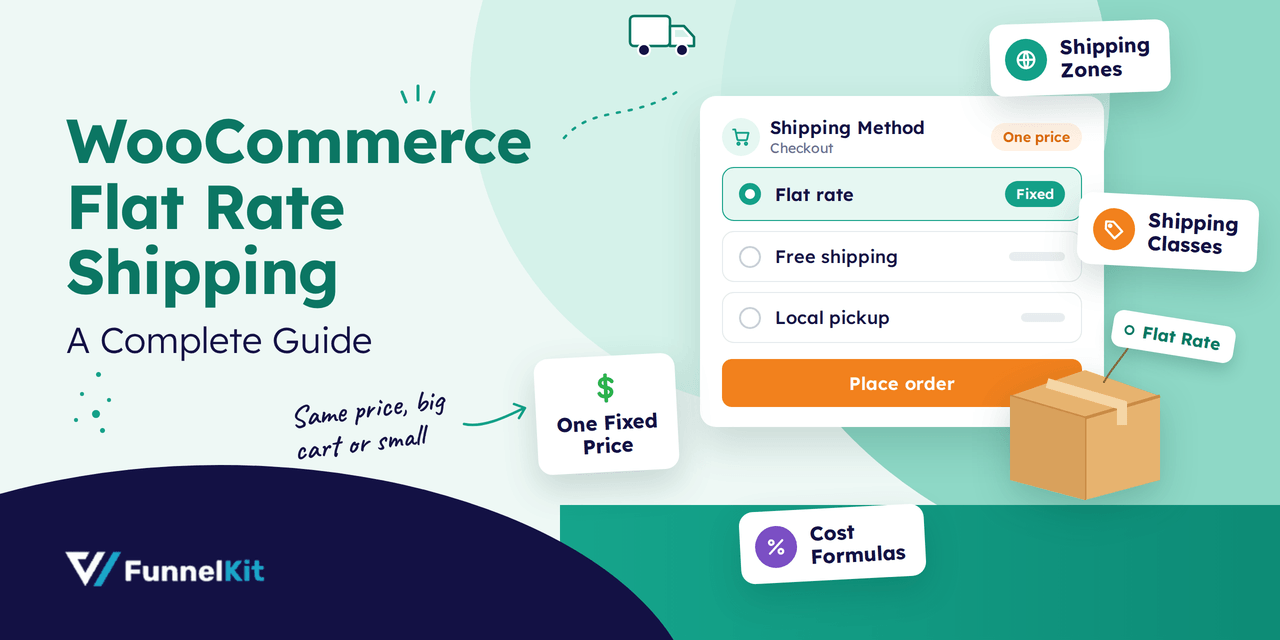
WooCommerce Flat Rate Shipping: A Complete Guide to Simplify Your Shipping Costs
WooCommerce flat rate shipping charges one fixed price per order, no matter how many items a customer buys or how heavy the package gets. Two t-shirts or ten, shipping costs the same. That's the appeal. Customers get a shipping cost that doesn't creep up as the cart fills, and you skip weight tables and live carrier rates entirely. One price won't fit every order, though. The same built-in method lets you set a different rate for each region you ship to, add a fee per item or a percentage of the order total, and charge more for bulky products using shipping classes. In this guide, you'll
Sep 28, 2026
Editorial Team
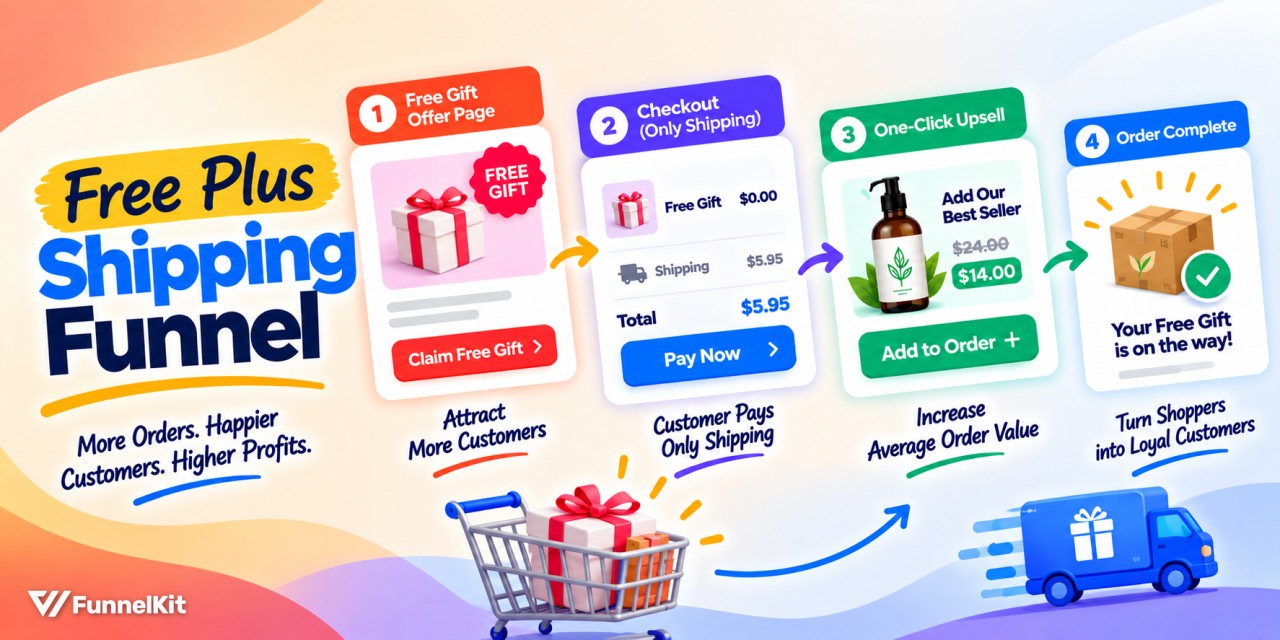
How to Build a High-Converting Free Plus Shipping Funnel
A free plus shipping plugin lets you offer a $0 product while charging customers for shipping and handling. At 2026 US postage rates, that fee may only cover the product, postage, and payment processing. But the real money comes later. When recording artist Brian Hazard implemented this funnel, he got 500 new customers with his “$0 product and $5 shipping” funnel. If you multiply 500 customers by a $5 offer, it’s $2500. But he actually made $7000 from this funnel! Well, don't start making any calculations yet because you haven't seen his actual funnel with the upsell, downsell, and order bump. Quick answer: A free plus
Sep 28, 2026
Editorial Team
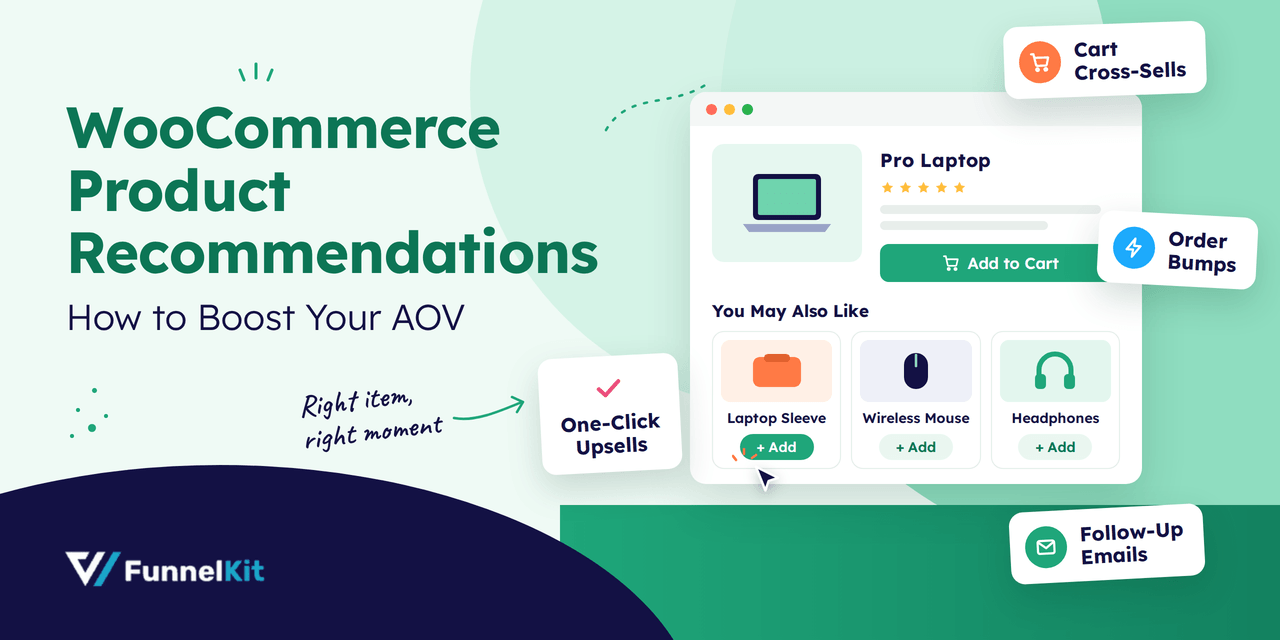
WooCommerce Product Recommendations: 7 Ways to Boost AOV
WooCommerce product recommendations are your store's way of saying, "This goes well with that." Someone viewing a laptop sees a sleeve right under it. A bag of beans in the cart brings up a grinder. Three days after the order, an email suggests the refill they'll need soon. It's the online version of the barista asking, "Anything to eat with that today?" One small question, asked at the right moment, grows an order the customer was already placing. Out of the box, WooCommerce gives you some of this for free. Upsells and related products show on the product page, and cross-sells show in the cart. There's
Sep 26, 2026
Editorial Team
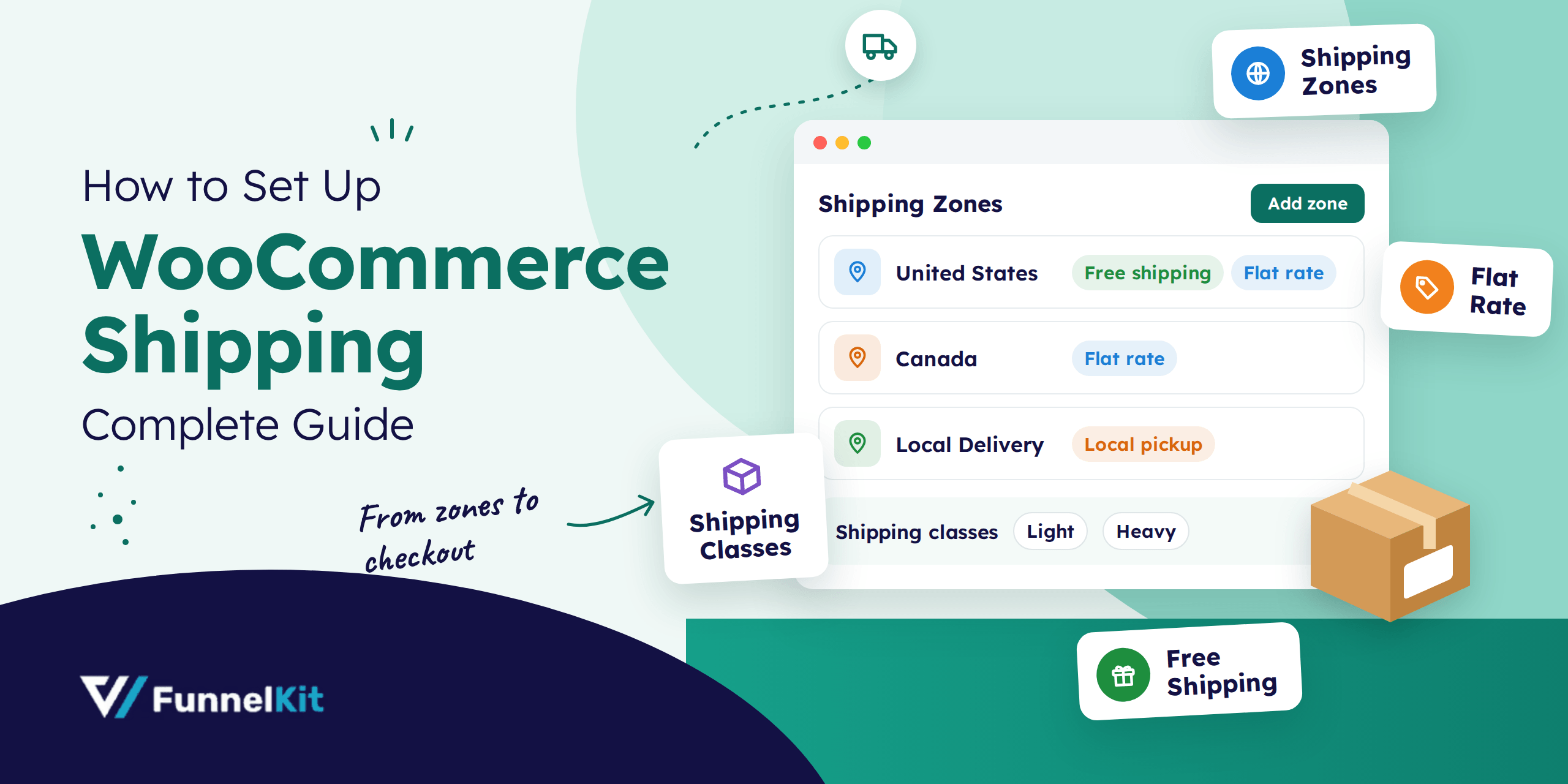
How to Set Up WooCommerce Shipping (Complete Guide)
WooCommerce shipping controls what customers pay to get their orders delivered, and you have to set it up yourself. Out of the box, WooCommerce doesn't know where you ship or what to charge. There's also a plugin with the same name. WooCommerce Shipping, made by WooCommerce, is a free tool that lets US stores buy and print discounted carrier labels right from the order screen. Same name, completely different job. The built-in settings are enough for most stores, so that's what we'll cover here. In this blog we will share how zones, methods, and classes work together, then set up free shipping, flat rate, and local
Sep 25, 2026
Editorial Team
Ready to Transform Your Store?

Join 40,300+ successful store owners who trust FunnelKit to power their businesses.
Conversion Optimized Checkout Pages
Increase Revenue with Smart Upsells
Capture Emails & Recover Abandoned Carts
Automate Winbacks & Repeat Sales


1009+ 5 star reviews on WordPress.org