

Join Over 40,300+ Professionals
Who build smart funnels and automations with FunneKit

Frictionless Checkouts
Email & SMS Marketing
Attractive Order Bumps
Rich Contact Profile
One Click Upsells
Workflow and Integrations
In-depth Analytics
Segmented Broadcast
A/B Testing
Revenue Tracking
Robust Rule Engine
Sliding Cart
Get FunnelKit Now

FunnelKit Blog

Recent Blogs
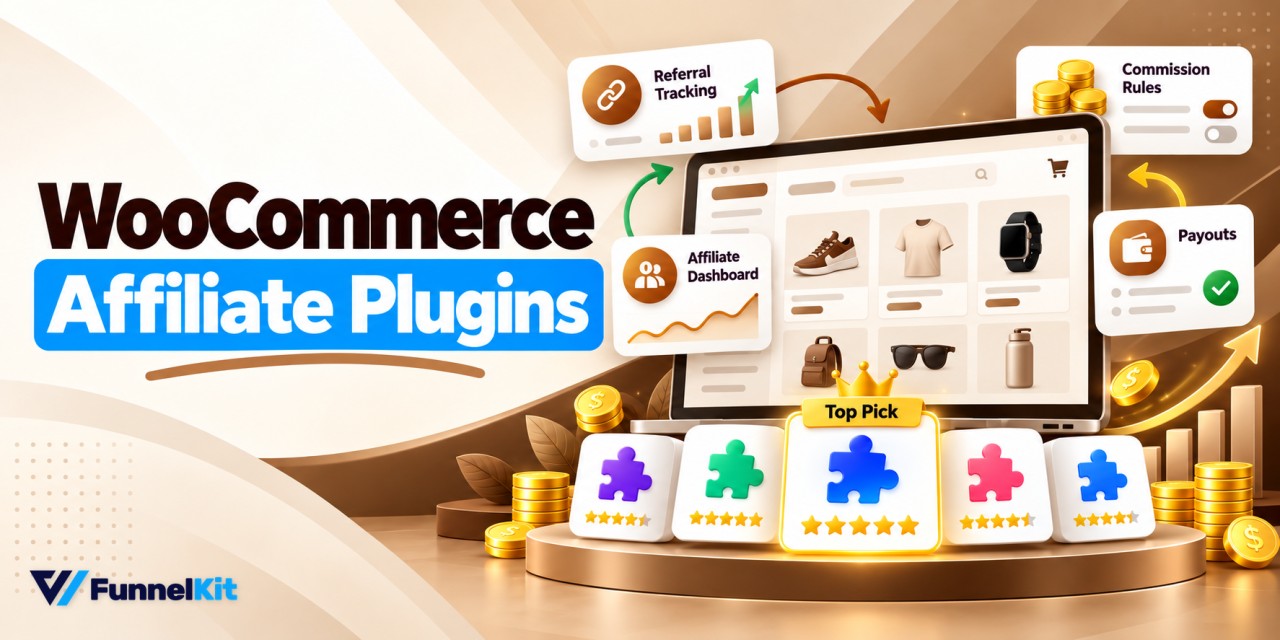
9 Best WooCommerce Affiliate Plugins (Free & Paid)
A WooCommerce affiliate plugin credits each sale to the partner who referred it, calculates their commission, and helps you pay them through PayPal, Stripe, or store credit, all from your own store. Partners promote your products with referral links or coupon codes, so no affiliate network takes a cut. Let's say a shopper taps a creator's link on Instagram, adds $64 worth of products to their cart, and leaves. Two days later, they return through Google and pay with Apple Pay from a cached product page. At a 20% commission, that creator should get $12.80. But for the referral to count, the tracking has to survive
Sep 25, 2026
Editorial Team
Join Over 40,300+
Subscribers to get free tips, tricks, and resources to grow your mailing list
Recent Blogs
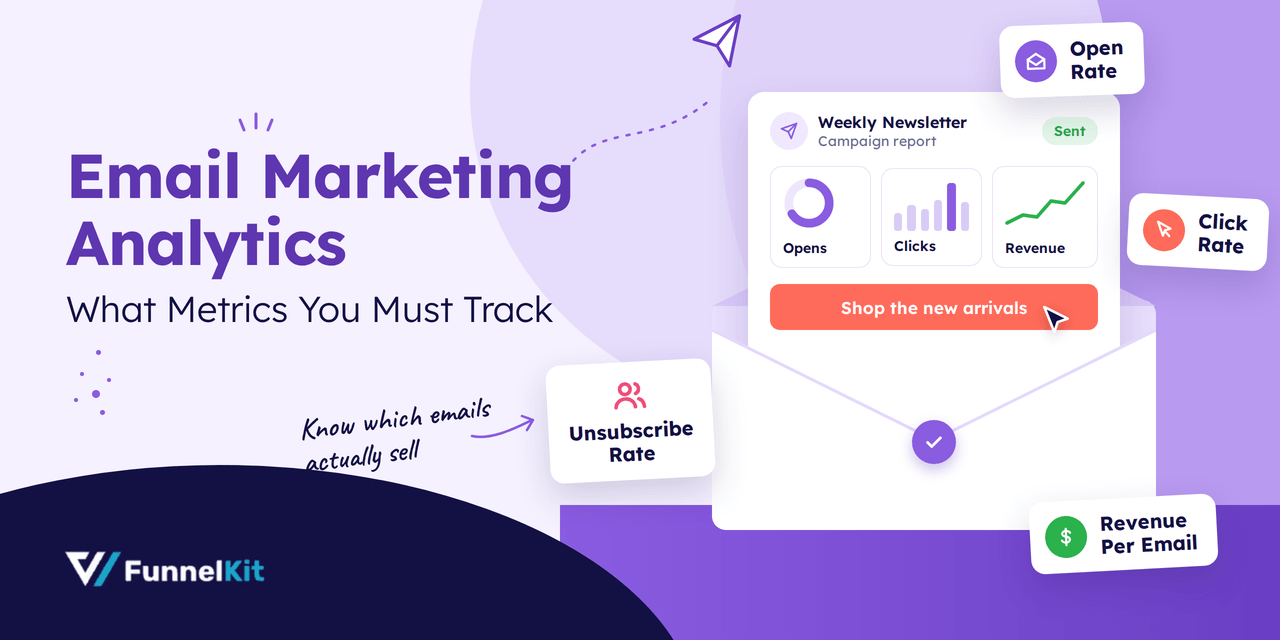
Email Marketing Analytics Explained: Metrics to Track and How to Use Them
Email marketing isn’t just about sending campaigns. It’s about understanding what happens after you hit send. That’s where email marketing analytics becomes your competitive advantage. By tracking key metrics like open rates, click-through rates, conversions, and subscriber behavior, you can uncover what’s working, what’s not, and where revenue is leaking. When you use data to guide your email strategy, every campaign becomes smarter, more targeted, and more profitable. In this guide, we’ll break down the essential analytics you should monitor, how to interpret them, and the actionable steps you can take to boost performance and drive measurable growth. What is Email Marketing Analytics? Email marketing analytics
Sep 24, 2026
Editorial Team
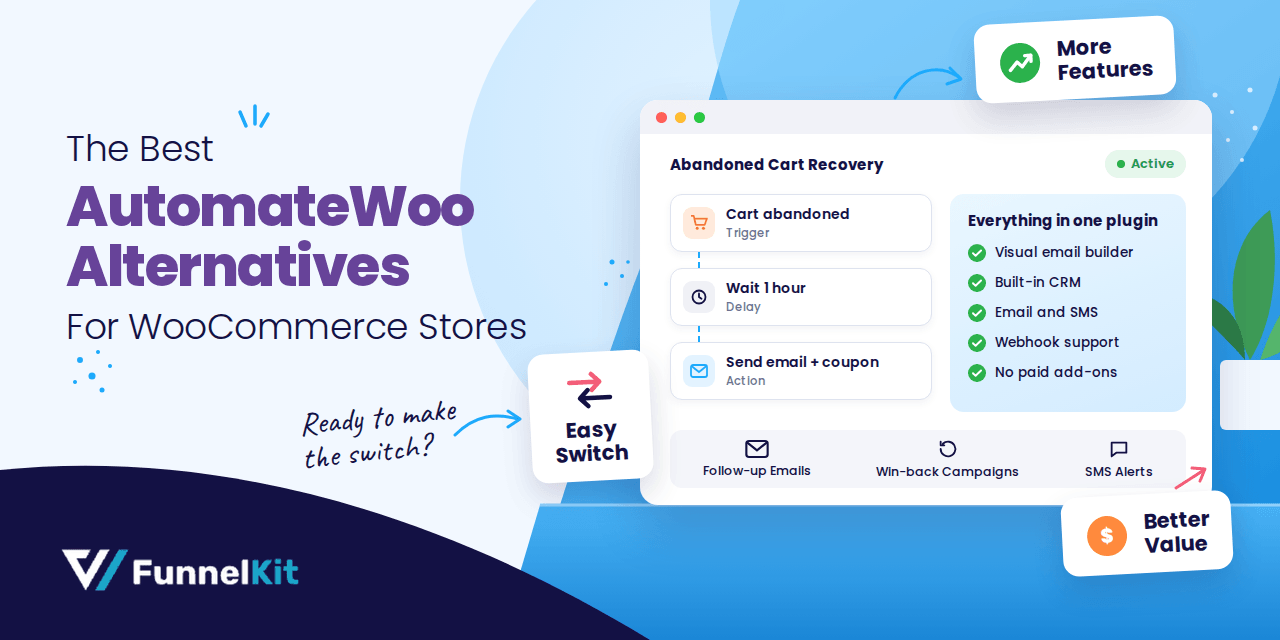
The 6 Best AutomateWoo Alternatives for WooCommerce Stores in 2026
AutomateWoo gets the job done, but switching away from AutomateWoo is becoming increasingly common among WooCommerce store owners. If you're looking for the best AutomateWoo alternative for your WooCommerce store, you're in the right place. A lot of store owners are making the switch, and it's not hard to see why. At $159/year, with no free trial and key features like birthday emails locked behind paid add-ons, it can feel like you're paying more and getting less every year. We looked at over a dozen WooCommerce-native automation plugins and put together the 6 best AutomateWoo alternatives that actually hold up. Not just on paper, but on
Sep 24, 2026
Editorial Team
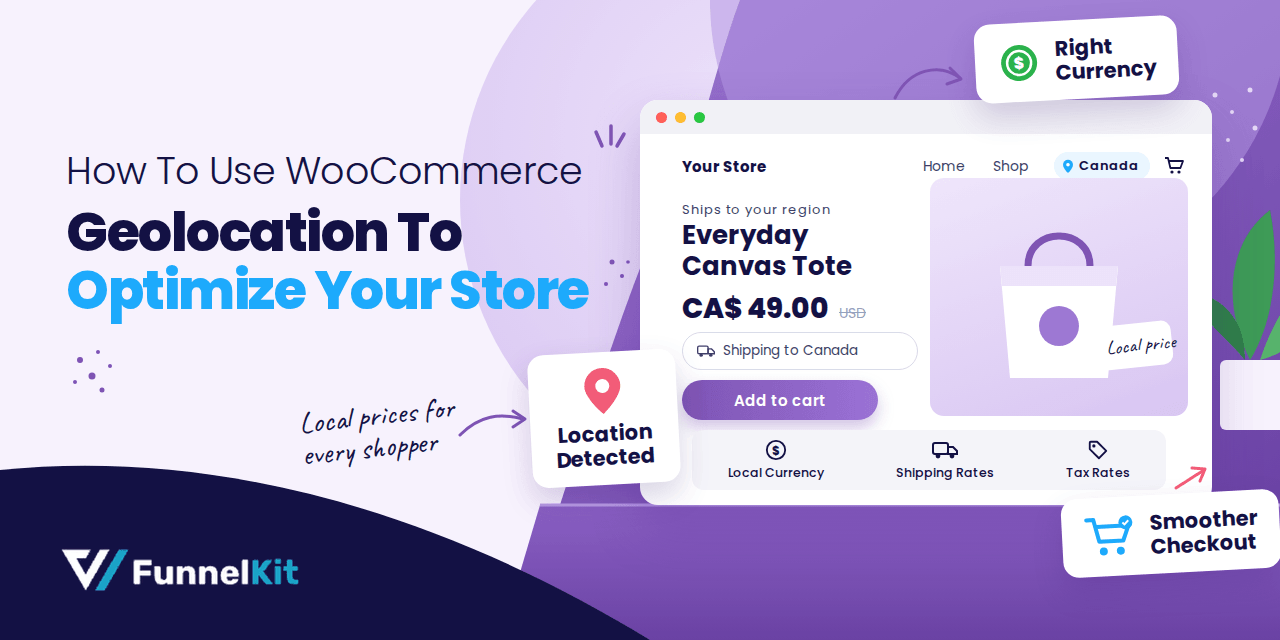
How to Use WooCommerce Geolocation To Optimize Your Store?
Expanding your WooCommerce store to a global audience is exciting, but delivering a truly seamless shopping experience across regions is not always simple. Shipping rates, taxes, and payment options often vary by location. Confusion or extra steps in pricing can lead to cart abandonment and lost sales. Without precise location-based adjustments, you risk losing customer satisfaction and potential revenue. That’s where WooCommerce’s geolocation feature comes in to streamline everything! With this powerful tool, your store can automatically detect a user’s location and adjust shipping, taxes, payment options, and product recommendations accordingly, making it easier to attract, convert, and retain a global audience. In this guide, we'll
Sep 23, 2026
Editorial Team
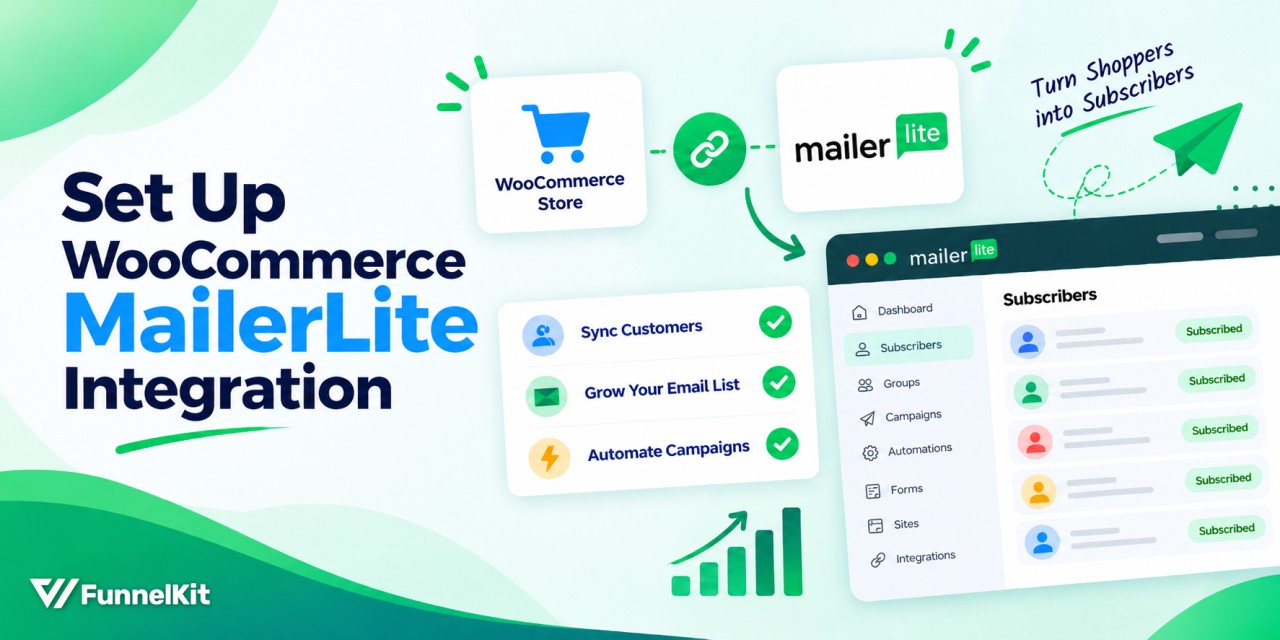
WooCommerce MailerLite Integration: How to Set It Up (Step by Step)
The WooCommerce MailerLite integration takes about 10 minutes to set up, but most store owners stop there. They see the subscriber count starts going up, the plugin shows a green connected status, and it feels like the setup is done. But a synced list is just the starting point. It doesn't make money until you put it to work with the right workflows. Connecting the two platforms takes no code. The official plugin handles customer sync, the checkout opt-in, product blocks, and sales tracking out of the box. The tricky part comes after the connection: deciding which orders should trigger a workflow, knowing when recovery emails
Sep 23, 2026
Editorial Team
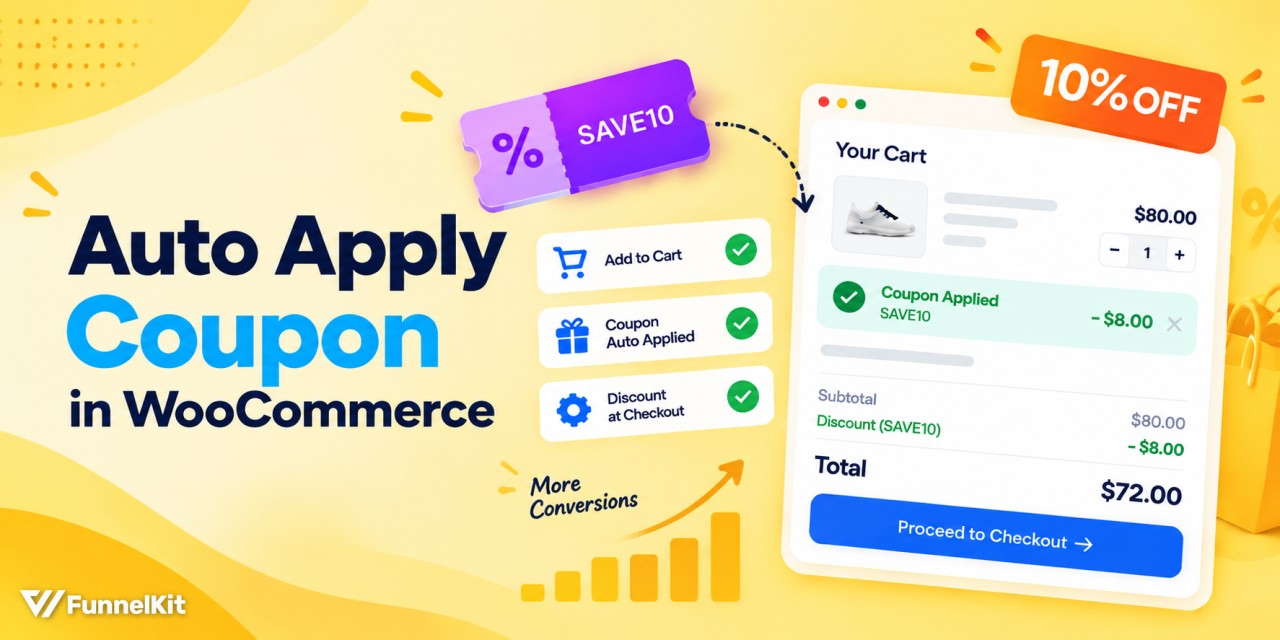
WooCommerce Auto Apply Coupon: 6 Ways to Discount Carts
A WooCommerce auto apply coupon adds the discount to the cart before shoppers have to look for a code. Supermarkets have been doing this for years. If there's a "3 for $10" deal on the shelf, the discount is applied at checkout. Nobody has to stop at the register and dig through their wallet for a paper coupon. The same idea works even better online. Say a shopper at a linen clothing store has two $35 shirts in their cart. Their total is $70, so they're only $5 away from getting 10% off. Show them that offer, and they have a reason to add the $12
Sep 23, 2026
Editorial Team
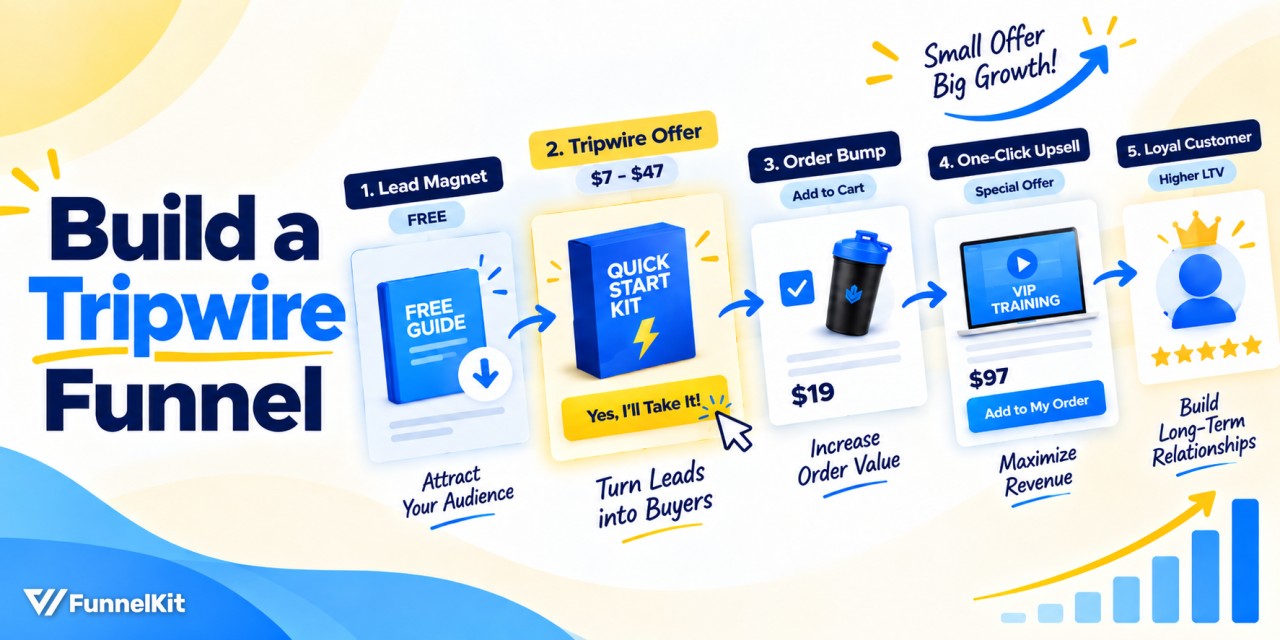
The Marketer’s Guide to Tripwire Funnels (And How to Build One in WordPress)
A tripwire funnel is one of the most powerful tools in digital marketing, and also one of the most misunderstood. In our experience helping thousands of WordPress businesses build sales funnels, we’ve seen tripwires that instantly cover 100% of ad spend, and others that convert at 0%. The difference is rarely the product, but it’s the strategy. Tripwire sales funnels help you grow your list of buyers by lowering the barrier to entry and making it insanely easy to do business with you! You may be selling physical products or online courses, but tripwire marketing is for everyone. In this post, we’re going to show you
Sep 23, 2026
Editorial Team
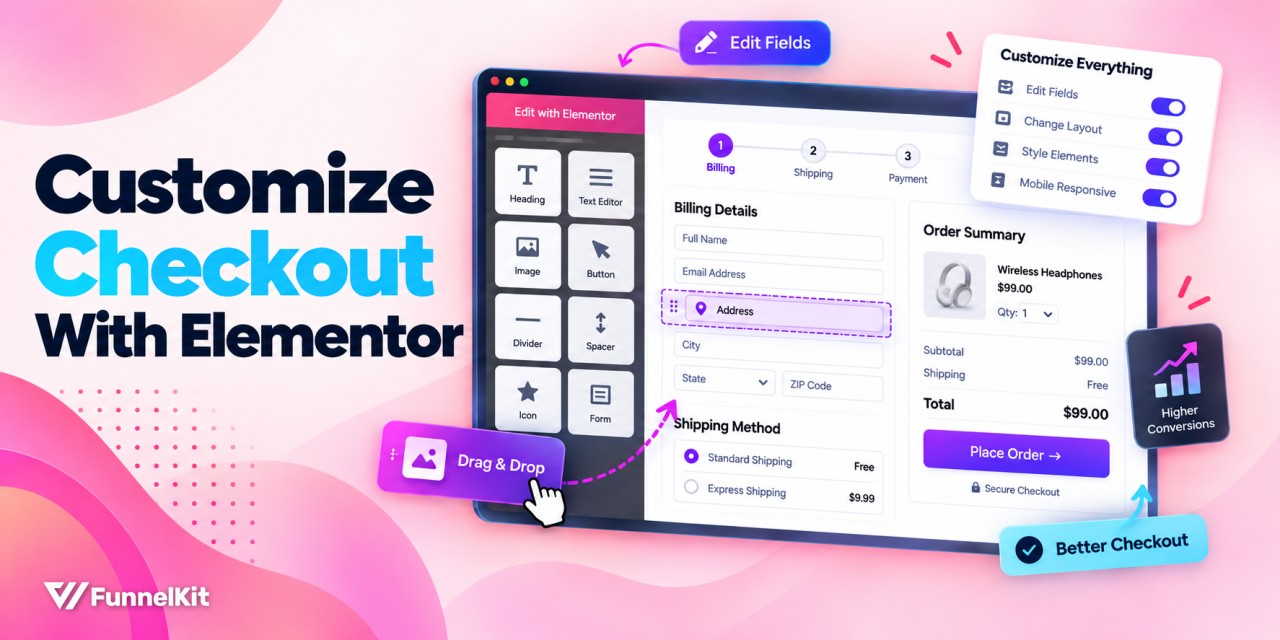
How to Customize WooCommerce Checkout With Elementor
WooCommerce checkout with Elementor can match the rest of your store, but making it convert well takes more than a design change. Think about a store that redesigns its checkout counter, moves the card reader somewhere easier to reach, and puts up clearer signs. It looks better, but if the cashier still asks every customer for information they don't need, the line will still move slowly. That extra friction can cost you sales. A better-looking checkout can build trust, but removing unnecessary steps and making the next action clear helps more shoppers finish their order. Elementor handles the design side well. But if you want more
Sep 22, 2026
Editorial Team
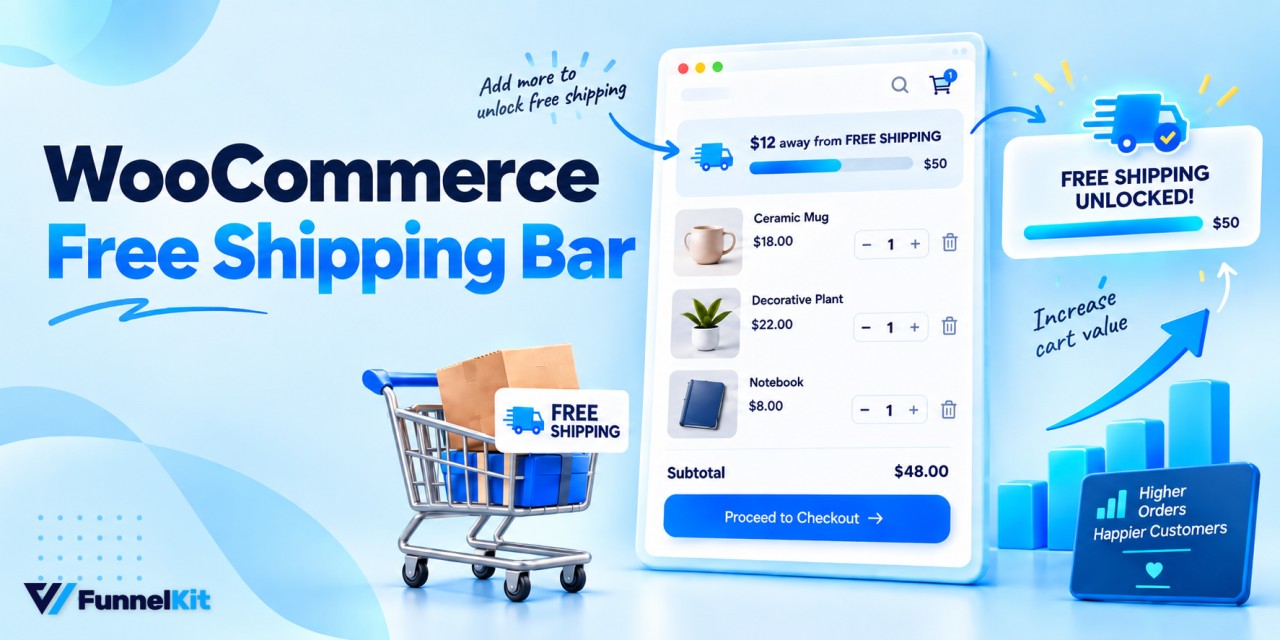
How to Add a WooCommerce Free Shipping Bar (Free & Pro Setup Guide)
A WooCommerce free shipping bar puts the free shipping threshold where shoppers can actually see it and act on it. Your store knows how much more a customer needs to spend to qualify for free shipping. Most shoppers don't. Say you run a dog treat store with free shipping on orders over $75. A customer adds $61 worth of treats to their cart, sees a $6.95 shipping charge, and checks out anyway. Now show the same cart with a simple message at the top: "You're $14 away from free shipping". They go back and add a $16 bag of chews, making the order total $77. All
Sep 22, 2026
Editorial Team

How to Build a Lead Generation Funnel: Stages, Steps and Examples
A lead generation funnel is the path a stranger takes from their first click to becoming a contact you can follow up with, and eventually, ideally, a customer. Most businesses have some version of this journey. Very few have it clearly mapped out. Buyers are also doing more of the early research on their own. In Gartner’s 2026 sales survey of 646 B2B buyers, 67% said they prefer a rep-free buying experience. A lead generation funnel helps businesses guide that research, capture interested prospects, and continue the conversation after they leave the website. In this guide, you’ll learn how the five funnel stages work, how to
Sep 21, 2026
Editorial Team
Ready to Transform Your Store?

Join 40,300+ successful store owners who trust FunnelKit to power their businesses.
Conversion Optimized Checkout Pages
Increase Revenue with Smart Upsells
Capture Emails & Recover Abandoned Carts
Automate Winbacks & Repeat Sales


1007+ 5 star reviews on WordPress.org