

Join Over 39,415+ Professionals
Who build smart funnels and automations with FunneKit

Frictionless Checkouts
Email & SMS Marketing
Attractive Order Bumps
Rich Contact Profile
One Click Upsells
Workflow and Integrations
In-depth Analytics
Segmented Broadcast
A/B Testing
Revenue Tracking
Robust Rule Engine
Sliding Cart
Get FunnelKit Now

FunnelKit Blog

Recent Blogs
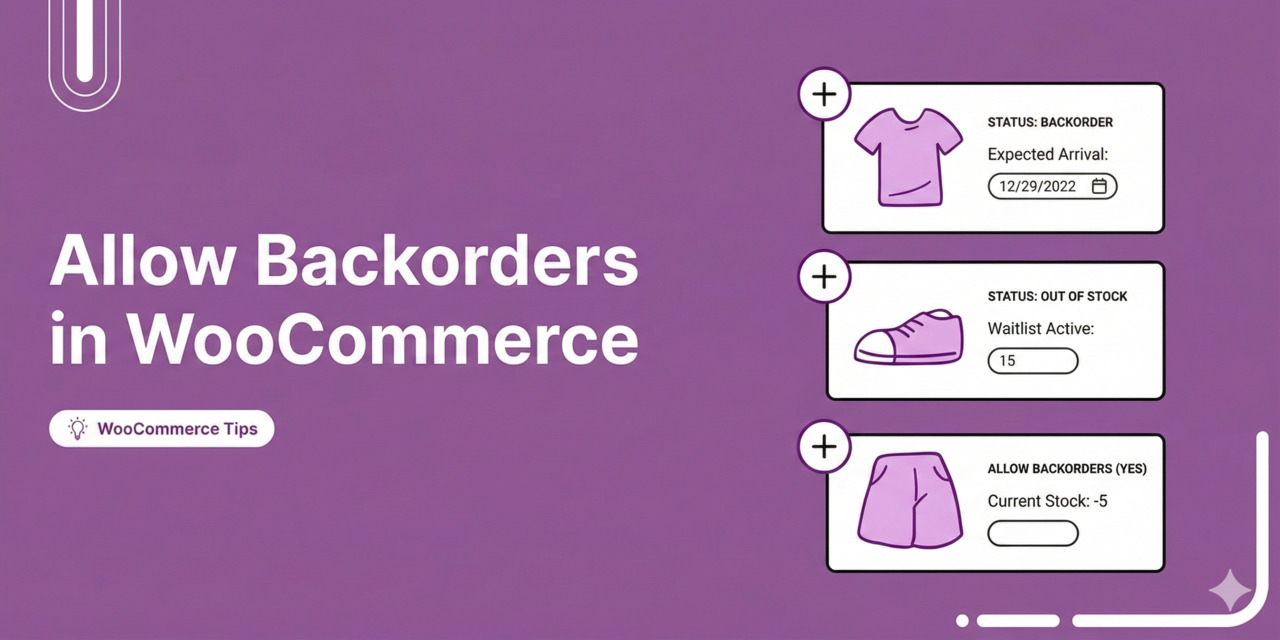
How to Allow Backorders in WooCommerce (Step-by-Step Guide)
A WooCommerce backorder allows customers to purchase products that are temporarily out of stock. Without backorders, you lose the sale because WooCommerce's default behavior is to mark out-of-stock products as unavailable and gray out the "Add to Cart" button. If you're restocking that item in 2 days, the customer who just landed on your product page has no way to place an order and no reason to wait. In this guide, we'll walk you through enabling WooCommerce backorders for simple and variable products, customizing the message shoppers see on your product page, and automating notifications with a WordPress plugin. Furthermore, we'll also share best practices for
Mar 9, 2026
Editorial Team
Join Over 39,415+
Subscribers to get free tips, tricks, and resources to grow your mailing list
Recent Blogs
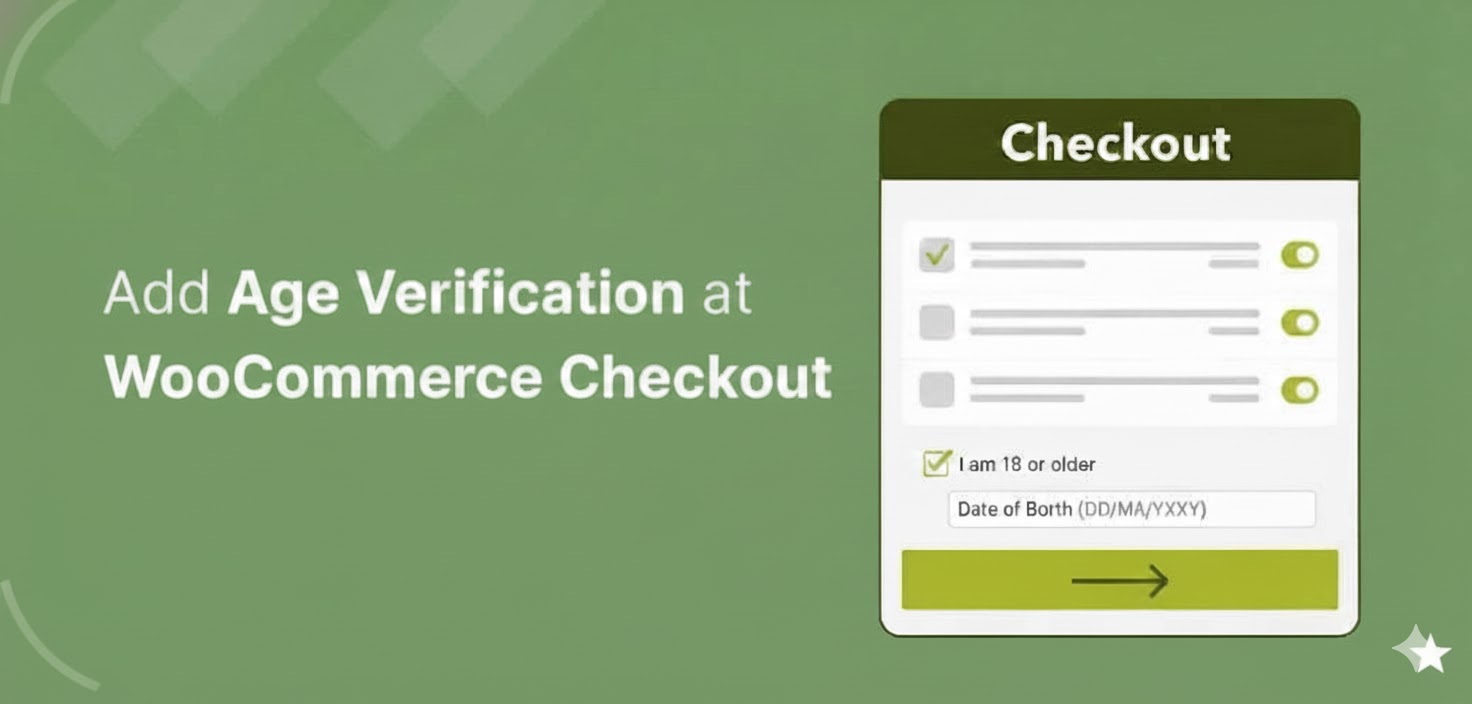
How to Add Age Verification at Checkout in WooCommerce (Step-by-Step)
WooCommerce age verification checkout becomes important the moment you sell products that are restricted by age. If you sell products like alcohol, tobacco, or vapes, verifying a customer’s age is not just a good practice. In many countries, it is a legal requirement. Some other items can fall into this category too, such as high-caffeine energy drinks, certain supplements, fireworks, or mature-rated video games. The tricky part is that WooCommerce doesn’t really help with this out of the box. There is no built-in age gate at checkout. No date-of-birth field. No confirmation step that stops someone underage from placing an order. So if you are running
Mar 6, 2026
Editorial Team
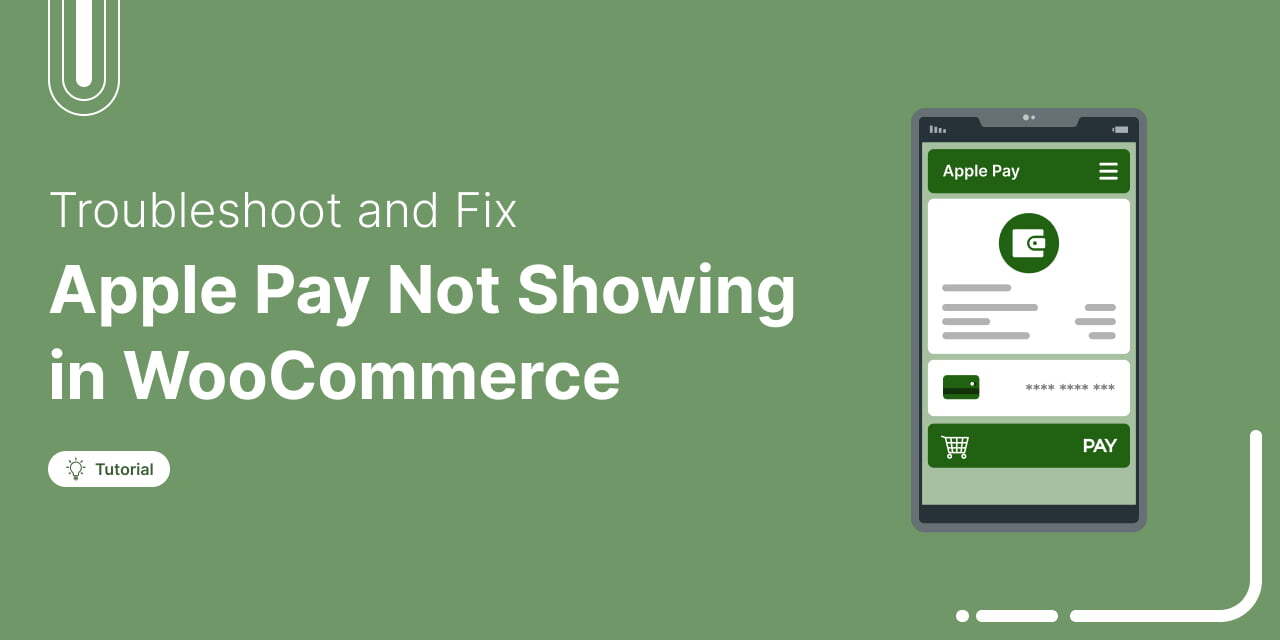
WooCommerce Apple Pay Not Showing: Learn Why and How to Fix It
You did everything right by setting up Apple Pay, enabling it in your WooCommerce settings, and even double-checking your Stripe configuration. But at checkout? No Apple Pay button in sight. You’ve cleared the cache, read random articles, and maybe even reinstalled the Stripe gateway plugin. And yet… nothing. Sound familiar? This is a common issue many WooCommerce store owners run into, especially when aiming to offer fast, tap-and-go payments for mobile users. The good news? It's usually a quick fix. Based on our experience in helping dozens of clients, we’ve identified the most common reasons why the Apple Pay button doesn’t show up and how to
Mar 6, 2026
Editorial Team
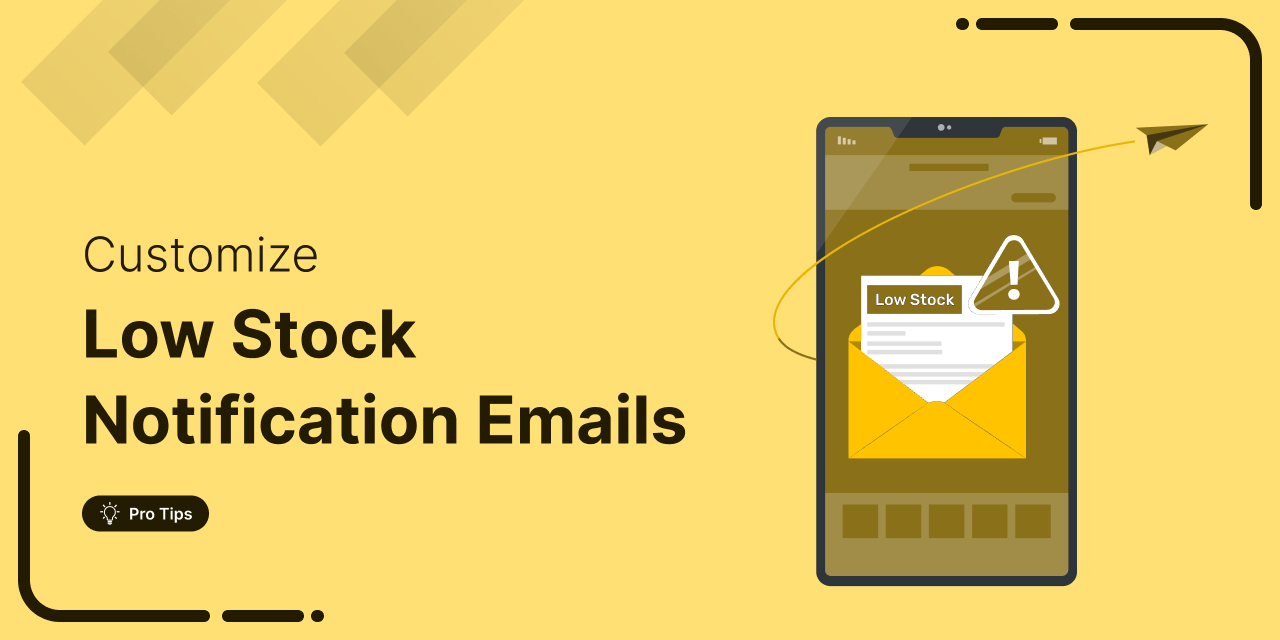
How to Send Custom WooCommerce Low Stock Notification Emails
Are you constantly stressing about running out of your best-selling products and missing out on sales? Setting up and customizing WooCommerce low stock notification emails can really help your online store. These alerts ensure you stay on top of your inventory, so you’ll always know when it’s time to restock. In this article, we'll walk you through how to easily set up these notifications and customize them to fit your needs. Ready to keep your shelves stocked and your customers happy? Let’s dive in! Short on time? Watch the video 👇 What are WooCommerce Low Stock Notification Emails? WooCommerce low stock notification emails are automated alerts
Mar 5, 2026
Editorial Team
The Ultimate Guide to Mastering WooCommerce Checkout Shortcode (Even If You’re a Beginner)
Your checkout page might be silently killing your sales. No error messages, no warnings; just shoppers disappearing before they click the place order button. One of the sneakiest causes? The WooCommerce checkout shortcode isn’t placed or configured correctly. Maybe your page was set up a while ago, and suddenly, there is a conflict or a plugin that messed things up. Either way, a broken checkout can silently crush your conversions. WooCommerce offers many shortcodes to display products, carts, customer accounts, etc. But the most critical of them all is the [woocommerce_checkout] shortcode. This single line of code powers the entire checkout process. Even the slightest miscommunication
Mar 5, 2026
Editorial Team
How to Set Up Automated WooCommerce Follow-Up Emails to Boost Sales
Want to turn one-time buyers into loyal customers? Studies show that 50% of sales happen after the fifth follow-up email, yet most businesses give up way too soon. That’s a lot of missed revenue! With WooCommerce automated follow-up emails, you can keep your customers engaged, bring them back to buy again, and maximize every sale, without lifting a finger. In this blog, we will share how you can set up automated follow-ups for your WooCommerce customers right from your WordPress dashboard. So let’s begin. What Are WooCommerce Follow-Up Emails and the Different Types? WooCommerce follow-up emails are those you send to users after they interact with
Mar 5, 2026
Editorial Team
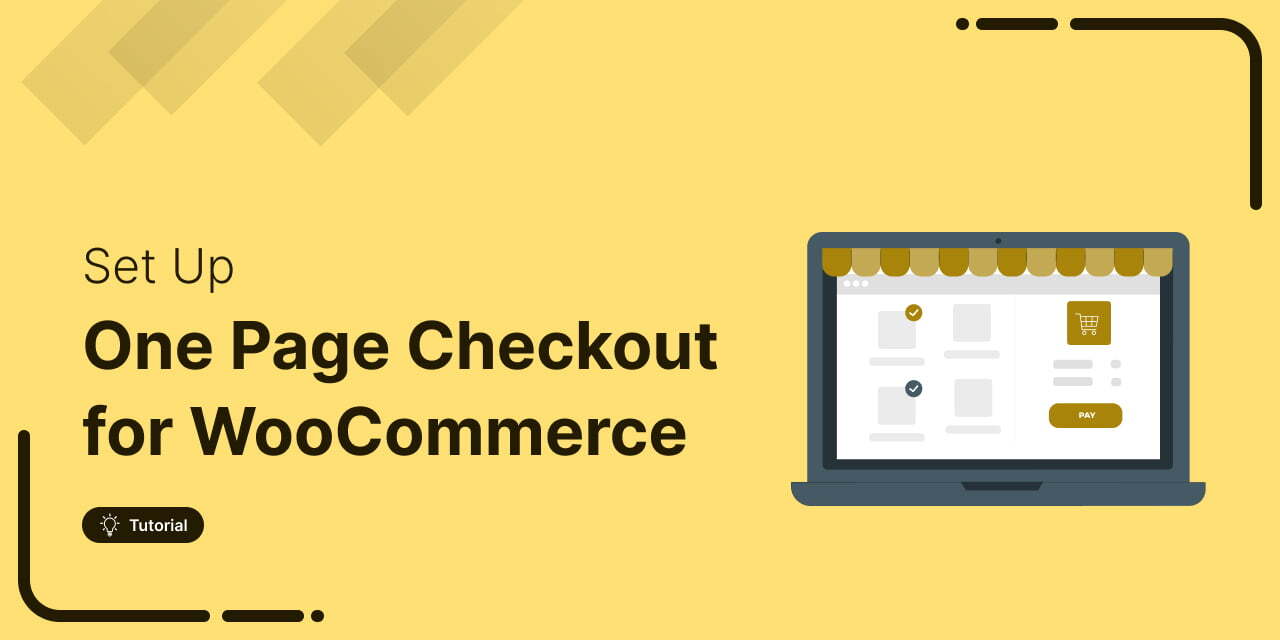
Master WooCommerce One Page Checkout: The Expert 2026 Guide
Looking to create a WooCommerce one page checkout? Here's your answer. Cart abandonment is the silent conversion killer of e-commerce, and friction at checkout is the primary culprit. Forcing customers to load multiple pages just to hand you their money is a surefire way to lose sales. What's the solution then? A WooCommerce one-page checkout! It merges product details, checkout form, live order summary and payment buttons into a single streamlined page that eliminates distractions. This will enable shoppers to stay focused, make checkout effortless, and increase your return on ad spend (ROAS). In this article, we'll discuss: What WooCommerce one page checkout is and why
Mar 5, 2026
Editorial Team
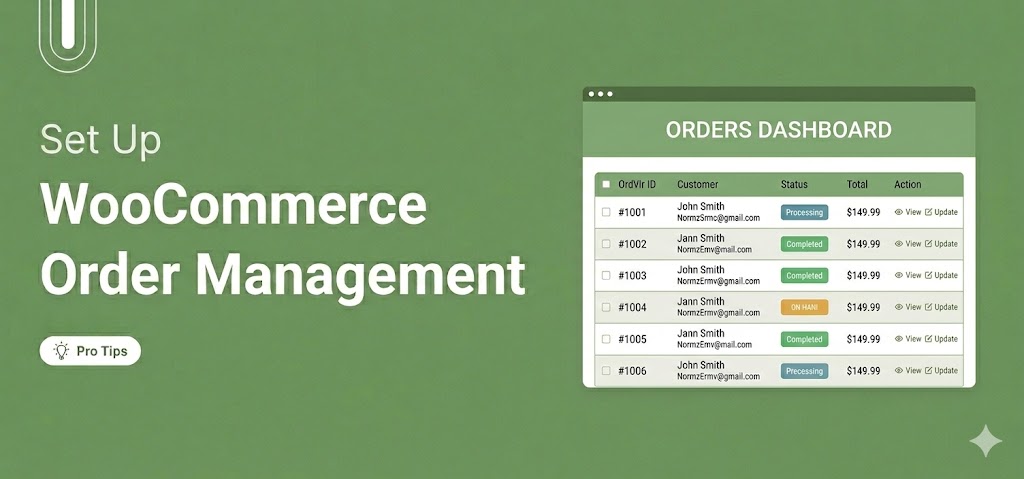
WooCommerce Order Management: How to Set Up and Streamline It
WooCommerce order management is the process of tracking, processing, and fulfilling customer orders from the moment a purchase is placed until it reaches the customer. It includes monitoring order statuses, communicating updates to customers, processing refunds, and managing bulk actions within your order list. Out of the box, WooCommerce provides a built-in order management system that works well for small to medium-sized stores. In this guide, we’ll explain how the default system works and how to manage orders more efficiently. In addition, we will share how to extend its capabilities with the right plugins so you can build a streamlined workflow that scales with your store’s
Mar 4, 2026
Editorial Team
WooCommerce Tags Explained: How to Add, Manage and Use Them
WooCommerce tags are labels you assign to products so shoppers can find related items across your store. They work similarly to social media hashtags. Tag a product with "eco-friendly" or "summer-sale". Suddenly, it starts showing up right next to other items with that exact same tag, even if those items live in totally different categories on the opposite side of your store's navigation menu. The problem is that most WooCommerce store owners either skip tags altogether or mix them up with categories and attributes. As a result, there will be a messy catalog after six months, making it take 10 clicks to find anything instead of
Mar 3, 2026
Editorial Team
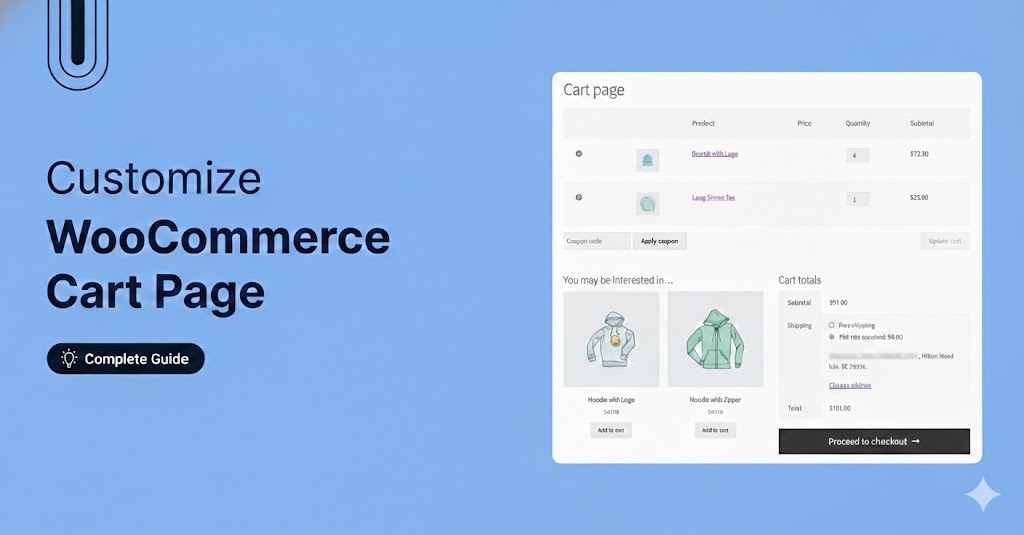
How to Customize The WooCommerce Cart Page
Most store owners do not think much about their cart page until they start losing sales. That is when it suddenly becomes important. The default WooCommerce cart page handles the basics. It displays products, quantities, totals, and a checkout button, all styled according to your theme. But beyond that, it offers very little flexibility. As a result, the cart often feels generic and purely functional rather than optimized for conversions. In this blog, we will show you how to customize WooCommerce cart page using built-in options and explore more advanced methods using code for greater control over design, layout, and functionality. Quick Overview: WooCommerce’s default cart
Mar 2, 2026
Editorial Team
Ready to Transform Your Store?

Join 39,415+ successful store owners who trust FunnelKit to power their businesses.
Conversion Optimized Checkout Pages
Increase Revenue with Smart Upsells
Capture Emails & Recover Abandoned Carts
Automate Winbacks & Repeat Sales


973+ 5 star reviews on WordPress.org