

Join Over 39,415+ Professionals
Who build smart funnels and automations with FunneKit

Frictionless Checkouts
Email & SMS Marketing
Attractive Order Bumps
Rich Contact Profile
One Click Upsells
Workflow and Integrations
In-depth Analytics
Segmented Broadcast
A/B Testing
Revenue Tracking
Robust Rule Engine
Sliding Cart
Get FunnelKit Now

FunnelKit Blog

Recent Blogs
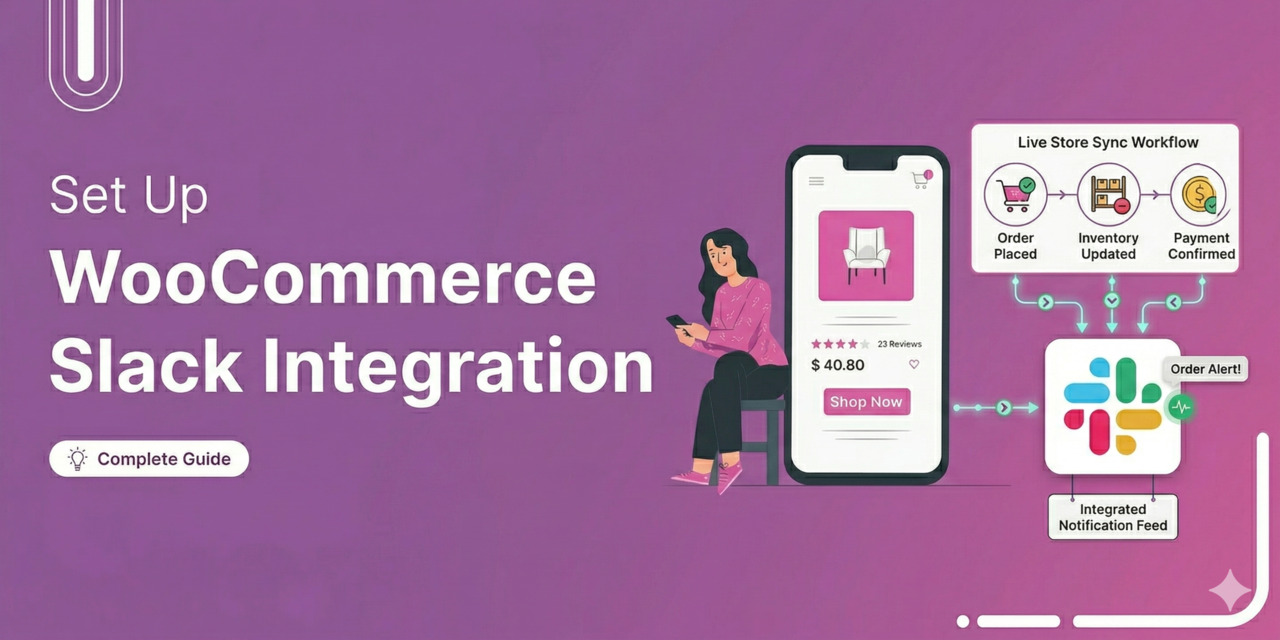
How to Set Up WooCommerce Slack Integration for Real-Time Notifications
Managing a WooCommerce store means juggling orders, inventory, refunds, and customer messages across multiple tabs. Your fulfillment team checks the dashboard. Your support team refreshes their inbox. Your marketing team digs through reports. This is quite frustrating for distributed teams that already use Slack as their primary communication tool. WooCommerce Slack integration bridges that gap. You can route specific events, such as failed Stripe payments or low-stock warnings, directly into the channels where your staff already work. No dashboard hopping. No missed orders. No delayed responses. In this guide, we will show you how to integrate WooCommerce with Slack using a WordPress plugin. Furthermore, we'll walk
Apr 10, 2026
Editorial Team
Join Over 39,415+
Subscribers to get free tips, tricks, and resources to grow your mailing list
Recent Blogs
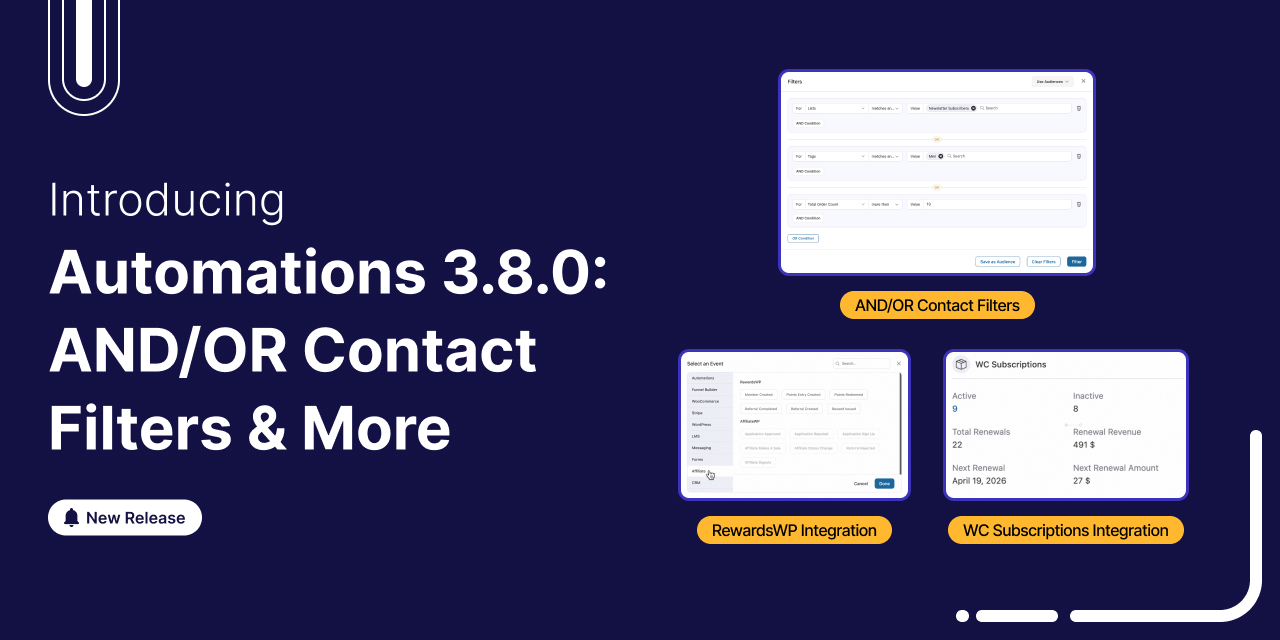
Introducing FunnelKit Automations 3.8.0: AND/OR Contact Filters, Subscription Automations & More
We're thrilled to announce that FunnelKit Automations 3.8.0 is now live! And this one packs some serious firepower. This release turns FunnelKit Automations into a full-fledged CRM-grade targeting engine. You get advanced AND/OR segmentation, behavioral email filters, and deep subscription lifecycle automation, features you'd normally find in platforms charging $300+/month. This release gives you all the tools you need to do it faster, smarter, and without leaving WordPress. Let's take an in-depth look at everything that's new in our video: 1. Redesigned Contact Filters with AND/OR Logic Until now, contact filters worked as flat, single-level queries. You could filter by tag, order value, or by country.
Apr 9, 2026
Editorial Team
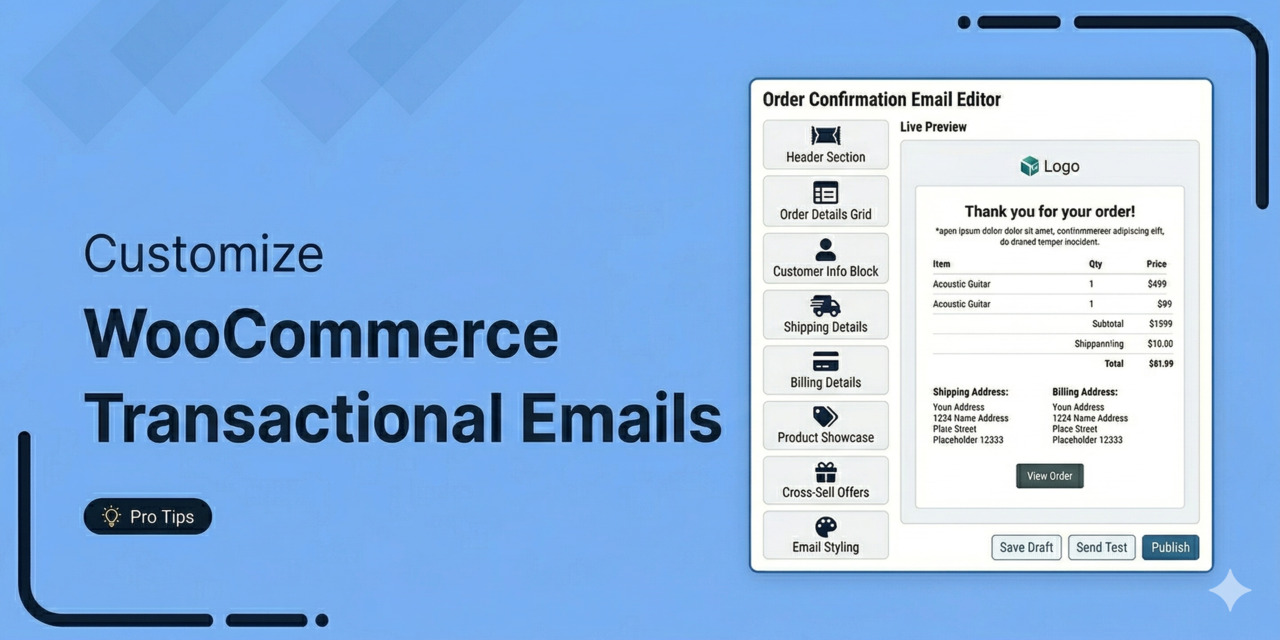
How to Customize WooCommerce Transactional Emails: 2 Effective Methods
WooCommerce transactional emails are the automated messages your store sends after a customer takes an action. This includes shipping updates, password resets, and welcome notices. Open rates for these alerts sit at 80-85%, which completely crushes regular marketing campaigns that typically struggle to hit 25%. [Source: Mailgun] Why? Buyers wait for them. That attention makes these functional alerts highly valuable real estate. Customizing these notices does more than confirm a purchase. Instead of relying on the default text that looks identical to that of thousands of other online stores, editing these emails lets you introduce cross-sell recommendations that drive traffic right back to your product pages.
Apr 9, 2026
Editorial Team
WordPress Autoresponder: How to Set Up Automated Emails for Your Site
Setting up a WordPress autoresponder takes the manual work out of your communication, turning passive website visitors into engaged subscribers and paying customers. Rather than replying to form submissions by hand or individually emailing out a lead magnet, the system handles it instantly. This keeps your audience engaged and ensures you never miss a follow-up, all without requiring you to sit at your desk 24/7. However, the default WordPress email system is limited to basic notifications. With an average ROI of 4,300% in the U.S., email marketing remains one of the most profitable strategies [Source: Direct Marketing Association]. Autoresponders make that possible. If you want to
Apr 8, 2026
Editorial Team
How to Customize the WooCommerce Phone Field (Step-by-Step)
The WooCommerce phone field is one of the most commonly adjusted elements on the checkout page. Store owners either want to make it required for delivery coordination, add country code validation for international customers, or remove it entirely to reduce checkout friction. But the default setup is extremely rigid. No built-in format validation. No country flag dropdowns. You barely get any customization options over whether the field is required, optional, or hidden entirely from the frontend. Changing this behavior in the WordPress Customizer often does not work as expected. In this guide, we will look at exactly how to fix this. Whether you prefer writing raw
Apr 7, 2026
Editorial Team
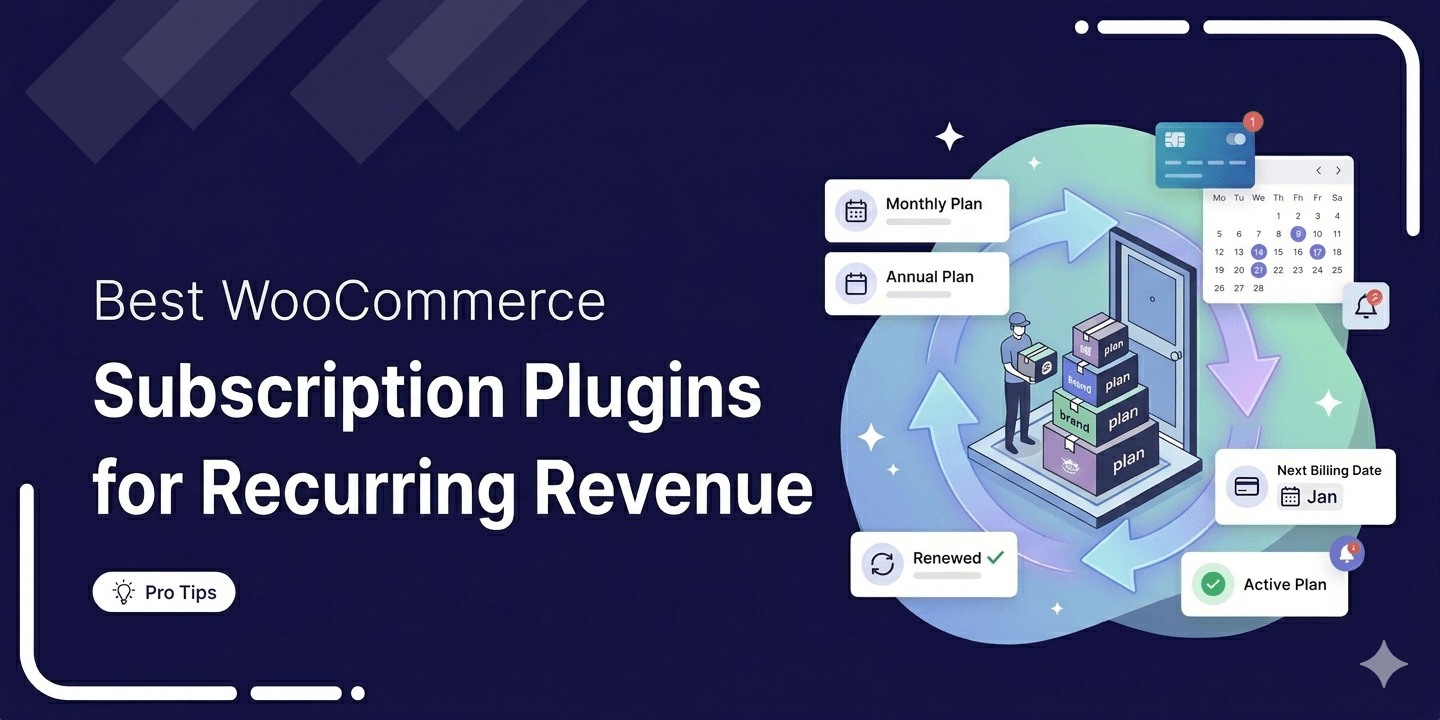
6 Best WooCommerce Subscription Plugins For Recurring Revenue: Tested & Compared (2026)
Want to turn one-time buyers into customers who keep coming back using WooCommerce? Then you need to find a WooCommerce subscription plugin. These plugins will help you automate billing, manage renewals, handle failed payments, and keep customers subscribed without doing everything manually. According to Business Wire, the subscription economy has grown by over 300% in seven years. Plus, recurring revenue is also more predictable than one-time sales. The bad news is that WooCommerce does not support subscription products or recurring billing on its own. In this blog, we will compare the 6 WooCommerce subscription plugins available in 2026. We will look at their features, pricing, and
Apr 6, 2026
Editorial Team
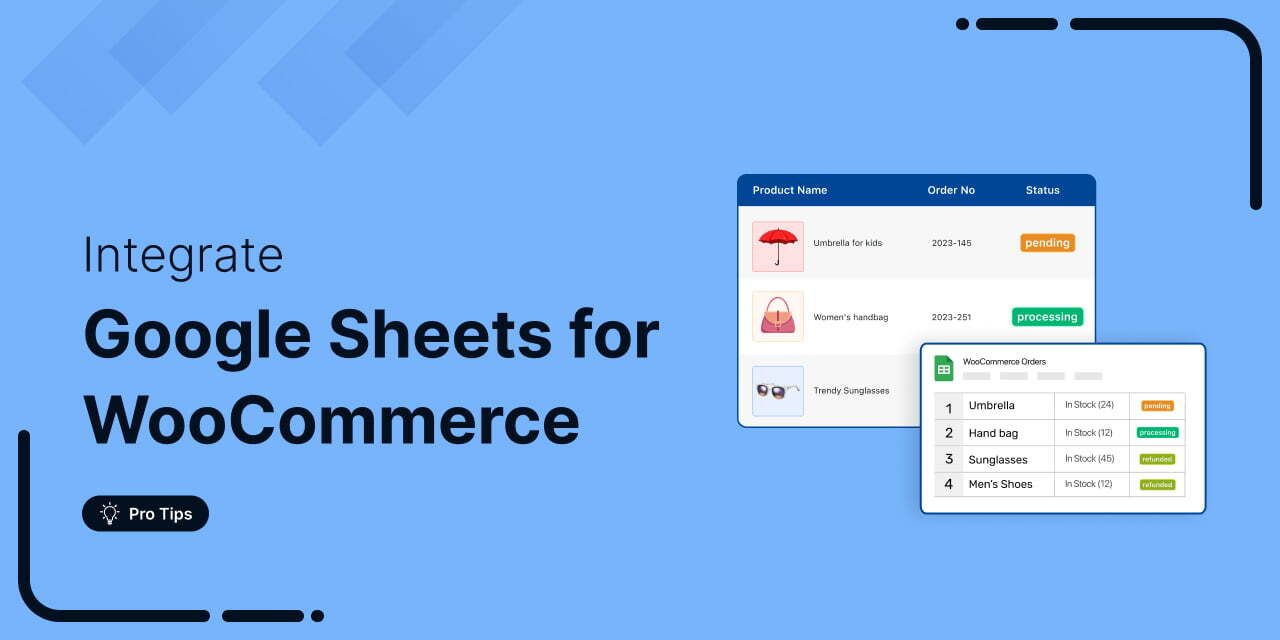
WooCommerce Google Sheets Integration: How to Connect, Sync & Automate Your Store Data
WooCommerce Google Sheets integration lets you automatically send your store's order, product, and customer data to a Google Sheets spreadsheet. Instead of exporting CSV files manually every time you need to review sales or check inventory, you can set up a live connection that keeps your WooCommerce spreadsheet updated in real time. It lets you streamline your business revenue management process, analyze your order data and tracking, and so much more efficiently. In this post, we'll demonstrate how you can set up WooCommerce Google Sheets integration without writing any code in just a few minutes. Plus, we’ll also look at some powerful use cases that you
Apr 1, 2026
Editorial Team
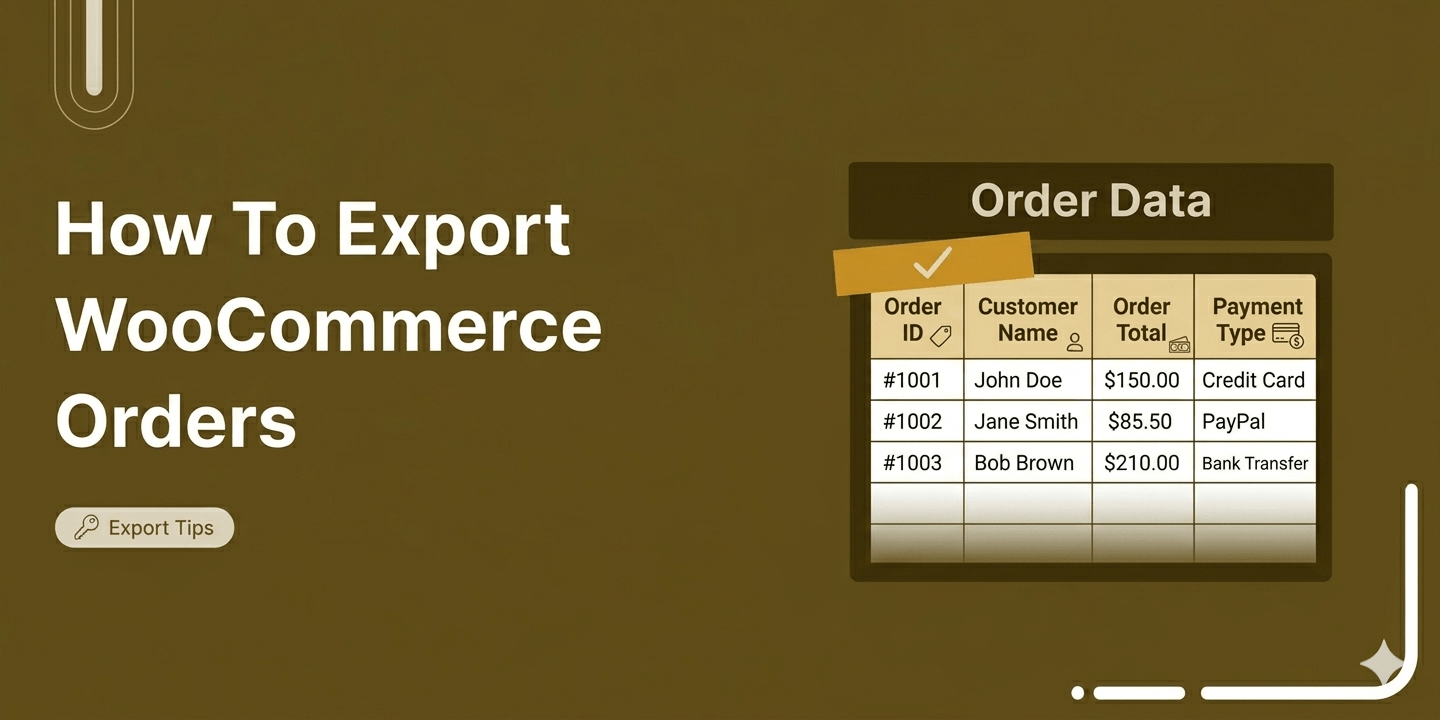
How to Export WooCommerce Orders: A Complete Guide
Almost every store owner needs to export WooCOmmerce orders sooner or later. Maybe you need to send order data to your accountant, move records to a new site, or pull totals into a spreadsheet for analysis. Whatever the reason, getting clean, usable order data out of WooCommerce is a real and recurring task. WooCommerce does have a built-in way to download order data, In this blog, we will share how to export order data in WooCommerce with or without filtering by specific conditions. Plus, additional plugins to use when WooCommerce's built-in options are not enough. When Do You Actually Need to Export WooCommerce Orders? Most store
Apr 1, 2026
Editorial Team
How to Customize the WooCommerce Place Order Button Text, Color and Design
The WooCommerce place order button on your checkout page is literally where the money changes hands. However, most store owners leave it completely untouched. You aren't stuck with the default setup. Changing the button text to something actually persuasive (like "Complete My Purchase"), matching your brand colors, or moving its position can make a real difference in your checkout flow. In this guide, we will show you the quickest way to customize the place order button in WooCommerce using a plugin, no coding required. We will also walk you through a code-based method using PHP and CSS for developers, and share best practices for optimizing your
Apr 1, 2026
Editorial Team
WooCommerce Email Hooks: The Complete Guide to Customizing Order Emails
WooCommerce email hooks give you powerful control over the emails your store sends, without touching the core files. From order confirmations to shipping updates, these hooks let you customize content, add dynamic elements, and trigger additional actions with ease. Whether you're a developer or a store owner looking to personalize your customer communication, email hooks offer advanced flexibility. In this guide, we will walk you through every WooCommerce email hook available, explain what each one does, and show you how to use them. We will also share a no-code alternative using a visual builder for store owners who want to customize their WooCommerce email notifications without
Mar 31, 2026
Editorial Team
Ready to Transform Your Store?

Join 39,415+ successful store owners who trust FunnelKit to power their businesses.
Conversion Optimized Checkout Pages
Increase Revenue with Smart Upsells
Capture Emails & Recover Abandoned Carts
Automate Winbacks & Repeat Sales


973+ 5 star reviews on WordPress.org