

Join Over 40,300+ Professionals
Who build smart funnels and automations with FunneKit

Frictionless Checkouts
Email & SMS Marketing
Attractive Order Bumps
Rich Contact Profile
One Click Upsells
Workflow and Integrations
In-depth Analytics
Segmented Broadcast
A/B Testing
Revenue Tracking
Robust Rule Engine
Sliding Cart
Get FunnelKit Now

FunnelKit Blog

Recent Blogs
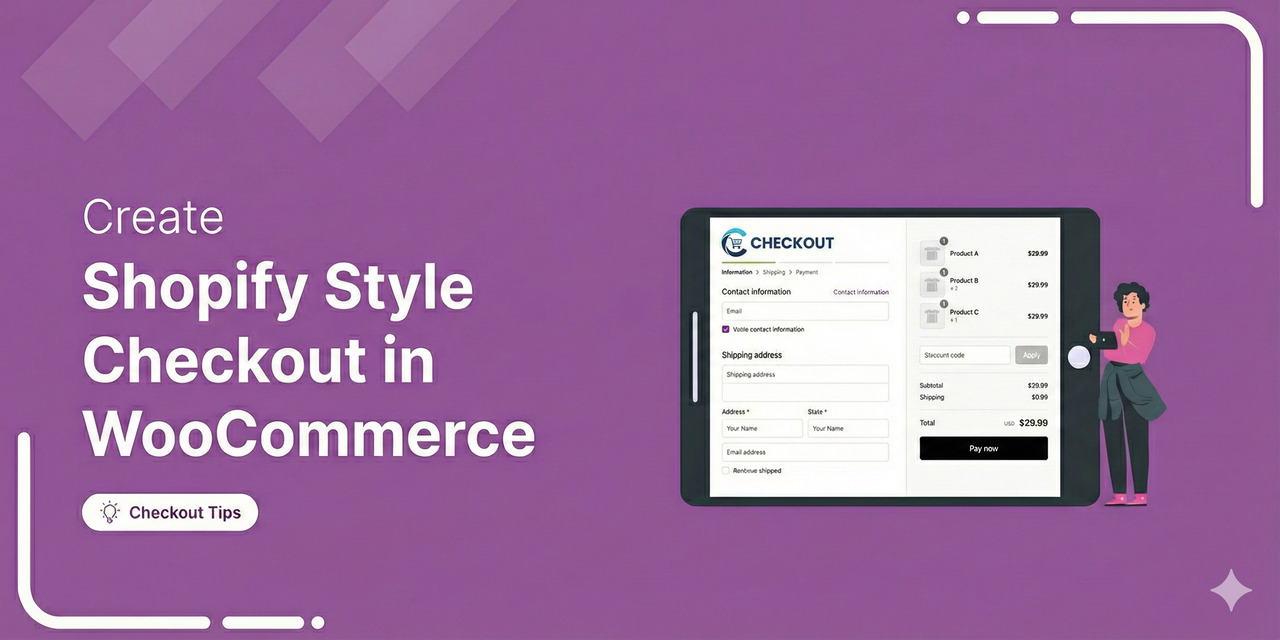
WooCommerce Shopify Checkout: 5-Step Setup Guide (2026)
A WooCommerce Shopify checkout is a redesigned WooCommerce checkout page built around the design principles that make Shopify's checkout convert. It includes a clean layout, express payment options at the top, Google address autocomplete, a mobile-first design, and minimal distractions. Shopify migrated its default checkout from a three-step flow to a single-page checkout, and non-Plus stores will be moved off the legacy multi-step layout entirely by August 26, 2026. So, in 2026, "Shopify-style" refers to the design language and is not specific to the number of steps. Most WooCommerce checkout plugins support both one-page and multi-step layouts, so you can pick whichever performs better for your
May 8, 2026
Editorial Team
Join Over 40,300+
Subscribers to get free tips, tricks, and resources to grow your mailing list
Recent Blogs
17 Best WooCommerce Plugins To Boost Your Store Sales (2026)
Are you searching for the best WooCommerce plugins to enhance the overall customer experience and boost conversions in your store? Honestly, there are a ton of free and paid WordPress plugins that could help you boost sales in your WooCommerce store. But which ones actually work? So, we did all the legwork for you and have featured the 17 best WooCommerce plugins to enhance your store's value. Want to grow your WooCommerce business? Click on the link below to explore an exclusive offer! Get FunnelKit Now 🔥Try Risk-free with 14 Days Money Back Guarantee 1. FunnelKit Funnel Builder FunnelKit’s Funnel Builder is the most powerful sales
May 8, 2026
Editorial Team
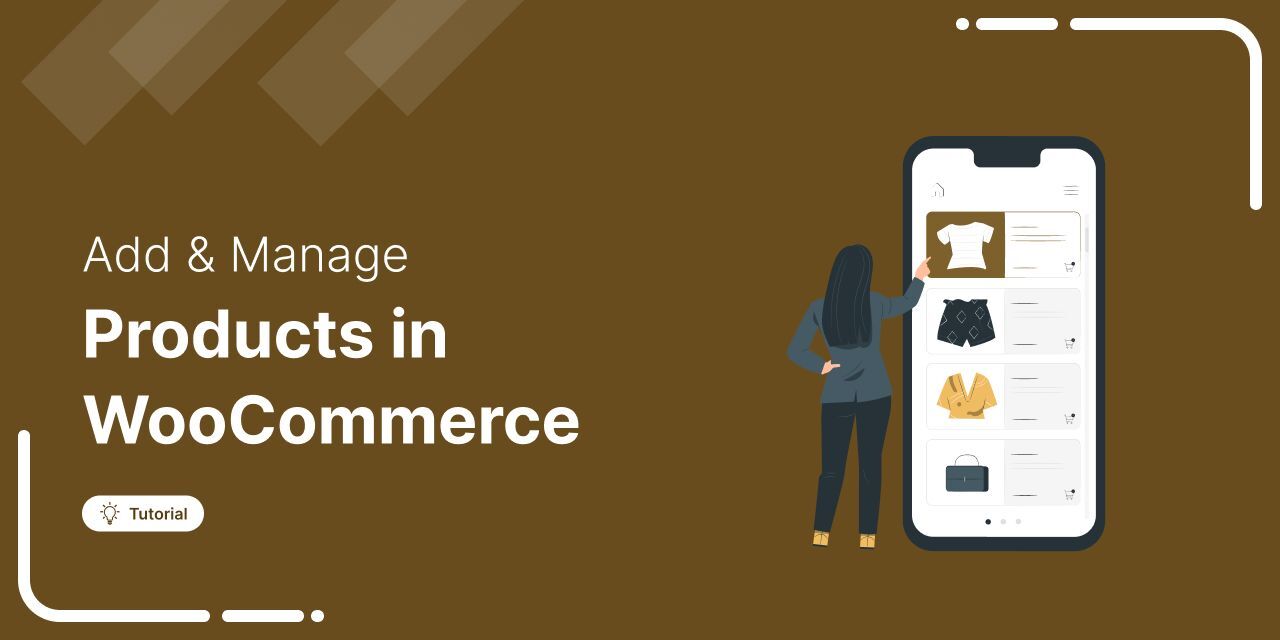
How to Add And Manage WooCommerce Products (Step-by-Step Guide)
Adding and managing products in WooCommerce isn't complicated, it just takes the right guidance. WooCommerce powers over 6 million stores worldwide, thanks to its user-friendly dashboard and flexible features. But if you're just getting started, managing products can feel a bit daunting. In this blog, we will break it all down for you, with a step-by-step guide on adding and managing different types of WooCommerce products. Plus, smart plugin recommendations to save time on product management and help you sell more effectively. Let’s get into it. What Are the Different Types of WooCommerce Products? By default, WooCommerce provides six types of products: Simple product: A standalone
May 8, 2026
Editorial Team
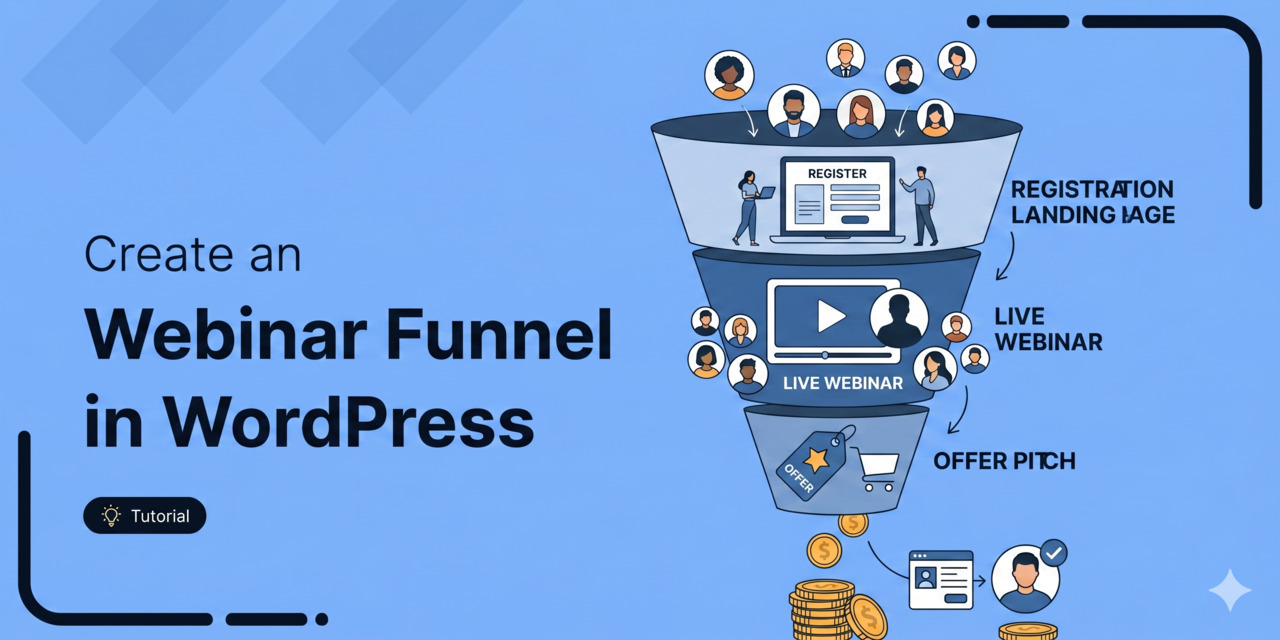
Webinar Funnel: The Complete Guide to Building One That Converts
Quick summary: Do you want to create a webinar funnel to increase conversions and boost your sales? The article is a step-by-step no-code guide to building a webinar funnel, covering four core stages: traffic, registration page, confirmation page, and the live webinar. It walks through setting up each funnel page, writing follow-up email sequences segmented by attendee behavior, and best practices for maximizing conversions. Webinars are quite powerful when it comes to generating leads, building brand awareness and making sales. According to On24 Webinar Benchmark Reports, 73% of marketers believe webinars help generate qualified leads. This, in turn, gives them an opportunity to turn them into
May 8, 2026
Editorial Team
WooCommerce One Page Checkout: 7 Best Plugins, Templates, and Setup Guide (2026)
Quick Summary: A WooCommerce one page checkout cuts the friction that kills conversions on default multi-page checkouts. We tested 7 plugins on live stores, ranked the best free and paid options, and documented the exact 5-minute setup. Comparison table, optimization strategies, and setup walkthrough inside. The default WooCommerce checkout is a conversion leak. Going towards Product Page → Cart Page → Checkout → Order Received forces buyers through four page loads, three redirects, and a dozen-plus form fields. Baymard Institute data shows it's costing the average store close to 70% of its potential orders. A WooCommerce one page checkout fixes this by collapsing the entire purchase
May 6, 2026
Editorial Team
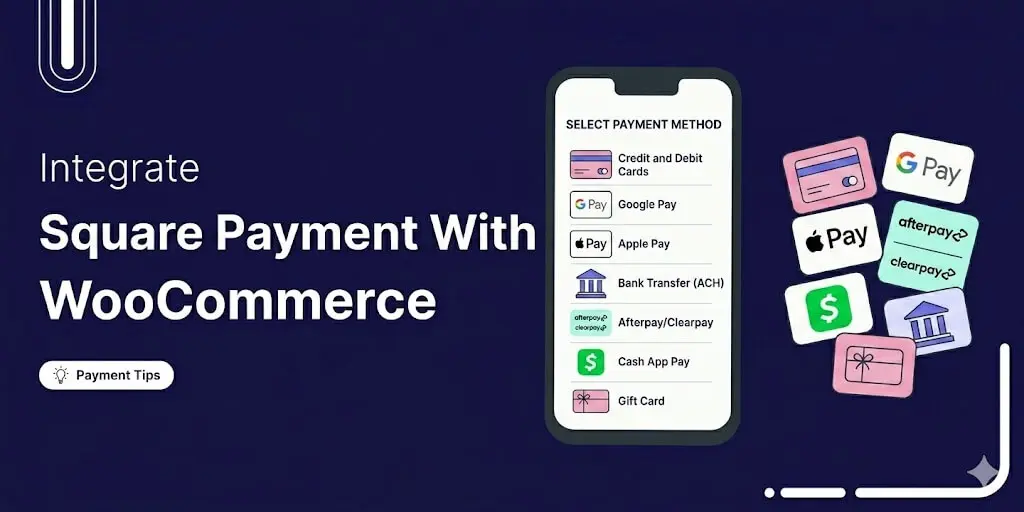
How to Integrate WooCommerce Square Payment Gateway In your Online Store
Square is one of the more popular payment options for WooCommerce, mainly because it handles both online and in-person sales from the same account. With over 4 million merchants relying on this payment gateway, it’s a perfect choice for WooCommerce. However, WooCommerce doesn’t offer any default way of integrating Square into your WooCommerce store. In this blog, we will share what payment Square offers and how you can integrate WooCommerce Square Payment in easy steps for free. What Is Square Payment Gateway and What It Offers Square is a payment processing platform built to help businesses accept payments online, in person, and on the go. For
May 6, 2026
Editorial Team
![How to Build a High-Converting WordPress Sales Funnel: The Ultimate Guide [2026]](https://funnelkit.com/wp-content/uploads/2025/05/How-to-Build-a-High-Converting-WordPress-Sales-Funnel.jpg)
How to Build a High-Converting WordPress Sales Funnel: The Ultimate Guide [2026]
If you're selling products, courses, services or memberships on WordPress and still relying on a single product page to all the heavy lifting, you're leaving money on the table. Dropping visitors directly onto a shop page can leave them overwhelmed or unsure of what to do next. That’s where a WordPress sales funnel comes in. It guides visitors step by step based on their needs and behavior. A well-designed funnel does more than attract visitors. It leads them toward a purchase by delivering the right message at the right time. It can lift average order value by 30-50%, recover abandoned carts and turn one-time buyers into
May 5, 2026
Editorial Team
How to Send a WooCommerce Subscription Reminder Email: Step-by-Step Guide
Want to keep your customers engaged and ensure they never miss a subscription renewal? Sending automated WooCommerce subscription reminder emails is the best way to achieve that. Reminder emails can help engage customers and build trust and loyalty. Plus, its timely execution can increase user retention. Customers who purchased subscription items from your store may not remember their renewal date, which is normal. However, they can get frustrated when they see an automatic charge they weren’t expecting. So, how do you solve this problem and hit your goals? Easy! With subscription reminder emails! In this post, you will learn how to set up an automated subscription
May 4, 2026
Editorial Team

How to Create an Elementor Sales Funnel in WordPress that Converts
If you sell products online, you need to build an Elementor sales funnel to maximize sales. A sales funnel guide helps you convert visitors into buyers through a well-charted course/well-defined path. You can create a sales funnel using the most popular page builder, Elementor. It's easy to create different pages for your funnel using the drag-and-drop-based builder. In this article, we’ll dig deeper and see exactly how you can design your Elementor sales funnels. We will help you build a sales funnel with Elementor that's designed to convert. In this video tutorial, explore how you can create a WooCommerce sales funnel in WordPress: Why Should You
May 1, 2026
Editorial Team
WooCommerce Checkout Optimization: The 2026 Playbook for Higher Conversions
Are you looking for WooCommerce checkout optimization hacks to streamline your users' shopping experience? Your WooCommerce store may have an attractive layout with a user-friendly interface. You may even have a wide array of products to bring traffic to your store. But none of it matters if a high percentage of traffic can’t make it past the checkout page. The average cart abandonment rate is 70% for eCommerce websites. That means 7 out of every 10 shoppers leave without making a purchase, which is quite shocking. That's why you should focus on optimizing your WooCommerce checkout page to reduce cart abandonment and improve conversions. An optimized
May 1, 2026
Editorial Team
Ready to Transform Your Store?

Join 40,300+ successful store owners who trust FunnelKit to power their businesses.
Conversion Optimized Checkout Pages
Increase Revenue with Smart Upsells
Capture Emails & Recover Abandoned Carts
Automate Winbacks & Repeat Sales


979+ 5 star reviews on WordPress.org