

Join Over 39,415+ Professionals
Who build smart funnels and automations with FunneKit

Frictionless Checkouts
Email & SMS Marketing
Attractive Order Bumps
Rich Contact Profile
One Click Upsells
Workflow and Integrations
In-depth Analytics
Segmented Broadcast
A/B Testing
Revenue Tracking
Robust Rule Engine
Sliding Cart
Get FunnelKit Now

FunnelKit Blog

Recent Blogs
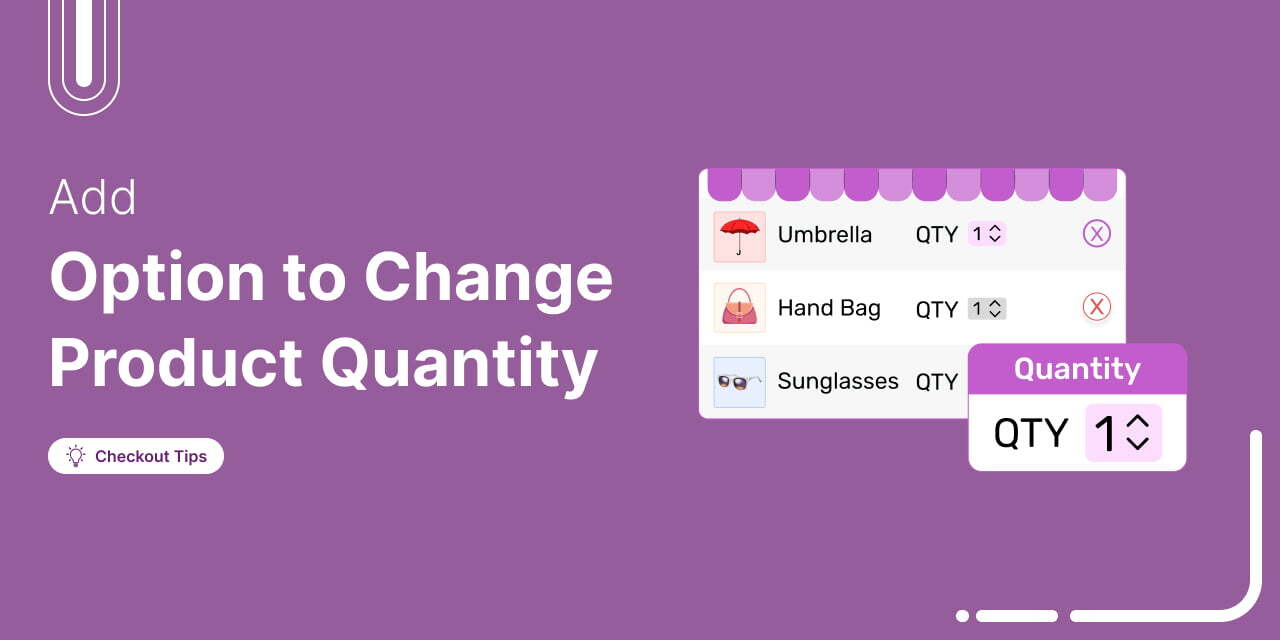
How to Add the Change Quantity Option on WooCommerce Checkout Page
Quick Summary: Allowing quantity changes at checkout helps prevent users from returning to the cart page to make adjustments. It’s a small but meaningful fix that can reduce cart abandonment. You can easily add this feature and refresh your checkout page for a smoother, conversion-ready experience without any coding. Your shopper is ready. They're at checkout. Then it hits them that they want two of those items, not one. But there's no option to change the quantity. So, they hit ‘Back’, sometimes losing their progress or worse, their interest. In fact, studies show that 1 in 4 online shoppers abandon checkout due to unnecessary friction. We’ve
Mar 23, 2026
Editorial Team
Join Over 39,415+
Subscribers to get free tips, tricks, and resources to grow your mailing list
Recent Blogs
How to Test WooCommerce Checkout and Payments in Your Store
Testing your WooCommerce checkout process ensures a smooth customer experience and helps you fix issues before they affect your customers. If you're a WooCommerce store owner or developer looking to enhance your online shopping experience, you’re in the right place. Let's say you have spent countless hours building a visually appealing website, creating attractive products, and driving traffic to your store. But at checkout, your shoppers encounter unexpected errors or slow-loading pages, leading to frustration and abandoned carts. This scenario is familiar to many eCommerce businesses. The checkout process can make or break the conversion of visitors into customers. Even slight hiccups can result in lost
Mar 20, 2026
Editorial Team

13 Best WooCommerce Marketing Plugins You Need to Grow Your Business
Best WooCommerce marketing plugins can make the difference between a store that just exists and one that consistently generates sales. Even if your products are great, they won’t sell if people don’t discover them or aren’t guided to buy. That’s where marketing steps in. And it’s not only about running ads outside your store. Real growth happens inside your WooCommerce store too through emails, upsells, offers, and smart on-site prompts that nudge visitors toward a purchase. The problem is that WooCommerce doesn’t include these marketing capabilities by default. So if you want predictable growth, you need the right tools working in the background. In this guide,
Mar 19, 2026
Editorial Team
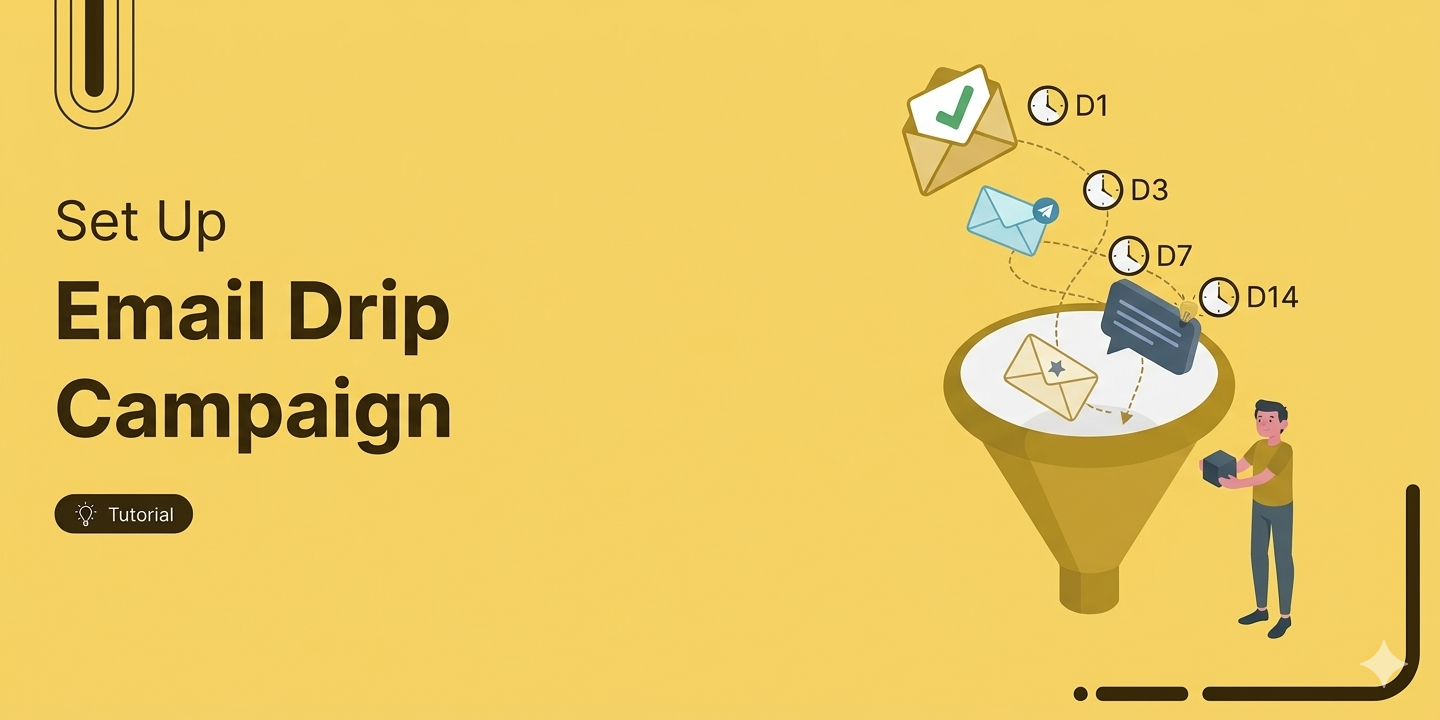
How to Create an Email Drip Campaign in WordPress
If you run a WooCommerce store, a single promotional email is not a strategy. Setting up an email drip campaign in WordPress is how you automatically turn one-time buyers into repeat customers. Instead of chasing leads manually, you build a sequence that sends the right message at the right moment, nurtures trust, and converts without you lifting a finger once it's set up. The numbers back it up. Drip campaigns generate 80% higher open rates than one-off emails, and Forrester Research found they can lift sales by up to 50%. In this guide, you will learn exactly how to set one up from your WordPress dashboard,
Mar 19, 2026
Editorial Team
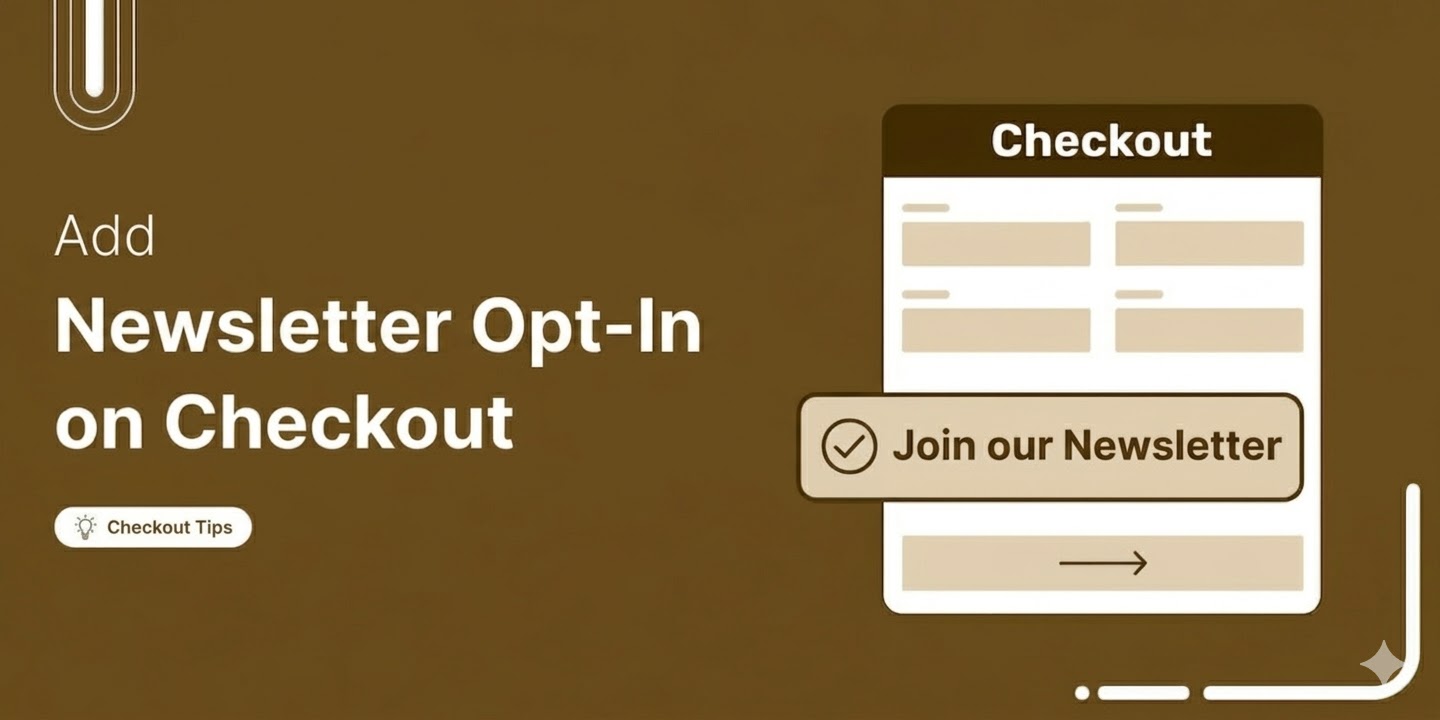
How to Add a Newsletter Opt-In Checkbox to WooCommerce Checkout
Adding a newsletter opt-in checkbox to your WooCommerce checkout is one of the simplest ways to grow an email list that actually drives revenue. Every customer completing a purchase is already engaged with your store, already trusts your brand, and is more likely to say yes to staying in touch than a cold visitor who landed on your homepage. That moment at checkout is valuable, and most stores let it go to waste. According to Litmus, 35% of companies see between $10 and $36 back for every dollar they put in. For WooCommerce stores, those numbers climb higher because you are emailing people who have already
Mar 19, 2026
Editorial Team
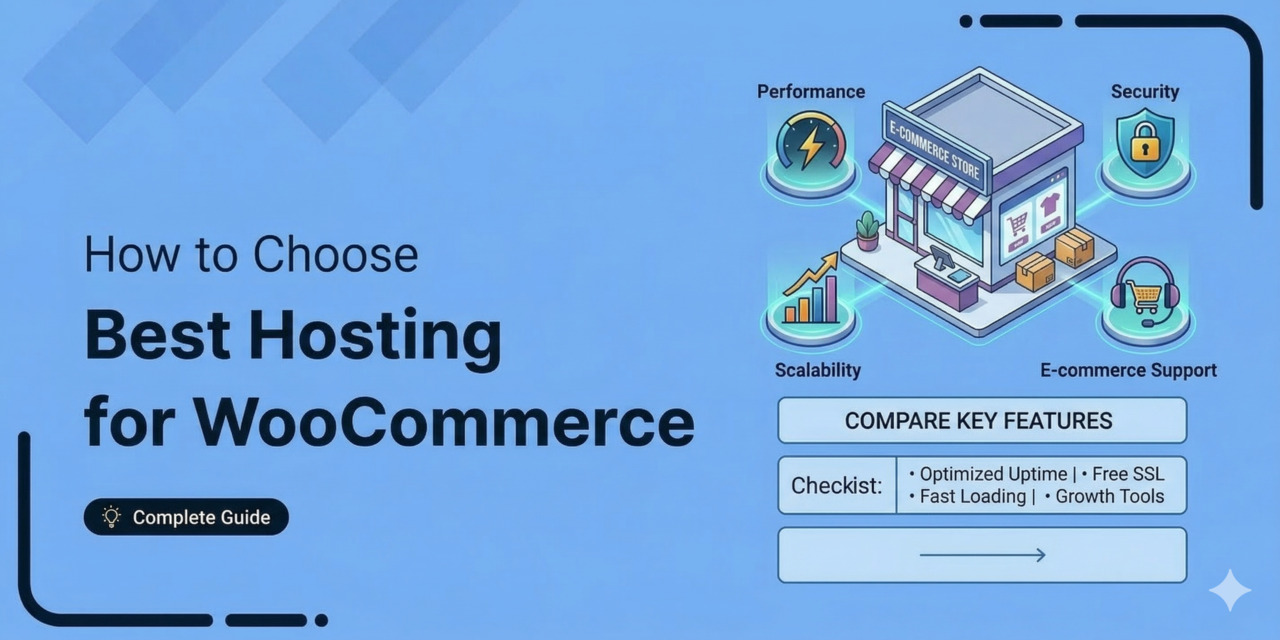
How to Choose the Best WooCommerce Hosting (8 Providers Compared)
Your WooCommerce store is only as fast, reliable and secure as the hosting behind it. You can build the perfect product page, spend thousands running highly optimized ad campaigns, and capture high-intent leads. But if your server chokes the moment a traffic spike hits, you are essentially just paying for ads that frustrate potential customers. That's what makes WooCommerce hosting one of the most consequential decisions you'll make as a store owner (and one of the most confusing parts, too). Cheap shared hosting plans bury CPU limits deep in their terms of service. Managed WordPress setups offer genuine speed but charge a massive monthly premium for
Mar 19, 2026
Editorial Team
WooCommerce Taxes: How to Set Up, Automate, and Stay Compliant
WooCommerce taxes are easily the worst part of launching an eCommerce store. You go into the settings thinking it will be a simple checkbox, and instead, you are hit with a wall of empty rate tables, tax classes, and obscure shipping toggles. If you guess on these settings, you either end up eating the cost of uncollected taxes out of your own profit margins or you accidentally break a regional compliance law. WooCommerce has all the plumbing required to calculate tax correctly, but it is completely dumb out of the box. You have to tell it exactly how to behave. You have to decide if you
Mar 18, 2026
Editorial Team
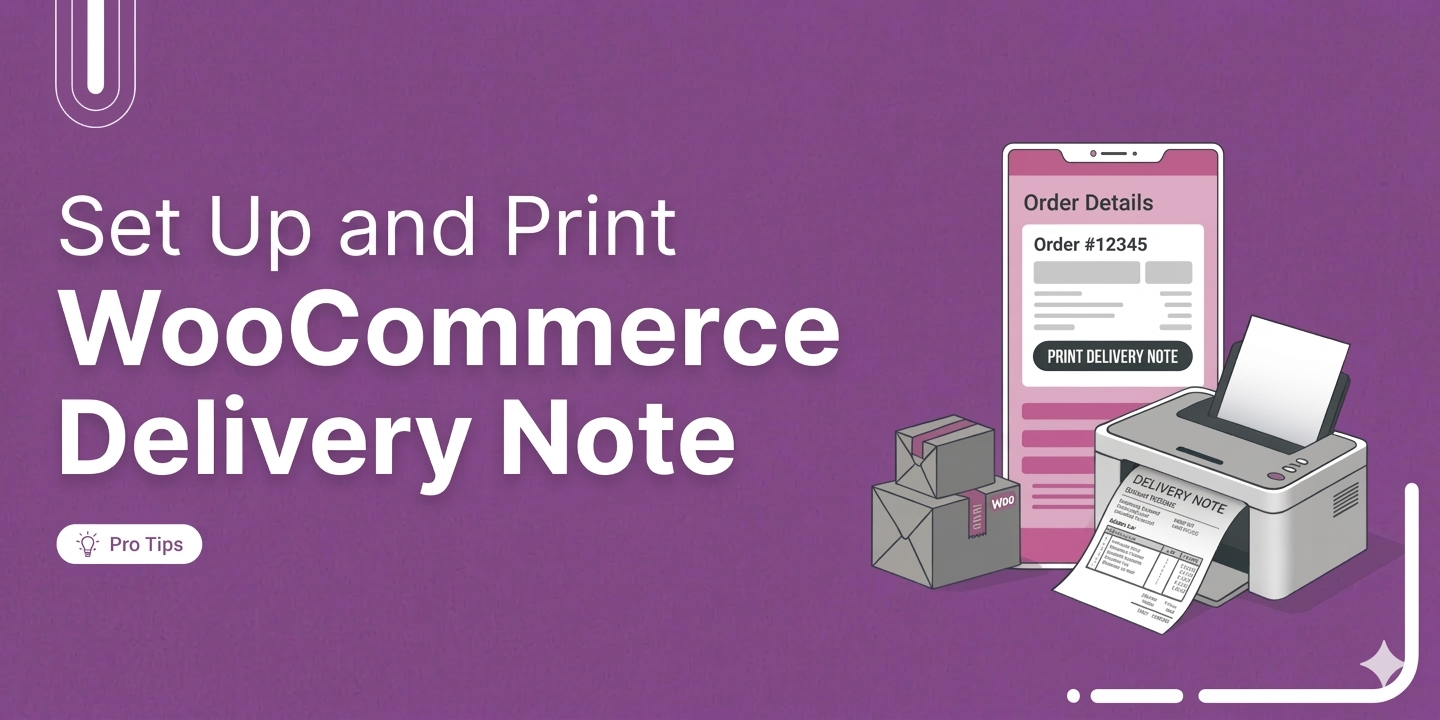
How to Set Up and Print Delivery Notes in WooCommerce
If you are shipping physical goods, setting up a WooCommerce delivery note is one of those small things that makes a real big difference. It helps your orders feel more professional when they arrive. WooCommerce does not generate delivery notes out of the box. You will need a plugin to generate them, but the good news is that there are several solid, free, and paid options, and the setup is straightforward once you know what to look for. In this blog, we will share how to create and print delivery notes in WooCommerce for free in a step-by-step guide. What Is a WooCommerce Delivery Note? A
Mar 18, 2026
Editorial Team
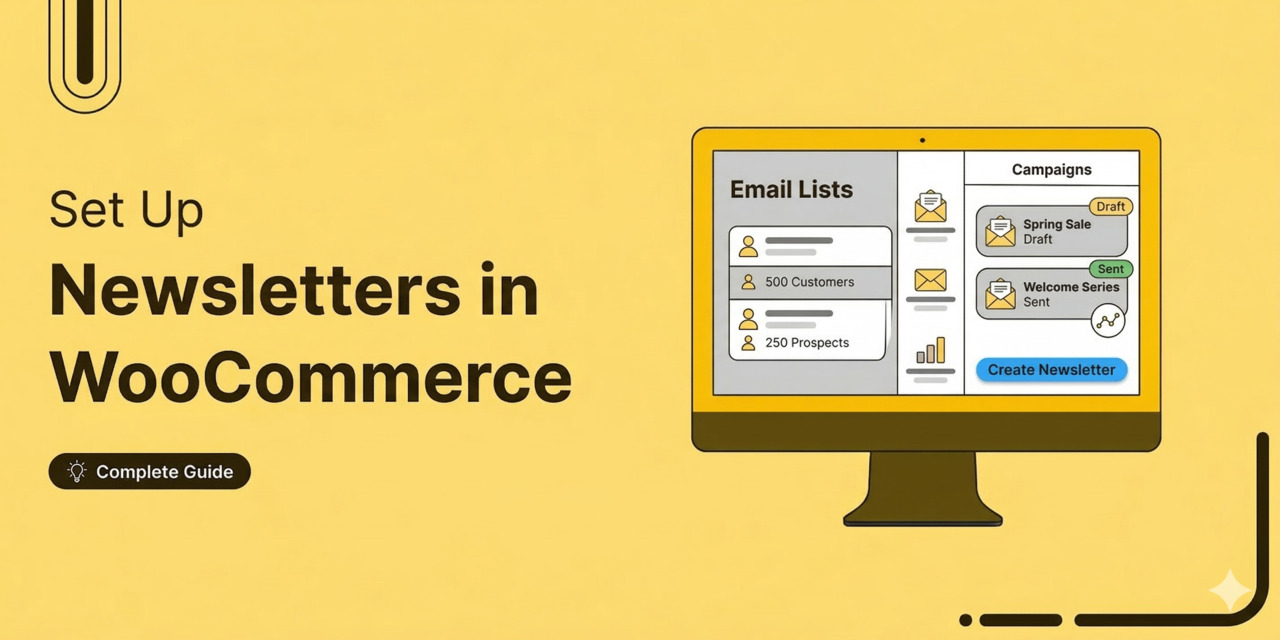
WooCommerce Newsletter: How to Build Your Email List and Send Campaigns
Running a WooCommerce store without an email newsletter means you are missing out on repeat business every single day. Email remains one of the most profitable marketing channels for eCommerce. It lets you reach buyers directly, promote new products, and recover lost sales without relying on social media algorithms. However, the setup requires much more than hitting install on a random plugin. You have to configure the right sending infrastructure, set up proper email authentication so you don't land in spam, build signup forms, and create a content strategy to keep people engaged. In this guide, we will cover the best plugins to use, how to
Mar 17, 2026
Editorial Team
How to Set Up WooCommerce Cart Discounts (Step-by-Step)
A well-timed WooCommerce cart discount can be the difference between a completed order and an abandoned one. Studies show that nearly 70% of online shoppers leave without buying, and unexpected costs at checkout are among the reasons. That's where cart-level discounts come in. By automatically applying a percentage discount, a fixed dollar amount, or free shipping once a shopper's cart reaches a certain value, you give them a concrete reason to complete the purchase. According to Vericast, 78% of consumers say a discount coupon makes them more likely to buy. Unfortunately, WooCommerce doesn’t have a built-in feature for cart discounts. In this guide, we'll compare the
Mar 16, 2026
Editorial Team
Ready to Transform Your Store?

Join 39,415+ successful store owners who trust FunnelKit to power their businesses.
Conversion Optimized Checkout Pages
Increase Revenue with Smart Upsells
Capture Emails & Recover Abandoned Carts
Automate Winbacks & Repeat Sales


973+ 5 star reviews on WordPress.org