Maximize Your Profit with FunnelKit – Highest Rated with 1,016+ 5-Star ReviewsBFCM deal live

WooCommerce Email Marketing

Recent Blogs
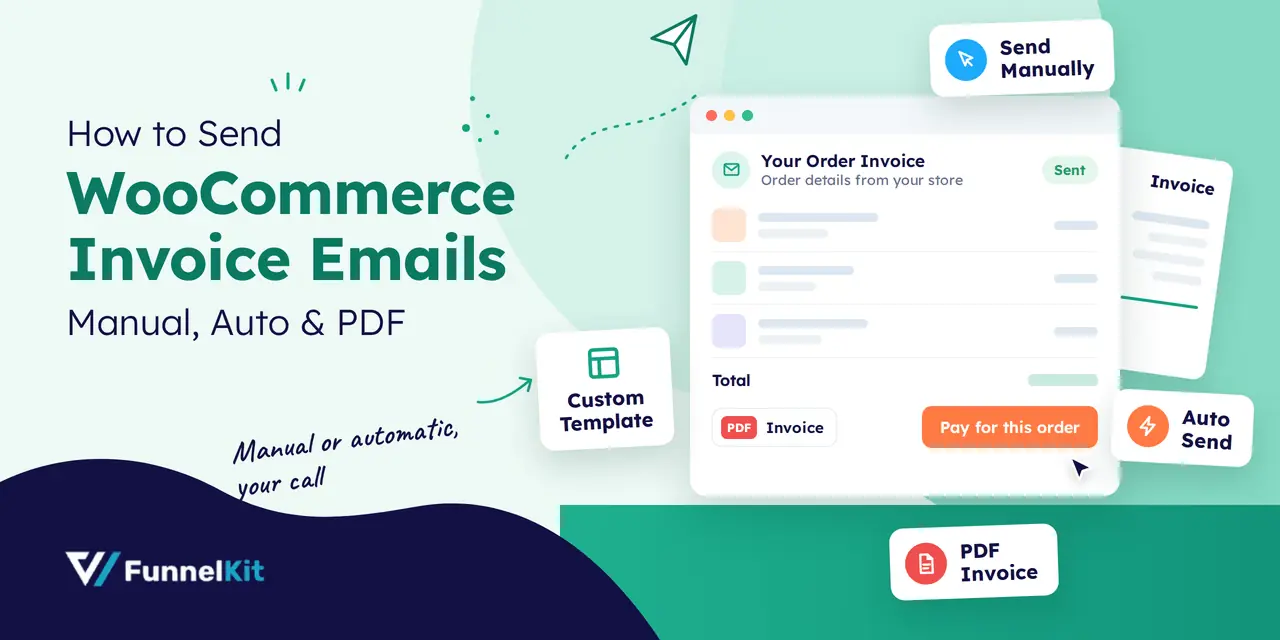
How to Send WooCommerce Invoice Emails: 4 Methods 

How to Send WooCommerce Invoice Emails: 4 Methods

A WooCommerce invoice email gives customers a clear record of what they bought, what they paid, and how they paid. WooCommerce can send one out of the box, but only manually and with a plain design. For unpaid orders, the same email includes a payment link, so it doubles as a payment request. In this blog, we'll share four ways to send it: the built-in manual option, a custom-designed template, a PDF invoice attachment, and a fully automatic setup for every order. Does WooCommerce Have a Built-In Invoice Email? Yes, WooCommerce provides an option to send invoice emails manually. Admins can send invoice emails to customers
Cover image for an article on AutomateWoo alternatives for WooCommerce stores

The 6 Best AutomateWoo Alternatives for WooCommerce Stores in 2026

AutomateWoo gets the job done, but switching away from AutomateWoo is becoming increasingly common among WooCommerce store owners. If you're looking for the best AutomateWoo alternative for your WooCommerce store, you're in the right place. A lot of store owners are making the switch, and it's not hard to see why. At $159/year, with no free trial and key features like birthday emails locked behind paid add-ons, it can feel like you're paying more and getting less every year. We looked at over a dozen WooCommerce-native automation plugins and put together the 6 best AutomateWoo alternatives that actually hold up. Not just on paper, but on
Illustration of a man with a megaphone beside a laptop sending emails, for the WordPress SMTP deliverability guide

WordPress SMTP: How to Fix Email Deliverability (2026 Guide)

Struggling with WordPress emails landing in spam or not reaching users at all? Password resets, order notifications, and customer updates are essential, but the default WordPress email system is not built for reliable delivery. This can harm your brand reputation, frustrate customers, and reduce sales. The solution is WordPress SMTP. Using a reliable SMTP plugin ensures your emails reach inboxes every time. In this guide, we will show the best SMTP service providers, top WordPress SMTP plugins, and a step-by-step setup to improve your email deliverability. What is SMTP? SMTP (Simple Mail Transfer Protocol) is the standard protocol for sending and receiving emails online. This mail
How to Set Up and Track WooCommerce Email Log

How to Set Up and Track WooCommerce Email Log

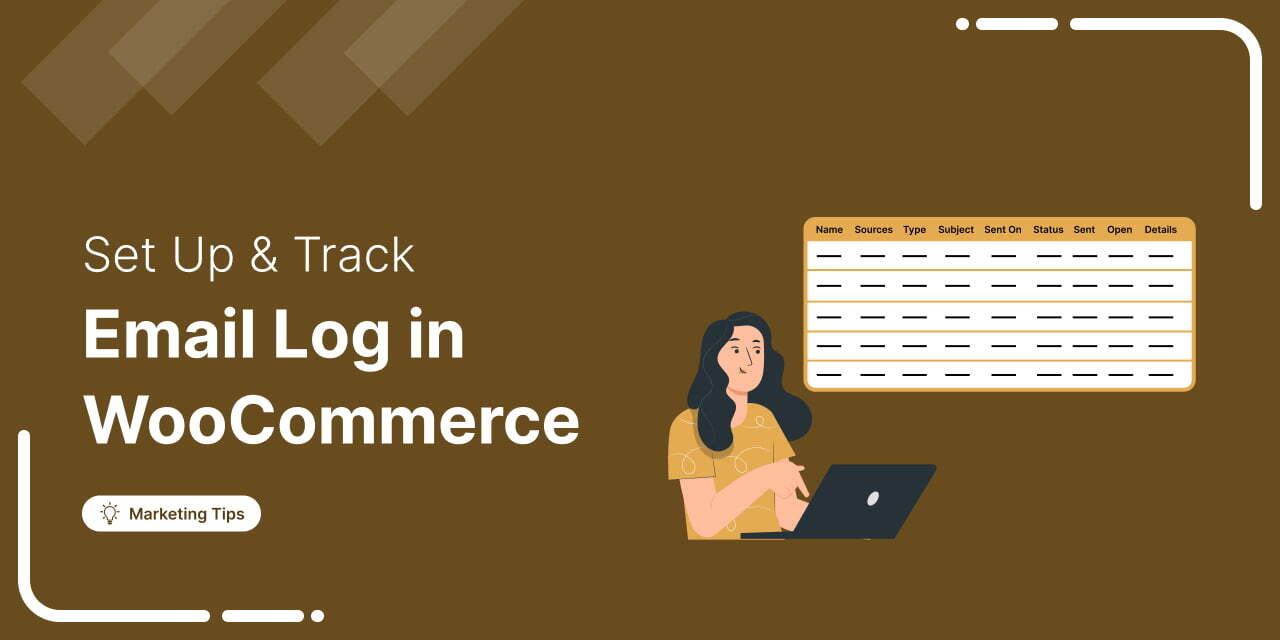
Ever had a customer claim they never got their order confirmation or shipping email? Ideally, you would double-check, but there’s no way to know if it was sent or why it didn’t reach the customer’s inbox. Without a proper WooCommerce email log, troubleshooting delivery issues is a guessing game. Plus, tracking email opens and clicks gives you valuable insights into your audience’s behavior. In this post, we’ll walk you through setting up WooCommerce email logs step by step so you can ensure your emails are delivered and have the data to back it up.  Understanding WooCommerce Email Log Data WooCommerce email logs give you valuable insights
How to Test WooCommerce Emails: Step by Step Guide

How to Test WooCommerce Emails: Step-by-Step Guide

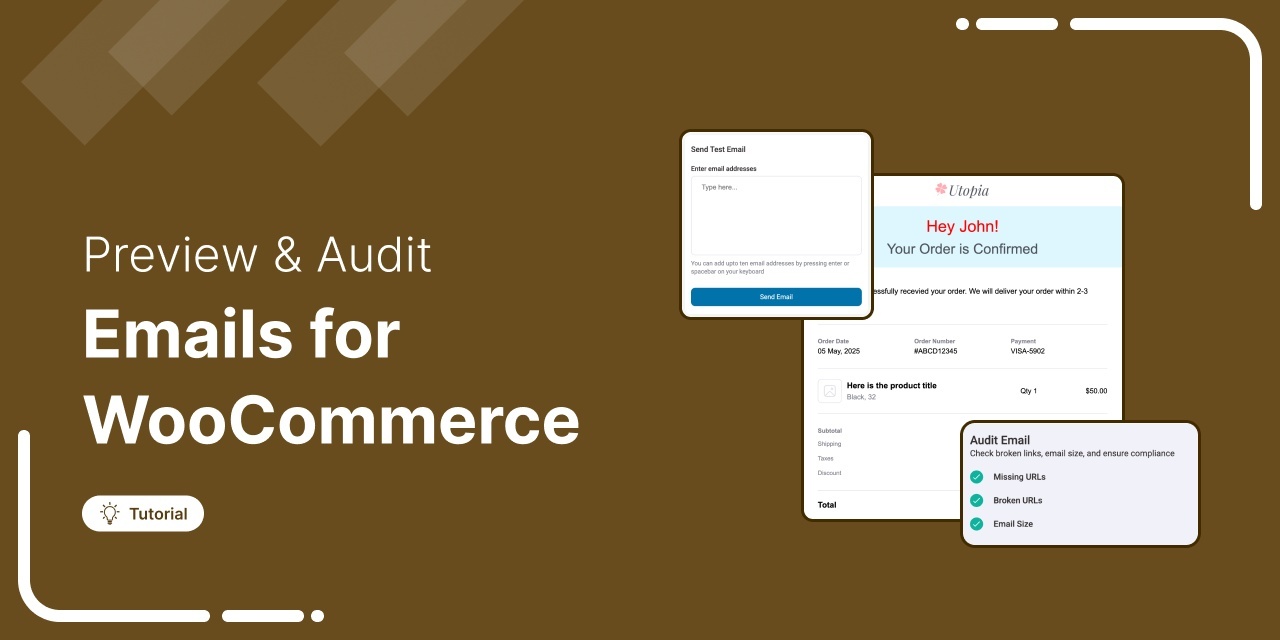
Knowing how to test WooCommerce emails properly becomes important the moment a customer emails you asking, “Where’s my receipt?” You check the order and everything looks fine. The payment went through, the order is marked as processing, and there are no obvious errors. But the email never reached the customer. You only find out because they took the time to contact you. And if that email has been failing for days, the problem can quickly affect dozens or even hundreds of orders. Your customers may end up contacting your support, wondering whether their payment actually went through, or even opening a dispute. However, the good news
How to Send Custom WooCommerce New Order Emails

How to Send Custom WooCommerce New Order Emails

So, your WooCommerce store just made a sale… but did you receive the order email? Missed or delayed new order notifications are a common problem in WooCommerce, leaving store owners unsure about order updates.  The good news? Fixing it is easier than you think. In this article, we'll walk you through setting up automated WooCommerce new order email notifications using default settings. We’ll also cover how to customize your email design for a more professional touch without any custom CSS coding. Want to grow your WooCommerce business? Click on the link below to explore an exclusive offer! Why Are Sending New Order Email Notifications in WooCommerce
Envelope with a Your order has failed! letter and notification bell, for the WooCommerce failed order email guide

How to Send WooCommerce Failed Order Emails to Customers (2026)

WooCommerce failed order emails to customers do the job a barista does in about four seconds. The card gets declined, they ask if you want to try another one, you tap it, the sale completes. Nobody loses anything. Online, that same declined card plays out very differently. The buyer sees a vague error, closes the tab, and assumes something is broken. You find a failed order in the dashboard hours later. Neither of you ever speaks to the other. Run the arithmetic on your own store. Five hundred orders a month at a 5% payment failure rate is 25 dead orders. At an $80 average order

Make More From Every Sale

FunnelKit works at the three moments a store earns money: before checkout, at checkout and after the order.

Before checkout: cart upsells and free-shipping goals in a sliding cart
At checkout: a faster checkout with order bumps and one-click upsells
After checkout: abandoned-cart recovery and follow-ups that bring buyers back
Start Selling More Today →
★★★★★ 4.9/5 from 1,016+ reviews on WordPress.org