WooCommerce Marketing Automation
Recent Blogs
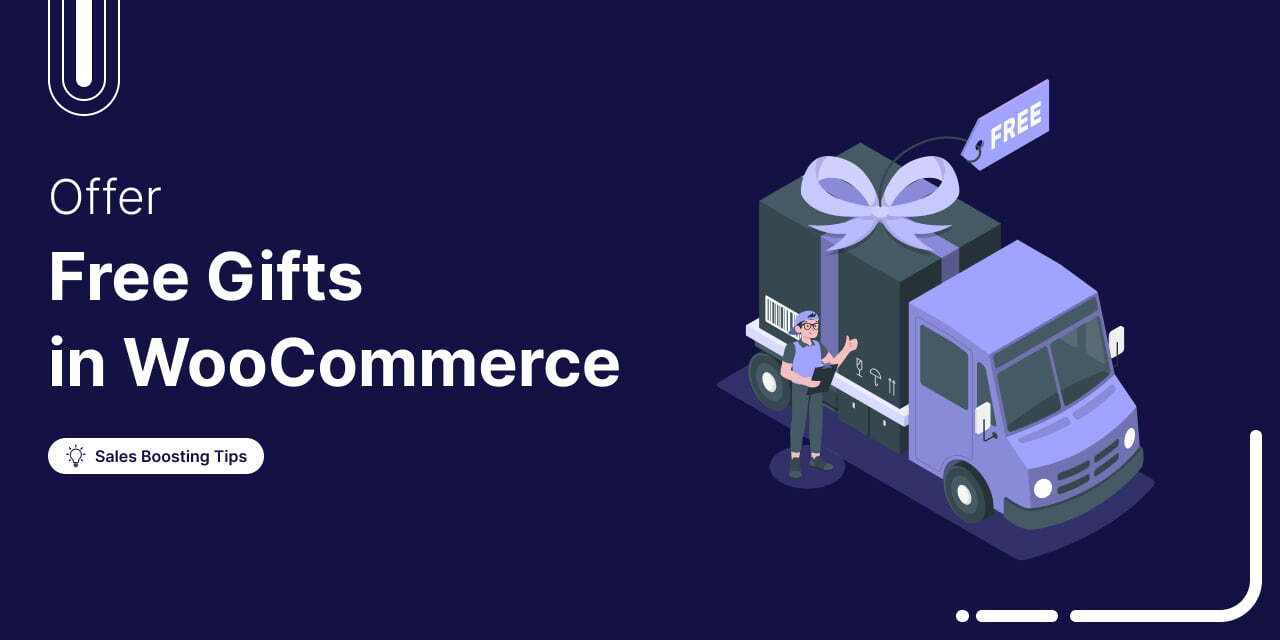
Discover how to boost sales and customer loyalty with three smart ways to offer free gifts in your WooCommerce store. Want to boost WooCommerce sales and delight your customers? Offer free gifts. A Harris Interactive study found that 90% of consumers are more loyal to brands that give free gifts, making it a smart move for increasing repeat purchases and average order value (AOV). In this blog, we will share powerful ways to offer gifts in your WooCommerce store: milestone-based gifts in a sliding cart, auto-applied gifts at checkout, and redeemable gift coupons. Short on time? Watch this video instead 👇 What Are WooCommerce Free Gifts
- Editorial Team
Adding a newsletter opt-in checkbox to your WooCommerce checkout is one of the simplest ways to grow an email list that actually drives revenue. Every customer completing a purchase is already engaged with your store, already trusts your brand, and is more likely to say yes to staying in touch than a cold visitor who landed on your homepage. That moment at checkout is valuable, and most stores let it go to waste. According to Litmus, 35% of companies see between $10 and $36 back for every dollar they put in. For WooCommerce stores, those numbers climb higher because you are emailing people who have already
- Editorial Team
Are you constantly stressing about running out of your best-selling products and missing out on sales? Setting up and customizing WooCommerce low stock notification emails can really help your online store. These alerts ensure you stay on top of your inventory, so you’ll always know when it’s time to restock. In this article, we'll walk you through how to easily set up these notifications and customize them to fit your needs. Ready to keep your shelves stocked and your customers happy? Let’s dive in! Short on time? Watch the video 👇 What are WooCommerce Low Stock Notification Emails? WooCommerce low stock notification emails are automated alerts
- Editorial Team
Tired of manually checking your WooCommerce sales reports? Automating WooCommerce sales report emails not only saves you time but also keeps your marketing and performance tracking on autopilot. In this guide, we’ll show you how to: Automatically send WooCommerce sales reports to monitor your store’s performance Set up automated sales report emails to stay updated on the results of your marketing efforts This way, you let automation do the heavy lifting, so you can focus on growing your business. What is a WooCommerce Sales Report Email? A WooCommerce sales report is an automated email sent to selected recipients regularly. It provides insights into how your WooCommerce
- Editorial Team
First impressions matter, and in eCommerce, your welcome email is your first chance to shine. A WooCommerce welcome email is an automated message sent to new customers right after they register or make their first purchase. It introduces your brand, sets expectations, and encourages them to explore your products. The problem is that WooCommerce only sends a plain email with login details for a new account. It lacks branding, guidance, and a compelling reason for customers to come back. In this guide, we will show you how to create a professional, automated welcome email in WooCommerce without any coding. Why Send a Welcome Email to New
- Editorial Team
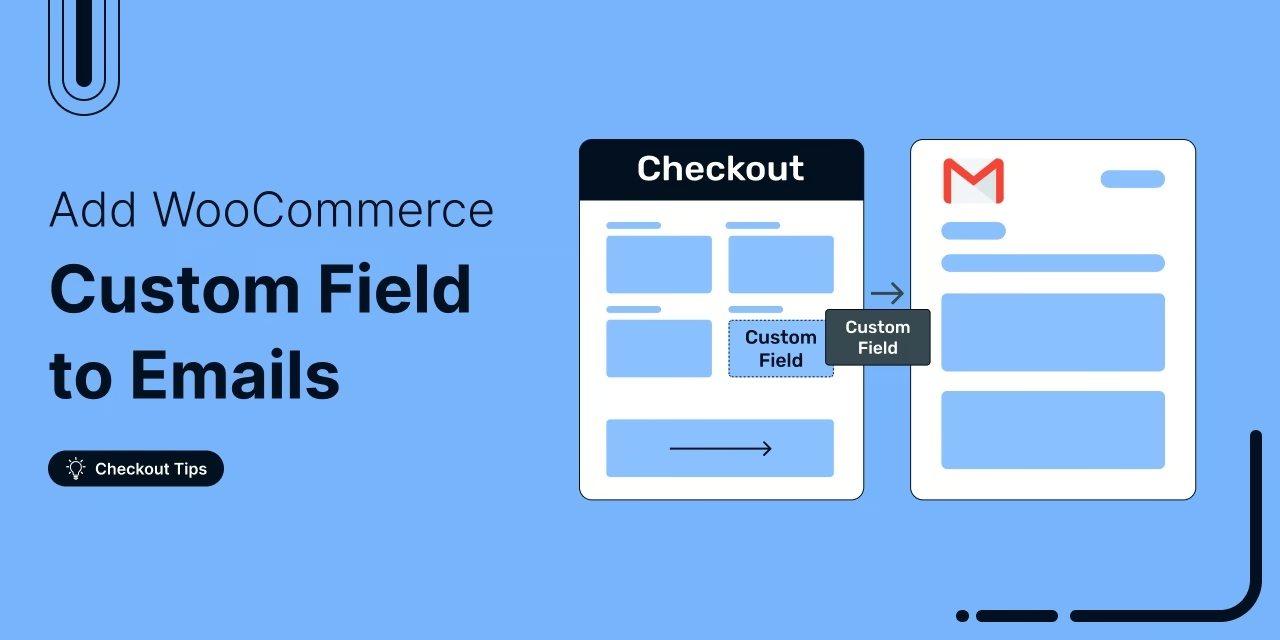
Customers missing key info in their order emails? That’s a problem. The reason is simple. WooCommerce’s default emails only include basic order details like the order number, items, and totals. They leave out key custom fields such as delivery notes, VAT IDs, and other checkout data. In this post, you’ll learn how to: Capture custom fields during checkout Include that data in WooCommerce email templates Display customer order notes in emails Insert third-party custom fields using hooks And more, to make sure your customers get all the information they expect, right in their inbox First, Collect Data Using Custom Fields to Add to WooCommerce Emails Before
- Editorial Team
Leveraging WooCommerce email marketing efficiently can help you skyrocket your sales and revenue. With over 64% of businesses already using email marketing to connect with customers, it's clear this approach has immense potential for driving success in customer communication and sales. [Source: HubSpot] Email marketing isn’t just a trend; it’s a proven method that lets you reach a targeted audience directly and convert them with personalized messages. To stay competitive in today’s digital marketing landscape, you should harness the power of email marketing. In this blog, we will share everything you need to know to start utilizing WooCommerce email marketing to grow your business. What is
- Editorial Team
Want to grab your customers’ attention before anyone else? WordPress bulk SMS marketing puts your offers straight into their hands, where they’re almost guaranteed to be seen. In fact, SMS messages have an open rate of 99%, compared to just 20% for email (SMSBump). From flash sales and seasonal offers to new product launches, texts get opened, read, and acted on faster than emails. In this blog, you’ll learn how to: Set up automated bulk SMS campaigns from your WordPress dashboard A/B test your SMS for maximum engagement Follow best practices to boost clicks, conversions, and sales Why Use Bulk SMS Marketing? Bulk SMS marketing allows
- Editorial Team
Triggered emails are one of the highest-converting tools in digital marketing, yet most businesses still underuse them. These emails are sent automatically based on how users interact with your site, allowing you to generate revenue on autopilot even when you are not actively marketing. According to Forrester Research, triggered emails can generate up to 4x more revenue than regular email campaigns. That makes them too powerful to ignore. In this blog, you will learn what triggered emails are, the most effective types you can use to increase revenue, and how to easily set them up in WordPress and WooCommerce. What is a Triggered Email? A triggered
- Editorial Team
Make More From Every Sale
FunnelKit works at the three moments a store earns money: before checkout, at checkout and after the order.
★★★★★
4.9/5 from 1,016+ reviews on WordPress.org
One order.
Three chances to earn more.
$100$120$140$150
Cart value+$20 before checkout+$20 at checkout+$10 after checkout+$50 · 50% more
$100+$20+$20+$10=$150
$100
$100
$100
+$20
$120
$100
+$20
+$20
$140
$100
+$20
+$20
+$10
$150
Cart ValueStarting Point
Bundles & Cart UpsellsBefore Checkout
Order Bumps & UpsellsAt Checkout
Recovery & Follow UpsAfter Checkout
Same traffic, same shopper, more revenue.