WooCommerce Marketing Automation
Recent Blogs
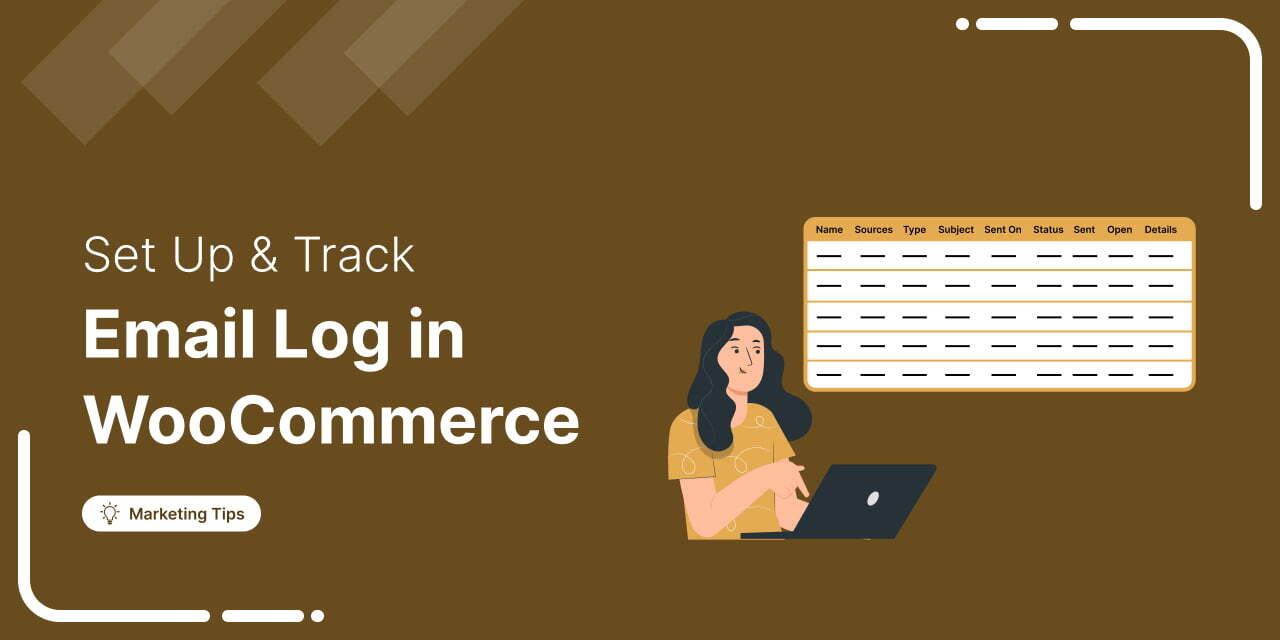
Ever had a customer claim they never got their order confirmation or shipping email? Ideally, you would double-check, but there’s no way to know if it was sent or why it didn’t reach the customer’s inbox. Without a proper WooCommerce email log, troubleshooting delivery issues is a guessing game. Plus, tracking email opens and clicks gives you valuable insights into your audience’s behavior. In this post, we’ll walk you through setting up WooCommerce email logs step by step so you can ensure your emails are delivered and have the data to back it up. Understanding WooCommerce Email Log Data WooCommerce email logs give you valuable insights
- Editorial Team
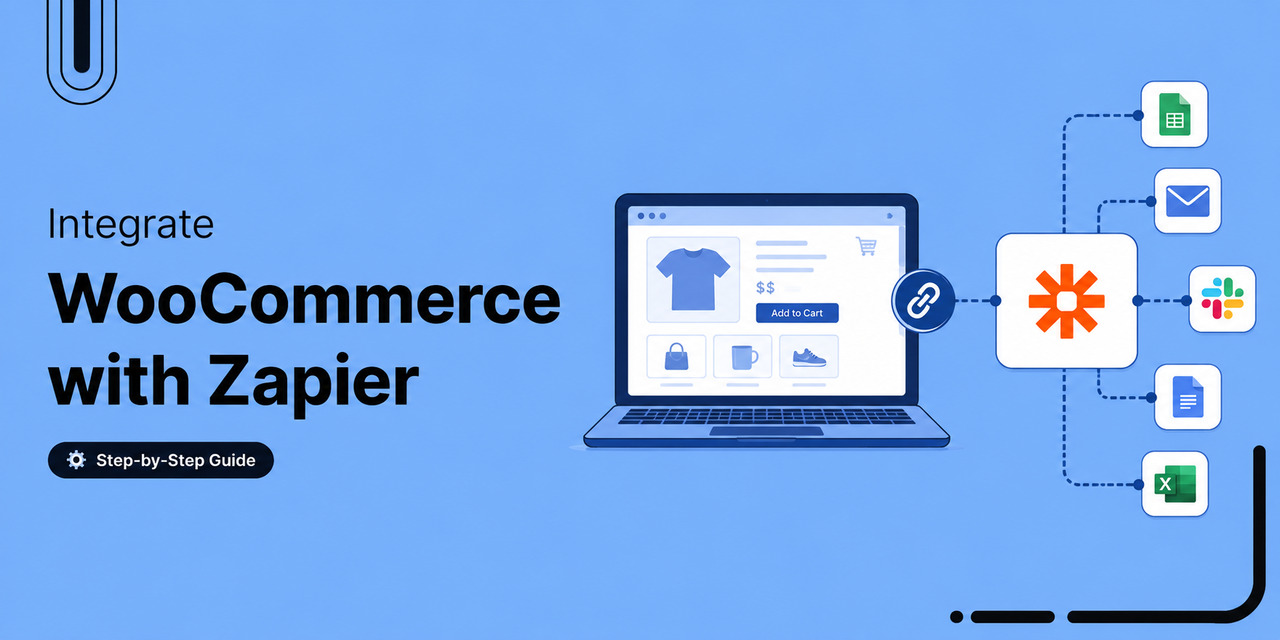
WooCommerce Zapier is the difference between a $180 order sitting quietly in your dashboard at 11:40 p.m. and that same order showing up in your spreadsheet, CRM, and accounting software before you even wake up. Without an integration, someone on your team has to open WordPress the next morning, copy the order number, billing name, email, and total into a spreadsheet, paste the email into Mailchimp, and then enter the line items into QuickBooks. That takes about four minutes, give or take. Now do that 500 times a month. You’re looking at roughly 33 hours of repetitive copy-paste work. And every time someone types or pastes
- Editorial Team
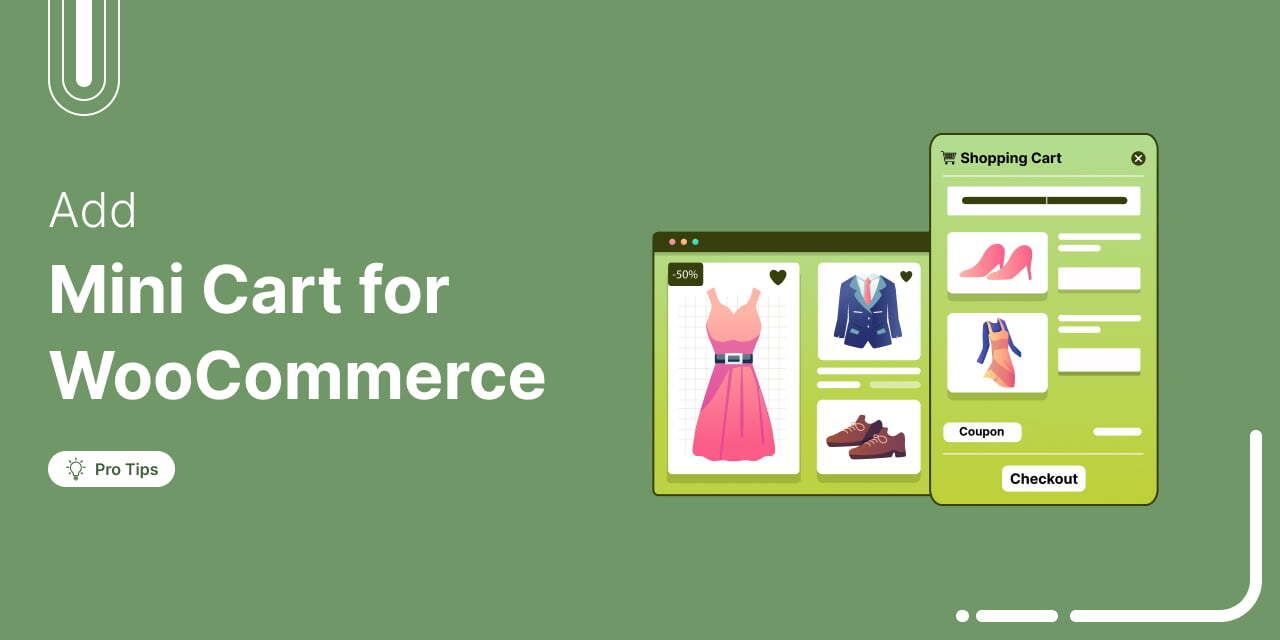
A WooCommerce mini cart is a compact cart summary that shows product details, quantities, and totals without sending shoppers to a separate cart page. You can set it up as a slide-out drawer, a dropdown panel, or a section on the checkout page. WooCommerce does ship a native Mini Cart block, and with a compatible theme it shows up in the header automatically. But out of the box, it's limited to basic display options: icon style, item count, total price. Nothing that actually pushes a sale, which is where cart abandonment creeps in. With a few smart optimizations, you can turn it into an efficient sales-driving
- Editorial Team
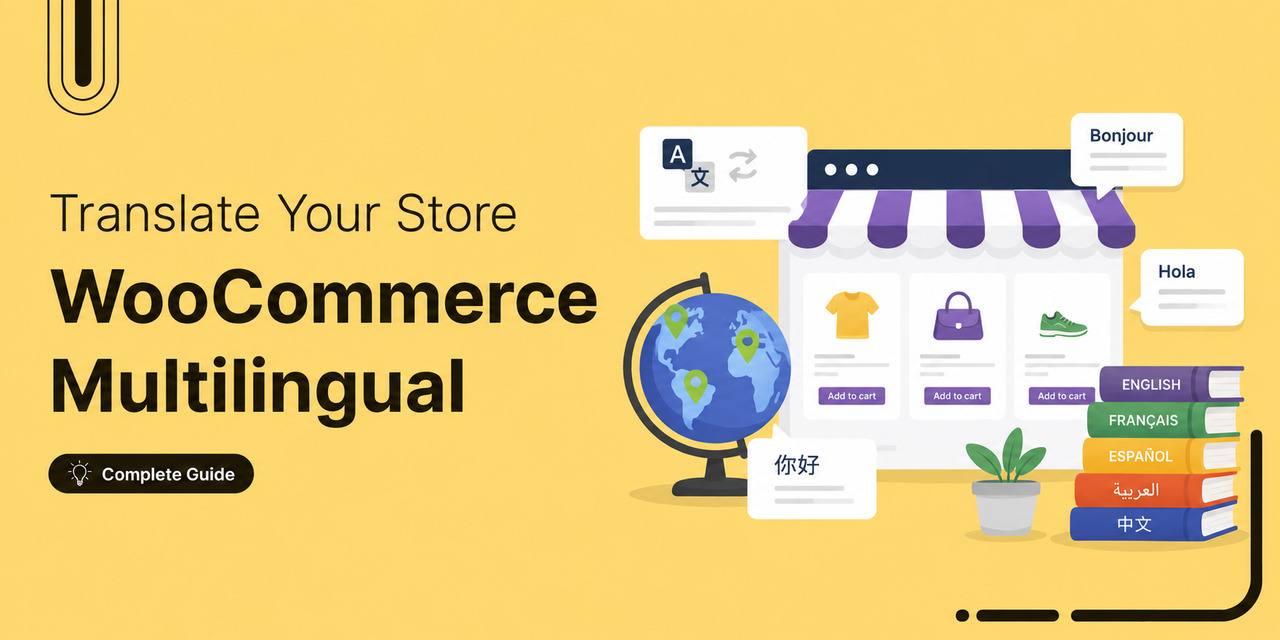
WooCommerce multilingual stores tend to get built the day after a moment like this one. A shopper in Munich finds your store through Google. The product page is in German, the description reads well, the photos do their job. She adds a pour-over kettle to her cart, hits checkout, and the page flips to English with billing details, a place order button, every field label, and every validation message. She leaves because at the exact moment you asked for her card details, your store stopped speaking her language. Now multiply her by every German session you get. For a store doing 10,000 monthly sessions at a
- Editorial Team
Best WooCommerce marketing plugins can make the difference between a store that just exists and one that consistently generates sales. Even if your products are great, they won’t sell if people don’t discover them or aren’t guided to buy. That’s where marketing steps in. And it’s not only about running ads outside your store. Real growth happens inside your WooCommerce store too through emails, upsells, offers, and smart on-site prompts that nudge visitors toward a purchase. The problem is that WooCommerce doesn’t include these marketing capabilities by default. So if you want predictable growth, you need the right tools working in the background. In this guide,
- Editorial Team
You’ve built your WooCommerce store, polished your product pages, and invested in marketing, but sales aren’t coming. Visitors browse, some add items to their cart, and most vanish before completing a purchase. Frustrating, right? You’re not alone. In 2025, the global cart abandonment rate hit 75.38% (Baymard Institute). That means for every 100 visitors showing buying intent, about 70 leave without purchasing. The good news is that recovering just 10–20% of abandoned carts, optimizing checkout flows, improving mobile UX, and using strategies like cross-sells, discounts, reviews, SEO, paid ads, and live chat can drastically boost conversions. In this guide, you will discover 13 actionable strategies to
- Editorial Team
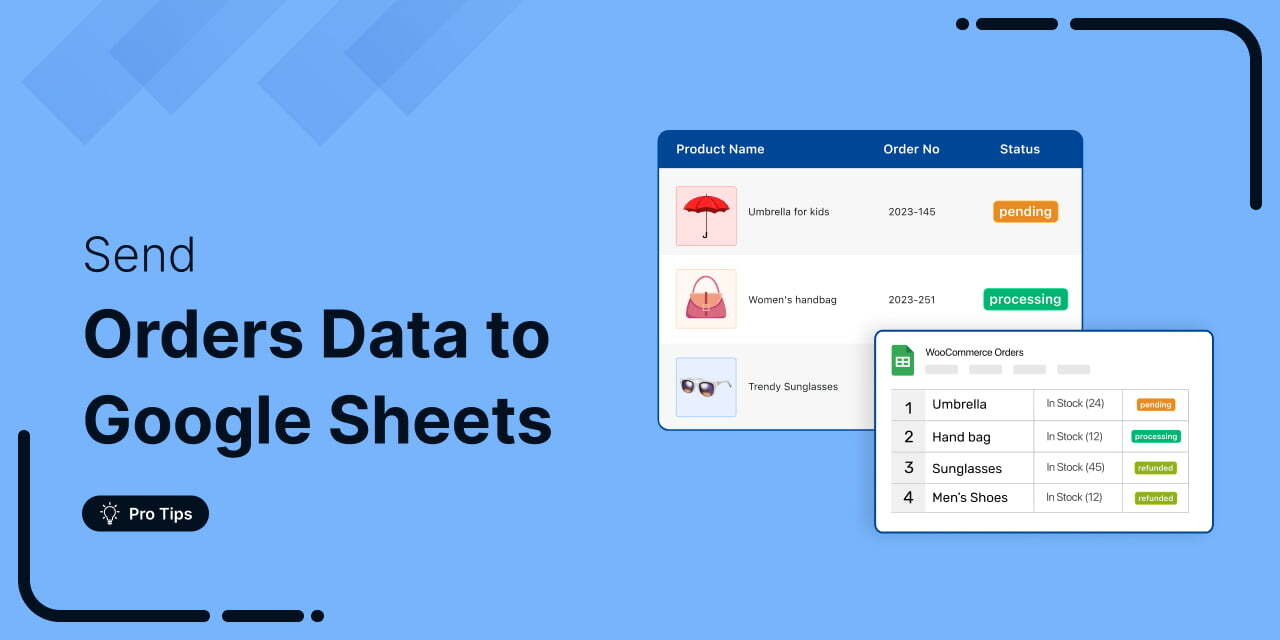
Sending WooCommerce orders to Google Sheets automatically copies your store's order data into a live spreadsheet. Every time a customer checks out, the order details are added to a new row. There are no manual CSV exports or copy-and-paste. The problem is that WooCommerce has no built-in way to do this. The default orders dashboard keeps your data locked inside WordPress. That slows reporting, fulfillment, and team collaboration. There are five reliable ways to send WooCommerce orders to Google Sheets: a dedicated connector plugin, an automation plugin like FunnelKit, Zapier, Make, or a free Google Apps Script. The right one depends on whether you need real-time
- Editorial Team
Discover the best WooCommerce plugins to recover abandoned carts and boost your sales. Losing sales to abandoned carts? It’s more common than you realize. Around 70% of shoppers leave without completing their purchase, according to the Baymard Institute. The good news is that timely follow-up emails can help recover a significant portion of those lost sales. But here's the problem: WooCommerce doesn't offer cart recovery features by default. That's why you'll need a dedicated abandoned cart plugin for WooCommerce. In this blog, we’ve listed the top 9 WooCommerce abandoned cart plugins, along with their key features and pricing. Let's get started. Overview of the Top 9
- Editorial Team
Want to set up WooCommerce Mailchimp integration and supercharge your email marketing? Email remains one of the most powerful channels for driving sales, but without proper automation, you’re leaving money on the table. By integrating WooCommerce with Mailchimp, you can automatically sync customer data, segment your audience, and send highly targeted emails without any manual effort. With the right integration, you can track customer behavior, recover abandoned carts, and nurture relationships that lead to repeat purchases. And the best part? Setting it up is easier than you think. In this post, we’ll walk you through how to seamlessly integrate WooCommerce with Mailchimp. Plus, we’ll explore seven
- Editorial Team
Make More From Every Sale
FunnelKit works at the three moments a store earns money: before checkout, at checkout and after the order.
★★★★★
4.9/5 from 1,016+ reviews on WordPress.org
One order.
Three chances to earn more.
$100$120$140$150
Cart value+$20 before checkout+$20 at checkout+$10 after checkout+$50 · 50% more
$100+$20+$20+$10=$150
$100
$100
$100
+$20
$120
$100
+$20
+$20
$140
$100
+$20
+$20
+$10
$150
Cart ValueStarting Point
Bundles & Cart UpsellsBefore Checkout
Order Bumps & UpsellsAt Checkout
Recovery & Follow UpsAfter Checkout
Same traffic, same shopper, more revenue.