Maximize Your Profit with FunnelKit – Highest Rated with 1,016+ 5-Star ReviewsBFCM deal live

WooCommerce Marketing Automation

Recent Blogs
Man carrying a box toward a funnel filling with cubes and balls, for the guide to selling physical products

How to Build a Sales Funnel for Physical Products (Step by Step) 

Ever wondered why some physical product stores easily turn visitors into customers while others struggle? Your product’s solid, and your marketing’s sharp, but conversions stay low. Why?  Because typical website pages scatter information, distract users, and lack a clear buying path.  The result?  70% of users abandon carts, causing serious revenue loss. A sales funnel for physical products fixes this. It offers a focused, distraction-free journey that guides users straight to checkout, boosting conversions effortlessly. In this blog, we’ll show you how to set up a sales funnel for physical products in WooCommerce using the proven Tripwire Funnel model. What is a Sales Funnel and Why
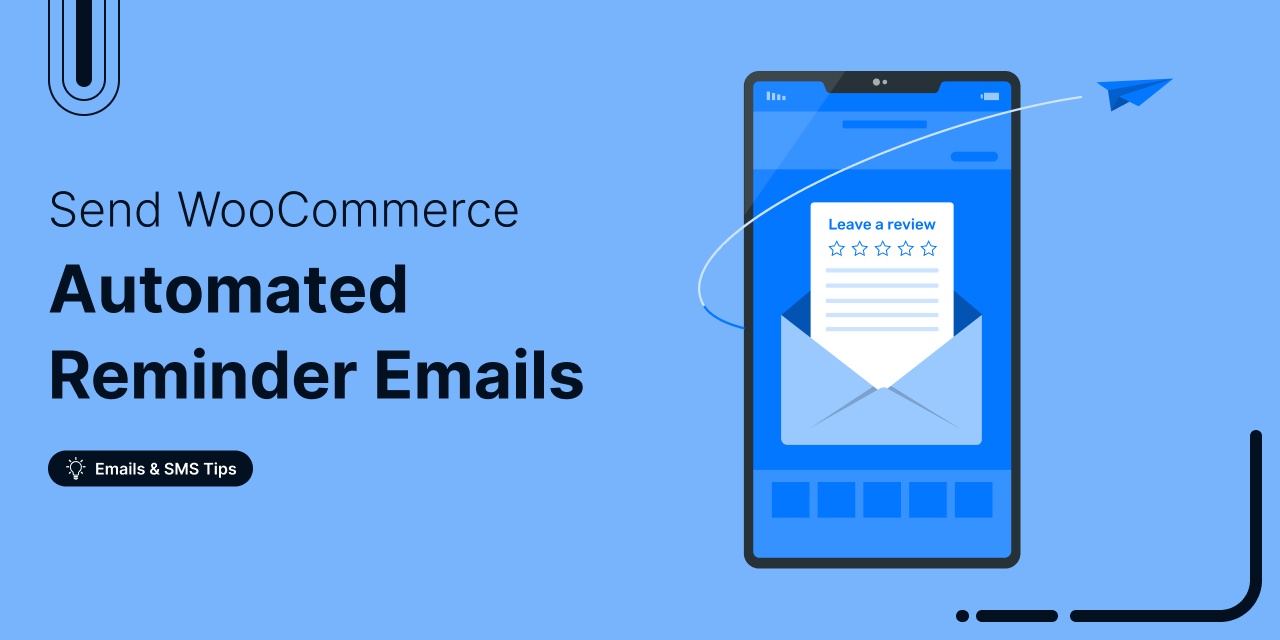
Phone showing an envelope with a Leave a review letter and five empty stars, for the WooCommerce review reminder guide

How to Send Automated WooCommerce Review Reminder Emails and SMS Notifications

A WooCommerce review reminder is an effective way to remind customers to review the products they’ve bought from you. According to Bizrate Insights, almost 55% of shoppers read at least four reviews before buying something.  The more positive reviews your WooCommerce store has, the better your chance of converting visitors into customers.   However, the thought of leaving a review might slip from users' minds. In such cases, a gentle reminder can help bring it back to their attention. In this blog, we’ll provide a step-by-step guide on how you can automatically send WooCommerce review reminders via both email and SMS.  So, let’s start. What is a
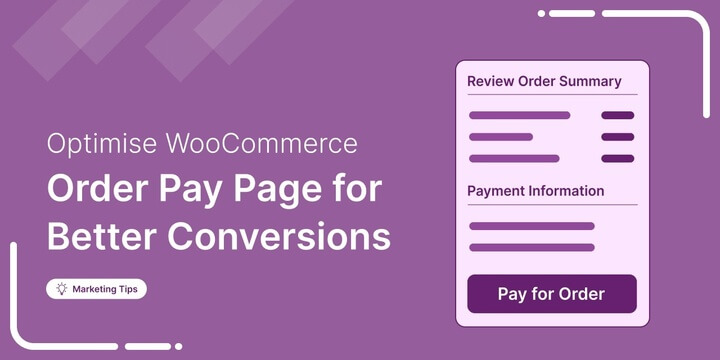
How to Optimize Your WooCommerce Order Pay Page for Better Conversions

How to Optimize WooCommerce Order Pay Page for Better Conversions [Free & No-Code Method]

Not every online order follows the standard checkout process. Sometimes, a customer may request a custom order, need an invoice to finalize payment, or simply want to retry a failed transaction. Forcing them to add items to the cart and go through checkout again creates unnecessary friction, leading to a poor customer experience and potential lost sales. That’s where the WooCommerce order-pay page comes to the rescue. It provides a direct payment link, allowing customers to complete their orders effortlessly. In this blog, we’ll walk you through everything you need to know about the Order Pay Page in WooCommerce, including how to create and share the
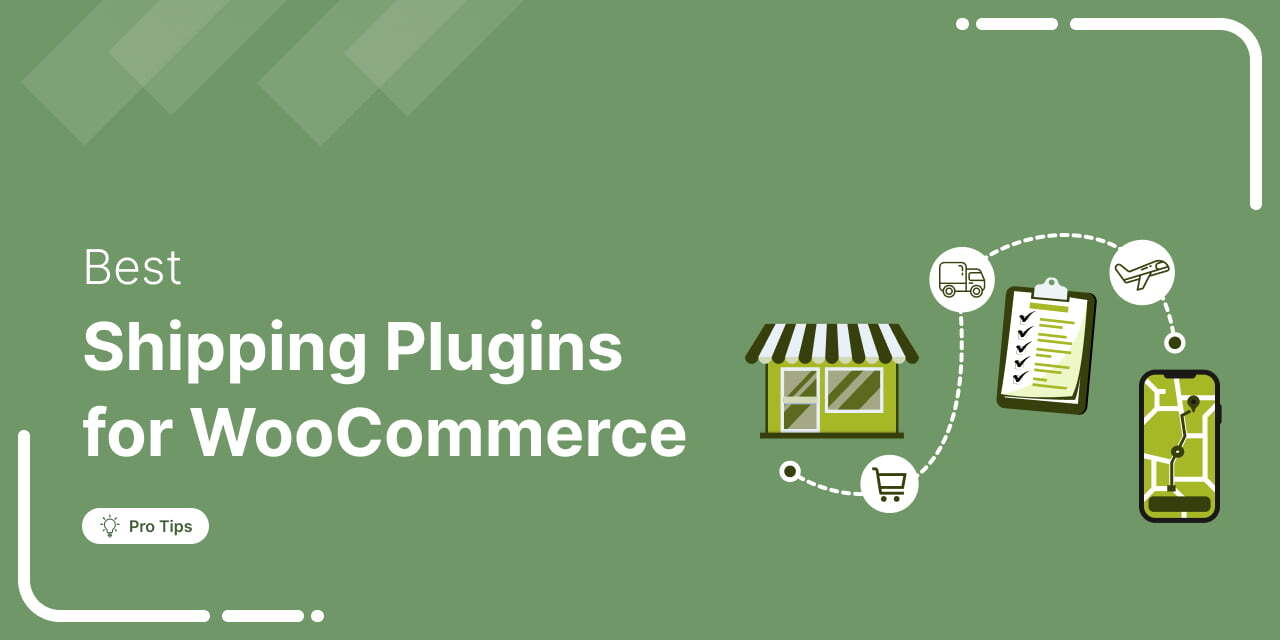
Best WooCommerce Shipping Plugins (Free & Premium)

10 Best WooCommerce Shipping Plugins of 2026 (Free & Premium)

Ever feel like shipping is the hardest part of running your WooCommerce store?  You're not alone! Managing rates manually or dealing with glitchy plugins can be a real headache. The right shipping plugin makes all the difference. It should simplify your process, not confuse your customers. Luckily, there are easy solutions to save you time and money. In this post, we’ll cover the best WooCommerce shipping plugins for different needs, from automatic rates to label printing and tracking. Best WooCommerce Shipping Plugins: Quick Comparison Summary PluginUnique Selling Point (USP)PriceTable Rate ShippingHighly customizable shipping options with rule-based rates$119/yearWooCommerce Advanced ShippingConditional shipping rates based on weight, volume, and
Best WooCommerce Mini Cart Plugins to Try

7 Best WooCommerce Mini Cart Plugins to Try in 2026

Struggling to find the perfect WooCommerce mini cart plugin to enhance your store’s shopping experience? By default, WooCommerce redirects customers to a separate cart page to view or modify their cart, adding an unnecessary step to their shopping journey.  This extra click can cause frustration and even lead to abandoned cart drop-offs. A seamless mini cart solves this problem by letting customers view and manage their items without leaving the current page. Many stores use a cart drawer (also called an off-canvas cart, cart sidebar, or cart popup) so customers can manage their cart without breaking the flow, improving their shopping journey With so many options
How to Add and Manage WooCommerce Products (Step-by-Step Guide)

How to Add And Manage WooCommerce Products (Step-by-Step Guide)

Adding and managing products in WooCommerce isn't complicated, it just takes the right guidance. WooCommerce powers over 6 million stores worldwide, thanks to its user-friendly dashboard and flexible features. But if you're just getting started, managing products can feel a bit daunting. In this blog, we will break it all down for you, with a step-by-step guide on adding and managing different types of WooCommerce products. Plus, smart plugin recommendations to save time on product management and help you sell more effectively. Let’s get into it. What Are the Different Types of WooCommerce Products?  By default, WooCommerce provides six types of products: Simple product: A standalone
Introducing FunnelKit Automations 3.6.0.

Introducing FunnelKit Automations 3.6.0: Export Cart Data, Smart Send Stats, Order Sync & More!

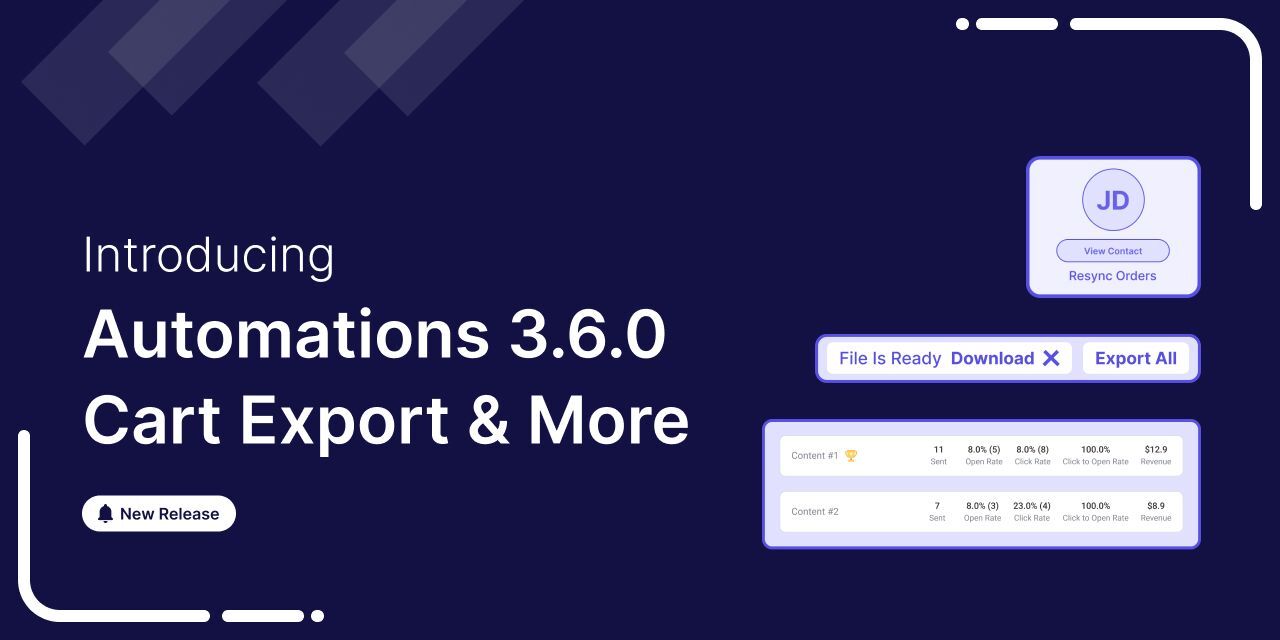
FunnelKit Automations 3.6 is here, and it’s packed with powerful features to help you grow smarter and faster. With this release, you can: Export abandoned cart data with a click View precise email broadcast analytics  Resync orders effortlessly Validate email fields when sending emails, and many more. Let’s explore what’s new and how these updates help streamline your marketing, recover more sales, and boost efficiency.  Get FunnelKit Now 🔥 Try Risk-free with 14 Days Money Back Guarantee Short on time? Watch the video 👇 1. Export cart abandonment data  You can now easily export cart abandonment data in a CSV file with just one click. Whether
Best WooCommerce Cross Sell Plugins 

7 Best Cross Sell Plugins For WooCommerce

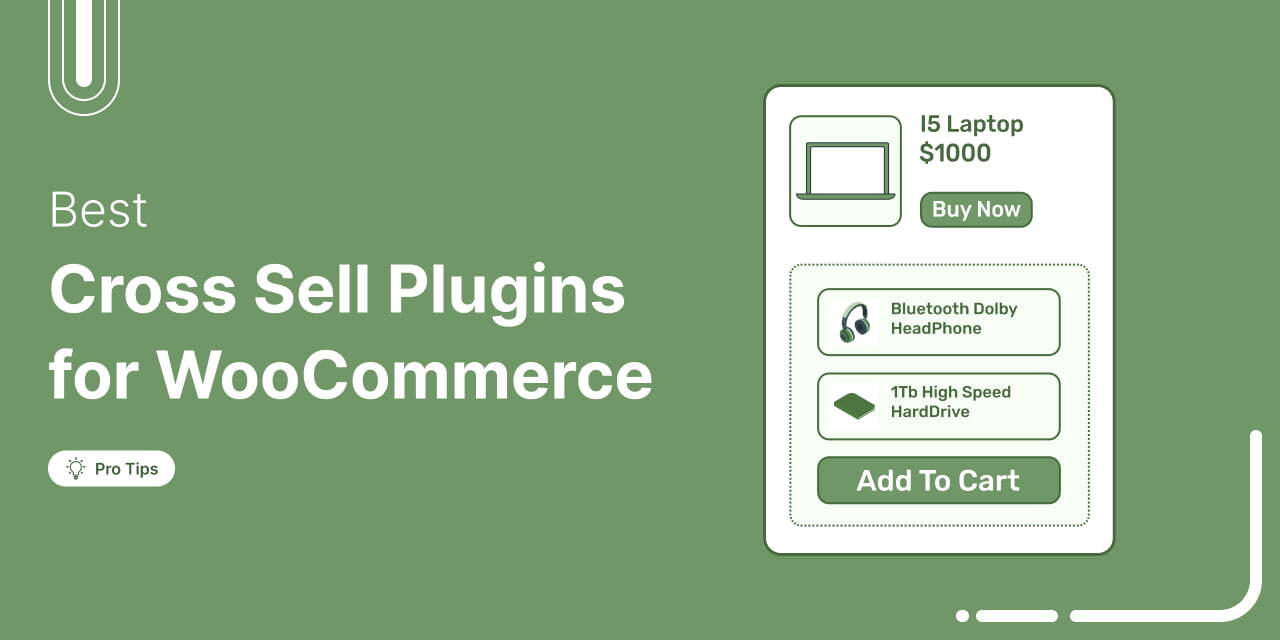
What if we told you that you're probably leaving money on the table every time someone buys from your online store?  That’s the reality for many WooCommerce store owners who overlook the power of cross-selling.  It’s not just about throwing products at your customers; it’s about offering the right product at the right moment, which is a highly powerful tactic to boost order value.  Unfortunately, many store owners struggle with setting up cross-sells that actually drive conversions. In this post, we’ll show you how to find and use the best WooCommerce cross-sell plugin to skyrocket your sales without any extra hassle. Get FunnelKit Now 🔥 Try
FunnelKit Automations 3.5 one-click migration tool to the new visual builder

Introducing FunnelKit Automations 3.5: One-Click Migration Tool to Visual Builder, New Transactional Email, Improved Data Management, and More.

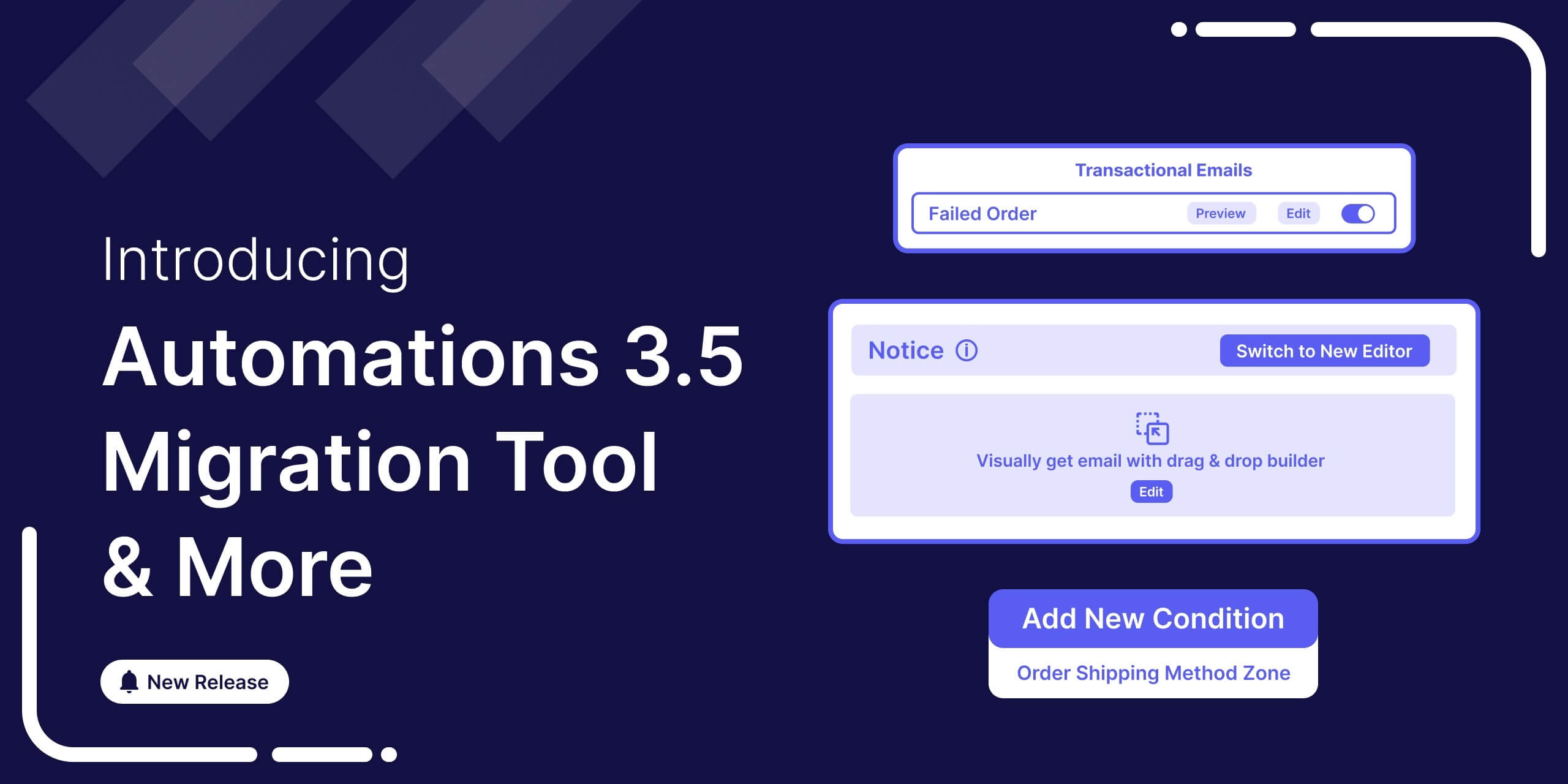
Hey, FunnelKit fans!  FunnelKit Automations 3.5 is live, and it’s packed with exciting upgrades and features! With this release, migrating from the legacy email builder to the new visual builder is smoother than ever. We’ve also introduced a brand-new transactional email to enhance customer communication. Plus, we’ve improved data management, making it easier to search emails, find audiences, and add tags or lists seamlessly. This update is all about making your workflow faster, easier, and more efficient. Let’s dive into the details! Get FunnelKit Now In a hurry? Watch the quick video below! 👇 One Click Migration Tool From Legacy Visual Builder to New Visual Email

Make More From Every Sale

FunnelKit works at the three moments a store earns money: before checkout, at checkout and after the order.

Before checkout: cart upsells and free-shipping goals in a sliding cart
At checkout: a faster checkout with order bumps and one-click upsells
After checkout: abandoned-cart recovery and follow-ups that bring buyers back
Start Selling More Today →
★★★★★ 4.9/5 from 1,016+ reviews on WordPress.org