WooCommerce
Recent Blogs

Many store owners either ignore or don’t focus much on email newsletters. I get it. Newsletters can feel old-school, and setting them up often seems like extra work. But over the years, I’ve seen stores that use email newsletters consistently always outperform those that don’t. The key is choosing the right tool, one that’s easy to use and offers essential features like customer segmentation, visual email builder, ready-to-use templates, and performance analytics. I’ve tested a wide range of options from simple email list builders to full-featured automation platforms. Based on my experience and the outcome of each plugin, I've compiled a list of the 11 best
- Editorial Team
Adding and managing products in WooCommerce isn't complicated, it just takes the right guidance. WooCommerce powers over 6 million stores worldwide, thanks to its user-friendly dashboard and flexible features. But if you're just getting started, managing products can feel a bit daunting. In this blog, we will break it all down for you, with a step-by-step guide on adding and managing different types of WooCommerce products. Plus, smart plugin recommendations to save time on product management and help you sell more effectively. Let’s get into it. What Are the Different Types of WooCommerce Products? By default, WooCommerce provides six types of products: Simple product: A standalone
- Editorial Team
Many WooCommerce store owners are surprised when their high-quality products don’t translate into high sales. But success isn’t just about getting traffic. It’s about keeping shoppers engaged and guiding them toward the right products. That’s where smart product recommendations come in. If your store can automatically suggest products your customers actually want, it can boost sales and improve the shopping experience successfully. The good news? The right WooCommerce product recommendation plugin can do this for you. In this blog, we’ll share the top WooCommerce product recommendation plugins to help you boost conversions and grow your business. Get FunnelKit Now 🔥 Try Risk-free with 14 Days Money
- Editorial Team
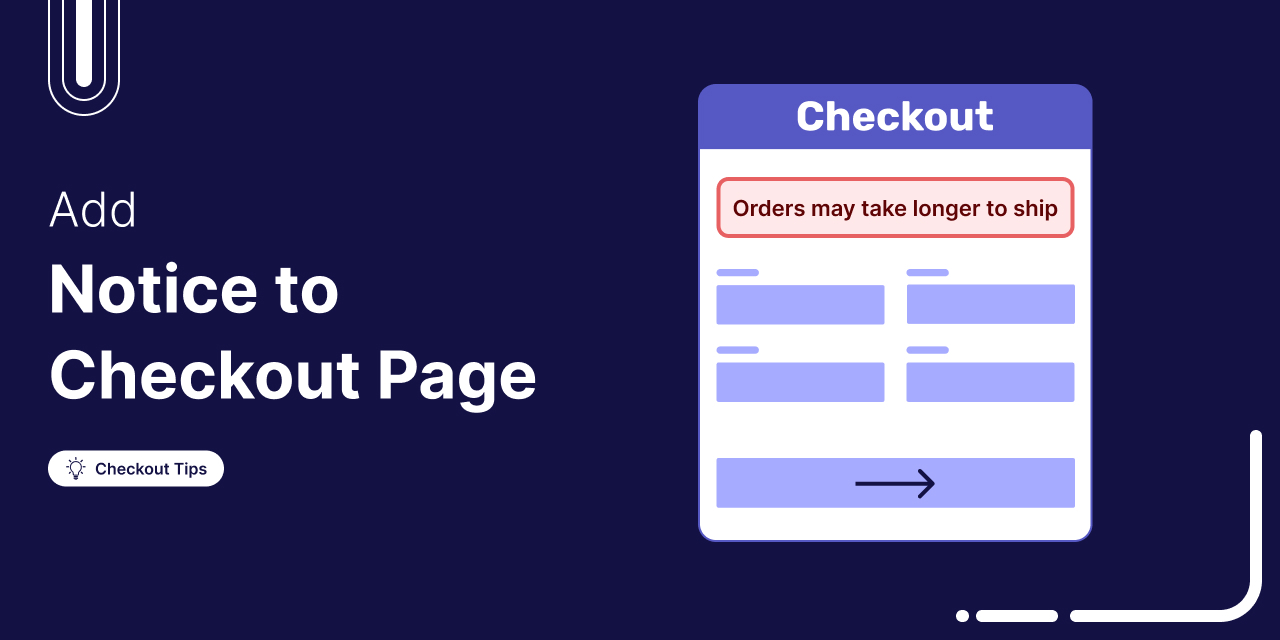
Tired of answering the same shipping questions over and over? Many WooCommerce store owners face this problem. Repeated inquiries about delivery times, shipping costs, and potential delays can take up a lot of time and disrupt the flow of business operations. Here’s the trick: A shipping notice on your checkout page can drastically reduce those repetitive questions. By adding a notice on the checkout page, you can provide your customers with clear delivery times and potential delays before they complete their order. You set proper expectations and eliminate confusion. In this blog, we'll show you how to add notices to your WooCommerce checkout page, keeping customers
- Editorial Team
What if we told you that you're probably leaving money on the table every time someone buys from your online store? That’s the reality for many WooCommerce store owners who overlook the power of cross-selling. It’s not just about throwing products at your customers; it’s about offering the right product at the right moment, which is a highly powerful tactic to boost order value. Unfortunately, many store owners struggle with setting up cross-sells that actually drive conversions. In this post, we’ll show you how to find and use the best WooCommerce cross-sell plugin to skyrocket your sales without any extra hassle. Get FunnelKit Now 🔥 Try
- Editorial Team
Are you looking to create a custom Divi WooCommerce checkout page for your online store? The default WooCommerce checkout page looks plain and isn’t optimized enough to give users a smooth shopping experience. Though it provides essential features for customers to complete their purchases, it doesn’t offer the best experience. You can change that by replacing the default checkout page with the Divi WooCommerce checkout. Divi templates will give your checkout pages a clutter-free, chic look that allows your users to enjoy a frictionless shopping experience on your website. The best part is that you can create your custom WooCommerce checkout template with Divi just by
- Editorial Team
Want to know how to offer WooCommerce free shipping? Free shipping is the practice of not charging any money for shipping. It’s a powerful tool that, when used right, can multiply your eCommerce store’s sales. According to a 2016 Walker Sands study, free shipping motivates 9 out of 10 users to shop online more frequently. Moreover, almost 34% of young users prefer free shipping over discounts. Utilizing free shipping is crucial if you want to boost your sales. You can offer free shipping in WooCommerce without installing any extra plugins. In this blog, we will share an easy process for setting up free shipping in WooCommerce.
- Editorial Team
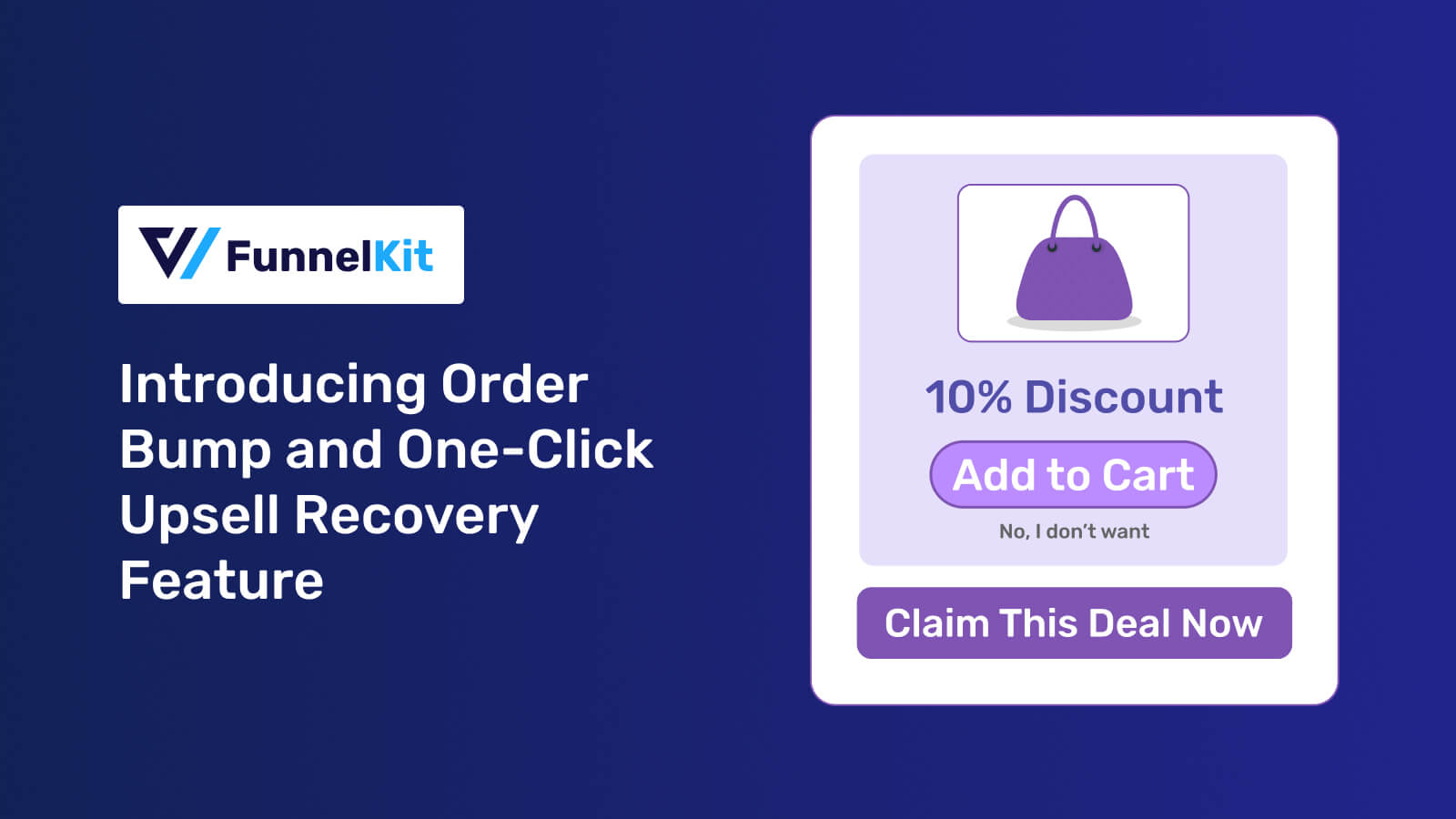
Introducing Order Bump and One-Click Upsell Recovery Feature in FunnelKit Automations. The Stripe Order Bump and Upsell Recovery feature in FunnelKit Automations is a powerful tool to recover lost revenue when customers reject upsell offers or order bumps during checkout. We’ll help you outline this document's setup and usage process, helping you recover abandoned offers seamlessly. Let’s say a shopper adds an item to their cart, goes to the checkout page, rejects the order bump, and proceeds to purchase. In this case, we’ll create a separate funnel exclusively for offers to recover the order bump. How To Set Up Order Bump and One-Click Upsell Recovery? (Step-by-Step)
- Editorial Team
Do you want to know how to create a sales funnel for free? Getting people to visit your site is only half the battle; the real challenge begins once a visitor lands on your site. The real goal is to turn visitors into paying customers. That’s where a sales funnel can help you seal the deal. By providing users with the right information at the right time, a sales funnel persuades users to buy the product and actually place an order. If you are using WordPress, you can easily build a sales funnel for free without spending a penny. In this blog, we will share how
- Editorial Team
Make More From Every Sale.
FunnelKit works at the three moments a store earns money: before checkout, at checkout and after the order.
★★★★★
4.9/5 from 1,012+ reviews on WordPress.org
One order.
Three chances to earn more.
$100$120$140$150
Cart value+$20 before checkout+$20 at checkout+$10 after checkout+$50 · 50% more
$100+$20+$20+$10=$150
$100
$100
$100
+$20
$120
$100
+$20
+$20
$140
$100
+$20
+$20
+$10
$150
Cart ValueStarting Point
Bundles & Cart UpsellsBefore Checkout
Order Bumps & UpsellsAt Checkout
Recovery & Follow‑UpsAfter Checkout
Same traffic, same shopper, more revenue.