WooCommerce
Recent Blogs
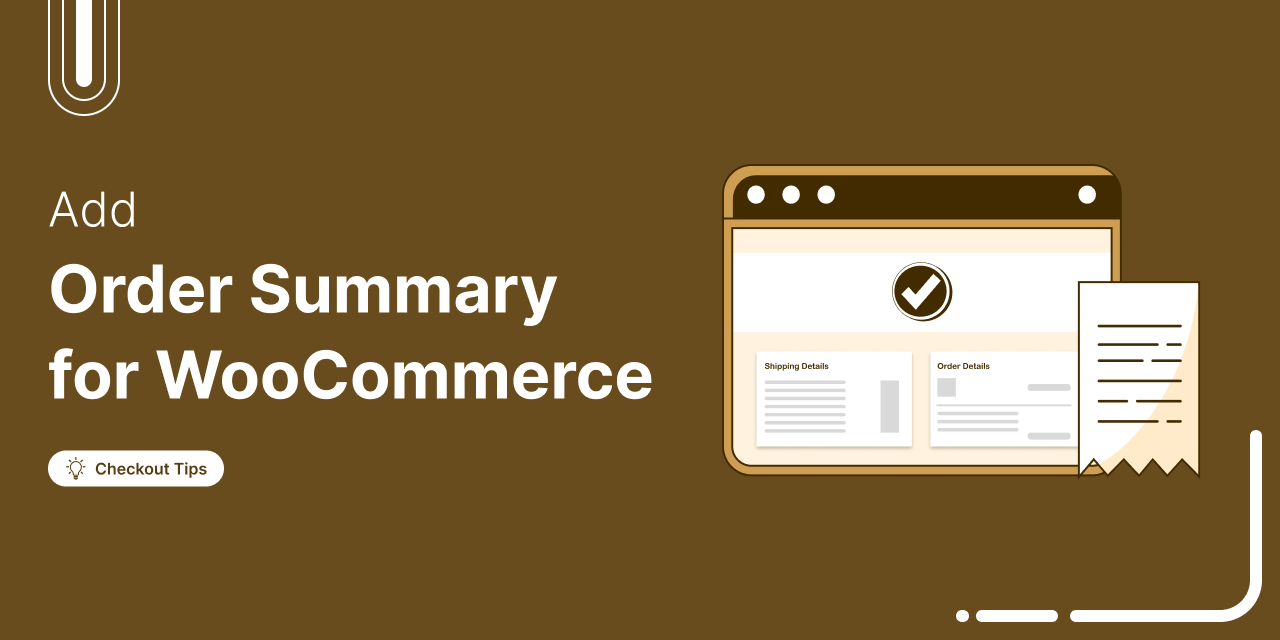
Ever clicked the checkout button and suddenly felt unsure? Did I add the right items? Am I being overcharged? The same uncertainty is costing you sales. Shoppers expect full transparency at checkout. If they cannot see a detailed breakdown of their order products, pricing, discounts, and shipping, they hesitate. And hesitation leads to lost revenue. A well-structured WooCommerce order summary can boost trust and increase conversions effortlessly. By customizing the order summary section, you can enhance the user experience, provide additional information, and even match the design with your brand. In this guide, we’ll share why it’s important to customize the WooCommerce order summary and how
- Editorial Team
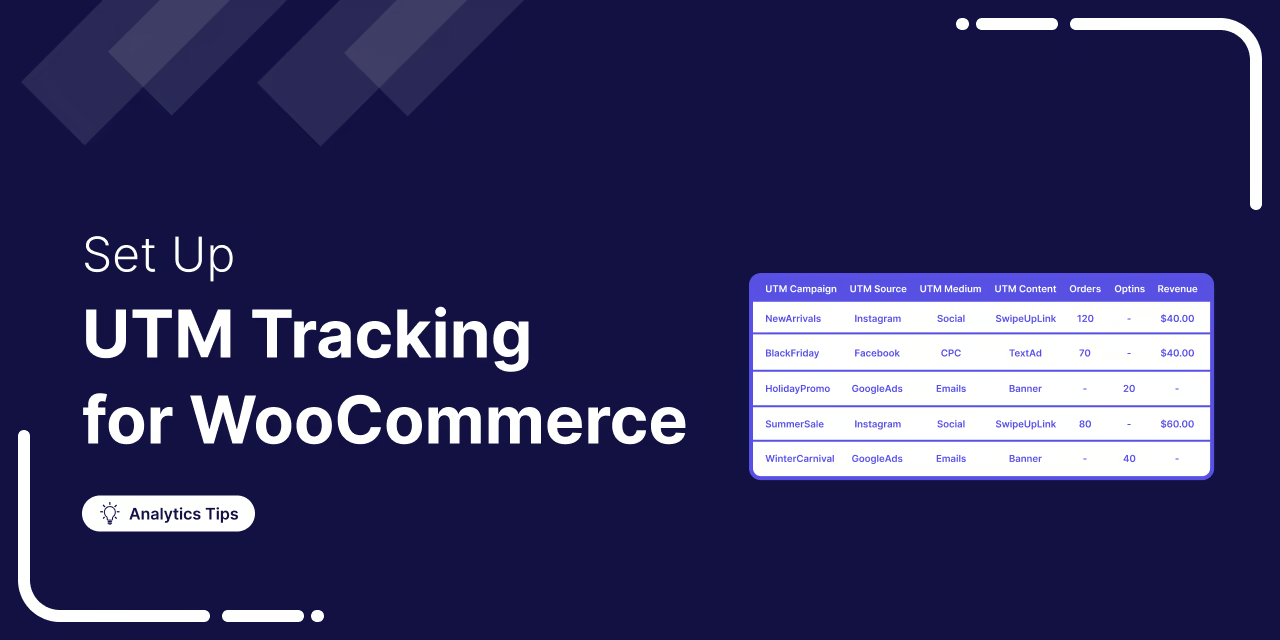
It’s frustrating to spend money on ads and promotions without knowing which ones actually drive conversions. Was it Facebook ads? Google ads? An email campaign? If you don’t know for sure, you can’t decide where to focus your efforts and money to get more sales. With UTM tracking, you can eliminate the guesswork and find out not only which marketing channel got you a sale but also which links or CTA customers clicked to initiate the order. Setting up UTM campaigns and tracking is easier than you think and requires no coding. Plus, you can manage everything directly from your WordPress dashboard without jumping between different
- Editorial Team
Not every online order follows the standard checkout process. Sometimes, a customer may request a custom order, need an invoice to finalize payment, or simply want to retry a failed transaction. Forcing them to add items to the cart and go through checkout again creates unnecessary friction, leading to a poor customer experience and potential lost sales. That’s where the WooCommerce order-pay page comes to the rescue. It provides a direct payment link, allowing customers to complete their orders effortlessly. In this blog, we’ll walk you through everything you need to know about the Order Pay Page in WooCommerce, including how to create and share the
- Editorial Team
Selling internationally with WooCommerce can unlock huge growth opportunities, but managing multi-currency functionality is essential for a seamless customer experience. One question I hear all the time from store owners is: “How do I show the right price if I’m selling both in the U.S. and abroad?” That’s where WooCommerce currency switcher plugins come in. A currency switcher plugin is a WooCommerce extension that automatically detects a shopper’s location and displays prices in their local currency, eliminating the need to recalculate prices in their preferred currency. The result? A smoother checkout experience and a competitive edge in global markets. To save you hours of research, I’ve
- Editorial Team
Ever feel like shipping is the hardest part of running your WooCommerce store? You're not alone! Managing rates manually or dealing with glitchy plugins can be a real headache. The right shipping plugin makes all the difference. It should simplify your process, not confuse your customers. Luckily, there are easy solutions to save you time and money. In this post, we’ll cover the best WooCommerce shipping plugins for different needs, from automatic rates to label printing and tracking. Best WooCommerce Shipping Plugins: Quick Comparison Summary PluginUnique Selling Point (USP)PriceTable Rate ShippingHighly customizable shipping options with rule-based rates$119/yearWooCommerce Advanced ShippingConditional shipping rates based on weight, volume, and
- Editorial Team
Struggling to find the perfect WooCommerce mini cart plugin to enhance your store’s shopping experience? By default, WooCommerce redirects customers to a separate cart page to view or modify their cart, adding an unnecessary step to their shopping journey. This extra click can cause frustration and even lead to abandoned cart drop-offs. A seamless mini cart solves this problem by letting customers view and manage their items without leaving the current page. Many stores use a cart drawer (also called an off-canvas cart, cart sidebar, or cart popup) so customers can manage their cart without breaking the flow, improving their shopping journey With so many options
- Editorial Team
Your customer finds the perfect product. Adds it to the cart. Reaches checkout and sees a wall of form fields. Name. Email. Address. City. State. Zip. Card number. Expiry. CVV. Not every shopper will abandon at this point, but many will. Baymard Institute found that 18% of cart abandonments happen specifically because the checkout feels too long or complicated. That's not a guarantee you'll lose those customers, but why take the risk when there's a simple fix? WooCommerce Express checkout removes the friction entirely. One tap. Face ID or fingerprint. Done. This guide covers how to add Express Checkout to every touchpoint in your WooCommerce store:
- Editorial Team
Every WooCommerce store relies on smooth performance and stable configurations to run effectively. If your site feels sluggish or checkout errors appear, the WooCommerce System Status (WooCommerce → Status) is the first place to look. It provides a complete health overview that covers your WordPress and server environments, database tables, plugins, templates, logs, and Action Scheduler. With this report, you can quickly identify misconfigurations, low memory limits, plugin conflicts, or missing pages and fix them using the built-in tools. Think of it as your store’s health report that gives you a clear picture of how everything is performing and highlights issues that need attention. In this
- Editorial Team
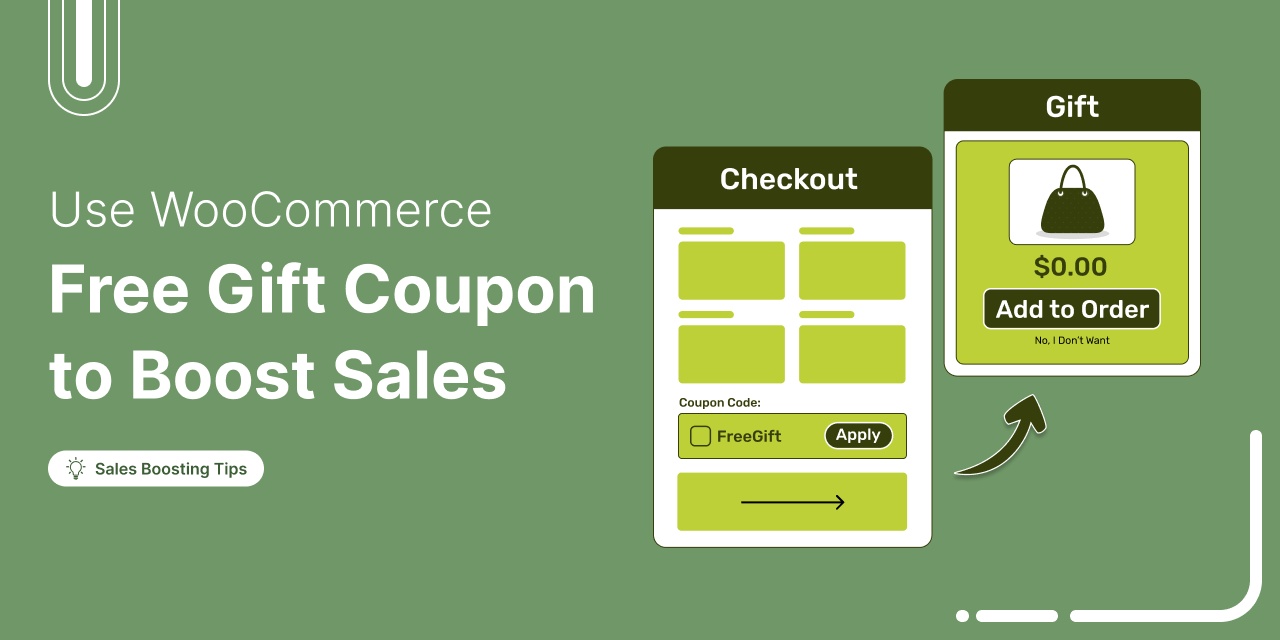
Struggling to boost your WooCommerce store’s sales and get customers to spend more? You’re not alone. Many store owners face the same challenge. According to research by Harris Interactive, 90% of shoppers said a free gift with a purchase is likely to make them loyal to the brand. While discounts can encourage purchases, they do not always build lasting loyalty. Free gift coupons offer a smarter approach. By giving customers a gift when they reach a spending threshold, you not only drive higher orders but also make shoppers feel appreciated, boosting both sales and long-term loyalty. In this blog, we will explore how WooCommerce free gift
- Editorial Team
Make More From Every Sale.
FunnelKit works at the three moments a store earns money: before checkout, at checkout and after the order.
★★★★★
4.9/5 from 1,012+ reviews on WordPress.org
One order.
Three chances to earn more.
$100$120$140$150
Cart value+$20 before checkout+$20 at checkout+$10 after checkout+$50 · 50% more
$100+$20+$20+$10=$150
$100
$100
$100
+$20
$120
$100
+$20
+$20
$140
$100
+$20
+$20
+$10
$150
Cart ValueStarting Point
Bundles & Cart UpsellsBefore Checkout
Order Bumps & UpsellsAt Checkout
Recovery & Follow‑UpsAfter Checkout
Same traffic, same shopper, more revenue.