




Selling internationally with WooCommerce can unlock huge growth opportunities, but managing multi-currency functionality is essential for a seamless customer experience.
One question I hear all the time from store owners is: “How do I show the right price if I’m selling both in the U.S. and abroad?”
That’s where WooCommerce currency switcher plugins come in.
A currency switcher plugin is a WooCommerce extension that automatically detects a shopper’s location and displays prices in their local currency, eliminating the need to recalculate prices in their preferred currency.
The result? A smoother checkout experience and a competitive edge in global markets.
To save you hours of research, I’ve tested multiple WooCommerce currency switcher plugins and handpicked the most reliable, easy-to-use, and proven to boost conversions.
This guide includes the best WooCommerce currency switchers for 2026, with geo-location, real-time rates, and manual switching to boost shopping and conversions.
Table of Contents
- 1 Quick Overview of WooCommerce Currency Switcher Plugins
- 2 How I Tested and Picked the Best WooCommerce Currency Switchers
- 3 8 Best WooCommerce Currency Switcher Plugins: Expert’s Pick
- 3.1 1. FOX – Currency Switcher Professional for WooCommerce
- 3.2 2. YayCurrency - WooCommerce Multi-Currency Switcher
- 3.3 3. Aelia Currency Switcher for WooCommerce
- 3.4 4. Price Based on Country for WooCommerce
- 3.5 5. WooCommerce Currency Switcher by WP Wham
- 3.6 6. Currency Switcher for WooCommerce by WPExperts
- 3.7 7. Multi-Currency for WooCommerce by TIV.NET
- 3.8 8. CURCY - Multi Currency for WooCommerce
- 4 Faq About WooCommerce Currency Switcher Plugins
- 5 Ready to Choose a Currency Switcher Plugin To Boost Global Sales?
Quick Overview of WooCommerce Currency Switcher Plugins
| Plugin Name | Best For | Free Version | Premium Price |
|---|---|---|---|
| FOX – Currency Switcher Professional | Multi-currency switcher with geo-location pricing and real-time rates | Yes | $36 |
| YayCurrency – WooCommerce Multi-Currency Switcher | Automatic exchange rates and show prices based on user's country | Yes | $49/year |
| Aelia Currency Switcher | Allowing customers to choose their currency and complete payments in it | No | €79/year |
| Price Based on Country for WooCommerce | Automatically detects the visitor’s country and shows the correct currency | Yes | $59/year |
| WooCommerce Currency Switcher by WP Wham | Flexible currency switching by product, country, or language | Yes | $39.99 |
| Currency Switcher for WooCommerce by WPExperts | Geolocation-based currency selection combined with flexible display options | No | $99/year |
| Multi-Currency for WooCommerce by TIV.NET | Both manual and real-time currency exchange control | No | $149/year |
| CURCY – Multi Currency for WooCommerce | Real-time converted prices across your store and checkout | Yes | $34 |
How I Tested and Picked the Best WooCommerce Currency Switchers
To build this list, I installed and tested each plugin on a live WooCommerce store running the latest version of WordPress and WooCommerce.
I didn't just read the documentation, I ran each plugin through real checkout scenarios in USD, EUR, GBP, and AUD, simulating visitors from the US, the UK, Germany, and Australia, with a VPN to trigger geolocation detection.
I kept each plugin active for at least one week and tested the following across all of them:
- Geo-location accuracy: Did the plugin correctly detect the visitor's country and automatically switch the currency without any manual input?
- Check currency consistency: Did the selected currency carry through from the product page to the order confirmation without reverting to the store's default?
- Exchange rate reliability: How frequently do rates update, and how close are they to live market rates? I cross-referenced each plugin's rates against XE.com during testing.
- Payment gateway compatibility: I tested each plugin with Stripe and PayPal, the two most common gateways on WooCommerce stores, to confirm there were no currency mismatch errors at checkout.
- Setup time and ease of use: How long did it take to go from plugin installation to a working multi-currency store? I timed each one.
- Display flexibility: Could I place the currency switcher in the header, footer, product page, and cart without writing any custom code?
I also factored in real user data: active installation counts and star ratings from WordPress.org, plus support response quality based on recent reviews. Plugins with a rating below 3.5 or fewer than 1,000 active installations were excluded from consideration unless they offered something genuinely unique.
The 8 plugins below are the ones that passed all of the above. They work reliably, are actively maintained, and genuinely improve the shopping experience for international customers.
8 Best WooCommerce Currency Switcher Plugins: Expert’s Pick
Here, I have put together eight of the best WooCommerce currency switcher plugins with key features and prices:
1. FOX – Currency Switcher Professional for WooCommerce
| Best For | Creating flexible, multi-currency WooCommerce stores with geo-location pricing and real-time exchange rates. |
| Price | Available for free. The premium version costs $36. |
| Active Installations | 50,000+ |
| Rating | 4.4 (191 five-star reviews out of 245 total ratings) |
FOX Currency Switcher is a popular free WooCommerce multi-currency switcher plugin that helps customers easily switch between different currencies on your WooCommerce store.
This WooCommerce Currency Switcher plugin is available as a widget and also as a short code [woocs]. You can insert a shortcode anywhere on your site, including the top menu.

Key Features:
- Option to set which pages will show the currency switcher option, including the checkout page.
- Real-time exchange rates for accurate currency conversion. It supports more than seven currency aggregators for automatic rate changes.
- The design is fully customizable and can be displayed in three ways: drop-down, flags, and side switcher.
- Option to set different currencies for different countries using geo-location conditions.
Price: A basic free version is available. The premium version costs $36.
Why I recommend FOX – Currency Switcher Professional for WooCommerce?
I recommend FOX because it’s beginner-friendly, offers both shortcode and widget placement options, and provides real-time exchange rates with support for multiple aggregators.
The flexible display options (drop-down, flags, side switcher) make it easy to match any store design, and the Geo-location feature ensures a personalized shopping experience.
2. YayCurrency - WooCommerce Multi-Currency Switcher
| Best For | Automatically exchange rates and show prices based on the user's country. |
| Price | Free version available. The premium pricing starts at $49/year. |
| Active Installations | 7,000+ |
| Rating | 4.8 (100 five-star reviews out of 106 total ratings) |
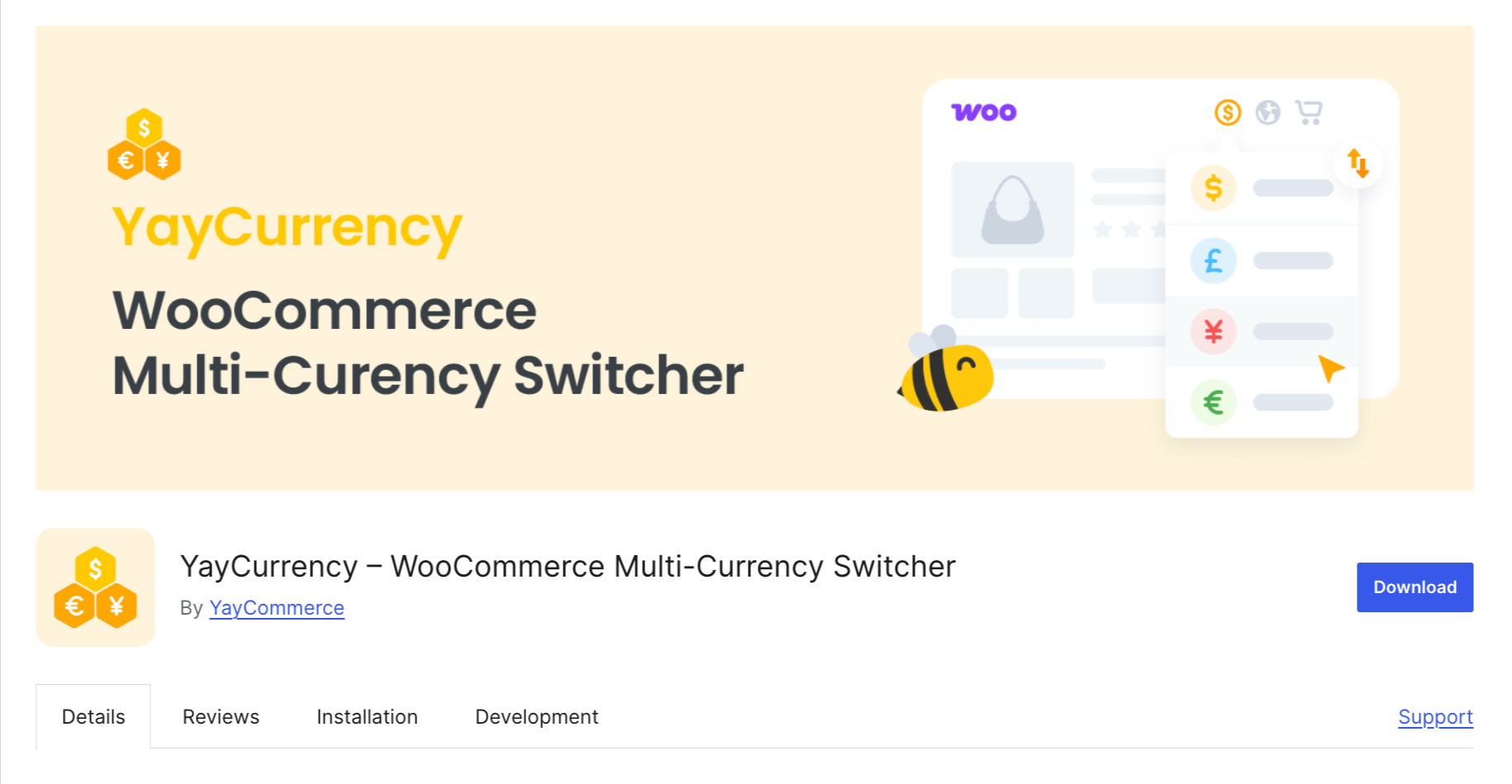
YayCurrency is a beginner-friendly yet powerful WooCommerce multi-currency switcher that helps you sell globally by letting customers shop and pay in their local currency.
It offers automatic exchange rates, country-based pricing, and integrates smoothly with most WooCommerce plugins. On top of that, their responsive support team adds extra reliability.
Key features:
- Display real-time converted prices across the store and checkout.
- Customers can switch currency at checkout and complete orders in their chosen currency.
- Automatically detect customer location and show prices in their local currency.
- Customize conversion fees and rounding for clean, customer-friendly pricing.
- Use widgets or shortcodes to place the currency switcher anywhere on the store.
Price: Free version available. Pro version starts at $49/year.
Why I recommend YayCurrency – WooCommerce Multi-Currency Switcher?
I recommend YayCurrency for beginners and small businesses because it’s easy to set up, supports automatic geo-location, and integrates well with most WooCommerce plugins.
Its customizable rounding and conversion fees make prices more transparent for customers.
3. Aelia Currency Switcher for WooCommerce
| Best For | Allowing customers to choose their currency and complete payments in it. |
| Price | €79.00 / year for a single site. |
| Rating | 90+ 5-star reviews. |
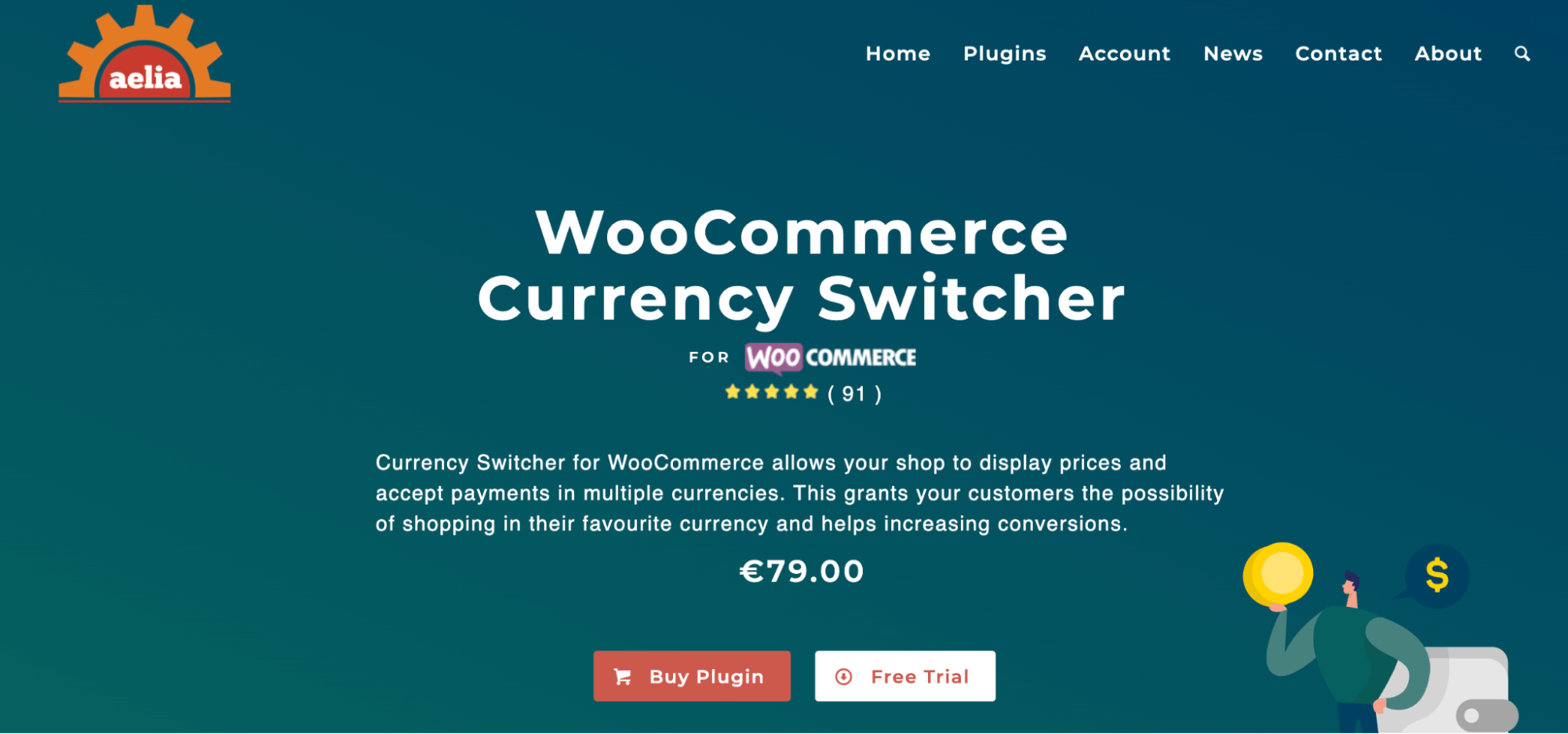
Aelia Currency Switcher is a premium plugin designed for WooCommerce stores looking to provide a seamless shopping experience across multiple currencies. Launched in 2015, it’s one of the first currency switcher plugins and has proven to be robust, reliable, and hassle-free.
With this WooCommerce Currency Switcher Plugin, you can offer users the option to choose their preferred currency. When a customer selects a currency, the shop will display prices and also allow customers to complete transactions using the new currency.
Key Features:
- Automatically detects the customer’s location and then shows the currency set for that location.
- Update conversion rate automatically using sources like Open Exchange Rates, OFX, Turkish Central Bank, etc.
- Option to set prices in each currency for products and coupons without using an exchange rate.
Price: €79.00 / year for a single site.
Why I recommend Aelia Currency Switcher for WooCommerce?
Aelia stands out for its automatic location detection and precise currency control. You can set product and coupon prices per currency, which is great for international stores aiming for accuracy. Its reliability and seamless checkout experience justify its premium pricing.
4. Price Based on Country for WooCommerce
| Best For | Automatically detects the visitor’s country and shows the correct currency |
| Price | Free version available. The premium pricing starts at $59/year. |
| Active Installations | 20,000+ |
| Rating | 5.0 (243 five-star reviews out of 261 total ratings) |
Price Based on Country for WooCommerce is a popular WooCommerce plugin that allows you to sell the same product in multiple currencies based on the customer’s country.
This plugin automatically detects the visitor’s country using WooCommerce’s built-in geolocation feature and displays the appropriate currency and price you’ve set.
Key Features:
- Automatically detects the visitor's country and shows prices in the correct currency.
- Two pricing methods: calculate price using exchange rates or set price manually per country.
- Updates cart, checkout, and order preview instantly when the country changes.
- Multicurrency support to sell and receive payments in multiple currencies.
- Apply currency conversion to shipping rates, including flat and international flat rates.
- Compatible with WPML for multilingual stores.
Price: The basic version is free. The pro version costs $59/year.
Why I recommend Price Based on Country for WooCommerce?
I recommend this plugin because it combines geolocation-based pricing with multicurrency support, giving customers a seamless, localized shopping experience.
5. WooCommerce Currency Switcher by WP Wham
| Best For | Flexible currency switching by product, country, or language |
| Price | Available for free. The premium version starts at $39.99. |
| Active Installations | 10,000+ |
| Rating | 4.2 (31 five-star reviews out of 43 total ratings) |
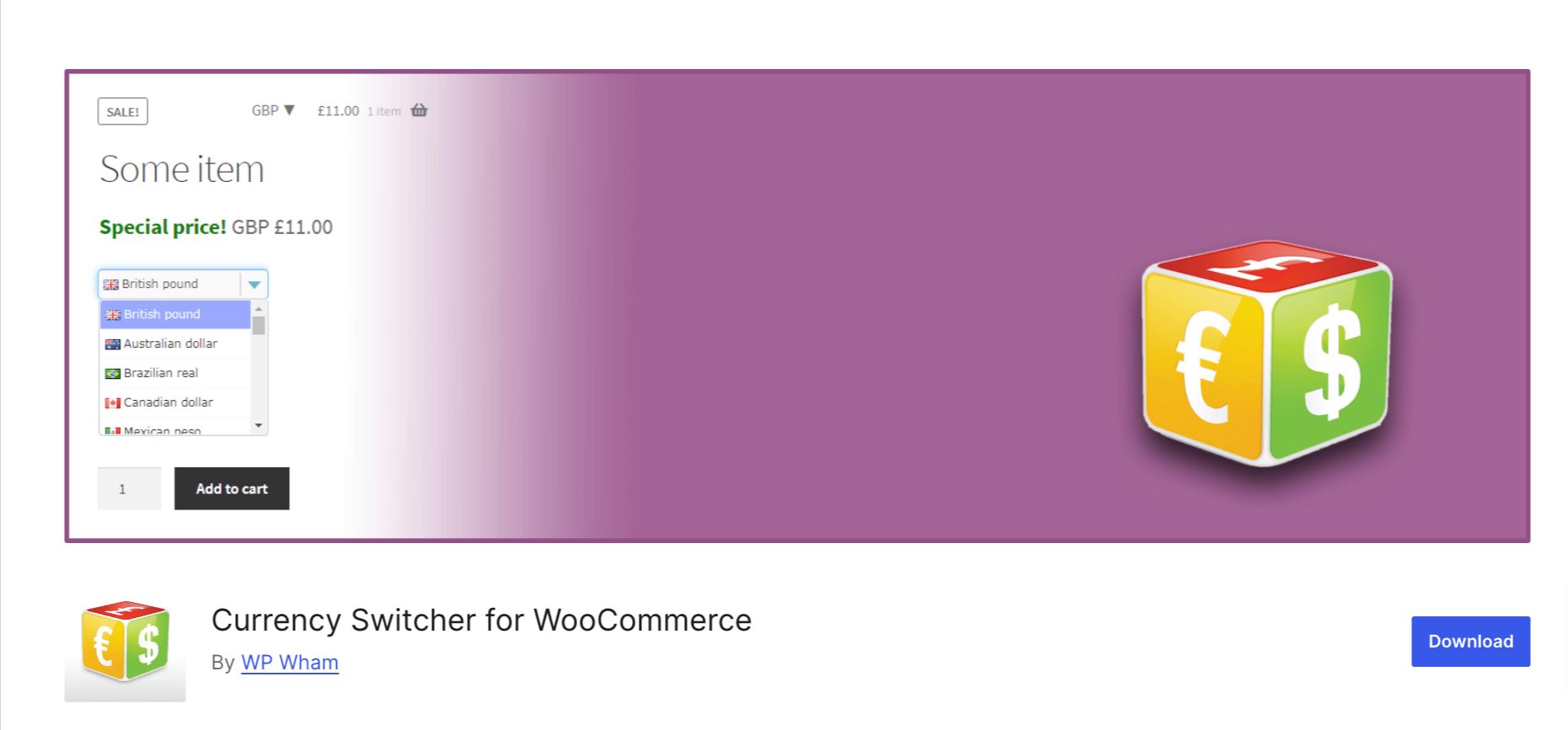
WooCommerce Currency Switcher by WP Wham is a simple and easy-to-use plugin for stores that need to switch currencies. It’s compatible with most WooCommerce themes and offers real-time conversion rates for accurate pricing.
Key features:
- Automatically update currency exchange rates on your WooCommerce store.
- Multiple shortcodes are available for different currency switcher designs: drop-down, radio, and list.
- Can detect and set currency based on currency(i.e., by IP) and language (i.e., locale).
Price: A free version is available. The premium version costs $39.99 for a signal site.
Why I recommend WooCommerce Currency Switcher by WP Wham?
I recommend WP Wham for stores that want a simple, lightweight solution with multiple display options.
It’s easy to set up, integrates well with most themes, and automatically updates currency rates, which keeps pricing accurate for global customers.
6. Currency Switcher for WooCommerce by WPExperts
| Best For | Automatic geolocation-based currency selection combined with flexible display options |
| Price | The premium version starts at $99.50/year |
| Active Installations | 1,000+ |
| Rating | 4.2 (42 five-star reviews out of 50 total ratings) |
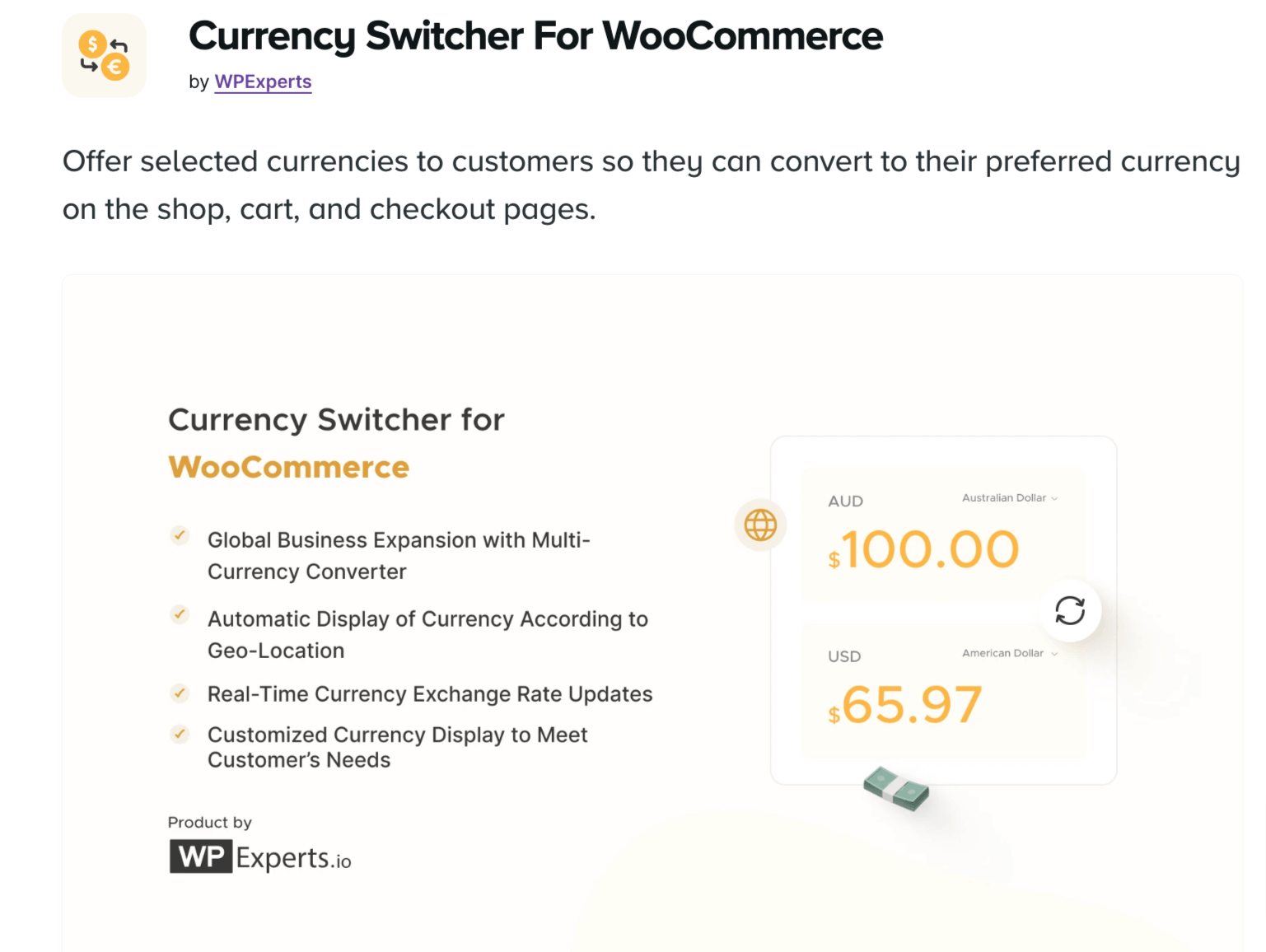
This Currency Switcher for WooCommerce allows your customers to change currencies on the shop, cart, and checkout pages. It automatically detects the customer's country using Geo-Location IP and displays prices in the user’s local currency.
Key Features:
- You can add a currency switcher to the menu or a sticky switcher option to your WooCommerce store.
- Automatically update currency exchange rates with an API to show accurate values.
- Change currency based on Billing or Shipping Country on Checkout automatically.
Price: $99.00/year.
Why I recommend Currency Switcher for WooCommerce by WPExperts?
This plugin is ideal if you want a versatile, fully-featured plugin. The ability to change currency automatically based on billing or shipping addresses and the sticky/menu switcher options make it both functional and highly user-friendly.
7. Multi-Currency for WooCommerce by TIV.NET
| Best For | Automated geolocation-based pricing with both manual and real-time currency exchange control |
| Price | No free version is available. The premium pricing starts at $149. |
| Active Installations | 2,000+ |
| Rating | 3.4 (9 five-star reviews out of 18 total ratings) |
Multi-currency for WooCommerce offers flexible options for international stores. It automatically detects the user’s location and switches to the correct currency. Customers can also select a currency manually from a dropdown menu.
Key Features:
- Users can select the currency using a sidebar widget on WooCommerce pages and place orders in their preferred currency.
- You can add as many currencies as you want and set one as the default
- It automatically rounds up the prices after conversion
Price: $149.00/ year.
Why I recommend Multi-Currency for WooCommerce by TIV.NET?
TIV.NET is perfect for stores with complex international needs. Its support for multiple currencies, automatic rounding, and flexible placement options make it a strong choice for large-scale global stores.
8. CURCY - Multi Currency for WooCommerce
| Best For | Real-time converted prices across your store and checkout |
| Price | Free version available. The premium pricing starts at $49/year. |
| Active Installations | 20,000+ |
| Rating | 4.3 (164 five-star reviews out of 266 total ratings) |

CURCY makes selling internationally easy by letting your WooCommerce store automatically detect customer location and display prices in their preferred currency.
It supports live exchange rates, manual currency switching, and a smooth multi-currency checkout. Overall, I had a good experience with this plugin, though support could have been more responsive.
Key features:
- Auto geolocation and manual currency switching
- Supports live exchange rates and multi-currency checkout
- Customize price rounding and currency symbols
- Place the currency switcher anywhere with widgets or shortcodes
Price: Free version available. The premium costs $34.
Why I recommend CURCY – Multi Currency for WooCommerce?
CURCY is great for stores that want a fast, reliable solution with automatic location detection and live exchange rates.
The plugin’s manual switching, flexible placement options, and smooth checkout process make it a practical choice for international sales.
Faq About WooCommerce Currency Switcher Plugins
Here are FAQs on WooCommerce currency switchers, including localization, switching options, and payment gateway support.
A WooCommerce currency switcher plugin allows store owners to offer multiple currencies for customers. It enables visitors to view product prices and make payments in their preferred currency. This feature improves user experience, especially for international shoppers.
Many plugins, such as FOX – Currency Switcher Professional and Currency Switcher for WooCommerce by WPExperts, offer automatic geo-location detection to display the correct currency based on the visitor’s location, while others also allow manual switching. You can check the list I shared.
Yes, most WooCommerce currency switcher plugins allow customers to select their preferred currency at checkout. This ensures that they pay in the currency they choose, improving the overall shopping experience.
Yes, many WooCommerce currency switcher plugins offer real-time exchange rate updates using trusted data sources. This ensures that product prices are always accurate and reflect the latest exchange rates.
Most popular payment gateways, including PayPal, Stripe, and WooCommerce Payments, are compatible with WooCommerce currency switcher plugins. However, it's always recommended to check the compatibility with your specific gateway before installing the plugin.
Yes. Plugins often offer multiple display options, such as dropdowns, flags, floating sidebars, or shortcodes to match your store design.
Ready to Choose a Currency Switcher Plugin To Boost Global Sales?
With the right currency switching plugin, you can offer international shoppers a seamless, localized experience.
If you're looking for a freemium option, I recommend FOX or YayCurrency. They’re easy to set up and work well with great support.
However, if you’re okay with paying upfront and want a more robust premium solution, Aelia Currency Switcher for WooCommerce is my go-to choice.
If you're optimizing checkout alongside currency switching, FunnelKit Funnel Builder's checkout tools pair well with any of these plugins
More WooCommerce Guides to Explore:
- How to change the currency at checkout
- Best WooCommerce Payment Gateways
- Best WooCommerce Checkout Plugins
- Best Stripe Payment Plugins for WordPress
- Best Free WooCommerce Plugins
- Best WordPress Sales Funnel Builder Plugins

Editorial Team
October 7, 2026WooCommerce upsells are products you recommend in place of the one a shopper is viewing, usually a better or higher-priced version of it. WooCommerce has a built-in upsell field for...

Editorial Team
October 6, 2026WooCommerce taxes start with a rate table you set up yourself. If you leave a state out of that table, orders going there can pass through with no tax. Say...

Editorial Team
October 5, 2026A WooCommerce Shopify checkout recreates the parts of Shopify’s checkout that shoppers already know. It includes a logo-only header, email first, express payment options at the top, address autocomplete, a...






