
![6 Best Stripe Payment Plugins for WordPress In 2026 [Mostly Free]](https://funnelkit.com/wp-content/uploads/2023/05/Best-Stripe-Payment-Plugins-for-WordPress-FunnelKit.png)
Stripe is one of the most trusted payment gateways worldwide, powering over 3.5 million websites globally.
With 90% of U.S. adults having made a purchase from businesses that use Stripe (Source: Stripe), it’s clear why this payment system is a favorite among eCommerce owners.
This secure and efficient payment processor not only minimizes transaction time for customers but also enhances the user experience, making it a perfect fit for WooCommerce store owners selling both physical and digital products online.
However, with a multitude of plugins available, selecting the right Stripe integration for your store can be overwhelming.
That’s why we’ve researched, tested, and carefully selected 6 top Stripe plugins for WooCommerce, ensuring each one meets the highest standards for security, ease of use, and performance.
In this post, we'll help you choose the best Stripe payment plugin for WordPress that matches your specific needs, whether you're running a small store or a large-scale eCommerce platform.
Table of Contents
Quick Overview of Best Stripe Gateway Plugins for WordPress
| Plugin Name | Price | Best For |
|---|---|---|
| Stripe Payment Gateway for WooCommerce by FunnelKit | Free | WooCommerce stores looking for seamless Stripe integration with reliable checkout and full payment gateway support |
| WooCommerce Stripe Payment Gateway (official) | Free | Anyone looking for the official Stripe integration for WooCommerce with broad compatibility and stable core support |
| WP Simple Pay | Free (Lite), paid from $49/year | Users who want Stripe payment forms without using WooCommerce |
| Accept Stripe Payments | Free | Simple websites needing basic Stripe “buy now” buttons without a full store setup |
| Payment Plugins for Stripe WooCommerce | Free | Stores wanting improved Stripe checkout experience with express payment options like Apple Pay and Google Pay |
| Payment Gateway of Stripe for WooCommerce (ThemeHigh) | Free, paid add-ons from $59.00 /year | Stores needing broader regional payment methods and extended gateway coverage |
6 Best Stripe Payment Plugins for WordPress
Here is the list of the top 6 Stripe payment plugins for WordPress that’ll help you streamline your payment process and enhance your users’ shopping experience.
1. Stripe Payment Gateway for WooCommerce by FunnelKit
Stripe Payment Gateway for WooCommerce is a powerful, free plugin designed to streamline payment processing for WooCommerce store owners. It integrates directly with Stripe, offering an easy-to-use and secure solution to accept payments, from credit cards to alternative payment methods, all without manual setup.
Key Features:
- Automatic Stripe Onboarding: Automatically fetches live/test API keys and syncs webhooks, eliminating the need for manual copy‑paste setup.
- Supports Major Cards: Accepts all major credit and debit cards, including Visa, MasterCard, American Express, Discover, JCB, and more.
- One‑Click Express Payments: Seamlessly accept Apple Pay, Google Pay, and other express checkout buttons for a faster, streamlined checkout process.
- Buy Now, Pay Later (BNPL) Integration: Supports popular BNPL options like Affirm, Klarna, and Afterpay, offering flexible payment solutions for your customers.
- Local and Alternative Payment Methods: Accepts a wide range of global payment options such as SEPA, iDEAL, P24, Bancontact, and many others.
- Strong Security Compliance: Built-in support for Strong Customer Authentication (SCA), ensuring secure and compliant transactions.
- Subscription & Recurring Payments: Collect both one‑time and recurring payments effortlessly for subscription‑based products.
- Admin-Only Test Mode: Test payments safely without touching real customer transactions. Flip it on, run through your checkout as many times as you need, flip it off when you're confident it works.
- Inline Express Checkout: Apple Pay and Google Pay buttons sit right alongside your regular payment options fields at checkout if needed.
- Deep Funnel Builder Integration: Fully integrates with FunnelKit's Funnel Builder, allowing you to easily display payment fields for even zero‑cost products.
Price
- Free
Why Choose FunnelKit's Stripe Payment Gateway
- Trusted by Many: 20,000+ active installs. 4.9 out of 5 stars. The highest rating on this entire list.
- Official Stripe Partner: Listed in Stripe's own partner directory. Not a self-made claim, an actual verified listing.
- Works well with other payment gateways: WooCommerce runs multiple gateways at once, so this sits fine next to PayPal, Square, whatever else is already configured. Nothing to rip out first.
- Quick Onboarding and Automatic Webhooks: Connect the account, and it fetches your keys and syncs your webhooks on its own. Easy to set up.
2. Stripe For WooCommerce

WooCommerce powers over 6.3 million websites, making it the most popular eCommerce platform for WordPress.
The WooCommerce Stripe Payment Gateway plugin offers a seamless way to accept payments through all major debit and credit cards, as well as local payment methods.
Key Features:
- Comprehensive Payment Method Support: Accepts Visa, MasterCard, American Express, and other major cards, along with local payment options like iDEAL, SEPA, and P24.
- Express Checkout Options: Built-in support for Apple Pay and Google Pay, enabling fast and secure checkout experiences for customers.
- Seamless WooCommerce Integration: Direct integration with WooCommerce for accepting payments smoothly without additional configuration.
- Automatic Payment Processing: Automatically handles payment authentication, syncing, and processing through Stripe, simplifying the process.
- Subscription and Recurring Payments: Supports recurring payments and subscriptions for subscription-based products.
Price:
- Free (WooCommerce Stripe Payment Gateway)
Why Choose WooCommerce Stripe Payment Gateway:
- Global Payment Acceptance: Enables store owners to accept a wide range of payment methods, making it ideal for international transactions.
- Security and Compliance: Adheres to Stripe’s best practices, ensuring PCI compliance and secure payment processing.
3. WP SimplePay
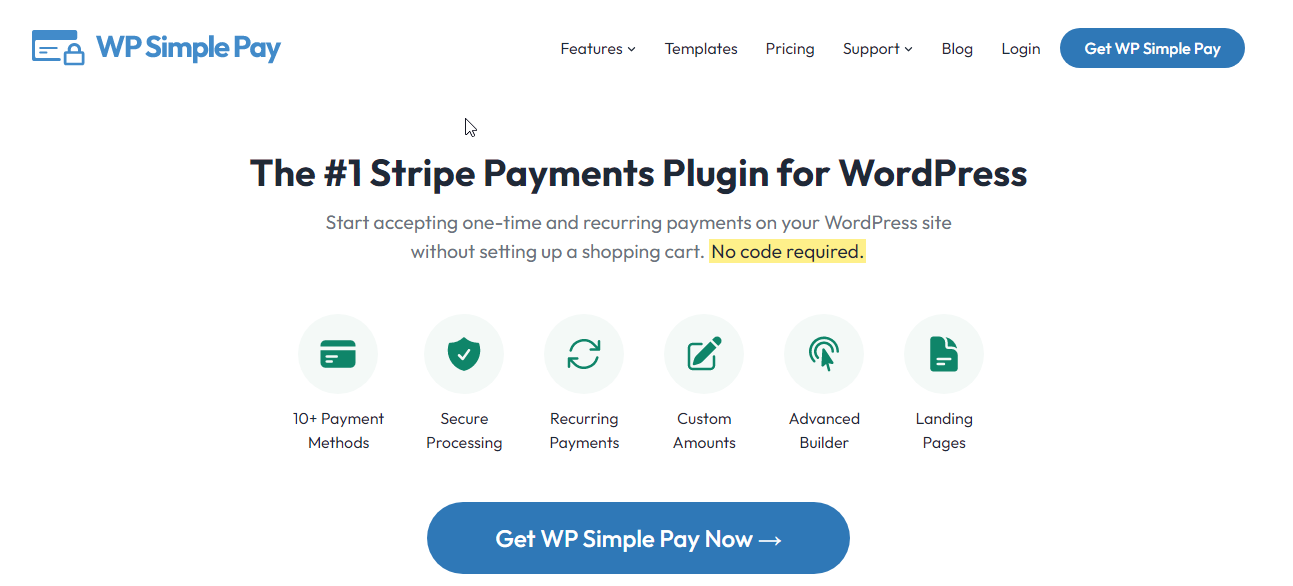
WP Simple Pay is a simple, easy, and powerful WordPress plugin for Stripe payments. It allows you to accept one-time and recurring payments seamlessly, without needing complex setups.
Key Features:
- One‑Time and Recurring Payments: Accept both one-time and recurring payments for your products or services.
- Multiple Payment Methods: Supports 10+ payment methods, including Credit Cards, Debit Cards, US Bank Accounts, SEPA Direct Debit, Afterpay, Klarna, and more.
- Interest-Free Installments: Offer interest-free installment payments through Klarna or Afterpay to increase conversion rates.
- Drag-and-Drop Form Builder: Create custom payment forms easily with the drag-and-drop builder, no coding required.
- Custom Fields: Capture additional information with custom fields, such as text fields, checkboxes, dropdowns, etc., alongside payments or donations.
Price:
- Starts at $49/year
Why Choose WP Simple Pay:
- Flexible Payment Options: Accepts multiple payment methods and allows flexible installment options.
- User-Friendly: Quick setup and Stripe integration, ideal for store owners seeking a no-fuss payment solution.
4. Accept Stripe Payments
Accept Stripe Payments is the lighter option compared to WP Simple Pay. Drop a "Buy Now" button onto any post, page, or widget with a shortcode or block, and you're set up to take a payment.
Key Features:
- Buy Now Buttons Anywhere: No page builder needed. Shortcode or block, placed wherever you want it.
- Sell Digital and Physical Products: Downloads, physical goods, one-off services. Same plugin handles all three.
- Donation Support: Fixed amount or custom amount, both go through Stripe directly.
- Flexible Pricing: Set variable pricing per product, or skip that and let the customer type in their own number.
- Order Management Built In: Every transaction lands in a dedicated Orders menu right inside your WordPress dashboard, so you're not hunting through Stripe's own interface just to check on a sale.
- Security Compliant: 3D Secure. SCA compliant. No card data touches your server at any point.
Price
- Free
Why Choose Accept Stripe Payments
- Makes sense for a single product, a service page, or a donation button, without pulling in a full store plugin you don't need.
- Covers physical and digital products from the same install, which a lot of lightweight Stripe plugins don't bother with.
5. Payment Plugins for Stripe WooCommerce
Payment Plugins for Stripe WooCommerce comes from Payment Plugins, a Stripe partner. One idea drives the whole plugin: get the express payment button in front of a shopper before they ever hit the checkout page.

Key Features:
- Express Checkout on Product and Cart Pages: Google Pay, Apple Pay, and Stripe's browser payment methods can show up while someone's still browsing, not just at the last step.
- Buy Now, Pay Later: Afterpay. Affirm. Klarna. All built in, no separate plugin needed.
- Local Payment Methods: Konbini, PayNow, BLIK, P24, iDEAL, and a handful of others depending on the customer's country.
- ACH and 3DS 2.0: Covers US bank debit payments alongside the card authentication standards Stripe currently requires.
- WooCommerce Subscriptions and Pre-Orders: Plugs directly into WooCommerce's own recurring billing and pre-order tools rather than running a separate system alongside them.
- Built for the Checkout Block: Works with WooCommerce's modern block-based cart and checkout, not just the older shortcode version some gateways still lean on.
Price
- Free
Why Choose Payment Plugins for Stripe WooCommerce
- An official Stripe partner, and one with a stronger satisfaction rating than most WooCommerce Stripe gateways out there.
- The whole plugin is built around cutting checkout friction. That shows up directly in how early those express payment buttons get placed in the buying flow, not buried at the final step like a lot of competitors do it.
6. Payment Gateway of Stripe for WooCommerce (ThemeHigh)
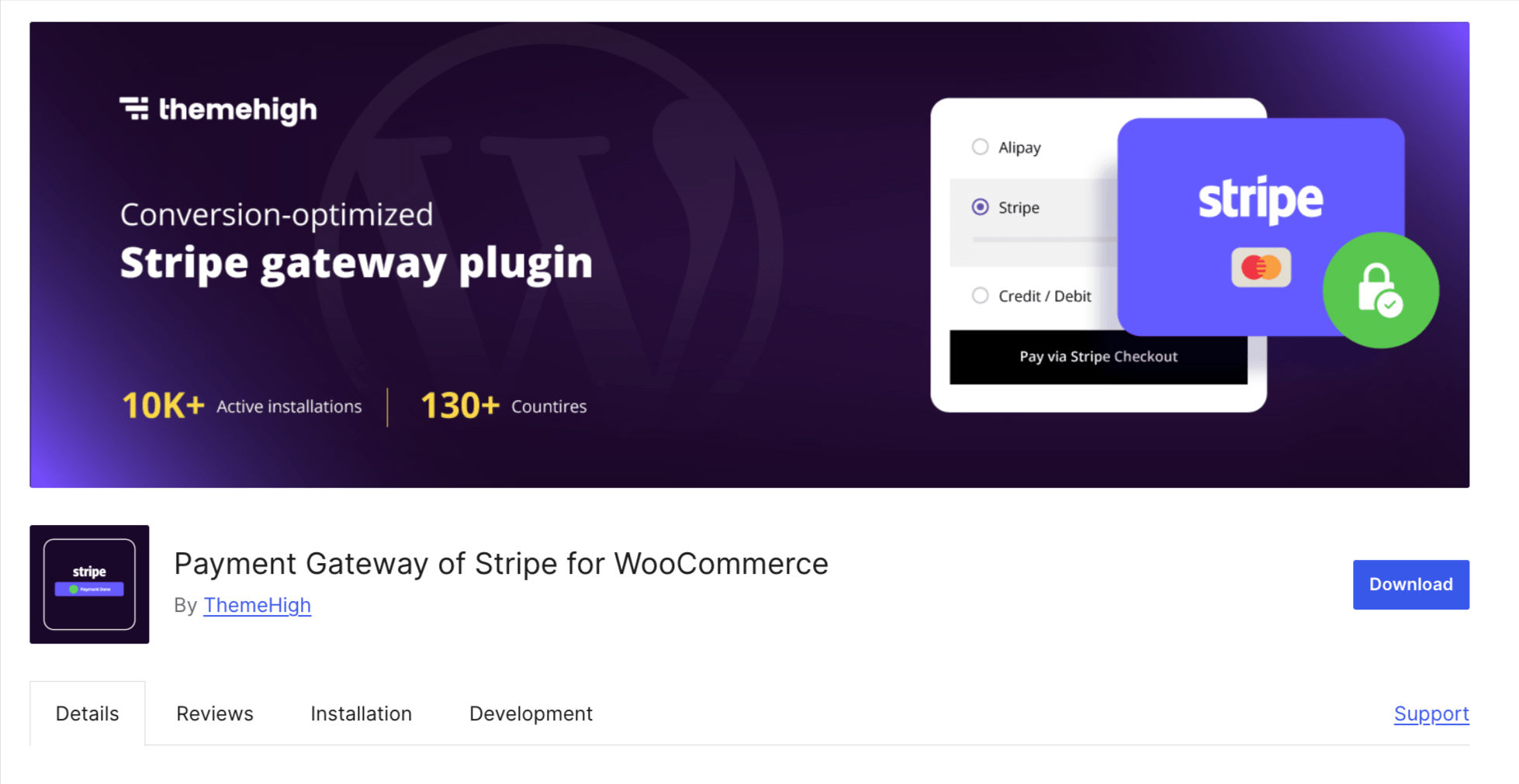
Payment Gateway of Stripe for WooCommerce by ThemeHigh covers one of the widest ranges of regional payment methods among the free WooCommerce Stripe gateways on this list.
Key Features:
- Broad Regional Coverage: Major cards, Apple Pay, Google Pay, Alipay, WeChat Pay, Klarna, SEPA, iDEAL, Bancontact, EPS, P24, Boleto, and OXXO.
- Stripe Checkout Option: Use Stripe's own hosted checkout page instead of building one from scratch.
- Stripe Overview Dashboard: Review transactions, capture payments, and process refunds from one screen inside WordPress.
- Capture Later: Authorize a payment now, capture the funds later.
- Full and Partial Refunds: Handle either directly from the WooCommerce order screen.
Price
- Free, with paid add-ons for WooCommerce Subscriptions support, Stripe Link, and premium support
Why Choose Stripe Payment Gateway for WooCommerce (ThemeHigh)
- One of the more complete free options for less common regional methods like Boleto, OXXO, and GrabPay.
- Worth noting: a number of recent WordPress.org reviews mention setup friction and slower support response times. Worth weighing against the feature list, especially if fast support matters for your store.
WordPress plugins with Stripe support (Not dedicated Gateways)
Worth knowing about, even though none of these are Stripe gateways in the strict sense. Each one supports Stripe as a payment option inside a bigger tool built for something else entirely.
- WPForms. A form builder first, payment processor second. Stripe comes through as a verified integration, free on the Lite version with a 3% added fee, gone once you're on Pro at $199.50/year. Good fit if you need a donation form, an order form, or a service booking form and don't want a separate checkout tool bolted on.
- Easy Digital Downloads. Built for selling files, not physical products. Stripe ships built into every version, free included, and EDD is a verified Stripe partner. Makes sense for ebooks, software licenses, courses, anything downloadable rather than shipped.
- MemberPress. No free tier, plans start at $199.50/year. Stripe is built in and handles 26+ payment methods once connected, including SEPA, iDEAL, and Affirm. The pitch here isn't payments; it's the membership and content-gating system Stripe happens to power.
Which WordPress Stripe Payment Plugin Should You Choose?
Stripe runs two kinds of checkout experiences: hosted, where a customer gets redirected to Stripe's own page, and on-site, where the payment form lives right on your WordPress page. Which one you get depends on the plugin. On-site tends to win on friction. No redirect means fewer abandoned carts at the exact moment someone was ready to pay.
That's the whole reason so many WordPress stores lean on Stripe plugins in the first place.
Start with FunnelKit's Stripe integration. WooCommerce-based, strong ratings, and it does something most gateways still make you do by hand: fetches your live and test API keys automatically, syncs webhooks the second you create one in Stripe. No manual setup steps left over.
The official WooCommerce Stripe gateway is what most stores default to. Built in collaboration with Stripe and WooCommerce, used everywhere. It also sits at 3.1 out of 5 on WordPress.org right now, with recent reviews flagging real checkout issues. Worth reading those before you install it, not after.
Want Apple Pay and Google Pay showing up earlier, before checkout even starts? FunnelKit and Payment Plugins for Stripe WooCommerce both support that, surfacing express options on product or cart pages depending on how you configure things.
No WooCommerce at all? WP Simple Pay and Accept Stripe Payments skip the cart system entirely. Just an embedded payment form, wherever you drop it.

Editorial Team
September 21, 2026WooCommerce Apple Pay lets shoppers skip most of the checkout form. They tap Apple Pay, double-click the side button, and confirm the payment with a glance at the screen. Think...

Editorial Team
September 7, 2026Testing Stripe payments in WooCommerce is quite simple. Turn on test mode in your Stripe plugin, add a product to your cart, and check out using the test card 4242...

Editorial Team
August 27, 2026WooCommerce Google Pay can turn a 90-second checkout into a two-second tap. Think about paying for coffee with your phone. You pull out your phone, tap to pay, and you’re...