WooCommerce
Recent Blogs
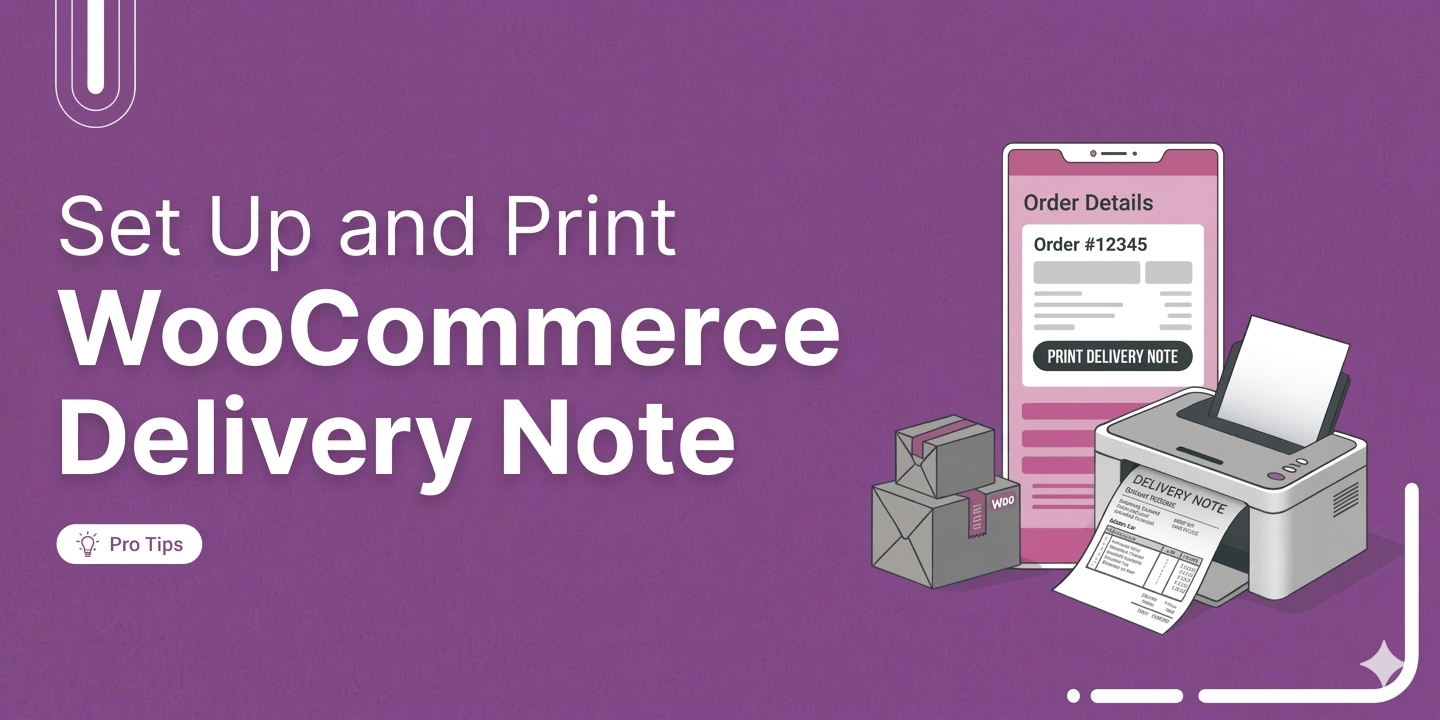
If you are shipping physical goods, setting up a WooCommerce delivery note is one of those small things that makes a real big difference. It helps your orders feel more professional when they arrive. WooCommerce does not generate delivery notes out of the box. You will need a plugin to generate them, but the good news is that there are several solid, free, and paid options, and the setup is straightforward once you know what to look for. In this blog, we will share how to create and print delivery notes in WooCommerce for free in a step-by-step guide. What Is a WooCommerce Delivery Note? A
- Editorial Team
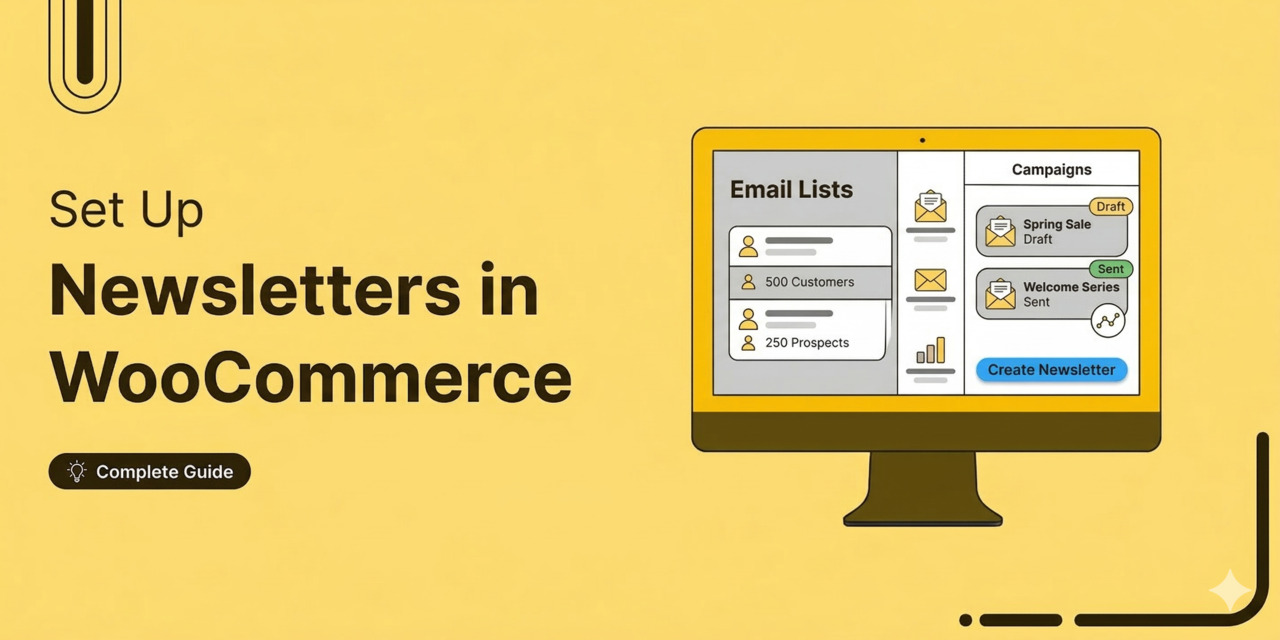
Running a WooCommerce store without an email newsletter means you are missing out on repeat business every single day. Email remains one of the most profitable marketing channels for eCommerce. It lets you reach buyers directly, promote new products, and recover lost sales without relying on social media algorithms. However, the setup requires much more than hitting install on a random plugin. You have to configure the right sending infrastructure, set up proper email authentication so you don't land in spam, build signup forms, and create a content strategy to keep people engaged. In this guide, we will cover the best plugins to use, how to
- Editorial Team
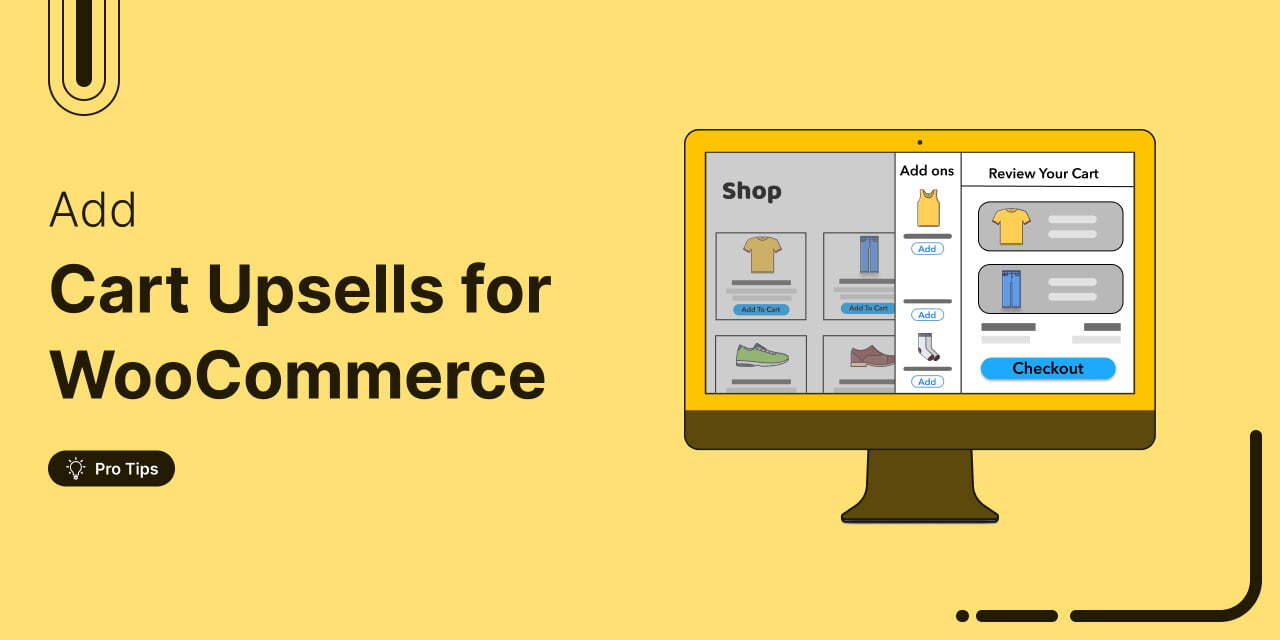
WooCommerce cart upsell offers let you recommend relevant products inside the shopping cart, right when customers are ready to spend. It's one of the easiest ways to boost average order value without spending more on ads. Yet many store owners overlook it because WooCommerce does not include a true cart upsell feature by default, except for a basic 'You may also be interested in' section on its cart page. But with a well-configured cart upsell setup, you can reduce cart abandonment by keeping shoppers engaged with relevant offers and spending incentives while they are still in buying mode. In this blog, we will show you how
- Editorial Team
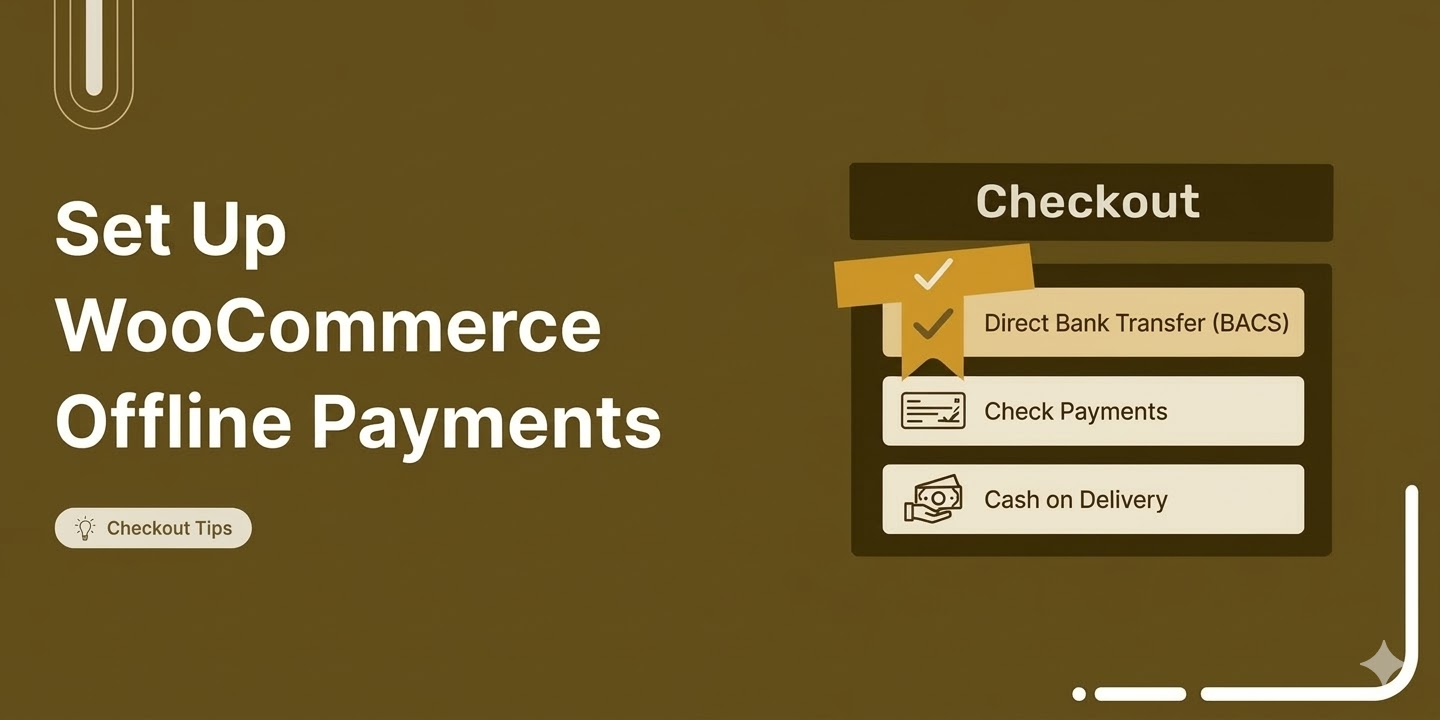
WooCommerce offline payment options are more important than many store owners realize. While online cards and digital wallets dominate in some regions, millions of shoppers still prefer paying after placing an order. For example, according to Go Globe, 64% of online shoppers in the Middle East show a strong preference for Cash on Delivery, especially for categories like electronics, fashion, and household products. This is why WooCommerce includes built-in offline payment methods like bank transfers, check payments, and cash on delivery. These options allow businesses to accept orders without requiring instant online payment. In this guide, we’ll explain what WooCommerce offline payments are, when they make
- Editorial Team
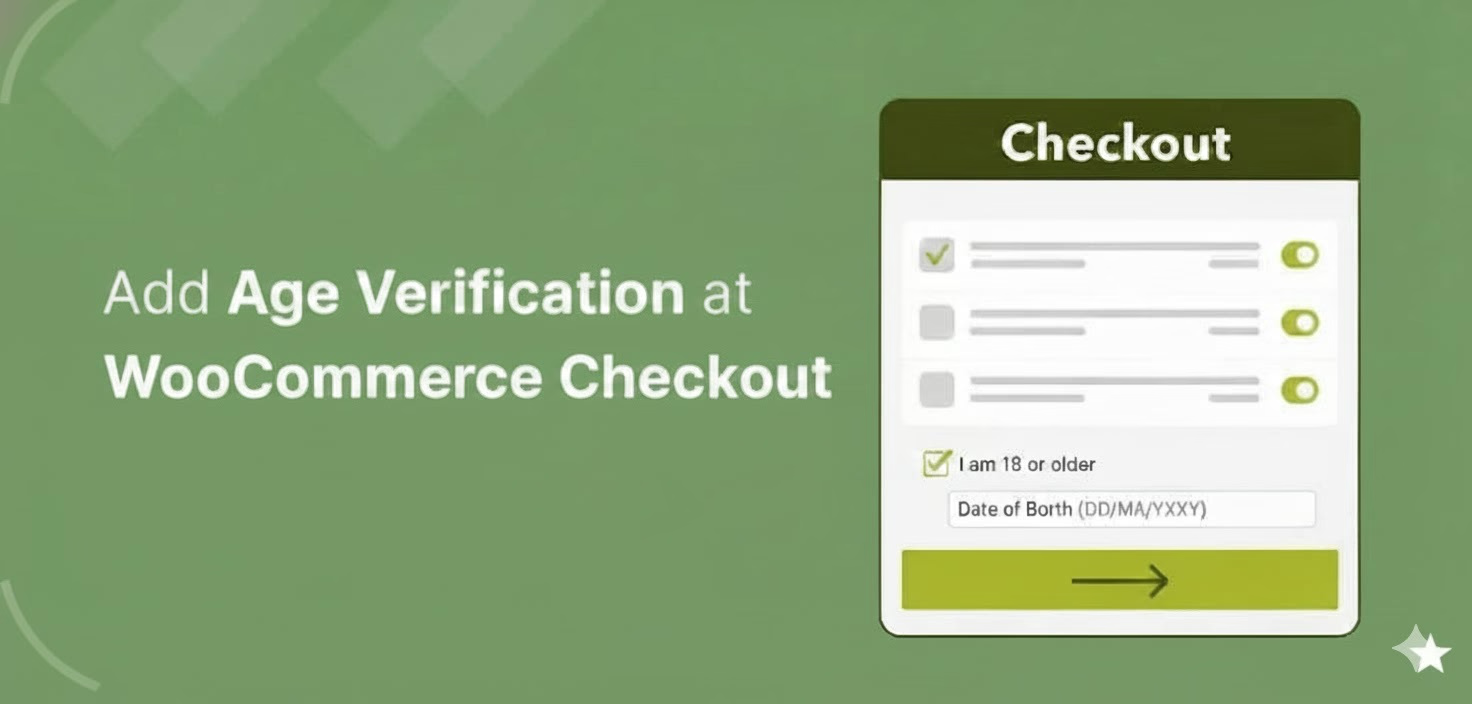
WooCommerce age verification checkout becomes important the moment you sell products that are restricted by age. If you sell products like alcohol, tobacco, or vapes, verifying a customer’s age is not just a good practice. In many countries, it is a legal requirement. Some other items can fall into this category too, such as high-caffeine energy drinks, certain supplements, fireworks, or mature-rated video games. The tricky part is that WooCommerce doesn’t really help with this out of the box. There is no built-in age gate at checkout. No date-of-birth field. No confirmation step that stops someone underage from placing an order. So if you are running
- Editorial Team
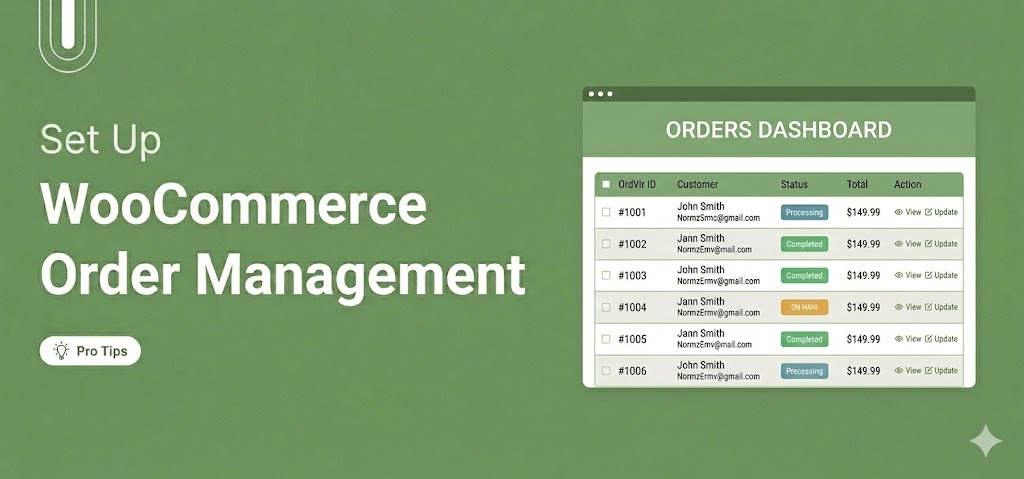
WooCommerce order management is the process of tracking, processing, and fulfilling customer orders from the moment a purchase is placed until it reaches the customer. It includes monitoring order statuses, communicating updates to customers, processing refunds, and managing bulk actions within your order list. Out of the box, WooCommerce provides a built-in order management system that works well for small to medium-sized stores. In this guide, we’ll explain how the default system works and how to manage orders more efficiently. In addition, we will share how to extend its capabilities with the right plugins so you can build a streamlined workflow that scales with your store’s
- Editorial Team
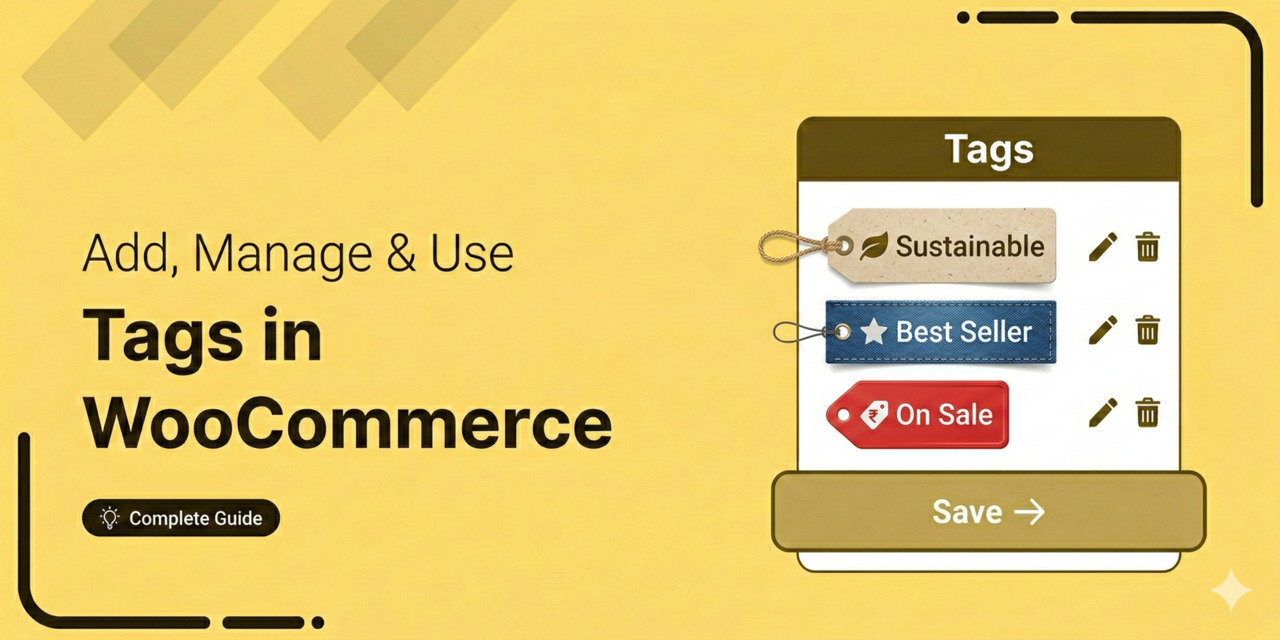
WooCommerce tags are labels you assign to products so shoppers can find related items across your store. They work similarly to social media hashtags. Tag a product with "eco-friendly" or "summer-sale". Suddenly, it starts showing up right next to other items with that exact same tag, even if those items live in totally different categories on the opposite side of your store's navigation menu. The problem is that most WooCommerce store owners either skip tags altogether or mix them up with categories and attributes. As a result, there will be a messy catalog after six months, making it take 10 clicks to find anything instead of
- Editorial Team
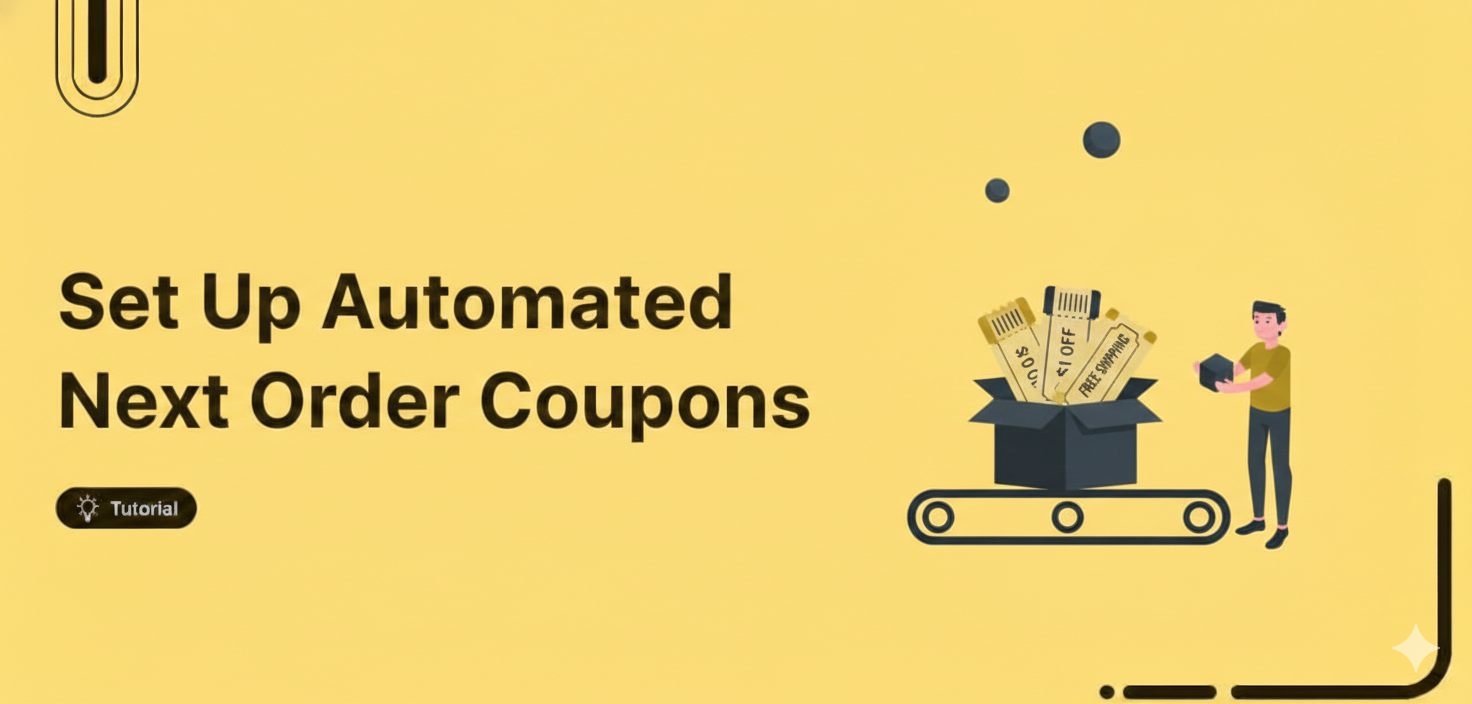
With increasing competition and rising ad budgets, acquiring new customers is difficult. Forbes reports that the conversion rate for new customers is just 5%-20%. On the other hand, repeat customers are 60%- 70% more likely to purchase from the same store, which means less effort and more sales. Next-order coupons are an effective way to drive repeat purchases by offering a discount. Let’s explore how next-order coupons work and how you can automatically share them with your customers to increase their lifetime value. How Does the Next-Order Coupon Work Here is the simple workflow: Purchase → Coupon Generation → Receive Coupon → Redeem on Next Order
- Editorial Team
Ever wondered why some physical product stores easily turn visitors into customers while others struggle? Your product’s solid, and your marketing’s sharp, but conversions stay low. Why? Because typical website pages scatter information, distract users, and lack a clear buying path. The result? 70% of users abandon carts, causing serious revenue loss. A sales funnel for physical products fixes this. It offers a focused, distraction-free journey that guides users straight to checkout, boosting conversions effortlessly. In this blog, we’ll show you how to set up a sales funnel for physical products in WooCommerce using the proven Tripwire Funnel model. What is a Sales Funnel and Why
- Editorial Team
Make More From Every Sale.
FunnelKit works at the three moments a store earns money: before checkout, at checkout and after the order.
★★★★★
4.9/5 from 1,012+ reviews on WordPress.org
One order.
Three chances to earn more.
$100$120$140$150
Cart value+$20 before checkout+$20 at checkout+$10 after checkout+$50 · 50% more
$100+$20+$20+$10=$150
$100
$100
$100
+$20
$120
$100
+$20
+$20
$140
$100
+$20
+$20
+$10
$150
Cart ValueStarting Point
Bundles & Cart UpsellsBefore Checkout
Order Bumps & UpsellsAt Checkout
Recovery & Follow‑UpsAfter Checkout
Same traffic, same shopper, more revenue.