WooCommerce
Recent Blogs
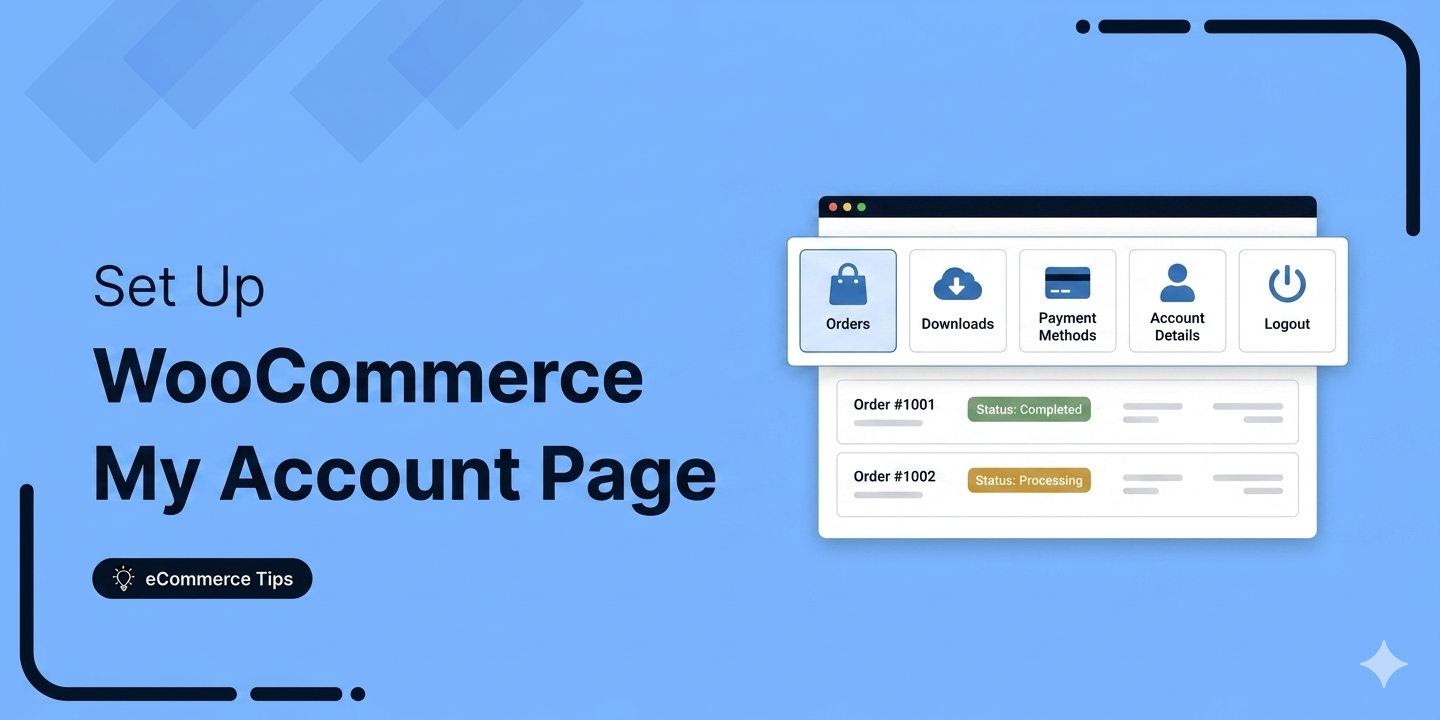
The WooCommerce My Account page is the central hub for your customers. It’s where they go to track orders, change shipping details, or reset a forgotten password. Beyond just account management, it also plays an important role in the post-purchase experience and customer satisfaction. A smooth, well-structured account area can reduce support requests and make your store feel more professional. WooCommerce creates the My Account page automatically during setup. Most store owners never look at it again until a customer emails saying the page is blank or they notice the default layout looks nothing like the rest of the site. In this blog, we will share
- Editorial Team
The WooCommerce order confirmation page is the page customers see after they successfully complete a purchase. It confirms the order, displays the purchase details, and marks the end of the checkout journey. By default, WooCommerce generates this page automatically, but it is plain and underused. It shows the basic order summary and nothing else. There is no branding, no post-purchase CTA, and no next step for the customer to take to encourage a second order. In this guide, we will explain what the WooCommerce order confirmation page is and where it lives in your store. We will then walk through how to customize it using a
- Editorial Team
If you run a WooCommerce store and are not using order bumps at checkout, you're leaving money on the table. Almost all businesses, whether online or offline, use it. You know that moment when you're ordering at McDonald's, and the waiter casually asks, "Want fries with that?" You didn't think you needed them, but now you're all in. That's the genius of the order bump, a strategy so simple, you barely even notice it. McDonald’s uses it to sell 9 million pounds of fries a day. Yup, you heard that right. And in eCommerce, order bumps can bump up your AOV by 10% to 30%. You
- Editorial Team
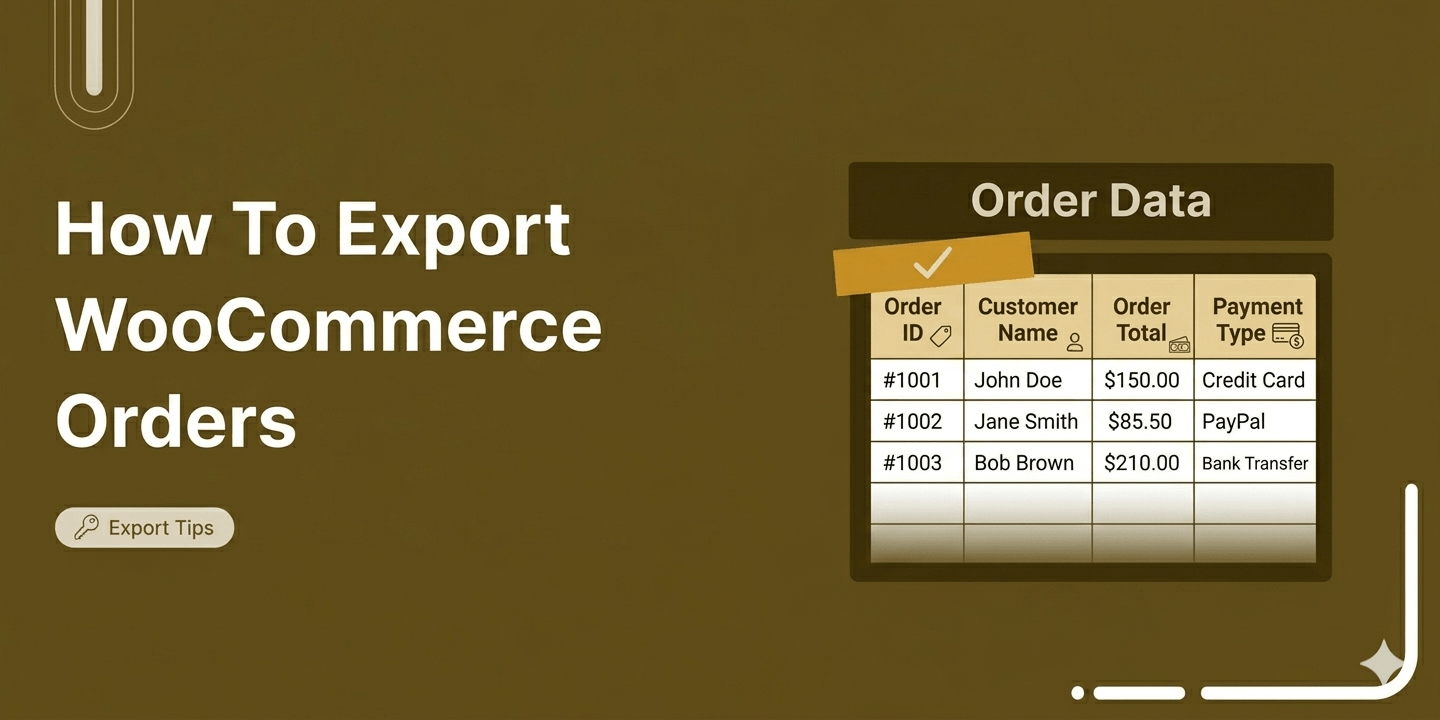
Almost every store owner needs to export WooCOmmerce orders sooner or later. Maybe you need to send order data to your accountant, move records to a new site, or pull totals into a spreadsheet for analysis. Whatever the reason, getting clean, usable order data out of WooCommerce is a real and recurring task. WooCommerce does have a built-in way to download order data, In this blog, we will share how to export order data in WooCommerce with or without filtering by specific conditions. Plus, additional plugins to use when WooCommerce's built-in options are not enough. When Do You Actually Need to Export WooCommerce Orders? Most store
- Editorial Team
Discover how to boost sales and customer loyalty with three smart ways to offer free gifts in your WooCommerce store. Want to boost WooCommerce sales and delight your customers? Offer free gifts. A Harris Interactive study found that 90% of consumers are more loyal to brands that give free gifts, making it a smart move for increasing repeat purchases and average order value (AOV). In this blog, we will share powerful ways to offer gifts in your WooCommerce store: milestone-based gifts in a sliding cart, auto-applied gifts at checkout, and redeemable gift coupons. Short on time? Watch this video instead 👇 What Are WooCommerce Free Gifts
- Editorial Team
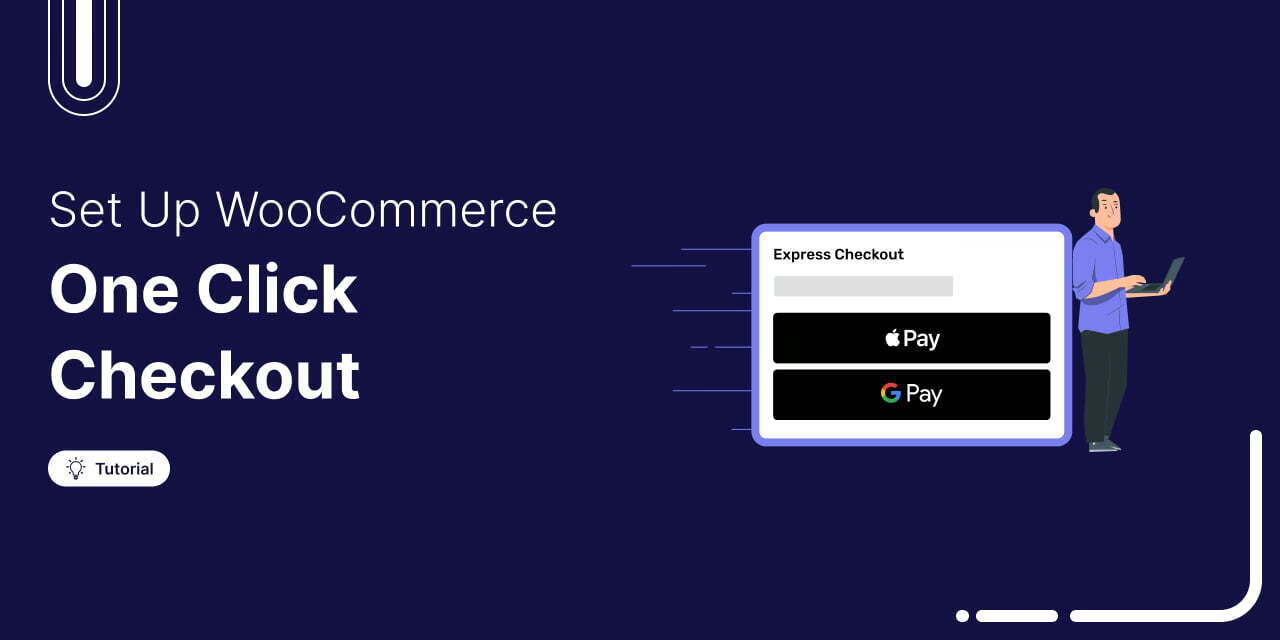
Forcing buyers to retype their credit card numbers is killing your conversion rate. A WooCommerce one click checkout fixes this. It strips out the forms. Baymard Institute's analysis of 50 studies puts the average cart abandonment rate at 70.22% in 2026, with 18% of those shoppers walking away because the checkout process is too long or complicated. Out of the box, WooCommerce checkouts are clunky. It forces customers through a cart page, a multi-field checkout form, and a separate payment confirmation, creating more friction than most buyers are willing to tolerate. You need a bypass. One button. Tap, and the order processes. A one click checkout
- Editorial Team
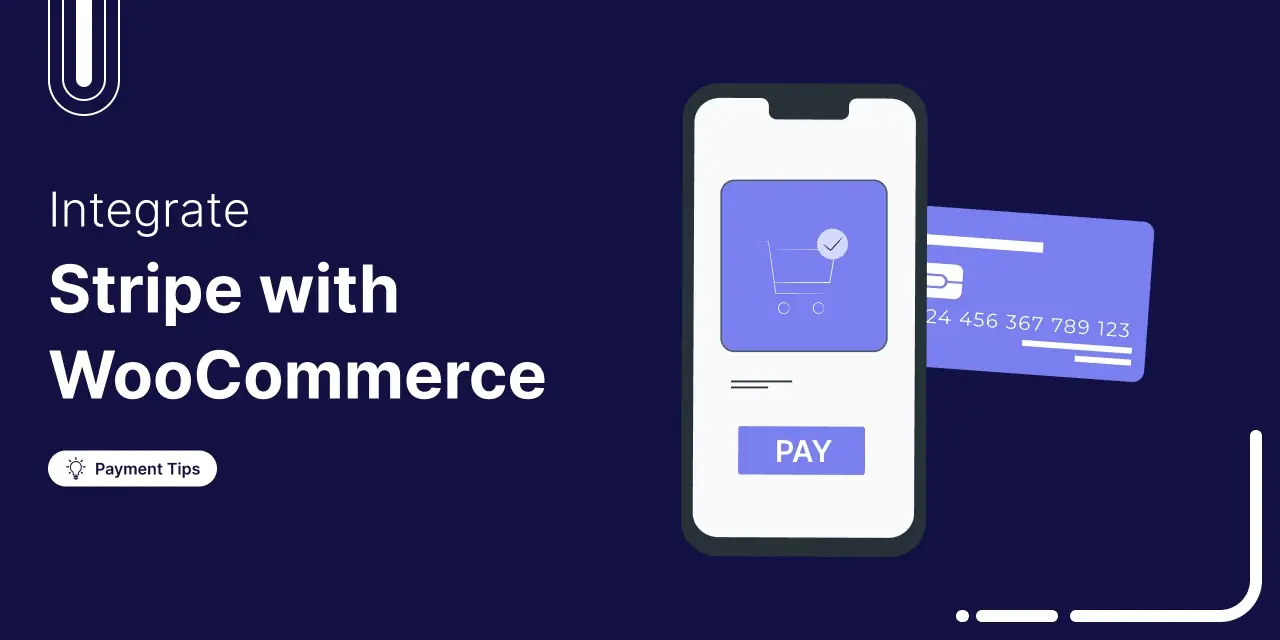
Does your WooCommerce store offer enough payment options? If not, you could be losing up to 13% of sales. [According to Baymard]. WooCommerce’s default payment options don’t always meet customer needs. Relying on third-party payment gateways can also pose security risks and harm the customer experience. That’s why you should integrate Stripe with WooCommerce, just like over 4.5 million websites do for secure and hassle-free transactions. As one of the most trusted payment gateways, Stripe supports multiple currencies and payment methods, making it a top choice for WooCommerce store owners. In this guide, we’ll walk you through the step-by-step process of integrating Stripe with WooCommerce. Let’s
- Editorial Team
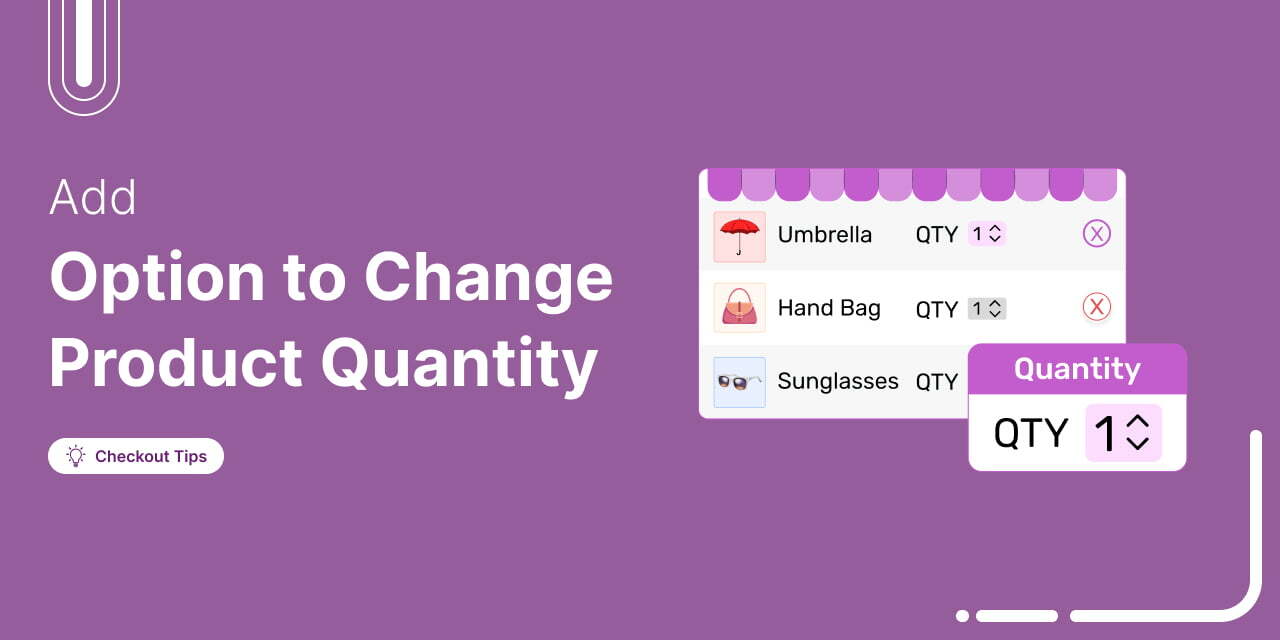
Quick Summary: Allowing quantity changes at checkout helps prevent users from returning to the cart page to make adjustments. It’s a small but meaningful fix that can reduce cart abandonment. You can easily add this feature and refresh your checkout page for a smoother, conversion-ready experience without any coding. Your shopper is ready. They're at checkout. Then it hits them that they want two of those items, not one. But there's no option to change the quantity. So, they hit ‘Back’, sometimes losing their progress or worse, their interest. In fact, studies show that 1 in 4 online shoppers abandon checkout due to unnecessary friction. We’ve
- Editorial Team
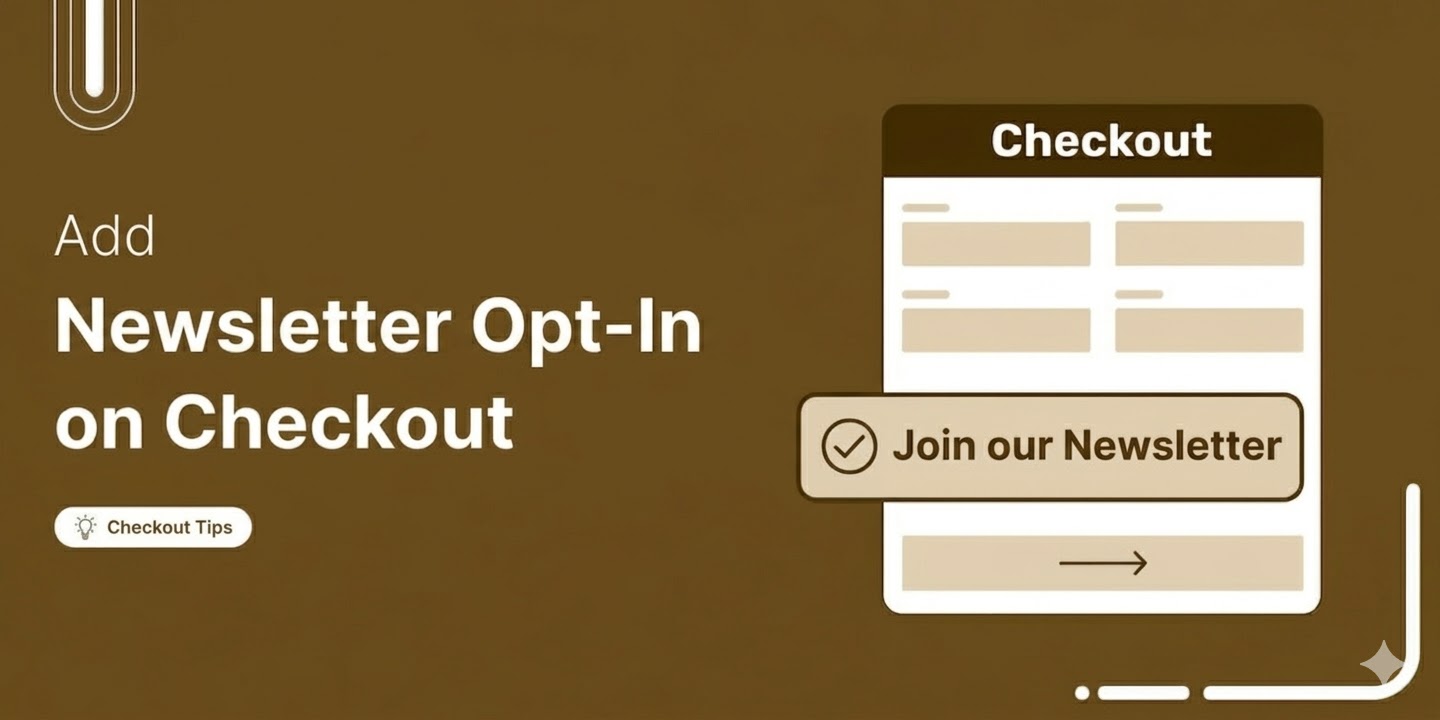
Adding a newsletter opt-in checkbox to your WooCommerce checkout is one of the simplest ways to grow an email list that actually drives revenue. Every customer completing a purchase is already engaged with your store, already trusts your brand, and is more likely to say yes to staying in touch than a cold visitor who landed on your homepage. That moment at checkout is valuable, and most stores let it go to waste. According to Litmus, 35% of companies see between $10 and $36 back for every dollar they put in. For WooCommerce stores, those numbers climb higher because you are emailing people who have already
- Editorial Team
Make More From Every Sale.
FunnelKit works at the three moments a store earns money: before checkout, at checkout and after the order.
★★★★★
4.9/5 from 1,012+ reviews on WordPress.org
One order.
Three chances to earn more.
$100$120$140$150
Cart value+$20 before checkout+$20 at checkout+$10 after checkout+$50 · 50% more
$100+$20+$20+$10=$150
$100
$100
$100
+$20
$120
$100
+$20
+$20
$140
$100
+$20
+$20
+$10
$150
Cart ValueStarting Point
Bundles & Cart UpsellsBefore Checkout
Order Bumps & UpsellsAt Checkout
Recovery & Follow‑UpsAfter Checkout
Same traffic, same shopper, more revenue.