WooCommerce
Recent Blogs
Dealing with VAT rules in the EU can be complicated. For domestic transactions (B2B or B2C), VAT is charged at checkout. However, in cross-border B2B transactions within the EU, VAT-registered businesses are exempt from paying VAT at checkout. Instead, they're responsible for self-assessing and paying VAT in their own country through the reverse charge mechanism. Failing to comply with VAT regulations can lead to fines and legal issues. That's why adding an EU VAT number field at checkout is essential. It validates B2B transactions and ensures compliance with EU VAT rules. In this blog, we'll compare the plugins that can add this field to your WooCommerce
- Editorial Team
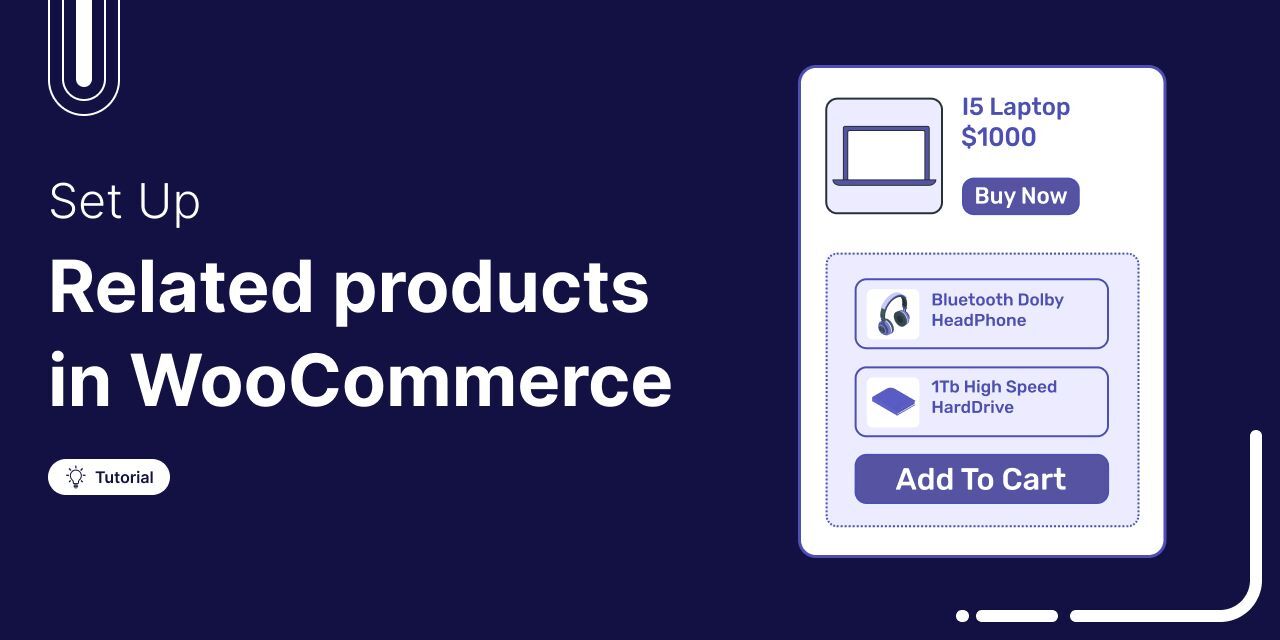
In WooCommerce, related products are the items shown near the bottom of a product page that WooCommerce picks automatically based on the tags and categories a product shares with others in your catalog. You can't hand-select them by default, but you can control how many appear, the order and layout, and even turn them off completely. In this guide, we'll cover exactly how this feature works, how it differs from upsells and cross-sells, and how to customize, disable, or fix related products using the shortcode, a few lines of code, or a plugin. Whether you're a store owner who wants cleaner product pages or a developer
- Editorial Team
Utilizing the power of the WooCommerce sales funnel can boost your online sales and revenue. That means a product page that builds desire, an in-cart upsell, a checkout with an order bump, post-purchase one-click upsells, and an email sequence that brings buyers back. Most people who visit your store will not make a purchase on their first visit. A sales funnel gives them a clear path from browsing to purchasing, and it increases the amount each customer spends along the way. But this is the exact gap in the default WooCommerce flow. It gives you a product page, a cart, and a checkout, but it does
- Editorial Team
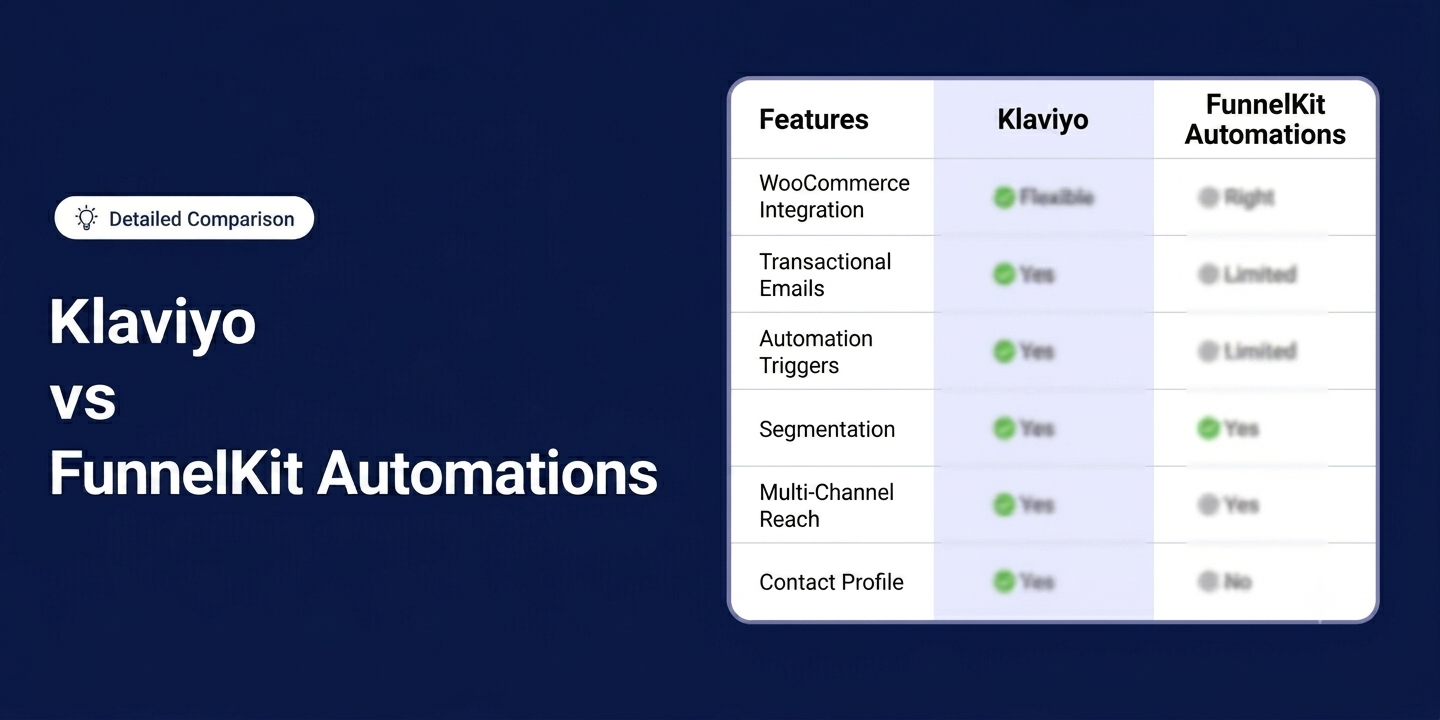
If you run a WooCommerce store and you're serious about email marketing and automation, chances are FunnelKit Automations and Klaviyo are both on your short list. Klaviyo is a cloud-based marketing platform with powerful analytics, managed deliverability, and a mature omnichannel system. It's built for scale and comes with the infrastructure to match. FunnelKit Automations runs natively inside WordPress, works directly with your WooCommerce data, and keeps everything, your contacts, your automations, your revenue data, inside your own WordPress database. Both are capable tools. But they're built on completely different philosophies, and for a WooCommerce store, that difference matters more than most people realize. In this
- Editorial Team
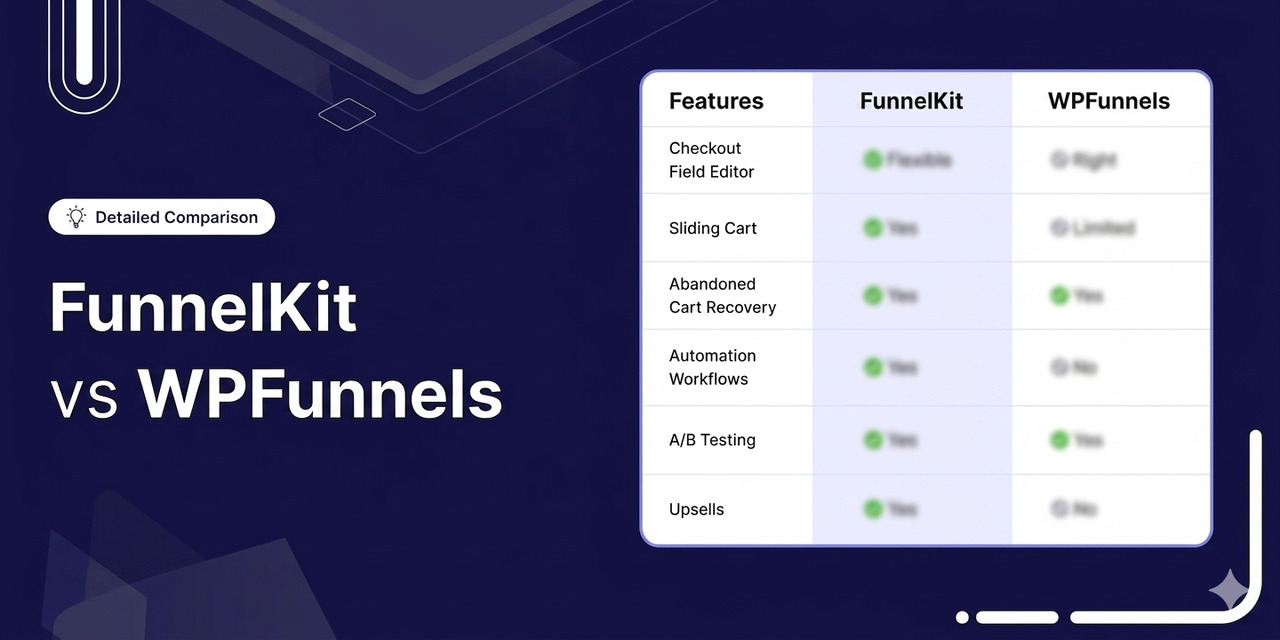
If you run a WooCommerce store, the difference between a good funnel builder and a great one shows up directly in your average order value. Your checkout, your bumps, your upsells, and your follow-up emails decide whether a visitor buys once or buys again. FunnelKit and WPFunnels are two of the most popular WordPress sales funnel builders, and they take noticeably different roads to the same destination. FunnelKit is a modular, conversion-first system built around an optimized WooCommerce checkout, a native sliding cart, deep one-click upsells, and a full in-house CRM (FunnelKit Automations). WPFunnels leads with a visual, canvas-first funnel planner, pairs with its own email
- Editorial Team
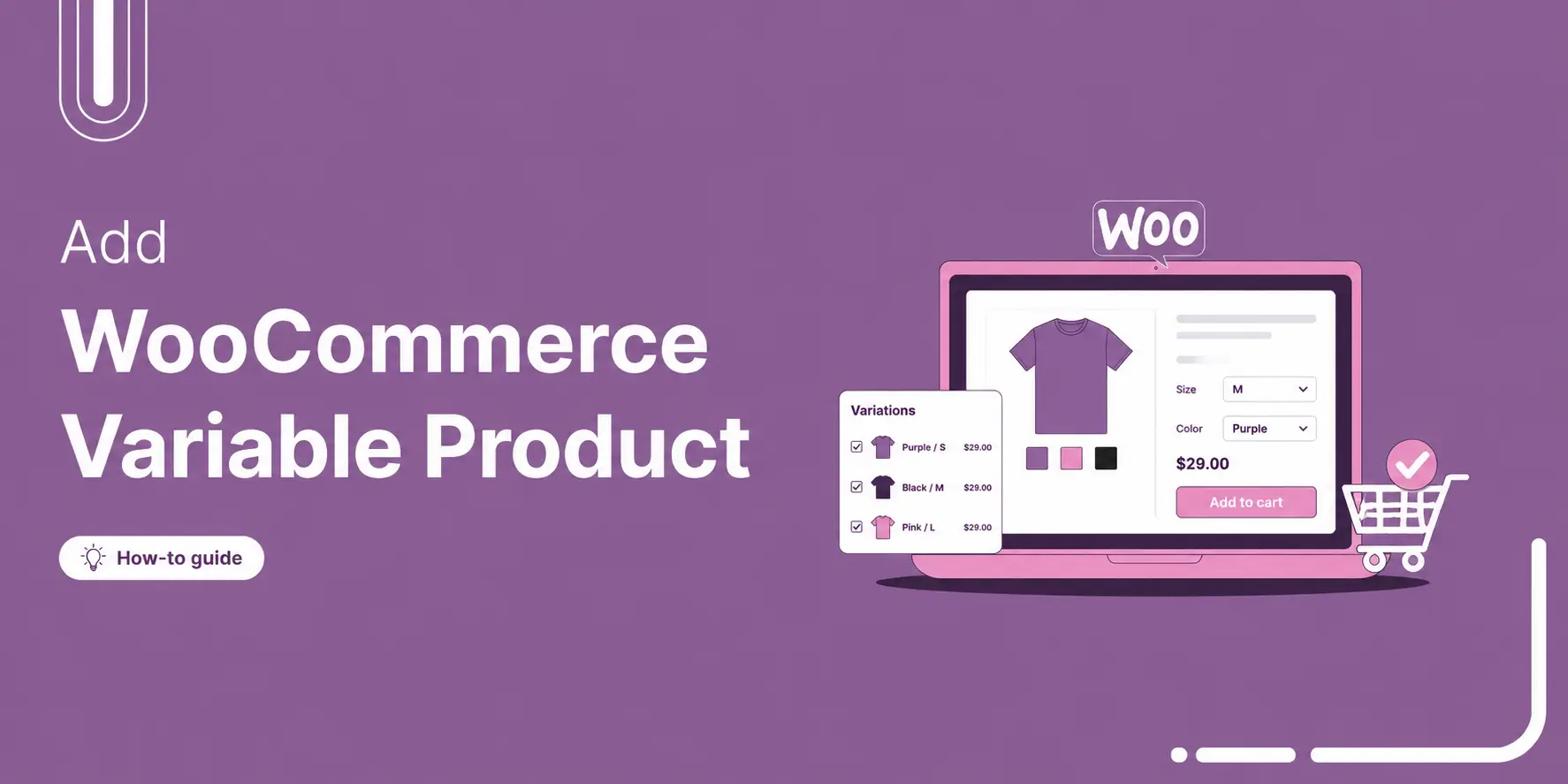
WooCommerce variable products let you sell different versions of the same item from one product page. Sizes, colors, materials, styles, etc. Instead of a separate listing for each option, customers pick what they want on the product page. It keeps your catalog cleaner and the shopping experience simpler. For example, a clothing store does not need a different product for every size and color combination. One variable product handles it all. In this guide, we’ll break down what variable products actually are, when you should use them instead of simple products, and how to set one up step by step. What Is a WooCommerce Variable Product?
- Editorial Team
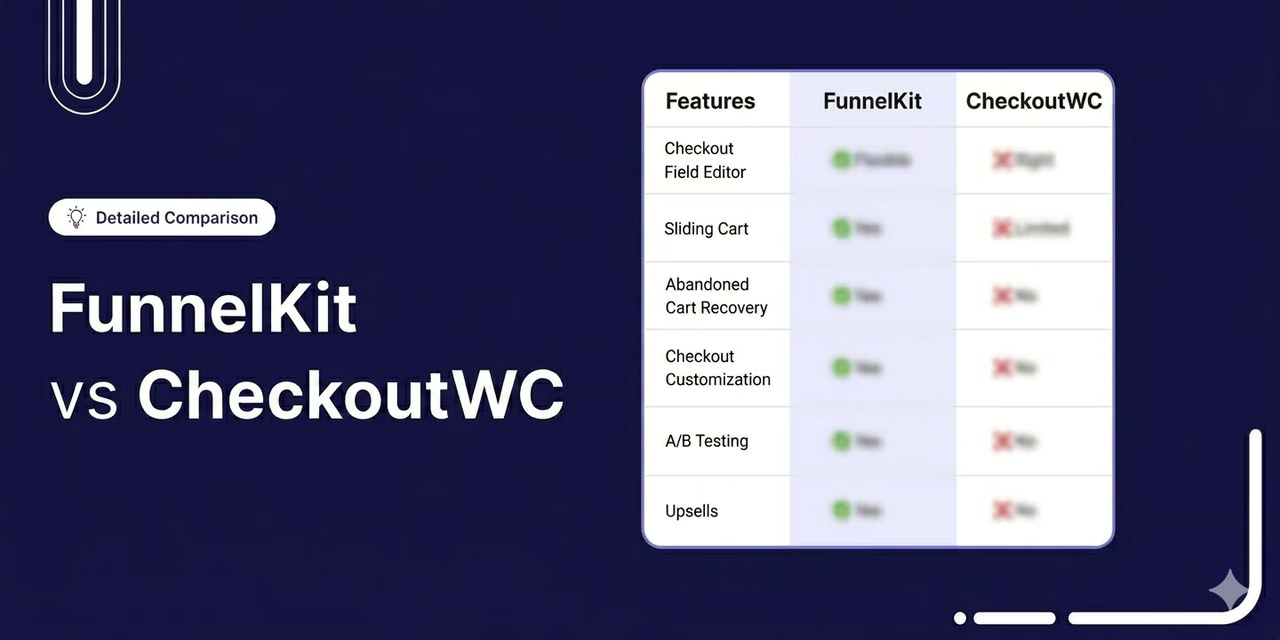
If you sell on WooCommerce, the checkout page is what makes or breaks conversions in your store. A clunky checkout leaks revenue. A clean one keeps customers moving from cart to confirmation, and from a one-time buyer to a returning one. Two plugins keep coming up: FunnelKit and CheckoutWC. Both promise faster checkouts, higher conversions, and better mobile experiences. But once you look under the hood, they're built for very different jobs. FunnelKit is a full-stack growth platform with checkout, funnels, side cart, order bumps, one-click upsells, CRM and marketing automations, all modular and available separately based on your business needs. CheckoutWC is a focused checkout
- Editorial Team
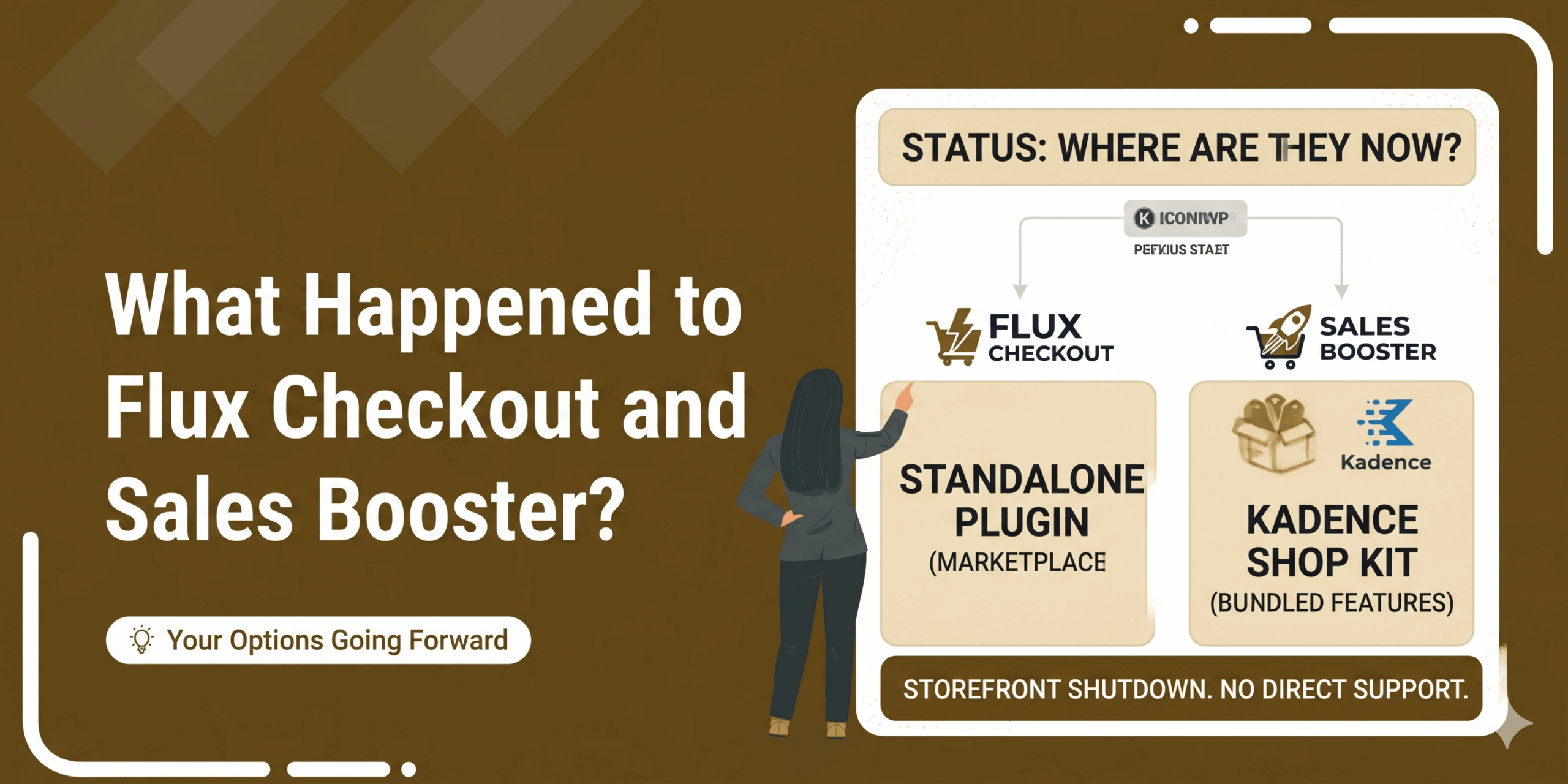
If you recently went looking for the IconicWP product pages and couldn’t find them, you’re not imagining things. In 2026, Liquid Web restructured its WordPress plugin portfolio, consolidating several products and brands under the Kadence ecosystem. Flux Checkout is still available on the WooCommerce Marketplace, and Sales Booster's features now live inside Kadence's Shop Kit bundle. But the storefront, the customer portal, the standalone pricing, and the direct support channels you knew are gone. If your store still depends on Flux Checkout or Sales Booster, you deserve a straight answer about what changed, what still works, and what could affect your business going forward. In this
- Editorial Team
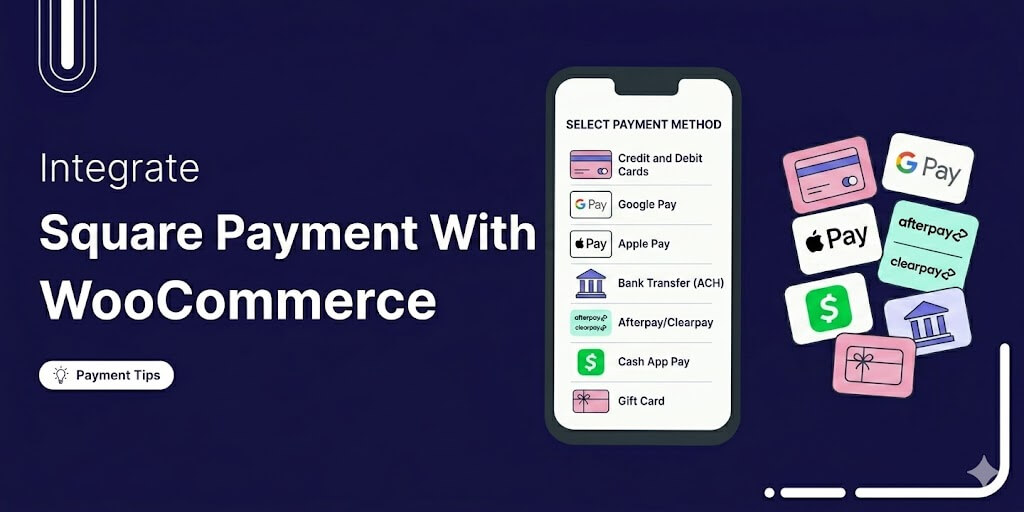
Square is one of the more popular payment options for WooCommerce, mainly because it handles both online and in-person sales from the same account. With over 4 million merchants relying on this payment gateway, it’s a perfect choice for WooCommerce. However, WooCommerce doesn’t offer any default way of integrating Square into your WooCommerce store. In this blog, we will share what payment Square offers and how you can integrate WooCommerce Square Payment in easy steps for free. What Is Square Payment Gateway and What It Offers Square is a payment processing platform built to help businesses accept payments online, in person, and on the go. For
- Editorial Team
Make More From Every Sale.
FunnelKit works at the three moments a store earns money: before checkout, at checkout and after the order.
★★★★★
4.9/5 from 1,012+ reviews on WordPress.org
One order.
Three chances to earn more.
$100$120$140$150
Cart value+$20 before checkout+$20 at checkout+$10 after checkout+$50 · 50% more
$100+$20+$20+$10=$150
$100
$100
$100
+$20
$120
$100
+$20
+$20
$140
$100
+$20
+$20
+$10
$150
Cart ValueStarting Point
Bundles & Cart UpsellsBefore Checkout
Order Bumps & UpsellsAt Checkout
Recovery & Follow‑UpsAfter Checkout
Same traffic, same shopper, more revenue.