Maximize Your Profit with FunnelKit – Highest Rated with 1,012+ 5-Star ReviewsBFCM deal live

Maximize your profit with FunnelKit · 1,012+ five-star reviews

WooCommerce

Recent Blogs
Best Free & Paid WordPress Sales Funnel Builder plugins

6 Best Free & Paid WordPress Sales Funnel Builder Plugins

Finding a WordPress sales funnel builder that actually works is harder than it looks. Most plugins on the market do one or two things well and quietly skip the rest. You install them, build your funnel, and only discover the gaps when you realize there is no post-purchase flow, no A/B testing, or no analytics to tell you where buyers are dropping off. We started with 15 WordPress funnel builder plugins. We installed each one on a live WooCommerce test store, built a complete funnel from landing page to post-purchase, and measured against a checklist.  Six made the cut. The rest did not. In this blog,
WooCommerce Frequently Bought Together Plugins to Boost Revenue

9 Best WooCommerce Frequently Bought Together Plugins to Boost Revenue

Discover the best WooCommerce frequently bought together plugins and learn how to use smart product recommendations to boost sales, increase AOV, and enhance the shopping experience. A shopper lands on your store, adds one thing, and checks out. That is money left on the table. Most stores have plenty of products. What they are missing is the gentle nudge that says "people who bought this also grabbed that." Done right, those nudges can push average order value up by a meaningful chunk without you spending another cent on ads. Done wrong, or not at all, customers leave with a single item, and you never see the
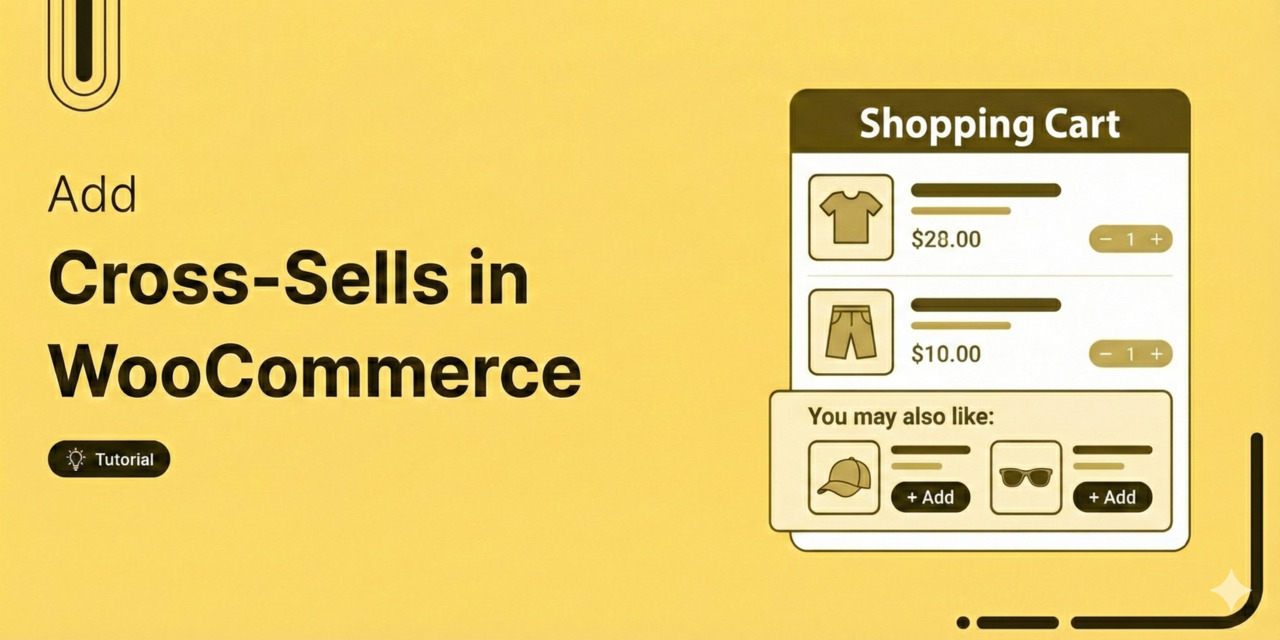
Shopping cart with a You may also like row offering a cap and sunglasses, for the WooCommerce cross-sells guide

How to Cross-Sell Products in WooCommerce to Boost Sales and AOV (2026 Guide)

WooCommerce ships with a built-in cross-sell field, but it only fires on the cart page, which covers only a fraction of where shoppers actually decide to add more to their order. This guide closes that gap. You’ll learn what a cross-sell is (and how it differs from an upsell, a related product, and co-selling), how to choose between the native method, a plugin, and custom code, and how to place complementary product offers across six stages of the funnel. There’s a full developer section with hooks, the get_cross_sell_ids() function, a working shortcode, and a way to show recommendations by category, plus a troubleshooting section for when
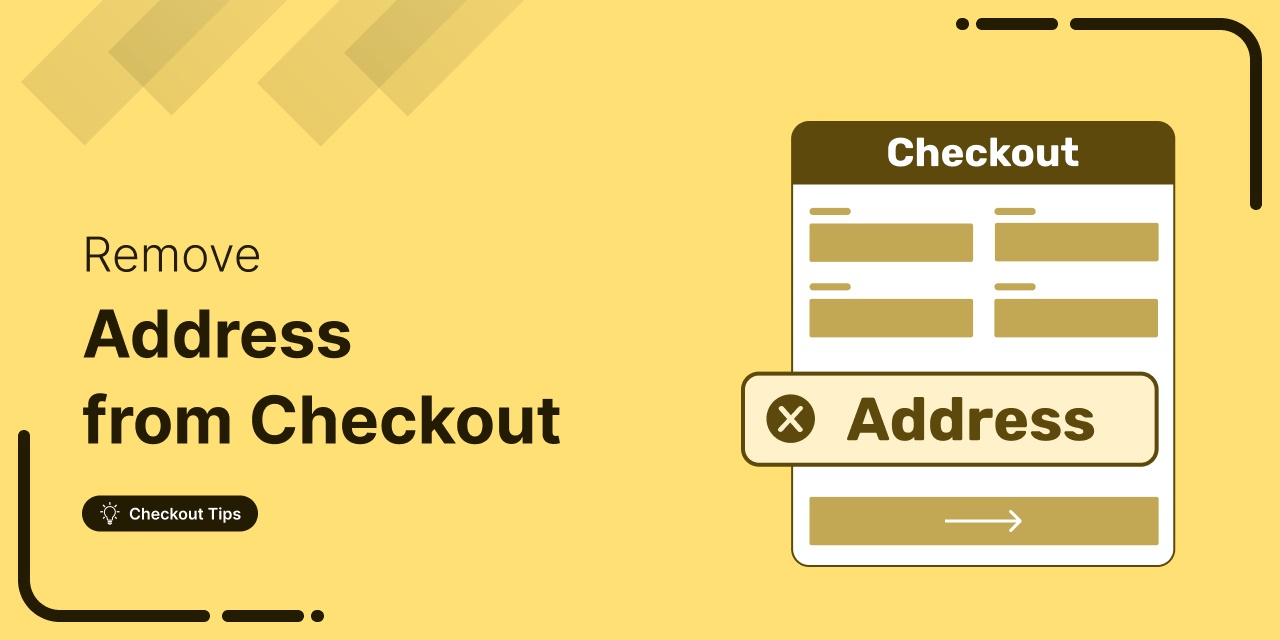
Order form with an Address field marked by a remove icon, for the guide to dropping the address from WooCommerce checkout

How to Remove the Address Field from WooCommerce Checkout

Removing the address field from WooCommerce checkout means taking out the billing and shipping address lines that your customers do not actually need to fill in. For stores selling digital products, services, or subscriptions, those fields add friction without serving any purpose. In this guide, we will show you how to remove the billing and shipping address from your WooCommerce checkout in four ways: with a WordPress plugin and no code, through the block checkout editor, and with custom PHP for both the classic and the block checkout. We will also show you how to fix the address required error that can block orders after you
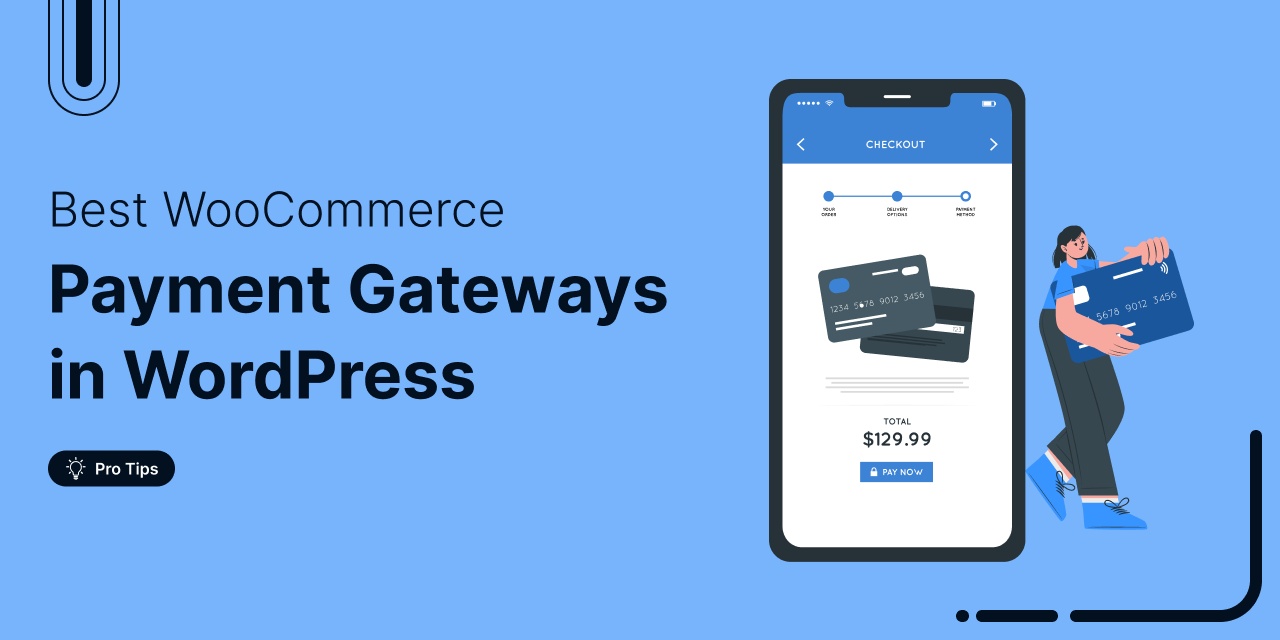
Illustration of a phone payment screen with credit cards and a $129.99 total, for the WooCommerce payment gateways roundup

The 8 Best WooCommerce Payment Gateways in 2026 (Detailed Comparison)

Choosing the right payment gateway is one of the most important decisions for your WooCommerce store because it directly affects your sales, cash flow, and customer trust. I learned this the hard way. At the start of my journey, I set up a WooCommerce store for a supplement brand and picked a gateway without doing much research. It looked fine: easy setup, decent reviews, but the problems surfaced quickly. Payouts were delayed by over a week, which choked our cash flow. Subscription orders had hidden fees that eroded margins, and exchange-rate charges were brutal. Worst of all? The support was slow and ineffective when we needed
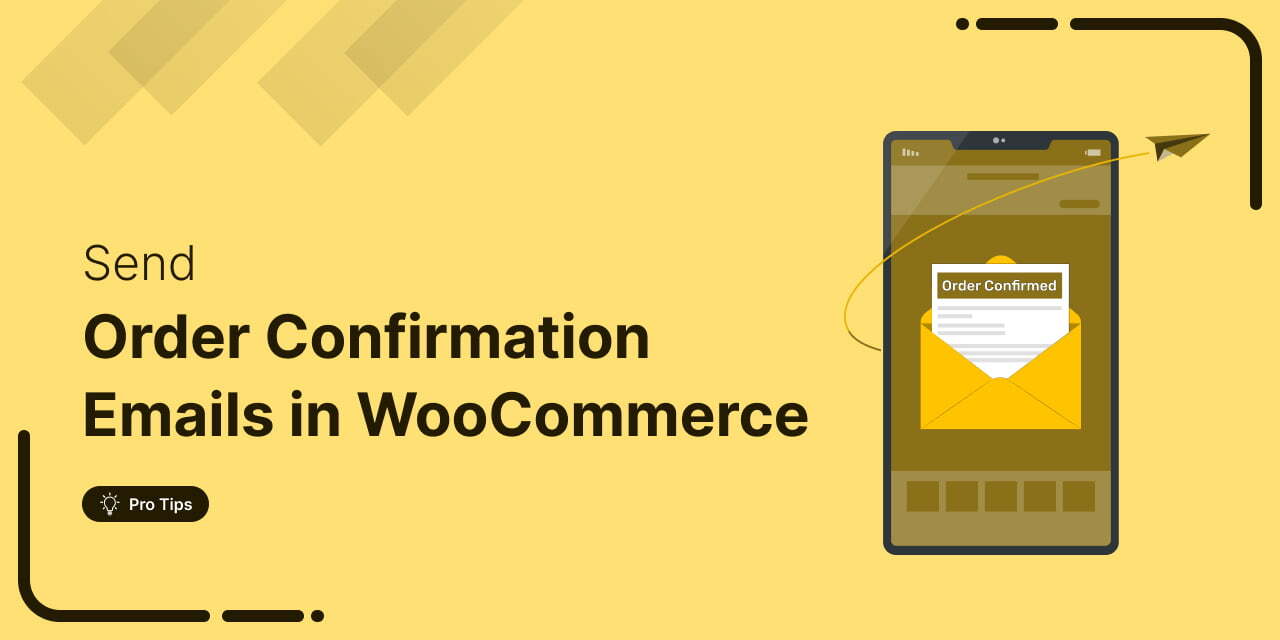
How to Customize WooCommerce Order Confirmation Emails for Better Engagement

WooCommerce Order Confirmation Email: A Complete Setup Guide

There are two things most people get wrong about the WooCommerce order confirmation email. First, they don't realize it's the Processing order email they need to switch on and not the "Completed order or new order notification. Second, once it's on, it lands in spam or never sends at all, because WordPress's default wp_mail() function isn't built for reliable delivery. In this article, we'll enable the right email in under two minutes and learn how to brand it (with code or a drag-and-drop builder). We'll also troubleshoot why the email isn't reaching customers and move beyond basic aesthetics to transform your confirmation email into a strategic
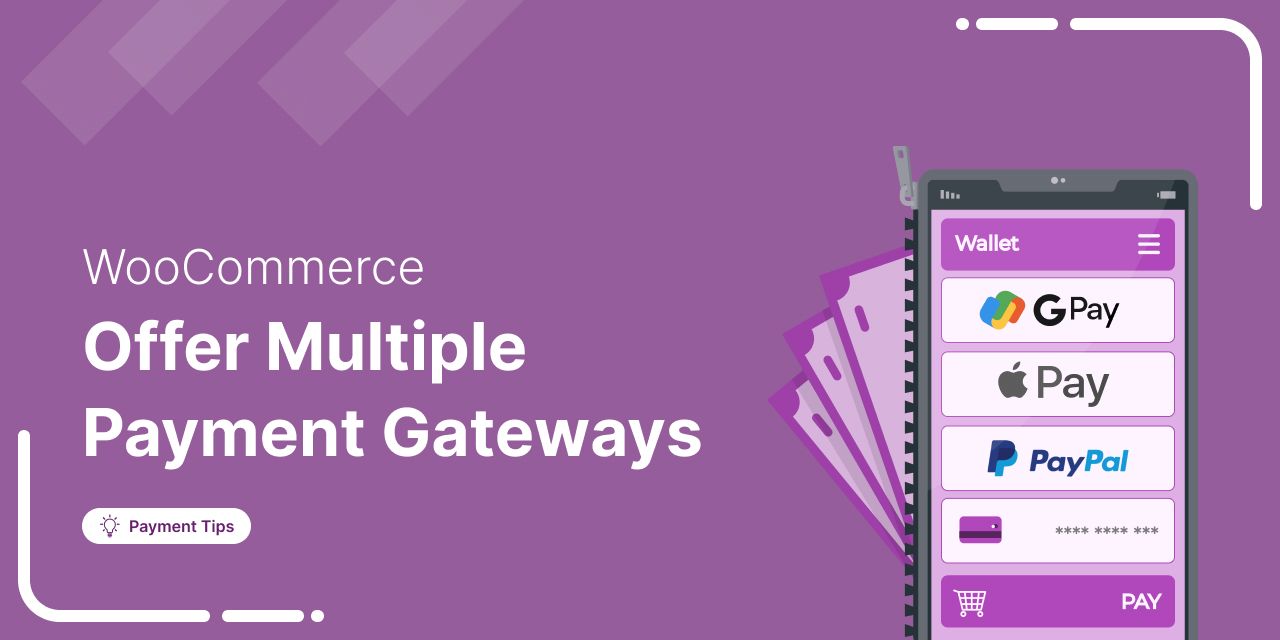
Phone wallet listing Google Pay, Apple Pay, PayPal and card options, for the guide to multiple WooCommerce payment gateways

How to Offer Multiple Payment Gateways in WooCommerce 

Do you want to create a seamless checkout experience in your WooCommerce store and reduce cart abandonment? One of the simplest yet most effective ways to do that is by offering multiple payment gateways. When customers don’t see their preferred payment method at checkout, they often leave before completing their purchase. Since WooCommerce’s default options are quite limited, this can have a direct impact on your conversions and overall revenue. By integrating multiple payment gateways, you can give customers more flexibility, build trust, and make the checkout process feel smoother and more familiar for shoppers around the world. In this guide, you’ll learn how payment gateways
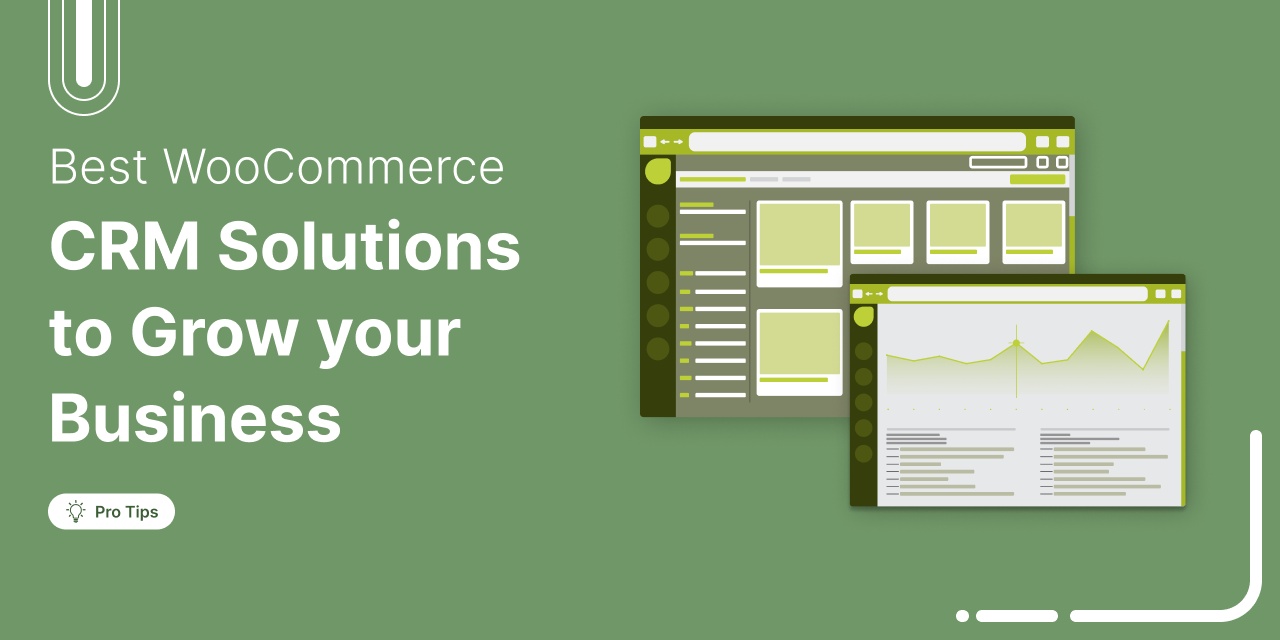
Two browser windows showing a CRM dashboard with cards and a sales graph, for the best WooCommerce CRM plugins list

8 Best WooCommerce CRM Plugins to Manage Customers and Grow Sales

Customer interactions, purchases, and support tickets happen constantly. A WooCommerce CRM gives you a centralized place to track them all on a single screen. Your store already records everything. Every click. Every purchase. All those names, email addresses, and abandoned carts currently sit buried in your database. The problem? Accessing it is a nightmare because the data is scattered across order screens, and you end up exporting messy CSV files just to see who bought what last Tuesday. All that collected data becomes essentially useless. A CRM fixes the fragmentation. The right plugin pulls those scattered pieces into a single dashboard so you can actually use
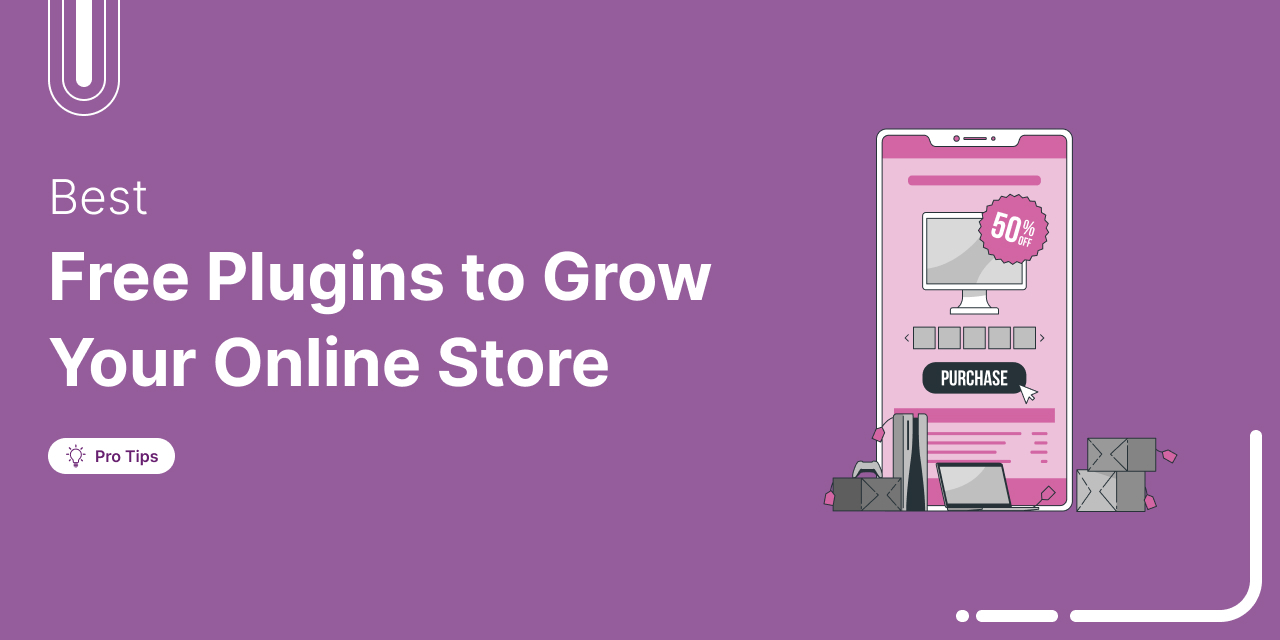
Top Free WooCommerce Plugins to Grow Your Online Store

19 Best Free WooCommerce Plugins to Grow Your Online Store

Want to make your store better without spending a dime? These free WooCommerce plugins enhance sales, streamline tasks, and enhance the shopping experience. While launching a WooCommerce store is easy, scaling it efficiently is the real challenge. That's where these free plugins come in. Instead of chasing every new plugin, focus on tools that actually make a difference. A smart way to start is with free plugins: test what works, then upgrade only when needed. In this guide, we’ve compiled the 19 best free WooCommerce plugins. We’ve also highlighted key features, both free and premium, to help you choose the right ones for your store. Top

Make More From Every Sale.

FunnelKit works at the three moments a store earns money: before checkout, at checkout and after the order.

Before checkout: cart upsells and free-shipping goals in a sliding cart
At checkout: a faster checkout with order bumps and one-click upsells
After checkout: abandoned-cart recovery and follow-ups that bring buyers back
Start Selling More Today →
★★★★★ 4.9/5 from 1,012+ reviews on WordPress.org