Maximize Your Profit with FunnelKit – Highest Rated with 1,012+ 5-Star ReviewsBFCM deal live

Maximize your profit with FunnelKit · 1,012+ five-star reviews

WooCommerce

Recent Blogs
Order form grid with a new field being added by a plus button, for the guide to adding a WooCommerce checkout field

How to Add a Field to WooCommerce Checkout (Blocks & Classic)

Adding a field to WooCommerce checkout is the difference between a delivered parcel and a courier stranded at a locked gate with no gate code. The failed delivery rides back to the depot, and the store pays for the second attempt plus the support ticket that follows. All of it traces back to one question the checkout never asked. One extra input at the right moment captures the gate code, the VAT number, or the gift message your fulfillment actually depends on, while the customer is still on the page and still motivated to answer. The catch is that WooCommerce ships without a field editor, and
how to offer woocommerce discount

How to Offer Bulk WooCommerce Quantity Discounts?

Are you taking advantage of WooCommerce quantity discounts in your store? WooCommerce quantity discount is the concept of setting innovative pricing strategies by offering discounts on bulk items.  Offering quantity discounts can help you sell more items and quickly deplete excess stock if you have any.  By providing reduced prices for purchasing larger quantities of a product, you can encourage customers to place bulk orders and boost your average order value.  In this blog, we’ll share some of the best WooCommerce quantity discount plugins and show how you can create WooCommerce quantity discounts that drive more sales in your store. Here’s a quick list of features
WooCommerce Subscriptions Upsell: Boost Your Profits with Recurring Revenues

WooCommerce Subscriptions Upsell: Boost Your Profits with Recurring Revenues

WooCommerce subscription upsell can help boost your revenue through subscription-based sales. Moreover, subscription-based products allow you to add predictability to your revenue. You can sell physical and digital products and services to your buyers at a recurring fee. There's no need to chase more and more traffic constantly; instead, you can maximize the value of each customer you acquire. Implementing a WooCommerce subscription as an upsell in your sales strategy ensures increased order value and customer lifetime value through recurring payments. In this post, we’ll share with you the best strategy to sell WooCommerce subscription-based products using one-click upsells. And without even forcing your customers. Let’s
Phone cart screen with three items and a Proceed to pay button by shopping bags, for the WooCommerce direct checkout guide

WooCommerce Direct Checkout: 4 Easy Ways to Set It Up (2026)

Are shoppers adding products to their cart and leaving before they buy? According to Baymard Institute research on checkout usability, 18% of shoppers who abandon their cart do so because the checkout process feels too long or complicated. A cart page that adds an extra click before checkout is often part of that friction. WooCommerce direct checkout removes that step. Instead of sending customers from product page to cart page to checkout, it takes them straight from "add to cart" to checkout, cutting one step out of the path to purchase. This guide covers four ways to set up direct checkout in WooCommerce, from a manual
Proven Strategies to Increase WooCommerce Sales

13 Proven Strategies to Increase WooCommerce Sales in 2026 [Actionable Tips]

You’ve built your WooCommerce store, polished your product pages, and invested in marketing, but sales aren’t coming. Visitors browse, some add items to their cart, and most vanish before completing a purchase. Frustrating, right? You’re not alone. In 2025, the global cart abandonment rate hit 75.38% (Baymard Institute). That means for every 100 visitors showing buying intent, about 70 leave without purchasing. The good news is that recovering just 10–20% of abandoned carts, optimizing checkout flows, improving mobile UX, and using strategies like cross-sells, discounts, reviews, SEO, paid ads, and live chat can drastically boost conversions. In this guide, you will discover 13 actionable strategies to
How to Send WooCommerce Canceled Order Email to Customer

How to Send WooCommerce Canceled Order Email to Customer

Discover how a canceled order doesn't have to mean a lost customer, and how the right WooCommerce canceled order email can turn it into a second chance. WooCommerce canceled order emails are a valuable way to stay connected with your customers even after an order is canceled. When done right, these emails can help maintain trust, encourage future purchases, and turn a potentially negative experience into a positive one. In this post, you'll learn how to craft effective canceled order emails. We'll share 3 different ways to send this canceled order email notification, and discover best practices to keep your customers engaged and convert. Let’s get
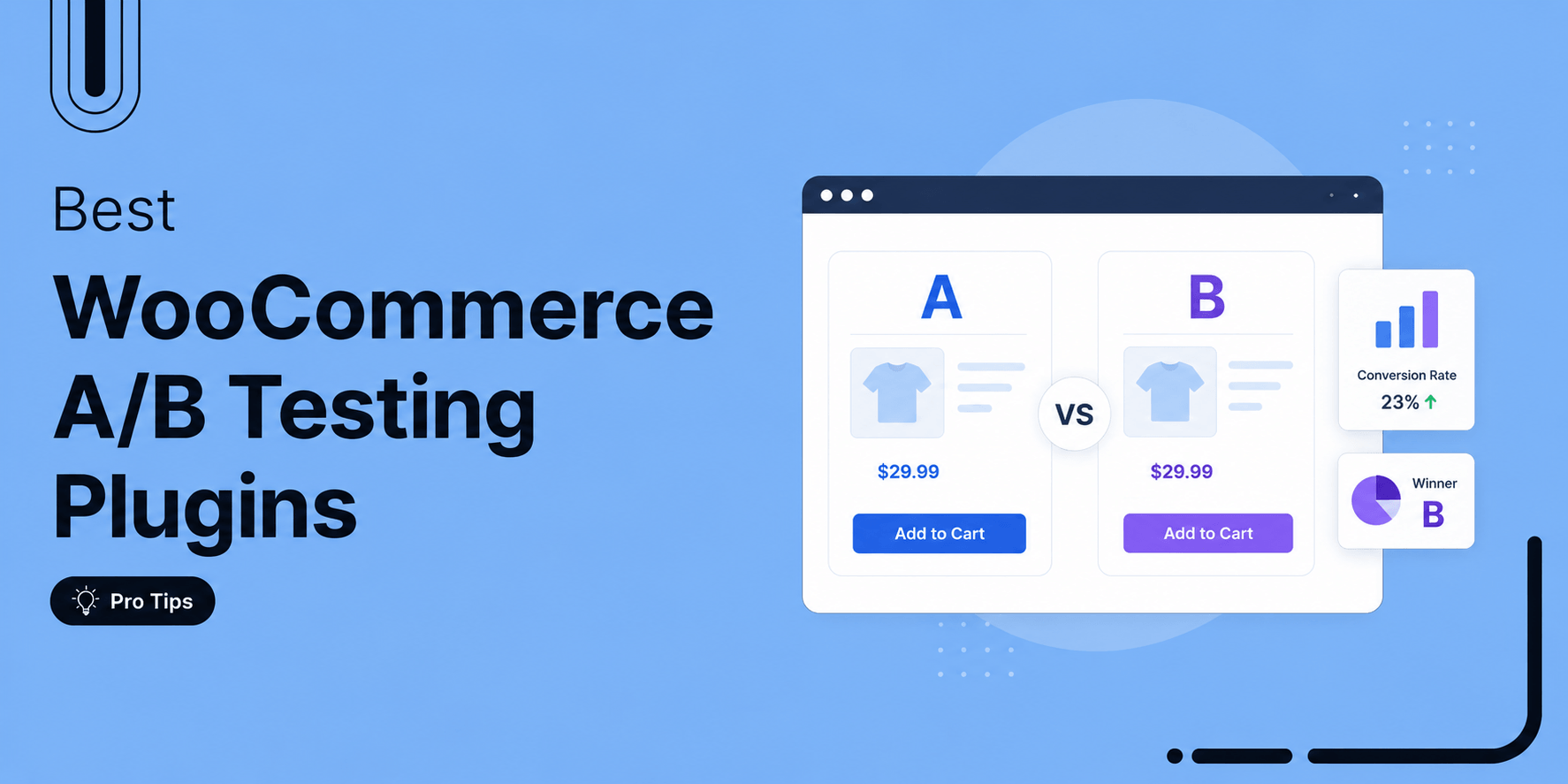
Best WooCommerce A/B Testing Plugins

5 Best WooCommerce A/B Testing Plugins (Tested & Compared)

Sometimes, the difference between a visitor leaving and placing an order comes down to something surprisingly small, like a better headline, a cleaner checkout, or a more compelling offer. That's where WooCommerce A/B testing plugins come in.  Instead of guessing what works, you can test different versions of your checkout, product pages, landing pages, popups, and even abandoned cart emails to see what actually drives more conversions, all without touching a line of code. The stakes are real. The average store loses 70.19% of carts before checkout is completed, according to the Baymard Institute. Fixing the checkout issues that are actually solvable can increase conversions by
Woocommerce Upsell Popup- Smart Ways to Increase Average Order Value

How to Offer WooCommerce Upsell Popups in 3 Different Ways To Boost AOV

Are you leaving money on the table by not fully leveraging your customers’ shopping behavior? Many store owners don’t realize that every time a customer adds a product to the cart, it’s an opportunity to increase sales. Not just close a single order. If you’re struggling to boost your Average Order Value (AOV) or drive more revenue from existing traffic, you’re not alone. The good news is that WooCommerce upsell popups are a simple yet powerful way to transform your checkout experience. By recommending complementary products at just the right moment, upsell popups can help you unlock significant revenue growth with minimal effort. Let’s explore how
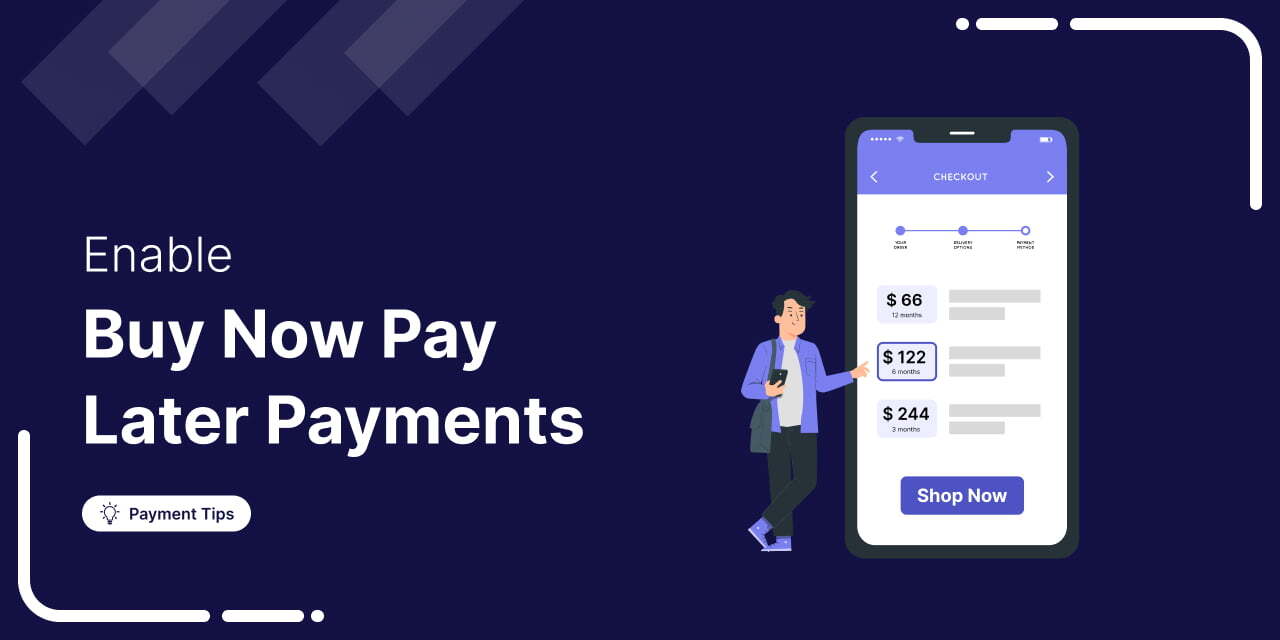
Phone payment step offering $66, $122 or $244 monthly installment plans, for the WooCommerce buy now pay later guide

WooCommerce Buy Now Pay Later: Enable Klarna, Affirm, Afterpay or Native Installments

WooCommerce buy now pay later lets your customers split a purchase into smaller payments while you still get paid in full upfront. To offer buy now pay later, you connect a payment gateway (Stripe, WooPayments, or PayPal) and enable Klarna, Affirm, or Afterpay at WooCommerce checkout. That part takes minutes. The harder question is which provider to enable and what it actually costs you. Merchant fees typically range from 3-8% per sale, and the right choice depends on your average order value and where your customers live. In this guide, we've compared every major provider side by side and walk you through the exact setup for

Make More From Every Sale.

FunnelKit works at the three moments a store earns money: before checkout, at checkout and after the order.

Before checkout: cart upsells and free-shipping goals in a sliding cart
At checkout: a faster checkout with order bumps and one-click upsells
After checkout: abandoned-cart recovery and follow-ups that bring buyers back
Start Selling More Today →
★★★★★ 4.9/5 from 1,012+ reviews on WordPress.org