Maximize Your Profit with FunnelKit – Highest Rated with 1,012+ 5-Star ReviewsBFCM deal live

Maximize your profit with FunnelKit · 1,012+ five-star reviews

WooCommerce

Recent Blogs
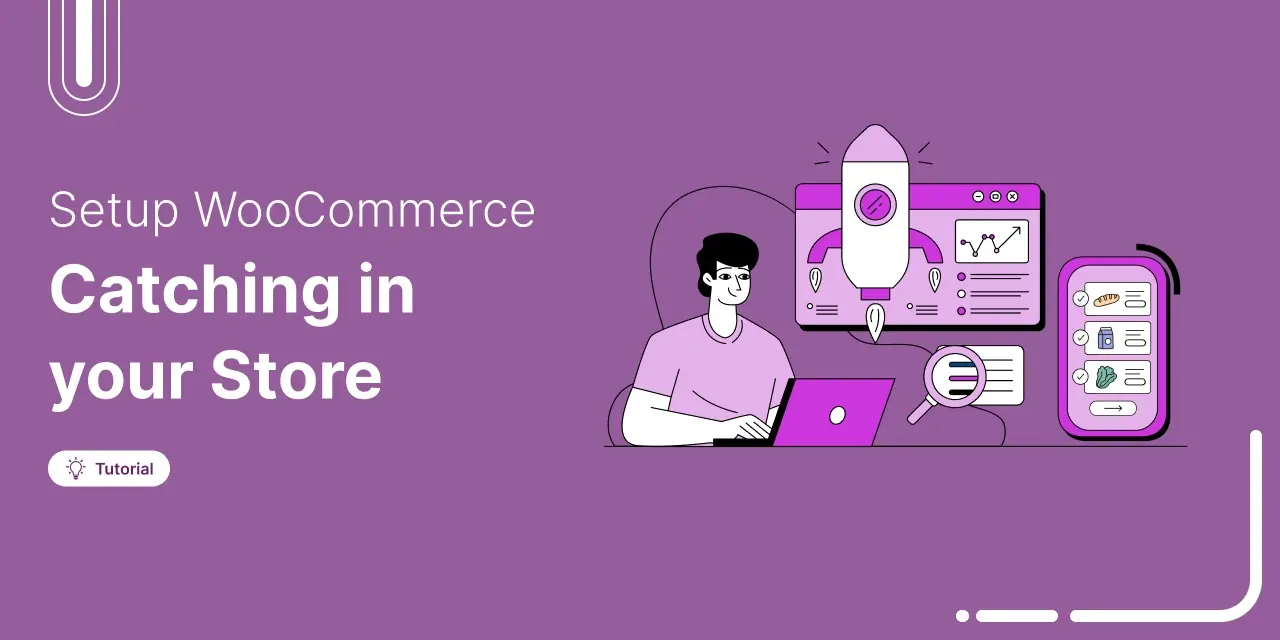
Developer at a laptop beside a rocket launch window and phone checklist, for the WooCommerce caching guide

WooCommerce Caching Done Properly: The Exclusions That Let You Cache Everything Else

WooCommerce caching goes wrong more often from caching too little than from caching too much. The cautious setup is the expensive one. Almost every guide on the subject is written as a warning. Here is the list of things caching will break; here is what to switch off. Good luck. Store owners read it, get nervous, exclude half the store, and end up paying for a caching layer that barely does anything. Meanwhile, the Deloitte and Google study Milliseconds Make Millions found that a 0.1 second improvement in mobile site speed was associated with an 8.4% lift in retail conversion rate and a 9.2% lift in
Hand holding a megaphone out of a phone surrounded by social media icons, for the best WooCommerce marketing plugins list

13 Best WooCommerce Marketing Plugins You Need to Grow Your Business

Best WooCommerce marketing plugins can make the difference between a store that just exists and one that consistently generates sales. Even if your products are great, they won’t sell if people don’t discover them or aren’t guided to buy. That’s where marketing steps in. And it’s not only about running ads outside your store. Real growth happens inside your WooCommerce store too through emails, upsells, offers, and smart on-site prompts that nudge visitors toward a purchase. The problem is that WooCommerce doesn’t include these marketing capabilities by default. So if you want predictable growth, you need the right tools working in the background. In this guide,
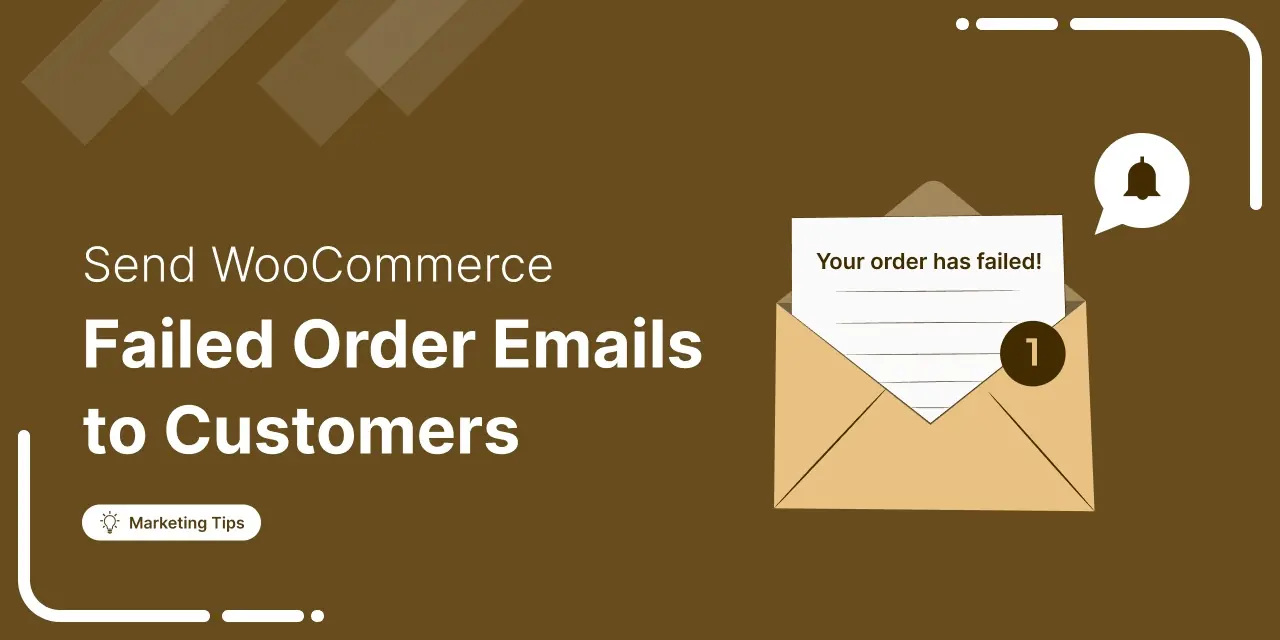
Envelope with a Your order has failed! letter and notification bell, for the WooCommerce failed order email guide

How to Send WooCommerce Failed Order Emails to Customers (2026)

WooCommerce failed order emails to customers do the job a barista does in about four seconds. The card gets declined, they ask if you want to try another one, you tap it, the sale completes. Nobody loses anything. Online, that same declined card plays out very differently. The buyer sees a vague error, closes the tab, and assumes something is broken. You find a failed order in the dashboard hours later. Neither of you ever speaks to the other. Run the arithmetic on your own store. Five hundred orders a month at a 5% payment failure rate is 25 dead orders. At an $80 average order
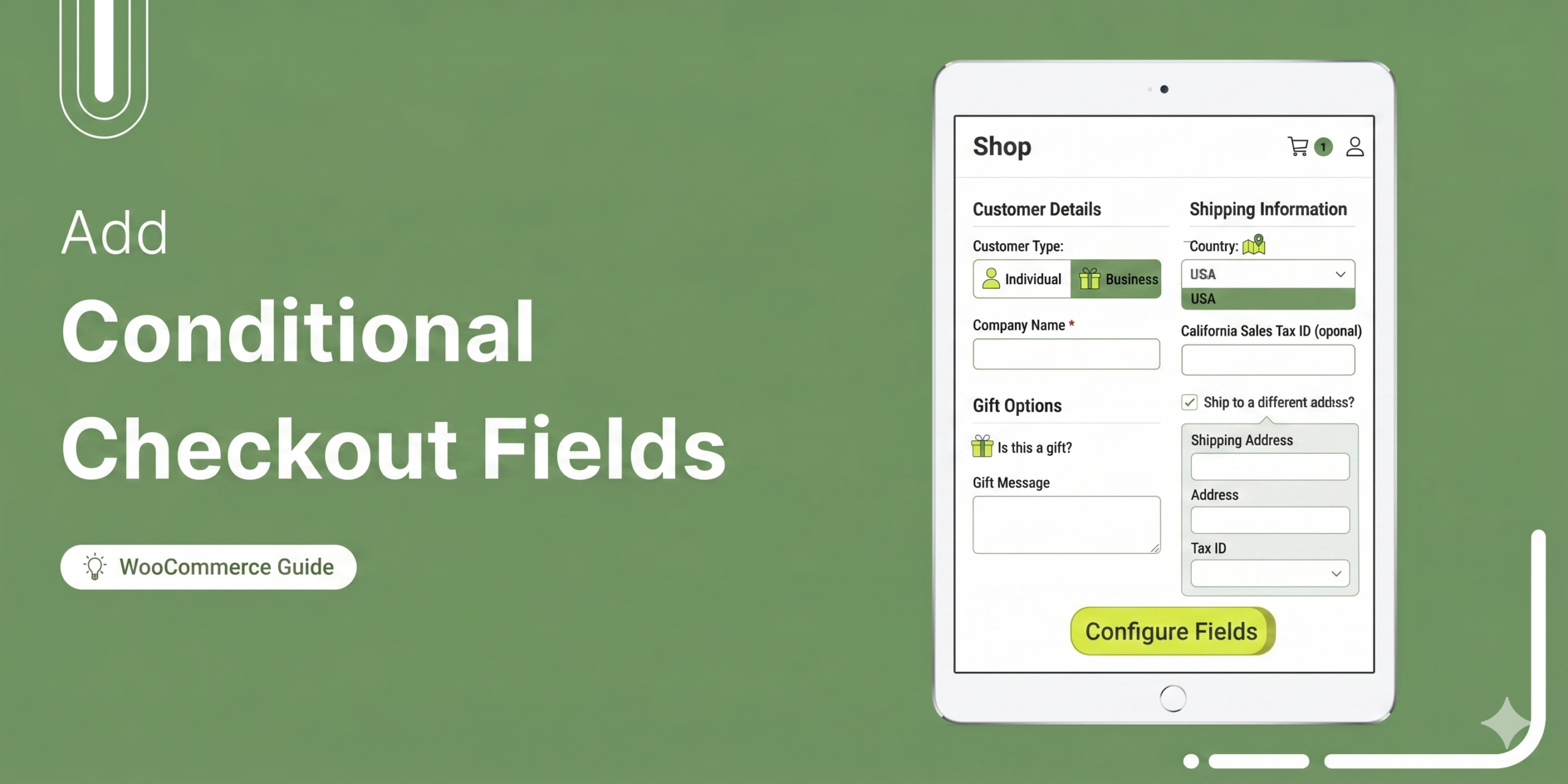
Tablet form with customer type, gift message and tax ID fields, for the guide to conditional WooCommerce checkout fields

How to Add Conditional Checkout Fields in WooCommerce (Step-by-Step)

WooCommerce conditional checkout fields work like a good server: nobody hands the dessert menu to a table that just asked for the check. Fields appear or stay hidden based on rules you set, so a gift message box shows up only when a customer picks gift wrapping, and a VAT number field only for business buyers in the EU. Out of the box, WooCommerce cannot do this. Every customer sees the same static form, whether they are buying a digital download or a pallet of furniture. Baymard Institute puts a number on what that costs: 18 percent of shoppers have abandoned a checkout because it felt
Best WooCommerce Coupon Plugins

9 Best WooCommerce Coupon Plugins in 2026 (Most Are Free)

Many eCommerce stores struggle to stay profitable when offering discount coupons. And honestly, it’s because they’re not being strategic about it. From what I’ve seen over the years, handing out coupons to everyone is the fastest way to lose money and erode profitability. But with the right approach, coupons can actually help you sell more, keep customers coming back, and grow your profits. For instance, offering BOGO deals for low-moving items to clear inventory, using tiered discounts to increase average order value, and auto-applying coupons at checkout reduce friction and improve conversions. To help you implement these smart discount coupon campaigns, here’s my handpicked list of
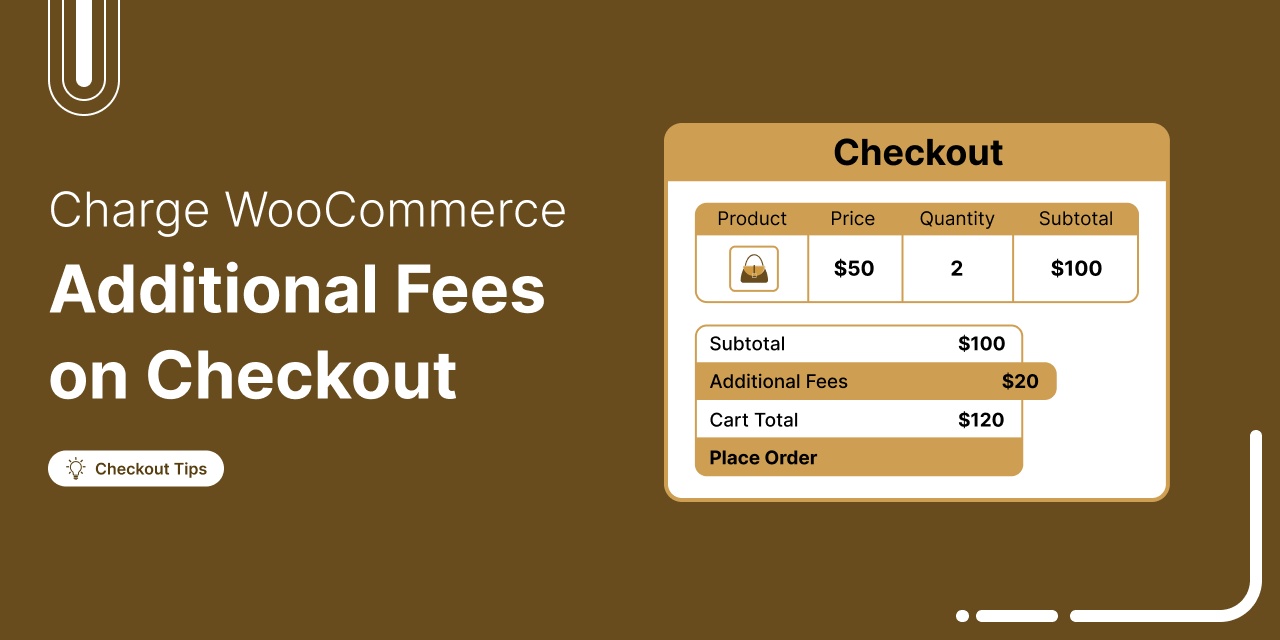
Order table with a $20 additional fee raising a $100 subtotal to $120, for the guide to WooCommerce checkout fees

How to Charge WooCommerce Additional Fees on Checkout: Step-by-Step Guide

Discover how to add transparent extra fees at WooCommerce checkout for packaging, handling, or COD, etc, without frustrating your customers. Are you thinking of charging additional fees on your WooCommerce checkout page? Many store owners need to apply extra costs like packaging, handling, or Cash on Delivery (COD) charges to maintain healthy margins. WooCommerce doesn’t support this out of the box, but with the right plugins, you can add dynamic fees based on product price, cart total, shipping method, payment type, and more. However, it’s also crucial to apply these fees transparently. Hidden or surprise charges can frustrate customers, lead to abandoned carts, or damage your
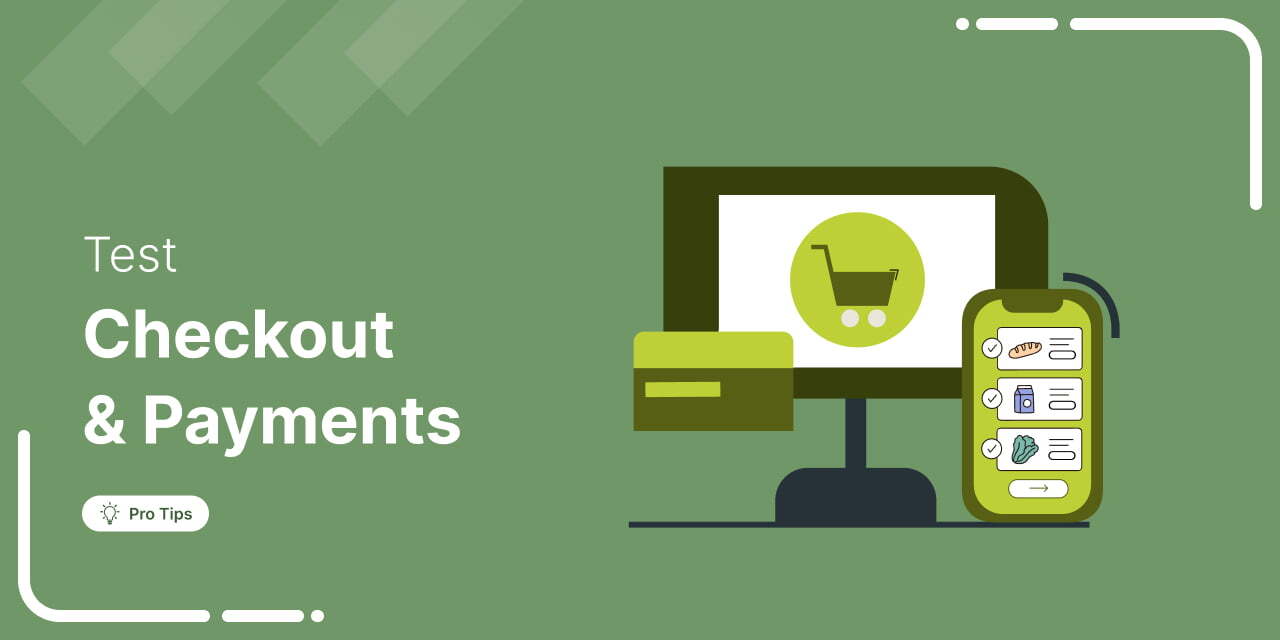
Monitor with a shopping cart icon, a payment card and a phone order list, for the guide to testing WooCommerce checkout

How to Test WooCommerce Checkout in 5 Steps (Without Charging a Card)

Testing your WooCommerce checkout takes about five minutes and it is the only way to know that the one thing your whole store depends on still works. A broken checkout does not announce itself. A shop with the lights on and a jammed door does not get a knock either. People try the handle, walk to the next store, and nobody comes back to tell the owner. From the inside, it looks like an ordinary quiet day with the site loads, traffic arrives, orders stop, and nothing on your dashboard mentions it. According to the Baymard Institute, 15% of shoppers who abandoned for a fixable reason
How to send WooCommerce product review email

How to Send WooCommerce Product Review Email with Examples and Best Practices

A WooCommerce product review email is a great way to remind customers to review the product they bought from you. Nowadays, if you want to boost your sales, your product must have positive customer reviews. That’s because almost 55% of online shoppers read at least four online reviews before purchasing.[Source: Bizrate Insights] Moreover, according to Bazaarvoice, product pages with user reviews convert 3.5 times more than those without. Sending WooCommerce review emails to request reviews can help you collect those reviews your product requires to persuade buyers to buy it. In this blog, we will show a step-by-step guide on how to design and automate the
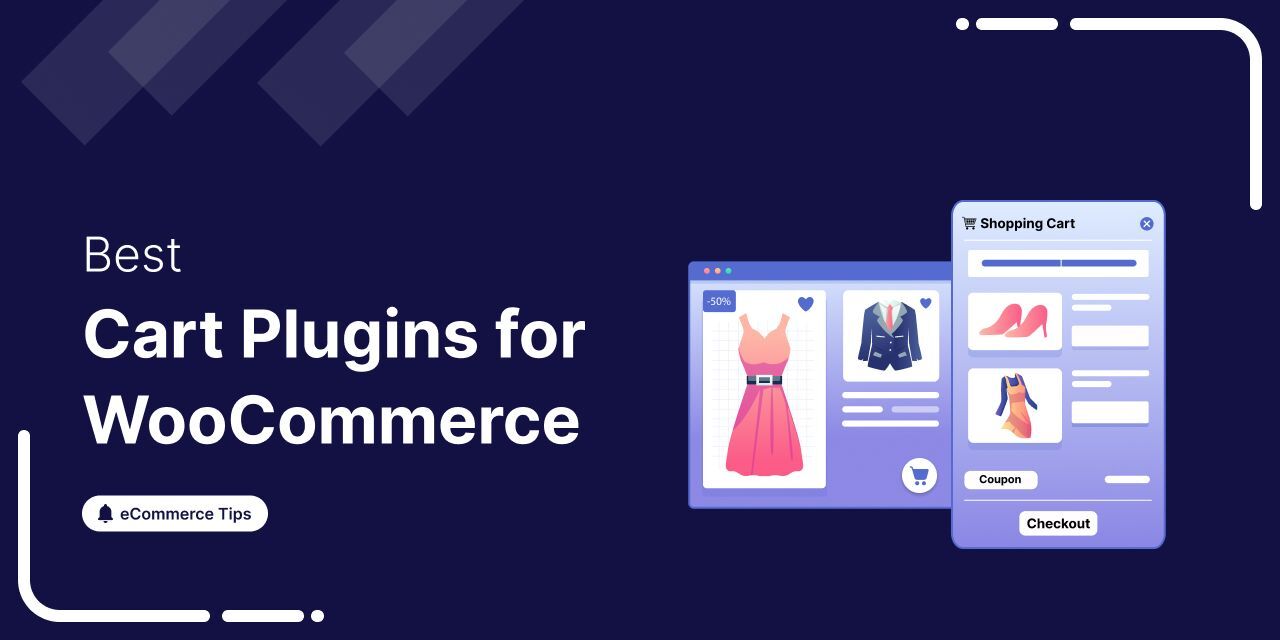
Best WooCommerce Cart Plugins To Streamline The Buying Process

9 Best WooCommerce Cart Plugins for 2026 (Tried & Tested)

Trying to improve your WooCommerce cart experience, but not sure which plugin will help? I’ve been there. One of my clients’ stores had customers frequently abandon their carts at checkout. I initially thought it was the speed, so we optimized the site speed with some custom tweaks. But it turned out that the real culprit was the default cart, which still felt outdated and clunky. To fix it, I started testing a few cart-enhancing plugins. What finally worked was a clean, slide-in cart with cart items, smart upsells, and free shipping rewards. And within days, abandonments dropped, and average order value (AOV) went up. The client thought it

Make More From Every Sale.

FunnelKit works at the three moments a store earns money: before checkout, at checkout and after the order.

Before checkout: cart upsells and free-shipping goals in a sliding cart
At checkout: a faster checkout with order bumps and one-click upsells
After checkout: abandoned-cart recovery and follow-ups that bring buyers back
Start Selling More Today →
★★★★★ 4.9/5 from 1,012+ reviews on WordPress.org