Maximize Your Profit with FunnelKit – Highest Rated with 1,012+ 5-Star ReviewsBFCM deal live

Maximize your profit with FunnelKit · 1,012+ five-star reviews

WooCommerce

Recent Blogs
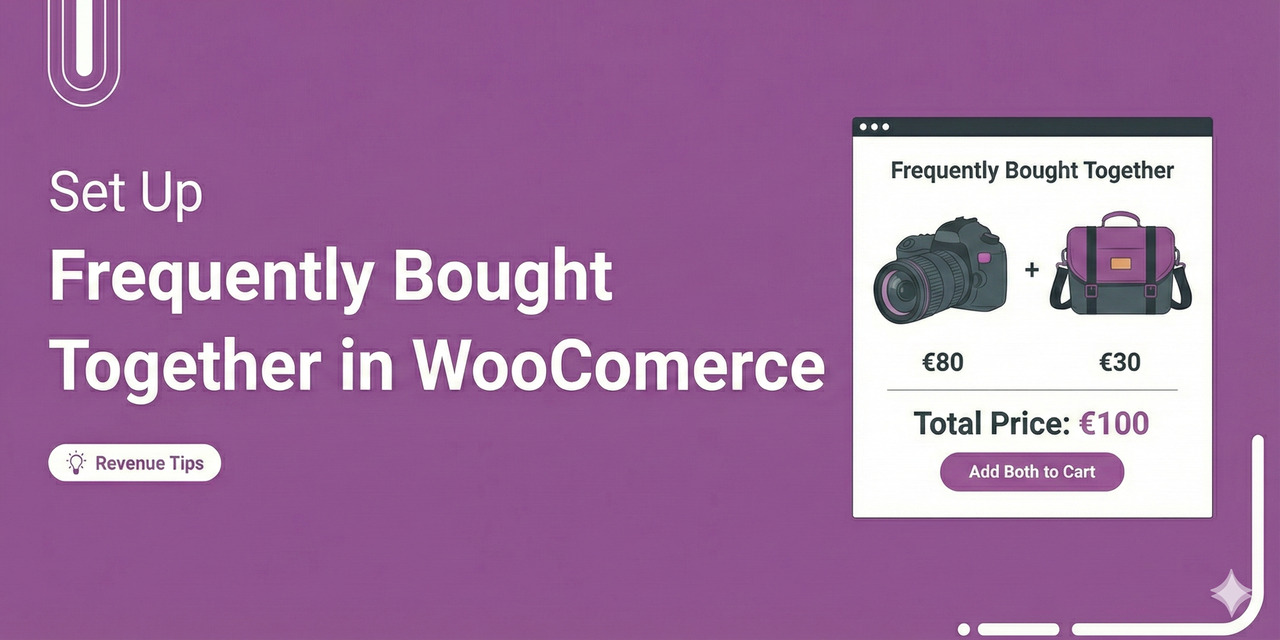
Illustration of a camera and bag bundle for 100 euros with Add Both to Cart, for WooCommerce frequently bought together

WooCommerce Frequently Bought Together: 4 Placements That Increase AOV

WooCommerce frequently bought together offers are one of the easiest ways to increase revenue on a product page. Think about the counter at a kitchen appliance store. Let's say someone buys an espresso machine, and the salesperson places a bag of beans, a descaling kit, and a milk frothing pitcher next to it. They’re not really selling the customer more stuff. They’re helping them get everything they need in one trip. That small recommendation can make a big difference. The espresso machine alone might be a $349 purchase. Add the three products the customer is likely to need in their first week, and suddenly you have
How to Add a WooCommerce Mini Cart to Your Store (Step-by-Step)

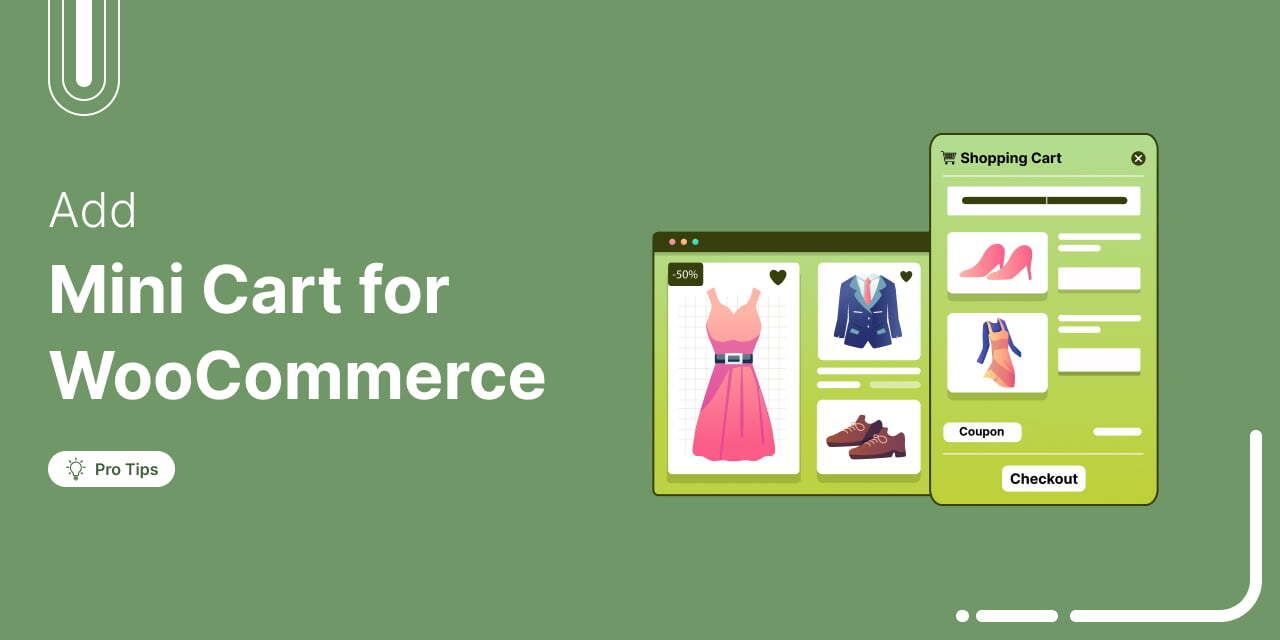
How to Add a WooCommerce Mini Cart to Your Store (Step-by-Step)

A WooCommerce mini cart is a compact cart summary that shows product details, quantities, and totals without sending shoppers to a separate cart page. You can set it up as a slide-out drawer, a dropdown panel, or a section on the checkout page. WooCommerce does ship a native Mini Cart block, and with a compatible theme it shows up in the header automatically. But out of the box, it's limited to basic display options: icon style, item count, total price. Nothing that actually pushes a sale, which is where cart abandonment creeps in. With a few smart optimizations, you can turn it into an efficient sales-driving
Woman shopping on a phone showing a chair product and Add to Cart button, for the WooCommerce Ajax add to cart guide

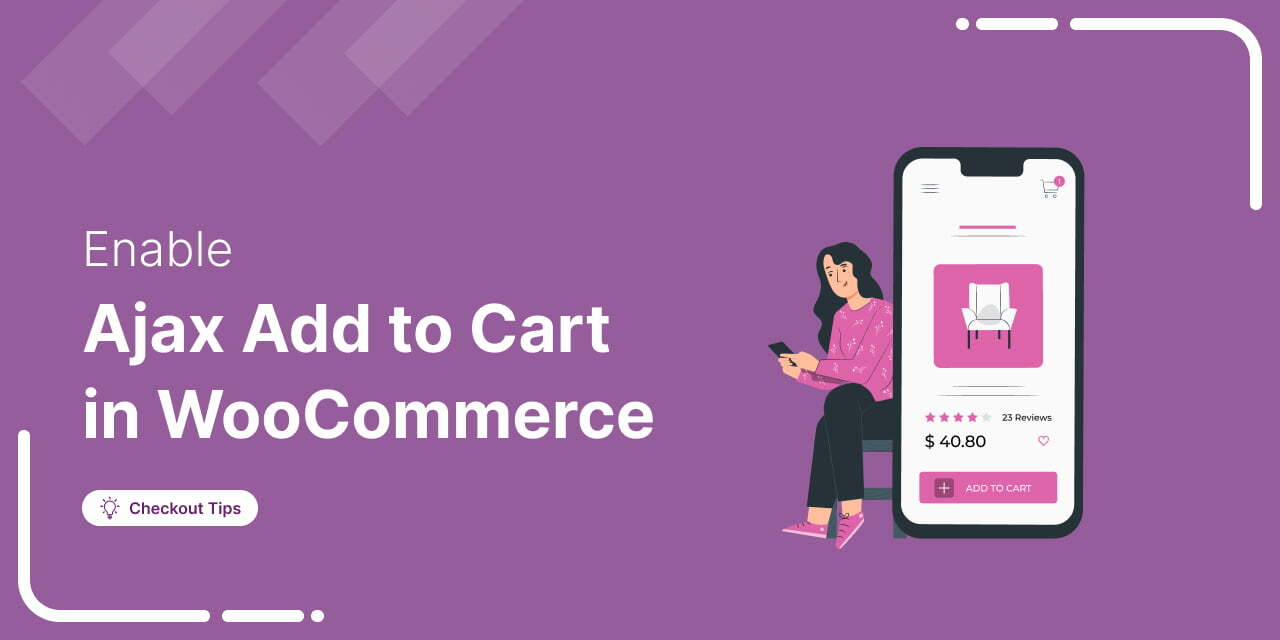
How to Enable Ajax Add to Cart in WooCommerce (2026)

WooCommerce Ajax add to cart removes the page reload from the one click that matters most. Without it, buying from your store feels like a shop where the cashier empties your basket onto the counter, re-scans everything, then does it all again when you hand over the next item. We're pretty sure nobody will shop there ever again. Google and Deloitte found that a 0.1 second improvement in mobile site speed lifted retail conversion rates by 8.4% and average order value by 9.2%. A full page reload is not a tenth of a second. It is one to three seconds, at the exact moment a shopper
How to Add a Checkbox to WooCommerce Checkout (With & Without Code)

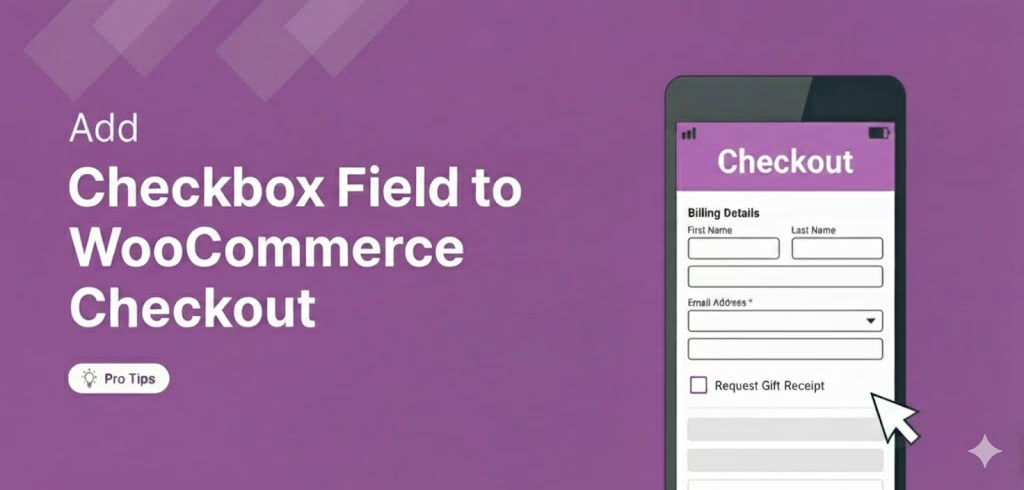
How to Add a Custom Checkbox to WooCommerce Checkout (With & Without Code)

Adding a checkbox to the WooCommerce checkout is one of the easiest ways to collect information from customers without asking them to do much extra. Think about it. The customer is already on the checkout page, entering their details, and about to click the Place Order button.  A single checkbox can prompt them to join your email list, request a gift receipt, add gift wrapping, confirm an age requirement, claim a warranty, and more, all in one tap. There’s no heavy extra work for customers. By default, WooCommerce doesn’t provide a way to add custom checkboxes to checkout. In this guide, we’ll show you two ways
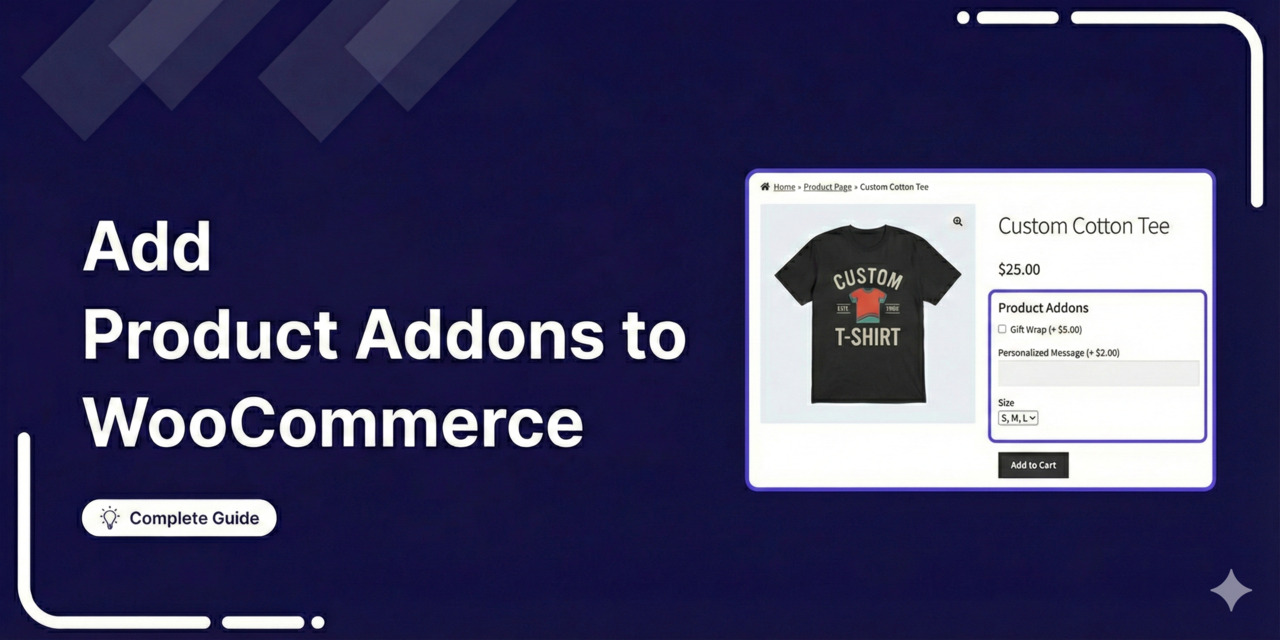
Illustration of a Custom Cotton Tee product page with gift wrap, message and size add-ons, for WooCommerce

WooCommerce Product Add-Ons: 7 Best Plugins Tested (Free and Paid)

WooCommerce product add-ons offer more fields on the product page. But the more useful question is which extras belong on that page at all. The answer is not all of them. Gift wrap on a three-item order shows up three times. A warranty offer sitting beside a product photo gets ignored, then accepted by the same customer twenty seconds later at checkout. Which plugin you pick matters. Where you put each extra matters more, and almost nobody writing about this category covers it. In this guide, we'll compare the 7 best product add-on plugins and test them on a clean store. Plus, we'll walk you through
Three product cards for a t-shirt, sneaker and shorts with plus icons, for the WooCommerce featured products guide

How to Set and Display WooCommerce Featured Products (Step-by-Step)

WooCommerce featured products let you handpick items from your catalog and showcase them prominently across your store, making them easier for shoppers to find. You can highlight your best-selling items on your homepage, promote seasonal products in a sidebar, or draw attention to new arrivals on the checkout. WooCommerce, by default, does not feature anything for you automatically. Every product starts with equal visibility, which means your highest-margin items sit right next to products that barely sell. To change that, you need to manually flag products as 'Featured' in the dashboard and then choose where to display them on the front end. In this post, we
How to Add WooCommerce Shipping Calculator on Checkout Page

How to Set Up the WooCommerce Shipping Calculator on the Checkout Page (2026)

The WooCommerce shipping calculator on the checkout page shows your customers their exact costs (with a breakdown of the shipping fee, tax, and item price, plus the total) the moment they start typing their address. When it’s missing or misconfigured, buying from your store feels like ordering dinner through an app. On the final payment screen, you added items worth $25, but some hidden fees push your total past $40. Suddenly, the leftovers in your fridge sound fine. Baymard Institute notes that extra costs like shipping cause roughly 48% of checkout abandonments. But do you know your online store already behaves this way natively? A customer
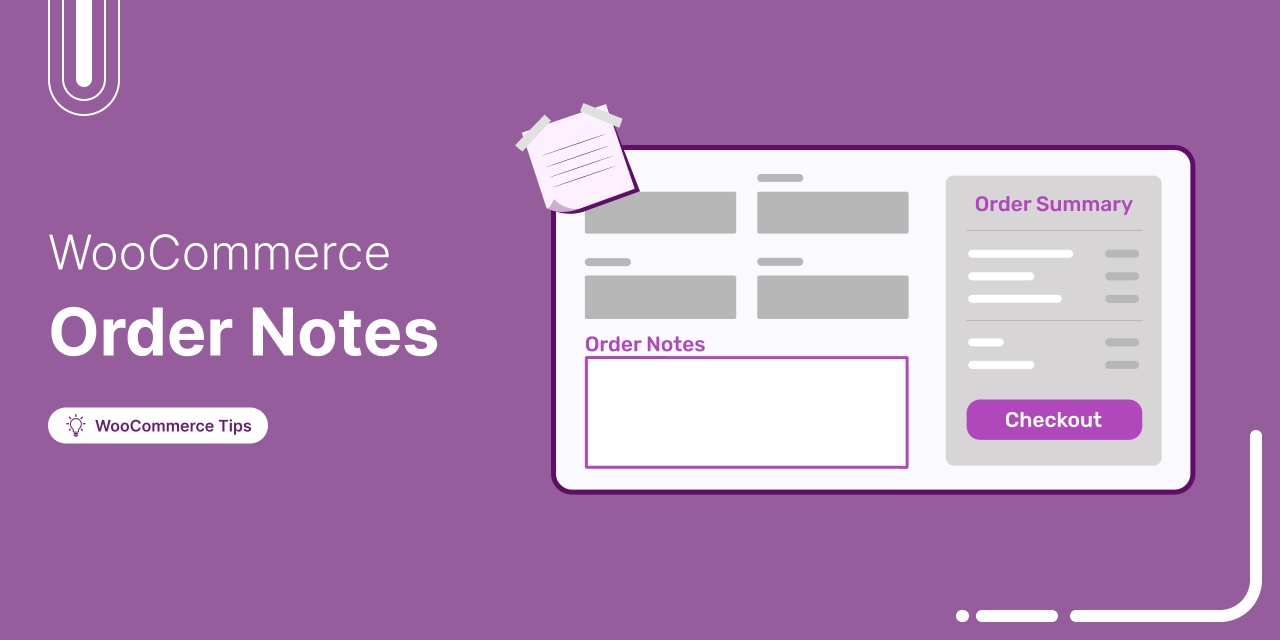
Checkout page with an Order Notes field beside the order summary, for the WooCommerce order notes guide

WooCommerce Order Notes: The Complete Guide for Store Owners & Developers

Imagine a courier who is stuck at a customer's gate with a flower delivery. The gate code was typed into the WooCommerce order notes three days ago, but nobody put it on the shipping label! That single missed note costs you time, double shipping fees, and a customer support headache. The frustrating part? The instruction that would have prevented it all was already in your system. There are three different types of order notes in WooCommerce, and they all behave differently. Customers write them at checkout, your team writes them privately in the dashboard, and WooCommerce writes them automatically to track stock or payment updates. However,

Make More From Every Sale.

FunnelKit works at the three moments a store earns money: before checkout, at checkout and after the order.

Before checkout: cart upsells and free-shipping goals in a sliding cart
At checkout: a faster checkout with order bumps and one-click upsells
After checkout: abandoned-cart recovery and follow-ups that bring buyers back
Start Selling More Today →
★★★★★ 4.9/5 from 1,012+ reviews on WordPress.org