Maximize Your Profit with FunnelKit – Highest Rated with 1,012+ 5-Star ReviewsBFCM deal live

Maximize your profit with FunnelKit · 1,012+ five-star reviews

WooCommerce

Recent Blogs
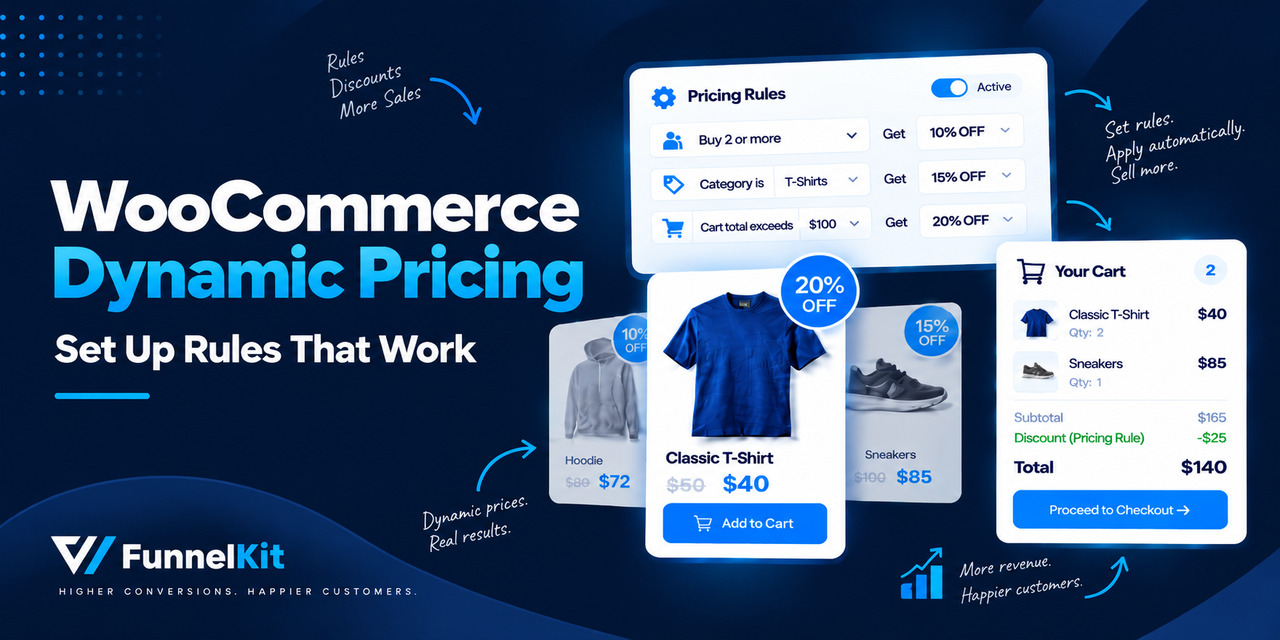
Cover art of pricing rules, discounted product cards and a cart total of $140, for WooCommerce dynamic pricing

WooCommerce Dynamic Pricing: How to Set Up Rules That Actually Work

WooCommerce dynamic pricing works much like how a coffee wholesaler prices a pallet of beans. A café buying 40 bags gets a better price per bag than someone walking in and buying just one. And the trade-off can make sense for both sides. You might drop the price from $14 to $11 per bag, but instead of selling 10 bags, you sell 40. You give up $3 on each bag and make it back through the extra volume. WooCommerce doesn't offer this kind of pricing out of the box. You get a regular price, a sale price, and coupon codes that customers have to find and
Best WooCommerce Related Products Plugins 

8 Best WooCommerce Related Products Plugins 

Want to boost sales and increase the average order value of your WooCommerce store? Using a reliable WooCommerce related product plugin is one of the simplest and most effective ways to encourage impulse purchases by displaying relevant cross-sells, upsells, or both. The default WooCommerce setup can feel limited when it comes to showing truly effective recommendations, which is why adding a dedicated plugin is essential. After all, why sell just one product when you can easily increase sales by showing the right related products at the right time? In this blog, we’ll explore the top 8 WooCommerce related product plugins, highlighting their key features, pros, cons,
Cover art of a person weighing a blue WooCommerce store against a green Shopify store

WooCommerce vs Shopify: Which eCommerce Platform Is Best for You

WooCommerce vs. Shopify usually comes down to two familiar arguments: WooCommerce costs less, while Shopify is easier to manage. Our numbers tell a slightly different story. At $20,000 a month in sales, the two platforms cost almost exactly the same. At $200,000 a month, Shopify can actually come out ahead on raw fees if you use Shopify Payments. So yes, there's a real cost advantage to running an open-source platform, but it's not as simple as comparing the monthly plan price. The bigger differences come from app subscriptions and payment gateway fees. In this guide, we compare WooCommerce and Shopify across twelve categories that can directly
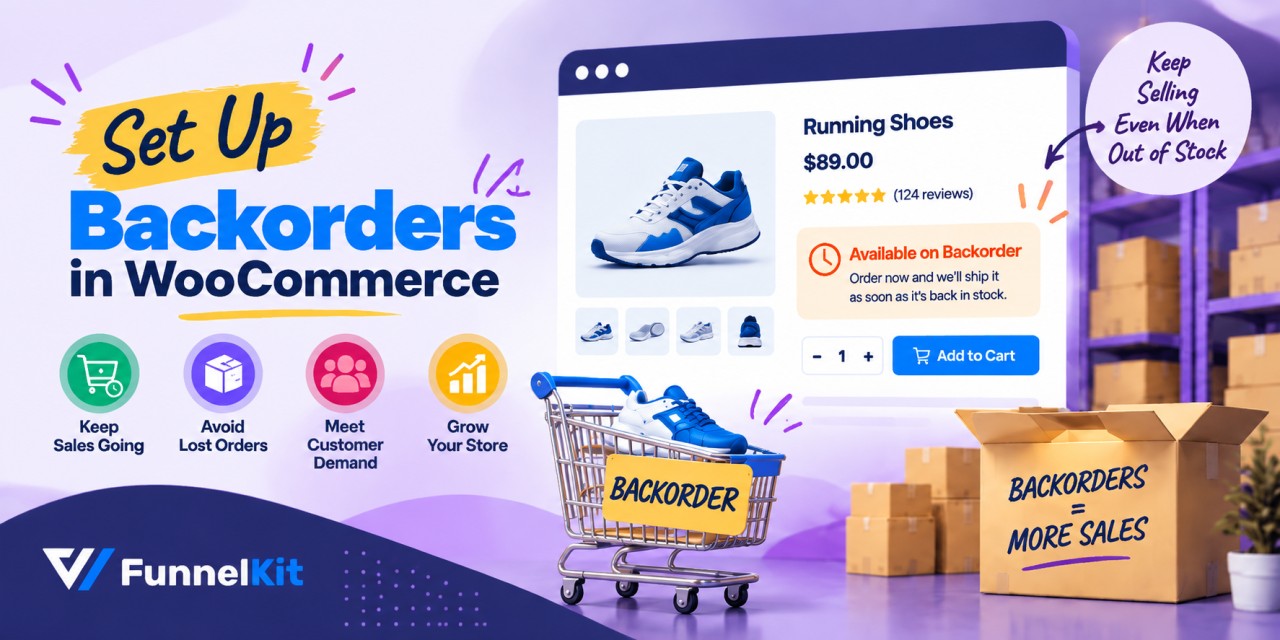
Cover art of a running shoe product page marked Available on Backorder, for the WooCommerce backorders guide

How to Set Up Backorders in WooCommerce to Keep Selling Out-of-Stock Products

Quick answer: A WooCommerce backorder lets a customer buy a product after its stock hits zero, with delivery once you restock. WooCommerce supports this natively in two ways. You can turn on Manage stock for a product and set 'Allow backorders?' to Allow or Allow, but notify customer. Or you can leave stock management off and set Stock status to On backorder. The first method tracks quantities; the second doesn't. Picture a bakery at four in the afternoon. The last sourdough sold out twenty minutes ago, but someone walks in asking for one. The baker can tell you either of the two things: “Sorry, we're sold
Cover image for an article on WooCommerce landing page builder plugins

7 Best WooCommerce Landing Page Plugins for 2026

The right WooCommerce landing page plugin can help you build pages that convert better. According to Call Digital Fire’s 2026 analysis, optimized landing pages can achieve conversion rates of 6–11%, compared with 2–3% for less effective pages. Even a small increase in conversion rate can mean significantly more customers from the same amount of traffic. Same budget. Same traffic. A completely different outcome can come down to how well your landing page turns clicks into customers. Plenty of tools claim to solve this, and picking the wrong one costs you. Maybe the design ends up clunky, maybe conversions just never show up, but either way the
Cover art of a hooded attacker, flagged cards and a prevention checklist, for WooCommerce carding attacks

WooCommerce Carding Attacks: 7 Prevention Tips to Follow

Running a WooCommerce store means juggling a lot of moving parts. Security has to stay near the top of that list. WooCommerce's popularity cuts both ways though, since the same reach that draws customers also draws fraudsters. Carding attacks are one of the more common threats that comes with that territory. Here's how it works: bots test stolen credit card details by running small transactions through your store, just enough to see which cards still work. When it succeeds, you're the one left covering the transaction fees, fielding chargebacks, and cleaning up the reputational mess. In this guide, we’ll cover 7 effective ways to prevent WooCommerce
Best WooCommerce Subscription Plugins for Recurring Revenue

6 Best WooCommerce Subscription Plugins: Tested and Compared (2026)

The right WooCommerce subscription plugin turns one-time buyers into predictable recurring revenue. On the other hand, a wrong one breaks renewals, loses customers, and costs more than the license fee. According to Zuora’s Subscription Economy Index, the subscription economy has grown by over 300% in the last seven years. Unfortunately, WooCommerce doesn't natively support any of it. No recurring billing, no renewal management, no failed payment recovery. Every store running subscriptions needs a plugin to handle all three. We've watched the wrong choices play out across real stores. So we tested more than 20 options to find out which ones actually hold up. Six made the
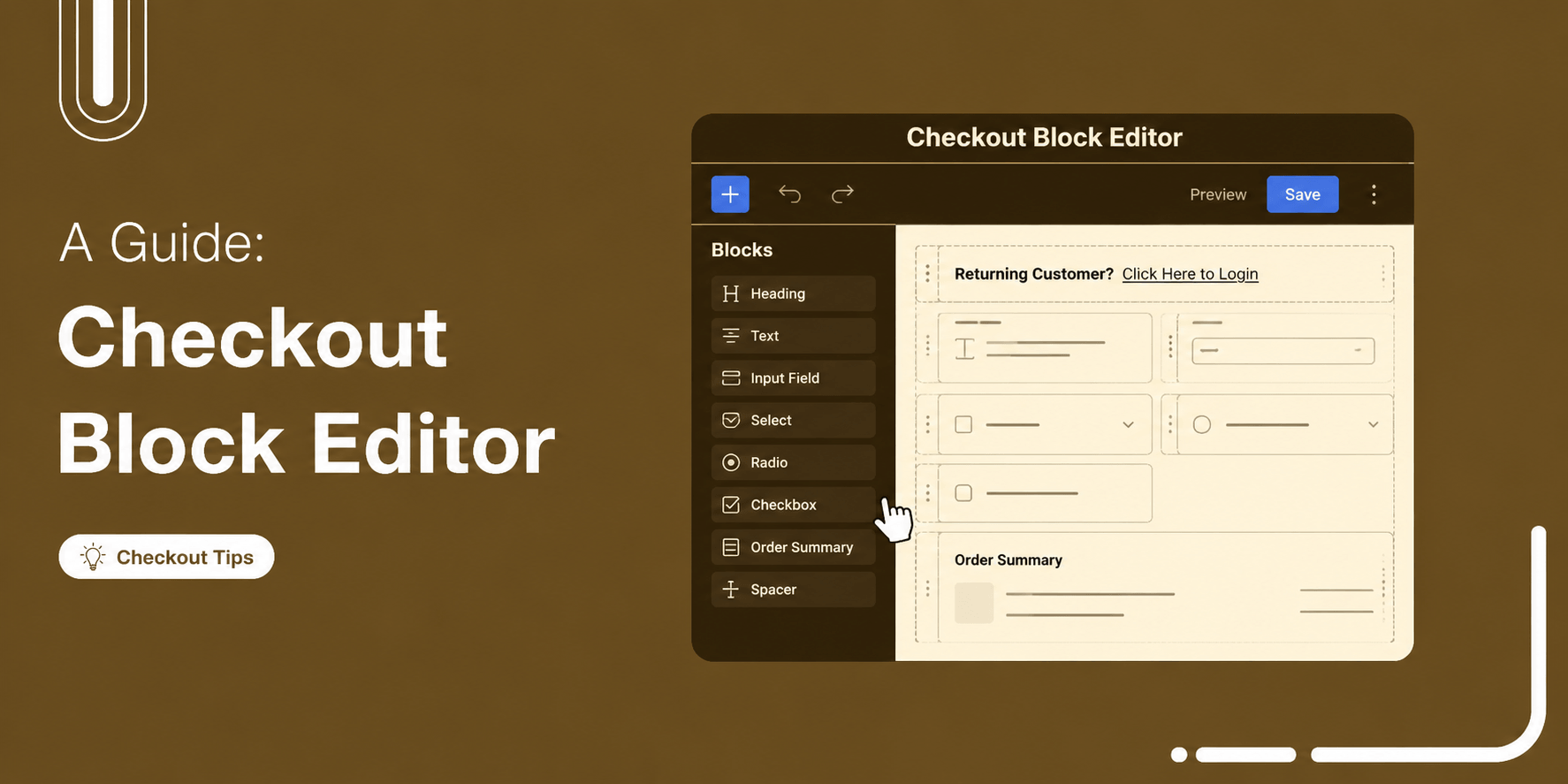
WooCommerce Checkout Block Editor: A Complete Guide

WooCommerce Checkout Block Editor: A Complete Guide

The WooCommerce checkout block editor lets you build and customize your checkout page using Gutenberg, WordPress's native block editor. It comes built into WooCommerce by default. But it’s more of a structured checkout editor than a full-blown checkout builder. You can rearrange sections, show or hide certain fields, edit text, and adjust built-in settings, but you don’t get unlimited control over every checkout field and element out of the box. That’s where the limitations start to show up. And if you’re using it for the first time, you might expect more customization than WooCommerce actually gives you. In this guide, we'll cover what the Block Editor

Make More From Every Sale.

FunnelKit works at the three moments a store earns money: before checkout, at checkout and after the order.

Before checkout: cart upsells and free-shipping goals in a sliding cart
At checkout: a faster checkout with order bumps and one-click upsells
After checkout: abandoned-cart recovery and follow-ups that bring buyers back
Start Selling More Today →
★★★★★ 4.9/5 from 1,012+ reviews on WordPress.org