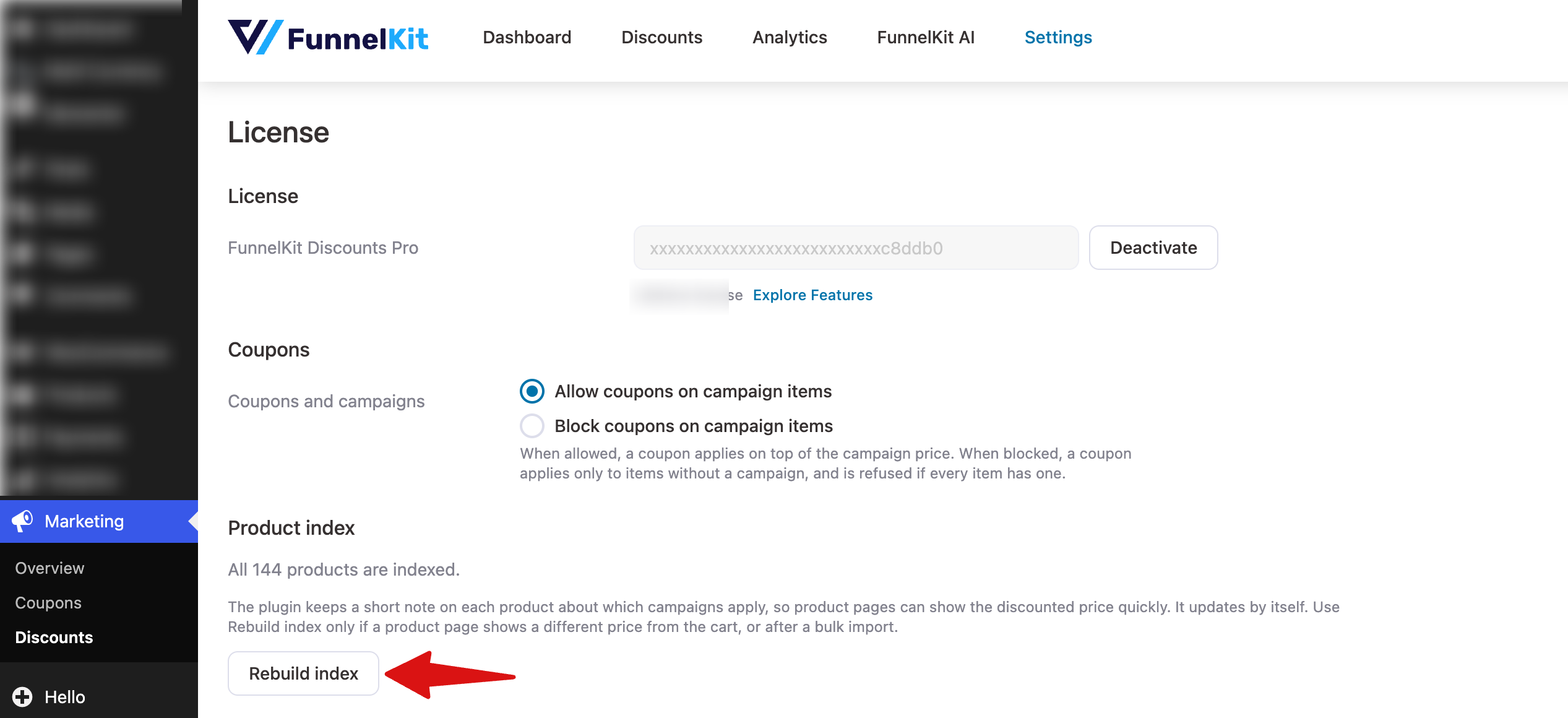
FunnelKit Discounts has two settings that control how your campaign prices work across the store. The Coupons and campaigns setting decides whether a coupon can apply to products that already have a campaign. The Product index setting keeps product pages showing the right discounted price.
This guide shows you what each setting does and when to change it.
Where to Find the Settings
Go to Marketing » Discounts in your WordPress dashboard and click the Settings tab at the top. Both settings are on this screen, below the License section.
Coupons and Campaigns
A campaign item is a product that has a discount campaign running on it. Under Coupons, the Coupons and campaigns setting decides what happens when a shopper uses a coupon on these items. Choose one of the two options:
- Allow coupons on campaign items: the coupon applies on top of the campaign price, so the shopper gets both discounts.
- Block coupons on campaign items: the coupon applies only to items without a campaign. If every item in the cart has a campaign, the coupon is refused.
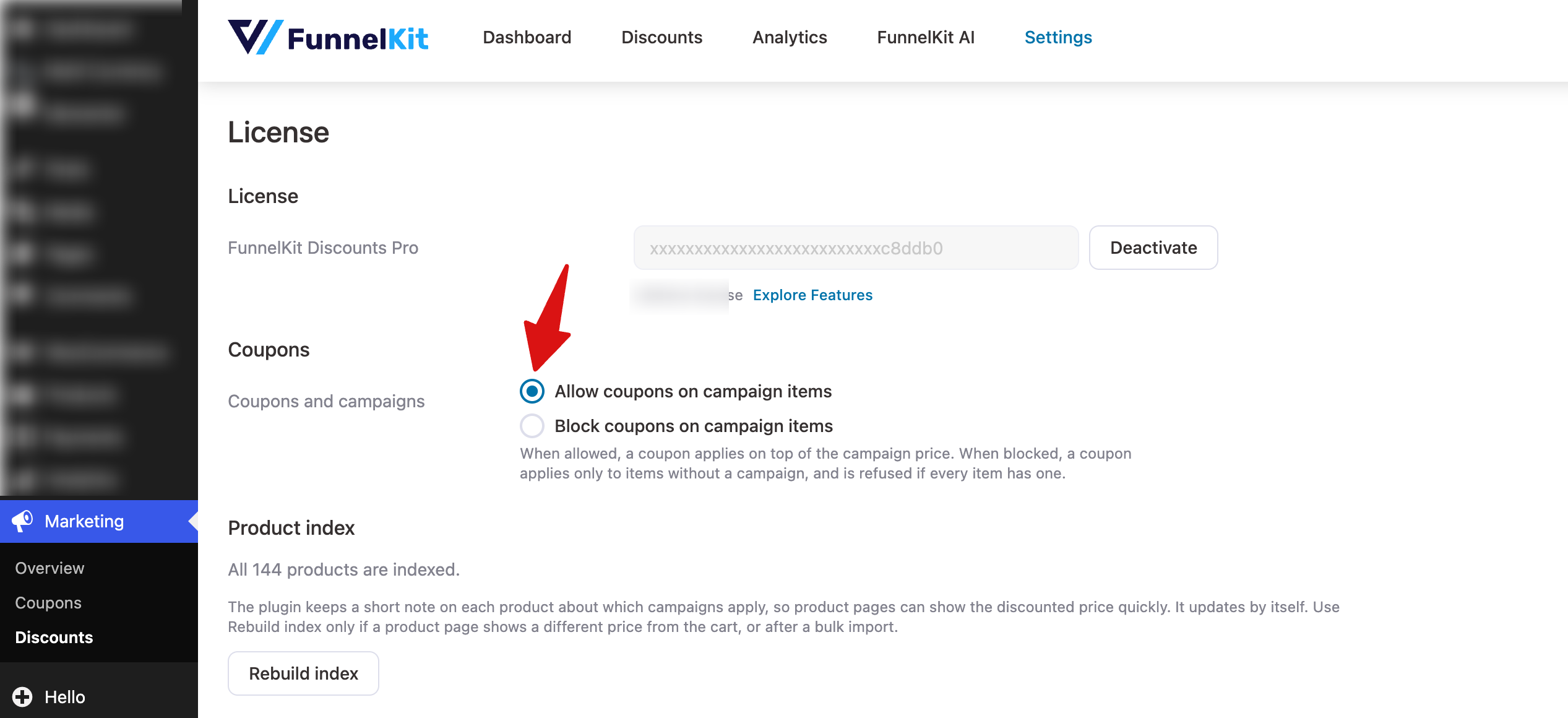
Pick Block coupons on campaign items if you don’t want coupon discounts to stack on top of campaign prices.
Product Index
The plugin keeps a short note on each product about which campaigns apply to it. This lets product pages show the discounted price quickly. The Product Index section shows how many of your products are indexed; for example, all 144 products are indexed.
Click Rebuild index only in these two cases:
- Price mismatch: a product page shows a different price from the cart.
- Bulk import: you have just imported products in bulk.