

Join Over 40,300+ Professionals
Who build smart funnels and automations with FunneKit

Frictionless Checkouts
Email & SMS Marketing
Attractive Order Bumps
Rich Contact Profile
One Click Upsells
Workflow and Integrations
In-depth Analytics
Segmented Broadcast
A/B Testing
Revenue Tracking
Robust Rule Engine
Sliding Cart
Get FunnelKit Now

FunnelKit Blog

Recent Blogs

WordPress Bulk SMS Marketing: Drive Sales with Personalized, Automated Texts
Want to grab your customers’ attention before anyone else? WordPress bulk SMS marketing puts your offers straight into their hands, where they’re almost guaranteed to be seen. In fact, SMS messages have an open rate of 99%, compared to just 20% for email (SMSBump). From flash sales and seasonal offers to new product launches, texts get opened, read, and acted on faster than emails. In this blog, you’ll learn how to: Set up automated bulk SMS campaigns from your WordPress dashboard A/B test your SMS for maximum engagement Follow best practices to boost clicks, conversions, and sales Why Use Bulk SMS Marketing? Bulk SMS marketing allows
Feb 5, 2026
Editorial Team
Join Over 40,300+
Subscribers to get free tips, tricks, and resources to grow your mailing list
Recent Blogs
Triggered Emails: How to Generate 4x Times More Revenue
Triggered emails are one of the highest-converting tools in digital marketing, yet most businesses still underuse them. These emails are sent automatically based on how users interact with your site, allowing you to generate revenue on autopilot even when you are not actively marketing. According to Forrester Research, triggered emails can generate up to 4x more revenue than regular email campaigns. That makes them too powerful to ignore. In this blog, you will learn what triggered emails are, the most effective types you can use to increase revenue, and how to easily set them up in WordPress and WooCommerce. What is a Triggered Email? A triggered
Feb 4, 2026
Editorial Team
How to Build a Sales Funnel for Physical Products (Step by Step)
Ever wondered why some physical product stores easily turn visitors into customers while others struggle? Your product’s solid, and your marketing’s sharp, but conversions stay low. Why? Because typical website pages scatter information, distract users, and lack a clear buying path. The result? 70% of users abandon carts, causing serious revenue loss. A sales funnel for physical products fixes this. It offers a focused, distraction-free journey that guides users straight to checkout, boosting conversions effortlessly. In this blog, we’ll show you how to set up a sales funnel for physical products in WooCommerce using the proven Tripwire Funnel model. What is a Sales Funnel and Why
Feb 3, 2026
Editorial Team
How to Send Automated WooCommerce Review Reminder Emails and SMS Notifications
A WooCommerce review reminder is an effective way to remind customers to review the products they’ve bought from you. According to Bizrate Insights, almost 55% of shoppers read at least four reviews before buying something. The more positive reviews your WooCommerce store has, the better your chance of converting visitors into customers. However, the thought of leaving a review might slip from users' minds. In such cases, a gentle reminder can help bring it back to their attention. In this blog, we’ll provide a step-by-step guide on how you can automatically send WooCommerce review reminders via both email and SMS. So, let’s start. What is a
Feb 3, 2026
Editorial Team
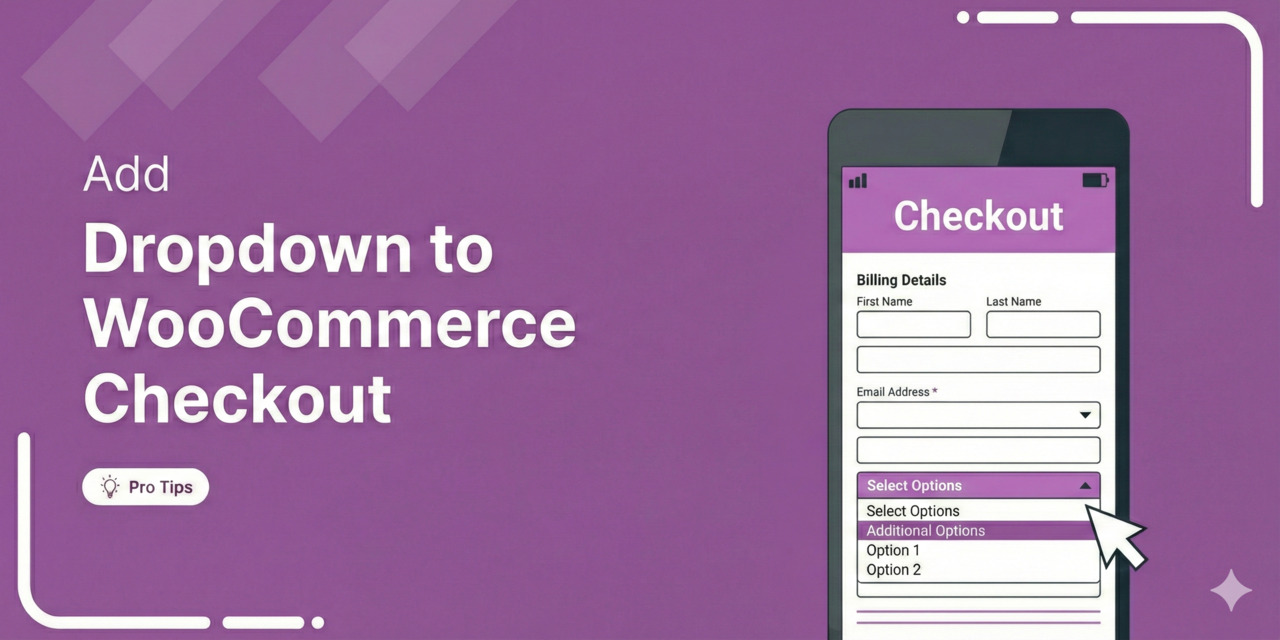
How to Add a Dropdown Field to WooCommerce Checkout (Step-by-Step)
Adding a dropdown list to WooCommerce checkout lets you collect structured information from customers instead of relying on messy order notes. Whether you need delivery preferences, gift options, or marketing attribution data, custom dropdown fields give you clean, actionable data that integrates directly with your fulfillment workflow. The default WooCommerce checkout includes dropdowns for Country and State, but does not provide a built-in way to add custom select fields without plugins or code. In this guide, we will show you two methods for adding dropdown fields to your WooCommerce checkout: one without code and one using custom PHP. We’ll also cover practical use cases to help
Feb 2, 2026
Editorial Team
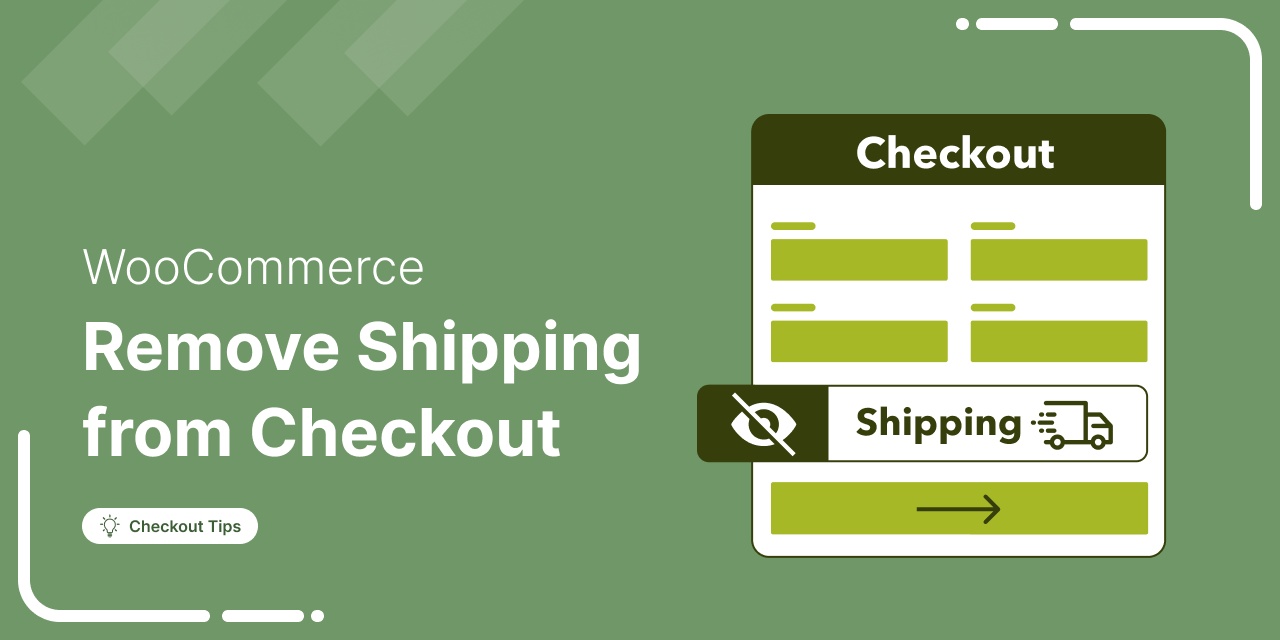
How to Remove Shipping from WooCommerce Checkout
Removing shipping from WooCommerce checkout eliminates unnecessary fields and extra steps for stores that do not ship physical products. Whether you sell digital downloads, offer local pickup only, or have a custom fulfillment workflow, hiding shipping options streamlines checkout and removes friction from the purchase process. The default WooCommerce checkout page displays shipping address fields and shipping method selection for all products. Even if you have disabled shipping zones or offer only virtual products in your store, these fields can still appear and confuse customers. In this guide, we'll show you two methods to remove shipping from your checkout: one method is code-free and the other
Feb 2, 2026
Editorial Team
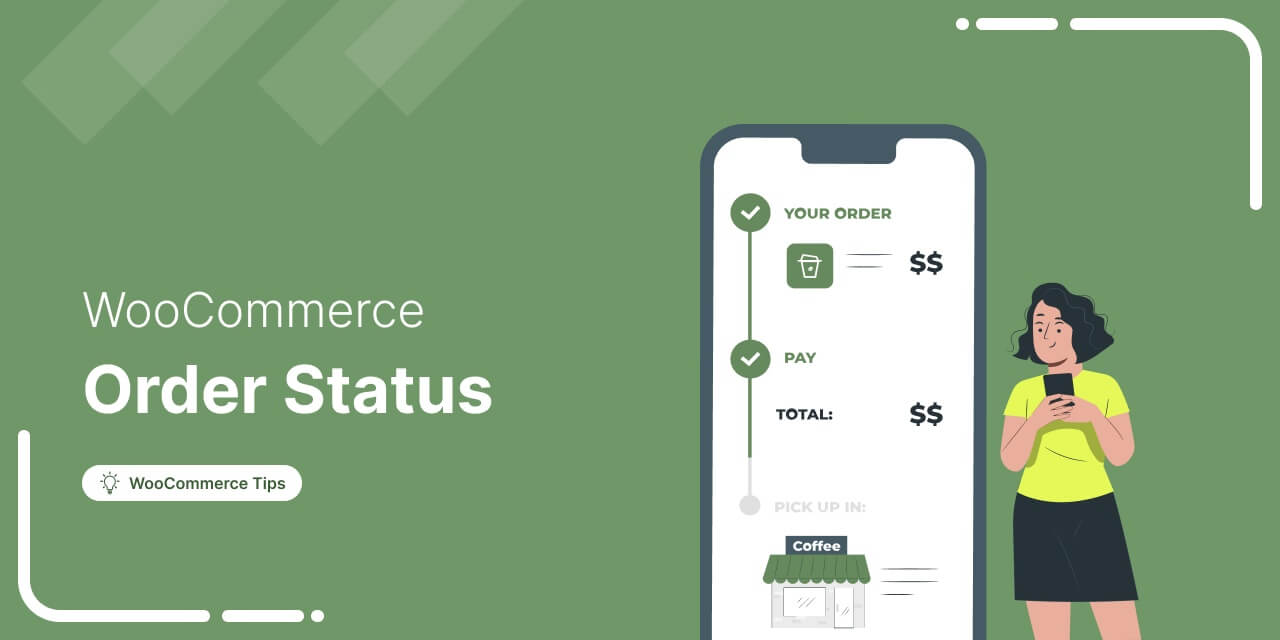
WooCommerce Order Status: The Complete 2026 Guide to Managing Orders Like a Pro
Imagine a customer makes a purchase, but instead of the order smoothly processing through your system, it gets stuck in “Pending Payment” or “On Hold” indefinitely. You’re checking your settings and refreshing your dashboard constantly, but nothing changes. Meanwhile, your customer is waiting and getting impatient. WooCommerce order status provides crucial information about the progress of an order from the time it gets placed to when it’s delivered. When configured correctly, they automate workflows, trigger customer notifications, and provide instant visibility into your business operations. But when statuses don’t update correctly, it creates confusion, delays shipments, and even results in lost revenue. Payment processing status issues,
Jan 27, 2026
Editorial Team
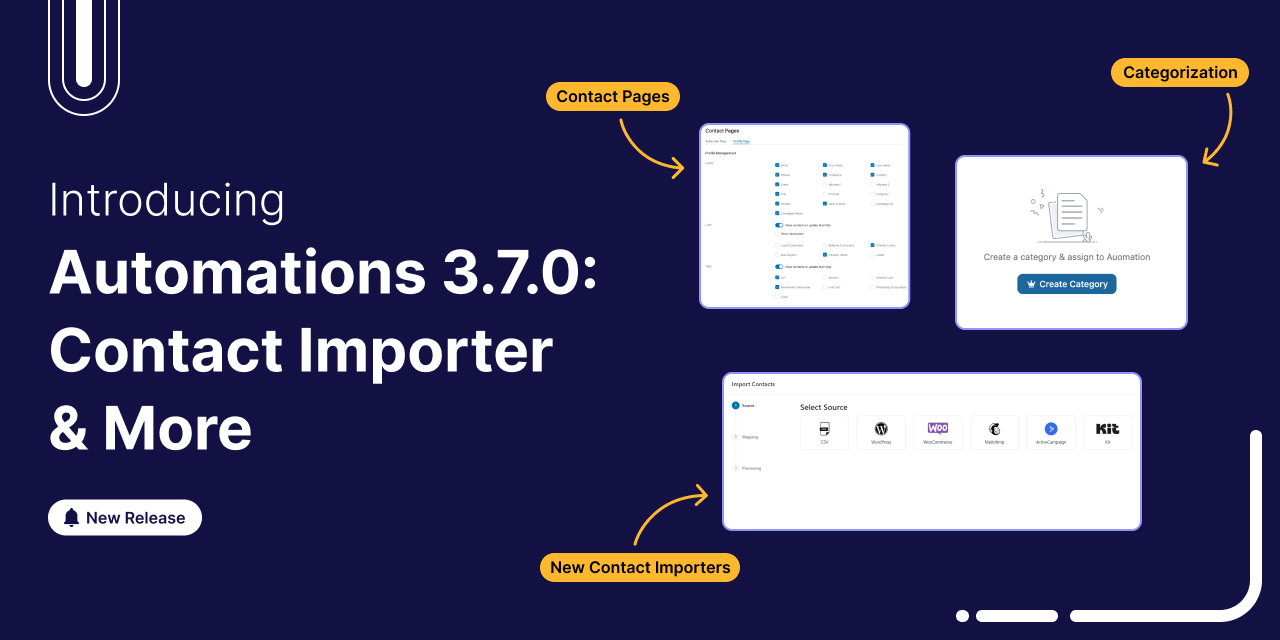
Introducing FunnelKit Automations 3.7.0: Enhanced Contact Importer, Conditional Emails, Categories & More
FunnelKit Automations 3.7.0 is here! 🎉 And it brings meaningful improvements that make building and managing your marketing automation easier than ever. This release is all about giving you more control, cutting down setup time, and helping you stay organized as your workflows grow. Here’s a quick look at what’s new in version 3.7.0: Redesigned contact pages with built-in brand styling Faster, more streamlined imports from popular platforms Advanced categorization tools to keep your automations tidy and easy to manage Conditional content in WooCommerce transactional emails for smarter personalization Together, these updates simplify everyday tasks and create a smoother automation experience, whether you’re setting up new
Jan 22, 2026
Editorial Team
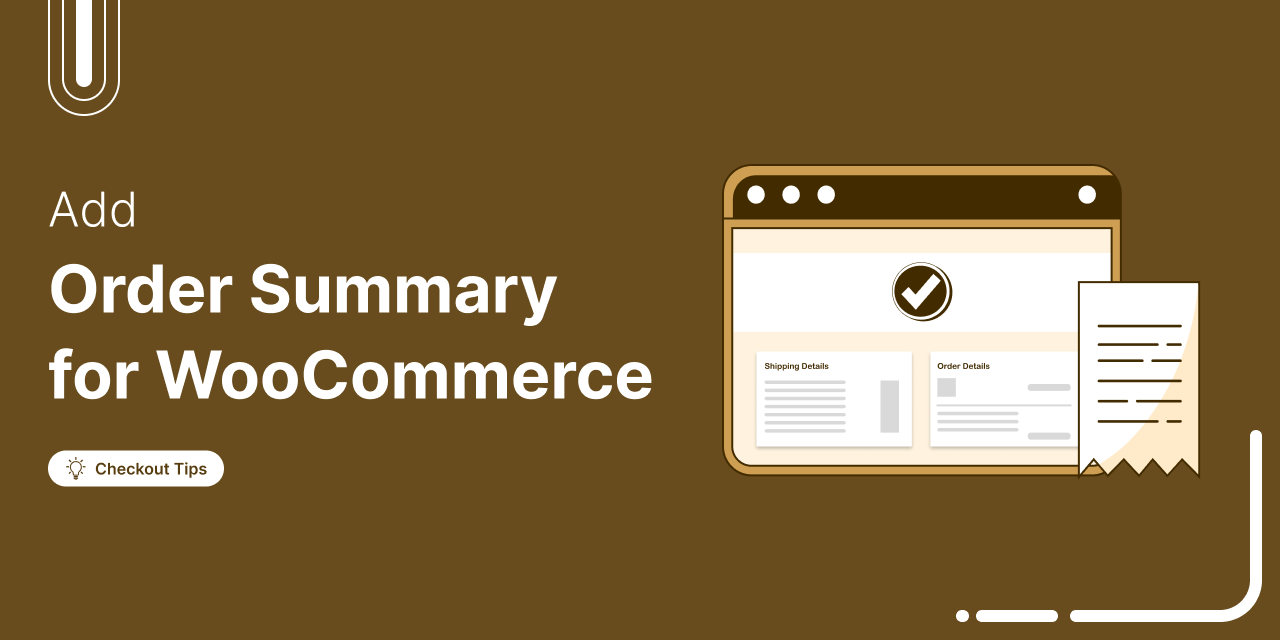
How to Customize WooCommerce Order Summary in Your Store (Step-by-Step Guide)
Ever clicked the checkout button and suddenly felt unsure? Did I add the right items? Am I being overcharged? The same uncertainty is costing you sales. Shoppers expect full transparency at checkout. If they cannot see a detailed breakdown of their order products, pricing, discounts, and shipping, they hesitate. And hesitation leads to lost revenue. A well-structured WooCommerce order summary can boost trust and increase conversions effortlessly. By customizing the order summary section, you can enhance the user experience, provide additional information, and even match the design with your brand. In this guide, we’ll share why it’s important to customize the WooCommerce order summary and how
Jan 20, 2026
Editorial Team
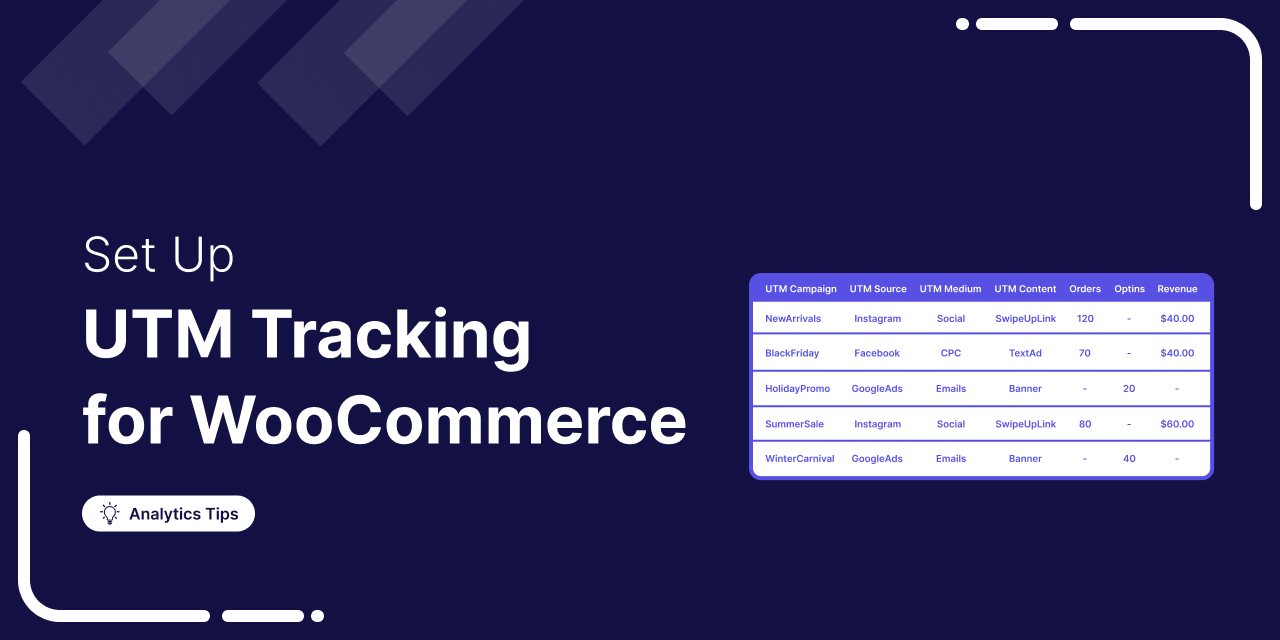
How to Set Up WooCommerce UTM Tracking to Maximize Your Marketing Impact
It’s frustrating to spend money on ads and promotions without knowing which ones actually drive conversions. Was it Facebook ads? Google ads? An email campaign? If you don’t know for sure, you can’t decide where to focus your efforts and money to get more sales. With UTM tracking, you can eliminate the guesswork and find out not only which marketing channel got you a sale but also which links or CTA customers clicked to initiate the order. Setting up UTM campaigns and tracking is easier than you think and requires no coding. Plus, you can manage everything directly from your WordPress dashboard without jumping between different
Jan 19, 2026
Editorial Team
Ready to Transform Your Store?

Join 40,300+ successful store owners who trust FunnelKit to power their businesses.
Conversion Optimized Checkout Pages
Increase Revenue with Smart Upsells
Capture Emails & Recover Abandoned Carts
Automate Winbacks & Repeat Sales


1009+ 5 star reviews on WordPress.org