FunnelKit Blog
New launchSpotlight
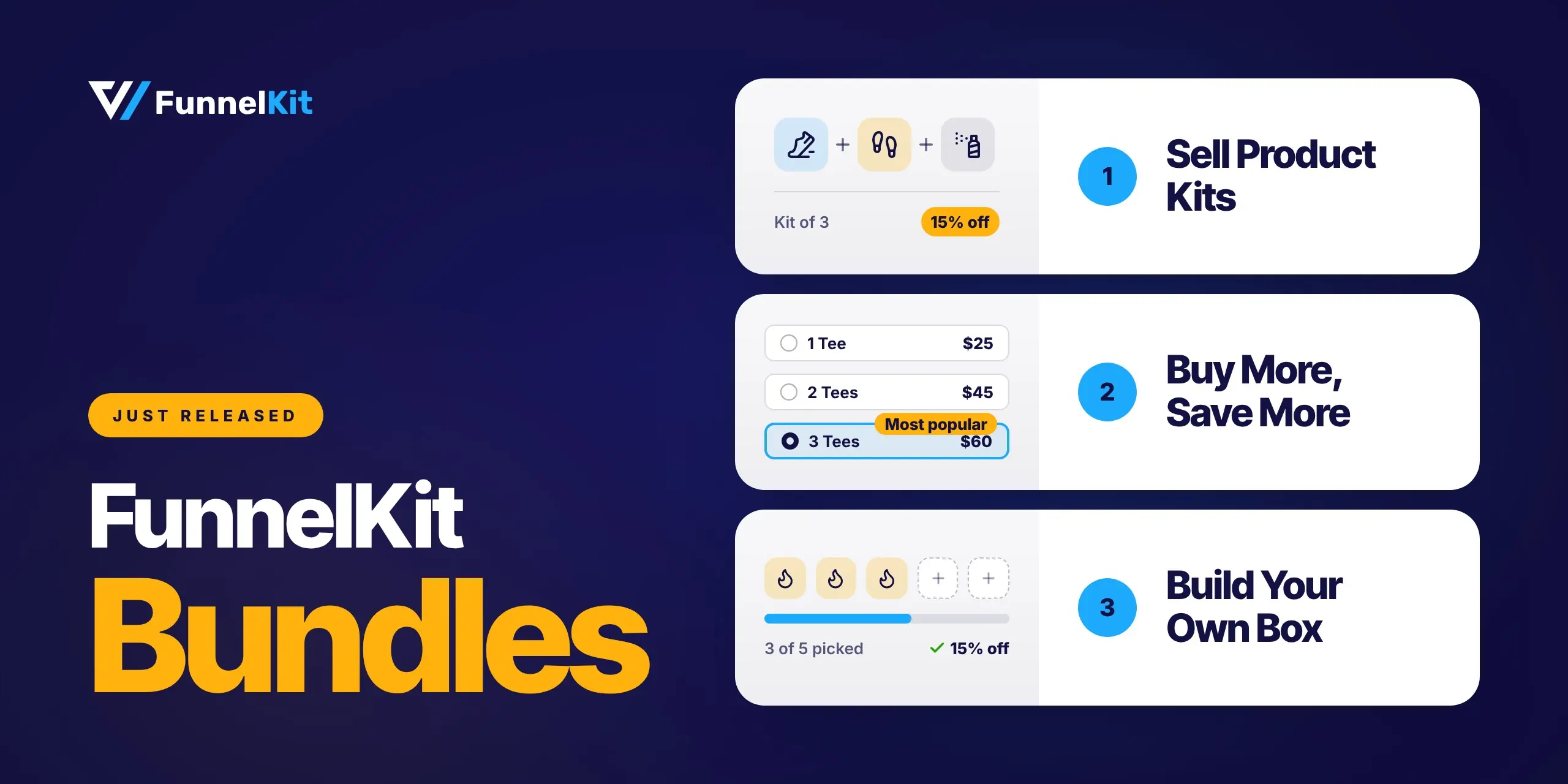
FunnelKit Bundles is here! You can now create and sell product bundles directly from Funnel Builder. Choose from four bundle types, two of which are completely free. Whether you want to sell product kits, offer discounts on bulk purchases, or let customers put together their own boxes, you can do it all from the same dashboard you use for checkout pages, order bumps, and one-click upsells. You don't need to install another plugin or manage a separate set of discount rules. Let's say a shopper adds a $25 T-shirt to their cart. That’s a $25 order. Now imagine showing them an offer to get three T-shirts
- Damanjeet Singh
Recent Blogs
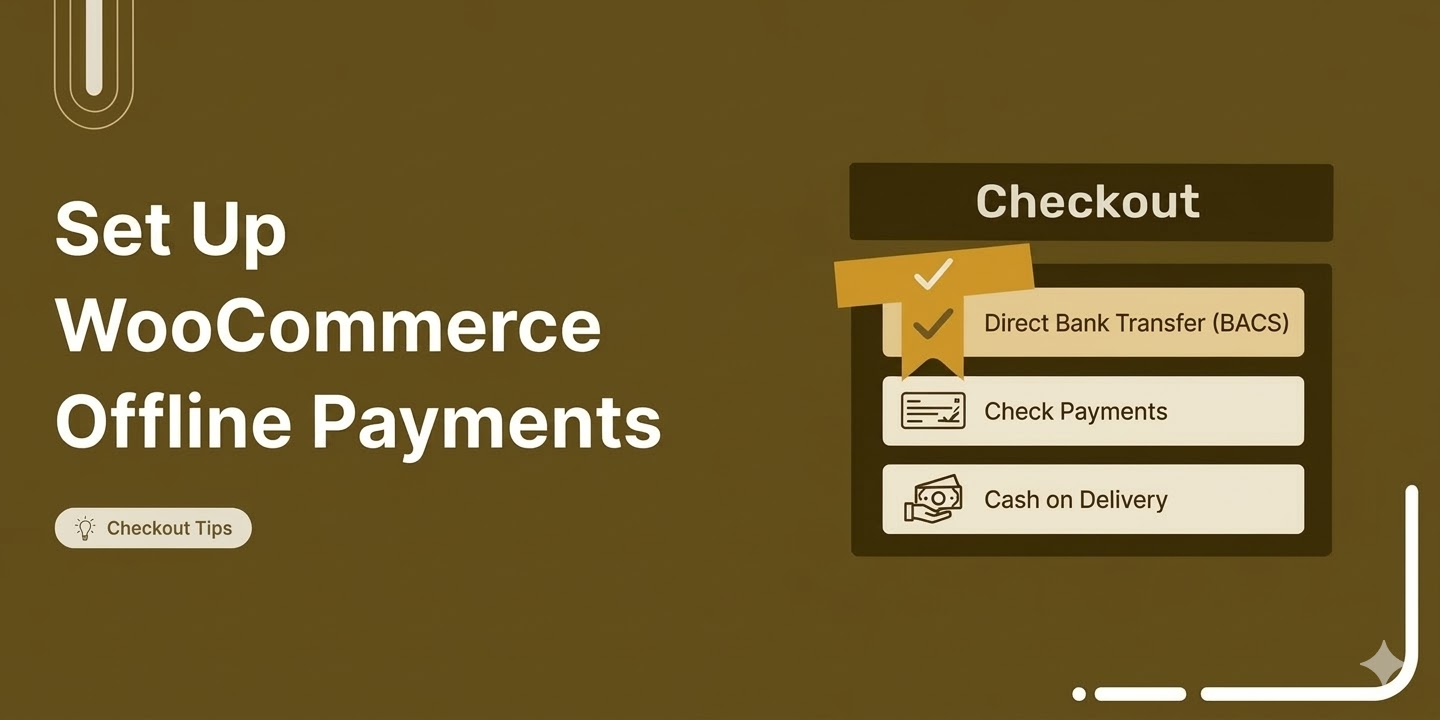
WooCommerce offline payment options are more important than many store owners realize. While online cards and digital wallets dominate in some regions, millions of shoppers still prefer paying after placing an order. For example, according to Go Globe, 64% of online shoppers in the Middle East show a strong preference for Cash on Delivery, especially for categories like electronics, fashion, and household products. This is why WooCommerce includes built-in offline payment methods like bank transfers, check payments, and cash on delivery. These options allow businesses to accept orders without requiring instant online payment. In this guide, we’ll explain what WooCommerce offline payments are, when they make
- Editorial Team
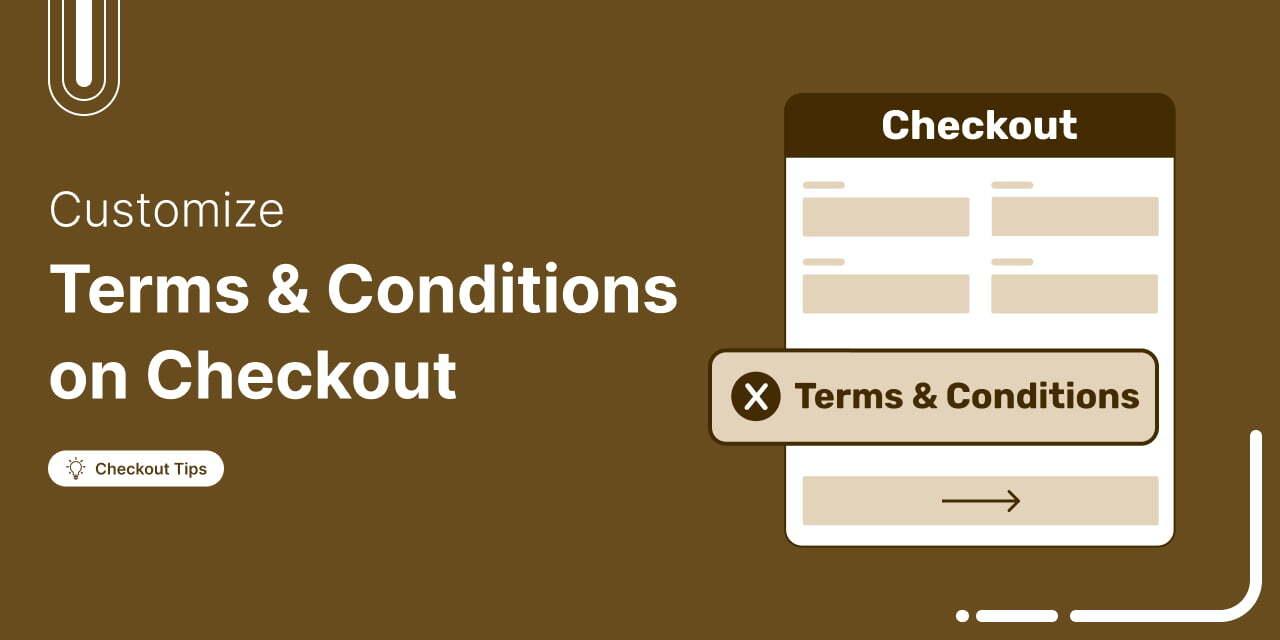
WooCommerce checkout page terms and conditions protect your store from disputes, chargebacks, and legal liability. They set the rules that customers agree to before completing a purchase, covering everything from refund policies to shipping expectations. The default WooCommerce terms and conditions setup is limited. Sure, you get a basic checkbox linked to a page. But that is it. Want to tweak the label? Need a second checkbox? Looking for a database log proving the customer actually clicked 'agree'? The built-in settings will not do that. For stores forced to comply with strict privacy laws like GDPR or PIPEDA, those native limitations become a real compliance headache.
- Editorial Team
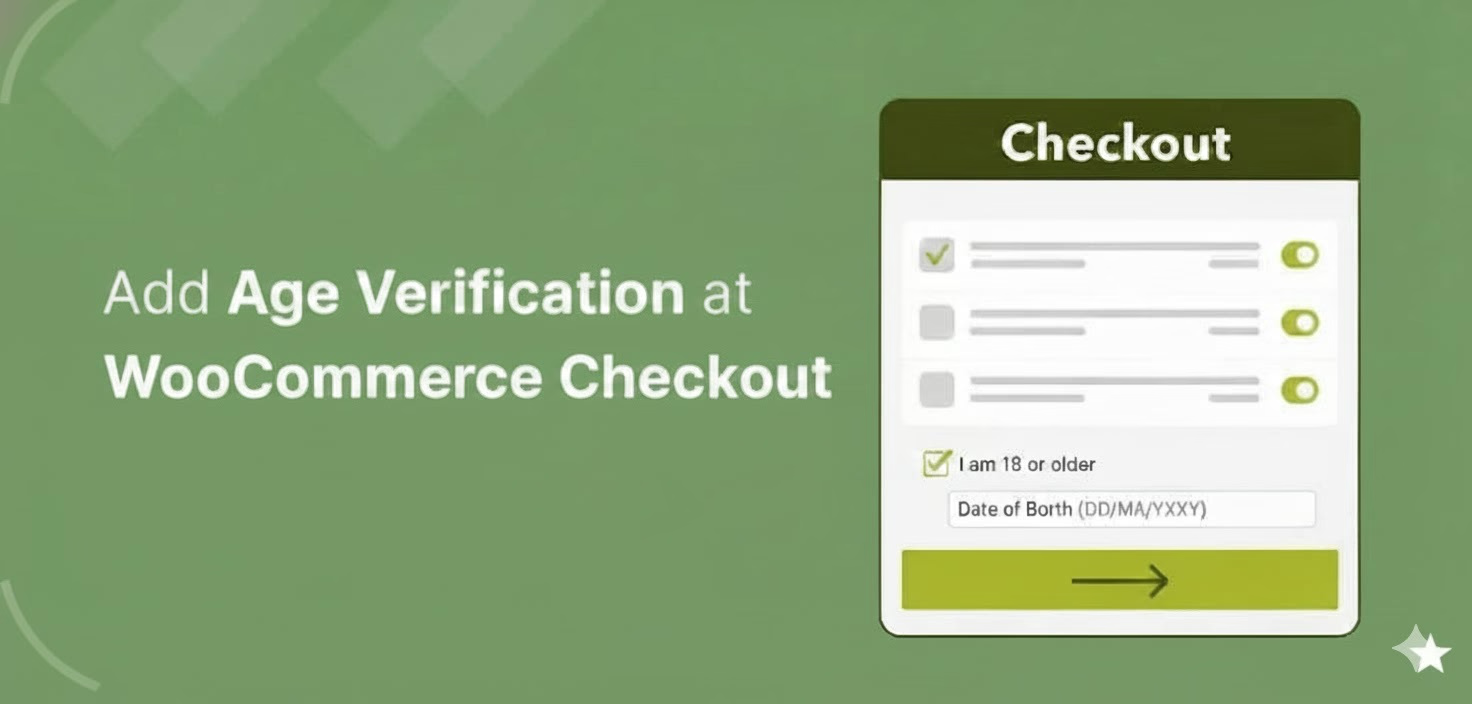
WooCommerce age verification checkout becomes important the moment you sell products that are restricted by age. If you sell products like alcohol, tobacco, or vapes, verifying a customer’s age is not just a good practice. In many countries, it is a legal requirement. Some other items can fall into this category too, such as high-caffeine energy drinks, certain supplements, fireworks, or mature-rated video games. The tricky part is that WooCommerce doesn’t really help with this out of the box. There is no built-in age gate at checkout. No date-of-birth field. No confirmation step that stops someone underage from placing an order. So if you are running
- Editorial Team
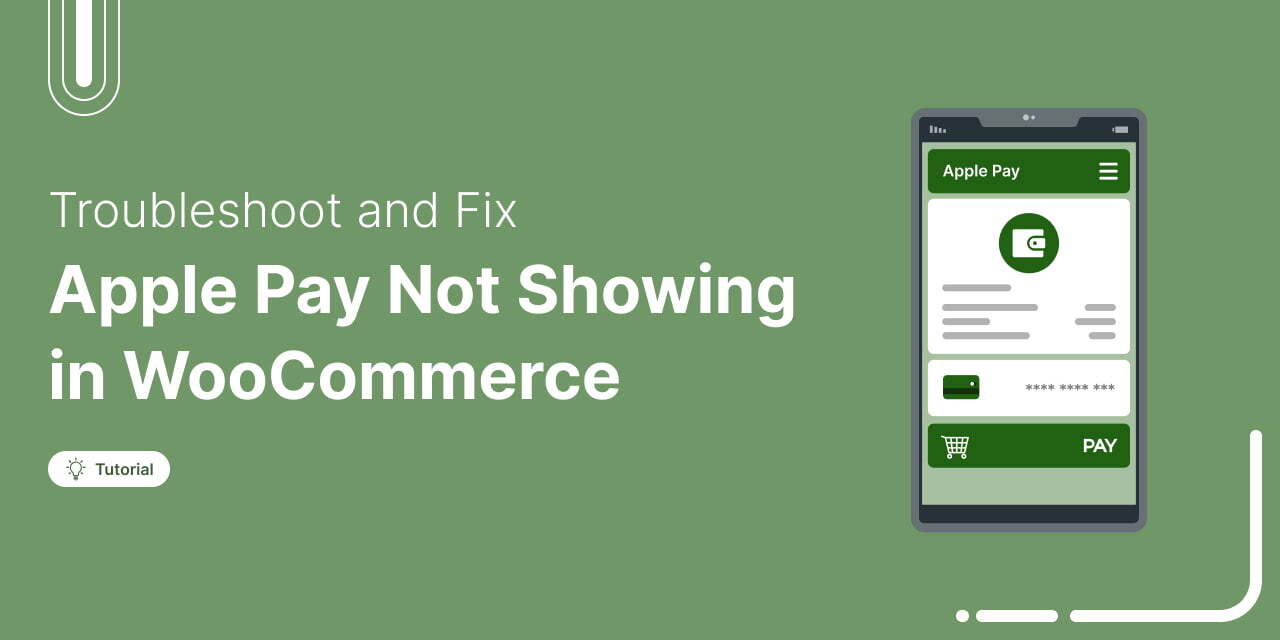
You did everything right by setting up Apple Pay, enabling it in your WooCommerce settings, and even double-checking your Stripe configuration. But at checkout? No Apple Pay button in sight. You’ve cleared the cache, read random articles, and maybe even reinstalled the Stripe gateway plugin. And yet… nothing. Sound familiar? This is a common issue many WooCommerce store owners run into, especially when aiming to offer fast, tap-and-go payments for mobile users. The good news? It's usually a quick fix. Based on our experience in helping dozens of clients, we’ve identified the most common reasons why the Apple Pay button doesn’t show up and how to
- Editorial Team
Are you constantly stressing about running out of your best-selling products and missing out on sales? Setting up and customizing WooCommerce low stock notification emails can really help your online store. These alerts ensure you stay on top of your inventory, so you’ll always know when it’s time to restock. In this article, we'll walk you through how to easily set up these notifications and customize them to fit your needs. Ready to keep your shelves stocked and your customers happy? Let’s dive in! Short on time? Watch the video 👇 What are WooCommerce Low Stock Notification Emails? WooCommerce low stock notification emails are automated alerts
- Editorial Team
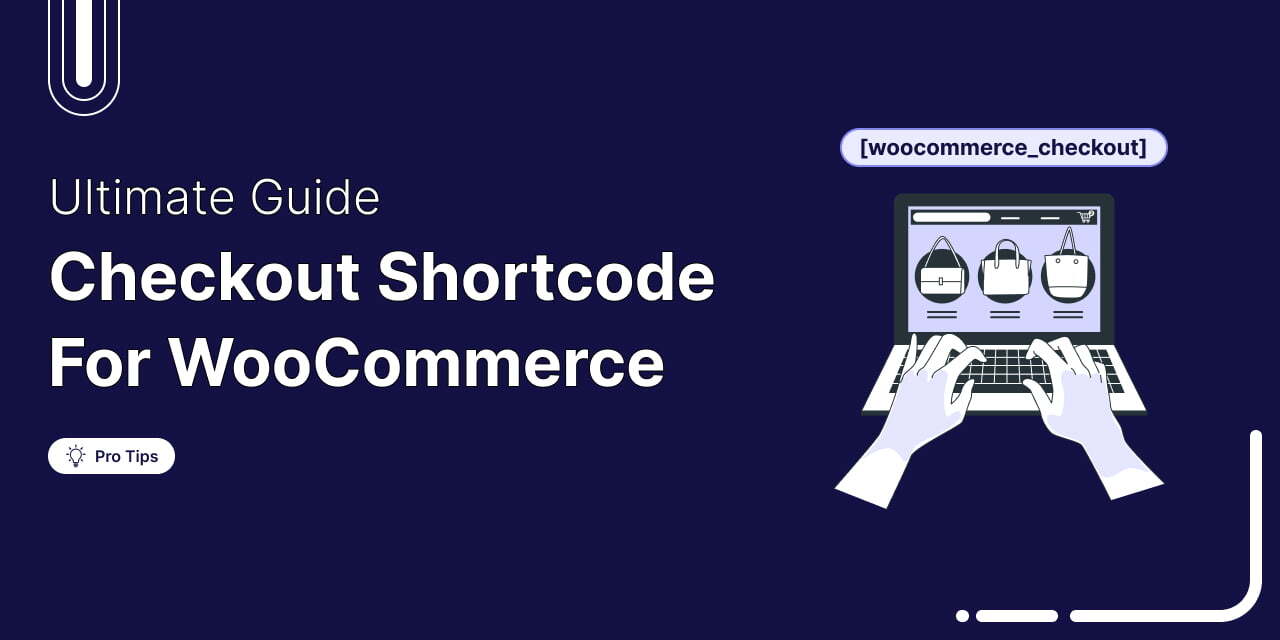
Your checkout page might be silently killing your sales. No error messages, no warnings; just shoppers disappearing before they click the place order button. One of the sneakiest causes? The WooCommerce checkout shortcode isn’t placed or configured correctly. Maybe your page was set up a while ago, and suddenly, there is a conflict or a plugin that messed things up. Either way, a broken checkout can silently crush your conversions. WooCommerce offers many shortcodes to display products, carts, customer accounts, etc. But the most critical of them all is the [woocommerce_checkout] shortcode. This single line of code powers the entire checkout process. Even the slightest miscommunication
- Editorial Team
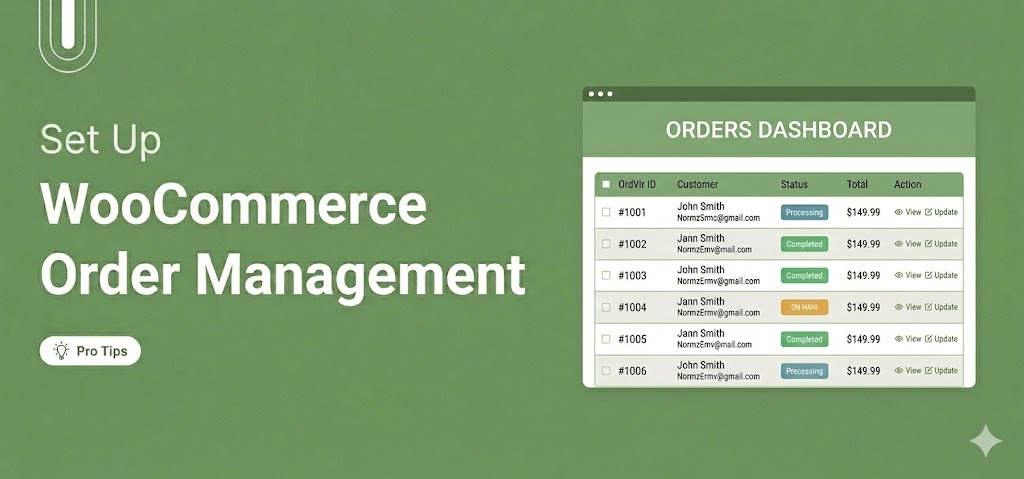
WooCommerce order management is the process of tracking, processing, and fulfilling customer orders from the moment a purchase is placed until it reaches the customer. It includes monitoring order statuses, communicating updates to customers, processing refunds, and managing bulk actions within your order list. Out of the box, WooCommerce provides a built-in order management system that works well for small to medium-sized stores. In this guide, we’ll explain how the default system works and how to manage orders more efficiently. In addition, we will share how to extend its capabilities with the right plugins so you can build a streamlined workflow that scales with your store’s
- Editorial Team
WooCommerce tags are labels you assign to products so shoppers can find related items across your store. They work similarly to social media hashtags. Tag a product with "eco-friendly" or "summer-sale". Suddenly, it starts showing up right next to other items with that exact same tag, even if those items live in totally different categories on the opposite side of your store's navigation menu. The problem is that most WooCommerce store owners either skip tags altogether or mix them up with categories and attributes. As a result, there will be a messy catalog after six months, making it take 10 clicks to find anything instead of
- Editorial Team
Ever had a customer ask, “Where’s my order?” even after you sent an email update? The reality is simple: emails often go unread, but text messages are seen within minutes. With a 98% open rate, SMS notifications instantly inform customers when their order is confirmed, shipped, or delivered. For WooCommerce stores, timely updates are essential. Without real-time communication, customers may assume something went wrongor even cancel their order. Store owners also need instant alerts to make sure no order is missed. SMS notifications solve this by delivering fast, direct updates to both you and your customers, reducing confusion and support requests. In this guide, we’ll show
- Editorial Team
Subscribe For Latest Updates
Get free tips, tricks, and resources to grow your mailing list.
Make More From Every Sale
FunnelKit works at the three moments a store earns money: before checkout, at checkout and after the order.
★★★★★
4.9/5 from 1,016+ reviews on WordPress.org
One order.
Three chances to earn more.
$100$120$140$150
Cart value+$20 before checkout+$20 at checkout+$10 after checkout+$50 · 50% more
$100+$20+$20+$10=$150
$100
$100
$100
+$20
$120
$100
+$20
+$20
$140
$100
+$20
+$20
+$10
$150
Cart ValueStarting Point
Bundles & Cart UpsellsBefore Checkout
Order Bumps & UpsellsAt Checkout
Recovery & Follow UpsAfter Checkout
Same traffic, same shopper, more revenue.