Maximize Your Profit with FunnelKit – Highest Rated with 1,013+ 5-Star ReviewsBFCM deal live

FunnelKit Blog

New launchSpotlight
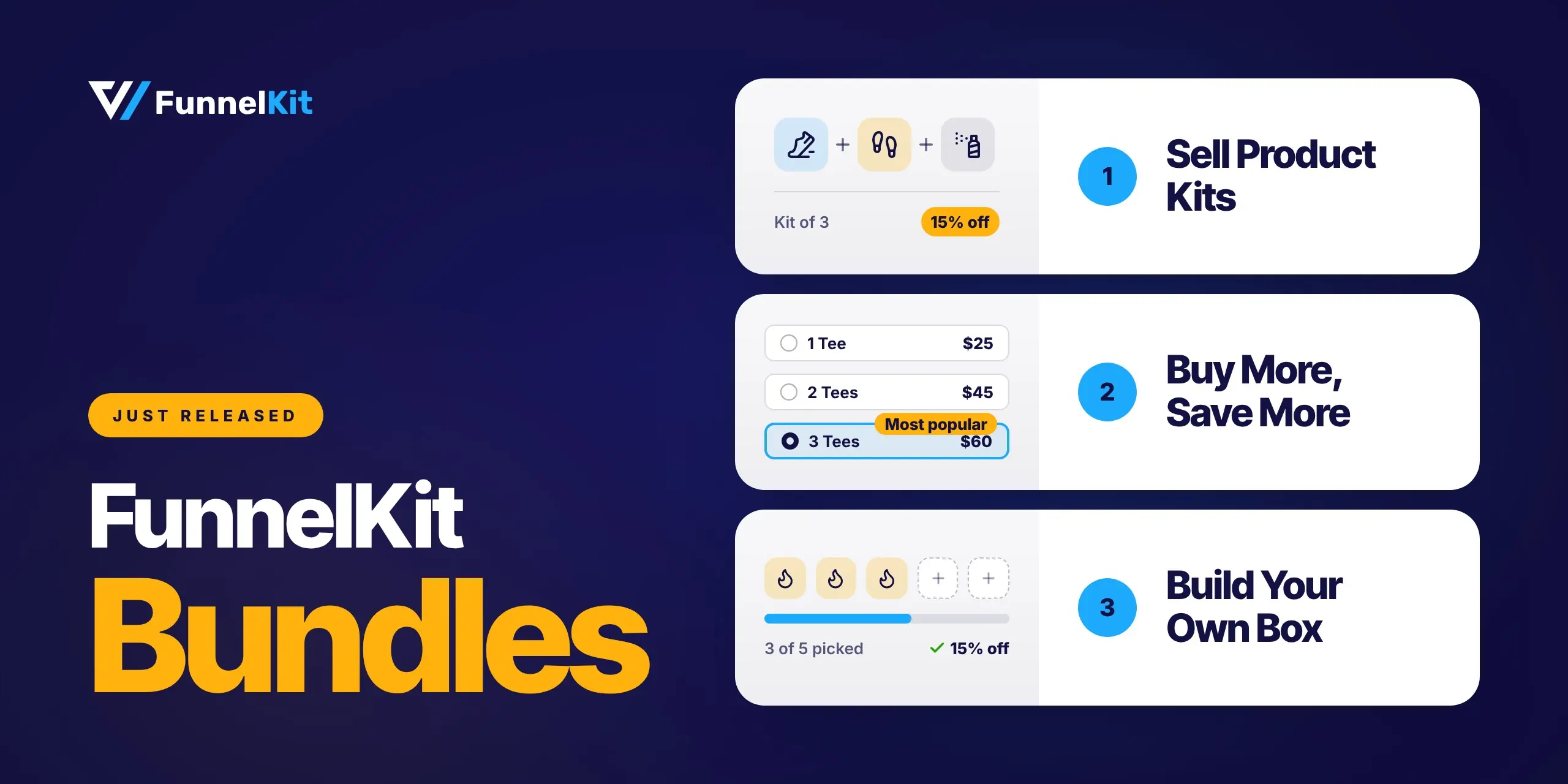
funnelkit bundles

FunnelKit Bundles Is Here: Four Bundle Types That Grow Every Order

FunnelKit Bundles is here! You can now create and sell product bundles directly from Funnel Builder.  Choose from four bundle types, two of which are completely free. Whether you want to sell product kits, offer discounts on bulk purchases, or let customers put together their own boxes, you can do it all from the same dashboard you use for checkout pages, order bumps, and one-click upsells. You don't need to install another plugin or manage a separate set of discount rules. Let's say a shopper adds a $25 T-shirt to their cart. That’s a $25 order. Now imagine showing them an offer to get three T-shirts
Read the announcement →

Recent Blogs

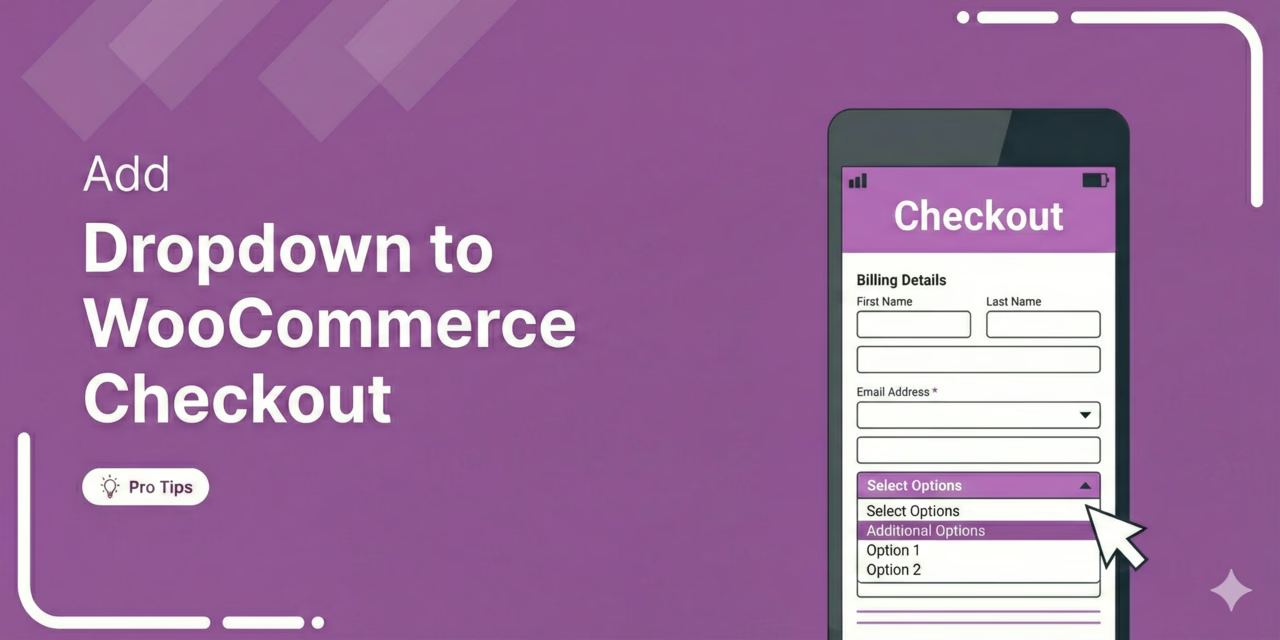
Phone billing form with a Select Options dropdown listing Option 1 and Option 2, for the WooCommerce checkout dropdown guide

How to Add a Dropdown Field to WooCommerce Checkout (Step-by-Step)

Adding a dropdown list to WooCommerce checkout lets you collect structured information from customers instead of relying on messy order notes.  Whether you need delivery preferences, gift options, or marketing attribution data, custom dropdown fields give you clean, actionable data that integrates directly with your fulfillment workflow. The default WooCommerce checkout includes dropdowns for Country and State, but does not provide a built-in way to add custom select fields without plugins or code. In this guide, we will show you two methods for adding dropdown fields to your WooCommerce checkout: one without code and one using custom PHP.  We’ll also cover practical use cases to help
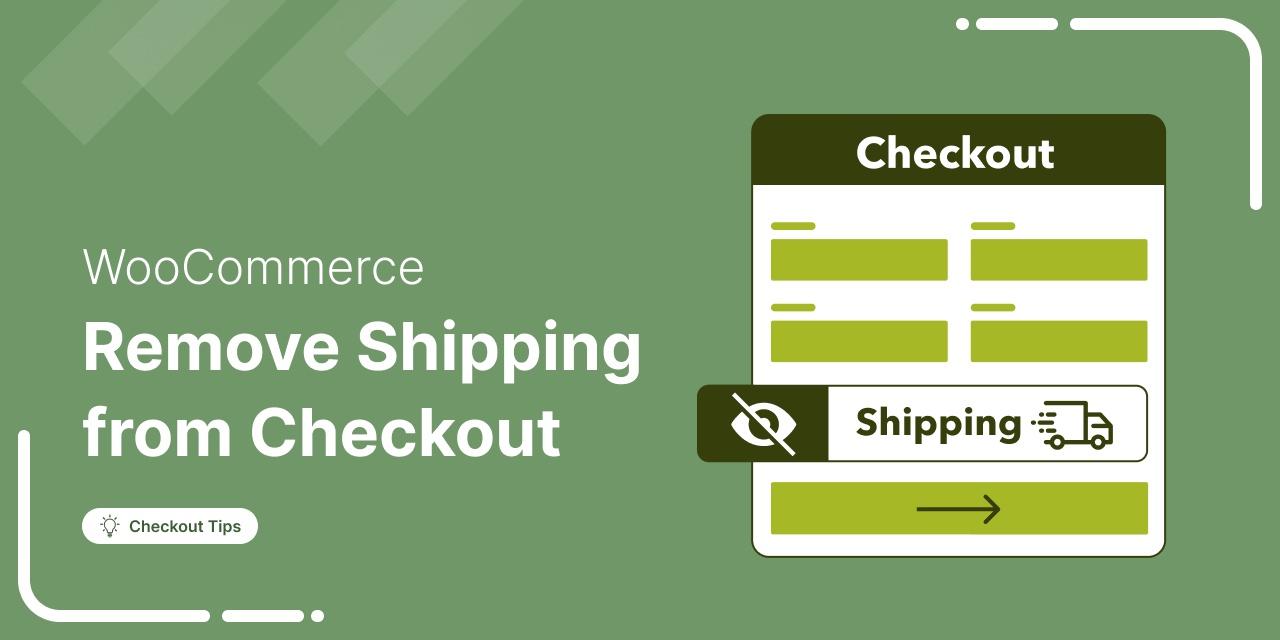
Illustration of a checkout form with the Shipping row hidden behind a crossed-out eye icon, for the remove shipping guide

How to Remove Shipping from WooCommerce Checkout

Removing shipping from WooCommerce checkout eliminates unnecessary fields and extra steps for stores that do not ship physical products. Whether you sell digital downloads, offer local pickup only, or have a custom fulfillment workflow, hiding shipping options streamlines checkout and removes friction from the purchase process. The default WooCommerce checkout page displays shipping address fields and shipping method selection for all products. Even if you have disabled shipping zones or offer only virtual products in your store, these fields can still appear and confuse customers. In this guide, we'll show you two methods to remove shipping from your checkout: one method is code-free and the other
The Ultimate Guide to WooCommerce Status Guide

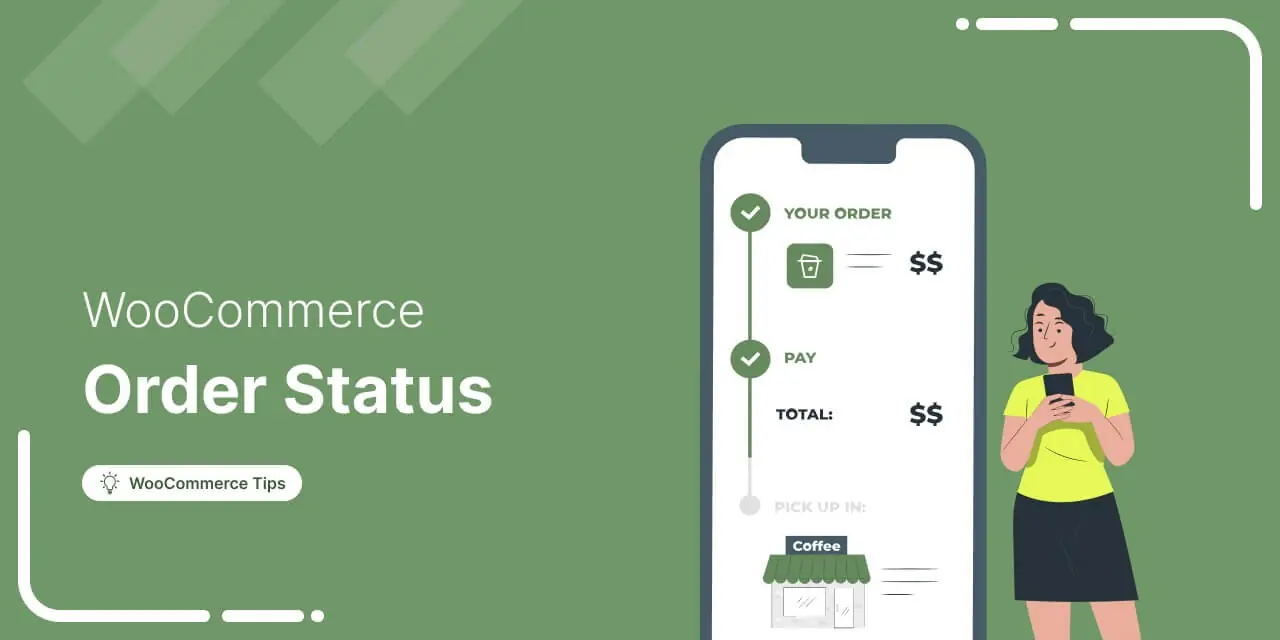
WooCommerce Order Status: The Complete 2026 Guide to Managing Orders Like a Pro

Imagine a customer makes a purchase, but instead of the order smoothly processing through your system, it gets stuck in “Pending Payment” or “On Hold” indefinitely. You’re checking your settings and refreshing your dashboard constantly, but nothing changes. Meanwhile, your customer is waiting and getting impatient. WooCommerce order status provides crucial information about the progress of an order from the time it gets placed to when it’s delivered. When configured correctly, they automate workflows, trigger customer notifications, and provide instant visibility into your business operations. But when statuses don’t update correctly, it creates confusion, delays shipments, and even results in lost revenue. Payment processing status issues,
funnelkit automations 3.7.0

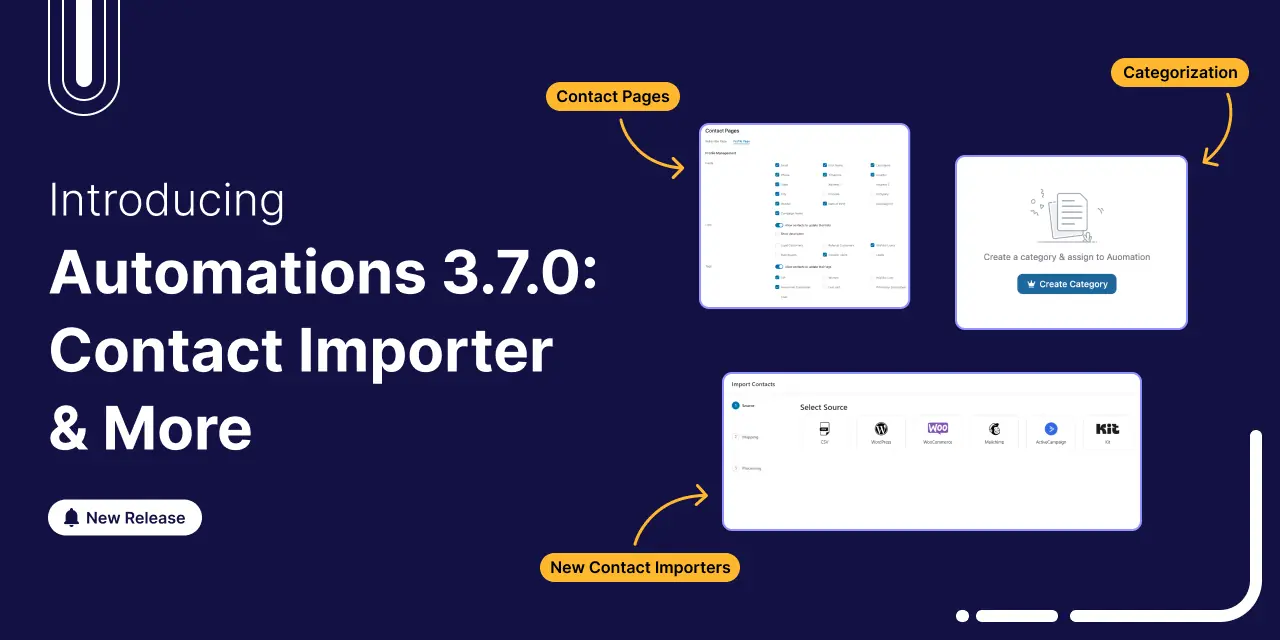
Introducing FunnelKit Automations 3.7.0: Enhanced Contact Importer, Conditional Emails, Categories & More

FunnelKit Automations 3.7.0 is here! 🎉 And it brings meaningful improvements that make building and managing your marketing automation easier than ever. This release is all about giving you more control, cutting down setup time, and helping you stay organized as your workflows grow. Here’s a quick look at what’s new in version 3.7.0: Redesigned contact pages with built-in brand styling Faster, more streamlined imports from popular platforms Advanced categorization tools to keep your automations tidy and easy to manage Conditional content in WooCommerce transactional emails for smarter personalization Together, these updates simplify everyday tasks and create a smoother automation experience, whether you’re setting up new
How to Customize WooCommerce Order Summary in Your Store (Step-by-Step Guide)

How to Customize WooCommerce Order Summary in Your Store (Step-by-Step Guide)

Ever clicked the checkout button and suddenly felt unsure? Did I add the right items? Am I being overcharged? The same uncertainty is costing you sales. Shoppers expect full transparency at checkout. If they cannot see a detailed breakdown of their order products, pricing, discounts, and shipping, they hesitate. And hesitation leads to lost revenue. A well-structured WooCommerce order summary can boost trust and increase conversions effortlessly. By customizing the order summary section, you can enhance the user experience, provide additional information, and even match the design with your brand. In this guide, we’ll share why it’s important to customize the WooCommerce order summary and how
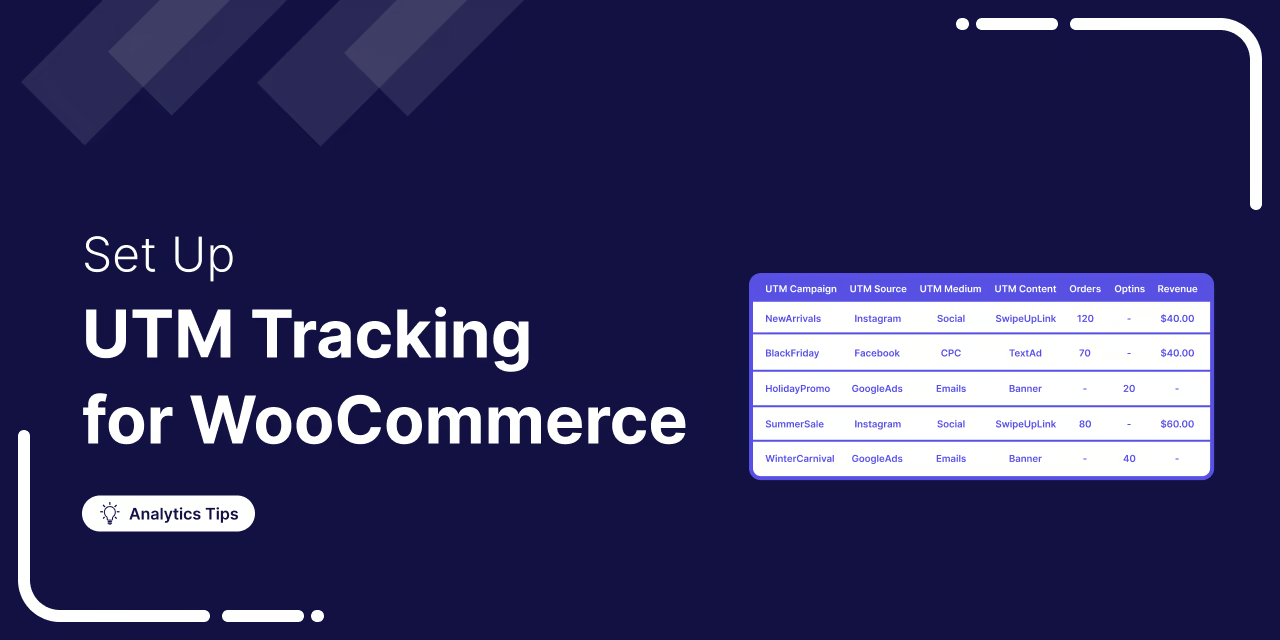
How to Set Up WooCommerce UTM Tracking to Maximize Your Marketing Impact

How to Set Up WooCommerce UTM Tracking to Maximize Your Marketing Impact

It’s frustrating to spend money on ads and promotions without knowing which ones actually drive conversions. Was it Facebook ads? Google ads? An email campaign? If you don’t know for sure, you can’t decide where to focus your efforts and money to get more sales.  With UTM tracking, you can eliminate the guesswork and find out not only which marketing channel got you a sale but also which links or CTA customers clicked to initiate the order.  Setting up UTM campaigns and tracking is easier than you think and requires no coding. Plus, you can manage everything directly from your WordPress dashboard without jumping between different
How to Optimize Your WooCommerce Order Pay Page for Better Conversions

How to Optimize WooCommerce Order Pay Page for Better Conversions [Free & No-Code Method]

Not every online order follows the standard checkout process. Sometimes, a customer may request a custom order, need an invoice to finalize payment, or simply want to retry a failed transaction. Forcing them to add items to the cart and go through checkout again creates unnecessary friction, leading to a poor customer experience and potential lost sales. That’s where the WooCommerce order-pay page comes to the rescue. It provides a direct payment link, allowing customers to complete their orders effortlessly. In this blog, we’ll walk you through everything you need to know about the Order Pay Page in WooCommerce, including how to create and share the
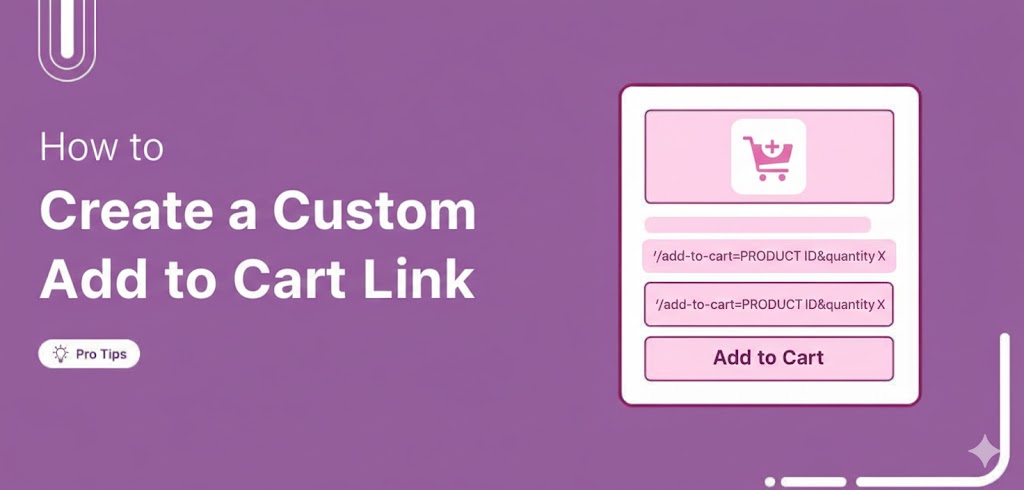
Illustration for a post on creating a custom add to cart link in WooCommerce

How to Create a Custom Add to Cart Link in WooCommerce

Did you know your customers could add products to their cart with just one click? Yes, it’s possible! With a custom WooCommerce add-to-cart link, you can let customers instantly add products or bundles to their cart, simplifying their shopping experience. This powerful tool promotes exclusive deals, boosts impulse buys, and drives sales through social media or email campaigns.  Yet, many WooCommerce store owners miss out because they find creating these links challenging. This blog will show you how to create custom add-to-cart links for your WooCommerce store effortlessly.  It’s time to make shopping easier for your customers and supercharge your conversions! Let’s begin. Short on time?
Best WooCommerce Currency Switcher Plugins Boost Conversions

8 Best WooCommerce Currency Switcher Plugins In 2026 (Expert’s Pick)

Selling internationally with WooCommerce can unlock huge growth opportunities, but managing multi-currency functionality is essential for a seamless customer experience. One question I hear all the time from store owners is: “How do I show the right price if I’m selling both in the U.S. and abroad?” That’s where WooCommerce currency switcher plugins come in. A currency switcher plugin is a WooCommerce extension that automatically detects a shopper’s location and displays prices in their local currency, eliminating the need to recalculate prices in their preferred currency. The result? A smoother checkout experience and a competitive edge in global markets. To save you hours of research, I’ve

Subscribe For Latest Updates

Get free tips, tricks, and resources to grow your mailing list.

Make More From Every Sale

FunnelKit works at the three moments a store earns money: before checkout, at checkout and after the order.

Before checkout: cart upsells and free-shipping goals in a sliding cart
At checkout: a faster checkout with order bumps and one-click upsells
After checkout: abandoned-cart recovery and follow-ups that bring buyers back
Start Selling More Today →
★★★★★ 4.9/5 from 1,013+ reviews on WordPress.org