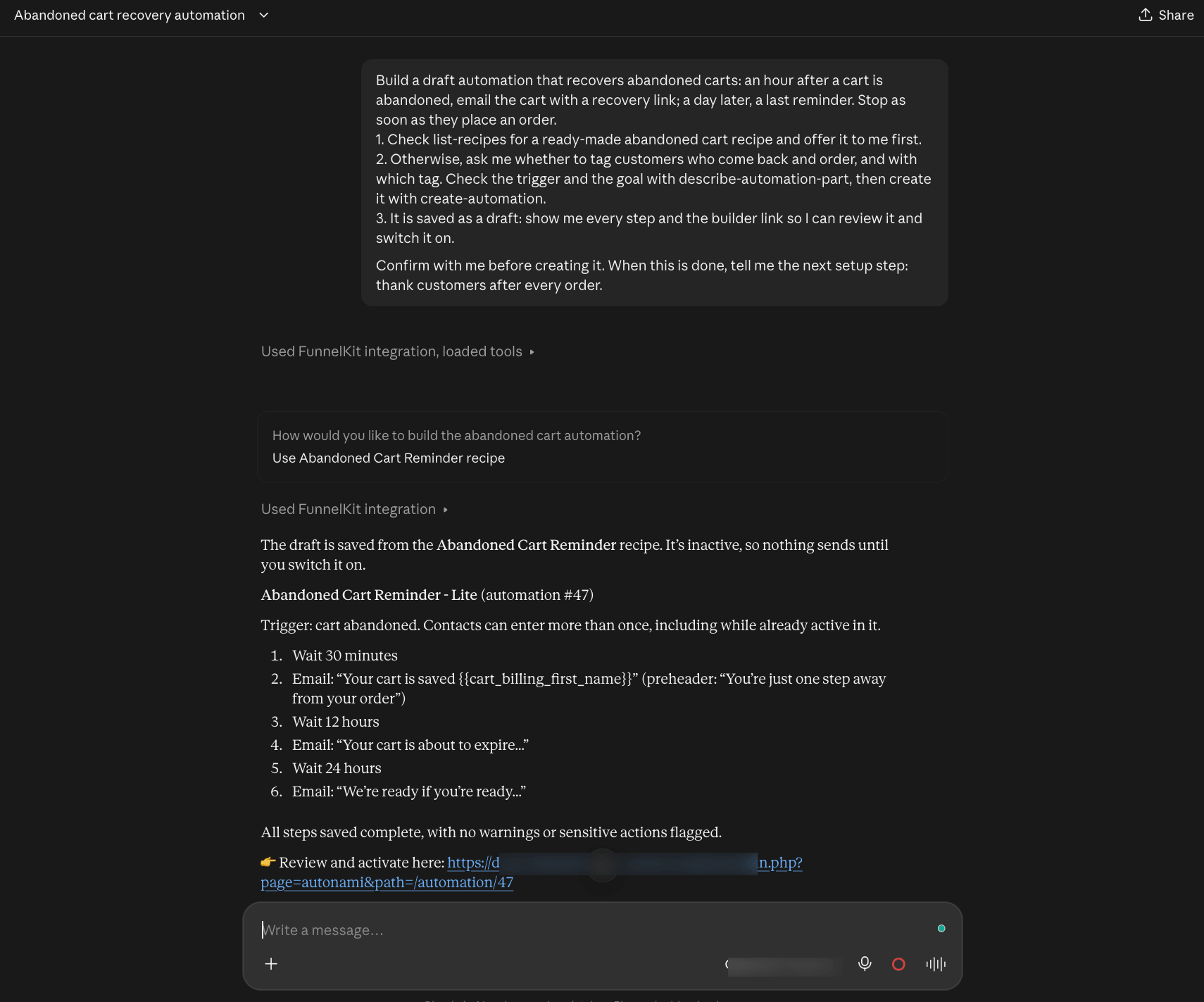
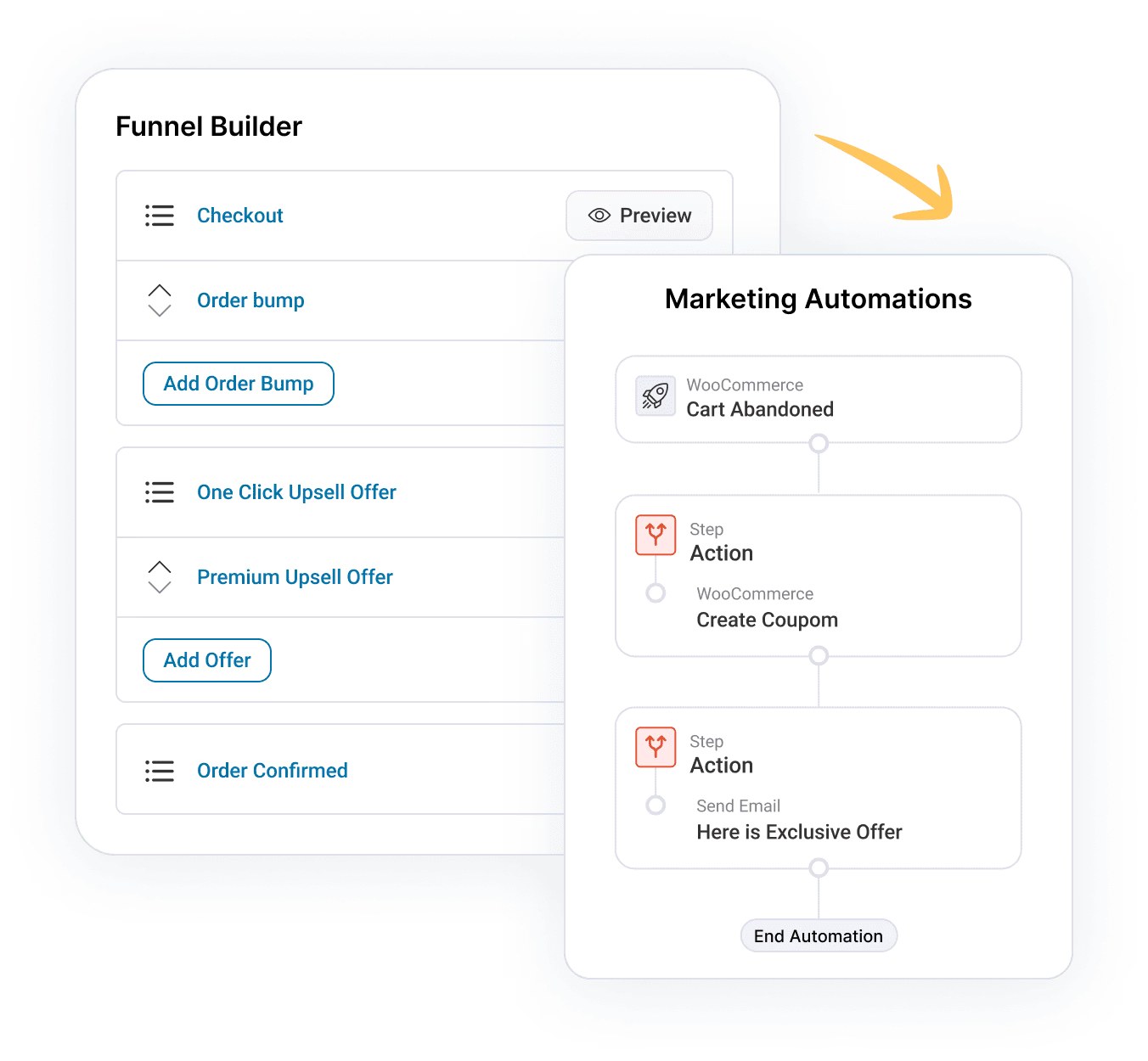
You can connect FunnelKit to your AI client from the AI & MCP page in FunnelKit. You only need to connect once. The same connection works for Funnel Builder, FunnelKit Automations, and new FunnelKit products.
Step 1: Open the AI & MCP Page
In your WordPress dashboard, go to FunnelKit → AI & MCP. You can also click AI & MCP in the FunnelKit top menu.
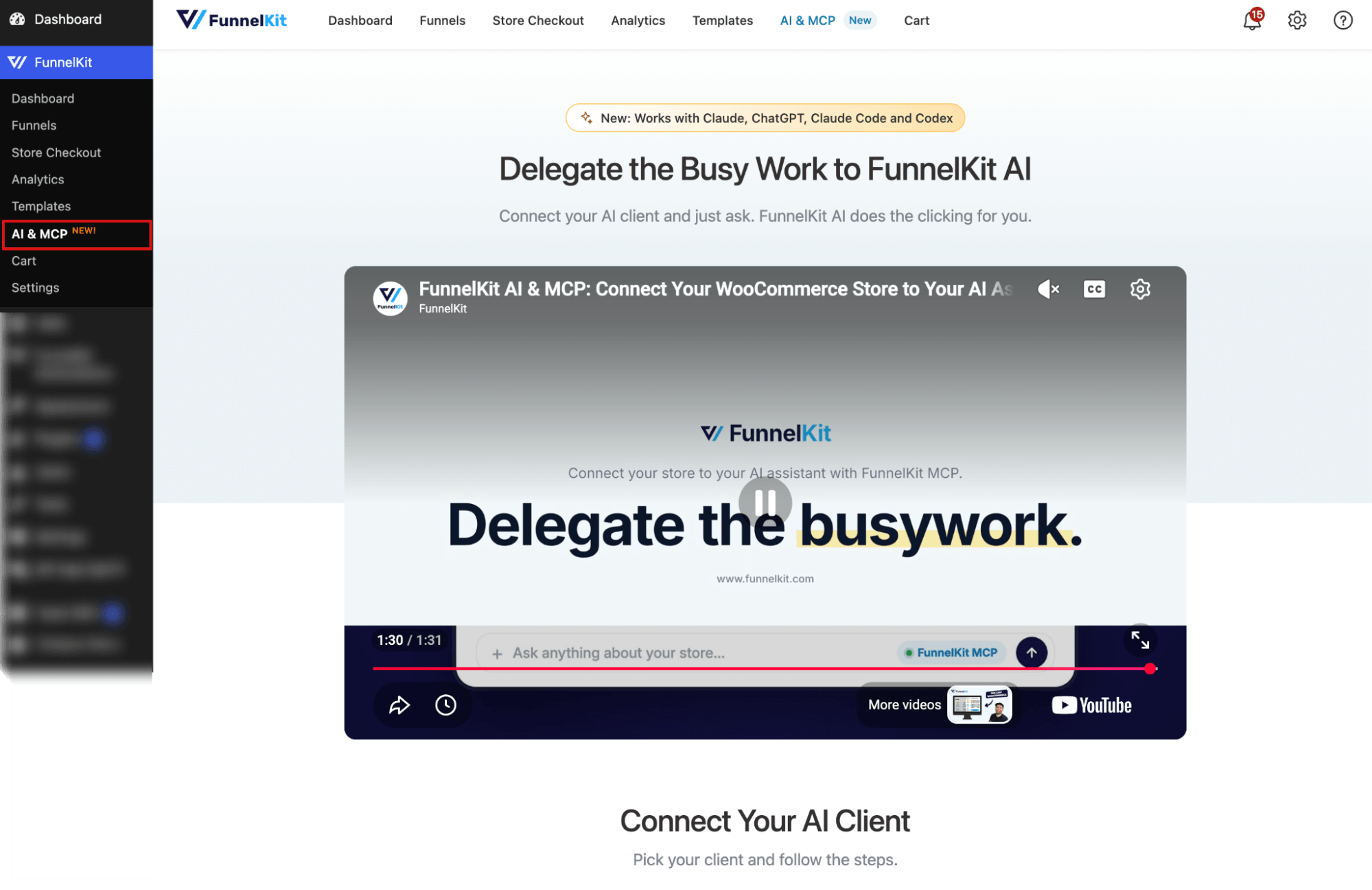

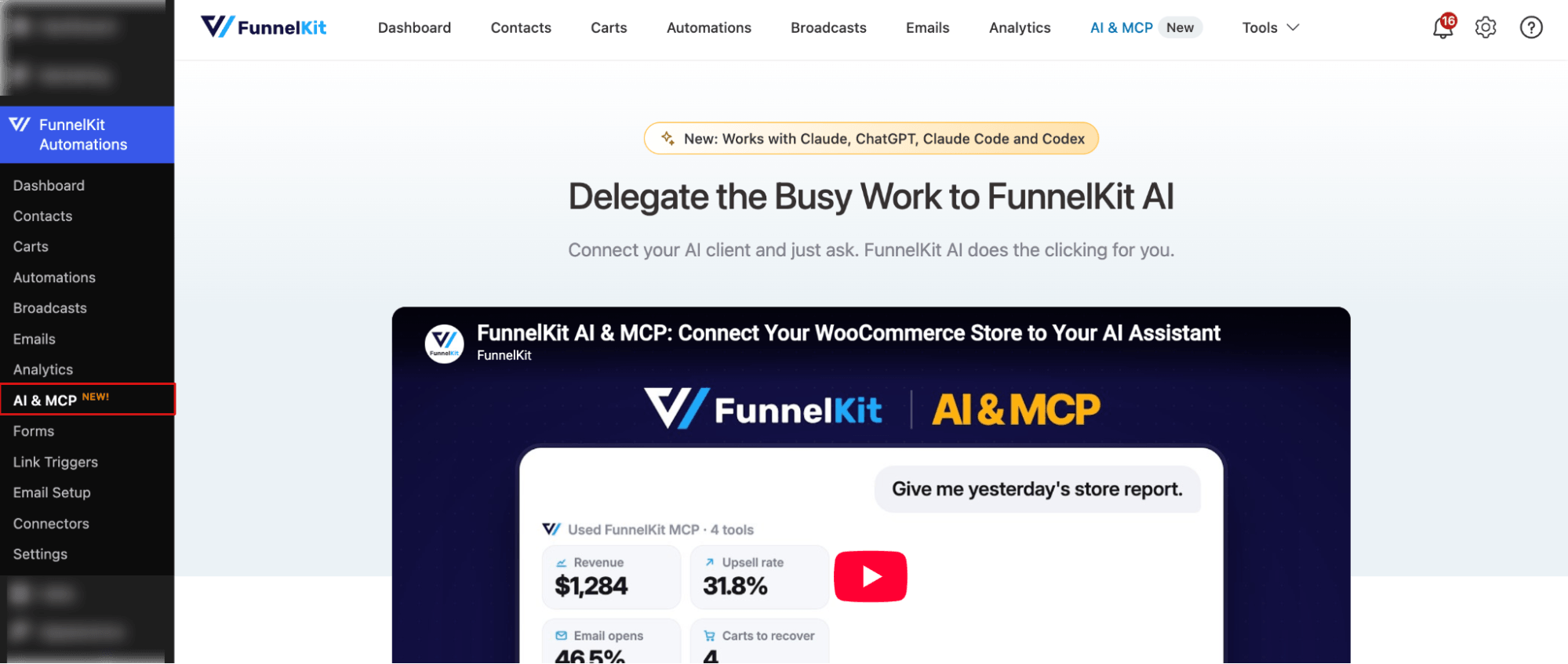
The page opens with a short video that shows how FunnelKit AI works, followed by the setup steps for each AI client.
Step 2: Pick Your AI Client
Scroll down to Connect Your AI Client and pick the client you use. You can choose from Claude, ChatGPT, Claude Code, Codex, Cursor, and VS Code.
For example, here, we are going with Claude.
First, copy the server URL.
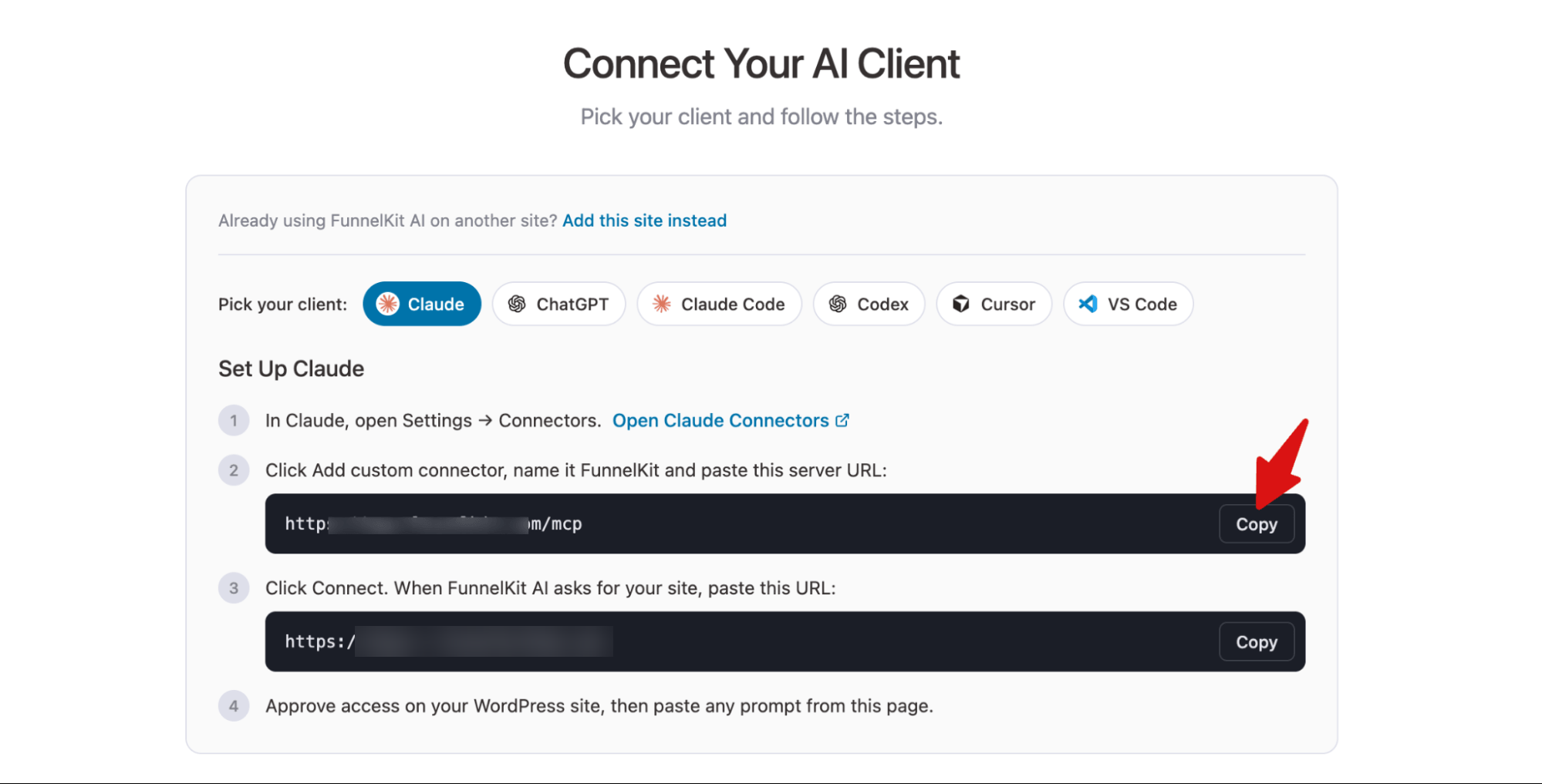
The setup steps change based on the client you pick, so follow the steps shown for your client.
Step 3: Connect Your AI Client
For example, here's how to connect FunnelKit MCP to Claude:
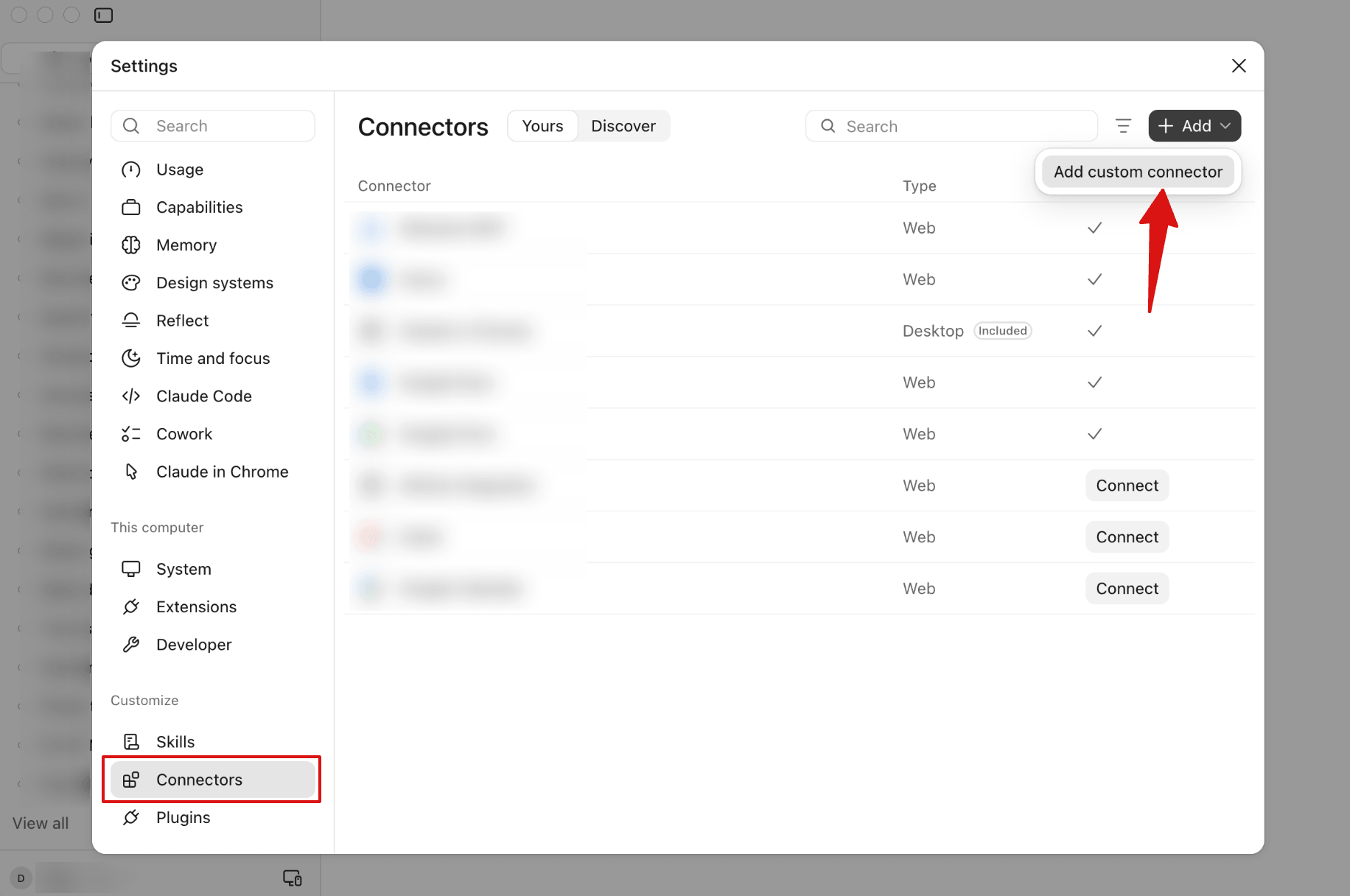
In Claude, open Settings → Connectors. You can also click Open Claude Connectors on the AI & MCP page to go there directly.
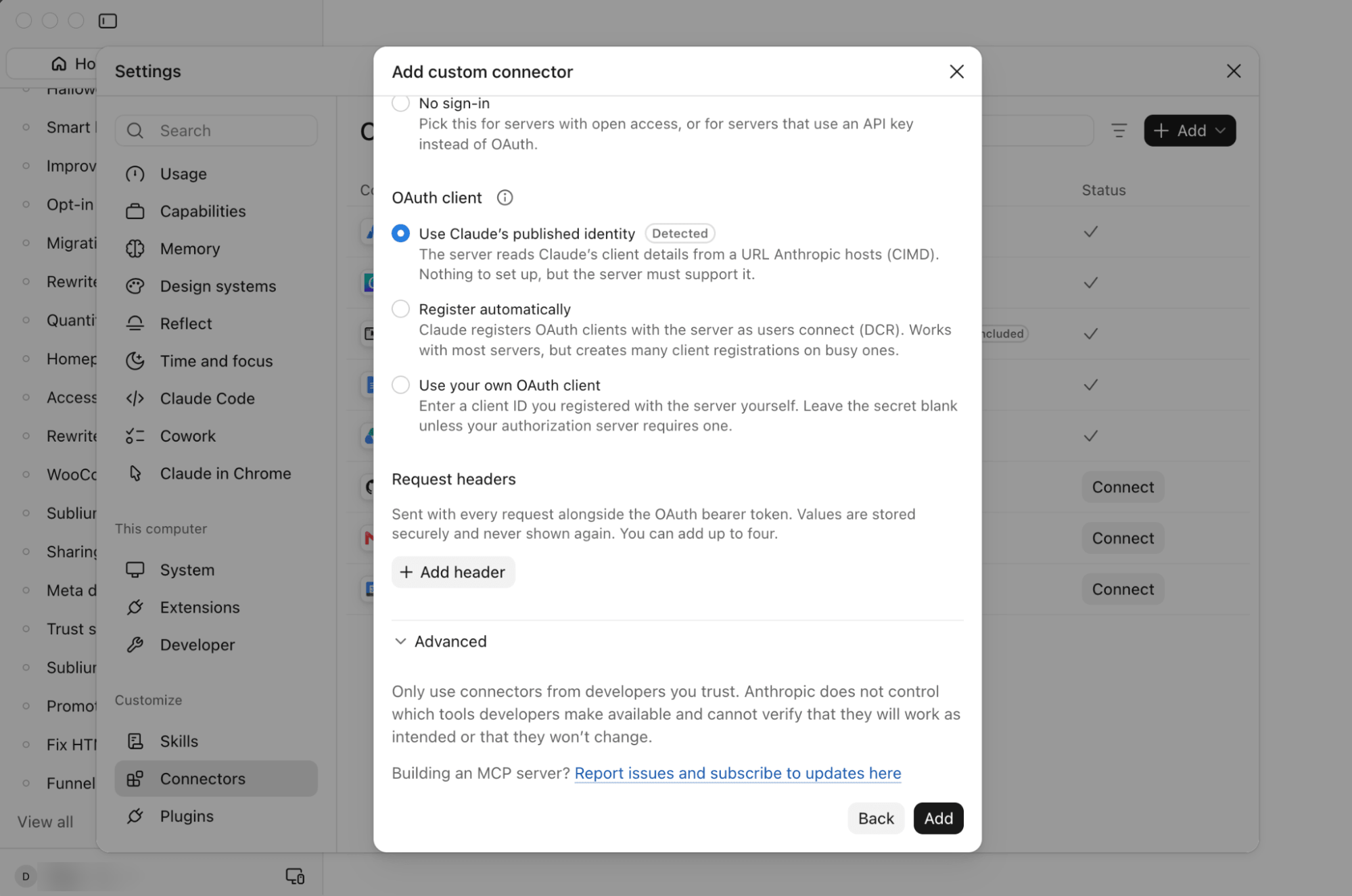
Click Add, then Add custom connector.
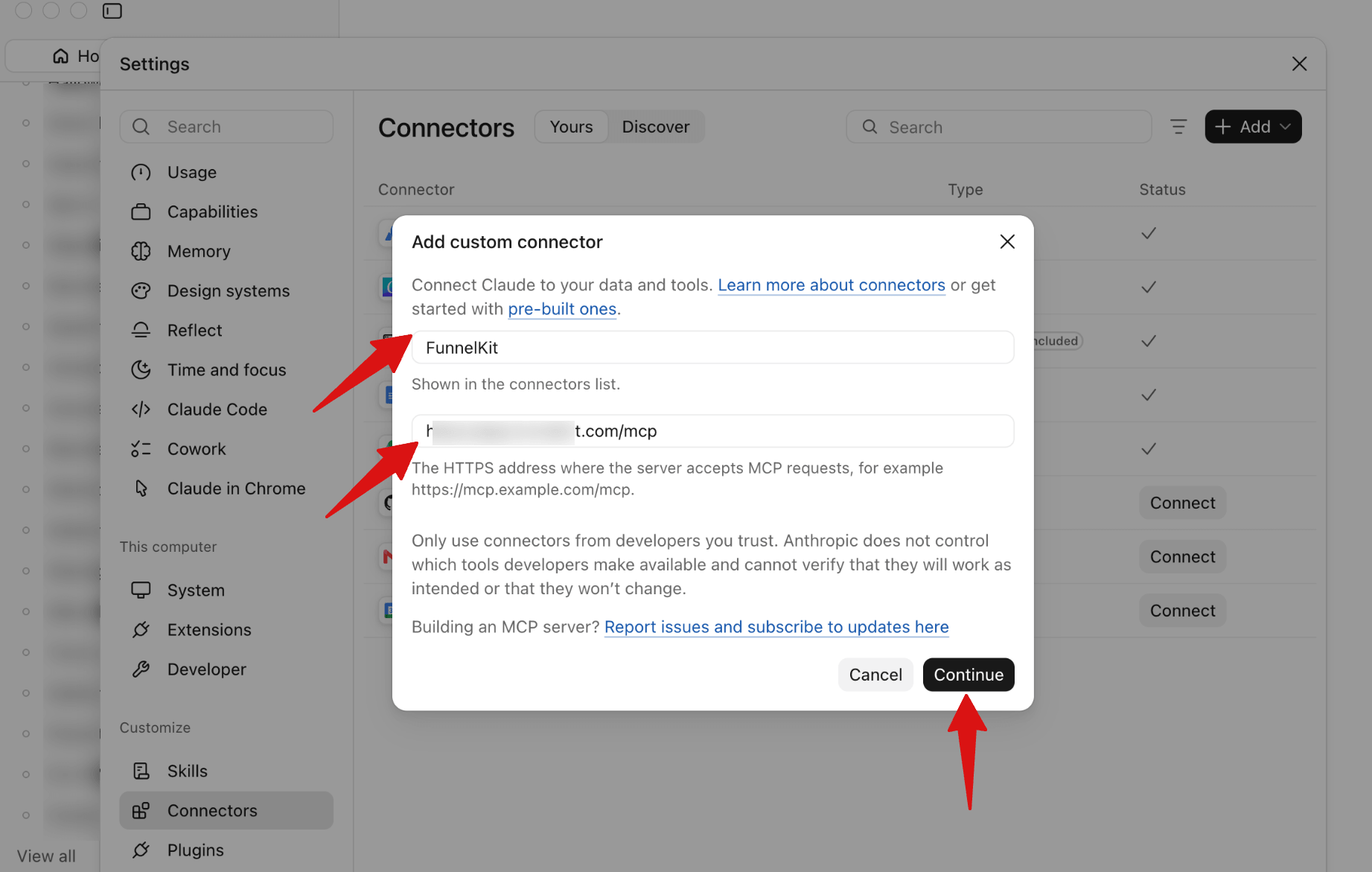
Next, name it FunnelKit and paste this server URL: https://app.funnelkit.com/mcp
Click Continue.
Under Authentication, keep Sign in now selected.
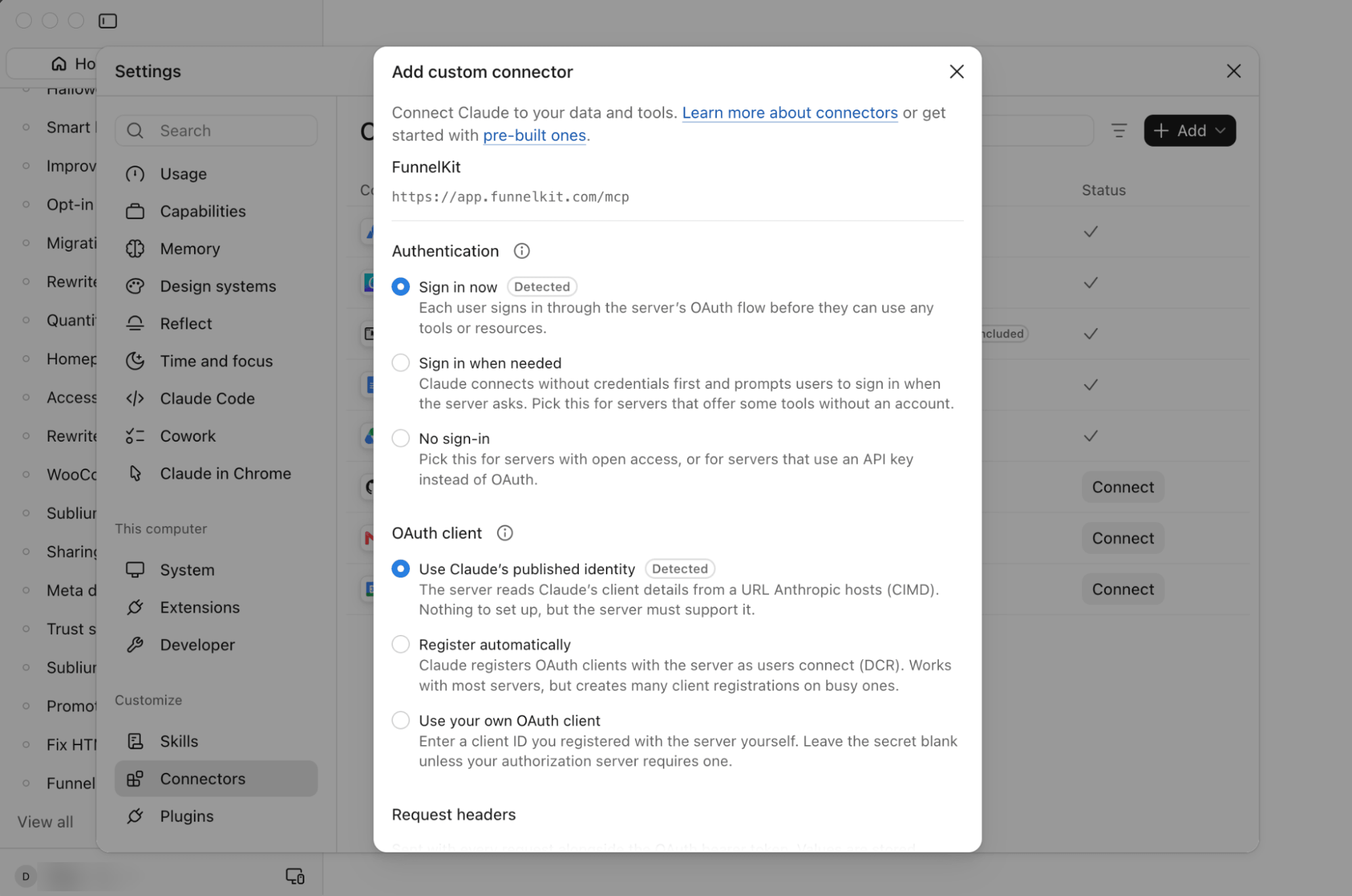
Scroll down and click Add.
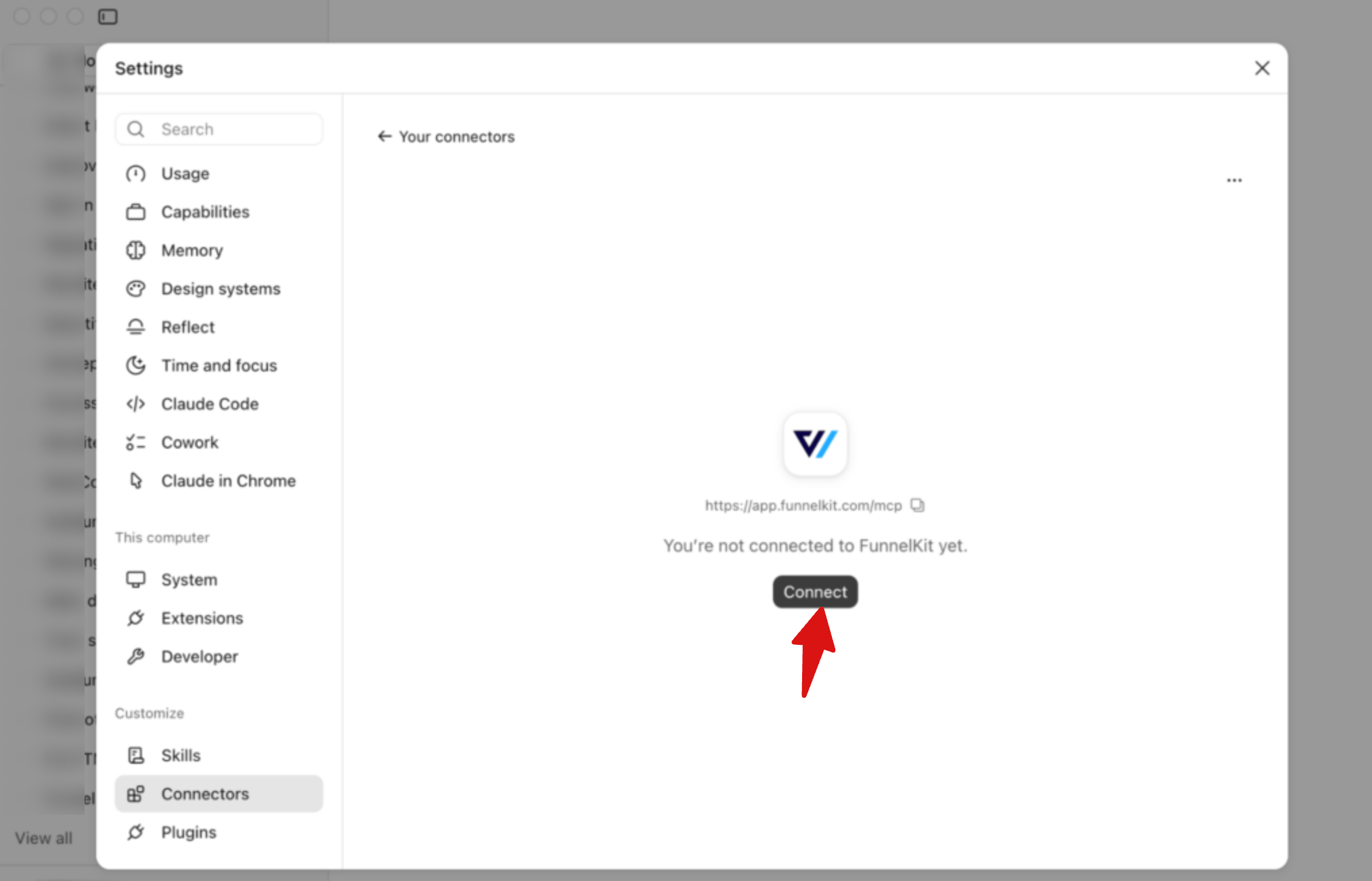
Next, click Connect.
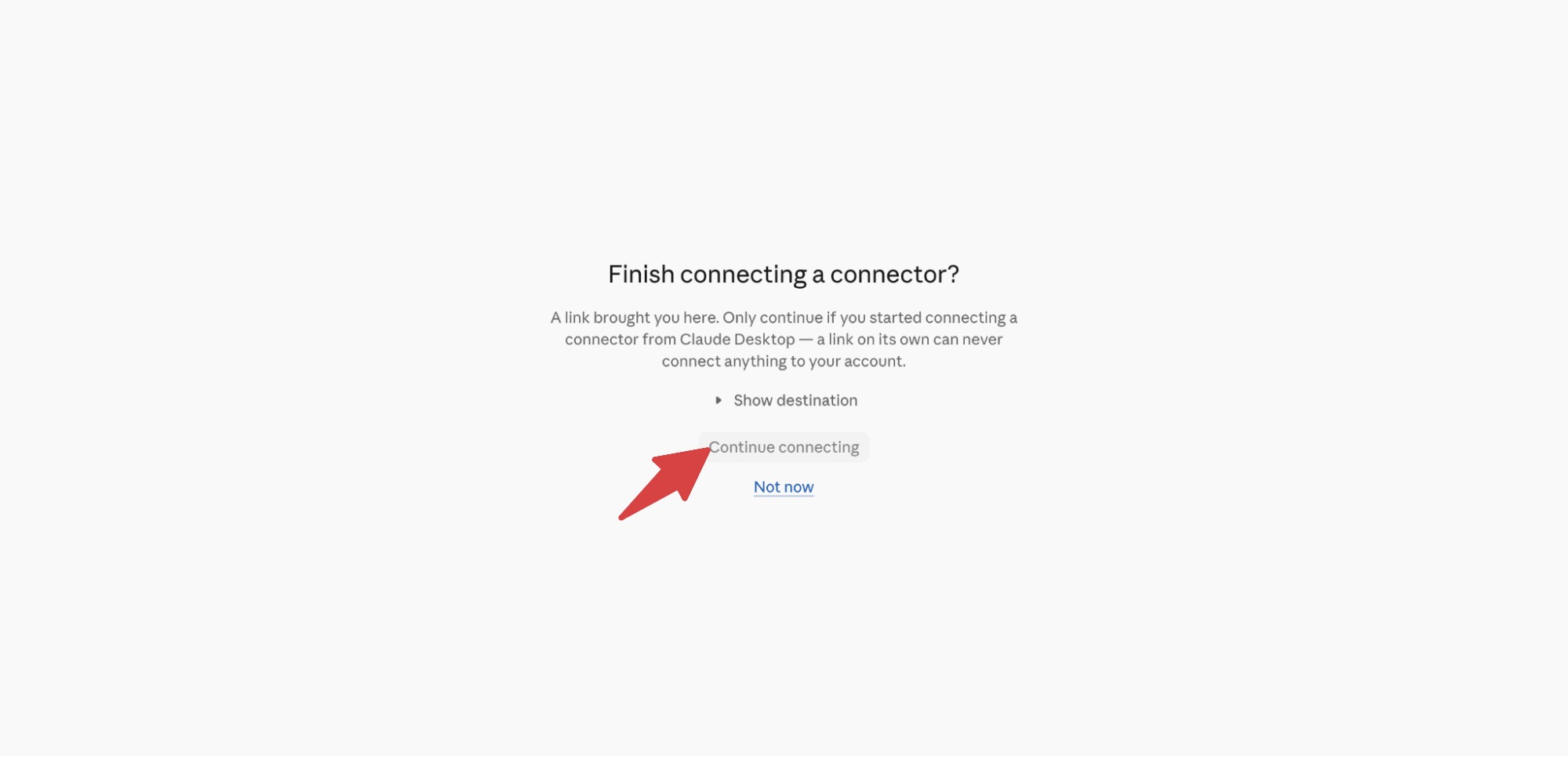
Step 4: Connect MCP to Your WooCommerce Store
To connect your WooCommerce store, click Continue connecting.
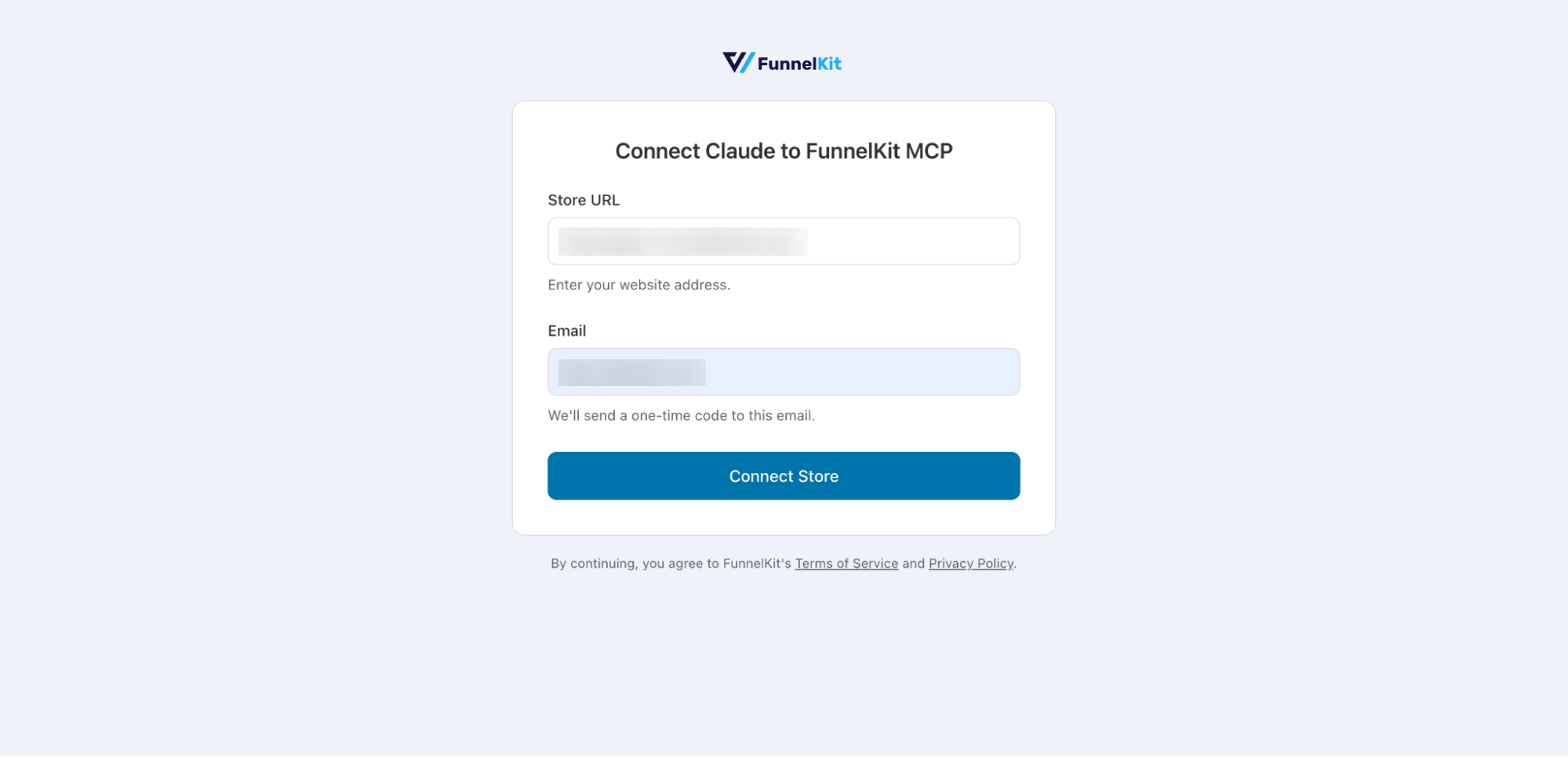
Then enter your store URL and email address, and click Connect Store.
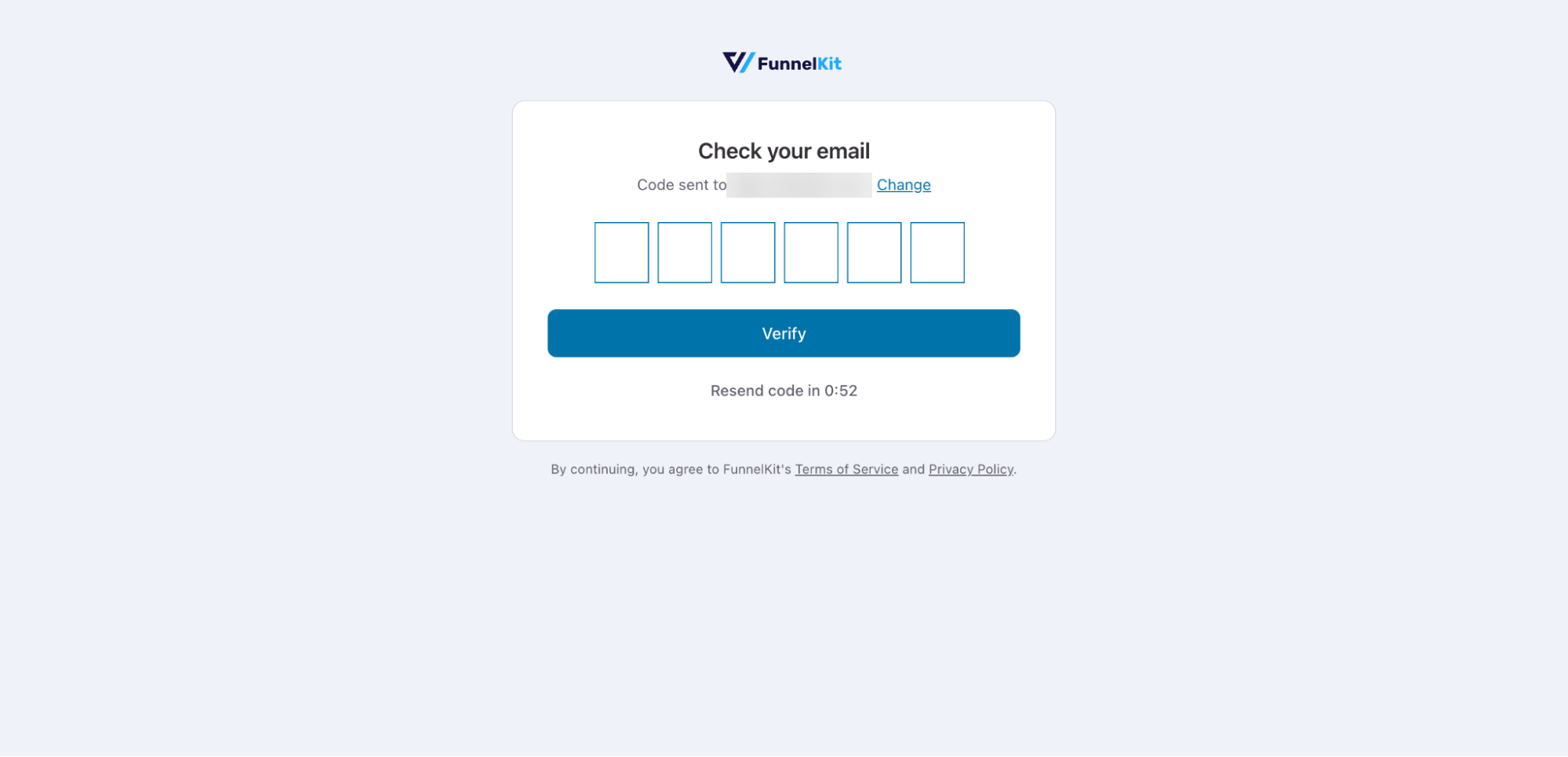
Next, enter the one-time code sent to your email and click Verify.
Click Allow to let FunnelKit invoke WordPress abilities and make changes on behalf of your AI agent.
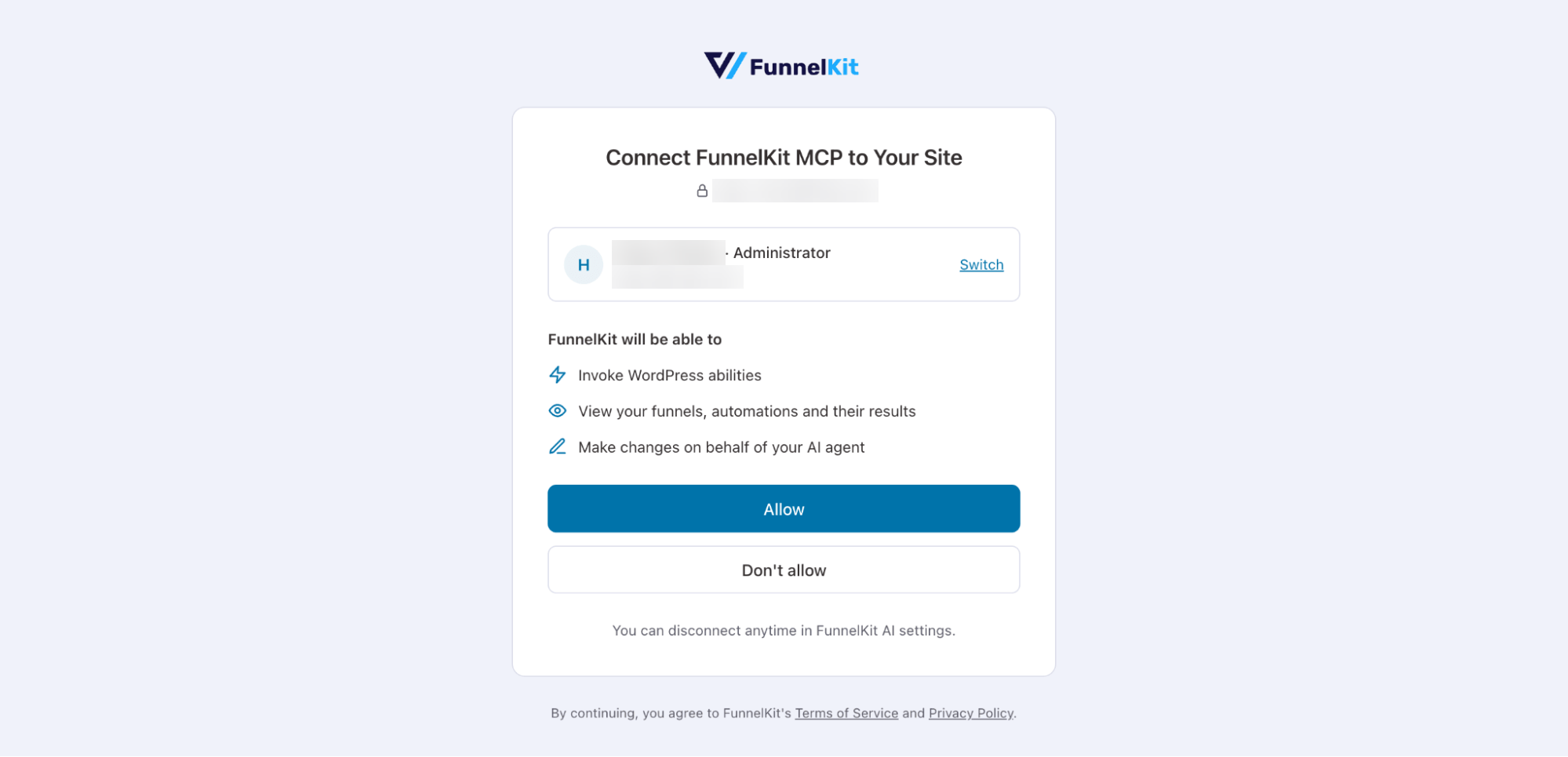
FunnelKit AI will connect your store with your client once you approve the connection in the final step.
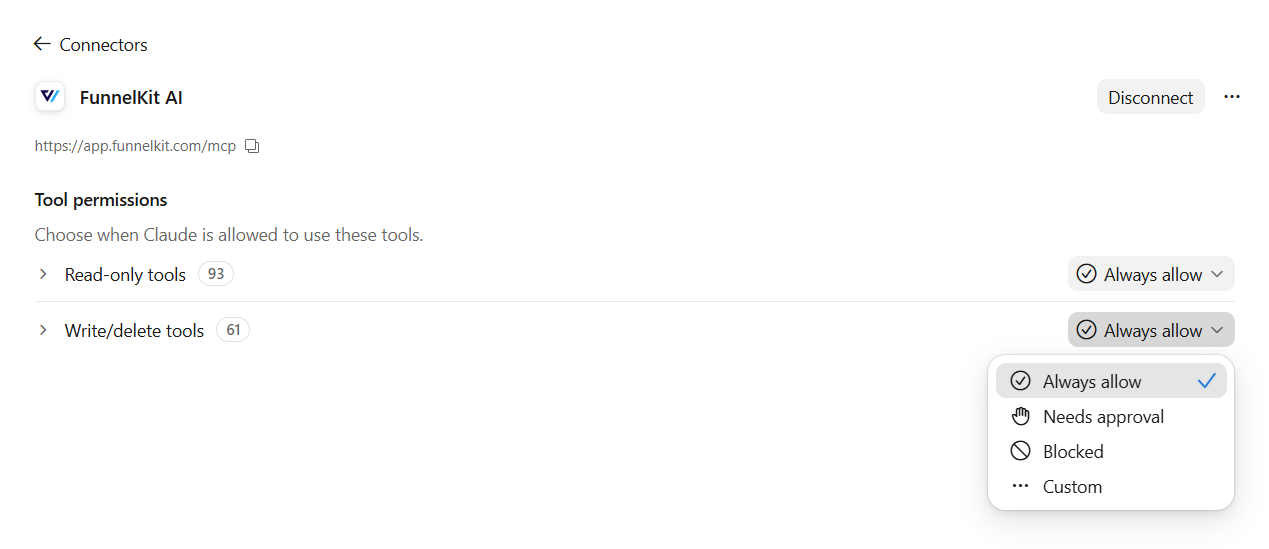
In Claude, you'll be asked how to use these tools.
Return to the AI & MCP tab to see the available read and write abilities.
Turn off any abilities you don't want this connection to use.
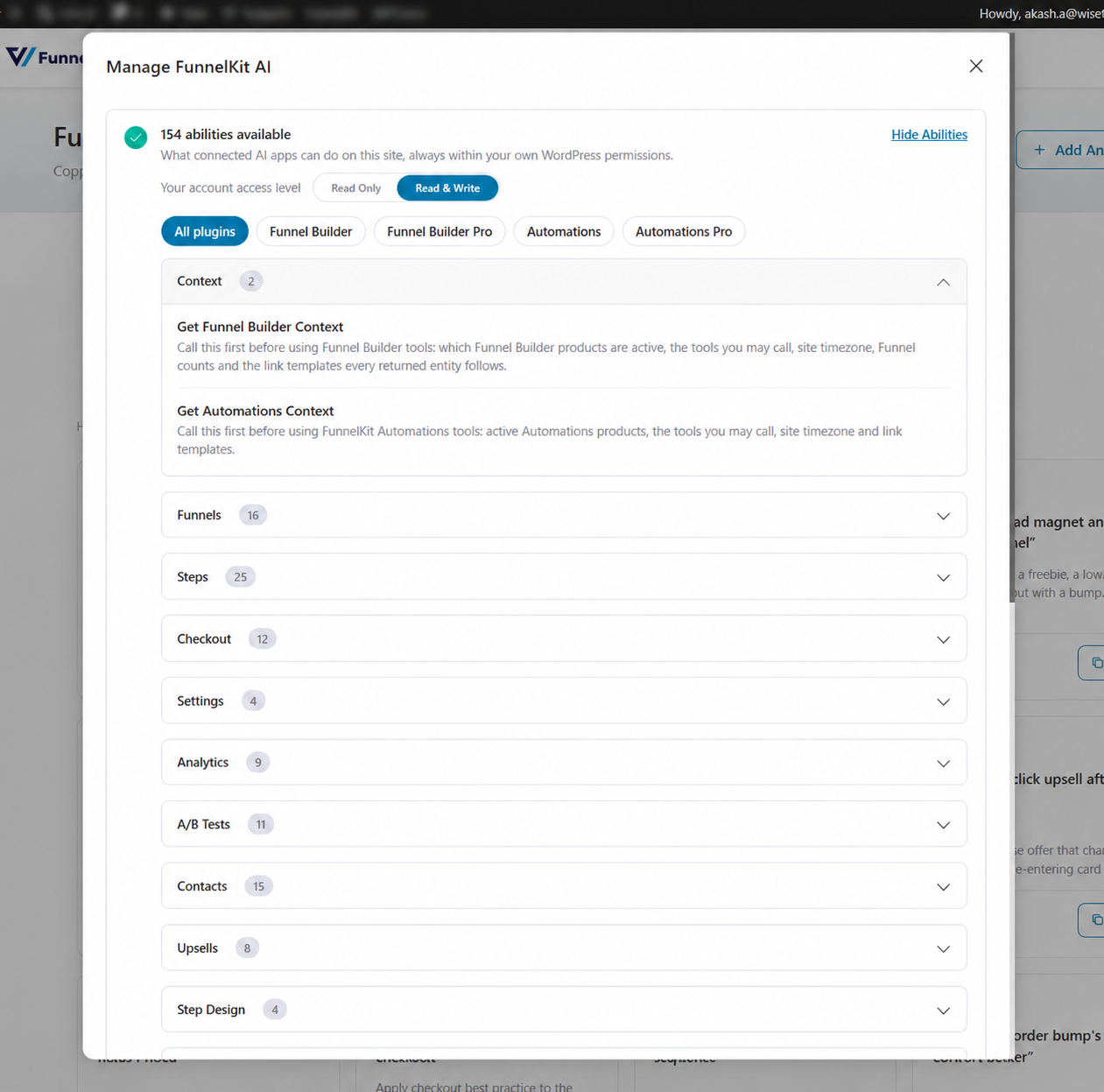
Run the built-in connection test to see if you're connected.
Step 5: Test FunnelKit AI & MCP
Now, run any prompt from your AI client. The AI carries out your request and makes the changes in your WooCommerce store for you.
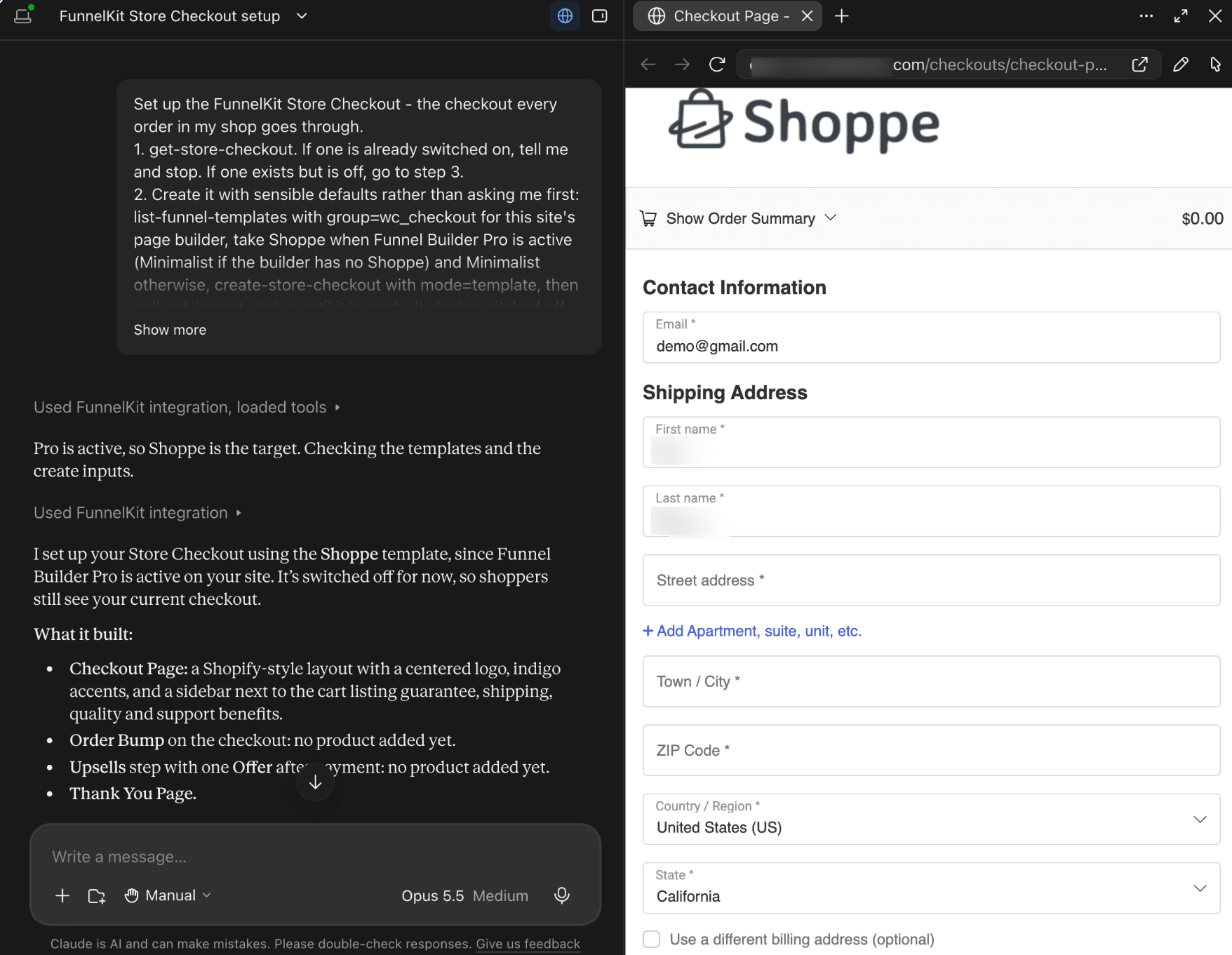
For example, here we created a store checkout in Claude Desktop using one of our ready-made prompts, "Create a Store Checkout for my shop".
For FunnelKit Automations, you could set up abandoned cart reminder emails from a ready-made recipe with the prompt "Set up abandoned cart reminder emails".