



The right WooCommerce subscription plugin turns one-time buyers into predictable recurring revenue.
On the other hand, a wrong one breaks renewals, loses customers, and costs more than the license fee.
According to Zuora’s Subscription Economy Index, the subscription economy has grown by over 300% in the last seven years.
Unfortunately, WooCommerce doesn't natively support any of it. No recurring billing, no renewal management, no failed payment recovery. Every store running subscriptions needs a plugin to handle all three.
We've watched the wrong choices play out across real stores. So we tested more than 20 options to find out which ones actually hold up. Six made the cut.
In this guide, we cover the features, pricing, and payment gateway support for the best WooCommerce subscription plugins so you can choose the right one for your store.
Table of Contents
- 1 Quick Overview Of The Top Subscription Plugins For WooCommerce
- 2 How We Tested and Chose the Best WooCommerce Subscription Plugins
- 3 6 Best WooCommerce Subscription Plugins Compared
- 4 Frequently Asked Questions About WooCommerce Subscription Plugins
- 5 Start Building Recurring Revenue With WooCommerce Subscriptions
Quick Overview Of The Top Subscription Plugins For WooCommerce
| Plugin | Best For | Payment Gateways | Failed Payment Recovery | Free Plan | Starting Price |
|---|---|---|---|---|---|
| WooCommerce Subscriptions | Official plugin with maximum gateways | 25+ | Yes (automatic) | No | $279/year |
| Sublium Subscriptions | All-in-one solution | 5 (Stripe, PayPal, Square, Mollie, Authorize.net) | Yes (automatic) | Yes | $99.50/year |
| YITH WooCommerce Subscription | Small stores | 10 | Yes (3 retries via Stripe or PayPal only) | Yes | €199.99/ year |
| SUMO Subscriptions | SUMO ecosystem users | 2 (Stripe, PayPal) | Yes (no configurable retry schedule) | No | $49/year |
| Subscriptions by WP Swings | Subscription boxes | 4 (Stripe, PayPal, Mollie, Authorize.net) | Yes (automatic) | Yes | $149/year |
| Subscriptions for WooCommerce by ThemeHigh | Multilingual compatibility | 1 native (PayPal), Stripe via ThemeHigh plugin | Yes (automatic) | No | $89/year |
Note: Prices checked directly on each plugin's official website in August 2026. Since pricing can change, it's worth double-checking on the vendor's site before you buy.
How We Tested and Chose the Best WooCommerce Subscription Plugins
We did more than just cursory research. We found six subscription plugins that are dependable, useful, and worthwhile after testing over 20 of them in real-world store settings.
Our goal was to find plugins that work well for both store owners and their customers, as with subscription products, it’s equally important to give customers their share of control.
Here are the areas we focused on:
- Payment Gateway Compatibility - For recurring payments, gateway compatibility is the most important factor for an online store. We checked whether plugins work well with payment systems such as Stripe, PayPal, and Square. We also tested how they handle payments.
- Support for Physical and Digital Products – Subscription doesn’t have to be only for digital products; it can also be for physical ones. We tested plugins for their ability to sell both product types as subscriptions.
- Subscription Flexibility – We looked for plugins that let you set billing periods. These include weekly, monthly, or yearly payments. They should also allow trials, sign-up fees, and custom subscription lengths. This way, you can run subscription models without any problems.
- Customer Self-Service features – We checked how easy it is for customers to manage their subscriptions. This includes pausing, resuming, upgrading, downgrading, or canceling from their account dashboard.
- Failed Payment Handling and Recovery – We tested how plugins handle failed payments. This includes retrying failed payments, sending email notifications to customers, and providing options to update their card details. Failed payments can cause problems, so this is very important.
- Reporting and Analytics – We selected only plugins that provide meaningful information on subscription performance. This includes metrics like recurring revenue, annual recurring revenue, churn, and subscriber growth.
How we ran each test:
Every plugin started on a clean WooCommerce install, then went through the same run: build digital and physical products, set billing cycles with trials and sign-up fees, push payments through several gateways, trigger failures on purpose, and check whether the reports matched what really happened.
6 Best WooCommerce Subscription Plugins Compared
In this section, we will share details on the best WooCommerce subscription plugins, including key features, pros, cons, and more.
1. WooCommerce Subscriptions
| Best For: | Best for official plugin with advanced payment processing needs |
| Free Plan: | Not available |
| Premium Price: | Starts at $279/year |
| Rating: | A+ |
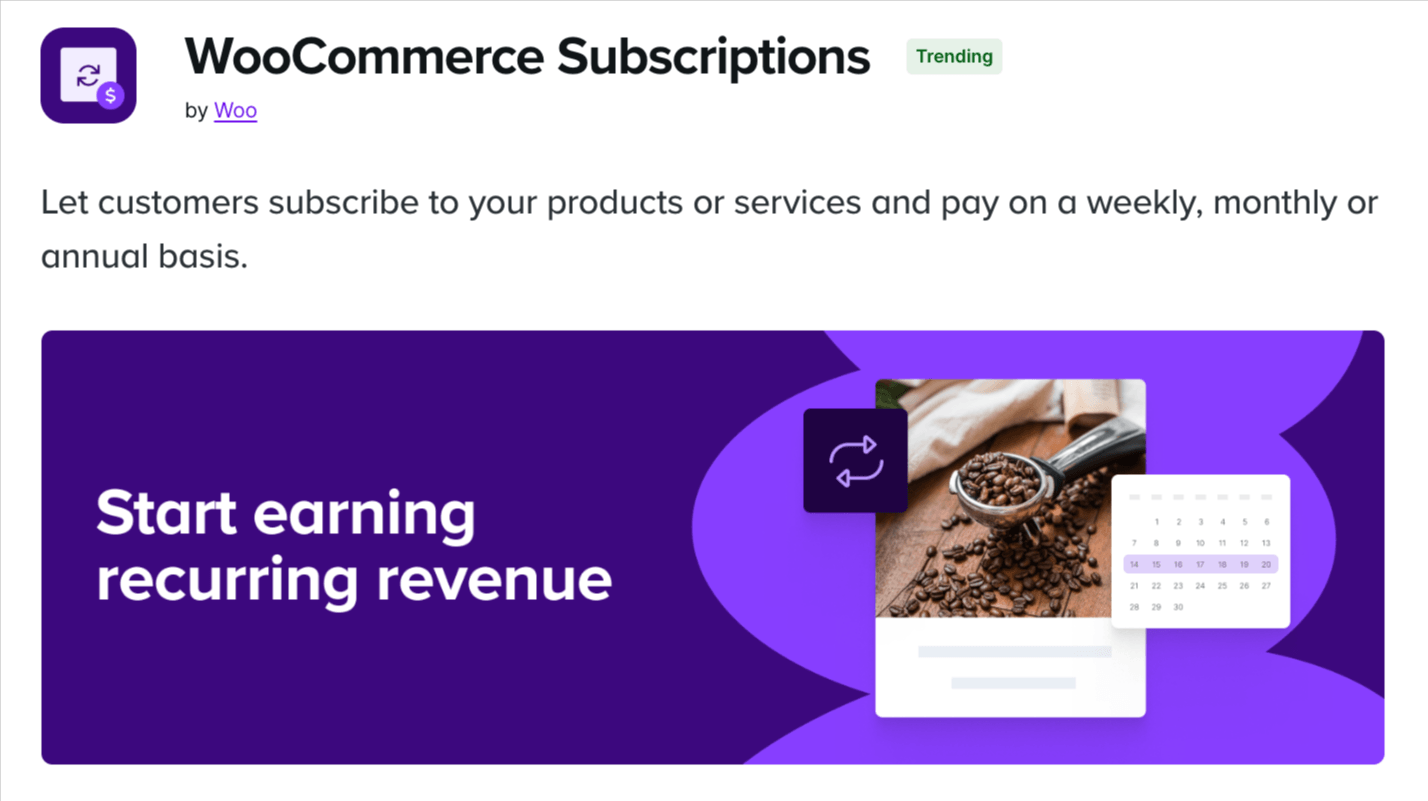
WooCommerce Subscriptions is the official subscription plugin built by WooCommerce and integrates natively with the WooCommerce ecosystem.
Its top feature is support for all major payment gateways, including Stripe, PayPal, Authorize.net, Square, and over 25 others.
Plus, it handles creating both simple and variable subscription products, including trial periods, sign-up fees, and synchronized renewals.
It seamlessly works with popular WooCommerce plugins like WooCommerce Memberships, Product Bundles, Composite Products, and most third-party WooCommerce plugins.
Main features:
- Variable billing periods with custom intervals
- Free trials and sign-up fees
- Available for physical or virtual products and services
- Customer self-service portal
- Automatic payment retry logic and dunning emails
- Supports 25+ payment gateways
- Integration with WooCommerce Memberships
- Detailed subscription reports
- Proration handling for upgrades and downgrades
✅ Pros
- Most stable and widely compatible
- Official WooCommerce product with guaranteed support
- Works with most payment gateways
- Strong documentation and community -
❌ Cons
- No free version available, expensive
- No guest checkout; forces customers to create an account before subscribing
- No smart cancellation flow; subscriptions cancel immediately with no retention offer
- No proactive card updater to prevent payment failures before they happen
- No churn rate, cohort, or lifetime value analytics
- Requires All Products for WooCommerce Subscriptions ($99/year) to convert existing products into subscriptions
Our Verdict:
WooCommerce Subscriptions is a solid choice for stores that need extensive payment gateway options and compatibility with multiple WooCommerce extensions. The higher price point makes sense if you only want to use the official WooCommerce plugin.
2. Sublium Subscriptions
| Best For: | Best All-in-One WooCommerce Subscription Plugin with easy subscription creation and management, recovery, and analytics. |
| Free Plan: | Yes |
| Premium Price: | Starts at $99.50/year |
| Rating: | A+ |

Sublium Subscriptions provides an all-in-one solution for managing and selling subscriptions.
The plugin supports both physical and digital product subscriptions. You can create three types of subscriptions: Recurring for virtual products, Subscribe & Save for physical purchases, and Installments for any product.
Along with recurring plans for any interval, including day, week, month, or year, you can also charge one time payment if needed.
As per the payment gateway, it comes with its own plugin for popular payment gateways, including Stripe, PayPal, and Square.
The plugin handles billing and email notifications. It gives you and your customers complete control over subscriptions.
The Sublium Subscriptions plugin for WooCommerce shows you easy-to-understand reports on things like Revenue, Subscribers, money that is coming in soon, MRR, ARR, and people who stop subscribing.
One cool thing about Sublium Subscriptions is that it has a payment recovery system to get a refund for failed payments, which means you get more money. The plugin will try again if a payment does not go through and will send emails to help people pay.
Sublium Subscriptions also integrates well with other tools such as LearnDash, TutorLMS, MemberPress, AffiliateWP, WooCommerce Memberships, and more. This makes it perfect for stores that sell classes, certifications, or access to special membership areas.
The user experience for both admin and customer is outstanding. Setting up plans, upgrading, and canceling are quick, and customers can handle most actions from their accounts. You can place subscription options on the product page, in the cart, or at checkout.
Note: Sublium Subscriptions is built by the FunnelKit Team. We've tested it here under the same criteria as every other plugin on this list.
Main features:
- Create subscriptions for physical, digital products, and services
- Three subscription types: Recurring, Subscribe & Save, and Installments
- Recurring plans for any interval (day, week, month, year)
- Free trials and sign-up fees
- Guest checkout with no forced account creation
- Integrations with Stripe, PayPal, and Square
- Prebuilt email notification templates
- Customer portal: pause, skip, swap, change frequency, upgrade, and cancel
- Proactive card updater with expiry reminders
- Multi-stage payment recovery for failed renewals
- Proration handling for mid-cycle plan changes
- Smart cancellation flow with exit survey, pause, downgrade, and win-back offers
- Global plan management across products and categories
- Flexible subscription placement
- Deep integration with LearnDash, TutorLMS, MemberPress, AffiliateWP, WooCommerce Memberships
- Real-time analytics: MRR, ARR, churn rate, cohort retention, and lifetime value
✅ Pros
- Quick setup saves time on configuration
- Automatic renewals reduce payment friction
- Actionable analytics track revenue and churn
- Dunning system recovers lost revenue from failed payments
- Apply the same plan across multiple products efficiently
- Offer upgrade incentives with one-time or recurring discounts
- Proactive card updater prevents payment failures before they happen
- Skip next delivery and product swap available from the customer portal
❌ Cons
- Premium version needed for all features
- Fairly new in the market
- Limited payment gateways
Our Verdict:
Sublium Subscriptions stands out as a complete subscription solution that combines powerful analytics, automated payment recovery, and native LMS integrations at a competitive price point.
The visual reports on MRR, ARR, and churn provide actionable insights that most plugins in this price range don't offer, making it particularly valuable for digital product sellers and membership sites.
3. YITH WooCommerce Subscription
| Best For: | Small stores looking for a beginner-friendly subscription plugin. |
| Free Plan: | Available |
| Premium Price: | Starts at € 199.99/ year |
| Rating: | A |

YITH WooCommerce Subscription is a beginner-friendly plugin that allows you to sell subscription products on a daily, weekly, monthly, or annual basis. Plus, you can offer a free trial period and ask for sign-up fees to run your subscription business smoothly.
Like administrators, customers can also pause a subscription a set number of times, which requires admin approval. Later, if they change their mind, they can resubscribe.
It comes with a clean dashboard featuring key subscription sales analytics, such as net sales, renewals, trials, MRR, and ARR.
Main features:
- Create simple subscription products
- Variable billing periods
- Free trials and sign-up fees
- Subscription product variations
- Customer management portal
- Renewal reminder emails
- Integration with Stripe and PayPal
- Works with YITH WooCommerce Memberships
✅ Pros
- Free version with core features
- Lower price than WooCommerce Subscriptions
- Works well for basic use cases
- Regular updates
❌ Cons
- Free version lacks advanced features
- Not as widely compatible with third-party plugins
- Premium required for variations and reports
Our Verdict:
YITH WooCommerce Subscription is a solid choice for small stores looking for a user-friendly subscription solution.
4. SUMO Subscriptions
| Best For | Stores looking to offer enhanced Subscription Functionality with Add-ons such as rewards, donations, etc. |
| Free Plan | No |
| Premium Price | $49 |
| Rating: | B+ |
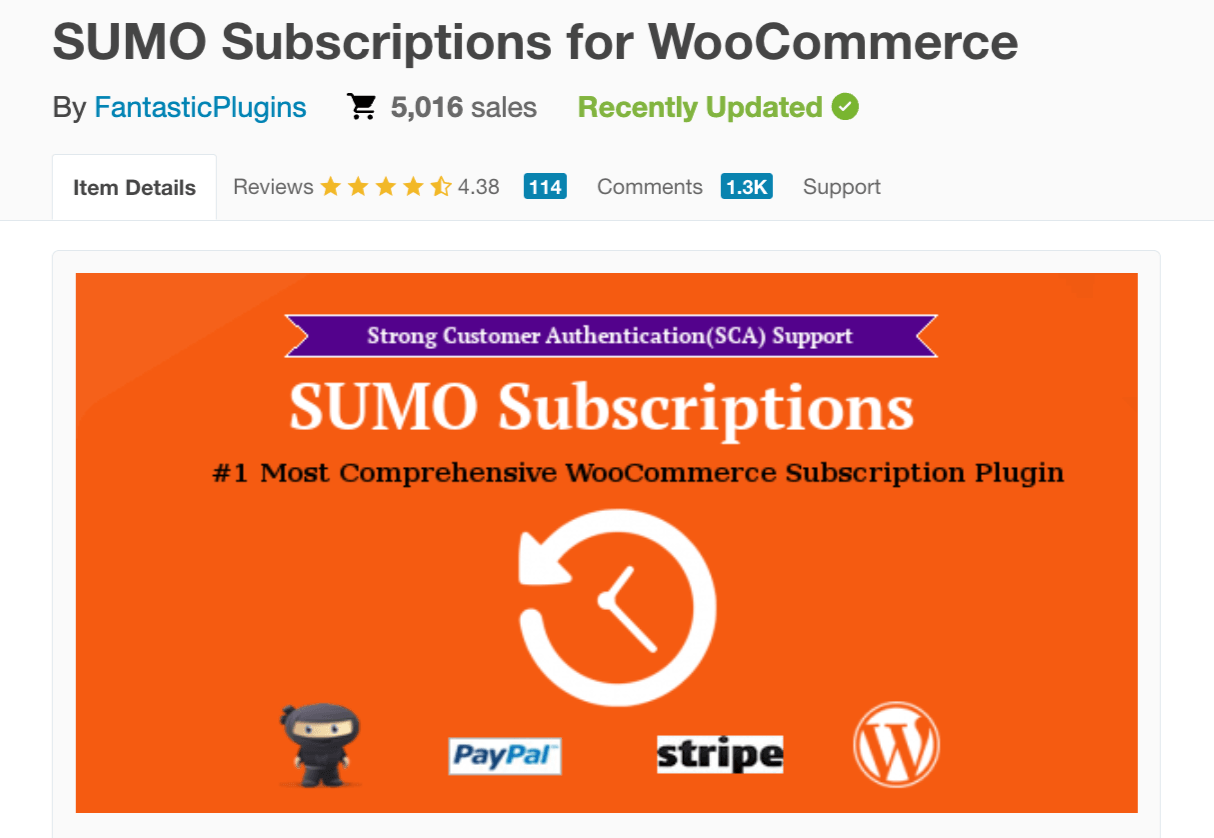
SUMO Subscriptions is a premium WooCommerce plugin (no free version) built to manage recurring payments for products and services. It supports both automatic and manual renewals, giving store owners full control over subscription workflows.
Customers can select subscription durations, set the number of renewals, and switch between automatic and manual payments.
The plugin excels in flexibility, supporting prorated payments, multiple subscriptions per order, trial periods, and sign-up fees.
Plus, you can integrate with the SUMO ecosystem to extend functionality with plugins like Reward Points, Memberships, Donations, and other WooCommerce extensions, making it perfect for stores that rely on multiple addons to manage subscriptions effectively.
Main features
- Automatic and manual subscription renewals
- Simple, variable, and grouped product subscriptions
- Order subscriptions for non-subscription products
- Prorated payments for synchronized subscriptions
- Free and paid trial support
- Multiple subscriptions in a single checkout
- Customizable email templates for renewals
- Payment reminders, overdue handling, and renewal notifications
- Fully compatible with SUMO ecosystem plugins
✅ Pros
- Supports multiple renewals and trial types
- Works with multiple payment gateways and SUMO ecosystem plugins
❌ Cons
- Interface can feel outdated
- Support is not responsive
Our Verdict:
SUMO Subscriptions is best for stores that want to use the SUMO ecosystem to enhance their subscription business in a different way. It is not a plug-and-play solution, as several add-ons may be required, but for businesses focused on recurring revenue and willing to invest in a careful setup, it delivers reliable, highly functional performance.
5. Subscriptions for WooCommerce by WP Swings
| Best For | Stores looking to create customizable subscription boxes for customers. |
| Free Plan | Yes |
| Premium Price | Starts at $149.00/year |
| Rating: | B+ |

Subscriptions for WooCommerce by WP Swings is great for selling customizable subscription boxes. While it’s a good plugin for selling a subscription product, its standout feature is the Subscription Box feature.
This lets your customers handpick items for their own box and subscribe to receive them on a schedule, perfect for food, beauty, or lifestyle products.
And to make recurring payments easy, it supports popular payment gateways, such as PayFast, Amazon Pay, Stripe, etc.
Main features
- Create subscription products with free trials, sign-up fees, or fixed billing cycles
- Let customers build their own subscription box
- Customers can pause, cancel, or renew subscriptions from My Account
- Automatic email notifications for renewals, expirations, or status changes
- Integration with Stripe, PayPal, Mollie, and other major gateways (more options in Pro)
- REST API support for developers to manage subscriptions programmatically
✅ Pros
- Makes offering subscriptions simple and boosts recurring revenue
- Lets customers control their subscriptions, improving loyalty
- Subscription box feature increases engagement with personalization
- Cuts manual work with automated subscription management
❌ Cons
- Reporting is quite basic compared to competitors
- Some payment gateways are restricted or require Pro
- May need customization for specific use cases
- Smaller community
Our Verdict:
If you’re specifically looking to launch a WooCommerce subscription box, WP Swings’ plugin is one of the few dedicated solutions.
6. Subscriptions for WooCommerce by ThemeHigh
| Best For | Stores that want renewal loyalty discounts and multilingual support |
| Free Plan | No |
| Premium Price | Starts at $89/year |
| Rating: | A |

WooCommerce Subscription by ThemeHigh (formerly built by WebToffee, transferred to ThemeHigh in September 2025) is a premium-only plugin for WooCommerce that allows you to offer both simple and variable products as subscriptions.
While it doesn't have a free version, you can offer free trials. Offer flexible recurring payments by syncing all renewals to a single date with automatic prorated billing for partial periods. It also lets you set up fixed or percentage-based discount coupons that automatically apply on renewal, rewarding customers the longer they stay subscribed.
Along with all the basic subscription plugin features, it also comes with 10+ pre-translated languages and compatibility with major translation plugins.
Main features
- Create yearly, monthly, or weekly payment plans for WooCommerce products.
- Set up subscription expiry dates
- Align renewals to one date with optional prorated charges.
- Fixed or percentage-based recurring discounts on renewals
- Customers can pause or cancel their subscription from their account.
- Send automated email notifications for different subscription events.
- Recurring payments via PayPal, with Stripe support
✅ Pros
- Predictable WooCommerce recurring payments on a particular day
- Sell subscriptions globally with multi-language support
- Renewal discount coupons reward long-term subscribers automatically
❌ Cons
- No free version available
- Lacks detailed subscription performance analytics.
- Stripe support requires installing ThemeHigh's separate Stripe payment gateway plugin, not built into the core subscriptions plugin
Our verdict:
If you want to sell subscription products globally with strong multilingual support, align all recurring payments to a specific date, and reward loyal subscribers with automatic renewal discounts, this is a great choice.
Frequently Asked Questions About WooCommerce Subscription Plugins
Before you pick a WooCommerce subscription plugin, explore these common questions to make an informed decision.
Yes, all major WooCommerce subscription plugins support free trial periods. You can set trial lengths in days, weeks, or months.
No, not all payment gateways support recurring billing. Stripe, PayPal, Square, Authorize.net, and Braintree are the most common gateways with native subscription support.
Yes. All the subscription plugins we listed in this blog automatically charge customers on the billing schedule, with email notifications sent beforehand.
Yes. They automate billing, reduce manual work, and improve revenue forecasting, often paying for themselves within a few months.
Technically, yes, but we do not recommend it. Building subscription functionality from scratch requires managing recurring payment schedules, securely storing payment tokens, handling failed payment retries, and maintaining PCI compliance. A subscription plugin handles all of this and receives regular security updates.
Most subscription plugins support mid-cycle plan changes with proration. When a customer upgrades, they are charged the prorated difference immediately. Downgrades typically take effect at the next renewal date to avoid refund processing.
Offer multiple subscription tiers with clear value, use free trials, send renewal reminders, allow a grace period for failed payments, let customers pause instead of canceling, personalize recommendations based on purchase history, and test different subscription intervals.
Subscriptions handle recurring payments, while Memberships control access and benefits.
You can use either one on its own:
- Use Subscriptions for recurring billing.
- Use Memberships for access control.
Use both together if you want automatically renewing memberships.
Yes. Most subscription plugins, including WooCommerce Subscriptions and Sublium Subscriptions, let you offer a product as either a one-time purchase or a recurring subscription.
According to Bain & Company, increasing customer retention by just 5% can boost profits by 25% to 95%, which shows why subscription businesses focus heavily on retaining customers over time.
As mentioned earlier, WooCommerce doesn't have a built-in subscription feature. Without a plugin, you have to manually track renewals, send invoices, and process payments. This means you will need to hire more people, which entails higher costs and a greater likelihood of mistakes.
But a WooCommerce subscription plugin changes all of this. Here's why you should go for a subscription plugin:
- Get income forecasts: Regular income helps you plan inventory, manage cash flow, and make growth decisions. Recurring revenue makes future income more predictable.
- Automate recurring revenue: A plugin handles billing cycles, payments, and renewal reminders. This means you don't have to collect payments every billing period. A subscription plugin handles all these tasks for you.
- Save time on manual work: Customers can pause, upgrade, downgrade, or cancel subscriptions on their own. This reduces support requests and work for you.
- Recover failed payments: Automatically tries to collect payments and sends emails to customers. This helps you retain revenue that would otherwise be lost due to expired cards or insufficient funds.
- Increase customer lifetime value: Customers who subscribe spend more over time. You can offer upgrades and additional sales during the subscription period. Subscription customers make more purchases than one-time buyers.
Start Building Recurring Revenue With WooCommerce Subscriptions
If gateway breadth and official WooCommerce support matter most, WooCommerce Subscriptions wins. If retention tools, payment recovery, and built-in analytics matter more than gateway count, Sublium is the stronger pick.
But the right pick depends on your situation.
If payment gateway coverage is your top priority, WooCommerce Subscriptions supports 25+ gateways and has the deepest WooCommerce ecosystem compatibility. Just know you're paying $279/year for a plugin that still lacks retention tools, proactive card recovery, and churn analytics.
If you're just starting out and want a free option with no upfront commitment, YITH gets the job done for basic stores. The trade-off is no configurable payment recovery; retries only work through Stripe and PayPal, and detailed analytics are not included.
SUMO is the one to pick if you want a one-time payment and can live within a two-gateway setup. The recurring billing works, but don't expect a structured dunning system.
Running a subscription box store? WP Swings handles that well, with four gateway options and automatic retry on the Pro plan.
Need multilingual support out of the box? Subscriptions for WooCommerce by ThemeHigh covers that, with dunning management available on Pro.
For stores that want billing, retention, recovery, and analytics in one plugin without extra add-ons, Sublium covers that combination at a lower price point than the official plugin.
Disclosure: Our content is reader-supported. We only recommend products that we have tested and believe will provide real value to our readers. If you choose to purchase any products through links on our blog, it may support our work at no extra cost to you.

Editorial Team
September 23, 2026A WooCommerce auto apply coupon adds the discount to the cart before shoppers have to look for a code. Supermarkets have been doing this for years. If there's a "3...
Editorial Team
September 22, 2026Allowing customers to change product quantities in the cart is a common WooCommerce feature. Unfortunately, in some cases, it can do more harm than good. If you sell subscriptions, online...

Editorial Team
September 22, 2026A WooCommerce free shipping bar puts the free shipping threshold where shoppers can actually see it and act on it. Your store knows how much more a customer needs to...






