FunnelKit Blog
New launchSpotlight
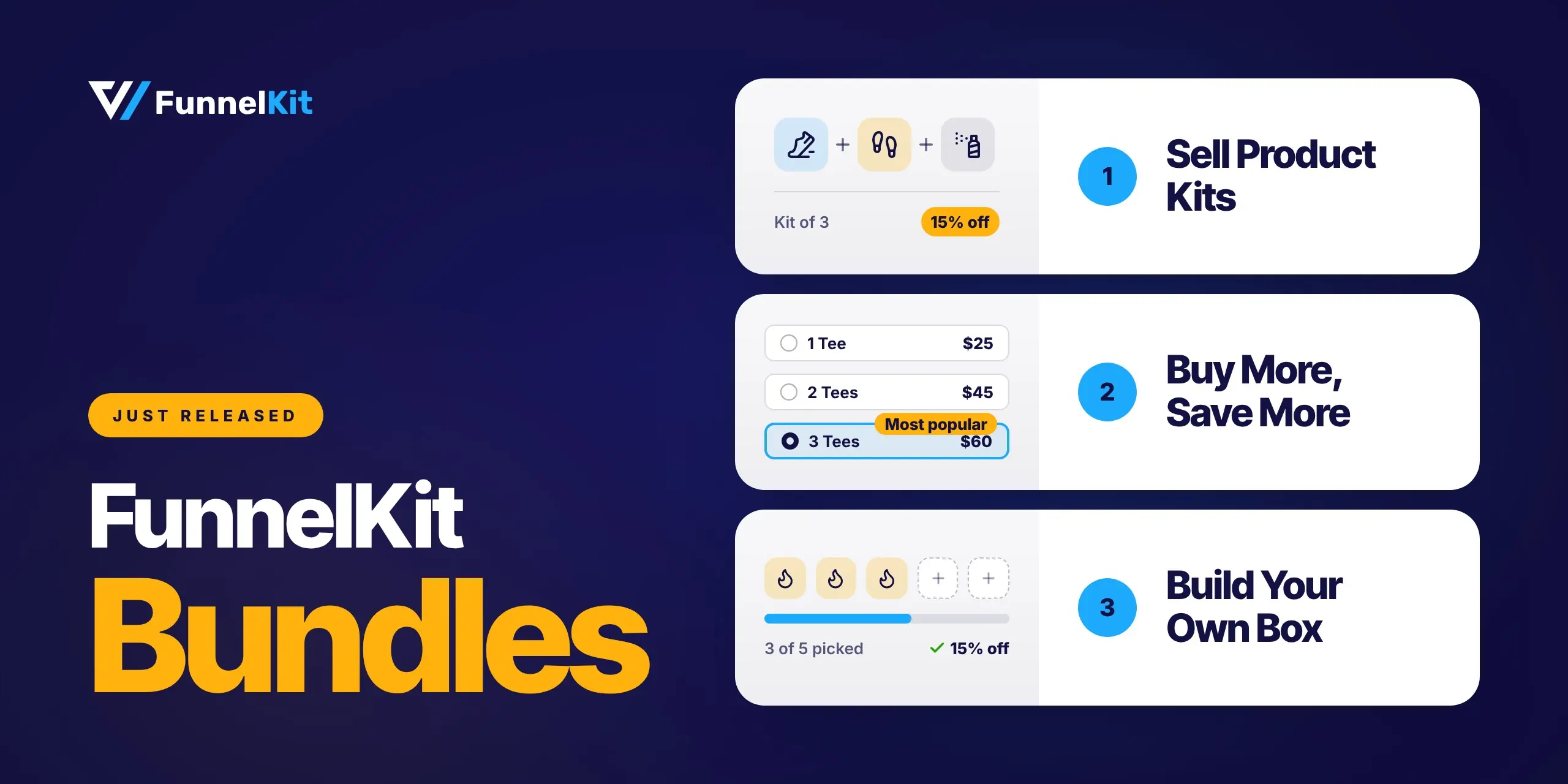
FunnelKit Bundles is here! You can now create and sell product bundles directly from Funnel Builder. Choose from four bundle types, two of which are completely free. Whether you want to sell product kits, offer discounts on bulk purchases, or let customers put together their own boxes, you can do it all from the same dashboard you use for checkout pages, order bumps, and one-click upsells. You don't need to install another plugin or manage a separate set of discount rules. Let's say a shopper adds a $25 T-shirt to their cart. That’s a $25 order. Now imagine showing them an offer to get three T-shirts
- Damanjeet Singh
Recent Blogs
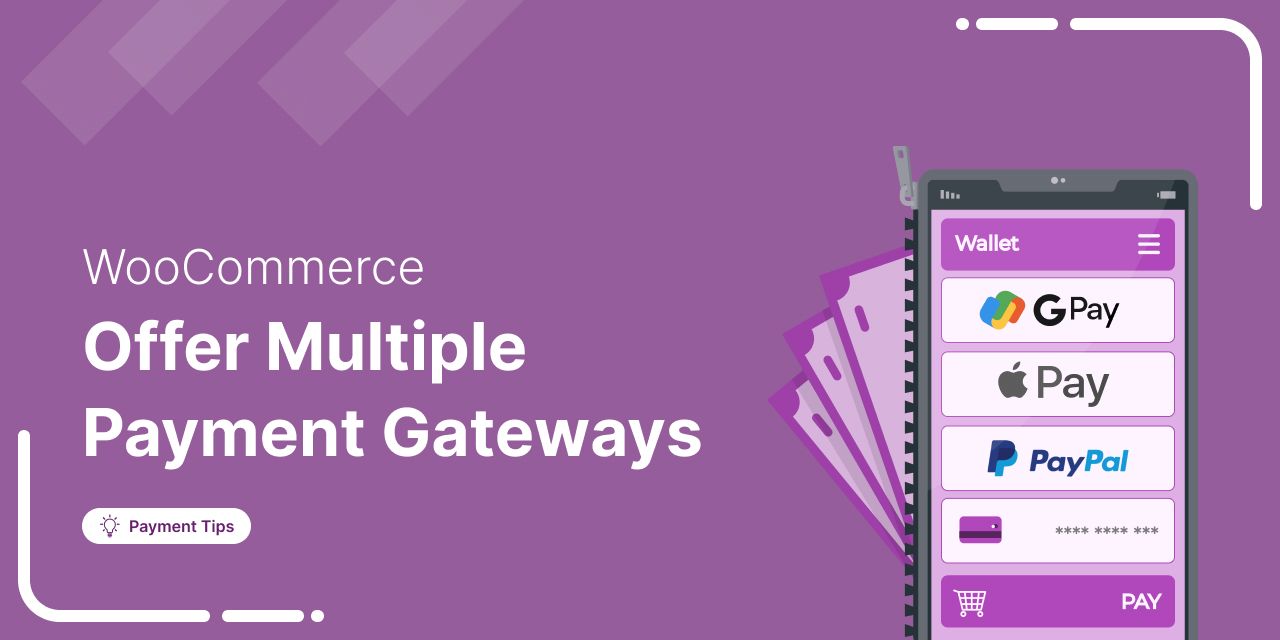
Do you want to create a seamless checkout experience in your WooCommerce store and reduce cart abandonment? One of the simplest yet most effective ways to do that is by offering multiple payment gateways. When customers don’t see their preferred payment method at checkout, they often leave before completing their purchase. Since WooCommerce’s default options are quite limited, this can have a direct impact on your conversions and overall revenue. By integrating multiple payment gateways, you can give customers more flexibility, build trust, and make the checkout process feel smoother and more familiar for shoppers around the world. In this guide, you’ll learn how payment gateways
- Editorial Team
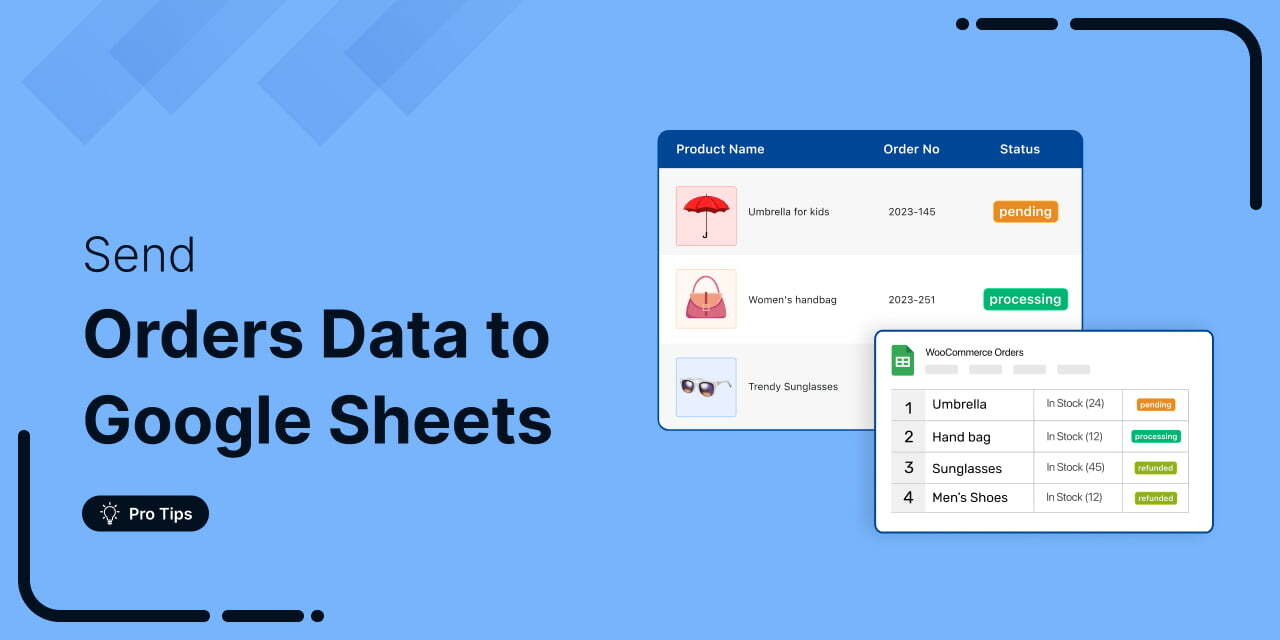
Sending WooCommerce orders to Google Sheets automatically copies your store's order data into a live spreadsheet. Every time a customer checks out, the order details are added to a new row. There are no manual CSV exports or copy-and-paste. The problem is that WooCommerce has no built-in way to do this. The default orders dashboard keeps your data locked inside WordPress. That slows reporting, fulfillment, and team collaboration. There are five reliable ways to send WooCommerce orders to Google Sheets: a dedicated connector plugin, an automation plugin like FunnelKit, Zapier, Make, or a free Google Apps Script. The right one depends on whether you need real-time
- Editorial Team
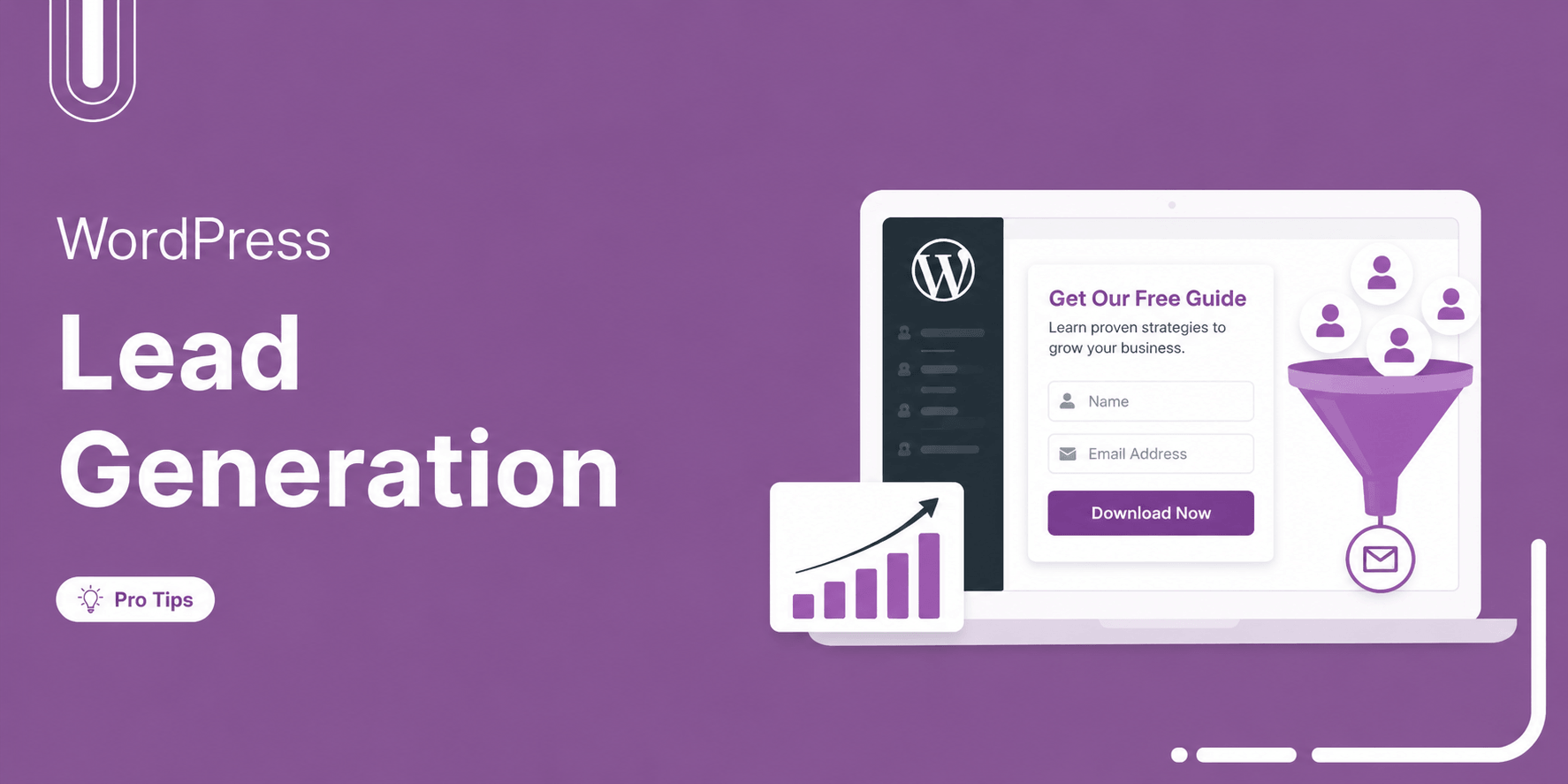
Are you looking to create an effective WordPress lead-generation system that produces highly qualified leads? Generating a consistent stream of qualified leads is the most effective way to drive sales and revenue. That’s why a smart WordPress lead generation framework matters. It turns your website from a static brochure into a 24/7 growth engine that converts casual visitors into qualified prospects. With the right WordPress lead generation plugin built on value exchange, you can offer something genuinely useful in return for trust and attention. In this guide, I’ll unveil the secrets of WordPress lead generation and how you can generate leads like a pro. What is
- Editorial Team
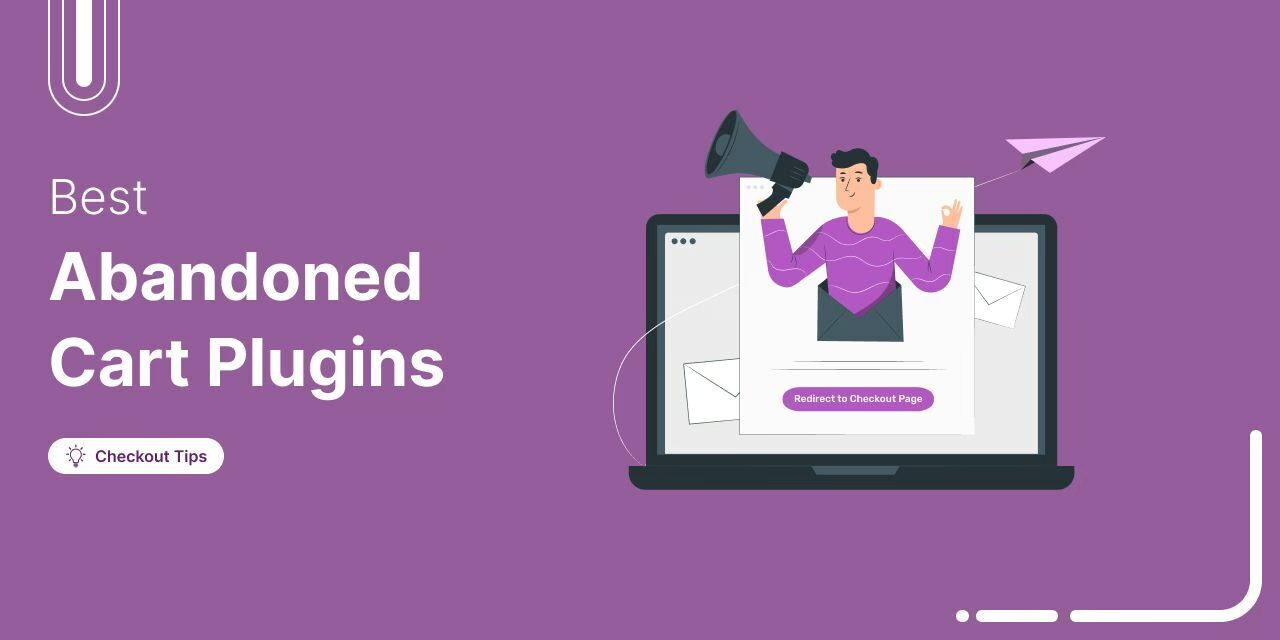
Discover the best WooCommerce plugins to recover abandoned carts and boost your sales. Losing sales to abandoned carts? It’s more common than you realize. Around 70% of shoppers leave without completing their purchase, according to the Baymard Institute. The good news is that timely follow-up emails can help recover a significant portion of those lost sales. But here's the problem: WooCommerce doesn't offer cart recovery features by default. That's why you'll need a dedicated abandoned cart plugin for WooCommerce. In this blog, we’ve listed the top 9 WooCommerce abandoned cart plugins, along with their key features and pricing. Let's get started. Overview of the Top 9
- Editorial Team
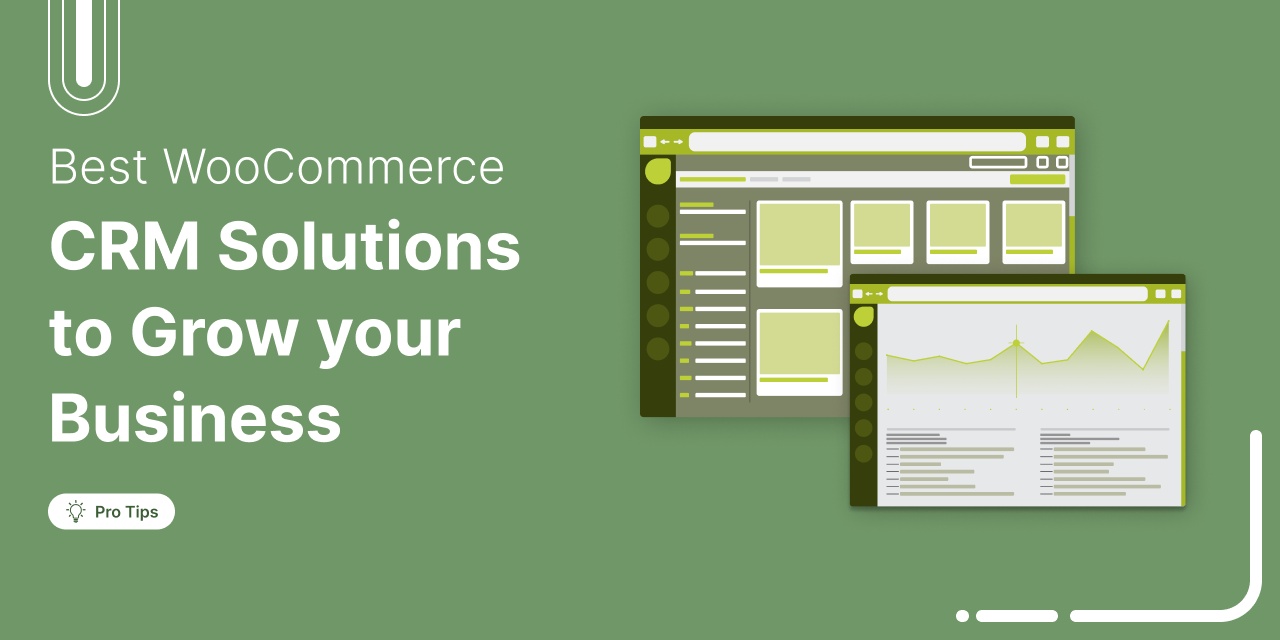
Customer interactions, purchases, and support tickets happen constantly. A WooCommerce CRM gives you a centralized place to track them all on a single screen. Your store already records everything. Every click. Every purchase. All those names, email addresses, and abandoned carts currently sit buried in your database. The problem? Accessing it is a nightmare because the data is scattered across order screens, and you end up exporting messy CSV files just to see who bought what last Tuesday. All that collected data becomes essentially useless. A CRM fixes the fragmentation. The right plugin pulls those scattered pieces into a single dashboard so you can actually use
- Editorial Team
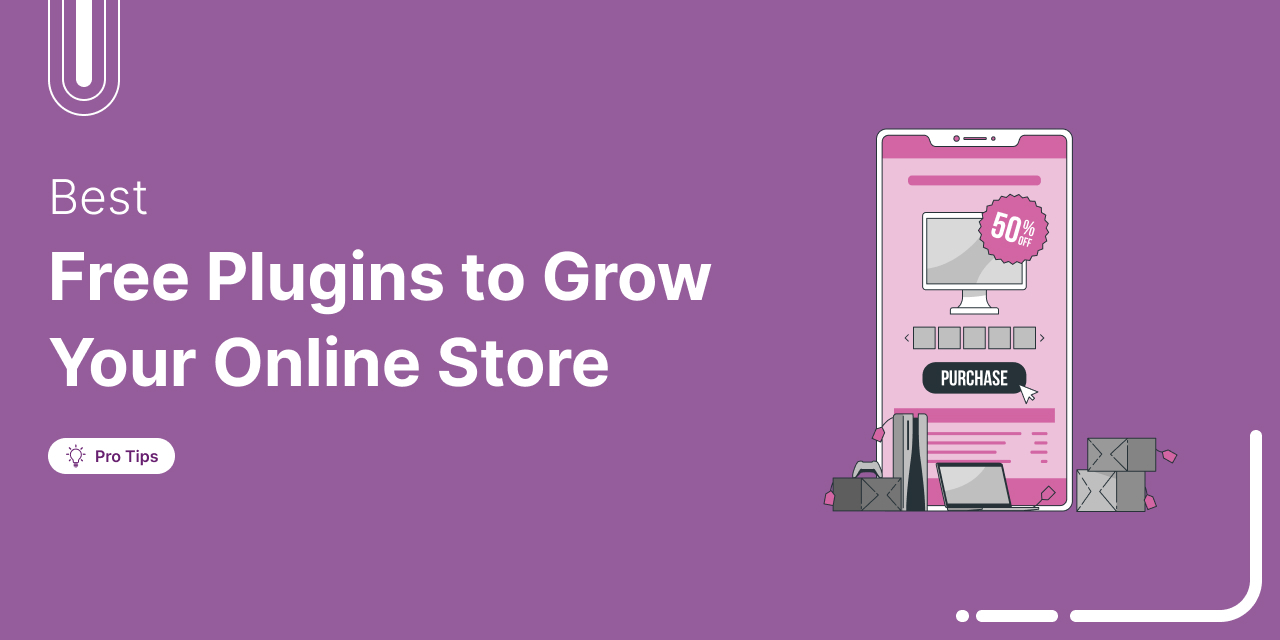
Want to make your store better without spending a dime? These free WooCommerce plugins enhance sales, streamline tasks, and enhance the shopping experience. While launching a WooCommerce store is easy, scaling it efficiently is the real challenge. That's where these free plugins come in. Instead of chasing every new plugin, focus on tools that actually make a difference. A smart way to start is with free plugins: test what works, then upgrade only when needed. In this guide, we’ve compiled the 19 best free WooCommerce plugins. We’ve also highlighted key features, both free and premium, to help you choose the right ones for your store. Top
- Editorial Team
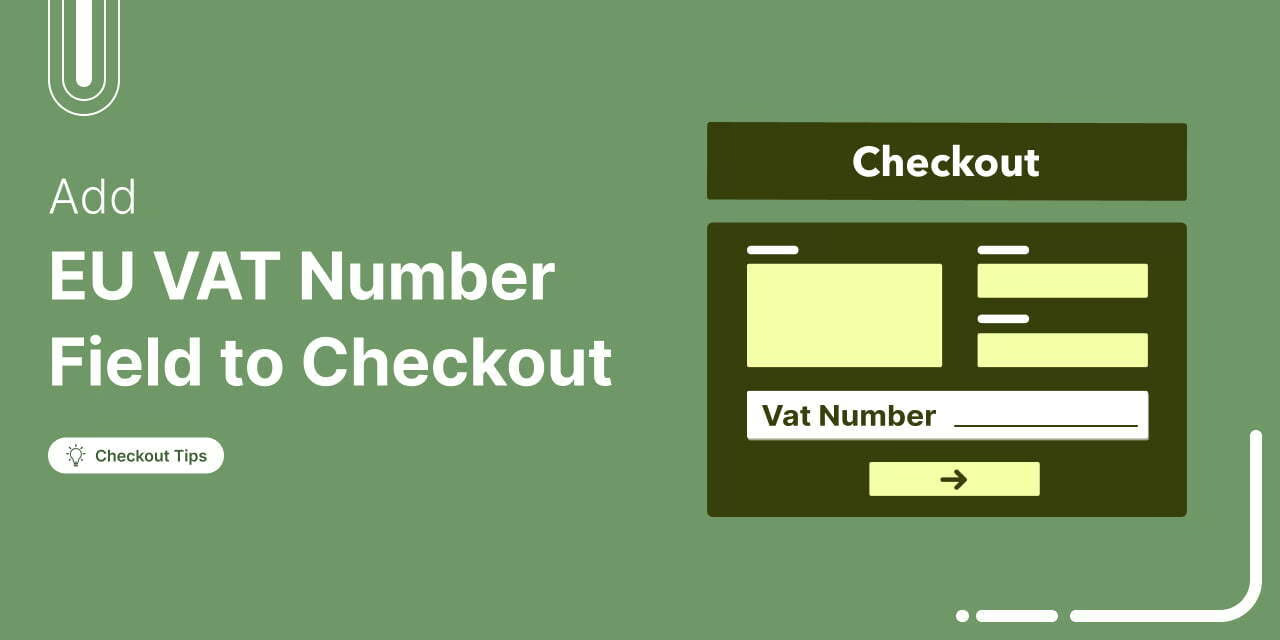
Dealing with VAT rules in the EU can be complicated. For domestic transactions (B2B or B2C), VAT is charged at checkout. However, in cross-border B2B transactions within the EU, VAT-registered businesses are exempt from paying VAT at checkout. Instead, they're responsible for self-assessing and paying VAT in their own country through the reverse charge mechanism. Failing to comply with VAT regulations can lead to fines and legal issues. That's why adding an EU VAT number field at checkout is essential. It validates B2B transactions and ensures compliance with EU VAT rules. In this blog, we'll compare the plugins that can add this field to your WooCommerce
- Editorial Team
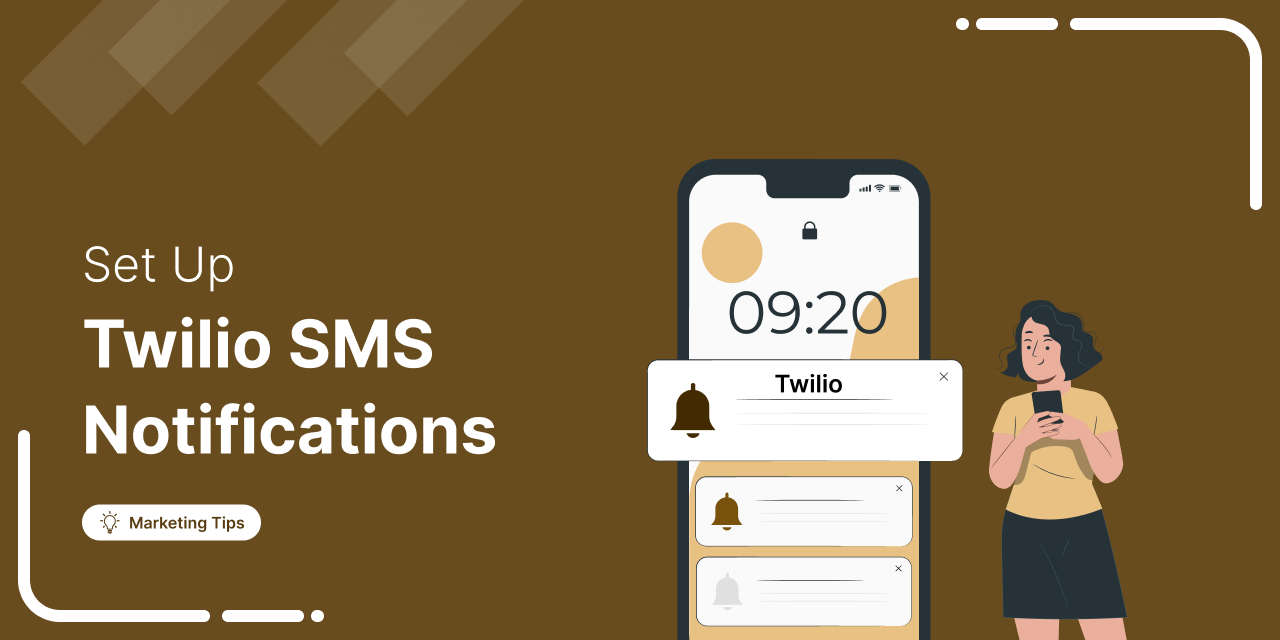
To send Twilio SMS from WooCommerce, you need two things: a Twilio account and a way to connect it to your store. You have five real options with the official WooCommerce Twilio SMS Notifications extension, a free plugin like ShopMagic, AutomateWoo, an automation tool like FunnelKit Automations, or custom code against the Twilio API. In this guide, we've explored all five methods, so you can pick based on your store rather than a sales pitch. Then we walk through a complete setup step by step, break down what Twilio actually costs, and cover the two things most WooCommerce Twilio guides skip entirely, i.e., WhatsApp and OTP/phone
- Editorial Team
Are you searching for the best WooCommerce plugins to enhance the overall customer experience and boost conversions in your store? Honestly, there are a ton of free and paid WordPress plugins that could help you boost sales in your WooCommerce store. But which ones actually work? So, we did all the legwork for you and have featured the 17 best WooCommerce plugins to enhance your store's value. Want to grow your WooCommerce business? Click on the link below to explore an exclusive offer! PluginCategoryBest ForFree VersionStarting PriceFunnelKit Funnel BuilderSales Funnel & Checkout OptimizerHigh-converting checkouts, order bumps, and upsells✅ YesStarts at $99.50/yrStripe Payment GatewayPayment GatewayOffering multiple payment
- Editorial Team
Subscribe For Latest Updates
Get free tips, tricks, and resources to grow your mailing list.
Make More From Every Sale.
FunnelKit works at the three moments a store earns money: before checkout, at checkout and after the order.
★★★★★
4.9/5 from 1,012+ reviews on WordPress.org
One order.
Three chances to earn more.
$100$120$140$150
Cart value+$20 before checkout+$20 at checkout+$10 after checkout+$50 · 50% more
$100+$20+$20+$10=$150
$100
$100
$100
+$20
$120
$100
+$20
+$20
$140
$100
+$20
+$20
+$10
$150
Cart ValueStarting Point
Bundles & Cart UpsellsBefore Checkout
Order Bumps & UpsellsAt Checkout
Recovery & Follow‑UpsAfter Checkout
Same traffic, same shopper, more revenue.