

Join Over 40,300+ Professionals
Who build smart funnels and automations with FunneKit

Frictionless Checkouts
Email & SMS Marketing
Attractive Order Bumps
Rich Contact Profile
One Click Upsells
Workflow and Integrations
In-depth Analytics
Segmented Broadcast
A/B Testing
Revenue Tracking
Robust Rule Engine
Sliding Cart
Get FunnelKit Now

FunnelKit Blog

Recent Blogs

How to Set Up WooCommerce Stripe Integration in 5 Simple Steps
Does your WooCommerce store offer enough payment options? If not, you could be losing up to 13% of sales. [According to Baymard]. WooCommerce’s default payment options don’t always meet customer needs. Relying on third-party payment gateways can also pose security risks and harm the customer experience. That’s why you should integrate Stripe with WooCommerce, just like over 4.5 million websites do for secure and hassle-free transactions. As one of the most trusted payment gateways, Stripe supports multiple currencies and payment methods, making it a top choice for WooCommerce store owners. In this guide, we’ll walk you through the step-by-step process of integrating Stripe with WooCommerce. Let’s
Mar 23, 2026
Editorial Team
Join Over 40,300+
Subscribers to get free tips, tricks, and resources to grow your mailing list
Recent Blogs
How to Add the Change Quantity Option on WooCommerce Checkout Page
Quick Summary: Allowing quantity changes at checkout helps prevent users from returning to the cart page to make adjustments. It’s a small but meaningful fix that can reduce cart abandonment. You can easily add this feature and refresh your checkout page for a smoother, conversion-ready experience without any coding. Your shopper is ready. They're at checkout. Then it hits them that they want two of those items, not one. But there's no option to change the quantity. So, they hit ‘Back’, sometimes losing their progress or worse, their interest. In fact, studies show that 1 in 4 online shoppers abandon checkout due to unnecessary friction. We’ve
Mar 23, 2026
Editorial Team
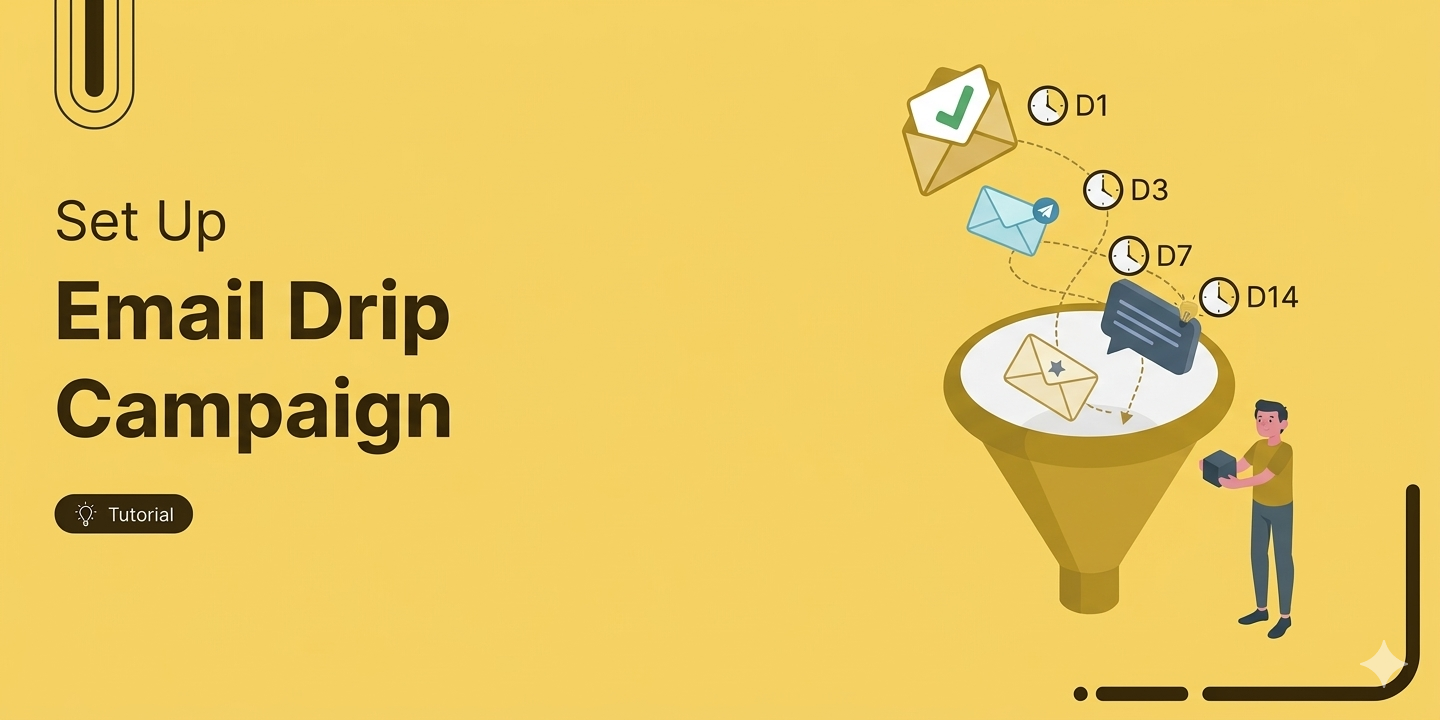
How to Create an Email Drip Campaign in WordPress
If you run a WooCommerce store, a single promotional email is not a strategy. Setting up an email drip campaign in WordPress is how you automatically turn one-time buyers into repeat customers. Instead of chasing leads manually, you build a sequence that sends the right message at the right moment, nurtures trust, and converts without you lifting a finger once it's set up. The numbers back it up. Drip campaigns generate 80% higher open rates than one-off emails, and Forrester Research found they can lift sales by up to 50%. In this guide, you will learn exactly how to set one up from your WordPress dashboard,
Mar 19, 2026
Editorial Team
How to Add a Newsletter Opt-In Checkbox to WooCommerce Checkout
Adding a newsletter opt-in checkbox to your WooCommerce checkout is one of the simplest ways to grow an email list that actually drives revenue. Every customer completing a purchase is already engaged with your store, already trusts your brand, and is more likely to say yes to staying in touch than a cold visitor who landed on your homepage. That moment at checkout is valuable, and most stores let it go to waste. According to Litmus, 35% of companies see between $10 and $36 back for every dollar they put in. For WooCommerce stores, those numbers climb higher because you are emailing people who have already
Mar 19, 2026
Editorial Team
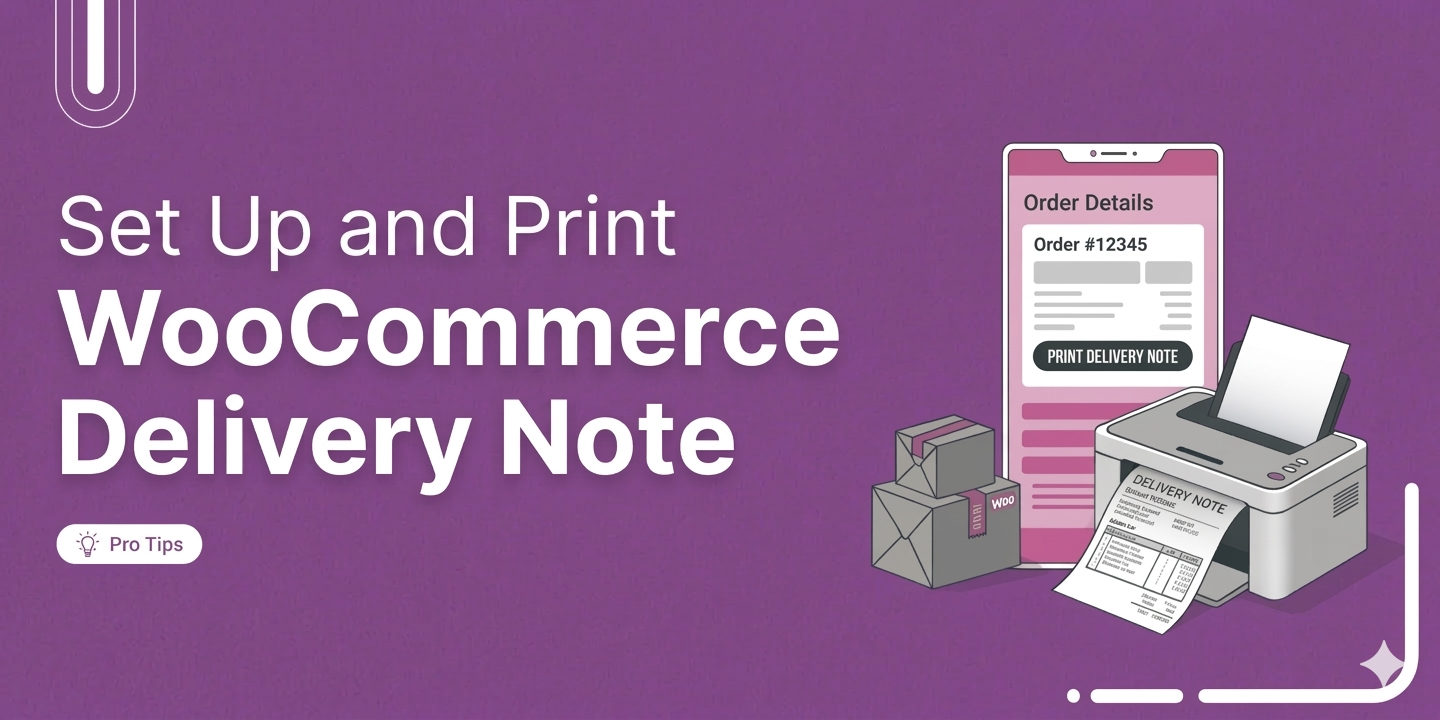
How to Set Up and Print Delivery Notes in WooCommerce
If you are shipping physical goods, setting up a WooCommerce delivery note is one of those small things that makes a real big difference. It helps your orders feel more professional when they arrive. WooCommerce does not generate delivery notes out of the box. You will need a plugin to generate them, but the good news is that there are several solid, free, and paid options, and the setup is straightforward once you know what to look for. In this blog, we will share how to create and print delivery notes in WooCommerce for free in a step-by-step guide. What Is a WooCommerce Delivery Note? A
Mar 18, 2026
Editorial Team

WooCommerce Newsletter: How to Build Your Email List and Send Campaigns
Running a WooCommerce store without an email newsletter means you are missing out on repeat business every single day. Email remains one of the most profitable marketing channels for eCommerce. It lets you reach buyers directly, promote new products, and recover lost sales without relying on social media algorithms. However, the setup requires much more than hitting install on a random plugin. You have to configure the right sending infrastructure, set up proper email authentication so you don't land in spam, build signup forms, and create a content strategy to keep people engaged. In this guide, we will cover the best plugins to use, how to
Mar 17, 2026
Editorial Team

WordPress Auto Login: How to Make Users Log in By Clicking a Link
WordPress auto login lets registered users access your site by clicking a single link, no username, no password required. And yet, most sites still make people stop and manually enter their credentials every single time. Be it accessing a course, viewing premium content, renewing a subscription, downloading a digital product, or simply landing on their account page after clicking an email, there's unnecessary friction at every step. That friction costs you. The more steps between a user and their goal, the more people drop off. What if instead, a single click from their email logged them straight in and dropped them exactly where they needed to
Mar 16, 2026
Editorial Team
19 Best Free WooCommerce Plugins to Grow Your Online Store
Want to make your store better without spending a dime? These free WooCommerce plugins enhance sales, streamline tasks, and enhance the shopping experience. While launching a WooCommerce store is easy, scaling it efficiently is the real challenge. That's where these free plugins come in. Instead of chasing every new plugin, focus on tools that actually make a difference. A smart way to start is with free plugins: test what works, then upgrade only when needed. In this guide, we’ve compiled the 19 best free WooCommerce plugins. We’ve also highlighted key features, both free and premium, to help you choose the right ones for your store. Top
Mar 13, 2026
Editorial Team
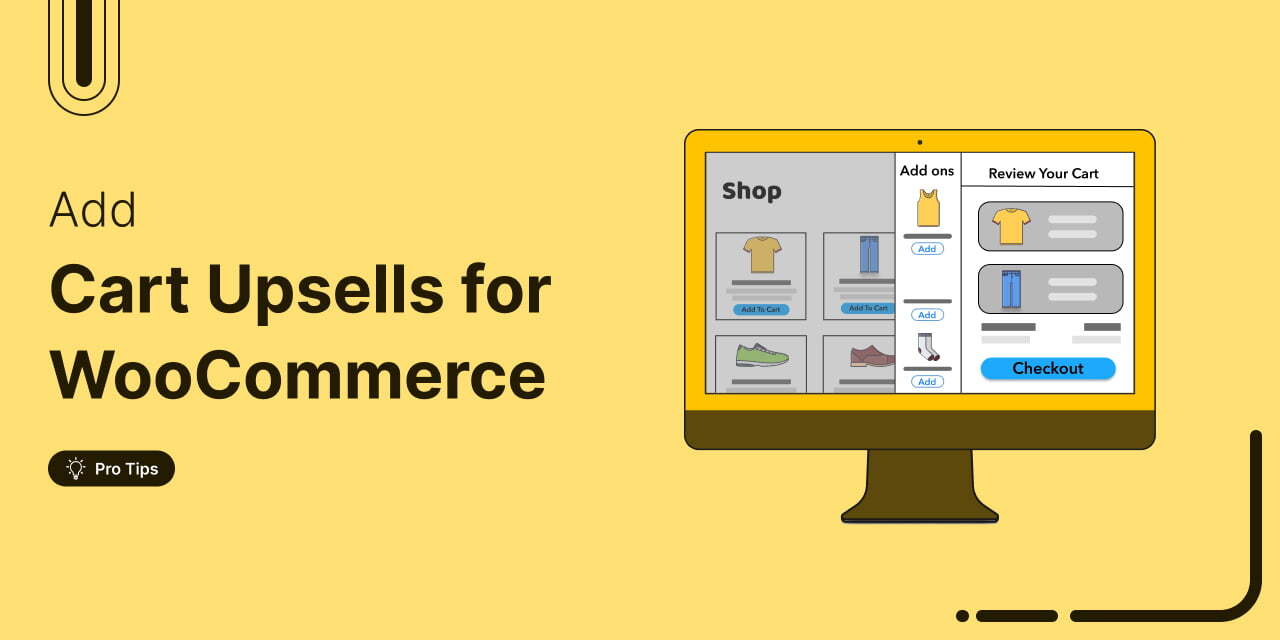
WooCommerce Cart Upsell: How to Set It Up and Boost Your Average Order Value
WooCommerce cart upsell offers let you recommend relevant products inside the shopping cart, right when customers are ready to spend. It's one of the easiest ways to boost average order value without spending more on ads. Yet many store owners overlook it because WooCommerce does not include a true cart upsell feature by default, except for a basic 'You may also be interested in' section on its cart page. But with a well-configured cart upsell setup, you can reduce cart abandonment by keeping shoppers engaged with relevant offers and spending incentives while they are still in buying mode. In this blog, we will show you how
Mar 12, 2026
Editorial Team
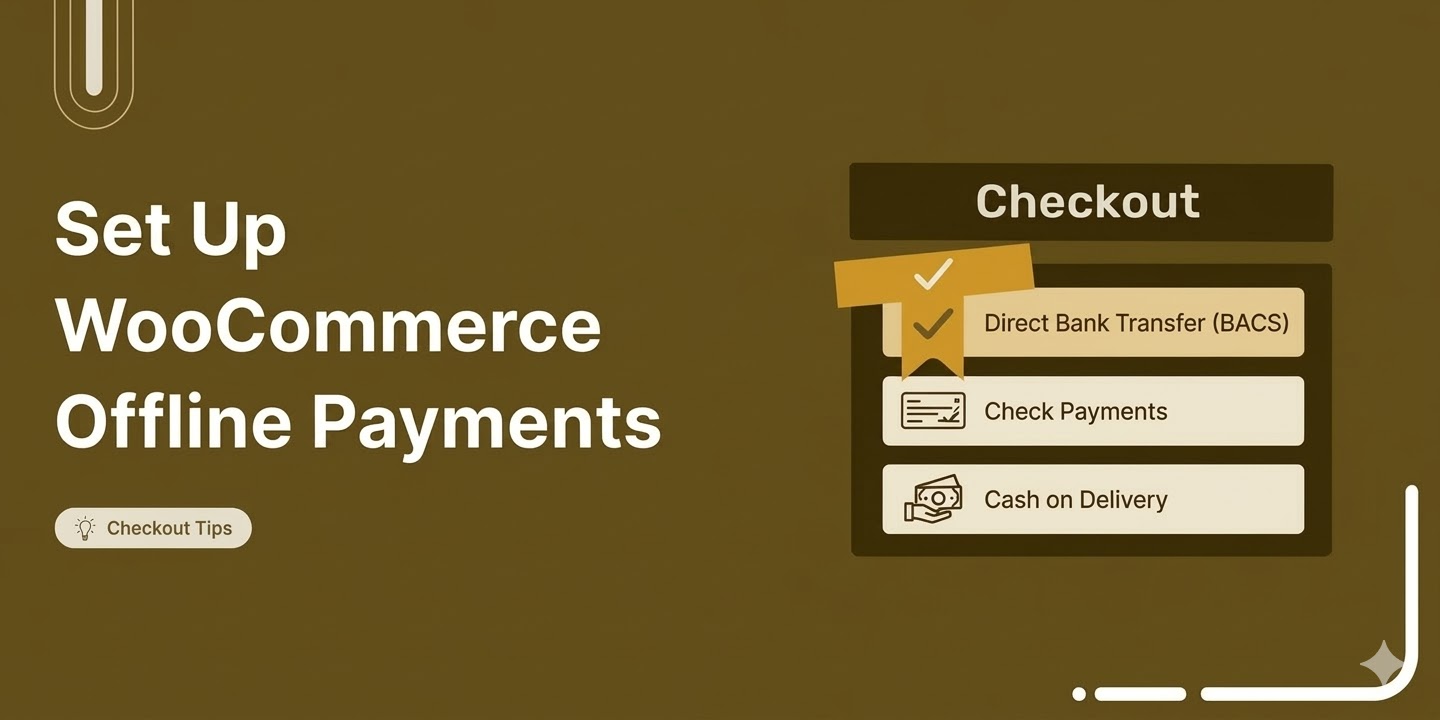
How To Set Up WooCommerce Offline Payments: Bank Transfer, Check, and COD
WooCommerce offline payment options are more important than many store owners realize. While online cards and digital wallets dominate in some regions, millions of shoppers still prefer paying after placing an order. For example, according to Go Globe, 64% of online shoppers in the Middle East show a strong preference for Cash on Delivery, especially for categories like electronics, fashion, and household products. This is why WooCommerce includes built-in offline payment methods like bank transfers, check payments, and cash on delivery. These options allow businesses to accept orders without requiring instant online payment. In this guide, we’ll explain what WooCommerce offline payments are, when they make
Mar 12, 2026
Editorial Team
Ready to Transform Your Store?
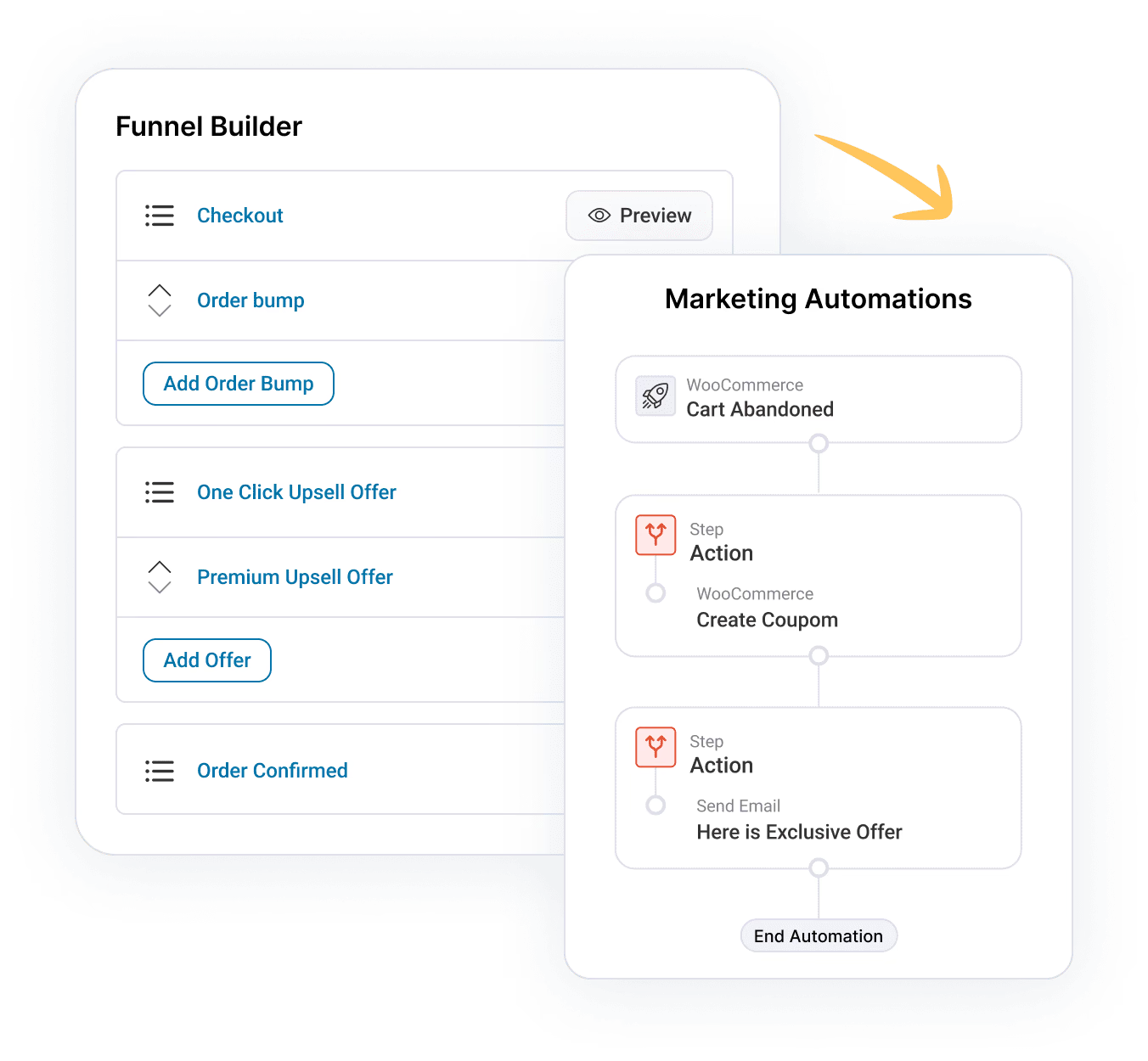
Join 40,300+ successful store owners who trust FunnelKit to power their businesses.
Conversion Optimized Checkout Pages
Increase Revenue with Smart Upsells
Capture Emails & Recover Abandoned Carts
Automate Winbacks & Repeat Sales


1013+ 5 star reviews on WordPress.org