

Join Over 40,300+ Professionals
Who build smart funnels and automations with FunneKit

Frictionless Checkouts
Email & SMS Marketing
Attractive Order Bumps
Rich Contact Profile
One Click Upsells
Workflow and Integrations
In-depth Analytics
Segmented Broadcast
A/B Testing
Revenue Tracking
Robust Rule Engine
Sliding Cart
Get FunnelKit Now

FunnelKit Blog

Recent Blogs
The Ultimate Guide to Mastering WooCommerce Checkout Shortcode (Even If You’re a Beginner)
Your checkout page might be silently killing your sales. No error messages, no warnings; just shoppers disappearing before they click the place order button. One of the sneakiest causes? The WooCommerce checkout shortcode isn’t placed or configured correctly. Maybe your page was set up a while ago, and suddenly, there is a conflict or a plugin that messed things up. Either way, a broken checkout can silently crush your conversions. WooCommerce offers many shortcodes to display products, carts, customer accounts, etc. But the most critical of them all is the [woocommerce_checkout] shortcode. This single line of code powers the entire checkout process. Even the slightest miscommunication
Mar 5, 2026
Editorial Team
Join Over 40,300+
Subscribers to get free tips, tricks, and resources to grow your mailing list
Recent Blogs
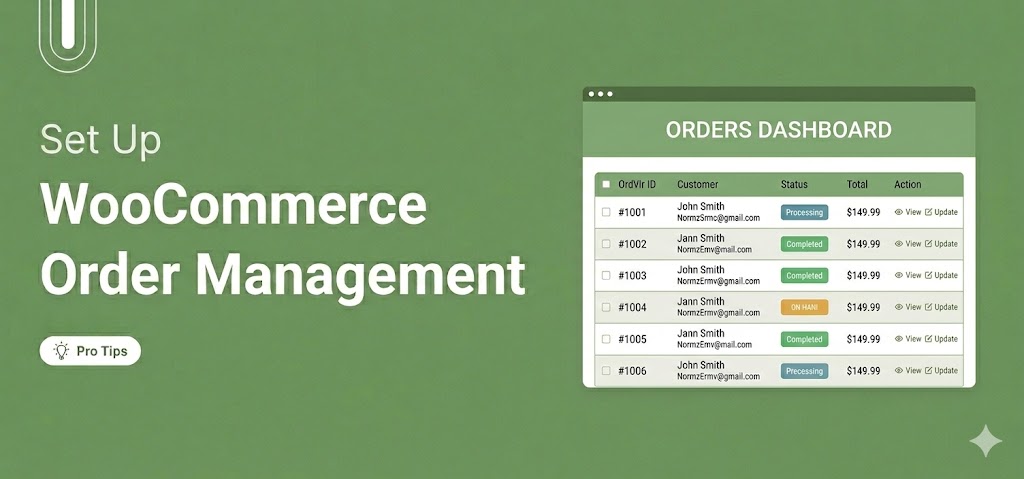
WooCommerce Order Management: How to Set Up and Streamline It
WooCommerce order management is the process of tracking, processing, and fulfilling customer orders from the moment a purchase is placed until it reaches the customer. It includes monitoring order statuses, communicating updates to customers, processing refunds, and managing bulk actions within your order list. Out of the box, WooCommerce provides a built-in order management system that works well for small to medium-sized stores. In this guide, we’ll explain how the default system works and how to manage orders more efficiently. In addition, we will share how to extend its capabilities with the right plugins so you can build a streamlined workflow that scales with your store’s
Mar 4, 2026
Editorial Team
WooCommerce Tags Explained: How to Add, Manage and Use Them
WooCommerce tags are labels you assign to products so shoppers can find related items across your store. They work similarly to social media hashtags. Tag a product with "eco-friendly" or "summer-sale". Suddenly, it starts showing up right next to other items with that exact same tag, even if those items live in totally different categories on the opposite side of your store's navigation menu. The problem is that most WooCommerce store owners either skip tags altogether or mix them up with categories and attributes. As a result, there will be a messy catalog after six months, making it take 10 clicks to find anything instead of
Mar 3, 2026
Editorial Team
How to Send WooCommerce Order SMS Notifications in Your Store
Ever had a customer ask, “Where’s my order?” even after you sent an email update? The reality is simple: emails often go unread, but text messages are seen within minutes. With a 98% open rate, SMS notifications instantly inform customers when their order is confirmed, shipped, or delivered. For WooCommerce stores, timely updates are essential. Without real-time communication, customers may assume something went wrongor even cancel their order. Store owners also need instant alerts to make sure no order is missed. SMS notifications solve this by delivering fast, direct updates to both you and your customers, reducing confusion and support requests. In this guide, we’ll show
Feb 26, 2026
Editorial Team
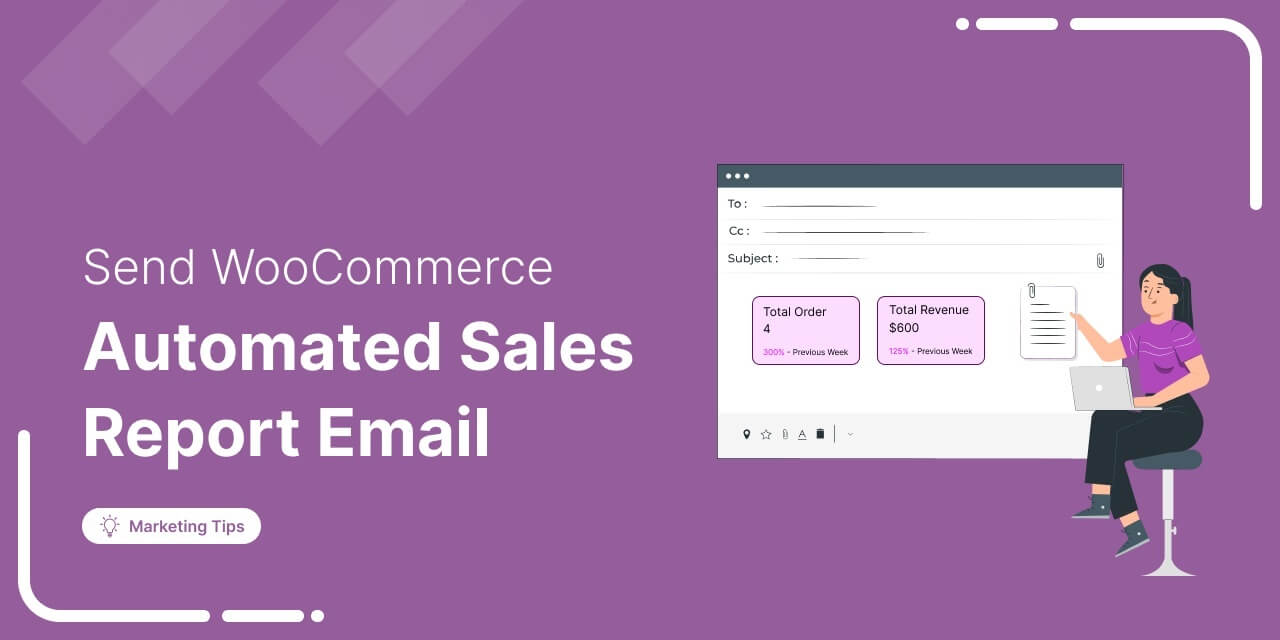
How to Send Automated WooCommerce Sales Report Email
Tired of manually checking your WooCommerce sales reports? Automating WooCommerce sales report emails not only saves you time but also keeps your marketing and performance tracking on autopilot. In this guide, we’ll show you how to: Automatically send WooCommerce sales reports to monitor your store’s performance Set up automated sales report emails to stay updated on the results of your marketing efforts This way, you let automation do the heavy lifting, so you can focus on growing your business. What is a WooCommerce Sales Report Email? A WooCommerce sales report is an automated email sent to selected recipients regularly. It provides insights into how your WooCommerce
Feb 24, 2026
Editorial Team
How to Send a Custom WooCommerce Welcome Email (Complete Setup Guide)
First impressions matter, and in eCommerce, your welcome email is your first chance to shine. A WooCommerce welcome email is an automated message sent to new customers right after they register or make their first purchase. It introduces your brand, sets expectations, and encourages them to explore your products. The problem is that WooCommerce only sends a plain email with login details for a new account. It lacks branding, guidance, and a compelling reason for customers to come back. In this guide, we will show you how to create a professional, automated welcome email in WooCommerce without any coding. Why Send a Welcome Email to New
Feb 12, 2026
Editorial Team
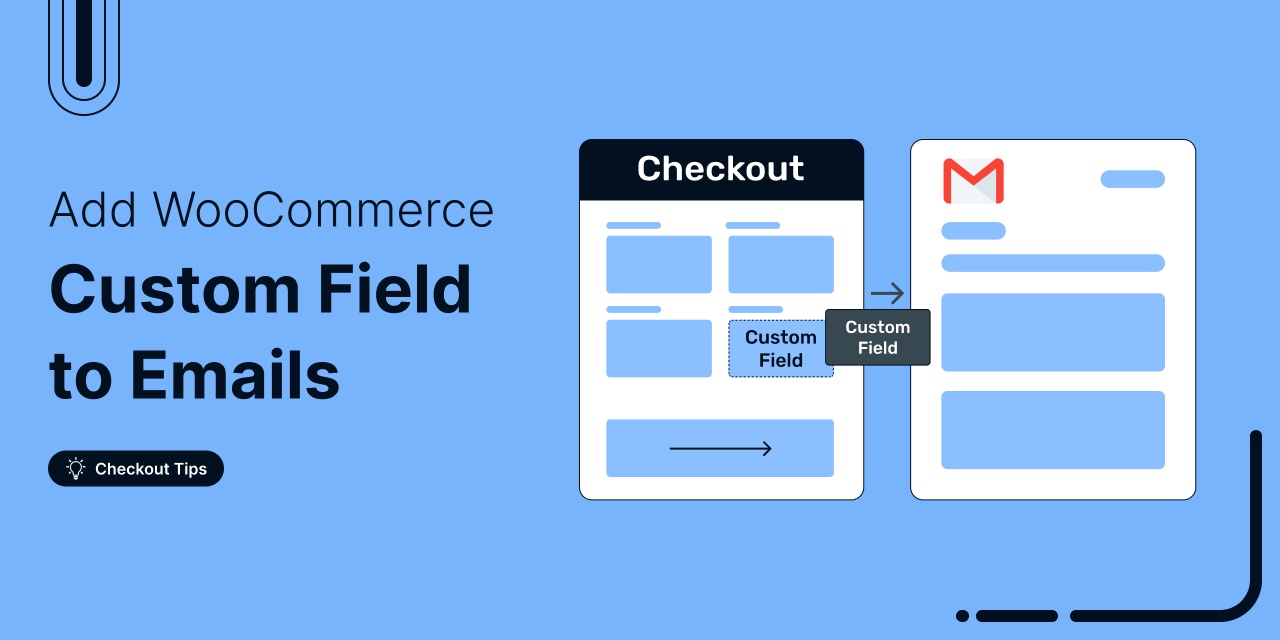
How to Add a Custom Field to WooCommerce Emails
Customers missing key info in their order emails? That’s a problem. The reason is simple. WooCommerce’s default emails only include basic order details like the order number, items, and totals. They leave out key custom fields such as delivery notes, VAT IDs, and other checkout data. In this post, you’ll learn how to: Capture custom fields during checkout Include that data in WooCommerce email templates Display customer order notes in emails Insert third-party custom fields using hooks And more, to make sure your customers get all the information they expect, right in their inbox First, Collect Data Using Custom Fields to Add to WooCommerce Emails Before
Feb 9, 2026
Editorial Team
How to Automate Next Order Coupons for Boosting Customer Lifetime Value
With increasing competition and rising ad budgets, acquiring new customers is difficult. Forbes reports that the conversion rate for new customers is just 5%-20%. On the other hand, repeat customers are 60%- 70% more likely to purchase from the same store, which means less effort and more sales. Next-order coupons are an effective way to drive repeat purchases by offering a discount. Let’s explore how next-order coupons work and how you can automatically share them with your customers to increase their lifetime value. How Does the Next-Order Coupon Work Here is the simple workflow: Purchase → Coupon Generation → Receive Coupon → Redeem on Next Order
Feb 6, 2026
Editorial Team
![The Ultimate Guide to WooCommerce Email Marketing [2026]](https://funnelkit.com/wp-content/uploads/2024/09/The-Ultimate-Guide-to-WooCommerce-Email-Marketing-FunnelKit.jpg)
The Ultimate Guide to WooCommerce Email Marketing [2026]
Leveraging WooCommerce email marketing efficiently can help you skyrocket your sales and revenue. With over 64% of businesses already using email marketing to connect with customers, it's clear this approach has immense potential for driving success in customer communication and sales. [Source: HubSpot] Email marketing isn’t just a trend; it’s a proven method that lets you reach a targeted audience directly and convert them with personalized messages. To stay competitive in today’s digital marketing landscape, you should harness the power of email marketing. In this blog, we will share everything you need to know to start utilizing WooCommerce email marketing to grow your business. What is
Feb 5, 2026
Editorial Team
WordPress Bulk SMS Marketing: Drive Sales with Personalized, Automated Texts
Want to grab your customers’ attention before anyone else? WordPress bulk SMS marketing puts your offers straight into their hands, where they’re almost guaranteed to be seen. In fact, SMS messages have an open rate of 99%, compared to just 20% for email (SMSBump). From flash sales and seasonal offers to new product launches, texts get opened, read, and acted on faster than emails. In this blog, you’ll learn how to: Set up automated bulk SMS campaigns from your WordPress dashboard A/B test your SMS for maximum engagement Follow best practices to boost clicks, conversions, and sales Why Use Bulk SMS Marketing? Bulk SMS marketing allows
Feb 5, 2026
Editorial Team
Ready to Transform Your Store?

Join 40,300+ successful store owners who trust FunnelKit to power their businesses.
Conversion Optimized Checkout Pages
Increase Revenue with Smart Upsells
Capture Emails & Recover Abandoned Carts
Automate Winbacks & Repeat Sales


1005+ 5 star reviews on WordPress.org