WooCommerce Checkout
Recent Blogs
Removing shipping from WooCommerce checkout eliminates unnecessary fields and extra steps for stores that do not ship physical products. Whether you sell digital downloads, offer local pickup only, or have a custom fulfillment workflow, hiding shipping options streamlines checkout and removes friction from the purchase process. The default WooCommerce checkout page displays shipping address fields and shipping method selection for all products. Even if you have disabled shipping zones or offer only virtual products in your store, these fields can still appear and confuse customers. In this guide, we'll show you two methods to remove shipping from your checkout: one method is code-free and the other
- Editorial Team
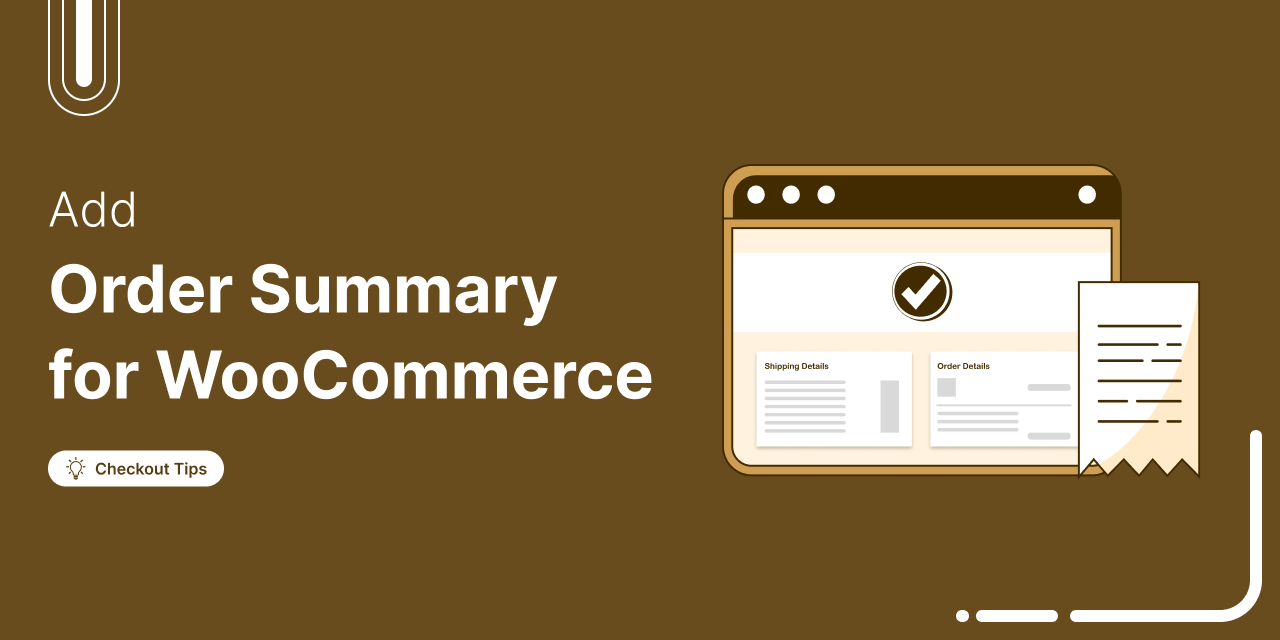
Ever clicked the checkout button and suddenly felt unsure? Did I add the right items? Am I being overcharged? The same uncertainty is costing you sales. Shoppers expect full transparency at checkout. If they cannot see a detailed breakdown of their order products, pricing, discounts, and shipping, they hesitate. And hesitation leads to lost revenue. A well-structured WooCommerce order summary can boost trust and increase conversions effortlessly. By customizing the order summary section, you can enhance the user experience, provide additional information, and even match the design with your brand. In this guide, we’ll share why it’s important to customize the WooCommerce order summary and how
- Editorial Team
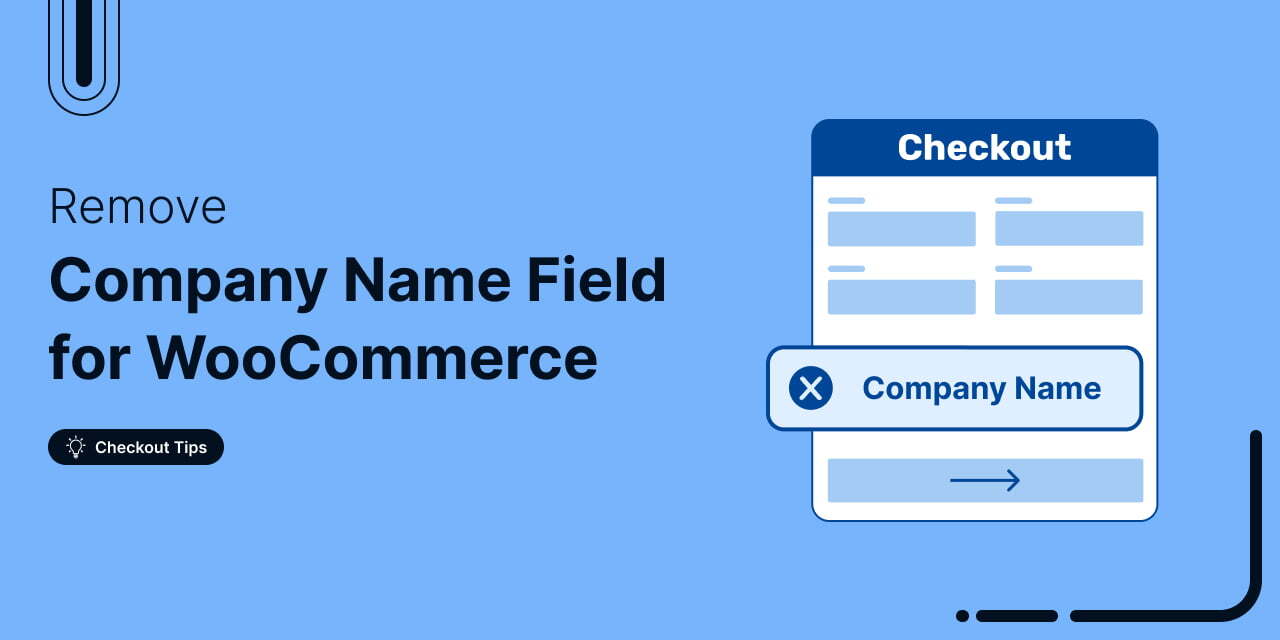
Need help optimizing your WooCommerce checkout page? Sometimes, a single field can slow down the process and distract customers from completing their purchases. For stores selling primarily to individual buyers, the Company Name field is often unnecessary and can make the checkout page look busier than it needs to be. In this blog, we’ll show you exactly how to remove the company name field from your WooCommerce checkout page, making the process faster and simpler for your customers. Whether you prefer a quick code snippet or a plugin solution, we’ll walk you through every step to create a checkout experience that’s clean, efficient, and tailored to
- Editorial Team
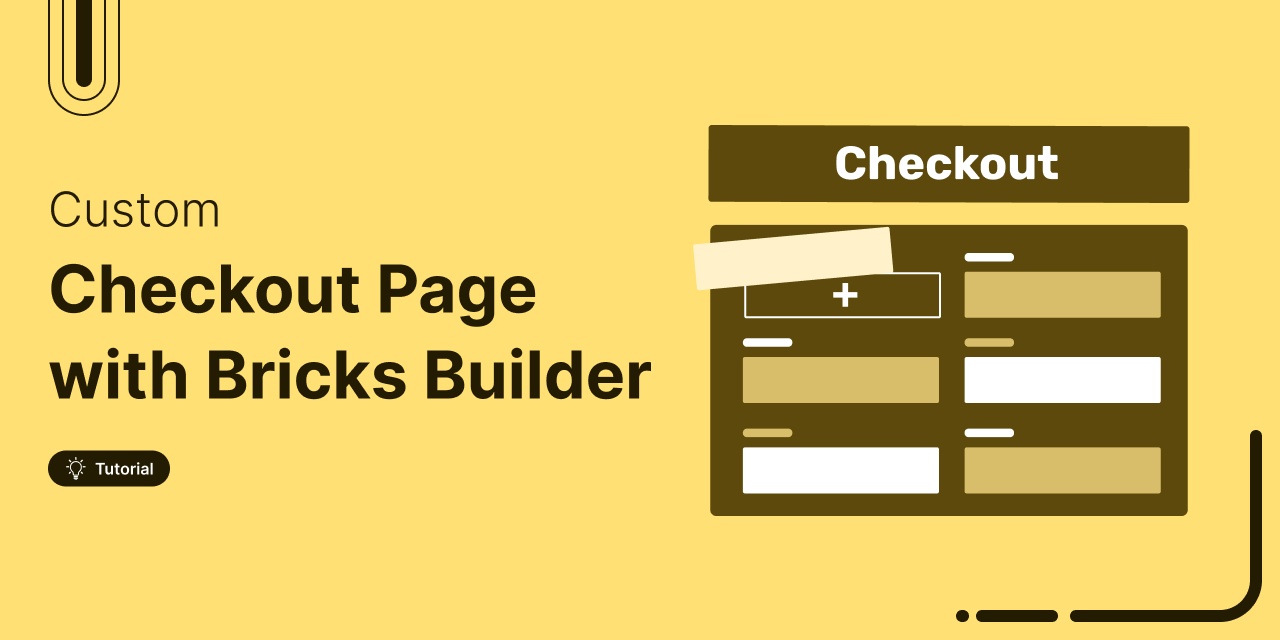
If your WooCommerce checkout looks stuck in 2010, you are losing out on sales. Shoppers today expect fast, clean, and branded checkout experiences, and the default WooCommerce page just doesn’t deliver. That’s where Bricks Builder comes in. Known for its powerful visual full-site editing, Bricks Builder has become popular among WordPress users for its unrivaled visual full-site editing ability. Like any other website page, you can create custom WooCommerce pages with single-page or multi-step checkouts without knowing coding. In this blog, we will provide a step-by-step guide for creating a custom WooCommerce checkout page with Bricks Builder. Get FunnelKit Now 🔥 Try Risk-free with 14 Days
- Editorial Team
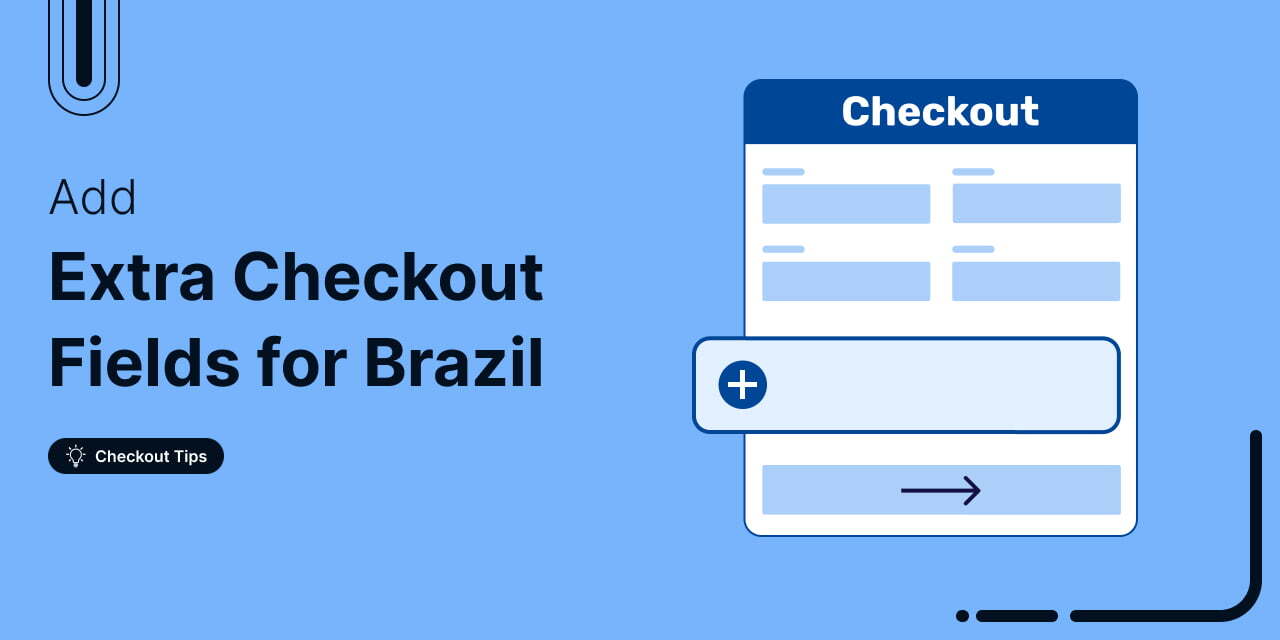
Are you struggling to streamline your WooCommerce checkout for Brazilian customers? Brazil’s unique requirements, such as CPF, CNPJ, and RG fields, can make the default WooCommerce setup insufficient for legal compliance and smooth payment processing. Without these customizations, your store could experience transaction issues or fail to issue proper tax documents, which can lead to customer frustration. In this guide, we’ll show you how to optimize your WooCommerce checkout to meet Brazil’s specific needs using FunnelKit Funnel Builder. This will ensure a smooth and seamless customer experience. Get FunnelKit Now 🔥 Try Risk-free with 14 Days Money Back Guarantee Why are Extra Checkout Fields Essential for
- Editorial Team
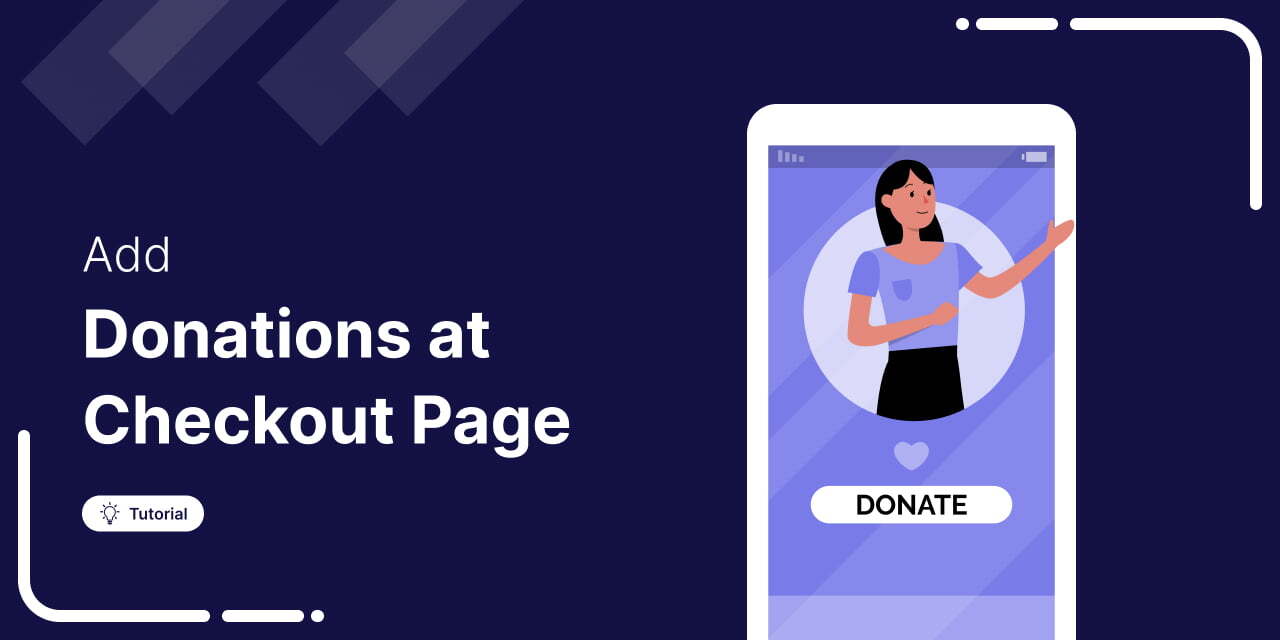
Are you looking to add a donation feature at the checkout page of your WooCommerce store? Loyalty isn’t built just on discount coupons. It’s built on connection and shared values. When your WooCommerce store gives customers the chance to support a meaningful cause at checkout, it leaves a lasting impression. Adding a donation option is a simple yet powerful way to show what your brand stands for and invite your customers to stand with you. Whether you're raising money for a nonprofit, supporting a local community, or backing a cause that aligns with your brand, allowing customers to donate at checkout can make a real difference.
- Editorial Team
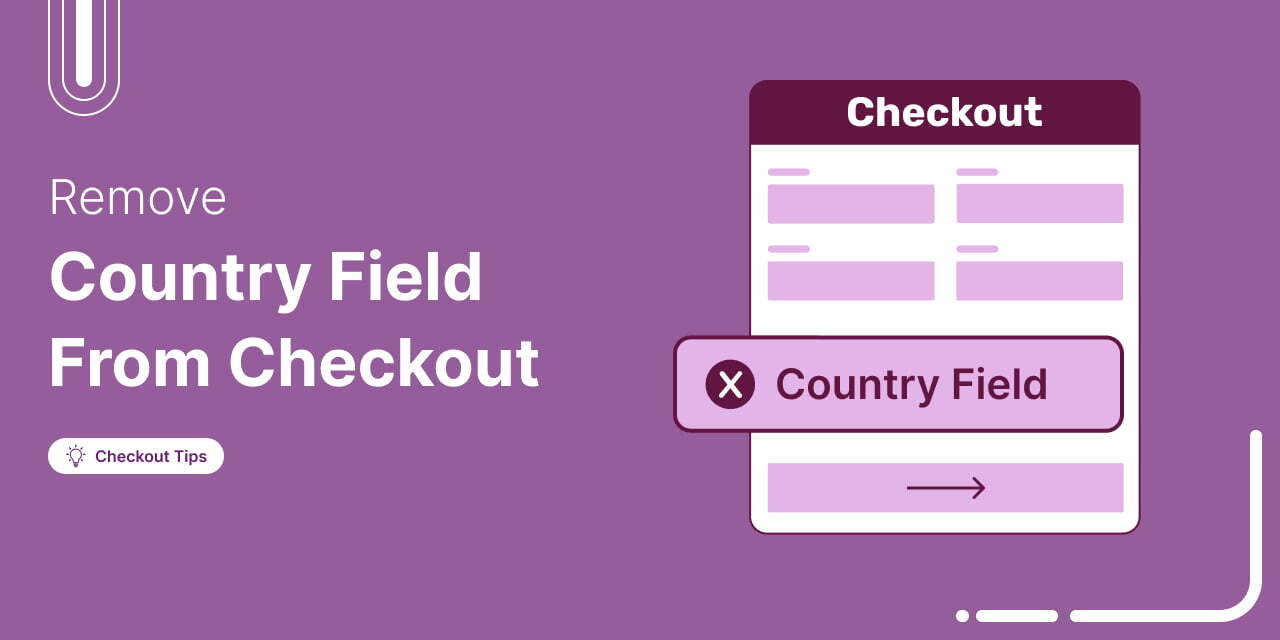
Are your customers wasting time scrolling through a long list of countries to pick one? If you only sell in one country, why even ask them to choose? It’s an unnecessary step in the checkout process. Extra clicks like this can confuse shoppers and lead them to abandon their carts. Removing unnecessary countries from the list or eliminating the country field (if you only sell to one country) can streamline the checkout process for your customers. This will result in fewer abandoned carts and increased conversions. In this post, we will guide you on how to exclude countries from the checkout list or remove the country
- Editorial Team
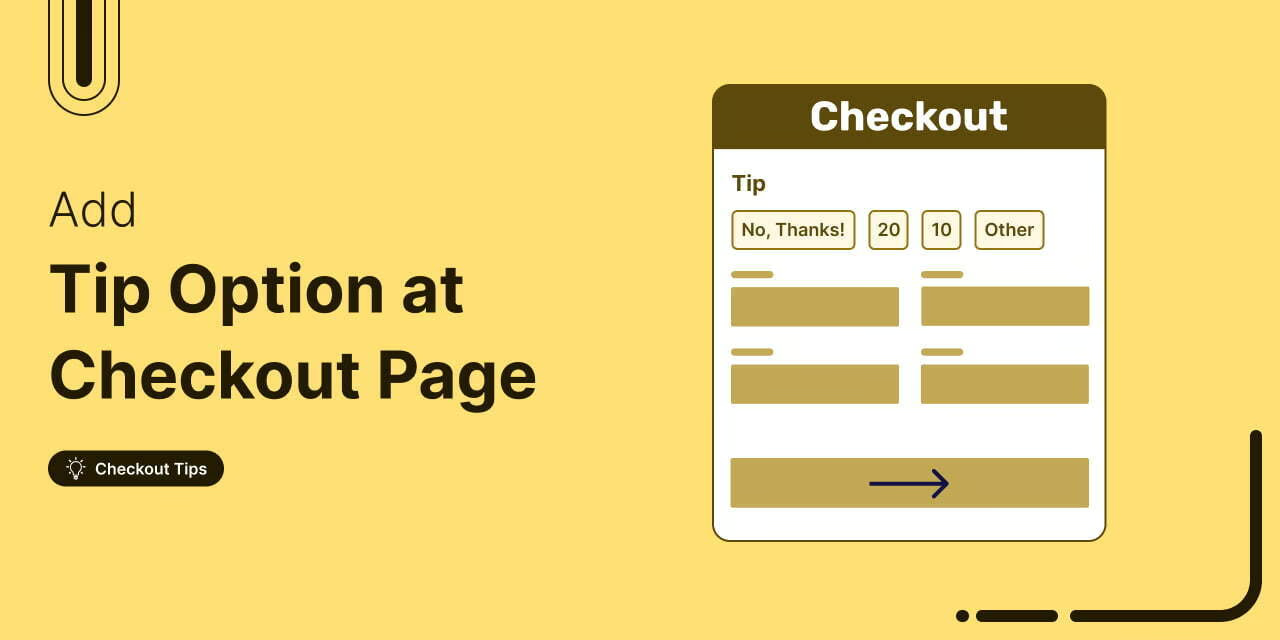
What if you could collect tips at WooCommerce checkout just like a physical shop? This can positively impact your staff’s lives with extra earnings. Some happy customers are eager to show appreciation, and adding a tip feature gives them an easy way to do just that. And for your team, it means well-earned extra income they truly deserve. A Forbes 2023 survey reveals that 65% of people tip at least 11% more when using digital payment methods compared to cash. This proves just how effective digital tipping can be. In this blog, we will share how to add a tip collection option at WooCommerce checkout, along
- Editorial Team
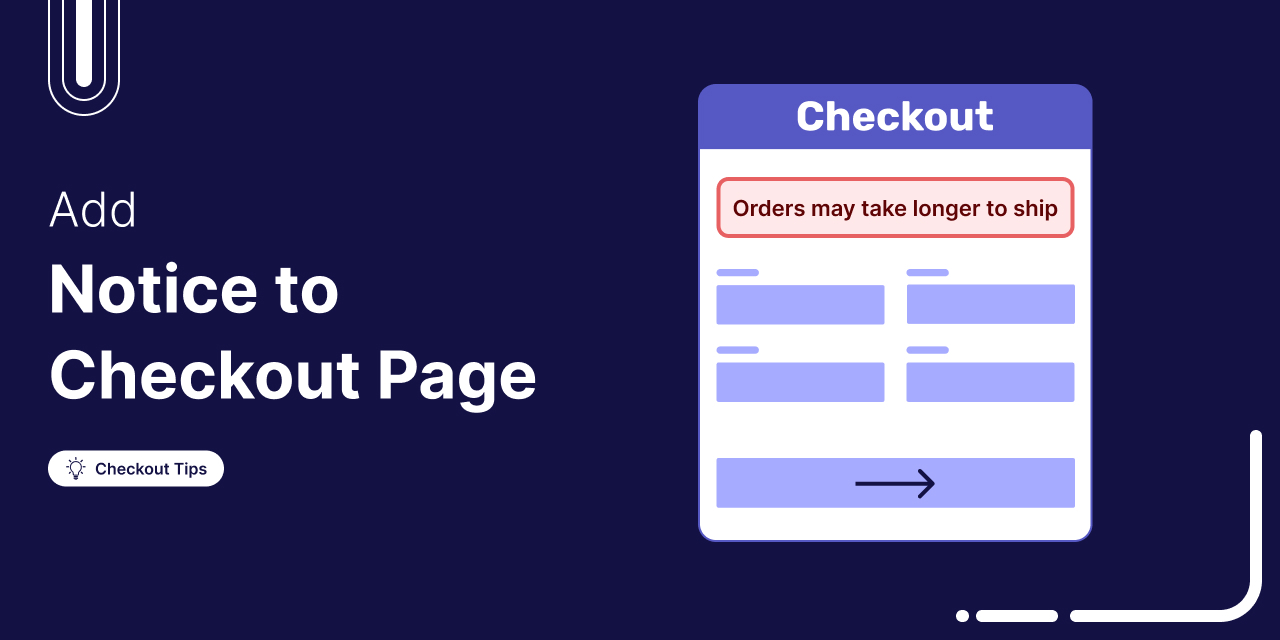
Tired of answering the same shipping questions over and over? Many WooCommerce store owners face this problem. Repeated inquiries about delivery times, shipping costs, and potential delays can take up a lot of time and disrupt the flow of business operations. Here’s the trick: A shipping notice on your checkout page can drastically reduce those repetitive questions. By adding a notice on the checkout page, you can provide your customers with clear delivery times and potential delays before they complete their order. You set proper expectations and eliminate confusion. In this blog, we'll show you how to add notices to your WooCommerce checkout page, keeping customers
- Editorial Team
Make More From Every Sale.
FunnelKit works at the three moments a store earns money: before checkout, at checkout and after the order.
★★★★★
4.9/5 from 1,012+ reviews on WordPress.org
One order.
Three chances to earn more.
$100$120$140$150
Cart value+$20 before checkout+$20 at checkout+$10 after checkout+$50 · 50% more
$100+$20+$20+$10=$150
$100
$100
$100
+$20
$120
$100
+$20
+$20
$140
$100
+$20
+$20
+$10
$150
Cart ValueStarting Point
Bundles & Cart UpsellsBefore Checkout
Order Bumps & UpsellsAt Checkout
Recovery & Follow‑UpsAfter Checkout
Same traffic, same shopper, more revenue.