WooCommerce Checkout
Recent Blogs
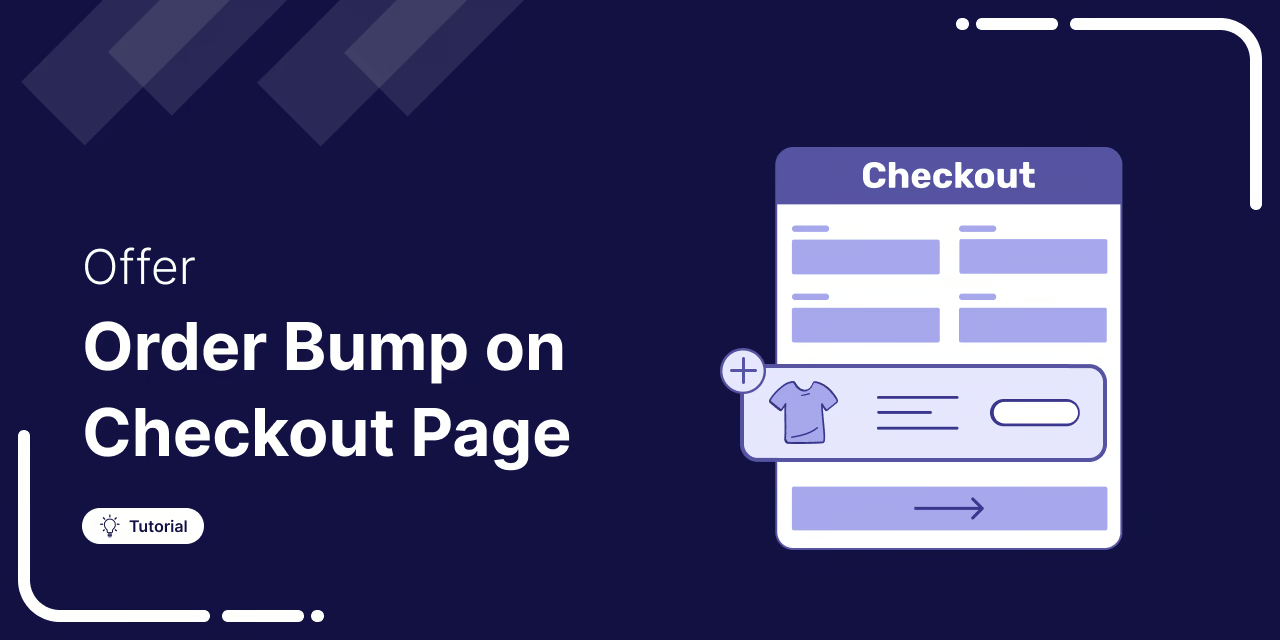
If you run a WooCommerce store and are not using order bumps at checkout, you're leaving money on the table. Almost all businesses, whether online or offline, use it. You know that moment when you're ordering at McDonald's, and the waiter casually asks, "Want fries with that?" You didn't think you needed them, but now you're all in. That's the genius of the order bump, a strategy so simple, you barely even notice it. McDonald’s uses it to sell 9 million pounds of fries a day. Yup, you heard that right. And in eCommerce, order bumps can bump up your AOV by 10% to 30%. You
- Editorial Team
The WooCommerce phone field is one of the most commonly adjusted elements on the checkout page. Store owners either want to make it required for delivery coordination, add country code validation for international customers, or remove it entirely to reduce checkout friction. But the default setup is extremely rigid. No built-in format validation. No country flag dropdowns. You barely get any customization options over whether the field is required, optional, or hidden entirely from the frontend. Changing this behavior in the WordPress Customizer often does not work as expected. In this guide, we will look at exactly how to fix this. Whether you prefer writing raw
- Editorial Team
Around 24% of people abandon their carts when they're required to create an account. [Source: Baymard] Yes, forcing account creation at checkout can drive users away. Customers want a fast, hassle-free checkout, not a lengthy sign-up process. If they feel pressured to register, they might abandon their cart and not complete the purchase. So, what's the solution? Let customers check out as guests, automatically create an account using their email, and send a friendly welcome email. In this blog, we’ll show you how to set up automatic account creation on the WooCommerce checkout. Why Allow Automatic Account Creation at WooCommerce Checkout? Automatically allowing customers to create
- Editorial Team
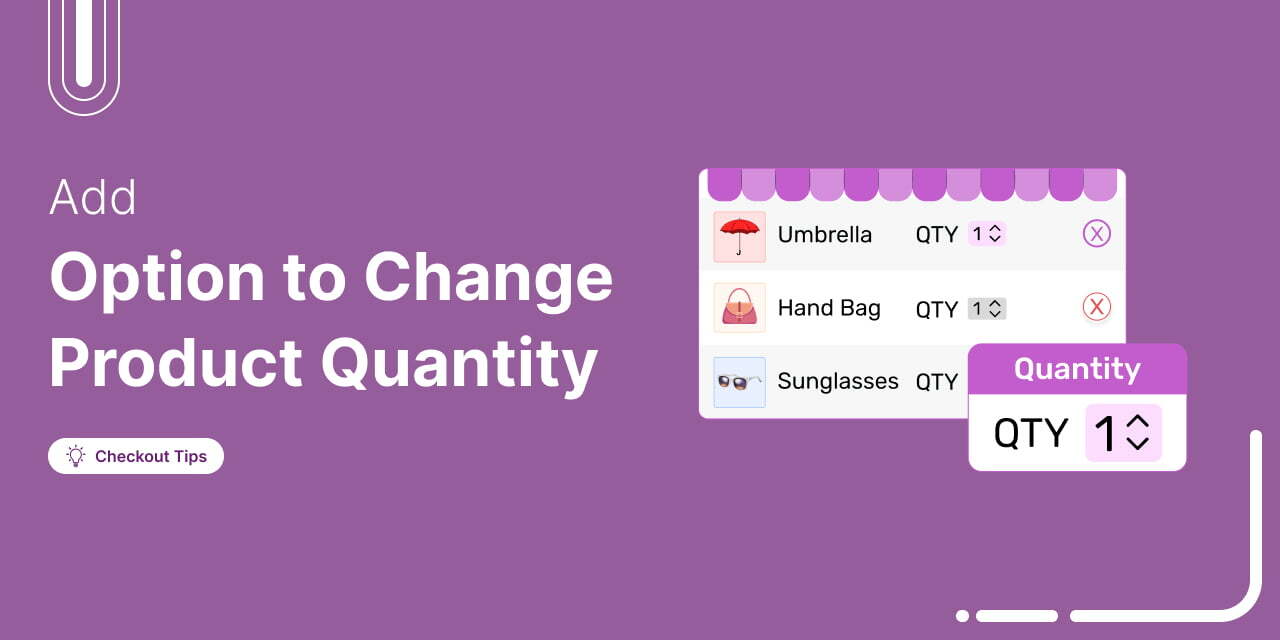
Quick Summary: Allowing quantity changes at checkout helps prevent users from returning to the cart page to make adjustments. It’s a small but meaningful fix that can reduce cart abandonment. You can easily add this feature and refresh your checkout page for a smoother, conversion-ready experience without any coding. Your shopper is ready. They're at checkout. Then it hits them that they want two of those items, not one. But there's no option to change the quantity. So, they hit ‘Back’, sometimes losing their progress or worse, their interest. In fact, studies show that 1 in 4 online shoppers abandon checkout due to unnecessary friction. We’ve
- Editorial Team
Adding a newsletter opt-in checkbox to your WooCommerce checkout is one of the simplest ways to grow an email list that actually drives revenue. Every customer completing a purchase is already engaged with your store, already trusts your brand, and is more likely to say yes to staying in touch than a cold visitor who landed on your homepage. That moment at checkout is valuable, and most stores let it go to waste. According to Litmus, 35% of companies see between $10 and $36 back for every dollar they put in. For WooCommerce stores, those numbers climb higher because you are emailing people who have already
- Editorial Team
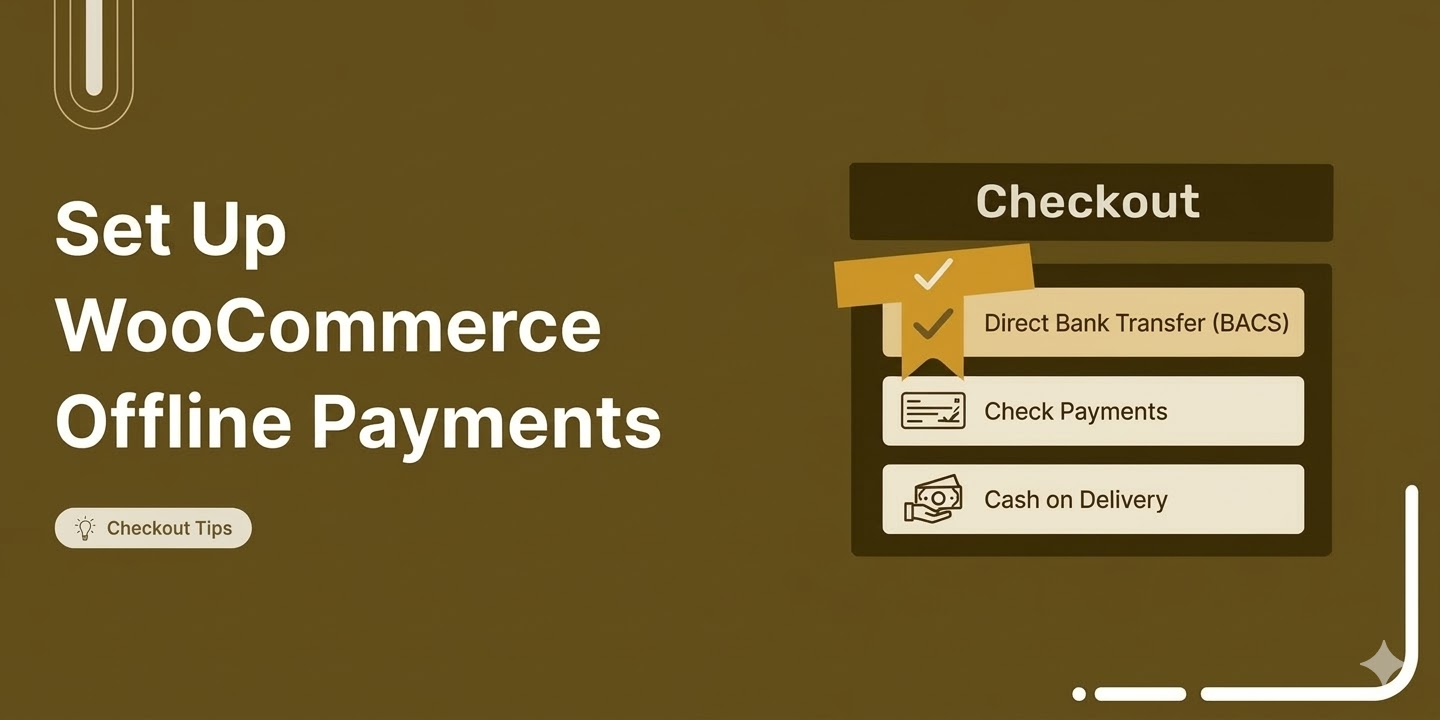
WooCommerce offline payment options are more important than many store owners realize. While online cards and digital wallets dominate in some regions, millions of shoppers still prefer paying after placing an order. For example, according to Go Globe, 64% of online shoppers in the Middle East show a strong preference for Cash on Delivery, especially for categories like electronics, fashion, and household products. This is why WooCommerce includes built-in offline payment methods like bank transfers, check payments, and cash on delivery. These options allow businesses to accept orders without requiring instant online payment. In this guide, we’ll explain what WooCommerce offline payments are, when they make
- Editorial Team
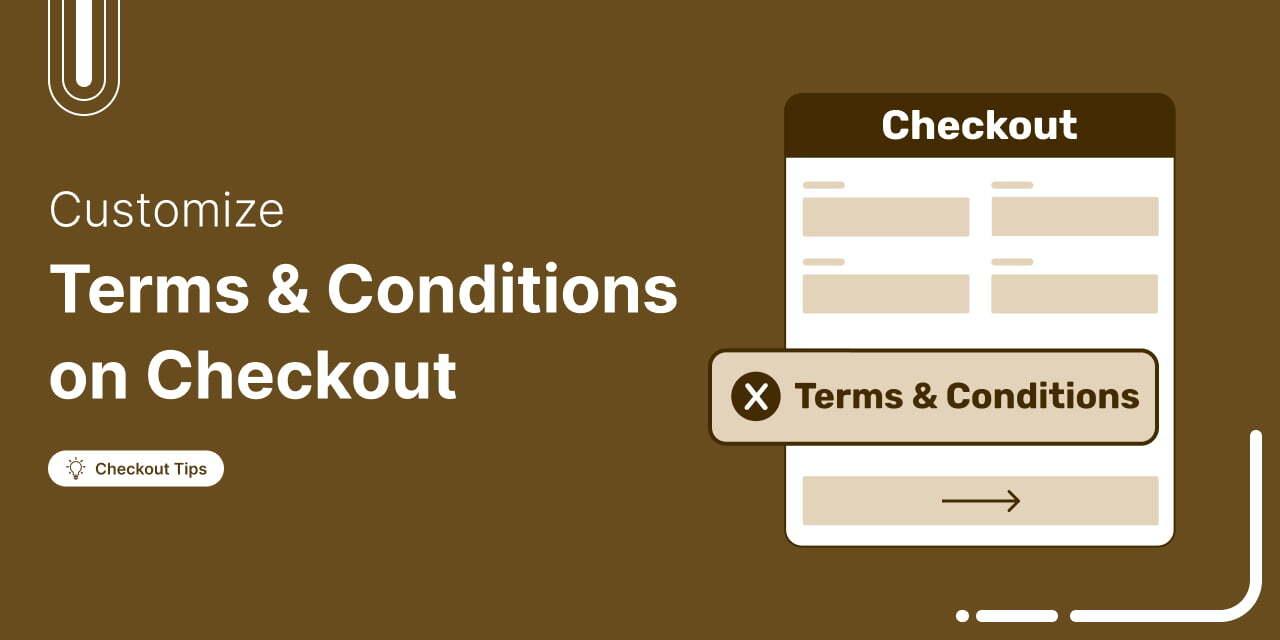
WooCommerce checkout page terms and conditions protect your store from disputes, chargebacks, and legal liability. They set the rules that customers agree to before completing a purchase, covering everything from refund policies to shipping expectations. The default WooCommerce terms and conditions setup is limited. Sure, you get a basic checkbox linked to a page. But that is it. Want to tweak the label? Need a second checkbox? Looking for a database log proving the customer actually clicked 'agree'? The built-in settings will not do that. For stores forced to comply with strict privacy laws like GDPR or PIPEDA, those native limitations become a real compliance headache.
- Editorial Team
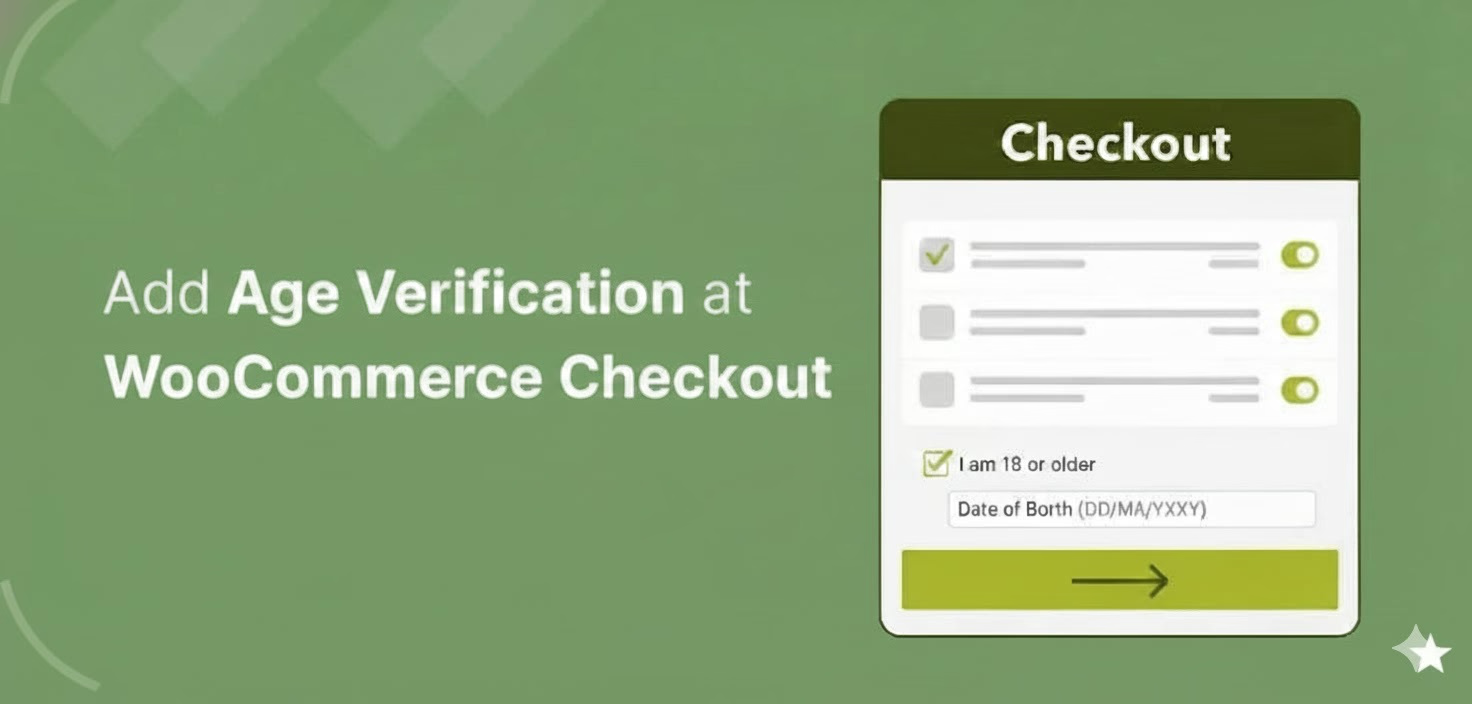
WooCommerce age verification checkout becomes important the moment you sell products that are restricted by age. If you sell products like alcohol, tobacco, or vapes, verifying a customer’s age is not just a good practice. In many countries, it is a legal requirement. Some other items can fall into this category too, such as high-caffeine energy drinks, certain supplements, fireworks, or mature-rated video games. The tricky part is that WooCommerce doesn’t really help with this out of the box. There is no built-in age gate at checkout. No date-of-birth field. No confirmation step that stops someone underage from placing an order. So if you are running
- Editorial Team
Ever wondered why some physical product stores easily turn visitors into customers while others struggle? Your product’s solid, and your marketing’s sharp, but conversions stay low. Why? Because typical website pages scatter information, distract users, and lack a clear buying path. The result? 70% of users abandon carts, causing serious revenue loss. A sales funnel for physical products fixes this. It offers a focused, distraction-free journey that guides users straight to checkout, boosting conversions effortlessly. In this blog, we’ll show you how to set up a sales funnel for physical products in WooCommerce using the proven Tripwire Funnel model. What is a Sales Funnel and Why
- Editorial Team
Make More From Every Sale.
FunnelKit works at the three moments a store earns money: before checkout, at checkout and after the order.
★★★★★
4.9/5 from 1,012+ reviews on WordPress.org
One order.
Three chances to earn more.
$100$120$140$150
Cart value+$20 before checkout+$20 at checkout+$10 after checkout+$50 · 50% more
$100+$20+$20+$10=$150
$100
$100
$100
+$20
$120
$100
+$20
+$20
$140
$100
+$20
+$20
+$10
$150
Cart ValueStarting Point
Bundles & Cart UpsellsBefore Checkout
Order Bumps & UpsellsAt Checkout
Recovery & Follow‑UpsAfter Checkout
Same traffic, same shopper, more revenue.