Maximize Your Profit with FunnelKit – Highest Rated with 1,012+ 5-Star ReviewsBFCM deal live

Maximize your profit with FunnelKit · 1,012+ five-star reviews

WooCommerce Checkout

Recent Blogs
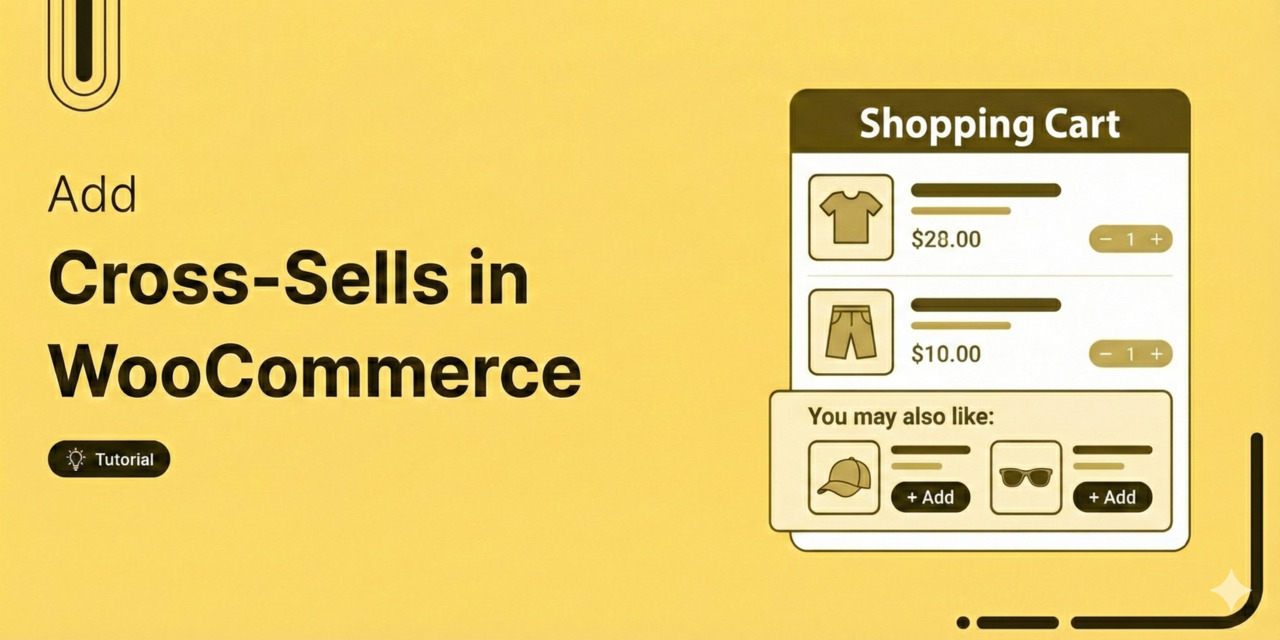
Shopping cart with a You may also like row offering a cap and sunglasses, for the WooCommerce cross-sells guide

How to Cross-Sell Products in WooCommerce to Boost Sales and AOV (2026 Guide)

WooCommerce ships with a built-in cross-sell field, but it only fires on the cart page, which covers only a fraction of where shoppers actually decide to add more to their order. This guide closes that gap. You’ll learn what a cross-sell is (and how it differs from an upsell, a related product, and co-selling), how to choose between the native method, a plugin, and custom code, and how to place complementary product offers across six stages of the funnel. There’s a full developer section with hooks, the get_cross_sell_ids() function, a working shortcode, and a way to show recommendations by category, plus a troubleshooting section for when
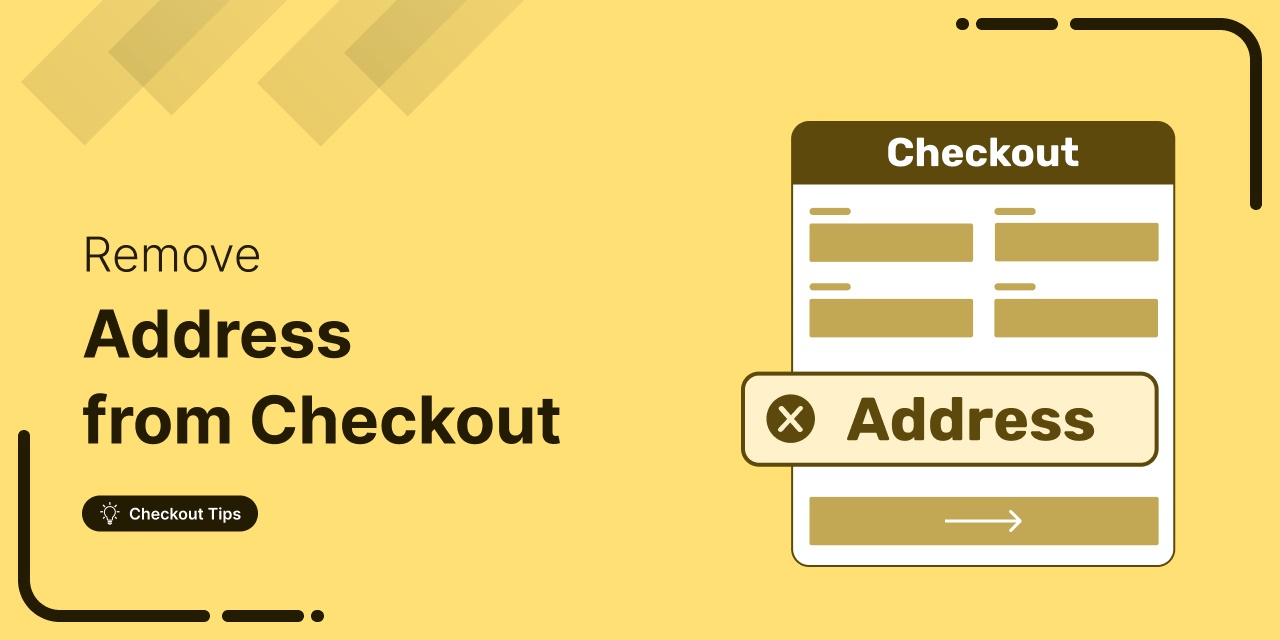
Order form with an Address field marked by a remove icon, for the guide to dropping the address from WooCommerce checkout

How to Remove the Address Field from WooCommerce Checkout

Removing the address field from WooCommerce checkout means taking out the billing and shipping address lines that your customers do not actually need to fill in. For stores selling digital products, services, or subscriptions, those fields add friction without serving any purpose. In this guide, we will show you how to remove the billing and shipping address from your WooCommerce checkout in four ways: with a WordPress plugin and no code, through the block checkout editor, and with custom PHP for both the classic and the block checkout. We will also show you how to fix the address required error that can block orders after you
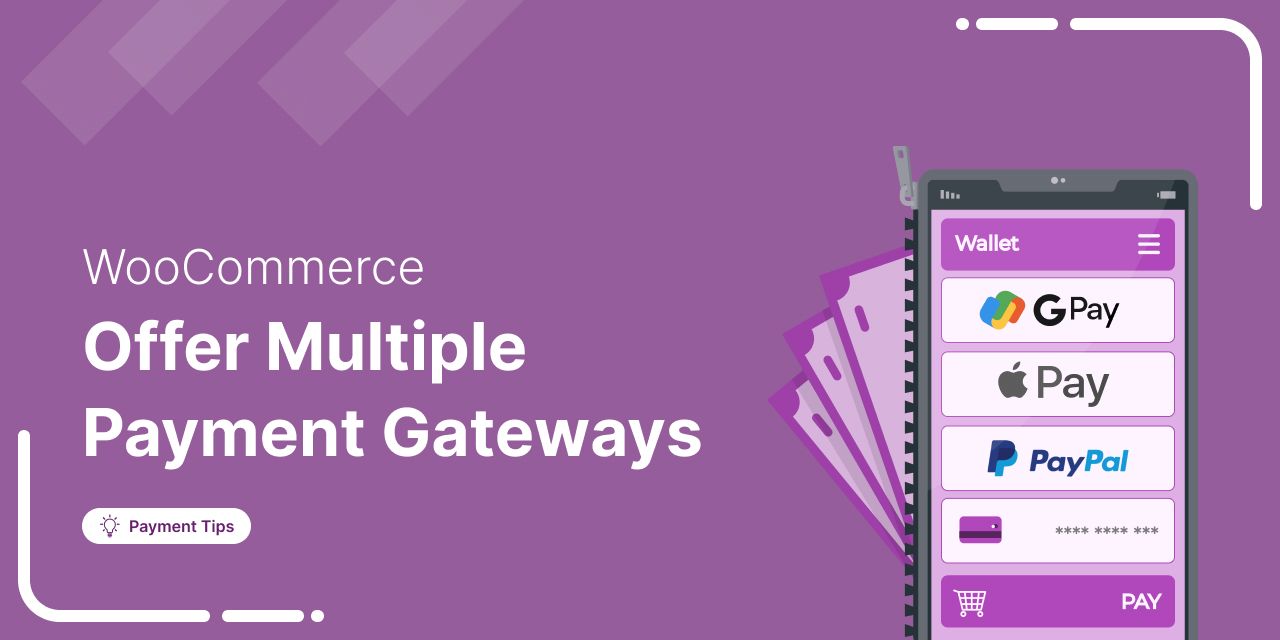
Phone wallet listing Google Pay, Apple Pay, PayPal and card options, for the guide to multiple WooCommerce payment gateways

How to Offer Multiple Payment Gateways in WooCommerce 

Do you want to create a seamless checkout experience in your WooCommerce store and reduce cart abandonment? One of the simplest yet most effective ways to do that is by offering multiple payment gateways. When customers don’t see their preferred payment method at checkout, they often leave before completing their purchase. Since WooCommerce’s default options are quite limited, this can have a direct impact on your conversions and overall revenue. By integrating multiple payment gateways, you can give customers more flexibility, build trust, and make the checkout process feel smoother and more familiar for shoppers around the world. In this guide, you’ll learn how payment gateways
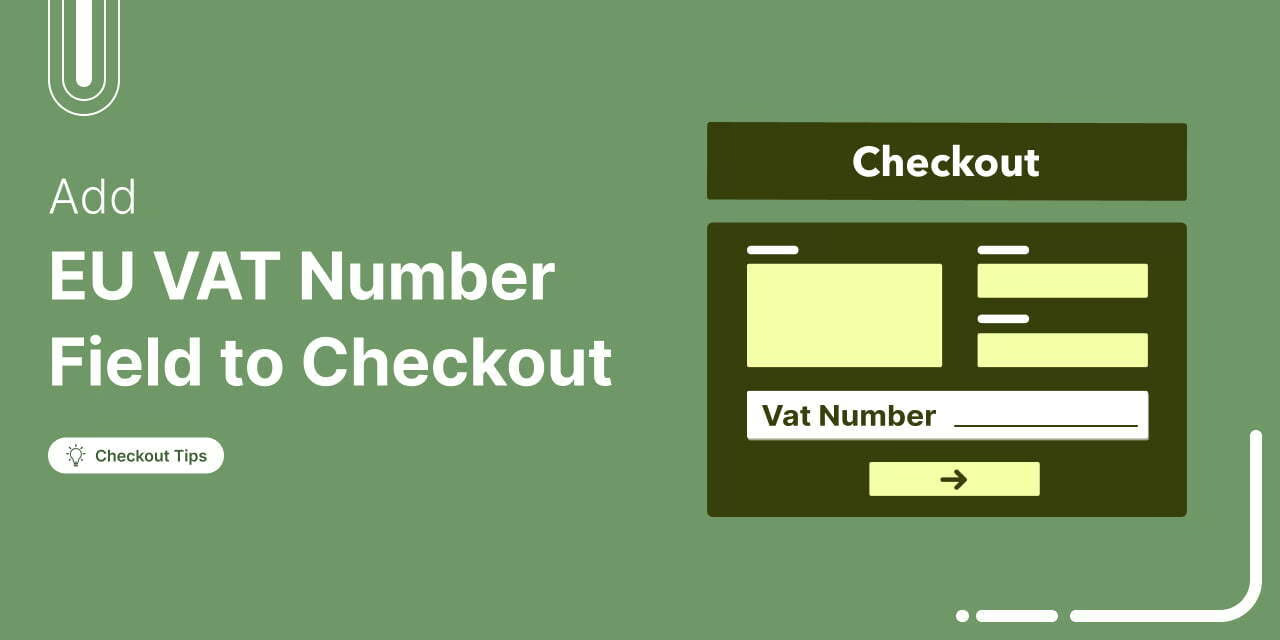
How to Add and Validate EU VAT Number Field on WooCommerce Checkout

How to Add and Validate an EU VAT Number Field in WooCommerce: Best Plugins & Setup

Dealing with VAT rules in the EU can be complicated. For domestic transactions (B2B or B2C), VAT is charged at checkout. However, in cross-border B2B transactions within the EU, VAT-registered businesses are exempt from paying VAT at checkout. Instead, they're responsible for self-assessing and paying VAT in their own country through the reverse charge mechanism. Failing to comply with VAT regulations can lead to fines and legal issues. That's why adding an EU VAT number field at checkout is essential. It validates B2B transactions and ensures compliance with EU VAT rules. In this blog, we'll compare the plugins that can add this field to your WooCommerce
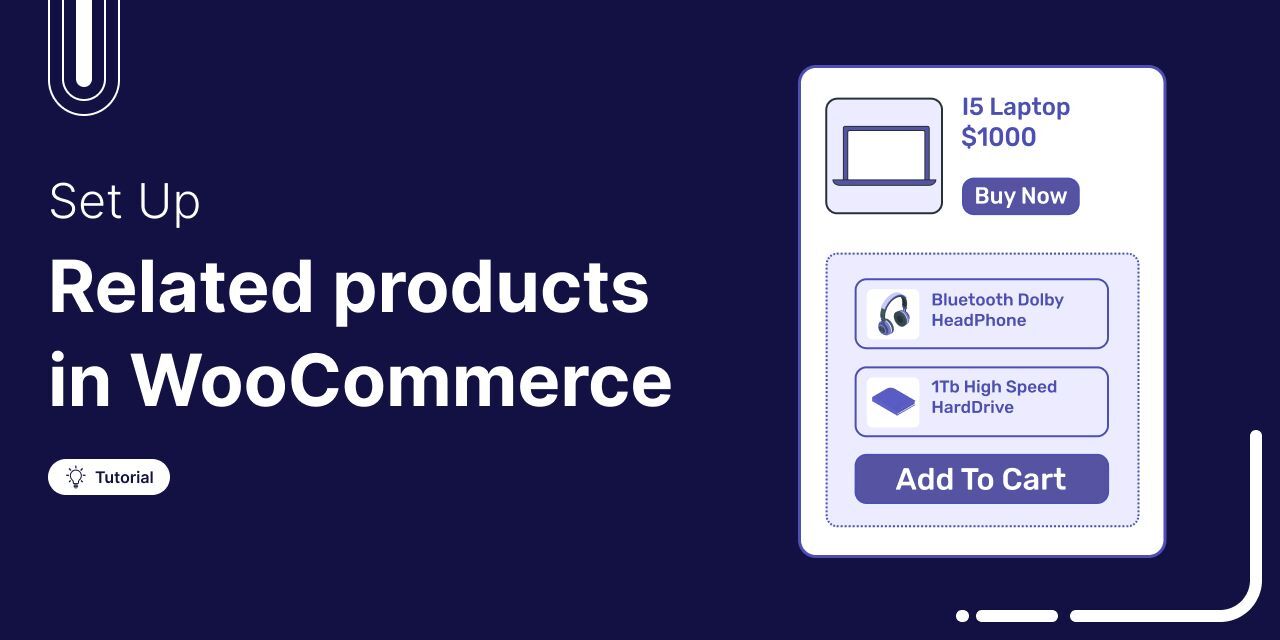
Product card for a $1000 laptop with headphone and hard drive add-ons, for the WooCommerce related products guide

How to Set Up WooCommerce Related Products (Complete Guide)

In WooCommerce, related products are the items shown near the bottom of a product page that WooCommerce picks automatically based on the tags and categories a product shares with others in your catalog. You can't hand-select them by default, but you can control how many appear, the order and layout, and even turn them off completely. In this guide, we'll cover exactly how this feature works, how it differs from upsells and cross-sells, and how to customize, disable, or fix related products using the shortcode, a few lines of code, or a plugin. Whether you're a store owner who wants cleaner product pages or a developer
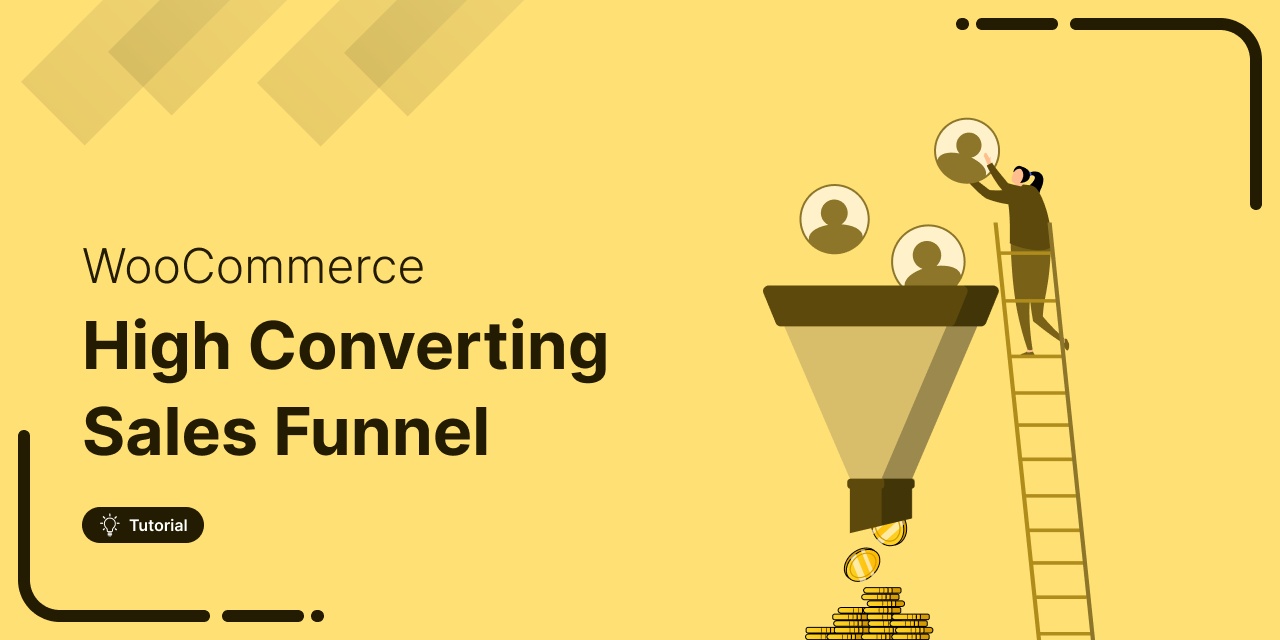
Woman on a ladder dropping customer icons into a funnel that pours out coins, for the high-converting WooCommerce sales guide

How to Build a High-Converting WooCommerce Sales Funnel (Step-by-Step Guide)

Utilizing the power of the WooCommerce sales funnel can boost your online sales and revenue. That means a product page that builds desire, an in-cart upsell, a checkout with an order bump, post-purchase one-click upsells, and an email sequence that brings buyers back. Most people who visit your store will not make a purchase on their first visit. A sales funnel gives them a clear path from browsing to purchasing, and it increases the amount each customer spends along the way. But this is the exact gap in the default WooCommerce flow. It gives you a product page, a cart, and a checkout, but it does
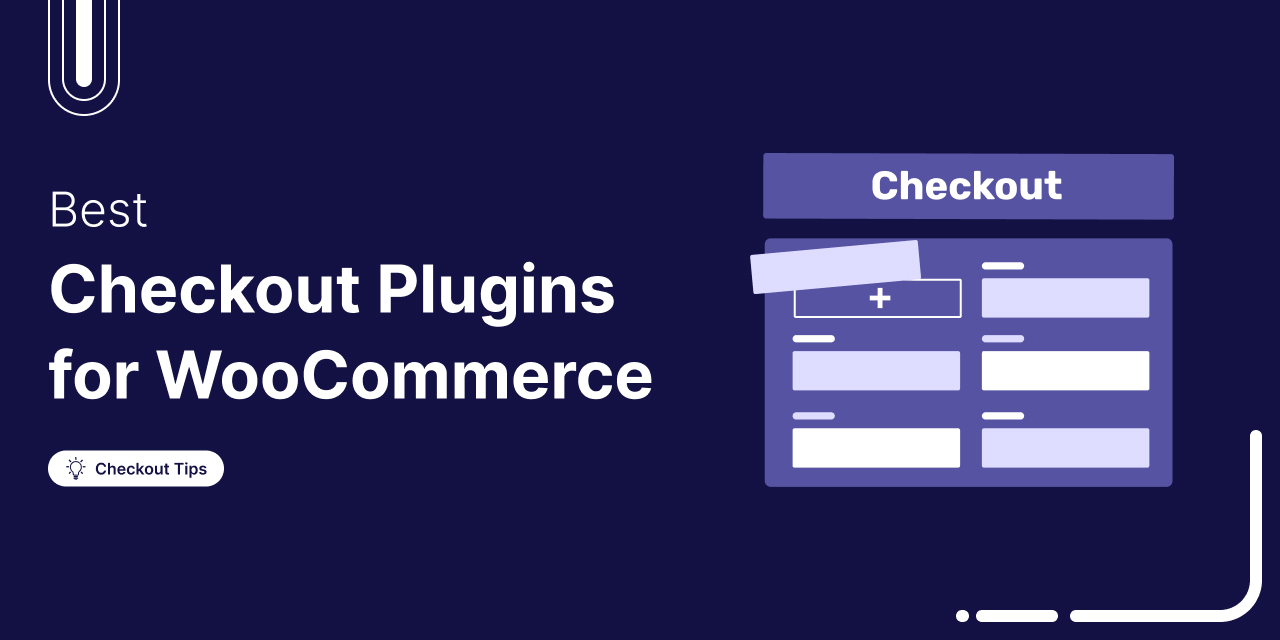
Best WooCommerce Checkout Page Plugins

14 Best WooCommerce Checkout Plugins for 2026 (Expert Picks)

Hi, I'm Damanjeet, co-founder and CEO of FunnelKit. For the last 15 years, I've helped WooCommerce stores solve one expensive problem, which is that the default checkout wasn't built to sell. You have steady traffic but flat conversions. I've seen this hundreds of times, and the culprit is almost always the checkout. I once worked with a fashion brand that was stuck at 1.8% conversion rate. A clunky, multi-page checkout was killing their sales. One-page checkout, express pay, a simple order bump, and conversions jumped. Our user, Jake McCluskey, did the same thing during a 4th of July sale, boosting profits by 20% in four days. Most "best
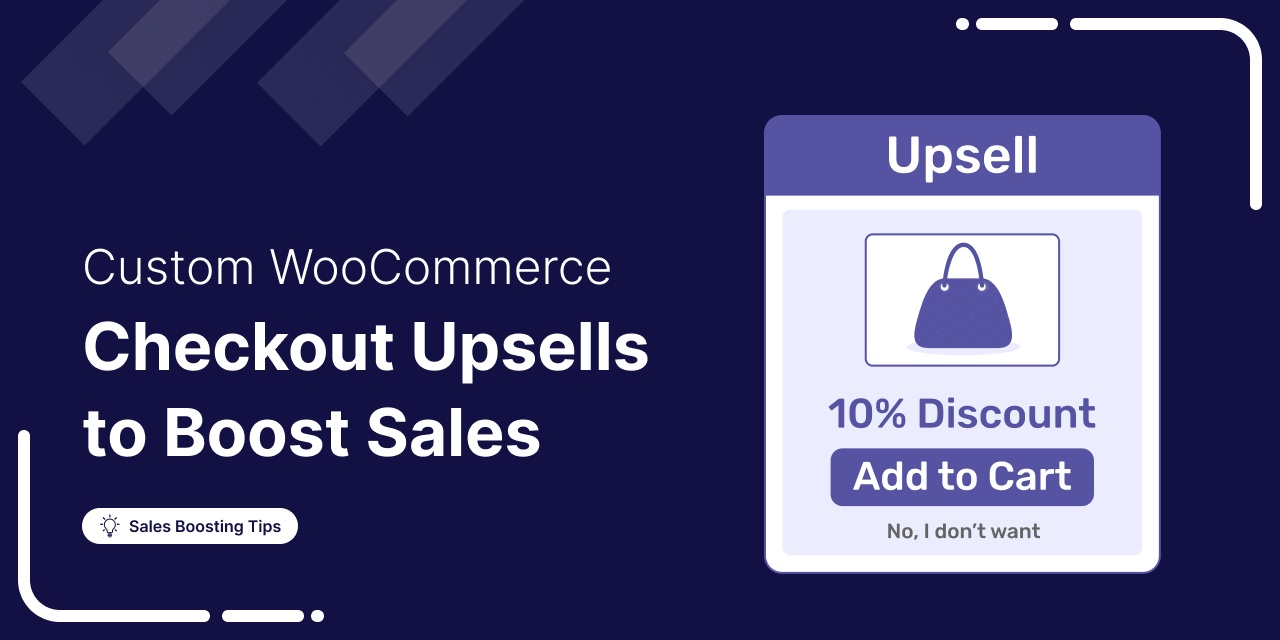
Illustration of an upsell card with a handbag, 10% discount and Add to Cart button, for the checkout upsell guide

WooCommerce Checkout Upsell: The Complete Guide to Boosting AOV

Imagine walking into a coffee shop, ordering a coffee latte, and the barista says… nothing. No offer for a pastry, no suggestion for an extra shot of espresso. Just silence. Sounds like something's missing, right? That’s exactly what happens when your WooCommerce checkout doesn’t include upsells. Your customers are ready to buy from your store, yet you're not offering them anything extra. This way, you're leaving easy revenue on the table. Studies show that upselling can increase sales by up to 30%, but many store owners either don’t know how to do it or worry these will annoy shoppers. The truth? Checkout upsells can feel seamless
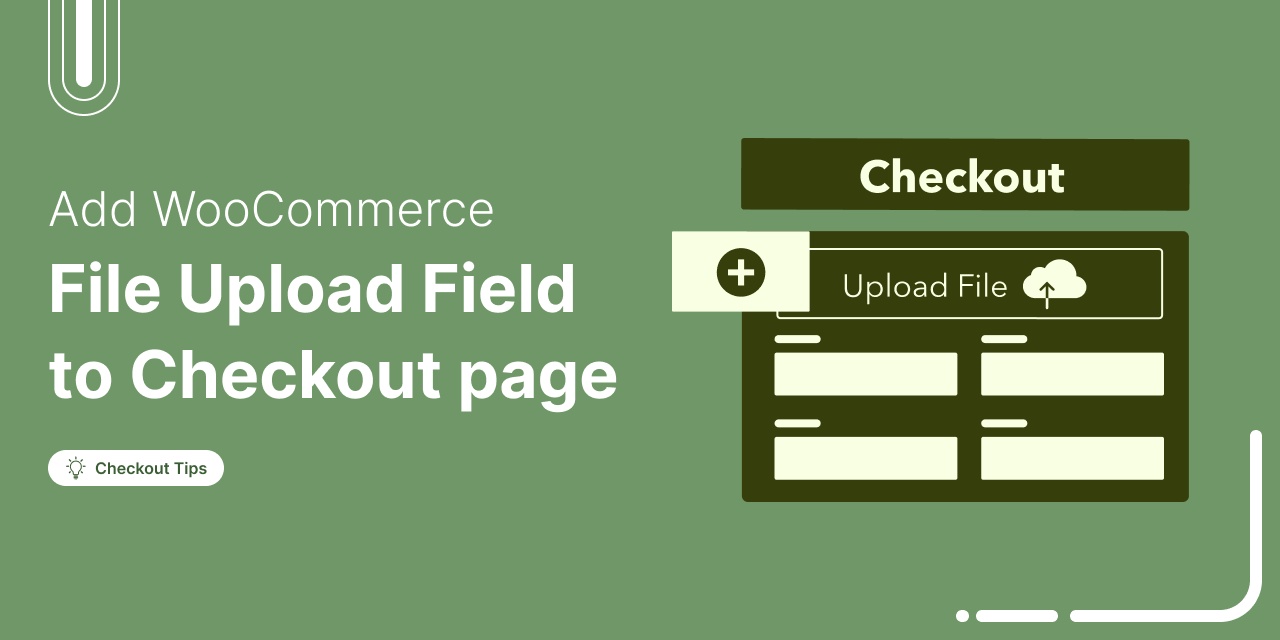
Order form with an Upload File field and cloud icon added at the top, for the WooCommerce checkout file upload guide

How to Add a File Upload Field to WooCommerce Checkout (2 Easy Methods)

Without a file upload option at checkout, WooCommerce stores risk losing sales and frustrating customers. I once worked with a print shop where customers had to email their designs after placing an order. The result was missed files, endless back-and-forth communication, and frustrated buyers who often gave up. The core issue is that WooCommerce’s default checkout does not include a file upload option. Once file upload fields were added to checkout, the process became seamless. Customers could attach their designs while placing the order, which reduced errors and saved hours of manual follow-up. And this is not just a one-off case. Many businesses, from print-on-demand services

Make More From Every Sale.

FunnelKit works at the three moments a store earns money: before checkout, at checkout and after the order.

Before checkout: cart upsells and free-shipping goals in a sliding cart
At checkout: a faster checkout with order bumps and one-click upsells
After checkout: abandoned-cart recovery and follow-ups that bring buyers back
Start Selling More Today →
★★★★★ 4.9/5 from 1,012+ reviews on WordPress.org