WordPress Marketing Automation
Recent Blogs
If you're solely focusing on email marketing and ignoring SMS notifications, you're leaving money on the table. A customer places an order, the confirmation email lands in an inbox next to fifty others, and three hours later they're messaging your support line asking where their order is. It doesn't stop there. A cart gets abandoned, the recovery email goes out, and it sits unread until the discount window closes. A local delivery shows up while nobody's home. The "your order is on its way" notice never got seen in time. None of that is a plugin problem. It's a channel problem. Email waits for someone to
- Editorial Team
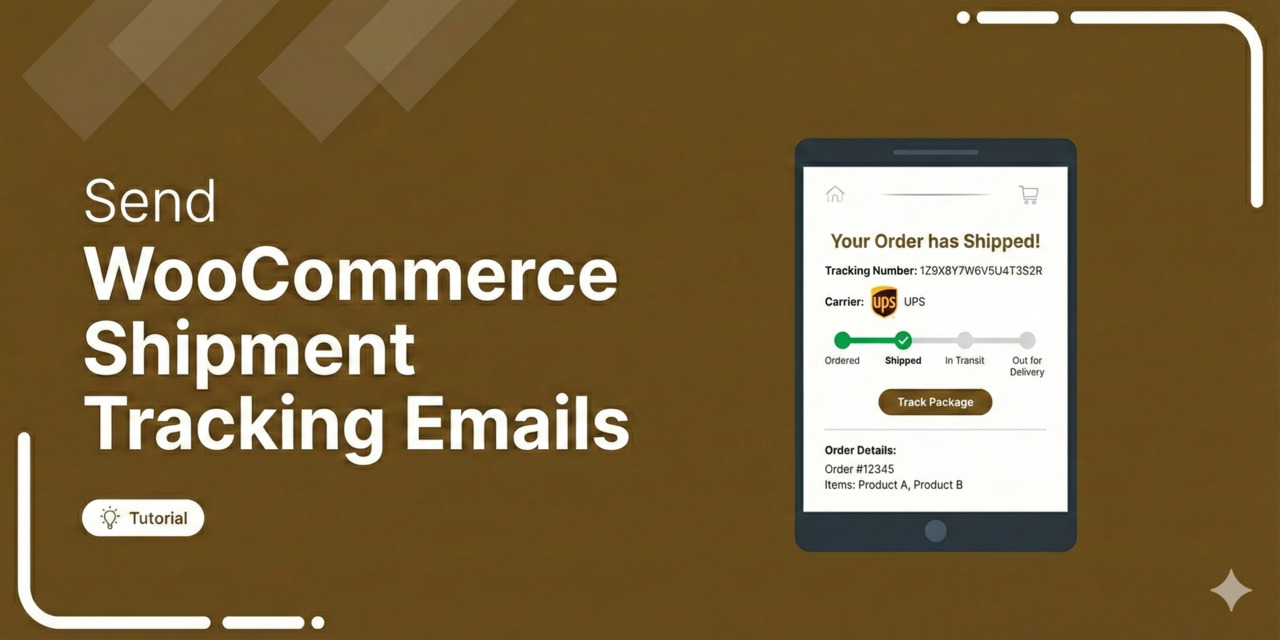
WooCommerce shipment tracking emails do not go out on their own, which catches most store owners by surprise. You print the label at nine in the morning and add the tracking number to the order at 9:02. By 2:00 that afternoon, the customer is emailing to ask whether their order has shipped yet. Nothing has actually broken here. WooCommerce saves the tracking number exactly where you put it, but it only passes that information to the customer when the order status changes and an email fires. If no status change happens, the tracking number sits in your dashboard, and the customer hears nothing at all. Below,
- Editorial Team
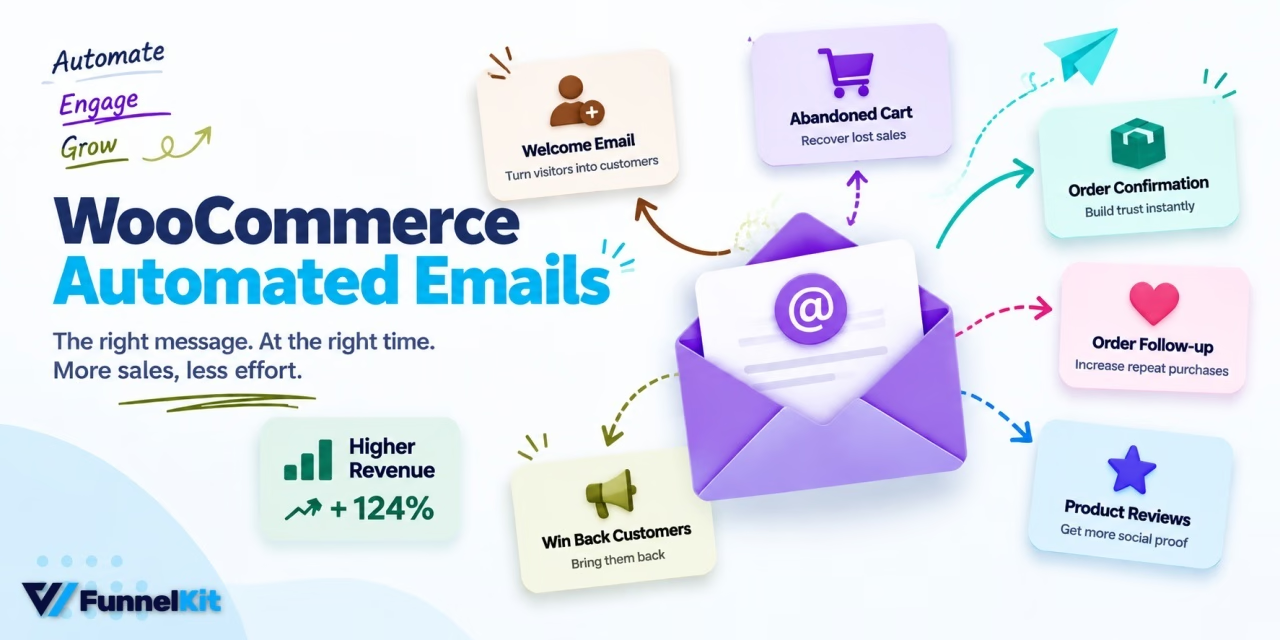
WooCommerce automated emails handle the basics with order confirmations, shipping updates, password resets, and a few others. The platform includes 11 of them, and they're all transactional. Something happens in the store, and WooCommerce sends an email. But what happens when someone gets all the way to payment, gets distracted by a phone call, and never comes back? Nothing. Say you run a coffee store. Someone adds a $42 bag of single-origin beans and a $16 filter set to their cart. They're at $58, they've already shown buying intent, and then they disappear. WooCommerce doesn't have a built-in email waiting to bring them back. That's the
- Editorial Team
WooCommerce cannot restrict a coupon to first-time buyers on its own. To run a real first purchase discount, something has to check the shopper’s order history before the discount applies. That means a rule-based discount plugin, a snippet in your theme, or a one-time coupon generated for each new subscriber. WooCommerce first order discounts are supposed to reach people who have never bought from you. Launch WELCOME10, pull the coupon report two weeks later, and you will usually find your regulars in it. The discount will work, but it just discounts the wrong people. We see this constantly, and it happens because WooCommerce has no first-order
- Editorial Team
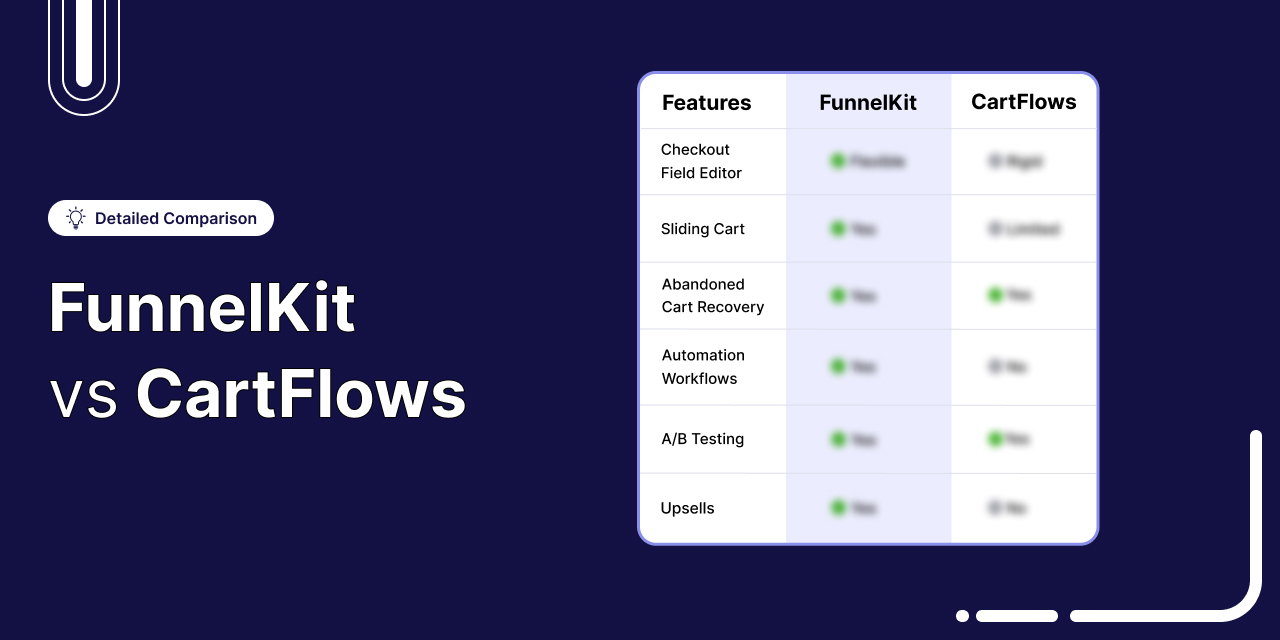
FunnelKit vs CartFlows often comes down to a feature-by-feature comparison. But there’s a more important question: Does your funnel end at the thank-you page? Both plugins are built to improve the standard WooCommerce buying experience. The default WooCommerce checkout has around 23 fields. A well-optimized checkout can reduce that to 12-14 fields while adding features like order bumps, post-purchase upsells, and A/B testing. And there’s a good reason to optimize it. Baymard Institute found that 18% of shoppers abandon checkout because the process is too long or complicated. So the question isn’t whether you should improve your checkout. It’s which tool makes the most sense for
- Editorial Team
Best WooCommerce marketing plugins can make the difference between a store that just exists and one that consistently generates sales. Even if your products are great, they won’t sell if people don’t discover them or aren’t guided to buy. That’s where marketing steps in. And it’s not only about running ads outside your store. Real growth happens inside your WooCommerce store too through emails, upsells, offers, and smart on-site prompts that nudge visitors toward a purchase. The problem is that WooCommerce doesn’t include these marketing capabilities by default. So if you want predictable growth, you need the right tools working in the background. In this guide,
- Editorial Team
WooCommerce Klaviyo integration is one of the most popular ways to add email and SMS marketing to a WordPress store. Klaviyo is an email and SMS marketing platform built for ecommerce. It helps WooCommerce store owners connect and engage with customers through automated flows, campaigns, and personalized messages. By connecting Klaviyo with your WooCommerce store, you can sync every order, cart, and product view in real time and use that data to drive repeat sales. But setting up the Klaviyo WooCommerce integration isn’t always straightforward. Store owners often struggle with failed connections, missing events, consent settings, and making sure the data actually syncs between both platforms.
- Editorial Team
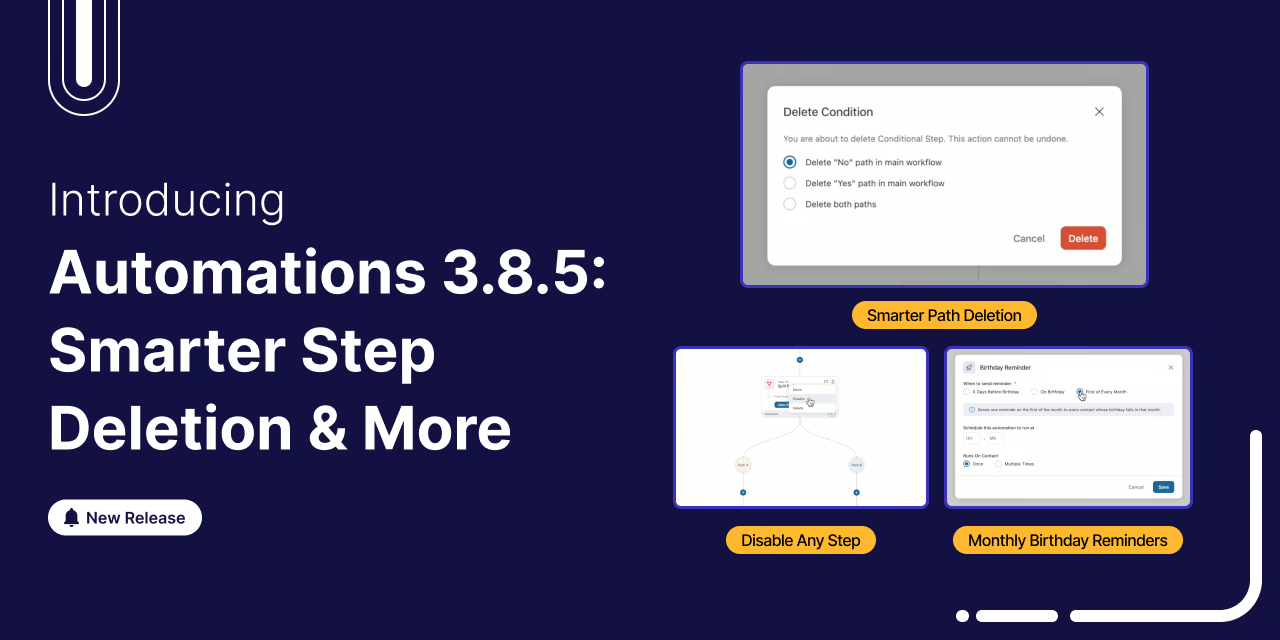
Introducing FunnelKit Automations 3.8.5: Smarter Step Deletion, Month-Wide Birthday Campaigns & More
Editing a live automation shouldn’t feel like a game of Jenga with your revenue, where pulling the wrong piece brings the whole thing down. That’s the problem we set out to fix with FunnelKit Automations 3.8.5, and it’s now live. This release is all about giving you control over automations you’ve already built. Deletion got smarter, so restructuring a flow no longer means tearing half of it down. You can now switch any step off and back on without deleting it. And birthday campaigns just got a lot easier to run for your whole list at once. Let’s walk through every new feature. Short on time?
- Damanjeet Singh
Discover how a canceled order doesn't have to mean a lost customer, and how the right WooCommerce canceled order email can turn it into a second chance. WooCommerce canceled order emails are a valuable way to stay connected with your customers even after an order is canceled. When done right, these emails can help maintain trust, encourage future purchases, and turn a potentially negative experience into a positive one. In this post, you'll learn how to craft effective canceled order emails. We'll share 3 different ways to send this canceled order email notification, and discover best practices to keep your customers engaged and convert. Let’s get
- Editorial Team
Make More From Every Sale.
FunnelKit works at the three moments a store earns money: before checkout, at checkout and after the order.
★★★★★
4.9/5 from 1,012+ reviews on WordPress.org
One order.
Three chances to earn more.
$100$120$140$150
Cart value+$20 before checkout+$20 at checkout+$10 after checkout+$50 · 50% more
$100+$20+$20+$10=$150
$100
$100
$100
+$20
$120
$100
+$20
+$20
$140
$100
+$20
+$20
+$10
$150
Cart ValueStarting Point
Bundles & Cart UpsellsBefore Checkout
Order Bumps & UpsellsAt Checkout
Recovery & Follow‑UpsAfter Checkout
Same traffic, same shopper, more revenue.