WordPress Marketing Automation
Recent Blogs
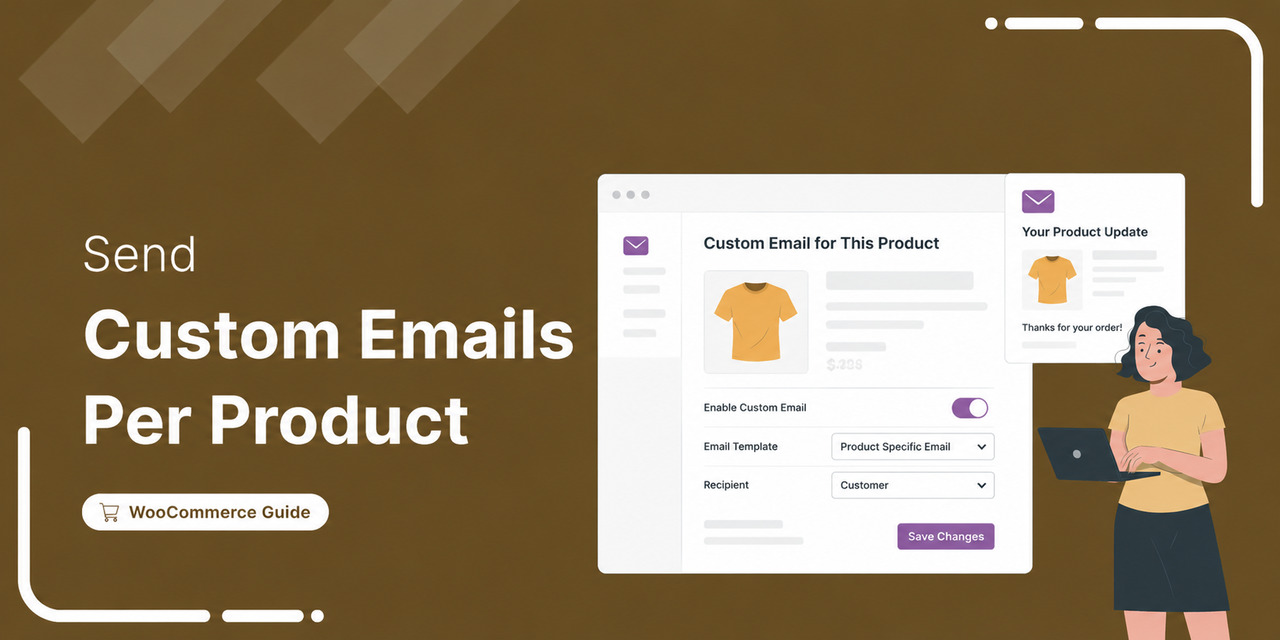
WooCommerce custom emails per product let you send a different message to customers based on the exact item they buy. To send a different email depending on what someone buys in WooCommerce, you have three working routes: Append a per-product message inside your existing order emails using a dedicated add-on (no code) or a short snippet (free). Trigger a separate, designed email based on the exact product purchased using an automation plugin (no code, scalable). Write a code snippet that targets a product ID, variation, or category and injects content into the receipt. Some stores just need a note added to the receipt; others need a whole separate email
- Editorial Team
WooCommerce post-purchase emails are automated messages sent to customers after they complete an order. They cover everything from order confirmations and shipping updates to review requests, product tips, and next-purchase offers. There are three ways to send post-purchase emails in WooCommerce: using the free built-in settings, a free basic plugin, or a full marketing automation tool. In this guide, we'll cover all three, then show you how to build eight ready-to-use sequences, including welcome, cross-sell by category, review requests, win-back, and more, with copy-paste templates you can use today. Whether you want a quick thank-you note or a behavior-based automation that fires by product, category, or
- Editorial Team
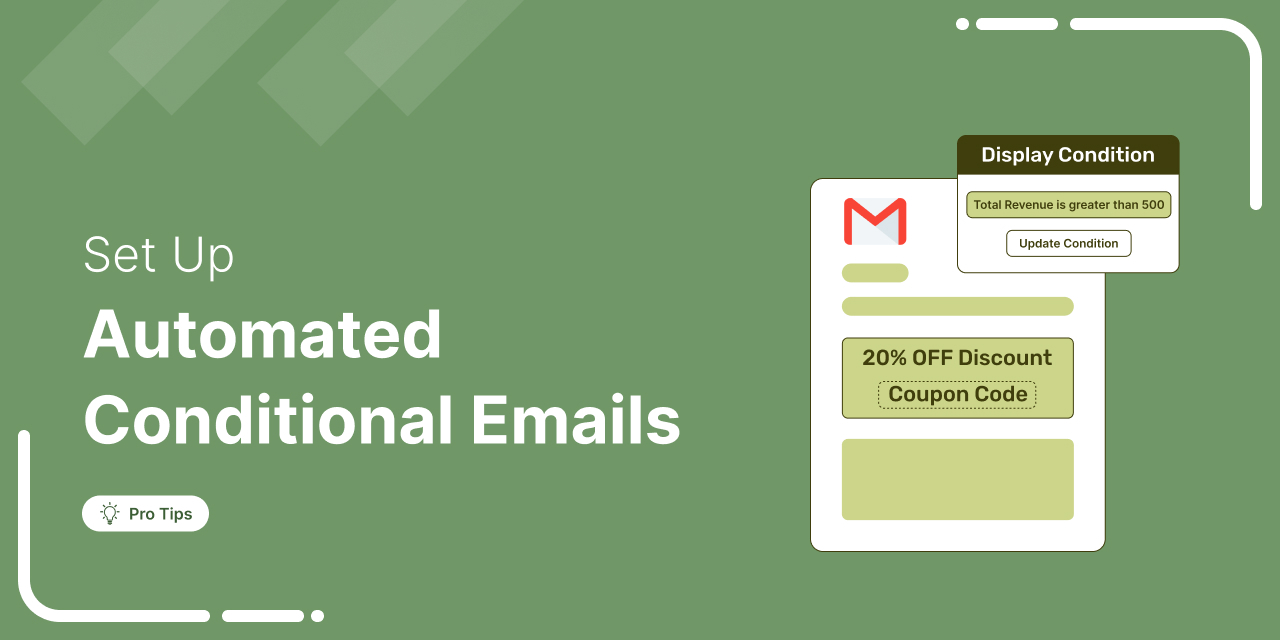
Discover why sending the same email to everyone can hurt engagement and how WooCommerce conditional emails help you deliver personalized messages for better results. Not every customer should get the same email. A first-time buyer is in a very different place than someone who's ordered from you ten times, and neither one is the customer who only ever buys when there's a discount on the table. Send all three the same generic message, and most of it lands flat. That's why so many store owners rely on WooCommerce conditional emails. Instead of one email going out to your entire list, the message bends around the customer,
- Editorial Team
There are two things most people get wrong about the WooCommerce order confirmation email. First, they don't realize it's the Processing order email they need to switch on and not the "Completed order or new order notification. Second, once it's on, it lands in spam or never sends at all, because WordPress's default wp_mail() function isn't built for reliable delivery. In this article, we'll enable the right email in under two minutes and learn how to brand it (with code or a drag-and-drop builder). We'll also troubleshoot why the email isn't reaching customers and move beyond basic aesthetics to transform your confirmation email into a strategic
- Editorial Team
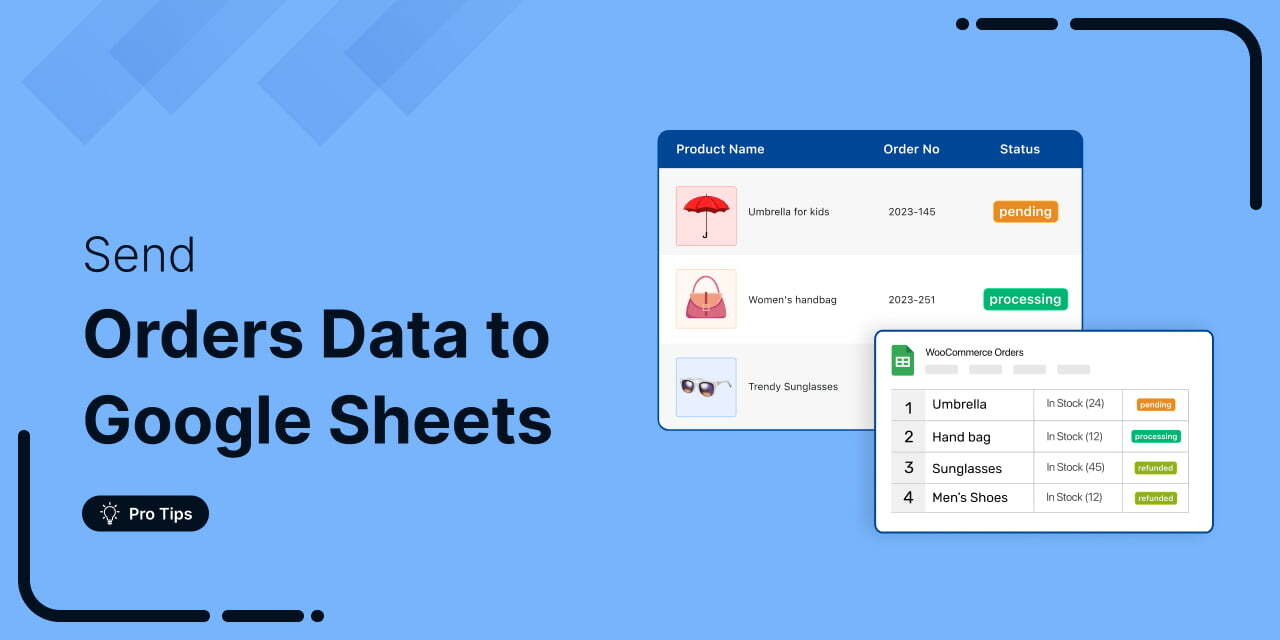
Sending WooCommerce orders to Google Sheets automatically copies your store's order data into a live spreadsheet. Every time a customer checks out, the order details are added to a new row. There are no manual CSV exports or copy-and-paste. The problem is that WooCommerce has no built-in way to do this. The default orders dashboard keeps your data locked inside WordPress. That slows reporting, fulfillment, and team collaboration. There are five reliable ways to send WooCommerce orders to Google Sheets: a dedicated connector plugin, an automation plugin like FunnelKit, Zapier, Make, or a free Google Apps Script. The right one depends on whether you need real-time
- Editorial Team
Discover the best WooCommerce plugins to recover abandoned carts and boost your sales. Losing sales to abandoned carts? It’s more common than you realize. Around 70% of shoppers leave without completing their purchase, according to the Baymard Institute. The good news is that timely follow-up emails can help recover a significant portion of those lost sales. But here's the problem: WooCommerce doesn't offer cart recovery features by default. That's why you'll need a dedicated abandoned cart plugin for WooCommerce. In this blog, we’ve listed the top 9 WooCommerce abandoned cart plugins, along with their key features and pricing. Let's get started. Overview of the Top 9
- Editorial Team
To send Twilio SMS from WooCommerce, you need two things: a Twilio account and a way to connect it to your store. You have five real options with the official WooCommerce Twilio SMS Notifications extension, a free plugin like ShopMagic, AutomateWoo, an automation tool like FunnelKit Automations, or custom code against the Twilio API. In this guide, we've explored all five methods, so you can pick based on your store rather than a sales pitch. Then we walk through a complete setup step by step, break down what Twilio actually costs, and cover the two things most WooCommerce Twilio guides skip entirely, i.e., WhatsApp and OTP/phone
- Editorial Team
Are you searching for the best WooCommerce plugins to enhance the overall customer experience and boost conversions in your store? Honestly, there are a ton of free and paid WordPress plugins that could help you boost sales in your WooCommerce store. But which ones actually work? So, we did all the legwork for you and have featured the 17 best WooCommerce plugins to enhance your store's value. Want to grow your WooCommerce business? Click on the link below to explore an exclusive offer! PluginCategoryBest ForFree VersionStarting PriceFunnelKit Funnel BuilderSales Funnel & Checkout OptimizerHigh-converting checkouts, order bumps, and upsells✅ YesStarts at $99.50/yrStripe Payment GatewayPayment GatewayOffering multiple payment
- Editorial Team
Want to customize WooCommerce emails that actually get opened? WooCommerce's default emails get sent, but that's about it. There's no branding, no layout, just plain text that looks identical to every other WooCommerce store on the internet. If you're trying to build customer relationships or just get people to open the next email, that's a problem worth fixing. Email is still one of the highest-ROI channels in ecommerce. Campaign Monitor reports personalized email open rates of 29%, with click-through rates of 41%. Generic transactional emails leave most of that on the table. In this guide, you're going to learn exactly three ways to fix it, and
- Editorial Team
Make More From Every Sale.
FunnelKit works at the three moments a store earns money: before checkout, at checkout and after the order.
★★★★★
4.9/5 from 1,012+ reviews on WordPress.org
One order.
Three chances to earn more.
$100$120$140$150
Cart value+$20 before checkout+$20 at checkout+$10 after checkout+$50 · 50% more
$100+$20+$20+$10=$150
$100
$100
$100
+$20
$120
$100
+$20
+$20
$140
$100
+$20
+$20
+$10
$150
Cart ValueStarting Point
Bundles & Cart UpsellsBefore Checkout
Order Bumps & UpsellsAt Checkout
Recovery & Follow‑UpsAfter Checkout
Same traffic, same shopper, more revenue.