Maximize Your Profit with FunnelKit – Highest Rated with 1,012+ 5-Star ReviewsBFCM deal live

Maximize your profit with FunnelKit · 1,012+ five-star reviews

WordPress Marketing Automation

Recent Blogs
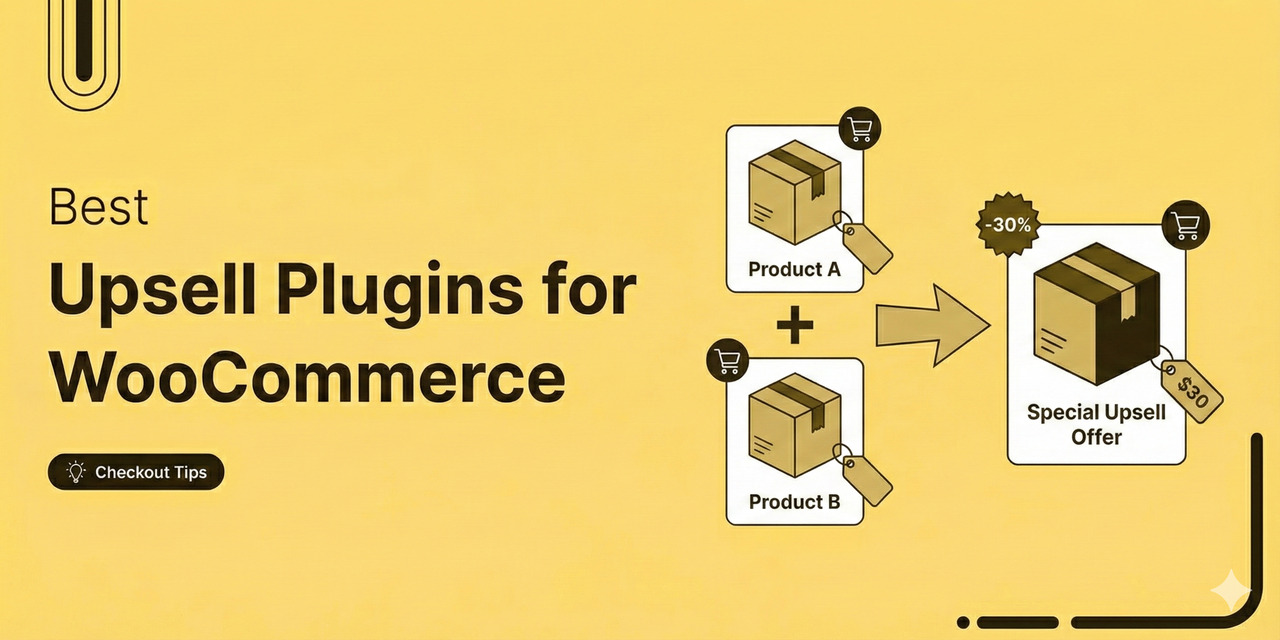
Product A plus Product B combining into a 30% off Special Upsell Offer box, for the best WooCommerce upsell plugins list

15 Best WooCommerce Upsell Plugins to Boost Your Store’s Revenue in 2026

Upselling is one of the most important revenue levers for earning more from existing buyers. But it isn’t about throwing random products at customers. It’s about offering add-ons or upgrades that are genuinely useful at the exact moment a buyer is most likely to say yes.  When done right, it feels helpful and directly increases revenue without needing more traffic. The challenge is choosing the right tool. With so many WooCommerce upsell plugins on the market, it’s easy to feel overwhelmed.  Store owners are already balancing sales growth, user experience, and performance optimization. The last thing you need is a plugin that adds friction or complicates
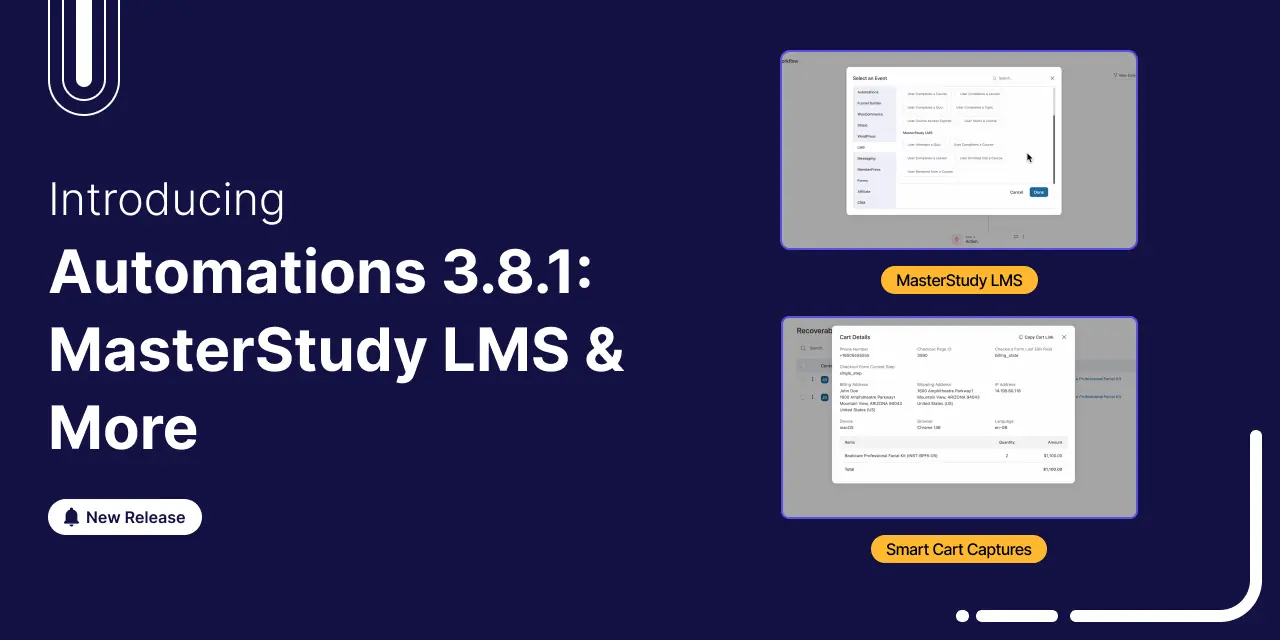
funnelkit automations 3.8.1

Introducing FunnelKit Automations 3.8.1: MasterStudy LMS Integration, Smart Cart Capture, and More

We're excited to announce that FunnelKit Automations 3.8.1 is now live! 🎉 This release is packed with upgrades that quietly transform how your store and courses run, putting them on autopilot. Cleaner cart data, deeper LMS integrations, and sharper ways to trigger the right automation at the right moment. It's a perfect mix of headline-worthy features and smart, behind-the-scenes refinements. Here's a quick video on everything that's new in FunnelKit Automations 3.8.1: 1. Native MasterStudy LMS Integration If you teach with MasterStudy LMS, you've probably had to wire up parallel WooCommerce products just to run automations. That ends today. FunnelKit Automations 3.8.1 ships with a fully native
Set up WooCommerce ActiveCampaign Integration in 4 Simple Steps with Use Cases

WooCommerce ActiveCampaign Integration: How to Connect in 4 Easy Steps (Use Cases Included)

WooCommerce ActiveCampaign integration is one of the most sought-after connections in the WordPress community. ActiveCampaign is a customer experience automation platform. It can help WooCommerce store owners connect and engage with customers through automated emails and broadcasts. By connecting ActiveCampaign with your WooCommerce store, you can effortlessly automate behind-the-scenes marketing, sales, and customer support processes. But setting up WooCommerce ActiveCampaign integration isn’t that straightforward.  Many store owners struggle with technical configurations, API connections, and ensuring seamless data sync between both platforms. That's where this guide will help. In this post, we’ll show how you can integrate ActiveCampaign with your WooCommerce store in a few simple steps.
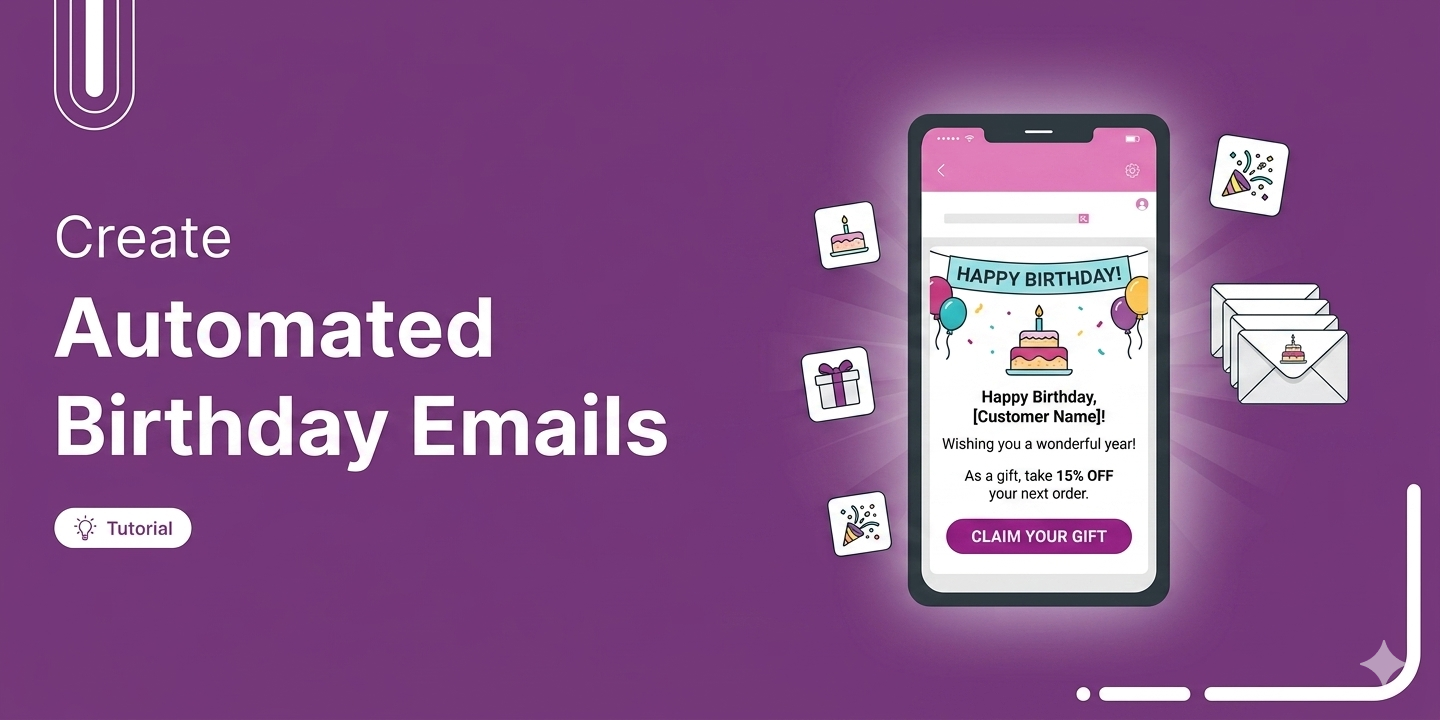
How to Create Automated Birthday Emails that Your Customers Will Love

How to Create Automated Birthday Emails that Your Customers Will Love

Your customers get hundreds of emails every day. Most get deleted without a second glance. Automated birthday emails are different. The numbers back that up. Campaign Monitor found birthday emails drive 179% more clicks, 481% more transactions, and 342% more revenue per email compared to regular promotional campaigns. One day on the calendar outperforms months of standard sends. Why? Timing and context. A birthday email lands when someone is already in a celebratory mood, already expecting to spend on themselves. An offer with their name on it doesn't read as marketing. It reads as thoughtful. That gap in perception is worth a lot. In this post,
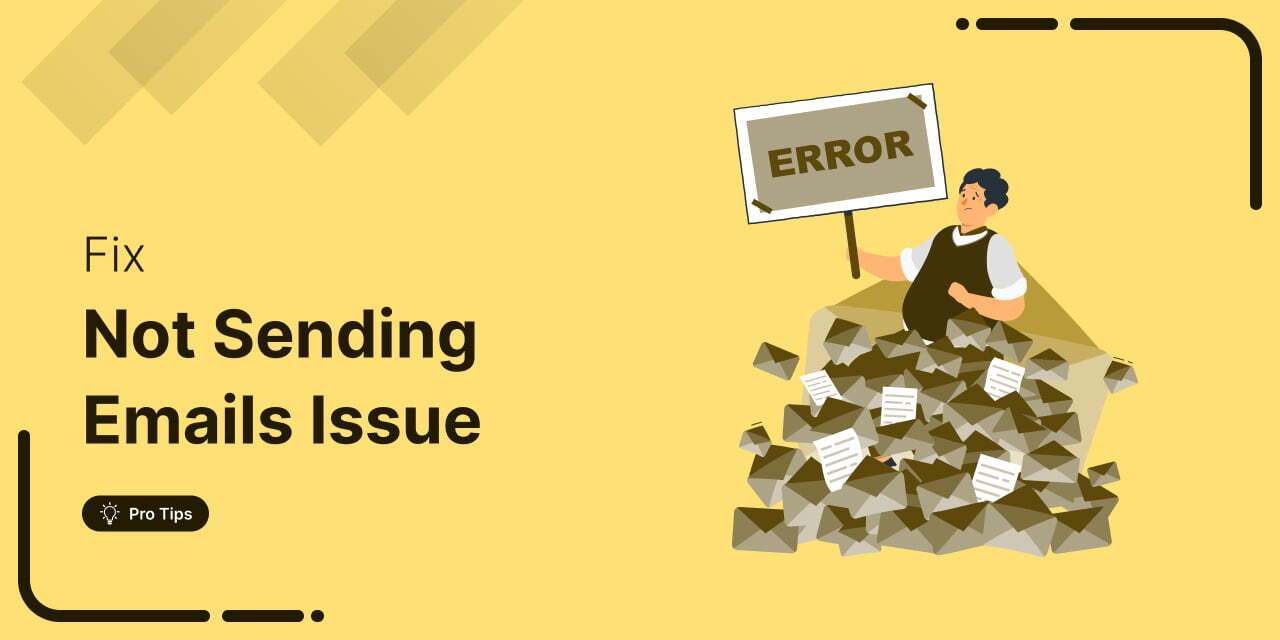
Man holding an Error sign while buried in a pile of envelopes, for the guide to fixing WooCommerce emails not sending

WooCommerce Not Sending Emails? 8 Ways to Fix It

You set up your WooCommerce store. Products are live. Orders are coming in. But at the inbox? No order confirmation email in sight. You've checked the spam folder, sent a test email, and maybe even reinstalled your SMTP plugin. And yet… nothing. Sound familiar? WooCommerce not sending emails is one of the most common issues WordPress store owners encounter, and it can cause serious problems. Customers assume the order failed. Support tickets pile up. Trust erodes on the very first interaction. The good news? It's almost always fixable. Based on hundreds of community reports and real-world troubleshooting, we've identified the top reasons WooCommerce emails stop working
Tablet showing a purple envelope with a check mark and Confirmed label, for the WooCommerce order notification email guide

How to Set Up WooCommerce Order Notification Emails (Complete Guide)

Sending WooCommerce order notification emails is essential for keeping your customers informed and reassured whenever they place, process, complete, cancel, or receive a refund for an order. WooCommerce handles these emails with a built-in notification system that covers the entire order lifecycle. But the default setup has many limitations, including limited customization, emails landing in spam folders, no mobile alerts, and no visibility into their impact. In this blog, we'll cover how to customize your order emails to fit your brand and goals, set up SMTP, send them to multiple recipients, and more. Watch our quick video tutorial: WooCommerce Order Notification Emails Explained For every new
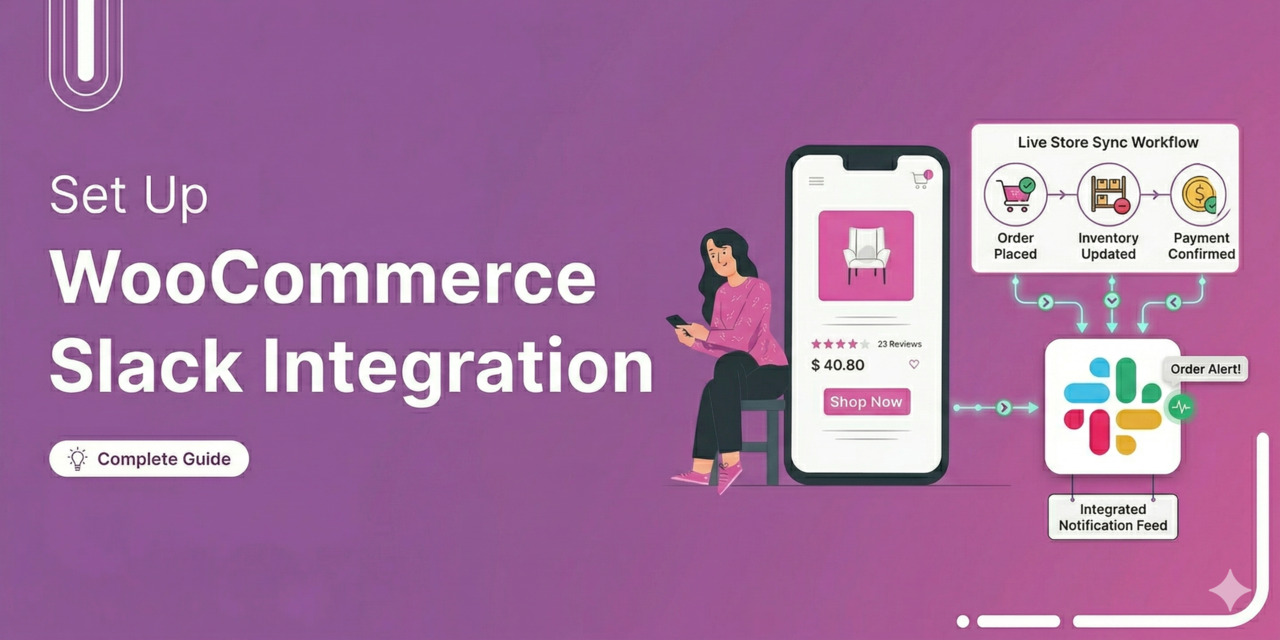
Illustration of a shopper on a phone with order alerts flowing into Slack, for the WooCommerce Slack integration guide

How to Set Up WooCommerce Slack Integration for Real-Time Notifications

Managing a WooCommerce store means juggling orders, inventory, refunds, and customer messages across multiple tabs. Your fulfillment team checks the dashboard. Your support team refreshes their inbox. Your marketing team digs through reports. This is quite frustrating for distributed teams that already use Slack as their primary communication tool. WooCommerce Slack integration bridges that gap. You can route specific events, such as failed Stripe payments or low-stock warnings, directly into the channels where your staff already work. No dashboard hopping. No missed orders. No delayed responses. In this guide, we will show you how to integrate WooCommerce with Slack using a WordPress plugin. Furthermore, we'll walk
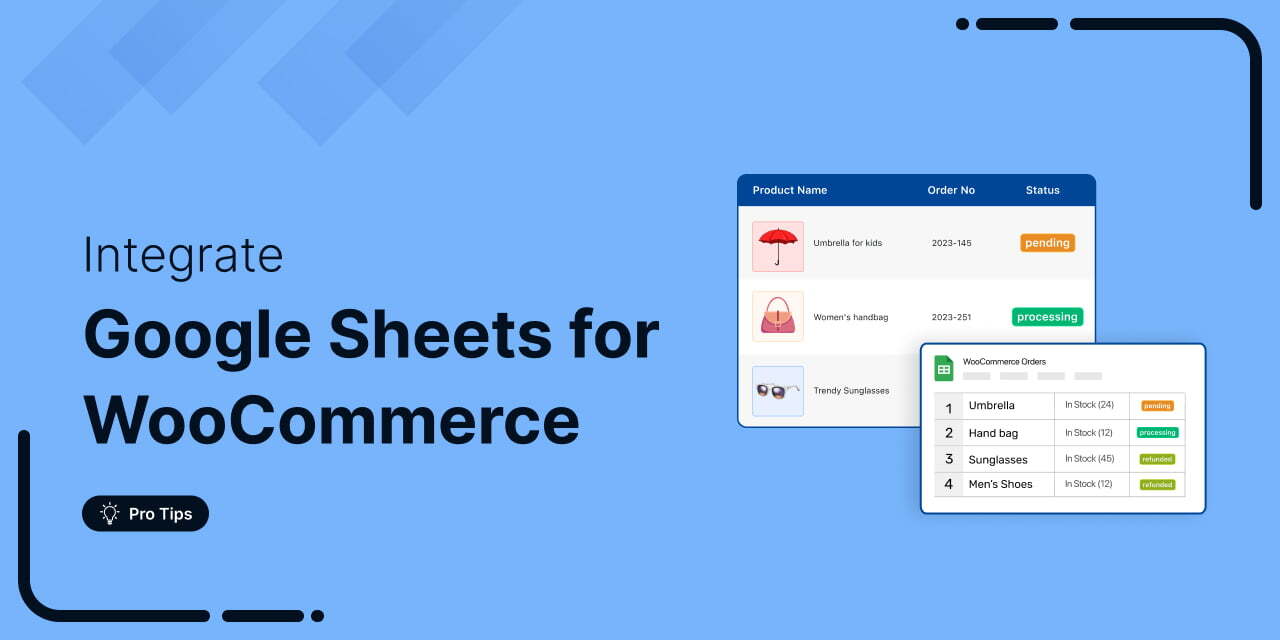
Illustration of an order table syncing into a WooCommerce Orders spreadsheet, for the Google Sheets integration guide

WooCommerce Google Sheets Integration: How to Connect, Sync & Automate Your Store Data

WooCommerce Google Sheets integration lets you automatically send your store's order, product, and customer data to a Google Sheets spreadsheet. Instead of exporting CSV files manually every time you need to review sales or check inventory, you can set up a live connection that keeps your WooCommerce spreadsheet updated in real time. It lets you streamline your business revenue management process, analyze your order data and tracking, and so much more efficiently. In this post, we'll demonstrate how you can set up WooCommerce Google Sheets integration without writing any code in just a few minutes. Plus, we’ll also look at some powerful use cases that you

Make More From Every Sale.

FunnelKit works at the three moments a store earns money: before checkout, at checkout and after the order.

Before checkout: cart upsells and free-shipping goals in a sliding cart
At checkout: a faster checkout with order bumps and one-click upsells
After checkout: abandoned-cart recovery and follow-ups that bring buyers back
Start Selling More Today →
★★★★★ 4.9/5 from 1,012+ reviews on WordPress.org