Maximize Your Profit with FunnelKit – Highest Rated with 1,012+ 5-Star ReviewsBFCM deal live

Maximize your profit with FunnelKit · 1,012+ five-star reviews

WordPress Marketing Automation

Recent Blogs
How to Send WooCommerce Order SMS Notifications in Your Store

How to Send WooCommerce Order SMS Notifications in Your Store

Ever had a customer ask, “Where’s my order?” even after you sent an email update? The reality is simple: emails often go unread, but text messages are seen within minutes. With a 98% open rate, SMS notifications instantly inform customers when their order is confirmed, shipped, or delivered. For WooCommerce stores, timely updates are essential. Without real-time communication, customers may assume something went wrongor even cancel their order. Store owners also need instant alerts to make sure no order is missed. SMS notifications solve this by delivering fast, direct updates to both you and your customers, reducing confusion and support requests. In this guide, we’ll show
How to Send a Custom WooCommerce Welcome Email (Complete Setup Guide)

How to Send a Custom WooCommerce Welcome Email (Complete Setup Guide)

First impressions matter, and in eCommerce, your welcome email is your first chance to shine. A WooCommerce welcome email is an automated message sent to new customers right after they register or make their first purchase. It introduces your brand, sets expectations, and encourages them to explore your products. The problem is that WooCommerce only sends a plain email with login details for a new account. It lacks branding, guidance, and a compelling reason for customers to come back. In this guide, we will show you how to create a professional, automated welcome email in WooCommerce without any coding. Why Send a Welcome Email to New
How to Automate Next Order Coupons for Boosting Customer Lifetime Value

How to Automate Next Order Coupons for Boosting Customer Lifetime Value

With increasing competition and rising ad budgets, acquiring new customers is difficult. Forbes reports that the conversion rate for new customers is just 5%-20%. On the other hand, repeat customers are 60%- 70% more likely to purchase from the same store, which means less effort and more sales. Next-order coupons are an effective way to drive repeat purchases by offering a discount. Let’s explore how next-order coupons work and how you can automatically share them with your customers to increase their lifetime value. How Does the Next-Order Coupon Work Here is the simple workflow: Purchase → Coupon Generation → Receive Coupon → Redeem on Next Order
Open envelope with a newsletter page beside a keyboard and mouse, for the WooCommerce email marketing guide

The Ultimate Guide to WooCommerce Email Marketing [2026]

Leveraging WooCommerce email marketing efficiently can help you skyrocket your sales and revenue. With over 64% of businesses already using email marketing to connect with customers, it's clear this approach has immense potential for driving success in customer communication and sales. [Source: HubSpot] Email marketing isn’t just a trend; it’s a proven method that lets you reach a targeted audience directly and convert them with personalized messages. To stay competitive in today’s digital marketing landscape, you should harness the power of email marketing. In this blog, we will share everything you need to know to start utilizing WooCommerce email marketing to grow your business. What is
Phone showing an envelope with a Leave a review letter and five empty stars, for the WooCommerce review reminder guide

How to Send Automated WooCommerce Review Reminder Emails and SMS Notifications

A WooCommerce review reminder is an effective way to remind customers to review the products they’ve bought from you. According to Bizrate Insights, almost 55% of shoppers read at least four reviews before buying something.  The more positive reviews your WooCommerce store has, the better your chance of converting visitors into customers.   However, the thought of leaving a review might slip from users' minds. In such cases, a gentle reminder can help bring it back to their attention. In this blog, we’ll provide a step-by-step guide on how you can automatically send WooCommerce review reminders via both email and SMS.  So, let’s start. What is a
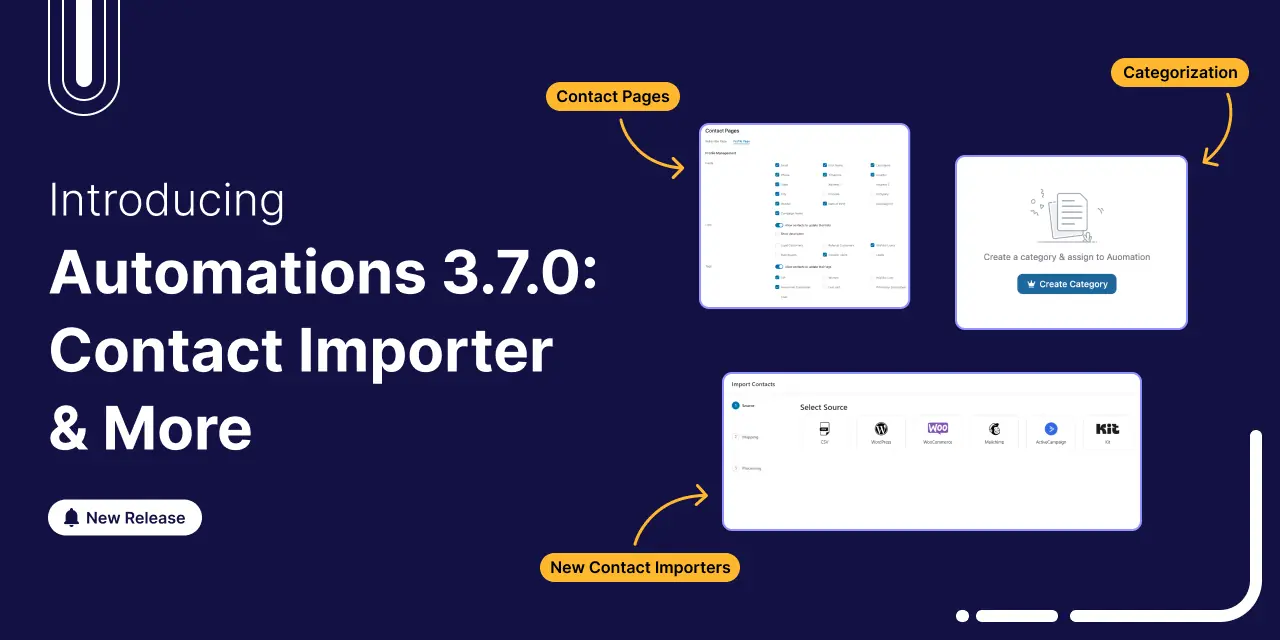
funnelkit automations 3.7.0

Introducing FunnelKit Automations 3.7.0: Enhanced Contact Importer, Conditional Emails, Categories & More

FunnelKit Automations 3.7.0 is here! 🎉 And it brings meaningful improvements that make building and managing your marketing automation easier than ever. This release is all about giving you more control, cutting down setup time, and helping you stay organized as your workflows grow. Here’s a quick look at what’s new in version 3.7.0: Redesigned contact pages with built-in brand styling Faster, more streamlined imports from popular platforms Advanced categorization tools to keep your automations tidy and easy to manage Conditional content in WooCommerce transactional emails for smarter personalization Together, these updates simplify everyday tasks and create a smoother automation experience, whether you’re setting up new
Set up dynamic coupon for WooCommerce

Create Urgency & Increase Repeat Sale With WooCommerce Dynamic Coupons [Guide 2026]

Do you want to create unique, personalized WooCommerce dynamic coupons that drive sales? If you’re still sending generic coupon codes like "NEWYEAR2026" to your entire email list, you’re likely losing revenue and weakening your brand in the process. After nearly a decade of working with WooCommerce stores, we’ve seen a consistent pattern. Static coupon codes spread quickly to coupon scraping websites, rewarding customers who would have paid full price and cutting margins without driving meaningful loyalty. The issue isn’t discounting. It’s relying on untargeted, reusable coupons. Based on the analysis of over 1.5 million coupon redemptions across 40,000+ WooCommerce stores, personalized, time-limited offers consistently outperform generic
Cart sending customer and email icons along an arrow to the Kit logo, for the WooCommerce ConvertKit integration guide

WooCommerce ConvertKit Integration: Quick Setup + 9 Must-Have Automations

Are you looking to set up WooCommerce ConvertKit integration for seamless data syncing and automating marketing workflows? As a WooCommerce store owner, you already know your single biggest asset: your email list. But simply pushing an email address from your checkout page to your marketing platform isn’t enough anymore. You need to know what they bought, how much they spent, and when they are likely to buy again. Most store owners settle for lite integrations that leave this vital data behind. They treat Kit (formerly ConvertKit) just as a newsletter tool, rather than the powerful revenue engine it is. Today, we're going to show you how
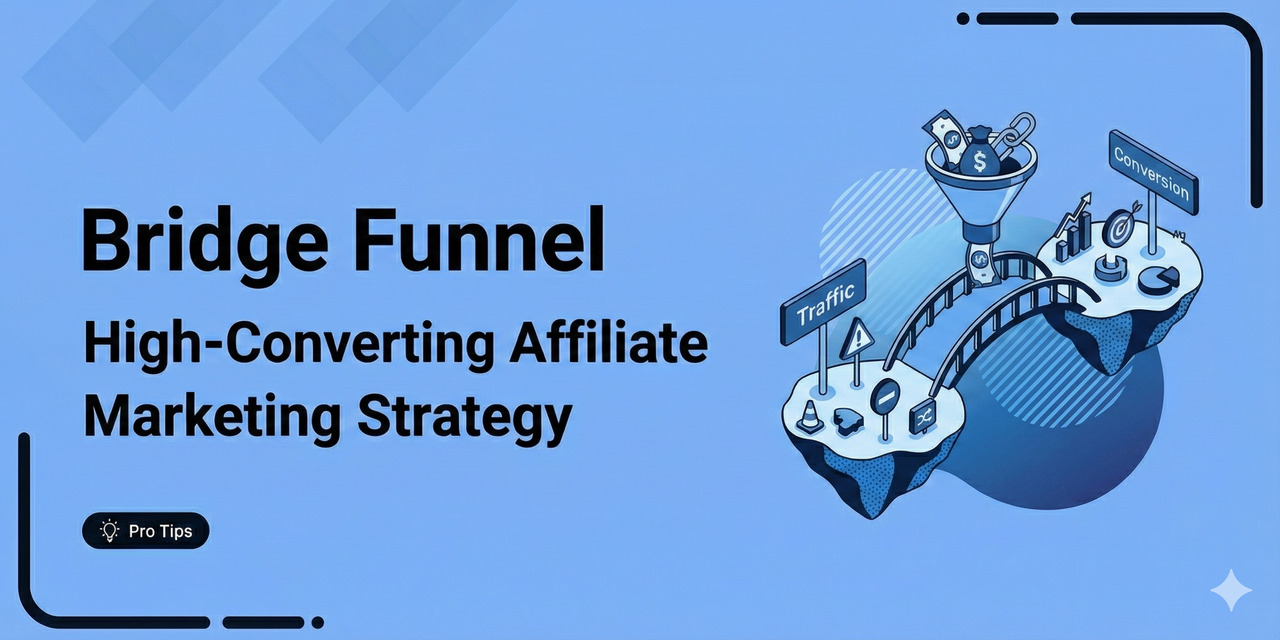
Bridge from a Traffic island to a Conversion island beneath a money funnel, for the affiliate marketing strategy guide

Bridge Funnel: The High-Converting Affiliate Marketing Strategy That Boosts Conversions [2026]

The average affiliate marketing conversion rate sits at just 1.20% across all industries, according to FirstPageSage’s 2024-2025 analysis of thousands of campaigns. That means that for every 100 visitors who click your affiliate link, only 1 or 2 will actually complete a purchase. Having helped 39,000+ WordPress and WooCommerce businesses optimize their conversion paths, we have found that cold traffic sent directly to sales pages converts poorly. Visitors need to be warmed up before they’re ready to buy. This is precisely where a bridge funnel transforms affiliate marketing results.  Rather than hoping cold prospects will convert on a page you don’t control, a bridge funnel inserts

Make More From Every Sale.

FunnelKit works at the three moments a store earns money: before checkout, at checkout and after the order.

Before checkout: cart upsells and free-shipping goals in a sliding cart
At checkout: a faster checkout with order bumps and one-click upsells
After checkout: abandoned-cart recovery and follow-ups that bring buyers back
Start Selling More Today →
★★★★★ 4.9/5 from 1,012+ reviews on WordPress.org