Ensure you’ve connected your PayPal account with WooCommerce.
In the Sandbox mode, go to your WooCommerce product page. The PayPal Express and Pay Later buttons appear right there.
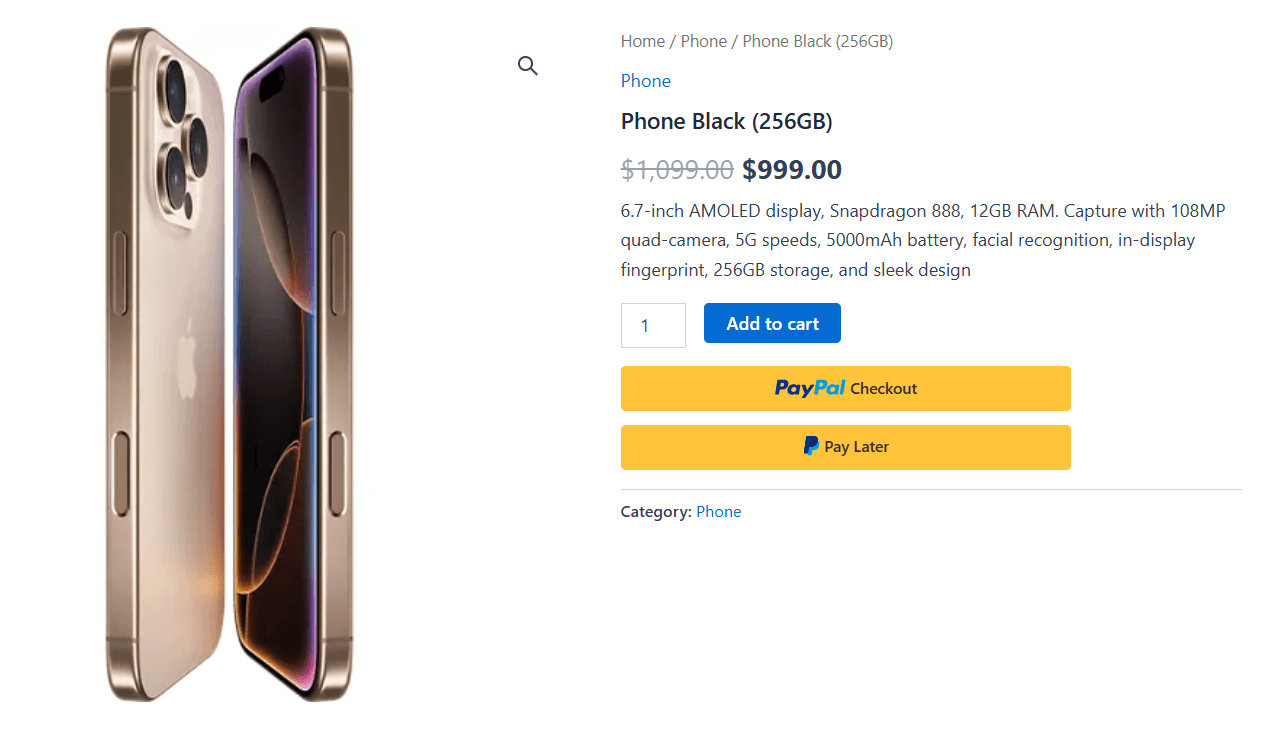
Add this item to your shopping cart and proceed to the WooCommerce checkout page.
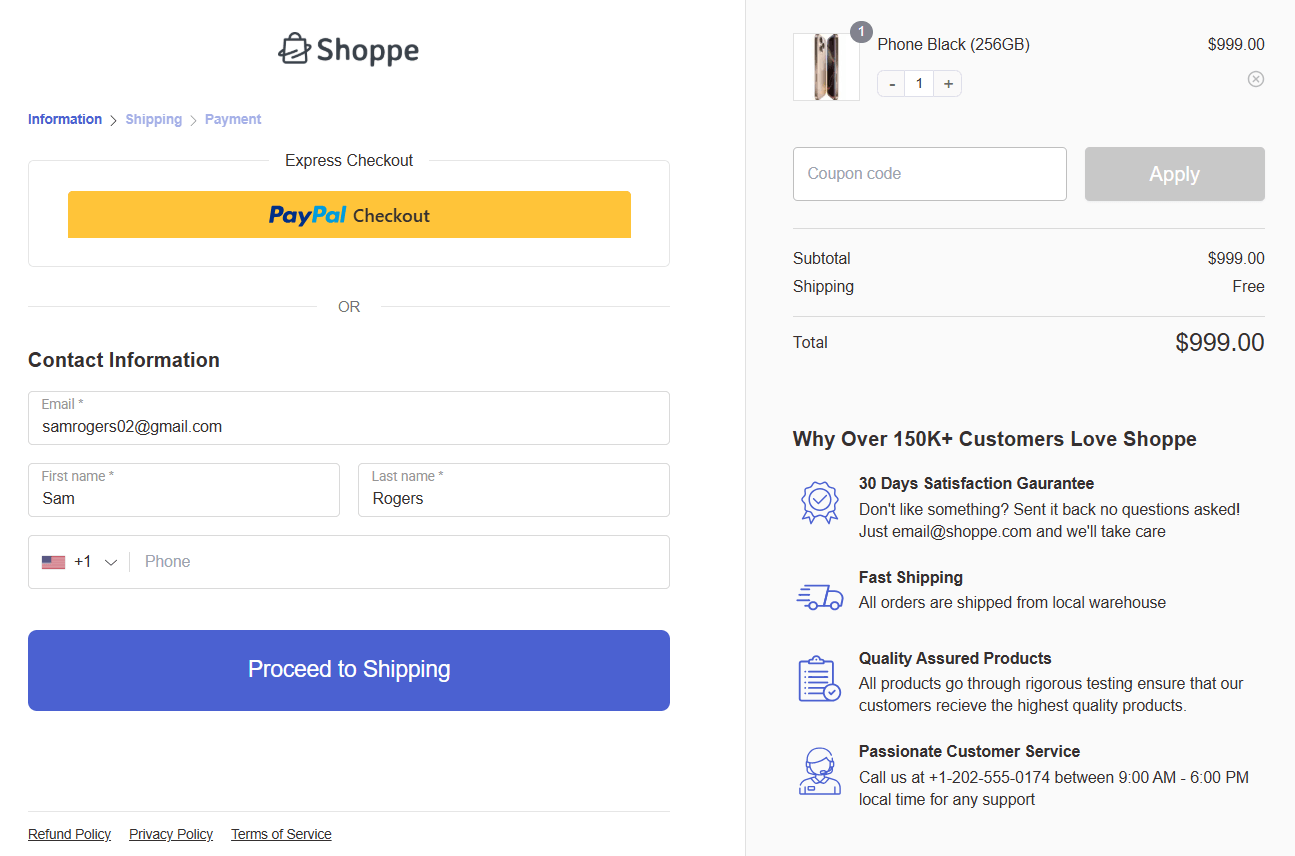
Please note that this high-converting checkout page is created with FunnelKit.
You’ll see the PayPal Express button here:
You can also see PayPal as the inline payment method on the checkout page in your WooCommerce store:
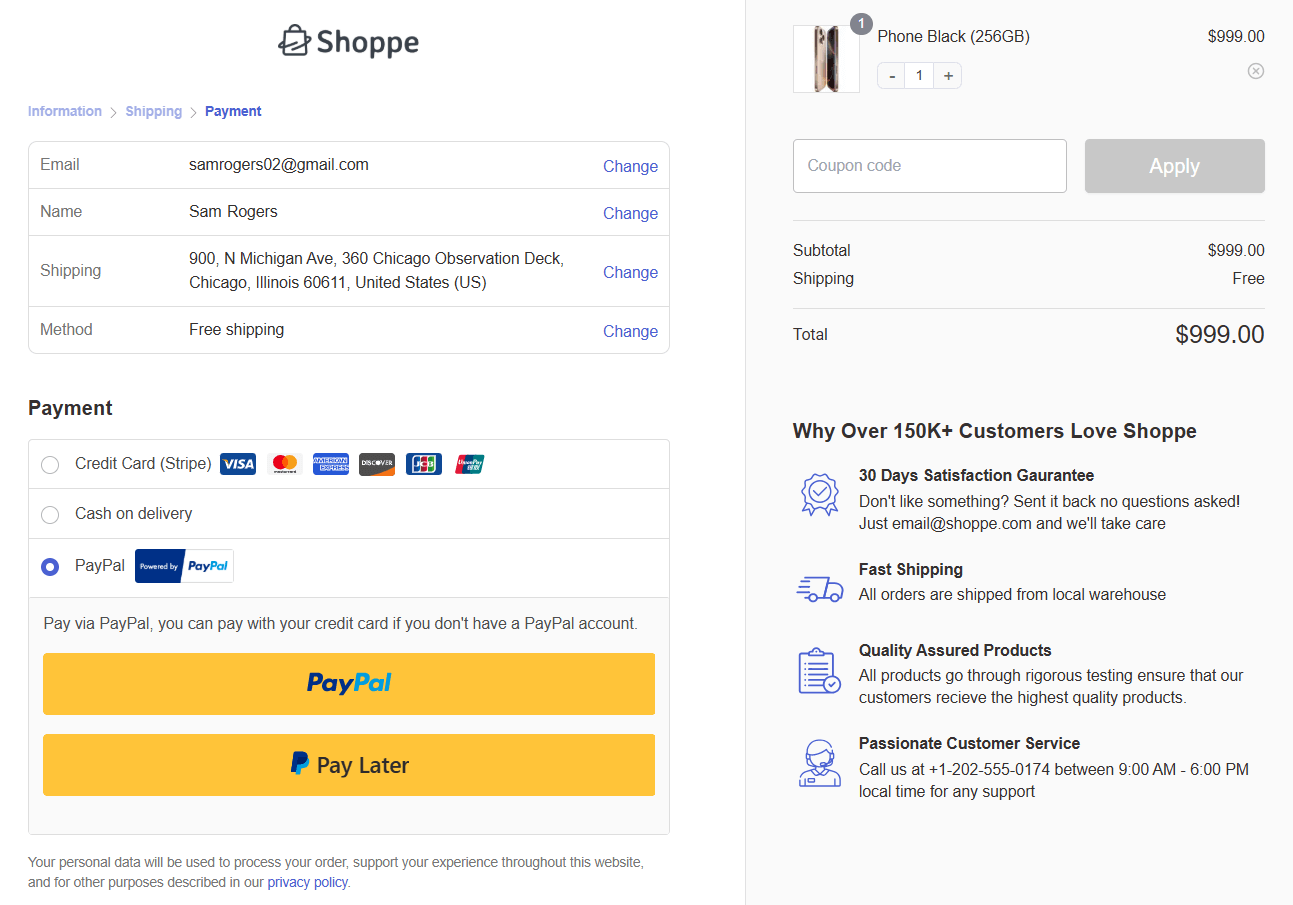
Let’s proceed to pay through PayPal.
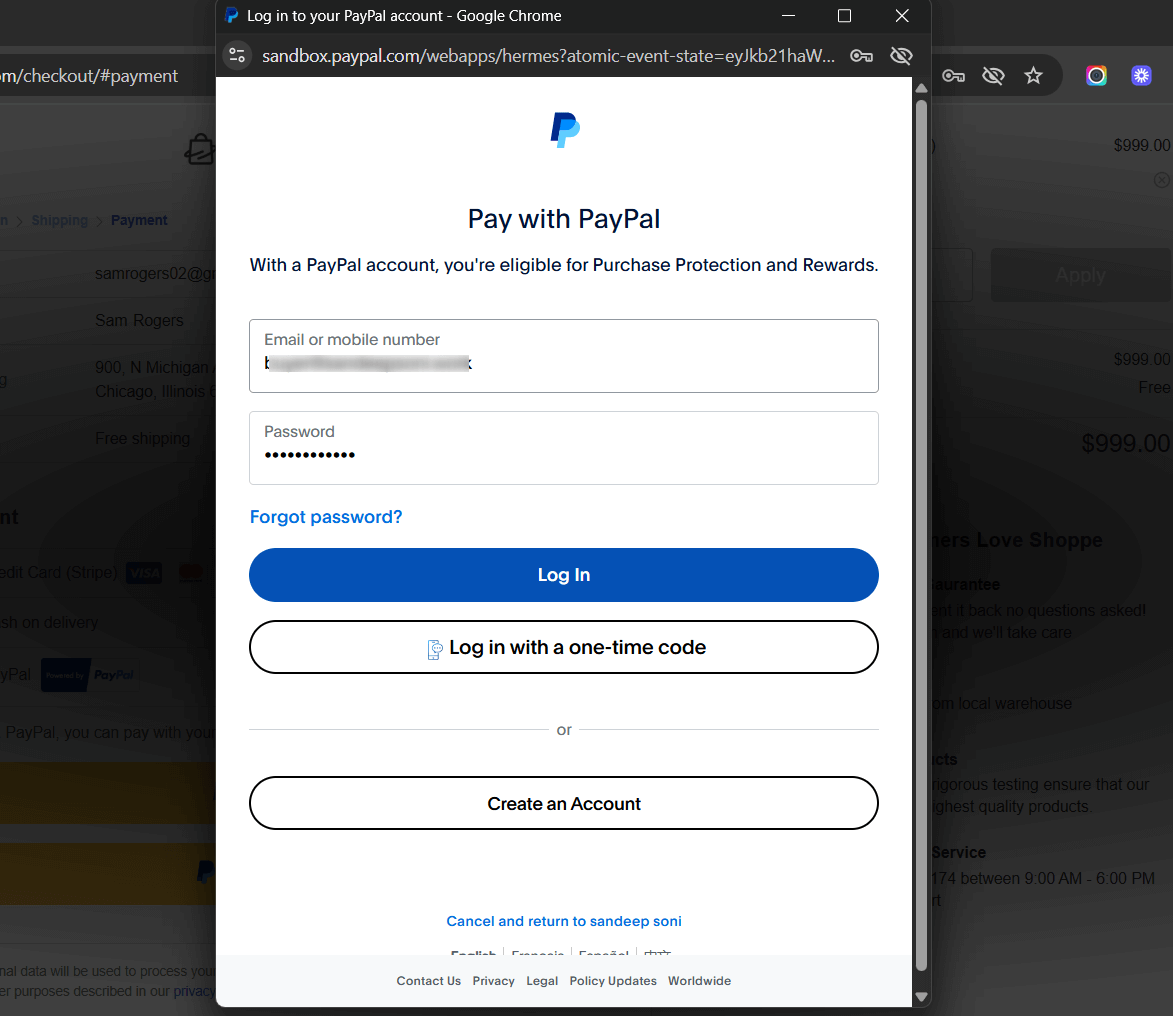
A pop-up window will appear, requiring customers to log in to their PayPal account.
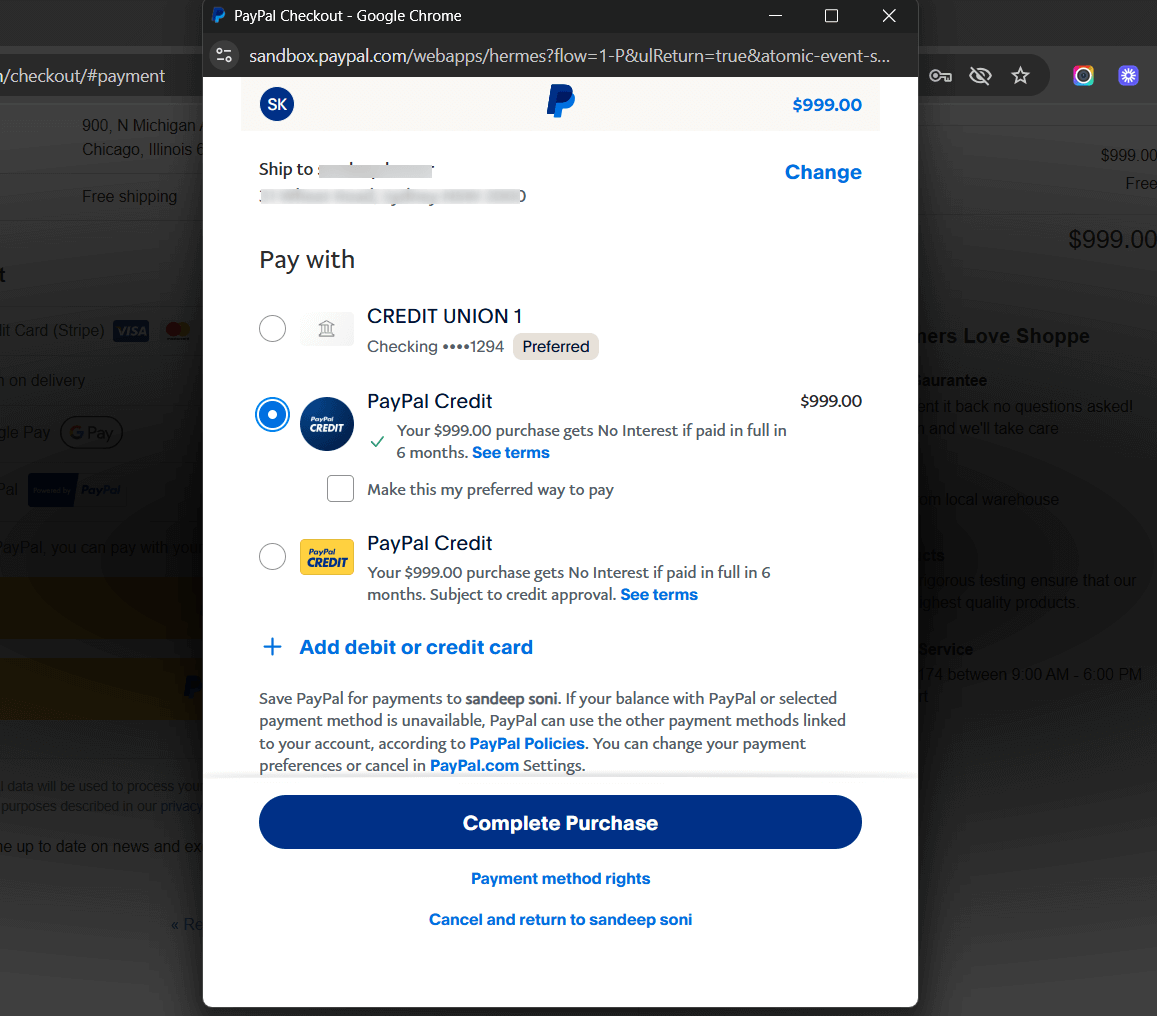
Now your preferred payment methods will show up.
Select one payment method and click on the Complete Purchase button.
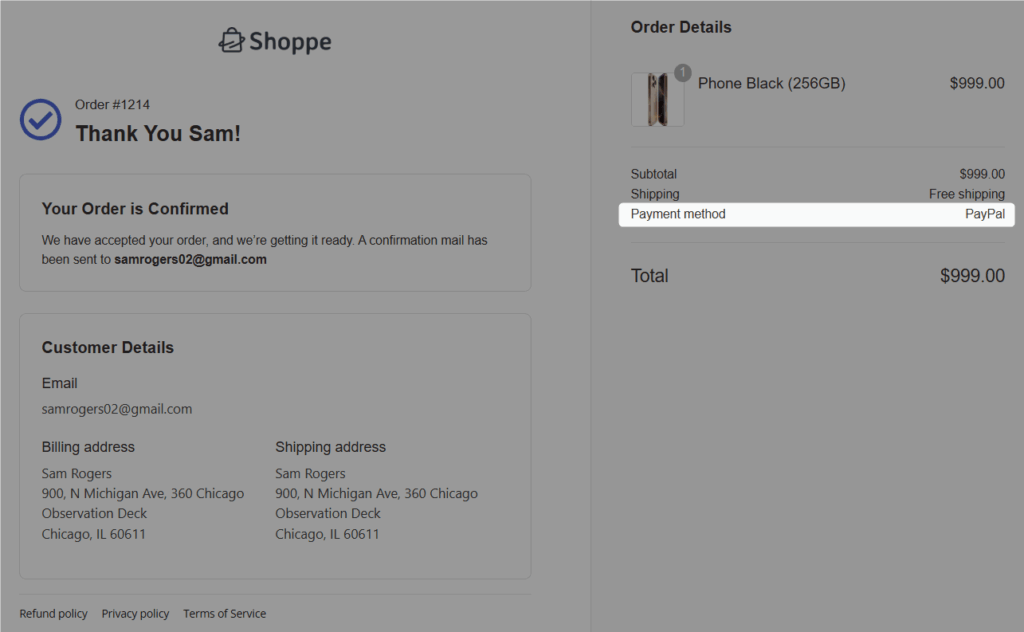
Upon successful payment, you’ll be directed to the thank you or order confirmation page.