


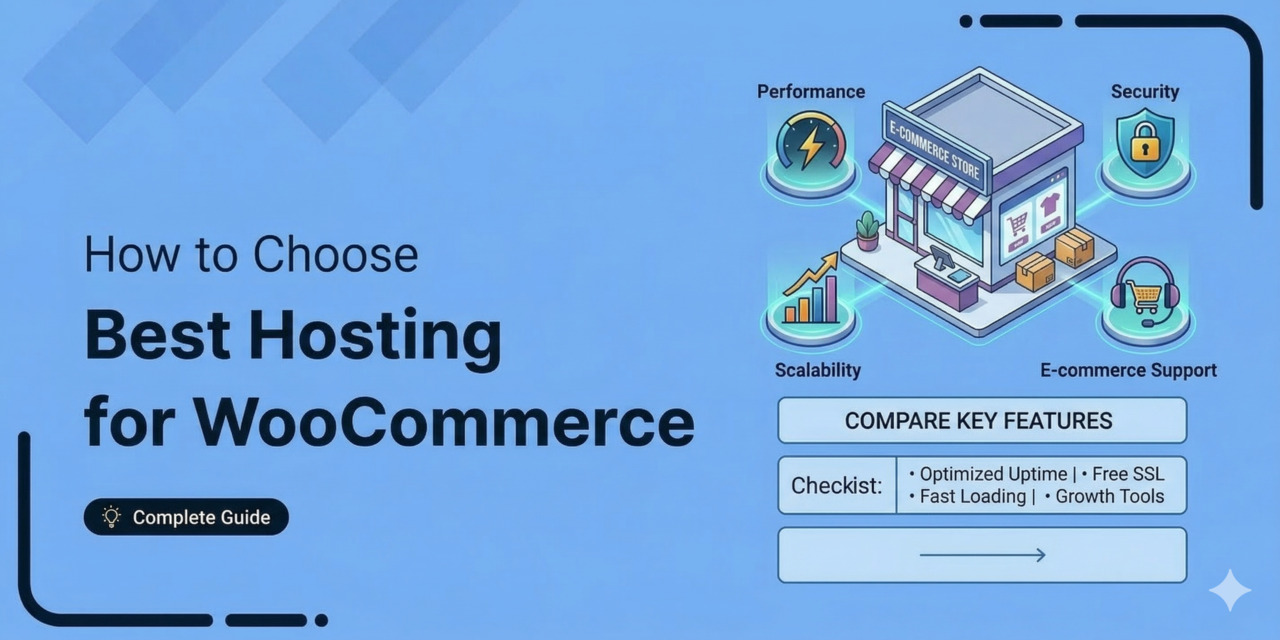
Your WooCommerce store is only as fast, reliable and secure as the hosting behind it.
You can build the perfect product page, spend thousands running highly optimized ad campaigns, and capture high-intent leads.
But if your server chokes the moment a traffic spike hits, you are essentially just paying for ads that frustrate potential customers.
That's what makes WooCommerce hosting one of the most consequential decisions you'll make as a store owner (and one of the most confusing parts, too).
Cheap shared hosting plans bury CPU limits deep in their terms of service. Managed WordPress setups offer genuine speed but charge a massive monthly premium for the privilege.
Then you have VPS and cloud options. They look brilliant on paper. In reality, they require actual server administration skills to configure securely.
How do you navigate this?
This guide breaks it all down. We'll cover what makes WooCommerce hosting different from regular web hosting, the performance benchmarks that actually matter, and an honest comparison of the top providers in 2026 so you can make a decision based on data, not marketing copy.
Table of Contents
Types of WooCommerce Hosting
Not every WooCommerce store needs the same type of hosting. Your ideal hosting setup depends on traffic volume, product catalog size, technical expertise and budget.
Let's look at the five main types of WooCommerce hosting.
1. Shared Hosting
Think of this like renting a single desk in a crowded, noisy office. Your site pulls from the exact same CPU pool as hundreds of other domains.
Providers like Hostinger and Bluehost offer these entry-level plans (usually $3 to $10 a month) and generally pre-install WooCommerce to save you a step.
It's best for brand-new stores with low traffic, but performance degrades quickly as your catalog and visitor count grow.
The trap? Those "unlimited bandwidth" promises. Read the fine print. The second your database queries spike, your account is throttled to protect the server.
This is exactly where those dreaded 429 Too Many Requests errors originate.
2. VPS (Virtual Private Server) Hosting
A Virtual Private Server (VPS) allocates a dedicated slice of a physical server with guaranteed CPU, RAM, and storage. Prices here range from $14 to about $80 per month.
We see a lot of stores stall out on shared plans and jump here. It's the logical upgrade path once you cross that 1,000 monthly visitor threshold.
Cloudways dominates this middle market right now, offering managed cloud VPS on DigitalOcean, Vultr, AWS, or Google Cloud.
It's a great setup for growing stores handling up to 50,000 visits, provided you have a bit of technical comfort.
3. Managed WordPress/WooCommerce Hosting
If you want to focus on selling your products rather than troubleshooting a crashed database, pay for a managed tier.
Managed hosts (like Kinsta, Pressable, Nexcess, SiteGround, and WP Engine) charge a premium, ranging from $20 to well over $300 per month.
In exchange, they handle the OS patching. They configure the caching layers specifically to bypass cart and checkout pages. They run the daily automated backups.
You are paying for time leverage. If you aren't a server admin, the sticker shock pays for itself in the downtime it prevents alone.
4. Cloud Hosting
Traditional servers are single points of failure. Cloud setups address this by distributing your store's footprint across multiple servers.
If a piece of the server goes down, another instantly picks up the load.
Pricing scales with consumption, typically starting at $10-$50 per month for small stores.
When you get hammered with traffic during Black Friday or holiday sales, the infrastructure scales to handle the unpredictable spikes.
SiteGround ties directly into Google Cloud for this, while Cloudways gives you access to five different major providers.
5. Dedicated Server Hosting
You get the entire physical machine dedicated to your store with maximum performance, total root control and security.
It's expensive ($100 to $500+ every month) and usually massive overkill.
This hosting is typically reserved for high-traffic enterprise WooCommerce stores with large product catalogs and complex integrations.
Liquid Web remains a legacy powerhouse if you actually need this level of raw, unshared computing power.
13 Key Features to Look for in a WooCommerce Hosting Provider
Evaluating hosting plans comes down to brilliant hardware and configuration. These features will help you shortlist the WooCommerce hosting provider for your WooCommerce store.
1. Hardware and server configuration
You need PHP 8.1+ and at least 256 MB of memory allocated to WordPress. Optimized MariaDB databases and HTTP/3 support.
These configurations directly impact the load times of product, cart, and checkout pages.
2. Free SSL certificates
Every WooCommerce store must run on HTTPS for secure payment processing and search engine trust. Do not pay extra for this.
Modern hosts bundle Let's Encrypt certificates that renew automatically, protecting your checkout flow and keeping Google happy.
3. Intelligent server-level caching
Standard WordPress caching will break your store. You need caching rules that specifically bypass dynamic pages such as the cart, checkout, and My Account sections.
If a host does not explicitly offer this alongside Redis or Memcached object caching, walk away. Otherwise, your customers will end up seeing stale data or failing transactions.
4. Daily backups with one-click restore
Automatic daily backups are non-negotiable for ecommerce. But taking the backup is only half the battle. You need immediate, single-click restoration capabilities.
For high-volume stores pushing dozens of orders an hour, look specifically at providers like Pressable or Kinsta for their real-time backup features.
5. Web application firewall (WAF) and malware scanning
A WAF filters malicious traffic before it reaches your store. Combined with continuous malware scanning and DDoS protection, this is your first line of defense.
SiteGround's AI-powered bot detection is excellent at automatically dropping 95% of bad traffic, while Kinsta bakes enterprise-tier Cloudflare protection directly into its platform.
6. Content delivery network (CDN) integration
Offloading your product images and CSS to a global network of edge servers is crucial. This dramatically reduces load times for international shoppers.
Both Kinsta and Pressable offer robust CDN integrations out of the box without requiring separate subscriptions.
7. Staging environments
Never update WooCommerce plugins on a live site. A dedicated staging area lets you test theme updates and break things safely in a sandbox.
SiteGround, Kinsta, and Pressable all include staging environments to prevent lost sales from untested code.
8. Scalable server resources
What happens when your Black Friday email blast hits? The best providers handle sudden traffic spikes with instant auto-scaling or seamless single-click upgrades, adding more PHP workers precisely when the checkout queue starts to back up.
9. Uptime guarantee (99.9% or higher)
Do not settle for anything under a 99.9% uptime guarantee.
Pressable offers a 100% uptime service-level agreement (SLA) with financial credits if it fails. Real money on the line keeps them honest.
10. Expert WooCommerce support (24/7)
Generic hosting support is not enough. You need 24/7 technicians who understand database transients and plugin conflicts, not just someone who resets server passwords.
Kinsta routinely answers live chats in under two minutes, and SiteGround runs around-the-clock ticket and phone support.
11. Painless Migrations
Moving a massive database shouldn't cost you downtime. Top-tier providers run the migration for you at no cost.
Kinsta offers unlimited migrations, while Cloudways and SiteGround provide free dedicated tools.
12. PCI-DSS compliance
If your store processes credit card payments, your hosting environment must comply with PCI DSS requirements. Using Stripe or PayPal offloads the heavy lifting for credit card processing.
That said, your actual server environment still requires encrypted connections and strict access logs to maintain compliance readiness.
13. Developer-friendly tools
Even if you never touch the command line, your developer will. WP-CLI, SSH access, Git integration, and PHP version switching save hours of billable time.
Cloudways, Kinsta, and Pantheon are exceptional in this area.
Best WooCommerce Hosting Providers Compared (2026)
Here's a quick summary of the most popular WooCommerce hosting providers, including performance benchmarks based on community-reported data and third-party speed tests.
| Provider | Type | Starting Price | Avg. TTFB | Free SSL / CDN | Best For |
|---|---|---|---|---|---|
| SiteGround | Managed | $2.99/month | ~350ms | Yes / Yes | Beginners, small-medium stores |
| Kinsta | Managed | $35/month | ~200ms | Yes / Yes | High-traffic, performance-first |
| Rapyd Cloud | Managed | $29/month | ~180ms | Yes / Yes | Dynamic stores, high-traffic WooCommerce |
| Cloudways | Cloud VPS | $14/month | ~250ms | Yes / Add-on | Developers, scaling stores |
| Bluehost | Shared | $9.95/month | ~600ms | Yes / Yes | Budget WooCommerce start |
| Pressable | Managed | $25/month | ~280ms | Yes / Yes | Agencies, multi-site, Automattic ecosystem |
| Hostinger | Managed | $3.99/month | ~400ms | Yes / Yes | Cost-conscious beginners |
| WP Engine | Managed | $20/month | ~300ms | Yes / Yes | Enterprise, agencies |
| Nexcess | Managed | $21/month | ~320ms | Yes / Yes | WooCommerce-first focus |
| Liquid Web | Managed/VPS | $19/month | ~280ms | Yes / Yes | High-volume stores |
| GoDaddy | Managed | $20.99/month | ~500ms | Yes / Yes | All-in-one simplicity |
| A2 Hosting | Shared/VPS | $2.99/month | ~380ms | Yes / Yes | Speed-focused shared hosting |
| DreamHost | Shared/VPS | $2.59/month | ~450ms | Yes / No | Budget WordPress hosting |
| Pantheon | Cloud | $41/month | ~220ms | Yes / Yes | Dev teams, workflows, CI/CD |
Quick note: Time to First Byte (TTFB) values are approximate averages from community speed tests and may vary based on server location, plan tier, and site optimization. The lower the value, the better. Under 300ms is excellent for WooCommerce.
Let's dive into the top 8 WooCommerce hosts that consistently rank highest across speed tests and usability.
1. SiteGround
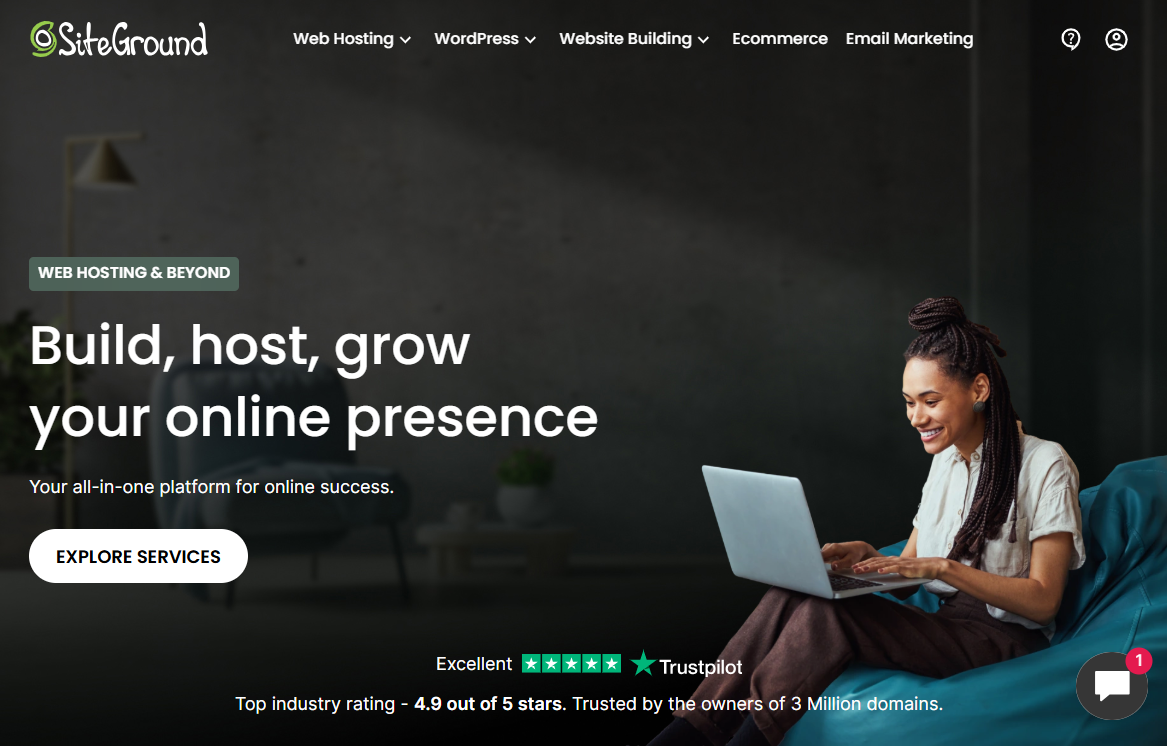
SiteGround is one of the most recommended WooCommerce hosting providers for beginners and small businesses.
They auto-install WordPress with the WooCommerce plugin and Storefront theme out of the box, so you can start selling immediately.
Their hosting runs on Google Cloud infrastructure with SSD storage, multi-level caching (SuperCacher), and a free Cloudflare CDN with 170+ edge points.
It's best for first-time store owners, small businesses, and anyone who values simplicity and strong support.
Standout features:
- AI-powered bot protection that blocks 95% of malicious traffic
- Free daily backups with 30 days of retention
- Managed auto-updates for WordPress and WooCommerce
- Staging on GrowBig plans and above
- 24/7 expert support via phone, chat, and ticket.
Pricing: $2.99/month (renews at $17.99/month). GrowBig at $4.99/month adds staging, 30% faster PHP, and unlimited websites. GoGeek costs $7.99/month (renews at $44.99/month).
Verdict: Mixed. Small-store owners love the simplicity. Larger stores report hitting resource limits during traffic spikes.
2. Kinsta
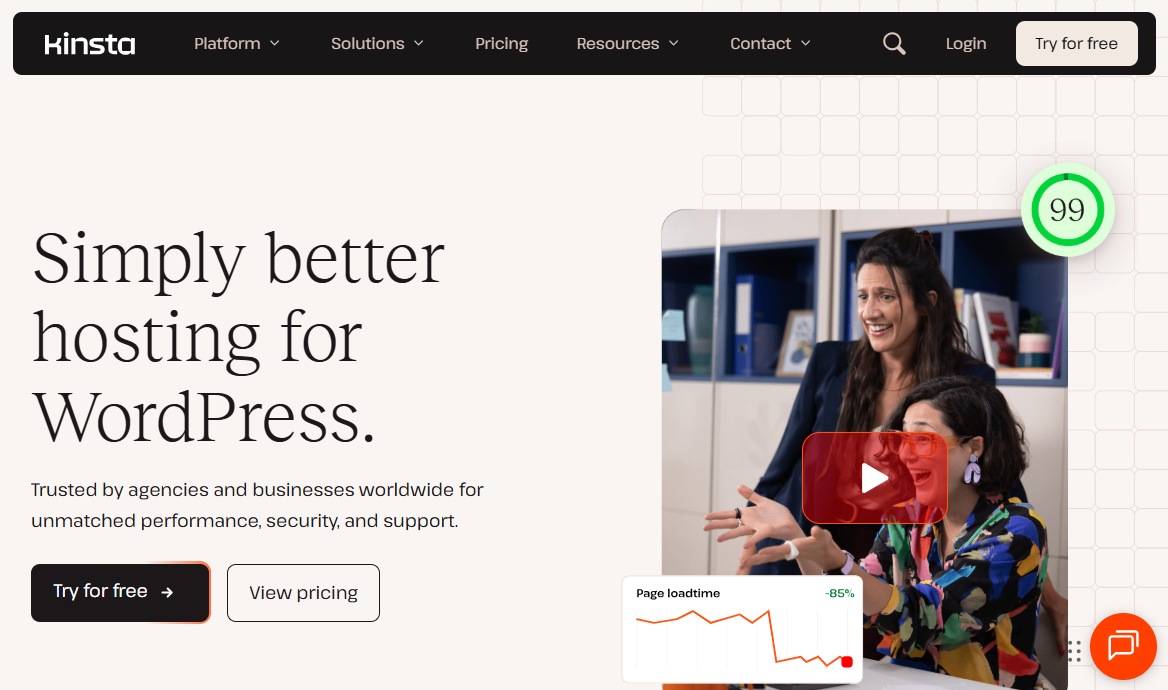
Kinsta is a premium managed WordPress host built on Google Cloud’s C3D machines.
It is engineered for speed and scale, offering isolated container technology that automatically allocates resources to each site.
Their edge caching (300+ locations) can boost WooCommerce speeds by up to 200%, and their built-in APM tool lets you visualize performance bottlenecks without needing New Relic.
Best for growing and established WooCommerce stores that prioritize performance and are willing to invest in premium hosting.
Key features:
- Enterprise Cloudflare DDoS protection is included free
- 27 global data centers
- HTTP/3, TLS 1.3
- Wildcard SSL
- Automatic daily backups
- One-click staging
- 24/7 expert support in 10 languages with under 2-minute average response time
Pricing: $35/month for a single site (with bandwidth-based billing). Annual plans save 20% with two months free.
Verdict: Known for speed and support. PHP worker put limits on lower-tier plans, so right-sizing your plan is key.
3. Rapyd Cloud
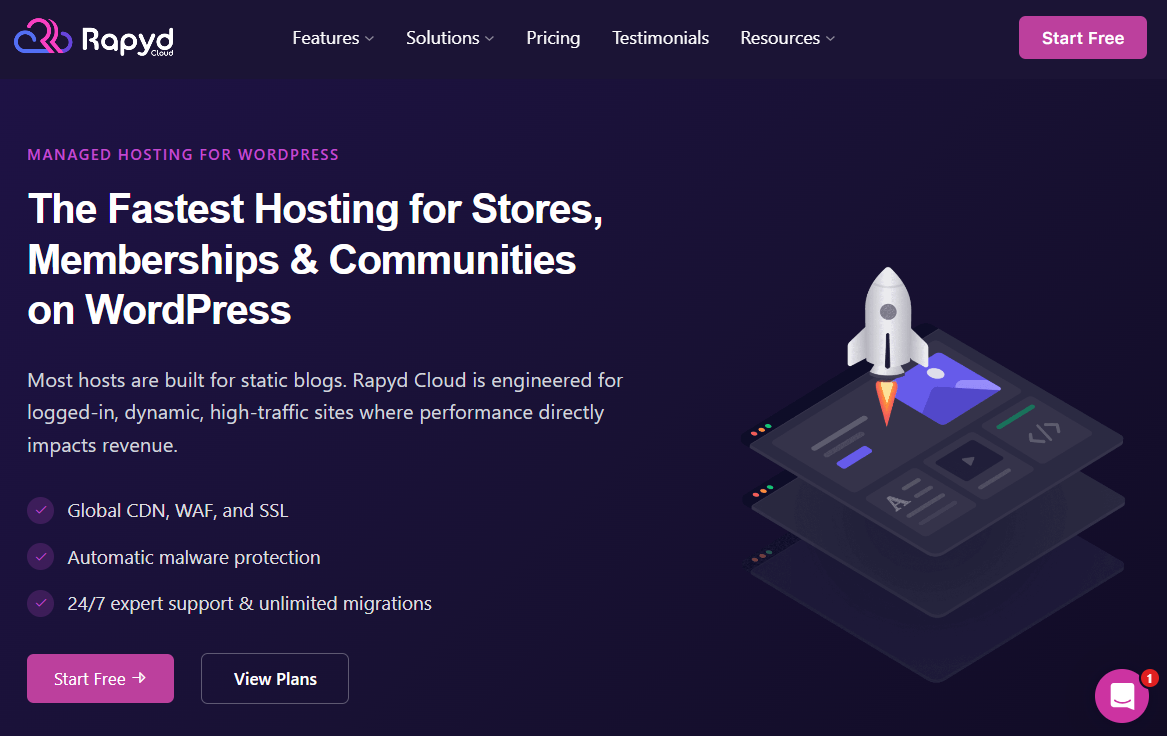
Rapyd Cloud is a managed WordPress hosting platform built specifically for dynamic, high-traffic WordPress and WooCommerce sites.
While most hosts optimize for static page delivery, Rapyd Cloud engineers its entire stack around the workloads that WooCommerce actually generates.
This includes real-time cart updates, checkout processing, product filtering, concurrent buyer sessions, and logged-in user dashboards.
The platform runs on LiteSpeed Enterprise servers with container-isolated environments (no noisy-neighbor slowdowns), MariaDB databases tuned for high-query operations, and auto-scaling PHP workers that kick in automatically during traffic surges.
Object Cache Pro is included with every plan to deliver dramatically faster database response times.
Standout features:
- LiteSpeed Enterprise servers with container isolation
- Live cart technology for WooCommerce
- Auto-scaling PHP workers for traffic surges
- Object Cache Pro is included on every plan
- Smart Purge (auto-refreshes related pages on product cache clear)
- Free Rapyd CDN, multi-layer WAF, DDoS and bot protection, free malware removal
Pricing: Starts at $29/month. Pricing is resource-based rather than visit-count-based, which is quite significant for stores with high logged-in traffic. Visit-based billing can inflate costs.
Verdict: As a newer entrant in the managed hosting space, Rapyd Cloud has a smaller brand presence than Kinsta or SiteGround, though third-party reviews from WPMayor, Cybernews, and other sites have been highly favorable.
4. Cloudways
Cloudways is the most frequently go-to recommendation for WooCommerce store owners outgrowing shared hosting.
It provides a managed layer on top of five cloud providers (DigitalOcean, Vultr, AWS, Google Cloud, Linode), letting you choose your infrastructure while Cloudways handles server management.
Standout features:
- Dedicated cloud resources (not shared)
- Easy vertical scaling, built-in caching (Varnish, Memcached, Redis)
- Free SSL
- Staging environments
- Automated backups
- SSH/SFTP/Git access
Pricing: Micro plan starts at $14/month (DigitalOcean 1GB). Most WooCommerce stores perform well in the $28-50/month (Small-Medium plan) range.
Verdict: For WooCommerce stores that need more control over server resources and flexible scaling, Cloudways is one of the strongest options available.
From a raw server power perspective, many independent performance tests rank Cloudways among the fastest mainstream hosts for WooCommerce sites.
5. Bluehost
Bluehost is one of the most heavily marketed WooCommerce hosting providers and an officially recommended WordPress host.
Their WooCommerce plans come with pre-installed WooCommerce and Storefront theme, a free domain for the first year, free SSL, and a suite of ecommerce tools.
Key features:
- Marketplace integrations for selling on Amazon, Etsy, and eBay from one dashboard
- NVMe storage + AMD EPYC processors
- Free Cloudflare CDN with Argo smart routing
- AI site creation tools and AI content/image optimization add-ons
- Free domain (1st year), free domain privacy (1st year), free SSL
- WordPress Cloud hosting tier available for stores that outgrow shared hosting
Pricing: High-performance Pro plan starts at $9.99/month (renews at $16.99/mo). The initial price is competitive, but the renewal jump is significant.
Verdict: Best all-in-one WooCommerce solution under $10/month for beginners. Performance is adequate for very small stores but may degrade under moderate traffic.
6. GoDaddy
GoDaddy offers managed WordPress hosting plans that support WooCommerce and bundle domain registration and website tools.
Their all-in-one approach appeals to non-technical users who want domain, hosting, email, and store management in one place.
It's best for non-technical users who value convenience and already have their domain with GoDaddy.

Features:
- Largest domain registrar in the world
- WordPress hosting plans include one-click WordPress installation and automatic core updates
- Free domain (1st year), free SSL, daily backups included on all plans
- Built-in website security with malware scanning and removal
- AI-powered website builder option (separate from WordPress hosting)
Pricing: Managed WordPress hosting starts at $6.99/month. VPS hosting plan starts at $8.99/month. Fully customizable web hosting starts at $5.99/month.
Verdict: GoDaddy is a general-purpose WordPress host, not a WooCommerce-optimized one.
It lacks the ecommerce-specific server tuning (Redis/Memcached object caching, WooCommerce-aware cache exclusions, optimized PHP workers) that dedicated WooCommerce hosts, such as Kinsta and Cloudways, provide.
7. Pressable
Pressable is part of Automattic, the same company behind WordPress.com and WooCommerce itself.
This provides them with deep integration into the WooCommerce ecosystem, with 100% uptime and automatic failover at no extra cost.
It's best for agencies, developers managing multiple stores, and anyone who values the connection to the Automattic/WooCommerce ecosystem.
Outstanding features:
- Jetpack Security Daily is included free on every plan (worth around $240/year), providing daily malware scanning, automated backups, and brute-force protection
- Hourly database backups, daily full backups and up to 3 on-demand manual backups
- NVMe servers for maximum database and file-system performance
- 100% uptime SLA
- Free expert migrations handled by their team
- WooCommerce pre-installation option during site setup
Pricing: Hosting plans start at $25/month. Agency plans are available for managing multiple WooCommerce sites.
Verdict: Pressable performance in independent testing is among the best (outstanding Core Web Vitals and page load times per WebHostingCat and WPBeginner tests).
The 100% uptime SLA with automatic failover is a genuine differentiator for revenue-critical stores.
It has no phone support (chat/ticket only), and fewer data center locations than Kinsta (4 vs 37+).
8. WP Engine
WP Engine is an enterprise-focused managed WordPress host (founded 2010), trusted by National Geographic, AMD, SoundCloud, HelloFresh, Dropbox, and Yelp.
Their Genesis framework, global CDN, and advanced developer tools (Git, staging, CLI) make them a favorite among agencies building WooCommerce stores for clients.
Key features:
- Live Cart for WooCommerce eliminates unnecessary AJAX requests
- Instant Store Search powered by Elasticsearch on higher-tier plans (faster product lookups for large catalogs)
- Automatically updates all WordPress plugins with visual regression testing
- 10+ premium StudioPress themes and Genesis Framework included free
- Free automated migration plugin + manual migration service available
- Dev/Stage/Prod environments on every plan
- Cloudflare CDN with DDoS protection and managed WAF included
- TTFB of ~161ms in independent testing (Gizmodo 2026)
- AI Toolkit: Smart Search AI, AI-Powered Recommendations, and MCP server for AI agent integration
Pricing: $35/month for the Essential plan (pricing scales as visitor count grows). Core and Enterprise plans for larger stores.
Verdict: WP Engine is more expensive than Kinsta at comparable tiers, restricts certain plugins (no third-party caching plugins allowed), and its WooCommerce plans start at $30/month with limited resources.
The caching system requires awareness of WooCommerce-specific exclusions (for example, cart, checkout, and my-account pages).
Best suited for agencies, developers, and mid-to-high traffic WooCommerce stores where the developer tooling (Git, SSH, WP-CLI, staging, headless options) justifies the price premium.
Choosing the Right WooCommerce Hosting Plan
Stop looking for a universal best provider. The right server architecture for a brand-new store will be completely different from the large-inventory business.
- For new stores and small businesses (under 1,000 monthly visitors)
Shared hosting works here, but barely. SiteGround's GrowBig tier or a basic Hostinger setup provides just enough CPU to get a lean site off the ground.
Make sure the plan includes a free SSL certificate, automatic backups, WooCommerce pre-installation, and a hosting environment that supports at least PHP 8.0.
Extremely tight budget? Hostinger’s aggressive promo pricing usually makes it the cheapest acceptable starting line.
- For growing stores (1,000 to 25,000 monthly visitors)
You need managed cloud hosting now. Pressable, WP Engine, or Cloudways will provide better resource allocation, faster load times, and staging environments for safe testing.
This is the exact stage where server upgrades start paying for themselves by rescuing abandoned carts.
If you're facing 429 errors, slow checkout pages, or downtime, move to this tier immediately.
- For established stores and high-traffic WooCommerce sites (25,000+ monthly visitors)
At this volume, raw compute power dictates your conversion rate. You are looking at premium managed environments like Kinsta, Rapyd Cloud, or dedicated AWS nodes via Cloudways.
Monthly hosting fees are relatively small compared to the revenue impact of a slow or unreliable server crashing during a holiday rush.
WooCommerce sites loading in under two seconds convert roughly twice as well as slower stores.
If your store depends on fast, dynamic interactions such as real-time cart updates, checkout funnels, and logged-in user sessions, a host like Rapyd Cloud, purpose-built for these workloads, will outperform general-purpose managed hosting.
- If you are migrating from another host
Never migrate manually if you don't have to. Kinsta, Cloudways, SiteGround, and Rapyd all run the site transfer for you at no extra charge. Just take a hard backup of your current store first.
Verify that your new host supports your PHP version and any custom server configurations you rely on, and test everything on a staging environment before pointing your domain.
Done correctly, migration takes a few hours to two business days. A properly handled migration won't incur a single second of downtime.
- If you are coming from Shopify or another hosted platform
Switching from a hosted platform to WooCommerce means you're taking the full responsibility of choosing your own host.
WooCommerce offers flexibility that's absolutely worth it, because you can control your store's design, checkout flow, and functionality.
We recommend starting with at least a managed WordPress host rather than the cheapest shared plan available.
The support quality and WooCommerce-specific optimization will save you significant time and frustration as you set up your new store.
Frequently Asked Questions on WooCommerce Hosting
There is no single best provider for everyone. For beginners and small stores, SiteGround offers the best balance of ease, features, and price. For performance-focused stores, Kinsta leads with its Google Cloud infrastructure and edge caching. For developers who want control, Cloudways is the top pick. For agencies managing multiple stores, Pressable and WP Engine excel.
Setting up WooCommerce hosting is simple. Here's the complete process:
- Choose your hosting provider and plan.
- Register or connect your existing domain to your new host by updating DNS A records or nameservers.
- Install WordPress and WooCommerce (managed hosts auto-install both during signup).
- Configure and enable your free SSL certificate.
- Choose and install a WooCommerce-compatible theme.
- Configure WooCommerce settings, including currency, taxes, shipping zones, and payment gateways (Stripe, PayPal, etc.). For higher conversions, replace the default checkout with a conversion-optimized solution like FunnelKit, which adds express payments, order bumps, and one-click upsells.
- Add your products, set up your store pages (shop, cart, checkout, my-account), and test the full purchase flow.
- Enable caching, CDN, and backups in your hosting dashboard.
Here are targeted recommendations based on your business model:
- Dropshipping stores have large product catalogs. A managed host like SiteGround or Hostinger handles fast CDN for product images, reliable uptime, and easy WooCommerce plugin compatibility at a low cost.
- Digital product (ebooks, software, courses) stores work with managed hosts that have unlimited bandwidth and built-in CDN, such as Kinsta or Cloudways.
- Subscription-based stores need hosts with higher PHP memory limits, more PHP workers, and robust cron job support. Managed hosting from Kinsta, Rapyd Cloud, Nexcess, or WP Engine is strongly recommended for subscription stores.
- Multi-vendor marketplaces significantly increase database and server load. You need VPS or dedicated hosting (Cloudways or Liquid Web) with at least 4 GB RAM, 4+ PHP workers, and a robust caching layer.
- WooCommerce for small businesses does well on entry-level managed hosting such as SiteGround or Hostinger.
Shared: $3-15/month. Cloud VPS: $14-80/month. Managed: $20-300/month. Dedicated: $100-500+/month. Most growing WooCommerce stores do well with managed hosting in the $25-100/month range. Always budget for renewal prices, which are often 2-3x the introductory rate.
Some hidden costs that most guides do not mention are that renewal prices always increase, premium themes typically cost around $50-80, and premium plugins cost $50-300/year. Also, the free domain is for the first year only; thereafter, renewal costs $15-20/year.
Yes, free WooCommerce hosting exists for only testing or development. Free hosting lacks the security (no SSL), reliability (no backups), and performance (limited resources) that a real WooCommerce store needs. For a production store, invest in at least a basic paid plan starting around $3/month.
Some hosting providers, such as Pressable, WP Engine, and Kinsta, offer multi-site plans. This means these allow you to run multiple WordPress installations under one account. Make sure each store gets dedicated server resources, not just a shared pool.
HTTP 429 (Too Many Requests) almost always means your hosting plan does not have sufficient server resources to handle your traffic volume. This is the most common problem with cheap shared hosting. The fix is to migrate to a VPS or a managed hosting plan with more PHP workers and dedicated resources.
Give Your WooCommerce Store the Hosting It Deserves
Your WooCommerce hosting provider is the invisible infrastructure behind every product page, every add-to-cart click, and every checkout completion.
Getting it right means faster page loads, fewer errors, better security, and ultimately more revenue.
We compared eight top providers across pricing, features, and performance for keeping your store fast and reliable over time.
If you are just starting out, SiteGround or Hostinger gets you running affordably.
For growing stores that demand performance, Kinsta and Cloudways are hard to beat.
For dynamic, high-traffic WooCommerce stores that need infrastructure purpose-built for real-time cart sessions and checkout processing, Rapyd Cloud delivers enterprise-grade speed with standout benchmark results.
For agencies and multi-site management, Pressable and WP Engine offer enterprise-grade tools.
And for high-volume operations, Liquid Web and Nexcess deliver the dedicated server resources to match.
Once your hosting is dialed in, the next biggest lever for revenue is your checkout experience.
FunnelKit Funnel Builder helps you create high-converting WooCommerce checkout pages, order bumps, and upsell funnels without writing any code.
Combined with a performance-optimized host, it gives your store the speed and conversion power to compete with the best.
Editorial Team
April 6, 2026Almost every store owner needs to export WooCOmmerce orders sooner or later. Maybe you need to send order data to your accountant, move records to a new site, or pull...
Editorial Team
April 6, 2026Want to turn one-time buyers into customers who keep coming back using WooCommerce? Then you need to find a WooCommerce subscription plugin. These plugins will help you automate billing, manage...

Editorial Team
March 30, 2026Discover how to boost sales and customer loyalty with three smart ways to offer free gifts in your WooCommerce store. Want to boost WooCommerce sales and delight your customers? Offer...






